HTML Pro Quick Guide
808 Apps Maui
4.8 ★
21 ratings
1,000+
downloads
$0.99
In this HTML reference app, you can browse categorized tags, view examples with output, and access browser compatibility details. Includes offline access, tag descriptions, and example outputs.
AppRecs review analysis
AppRecs rating 4.8. Trustworthiness 0 out of 100. Review manipulation risk 0 out of 100. Based on a review sample analyzed.
★★★★☆
4.8
AppRecs Rating
Ratings breakdown
5 star
78%
4 star
22%
3 star
0%
2 star
0%
1 star
0%
What to know
✓
High user satisfaction
78% of sampled ratings are 5 stars
About HTML Pro Quick Guide
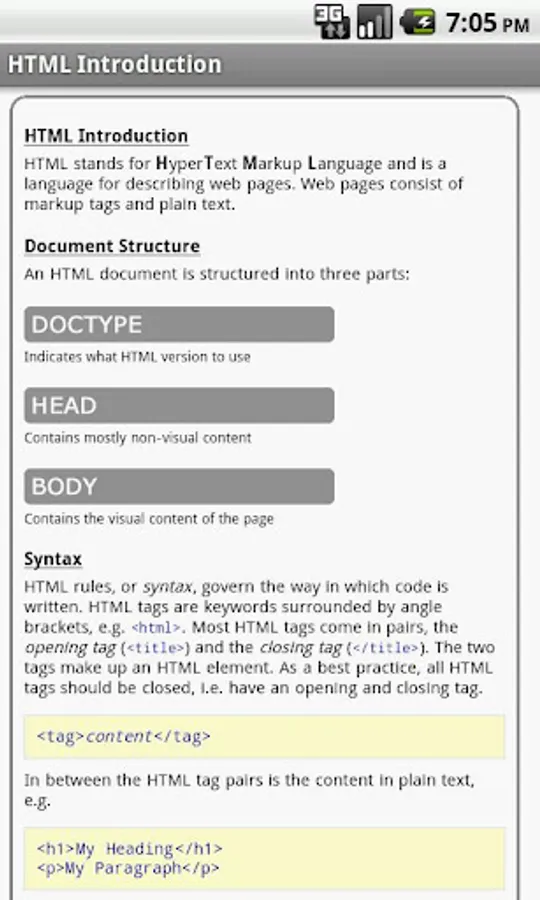
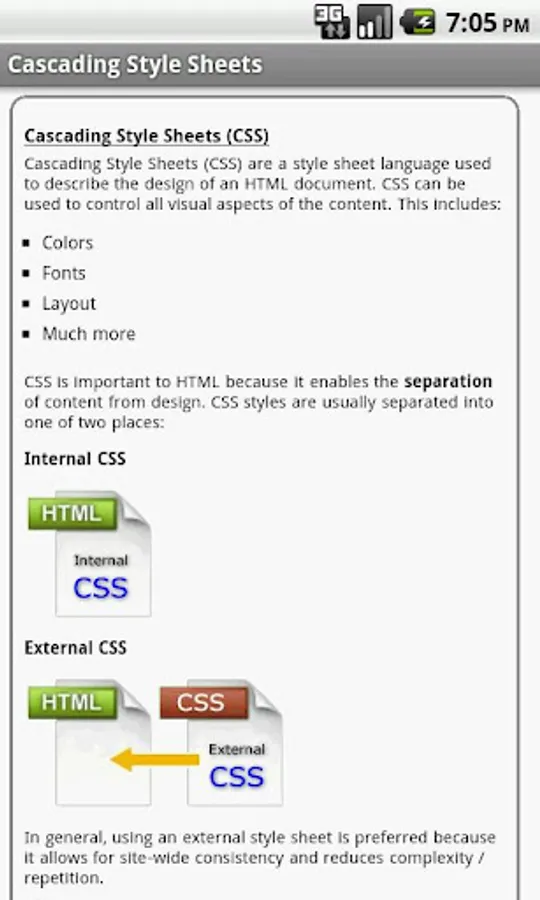
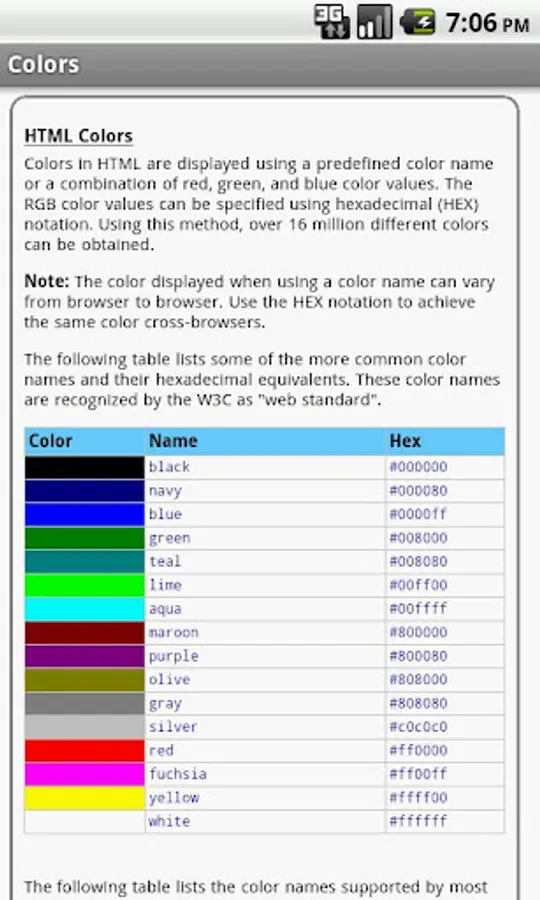
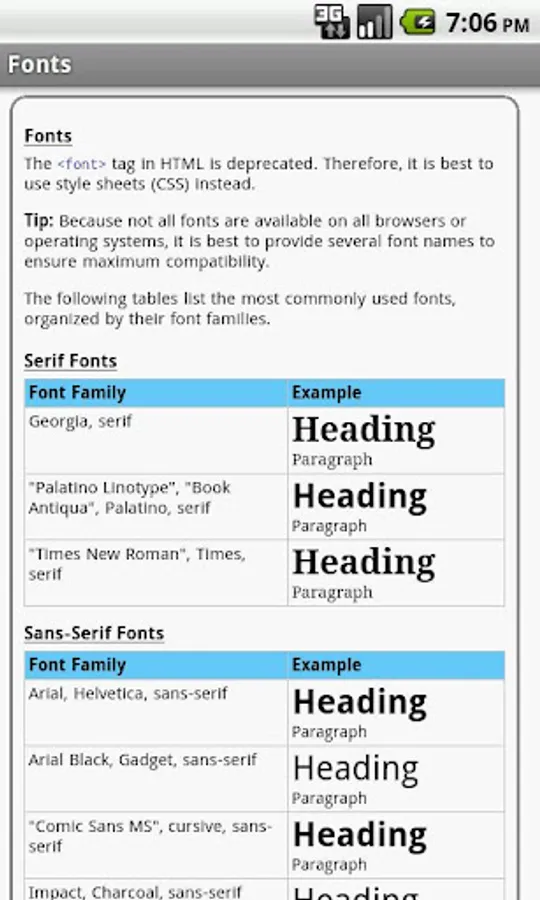
More than just a cheat sheet or reference, the HTML Pro Quick Guide provides beginners with a simple introduction to the basics, and experts will find the advanced details they need. Loads of extras are included: syntax, document structure, DOCTYPE declarations, attributes and values, colors, font styles, HTML version information, and browser compatibility tables for the most popular browsers.
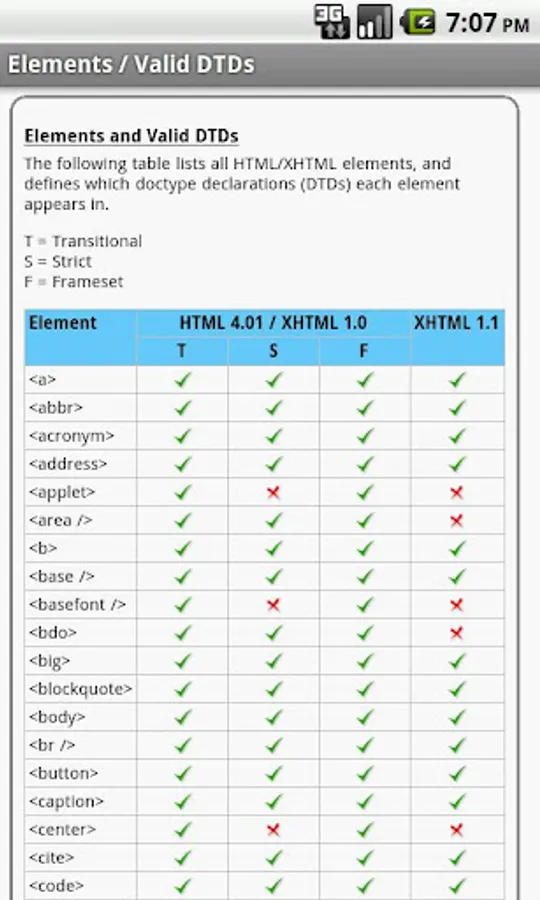
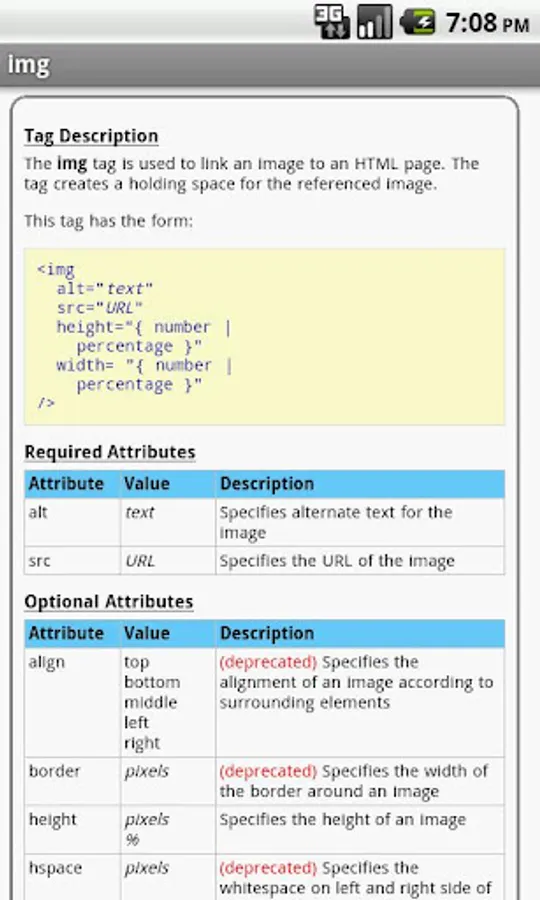
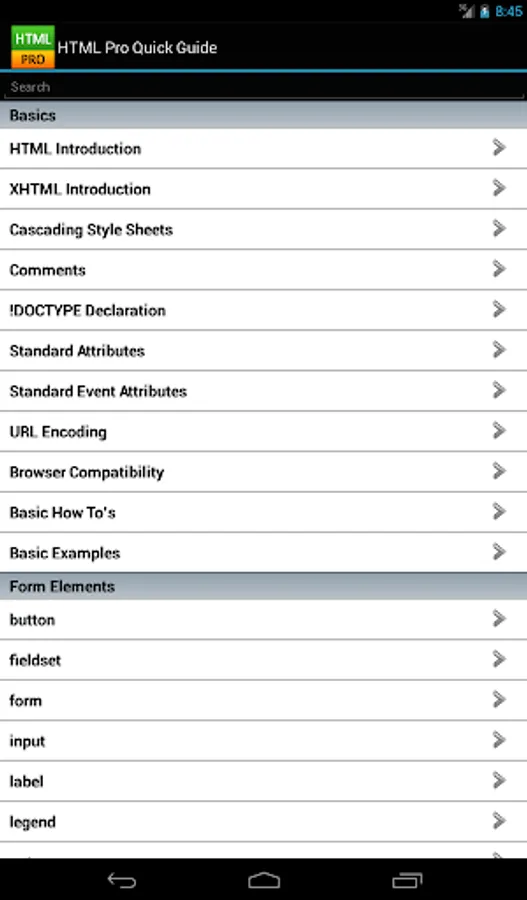
The HTML tags are categorized and searchable. Each tag information screen contains a description, standard and optional attributes, event attributes, examples, browser compatibility, valid DTD table, and version information. In addition, most of the examples include the actual rendered output.
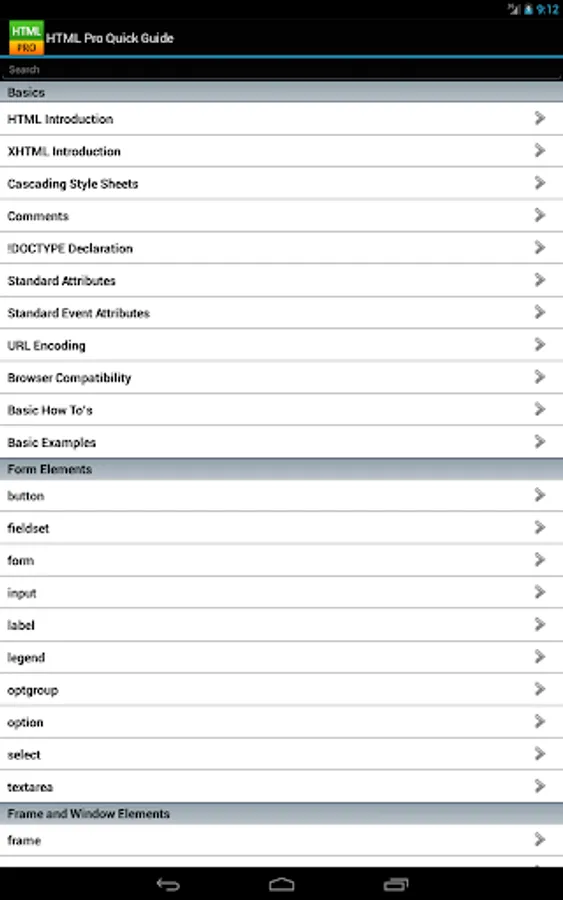
The HTML tags are broken into the following categories:
Structural Elements, Head Elements, List Elements, Text Formatting Elements, Form Elements, Image and Media Elements, Table Elements, Frame & Window Elements
Along with the following additional HTML information:
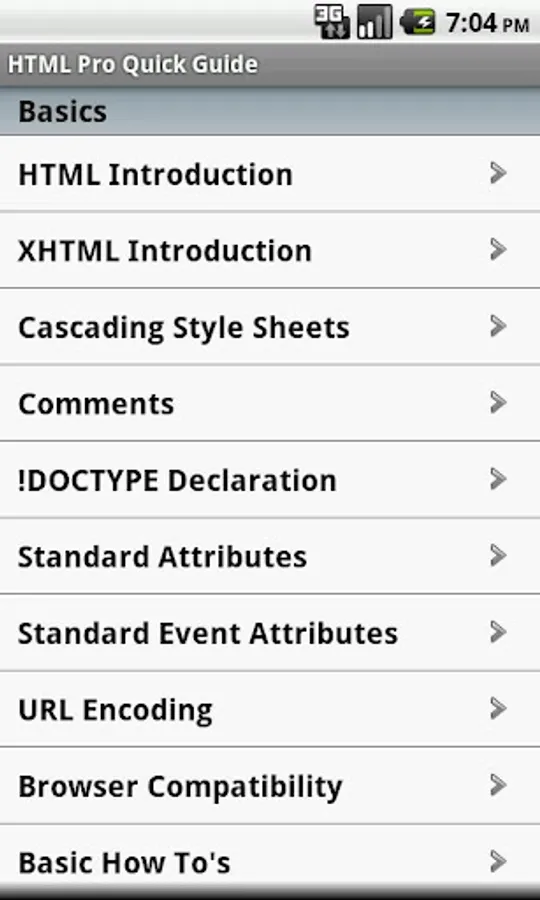
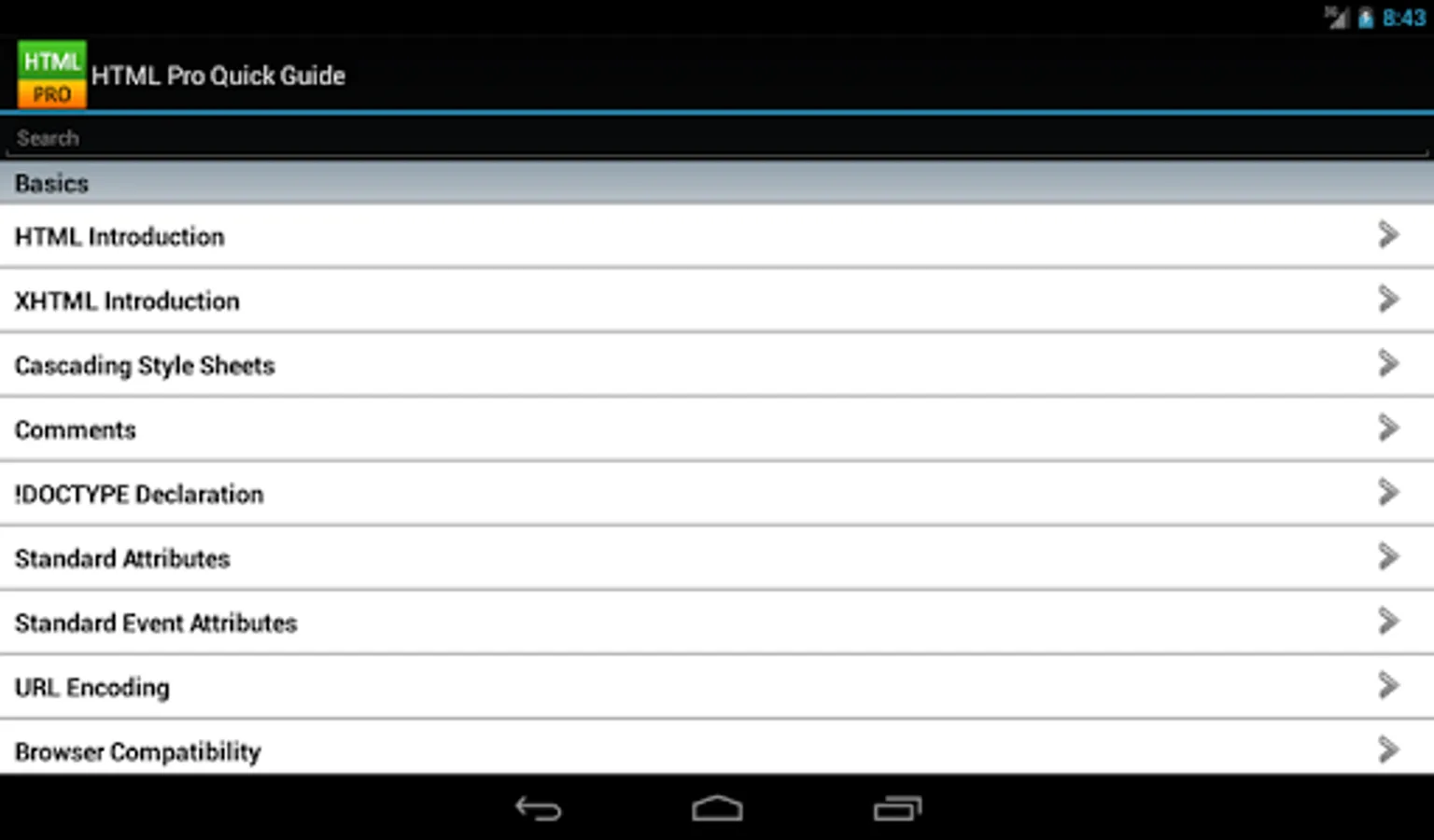
Basics:
- HTML Introduction
- XHTML Introduction
- Attributes
- Events Attributes
- URL Encoding w/chart
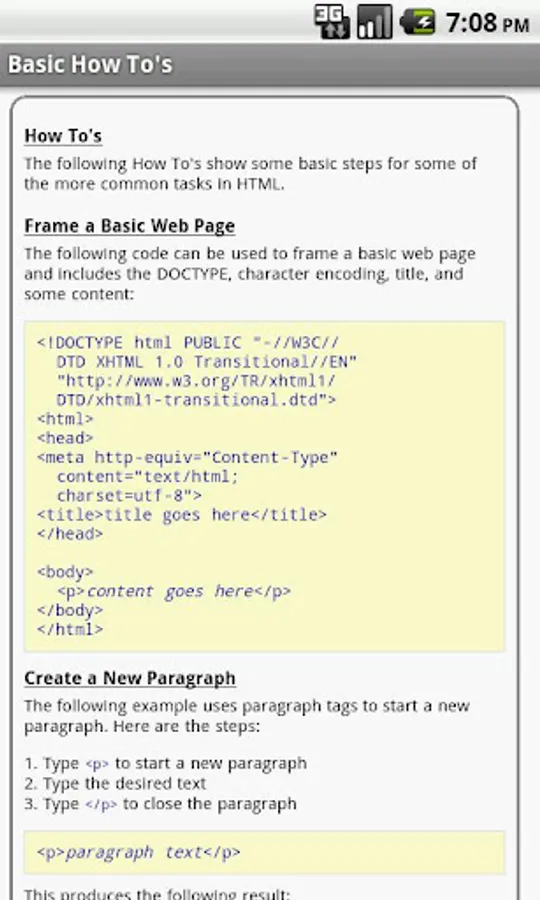
- Basic How To's
- Basic Examples
Character Sets (ASCII, ISO-8859-1, Math Symbols, Greek Letters, Others
Reference (Colors, Fonts, Element and Valid DTDs, Deprecated Elements, Language Codes, HTTP Status Messages)
* No internet connection necessary! Works off-line *
The HTML tags are categorized and searchable. Each tag information screen contains a description, standard and optional attributes, event attributes, examples, browser compatibility, valid DTD table, and version information. In addition, most of the examples include the actual rendered output.
The HTML tags are broken into the following categories:
Structural Elements, Head Elements, List Elements, Text Formatting Elements, Form Elements, Image and Media Elements, Table Elements, Frame & Window Elements
Along with the following additional HTML information:
Basics:
- HTML Introduction
- XHTML Introduction
- Attributes
- Events Attributes
- URL Encoding w/chart
- Basic How To's
- Basic Examples
Character Sets (ASCII, ISO-8859-1, Math Symbols, Greek Letters, Others
Reference (Colors, Fonts, Element and Valid DTDs, Deprecated Elements, Language Codes, HTTP Status Messages)
* No internet connection necessary! Works off-line *
HTML Pro Quick Guide Screenshots
Tap to Rate: