Asteroid
maxelus.net
4.2 ★
store rating
100,000+
downloads
Free
+ in-app
AppRecs review analysis
AppRecs rating 3.5. Trustworthiness 77 out of 100. Review manipulation risk 31 out of 100. Based on a review sample analyzed.
★★★☆☆
3.5
AppRecs Rating
Ratings breakdown
5 star
73%
4 star
7%
3 star
5%
2 star
8%
1 star
8%
What to know
✓
Credible reviews
77% trustworthiness score from analyzed reviews
✓
High user satisfaction
79% of sampled ratings are 4+ stars (4.2★ average)
⚠
Review quality concerns
50% of sampled 5-star reviews are very short
About Asteroid
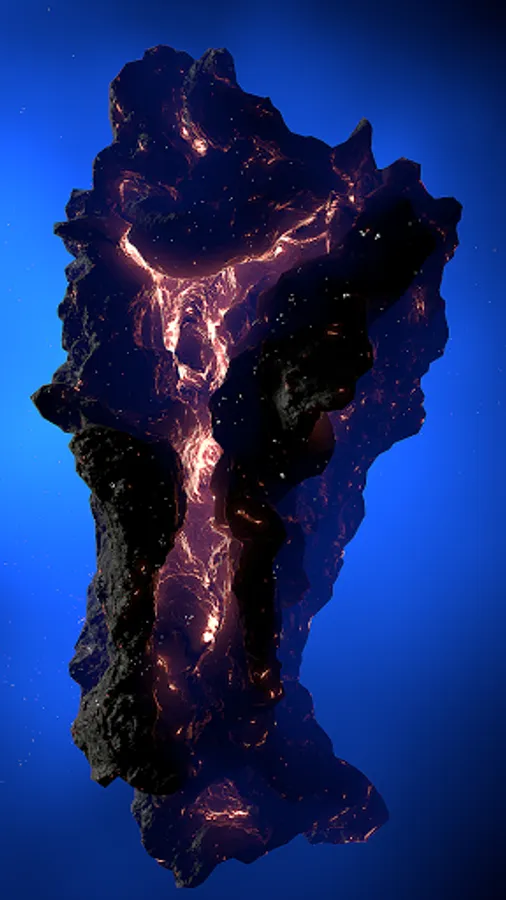
Asteroid is an application and live wallpaper.
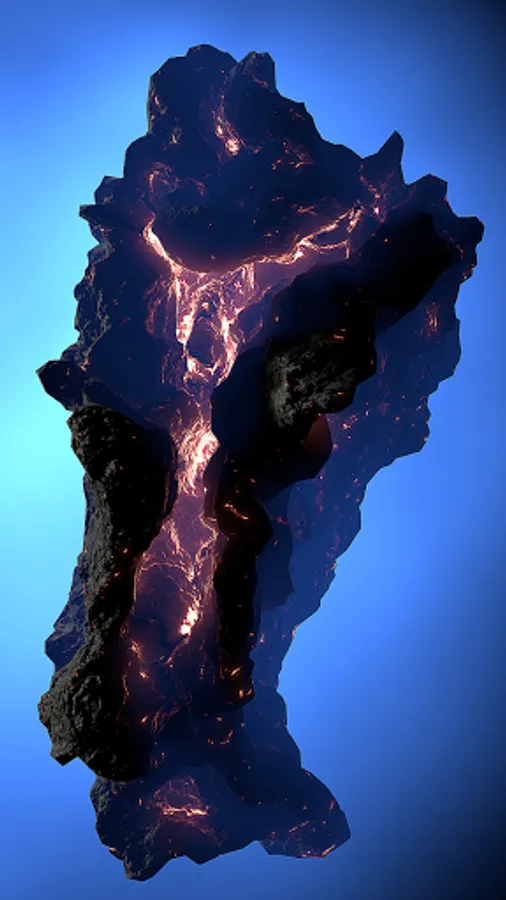
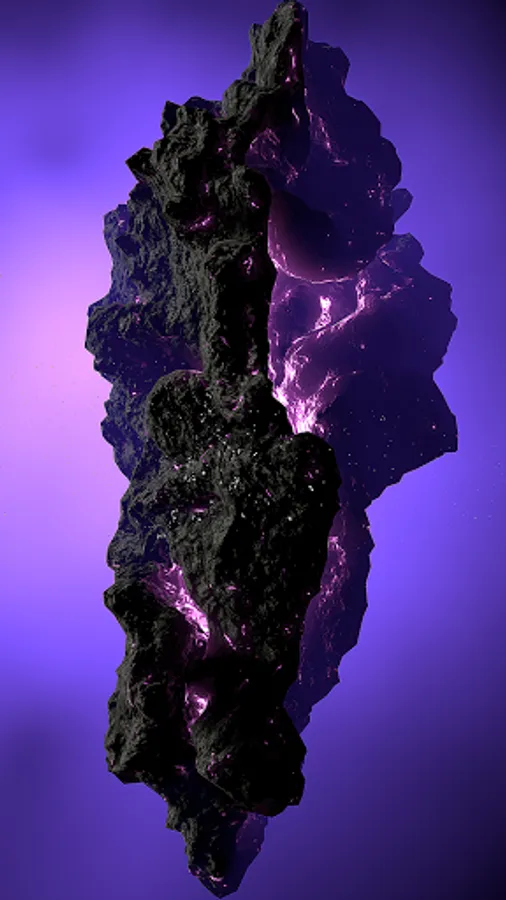
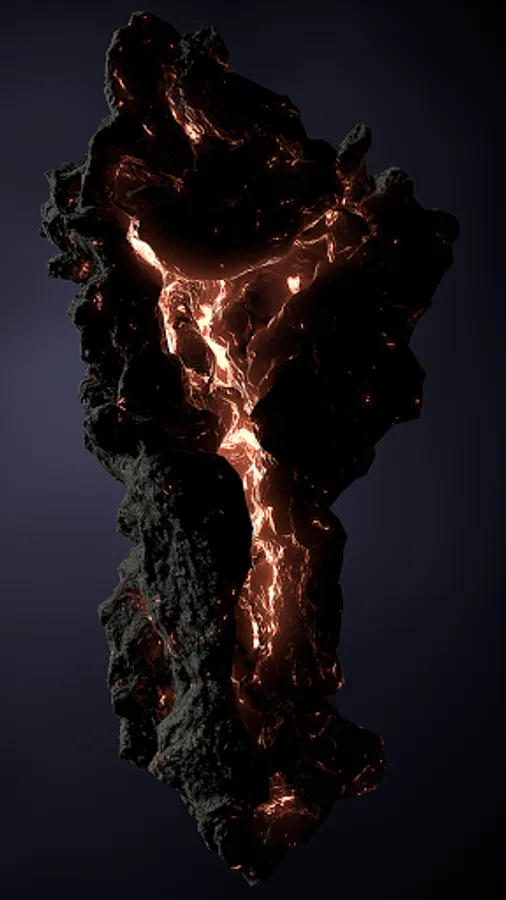
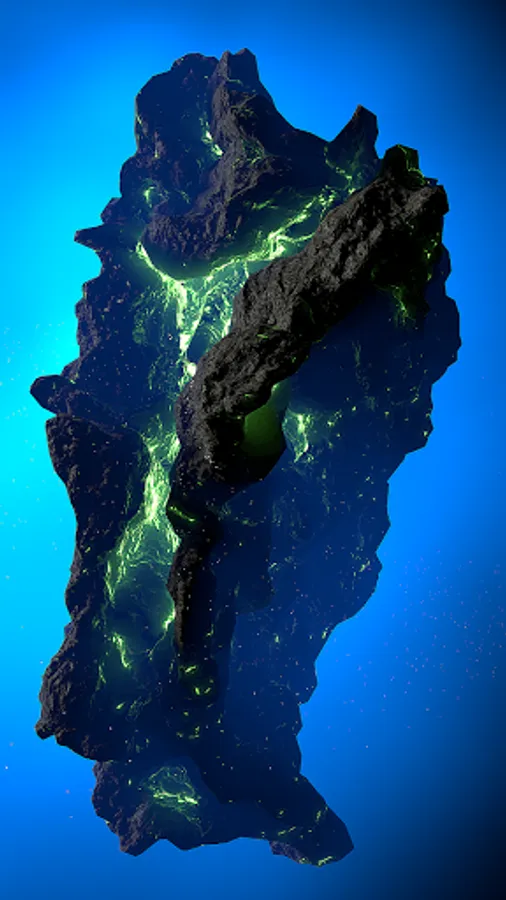
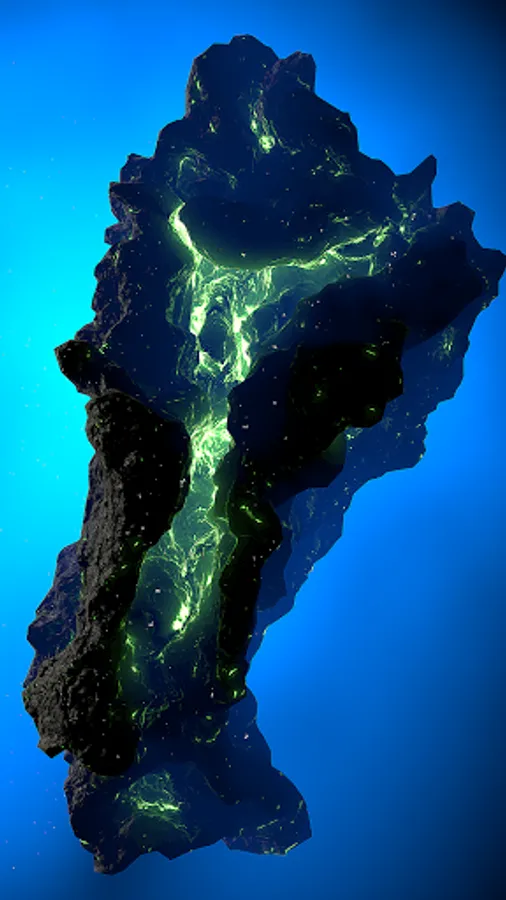
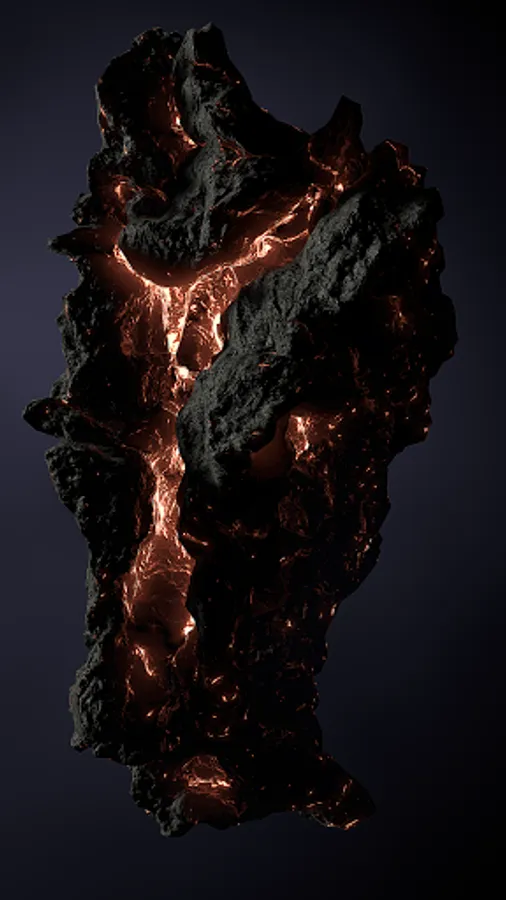
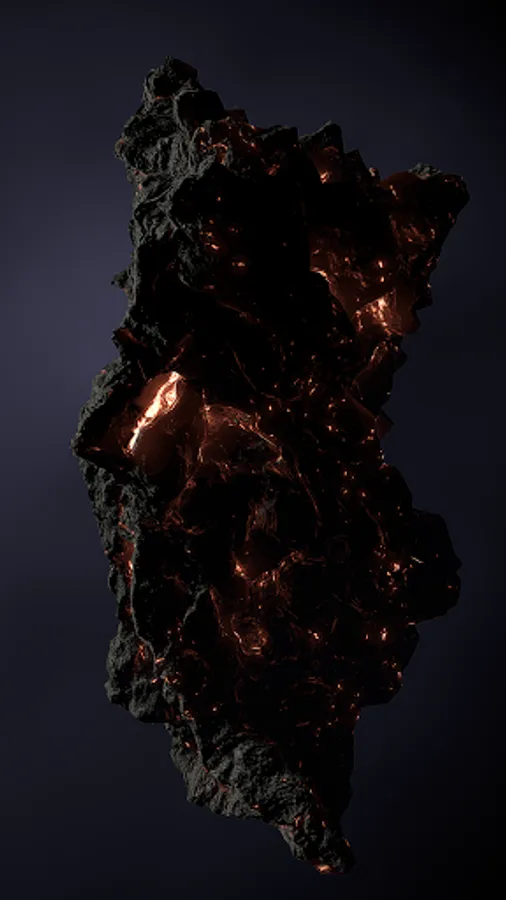
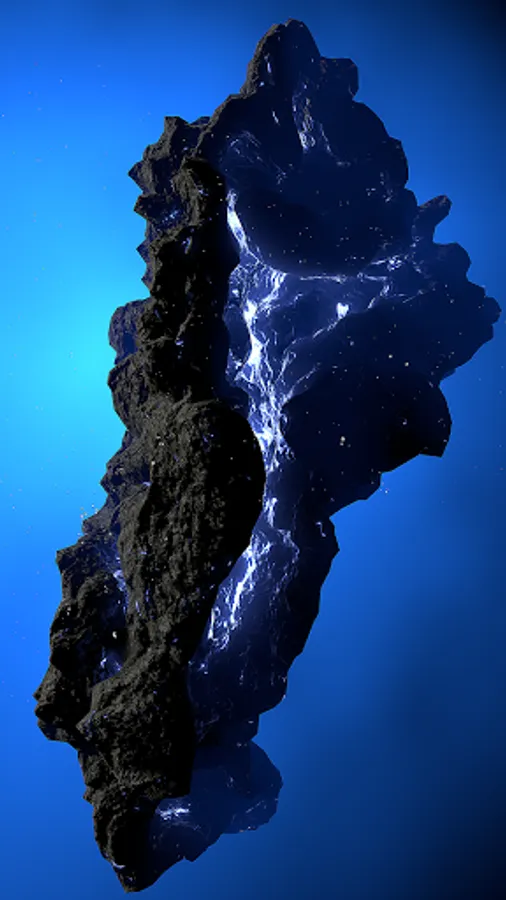
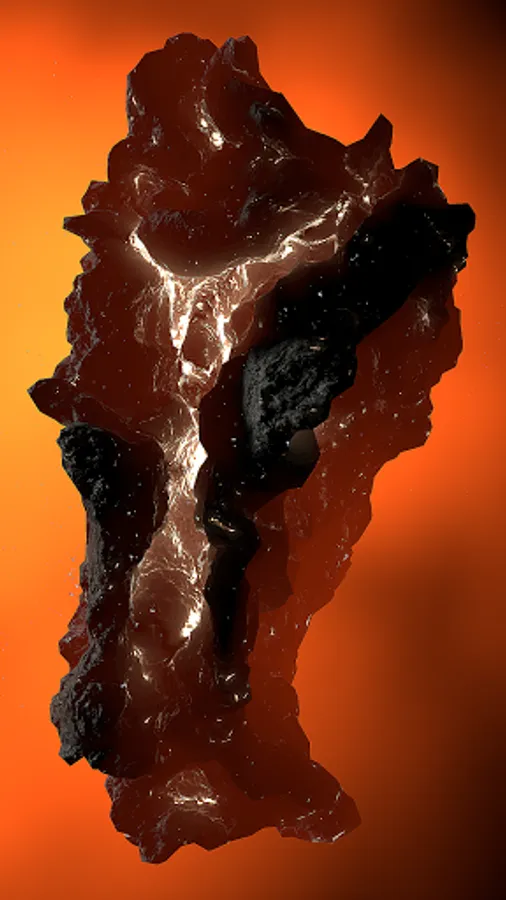
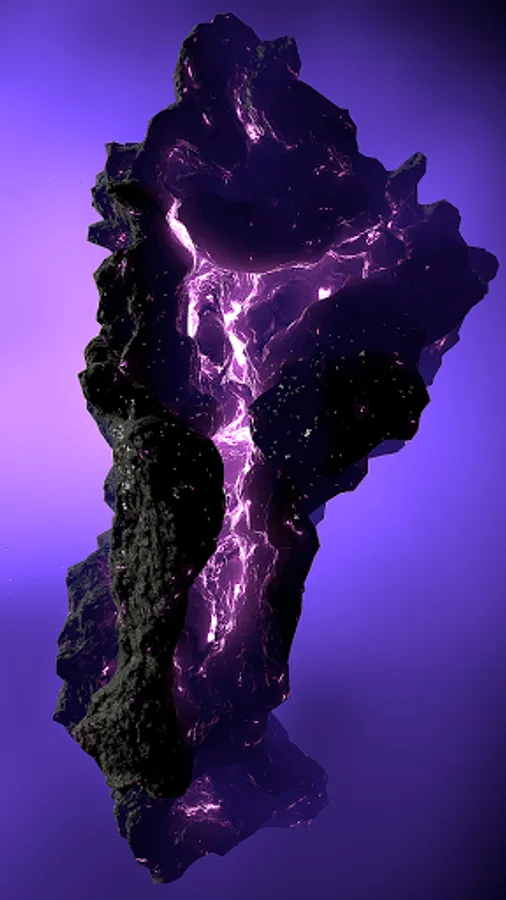
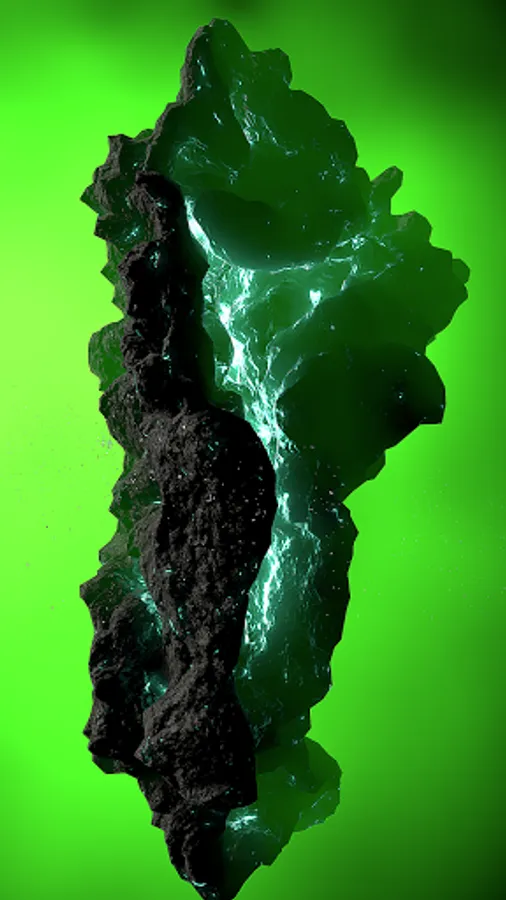
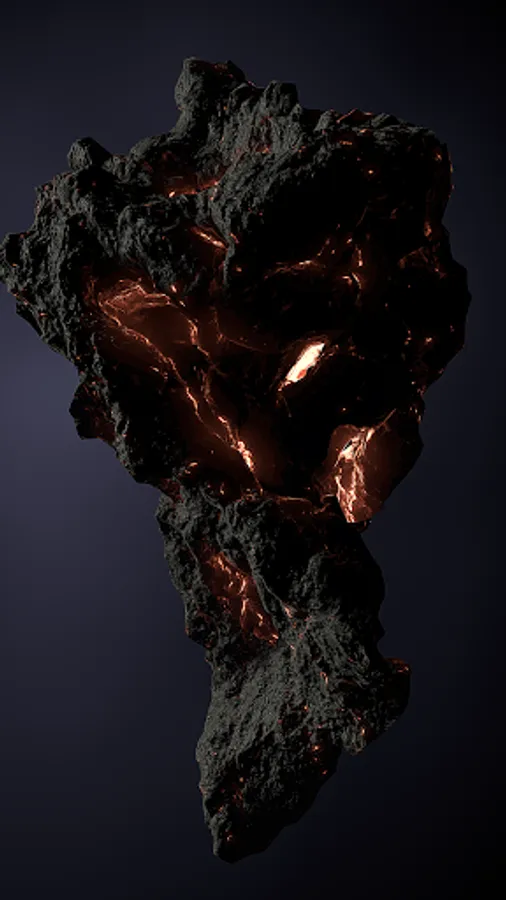
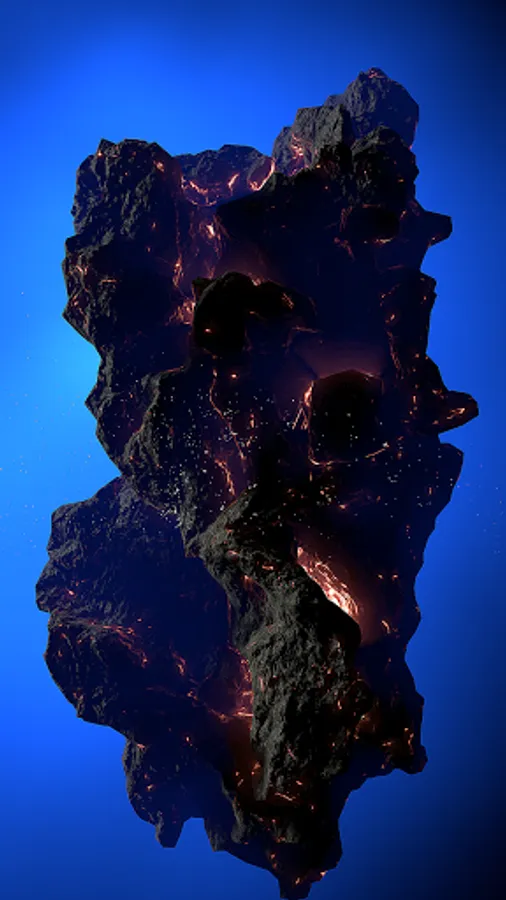
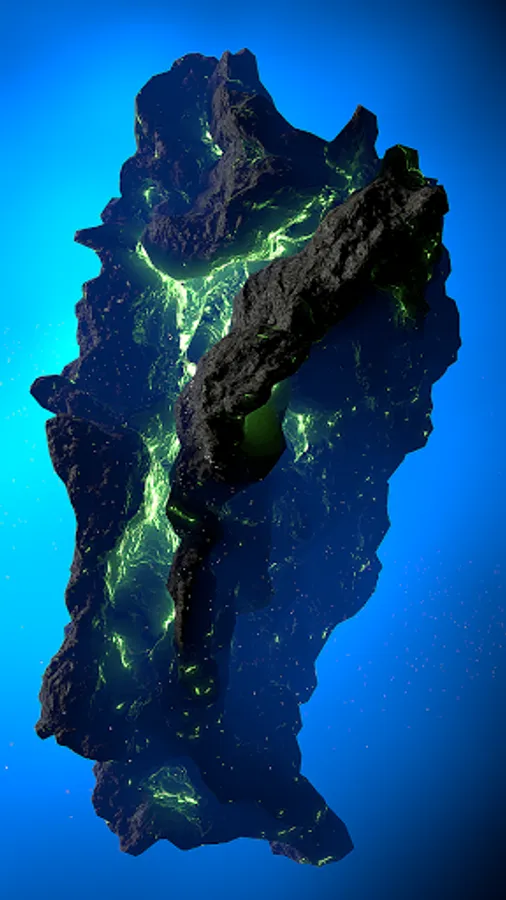
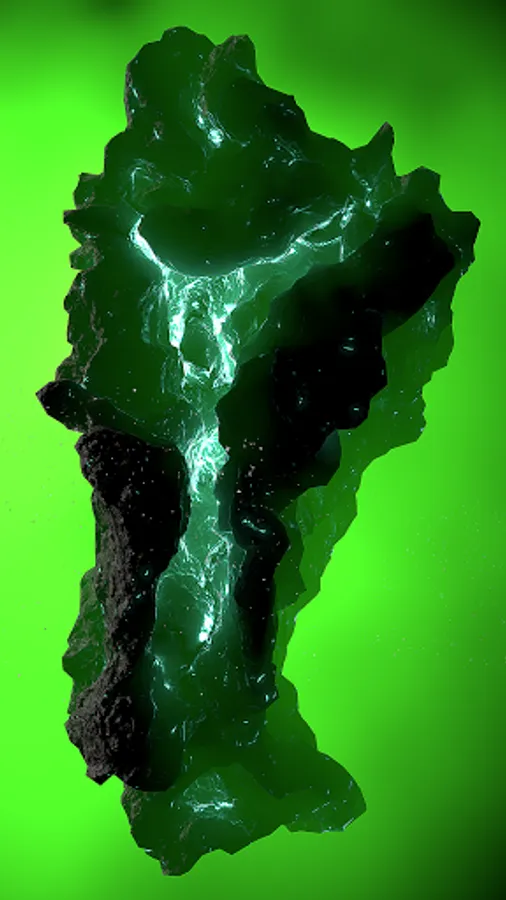
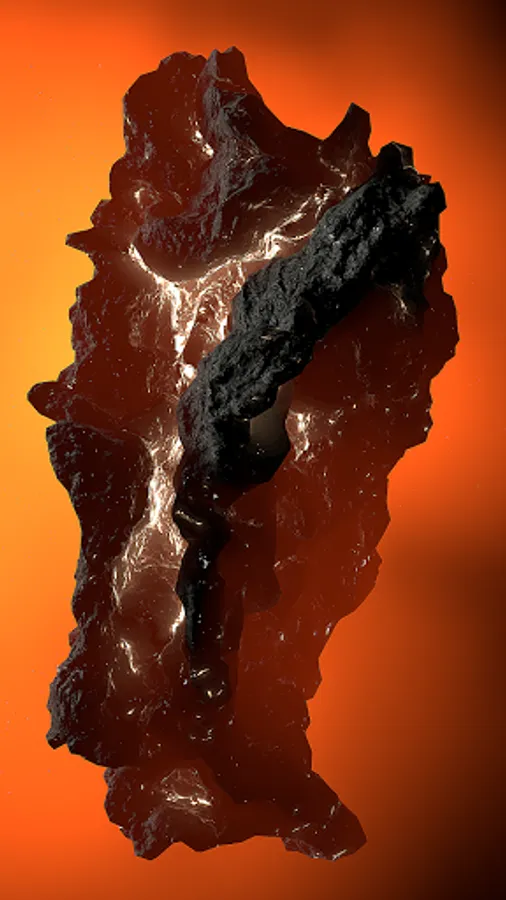
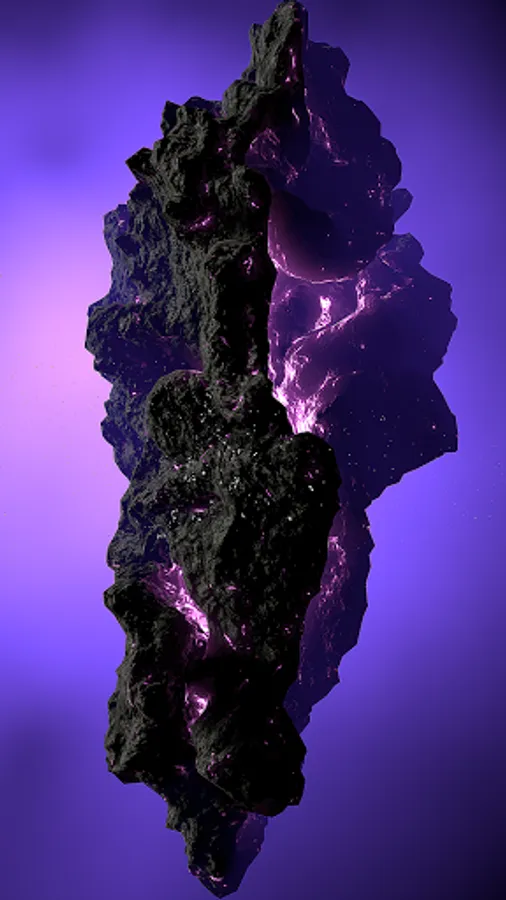
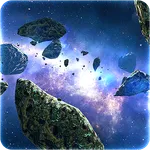
In 3D space, you can observe arriving Asteroids from the deep corners of the Galaxy.
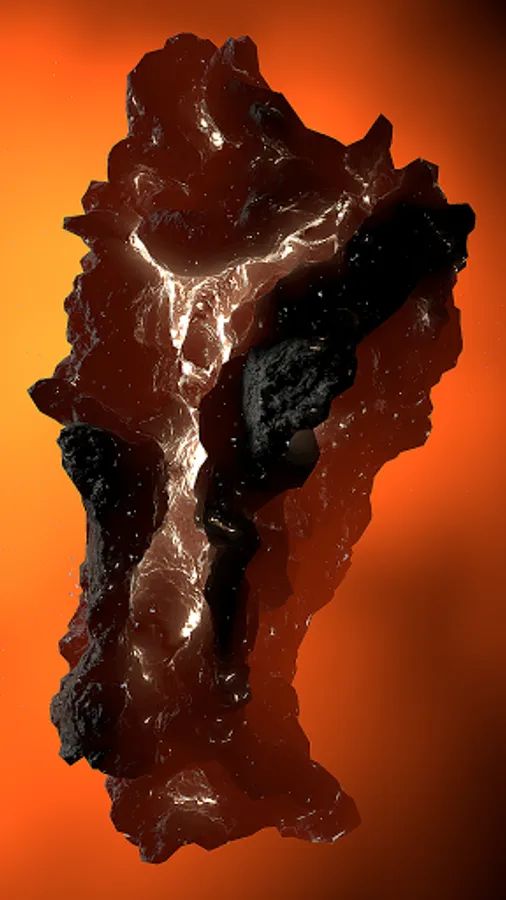
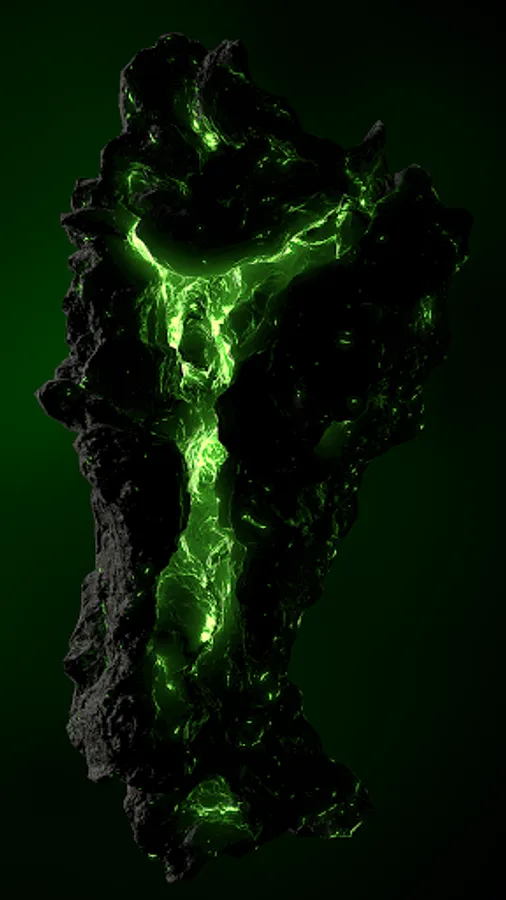
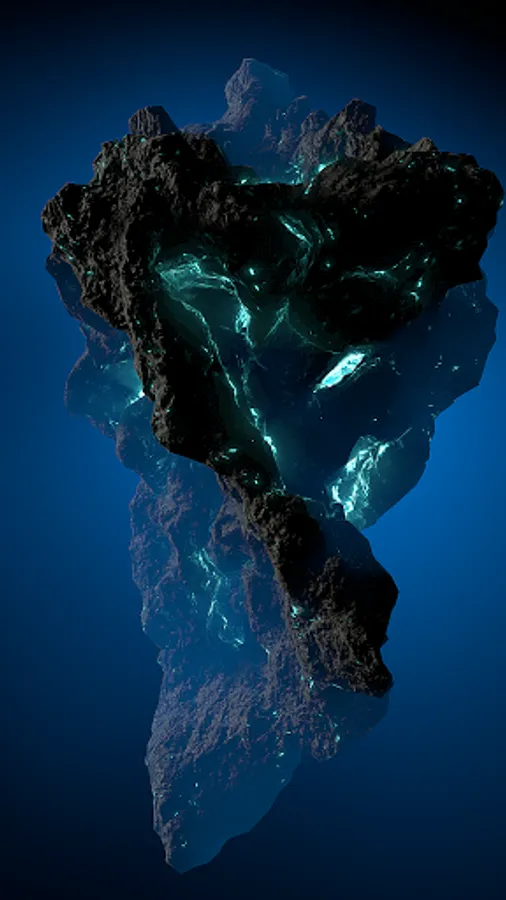
In the app, you can customize the background color, the color of the asteroid, choose the type of asteroid and many options. You can set all options in the app.
The options are available under the flashing plus (+) button in the upper left part of the screen. Pressing it will open the SETTINGS menu.
You can also set the Asteroid as live wallpaper. Select SET LIVE WALLPAPER in the settings and set the wallpaper on your phone.
The settings (+) button is only available in the app, it cannot be seen if you set Live Wallpaper. It is not visible on the phone's desktop.
Just click the ASTEROID icon and enter the app, there you will see the plus (+) button and set options.
In STATIC IMAGE mode, the application will display one photo every 10 seconds. This mode is useful if you set up Live Wallpaper and want the battery consumption to be minimal. You then see the wallpaper refreshing on your phone every 10 seconds. This is not a good mode for color settings, please disable STATIC IMEGE first.
Please rate. Thanks!
In 3D space, you can observe arriving Asteroids from the deep corners of the Galaxy.
In the app, you can customize the background color, the color of the asteroid, choose the type of asteroid and many options. You can set all options in the app.
The options are available under the flashing plus (+) button in the upper left part of the screen. Pressing it will open the SETTINGS menu.
You can also set the Asteroid as live wallpaper. Select SET LIVE WALLPAPER in the settings and set the wallpaper on your phone.
The settings (+) button is only available in the app, it cannot be seen if you set Live Wallpaper. It is not visible on the phone's desktop.
Just click the ASTEROID icon and enter the app, there you will see the plus (+) button and set options.
In STATIC IMAGE mode, the application will display one photo every 10 seconds. This mode is useful if you set up Live Wallpaper and want the battery consumption to be minimal. You then see the wallpaper refreshing on your phone every 10 seconds. This is not a good mode for color settings, please disable STATIC IMEGE first.
Please rate. Thanks!