Poweramp Equalizer
Poweramp Software Design (Max MP)
4.2 ★
20K ratings
1,000,000+
downloads
Free
+ in-app
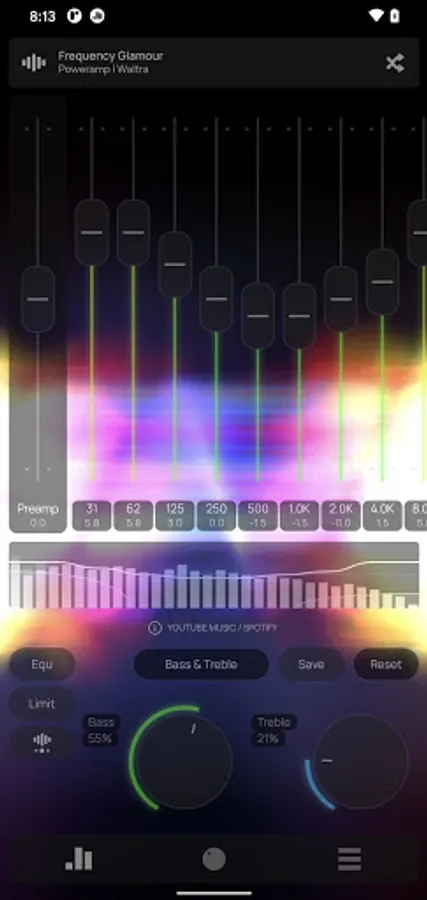
In this equalizer app, you can adjust sound frequencies, select presets, and customize the interface. Includes advanced filters, visual themes, and auto-resume functions.
AppRecs review analysis
AppRecs rating 4.3. Trustworthiness 72 out of 100. Review manipulation risk 23 out of 100. Based on a review sample analyzed.
★★★★☆
4.3
AppRecs Rating
Ratings breakdown
5 star
72%
4 star
9%
3 star
3%
2 star
2%
1 star
14%
What to know
✓
Low review manipulation risk
23% review manipulation risk
✓
Credible reviews
72% trustworthiness score from analyzed reviews
✓
High user satisfaction
81% of sampled ratings are 4+ stars (4.2★ average)
About Poweramp Equalizer
Whether you’re an audiophile, a bass lover, or just someone who wants better sound quality, Poweramp Equalizer is the ultimate tool to customize your listening experience.
Equalizer Engine
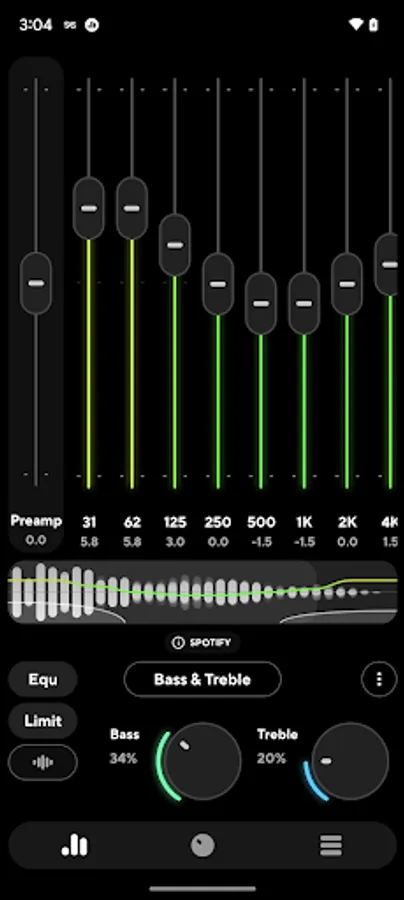
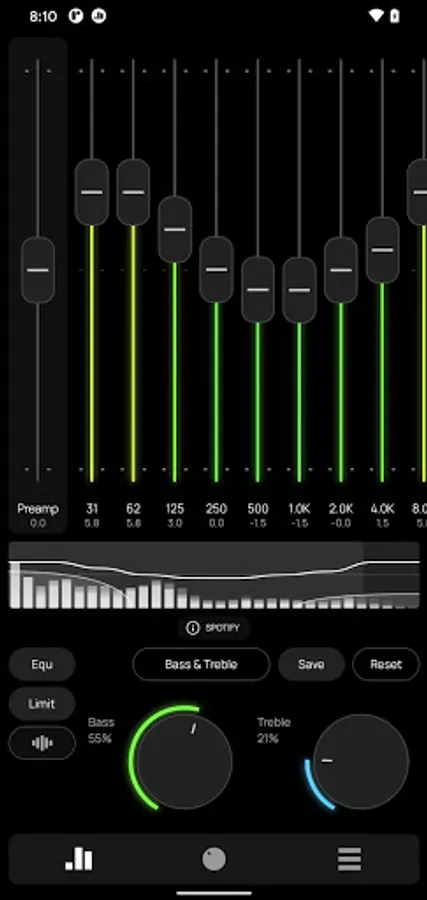
• Bass & Treble Boost – enhance low and high frequencies effortlessly
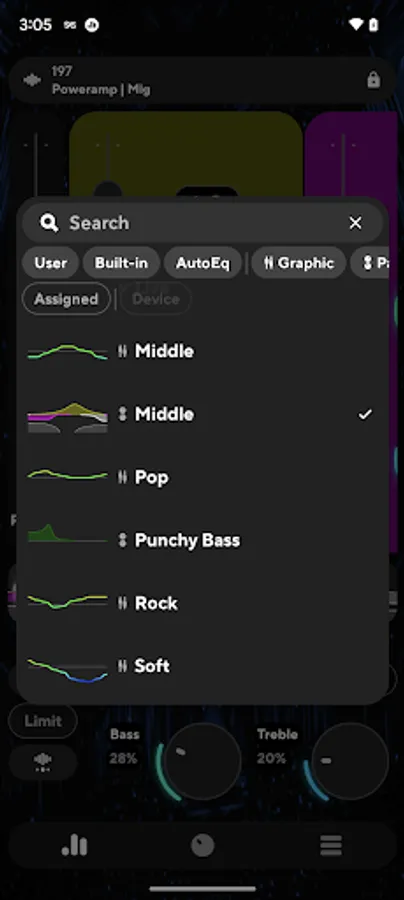
• Powerful Equalization Presets – choose from pre-made or custom settings
• DVC (Direct Volume Control) – get enhanced dynamic range and clarity
• No Root Required – works seamlessly on most Android devices
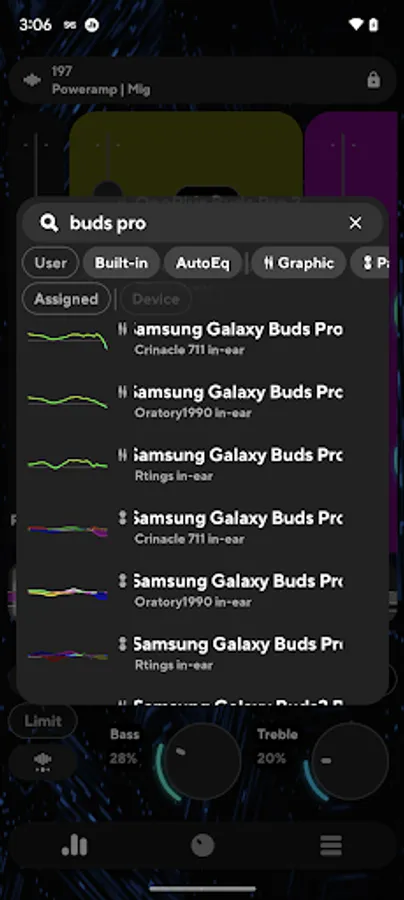
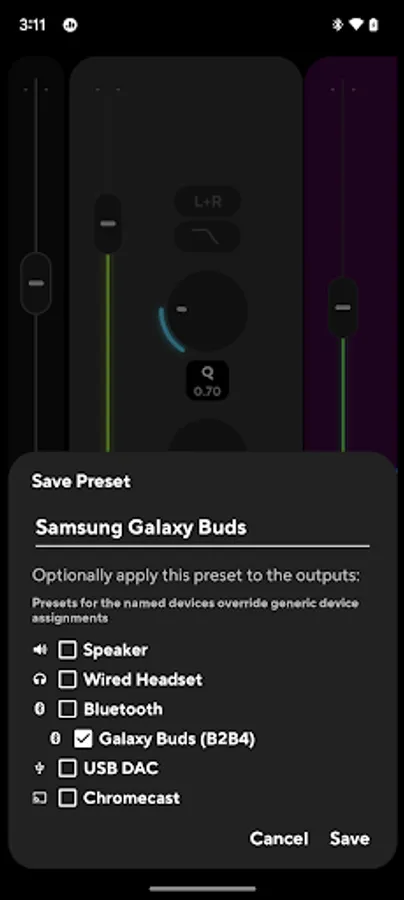
• AutoEQ presets tuned for your device
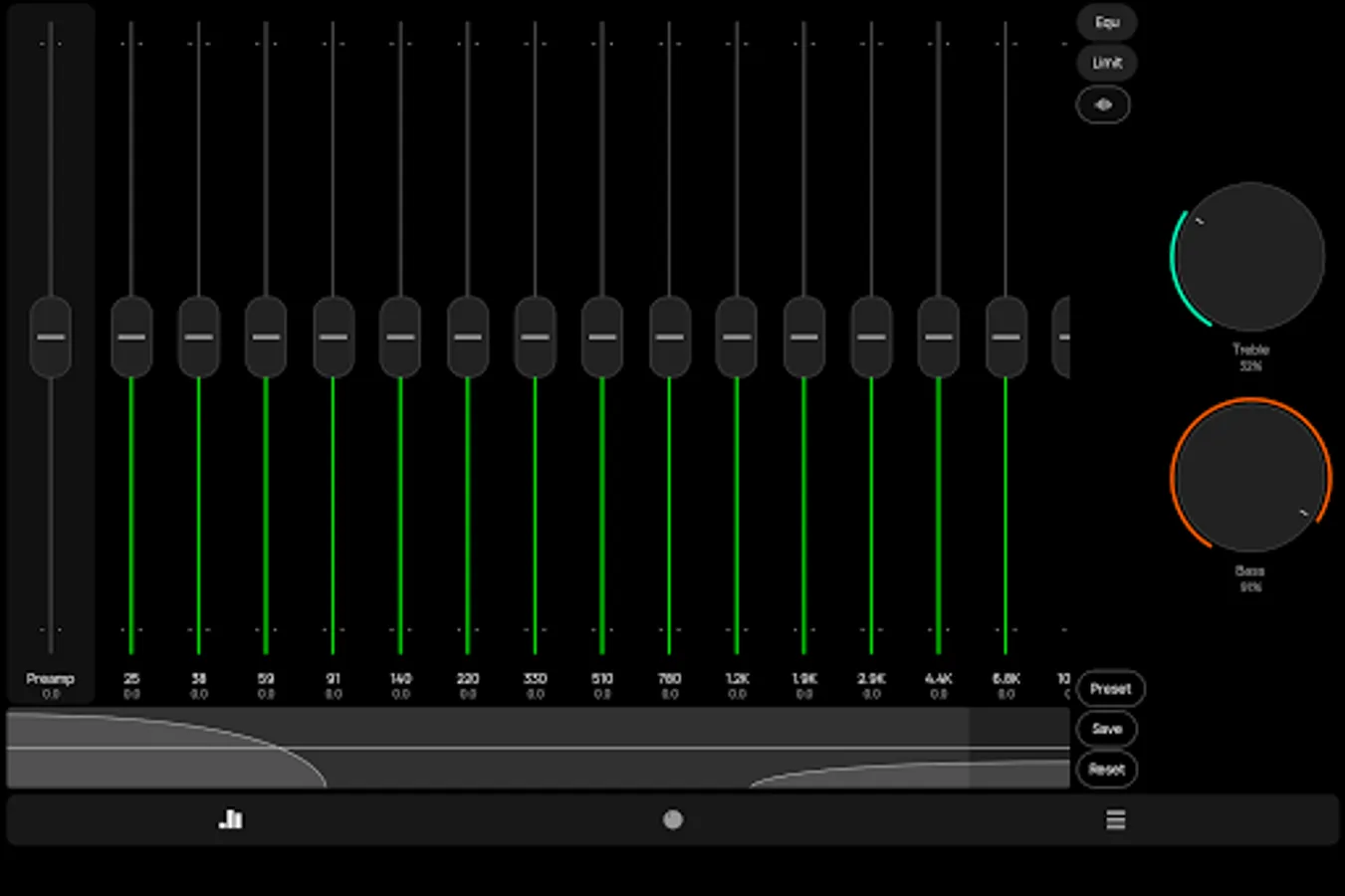
• configurable number of bands: fixed or custom 5-32 with configurable start/end frequencies
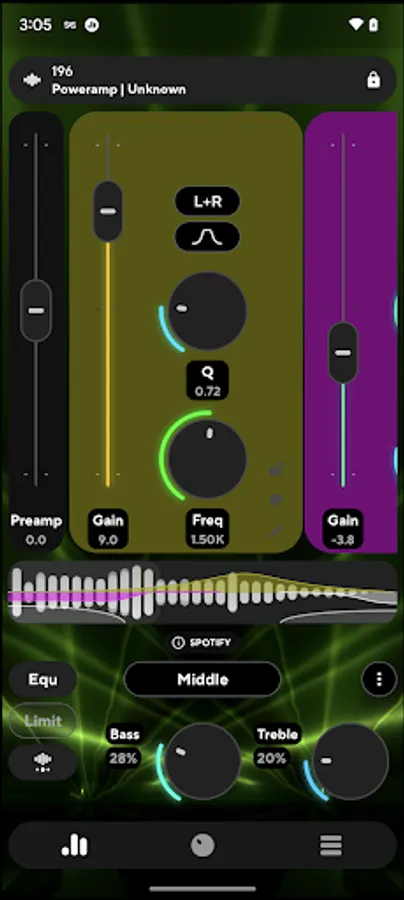
• advanced parametric equalizer mode with separately configured bands
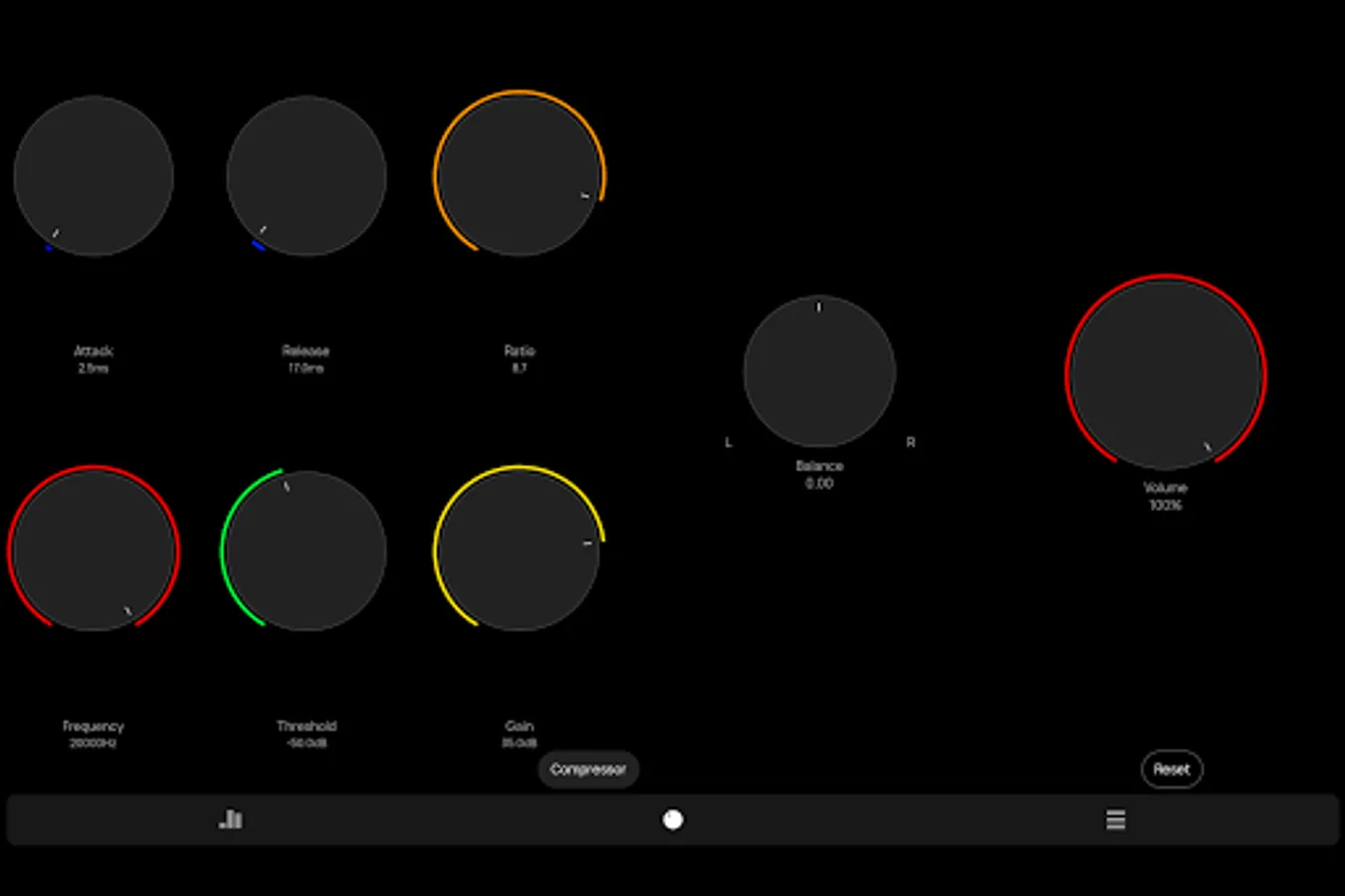
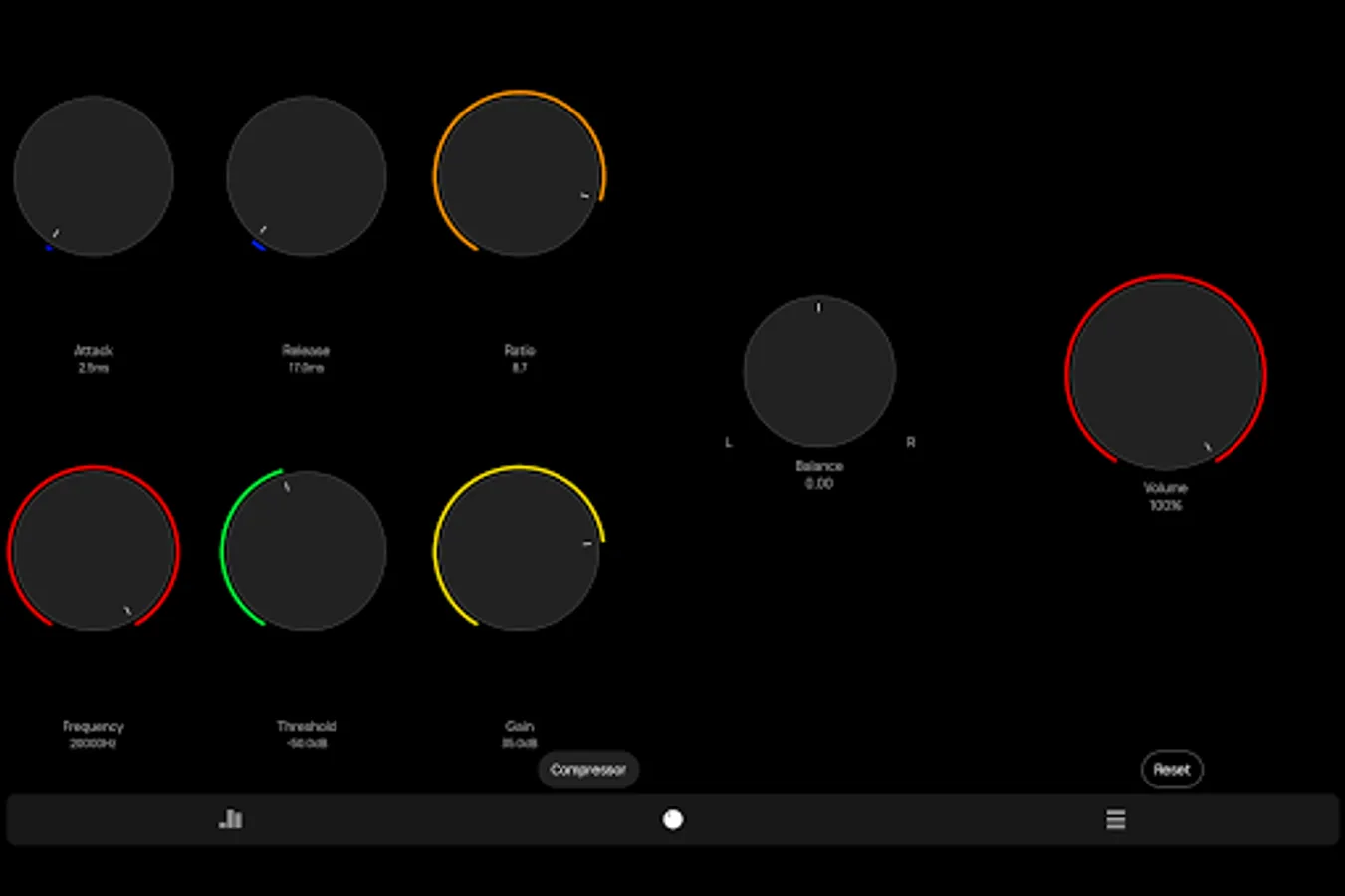
• limiter, preamp, compressor, balance
• most 3rd party player/streaming apps supported
In some cases, equalizer should be enabled in the player app settings
• Advanced Player Tracking mode allows equalization in almost any player, but requires additional permissions
UI
• Customizable UI & Visualizer – Choose from various themes and real-time waveforms
• .milk presets and spectrums are supported
• configurable Light and Dark skins included
• Poweramp 3rd party preset packs are supported too
Utilities
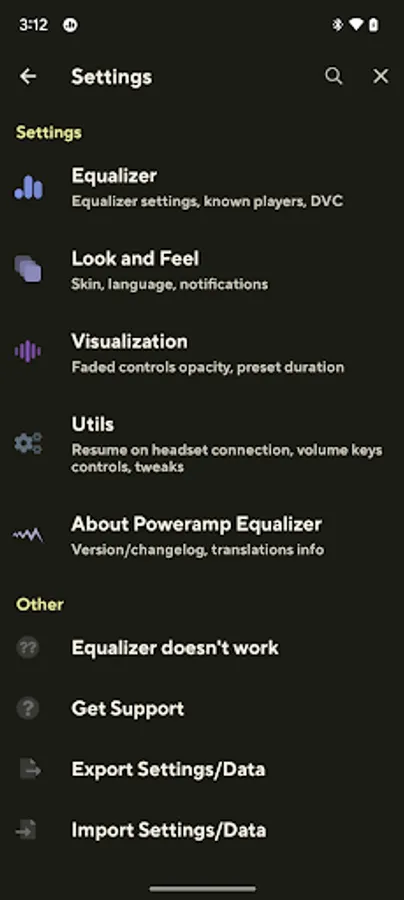
• auto-resume on headset/Bluetooth connection
• volume keys controlled resume/pause/track change
Track change requires extra permission
With Poweramp Equalizer, you get studio-grade sound customization in a simple, user-friendly app. Whether you’re listening through headphones, Bluetooth speakers, or car audio, you’ll experience richer, fuller, and more immersive sound.
Equalizer Engine
• Bass & Treble Boost – enhance low and high frequencies effortlessly
• Powerful Equalization Presets – choose from pre-made or custom settings
• DVC (Direct Volume Control) – get enhanced dynamic range and clarity
• No Root Required – works seamlessly on most Android devices
• AutoEQ presets tuned for your device
• configurable number of bands: fixed or custom 5-32 with configurable start/end frequencies
• advanced parametric equalizer mode with separately configured bands
• limiter, preamp, compressor, balance
• most 3rd party player/streaming apps supported
In some cases, equalizer should be enabled in the player app settings
• Advanced Player Tracking mode allows equalization in almost any player, but requires additional permissions
UI
• Customizable UI & Visualizer – Choose from various themes and real-time waveforms
• .milk presets and spectrums are supported
• configurable Light and Dark skins included
• Poweramp 3rd party preset packs are supported too
Utilities
• auto-resume on headset/Bluetooth connection
• volume keys controlled resume/pause/track change
Track change requires extra permission
With Poweramp Equalizer, you get studio-grade sound customization in a simple, user-friendly app. Whether you’re listening through headphones, Bluetooth speakers, or car audio, you’ll experience richer, fuller, and more immersive sound.
Poweramp Equalizer Screenshots
Tap to Rate:
Reviews for Poweramp Equalizer
Pintu Mobile Care
12/29/2025
Very good
javier cruz
12/29/2025
great app very happy louder better control than others great job Keep it up