Kitchen Multi-Timer
Maxim Kabluka
4.4 ★
21K ratings
1,000,000+
downloads
Free
+ in-app
In this kitchen timer app, you can create and customize multiple timers with adjustable settings and quick modifications. Includes default timers, personalization options, and home screen widgets.
AppRecs review analysis
AppRecs rating 4.3. Trustworthiness 87 out of 100. Review manipulation risk 16 out of 100. Based on a review sample analyzed.
★★★★☆
4.3
AppRecs Rating
Ratings breakdown
5 star
73%
4 star
13%
3 star
4%
2 star
3%
1 star
7%
What to know
✓
Low review manipulation risk
16% review manipulation risk
✓
Credible reviews
87% trustworthiness score from analyzed reviews
⚠
Ad complaints
Many low ratings mention excessive ads
About Kitchen Multi-Timer
Key Features:
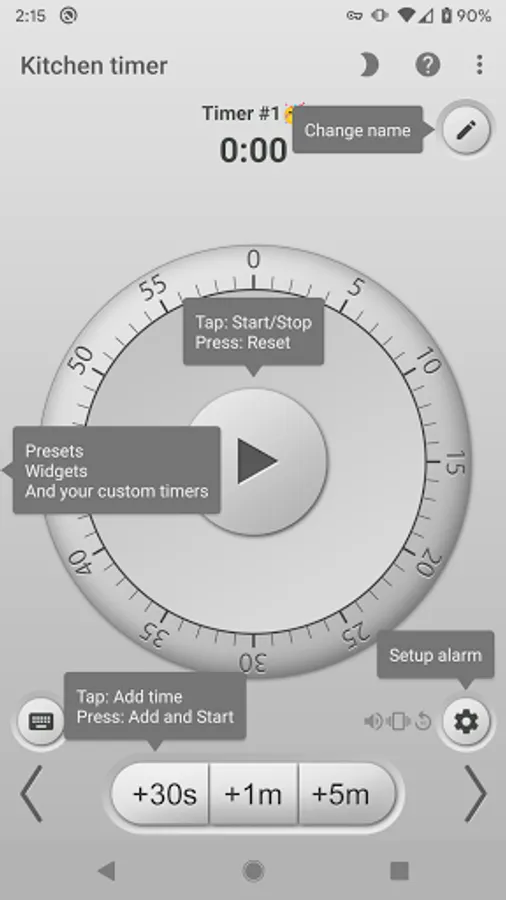
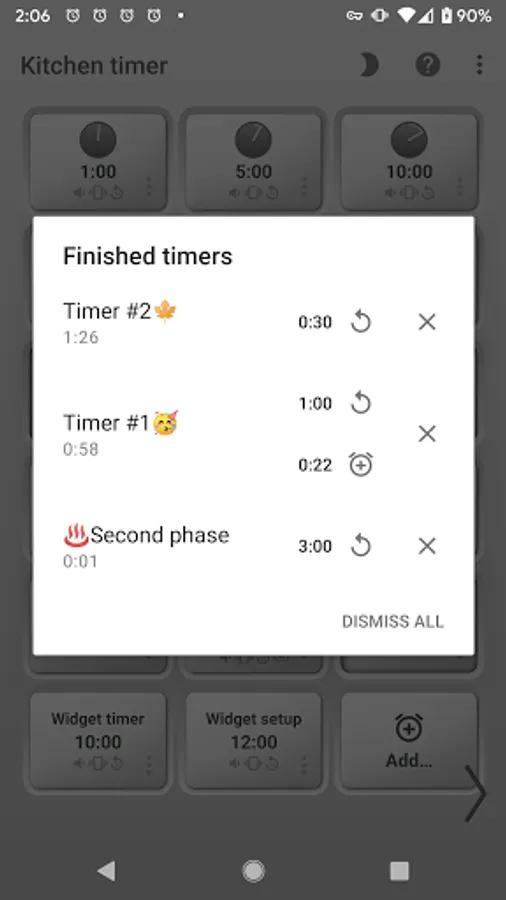
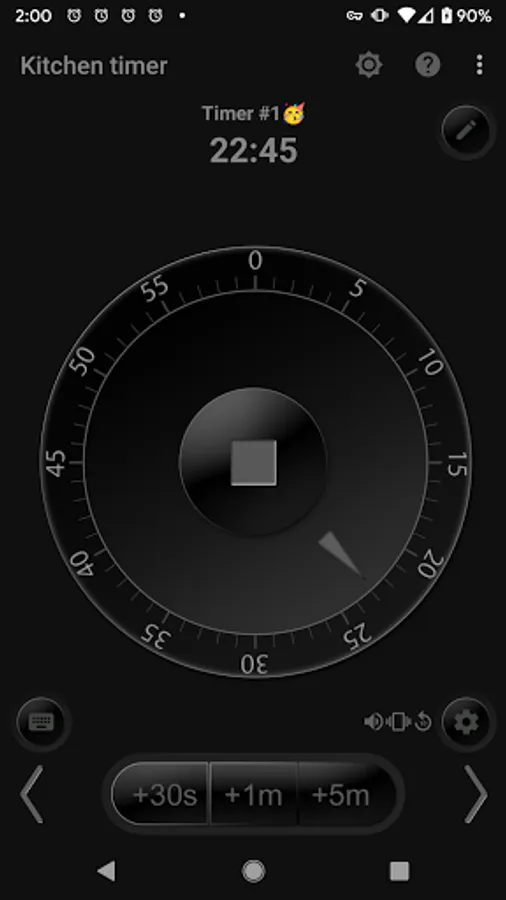
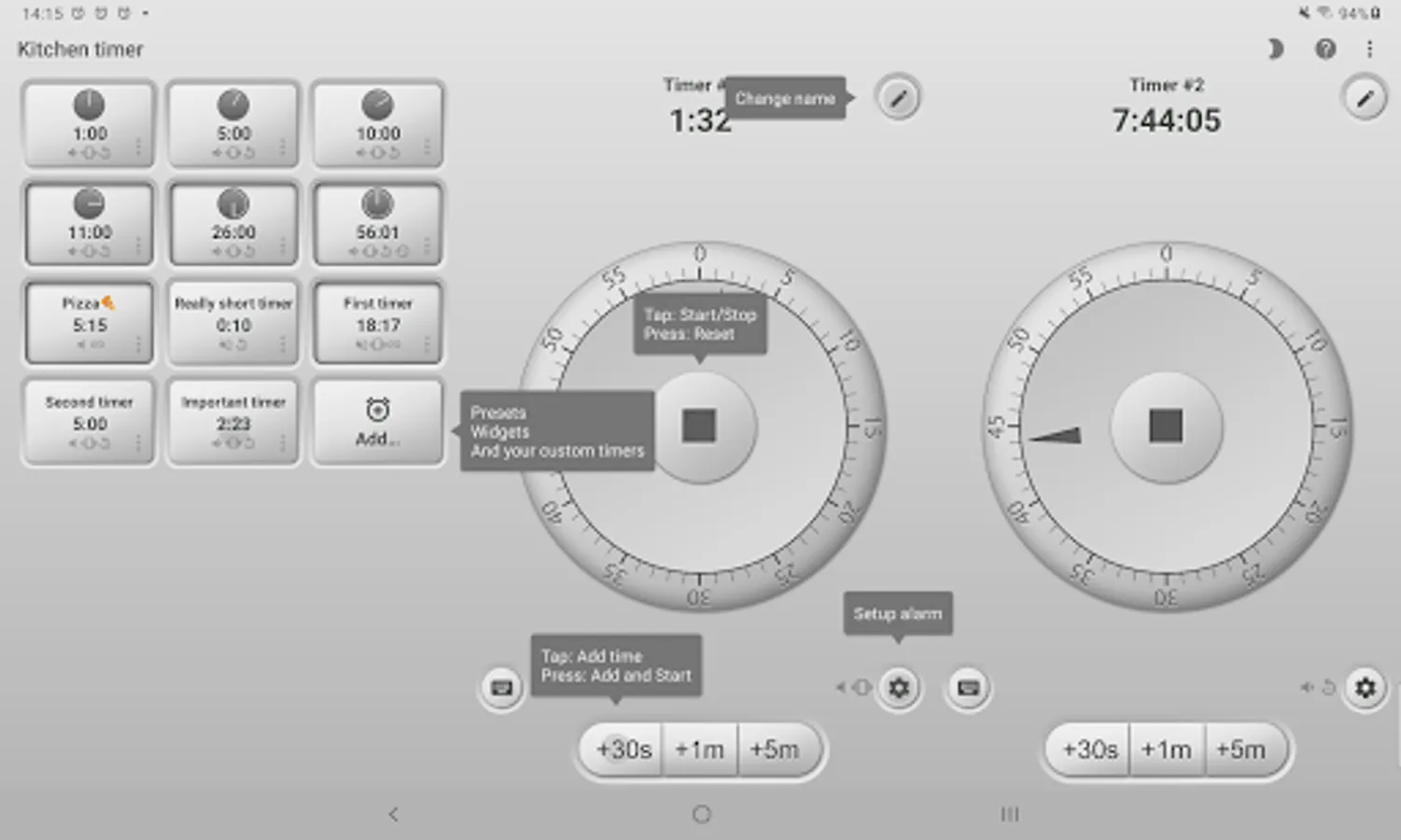
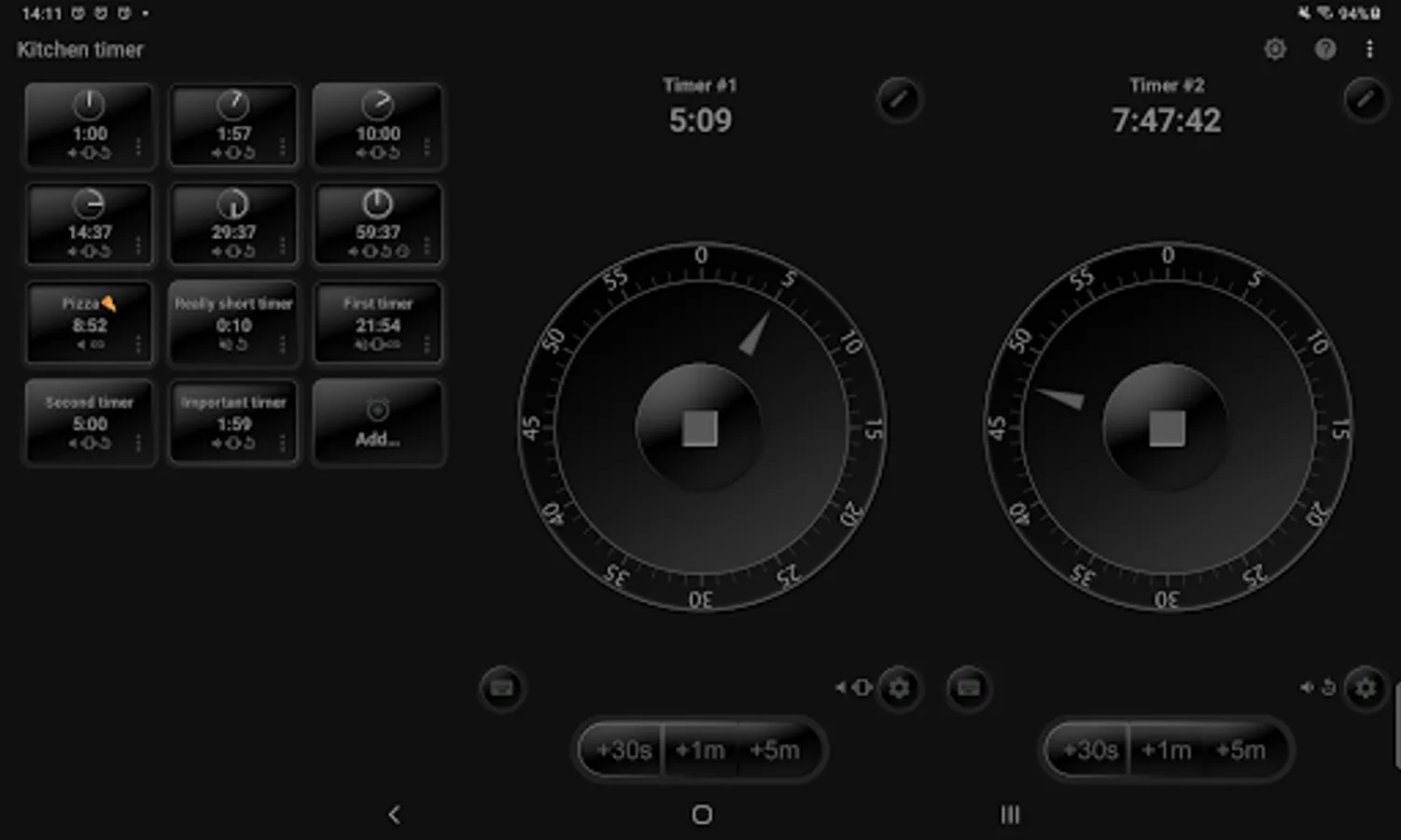
• Instant Access: Two default timers are always on screen for quick and easy setup.
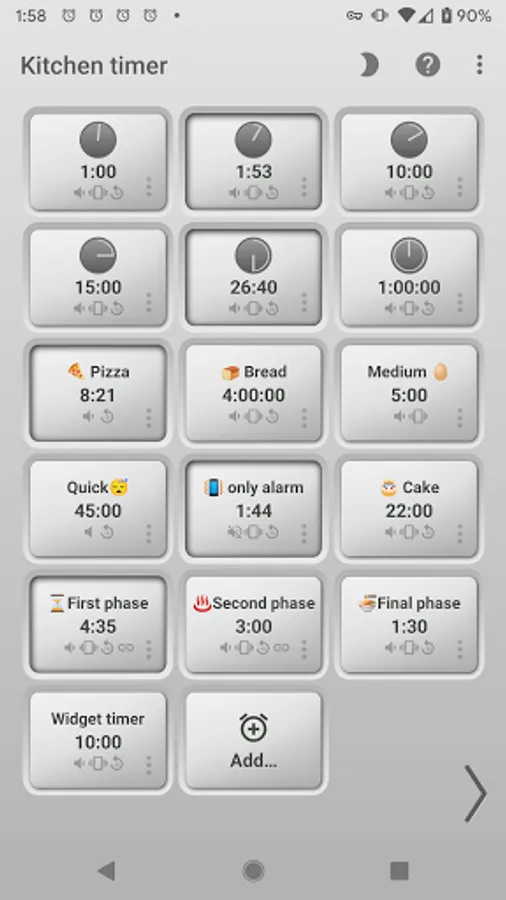
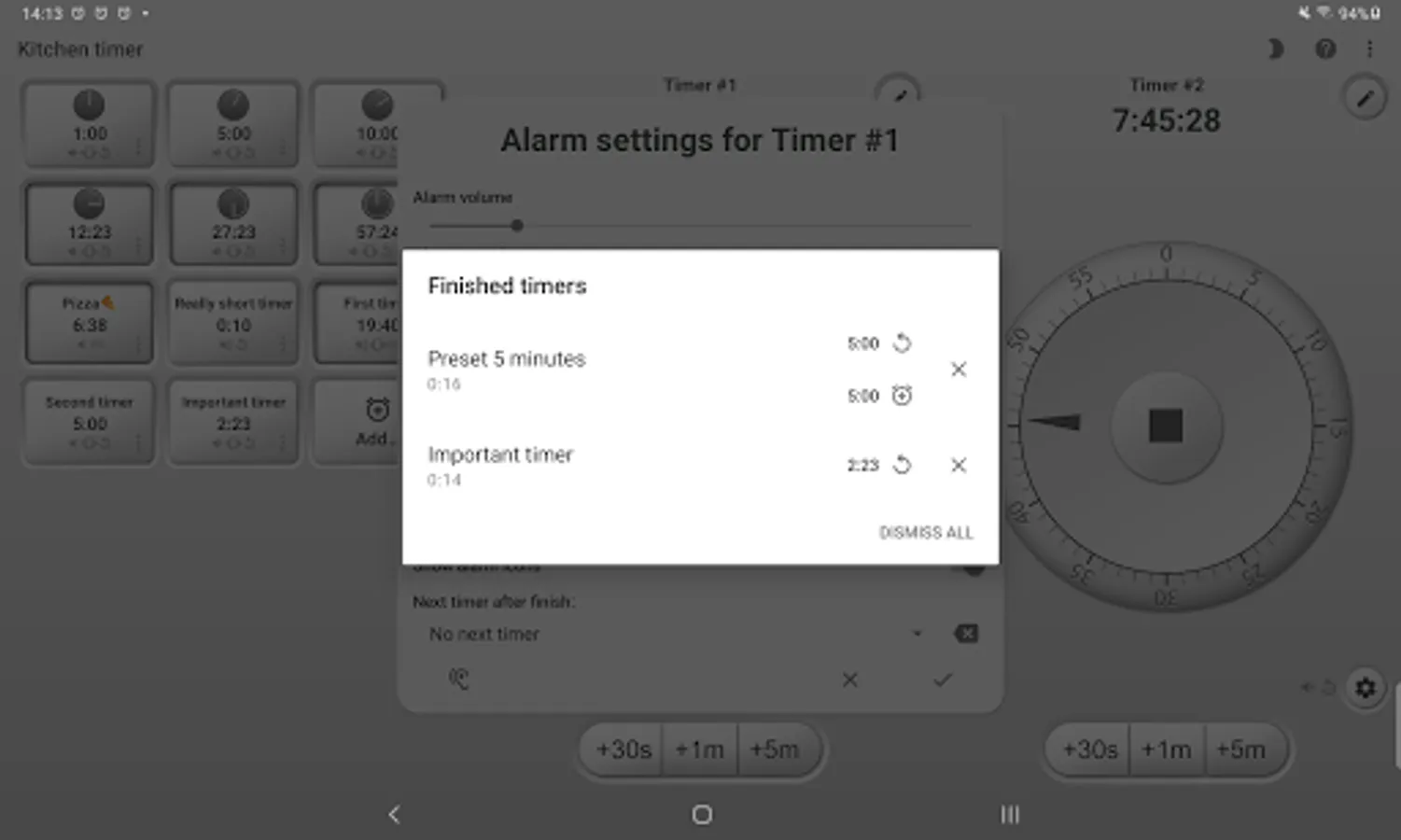
• Endless Customization: Create and run an unlimited number of custom timers, each tailored to your specific needs.
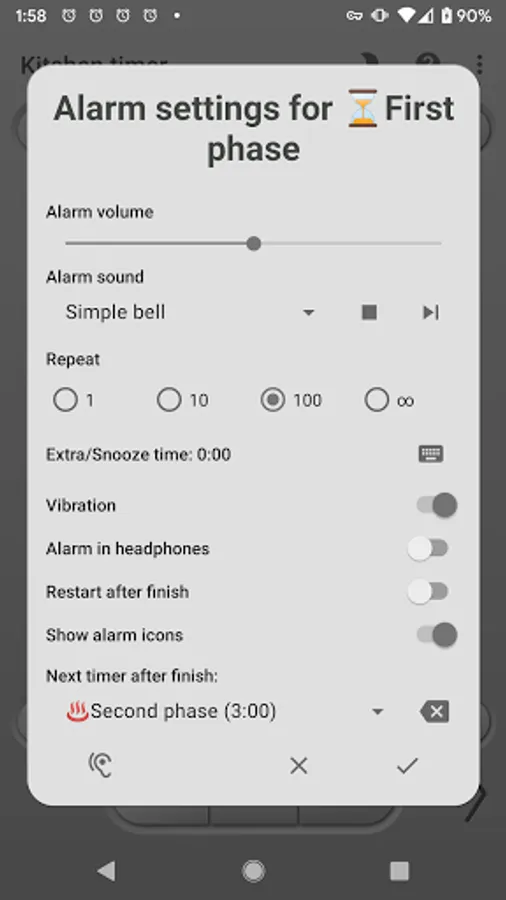
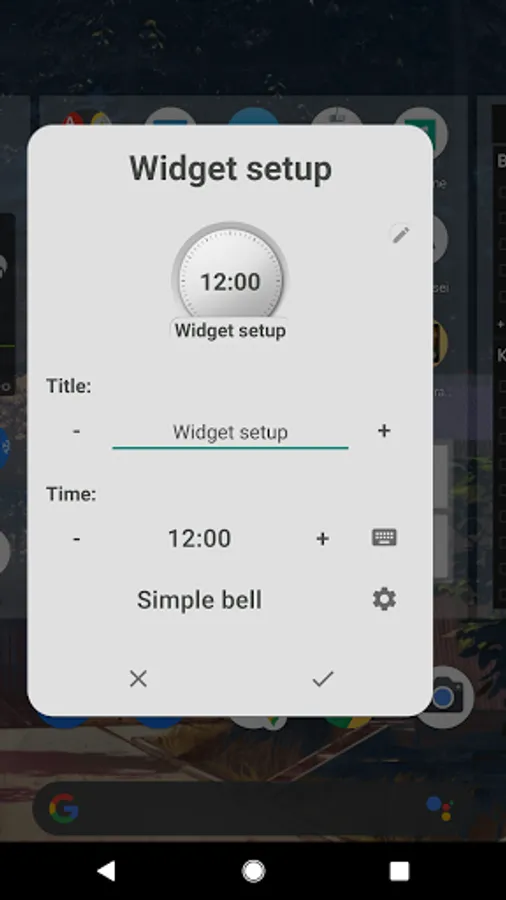
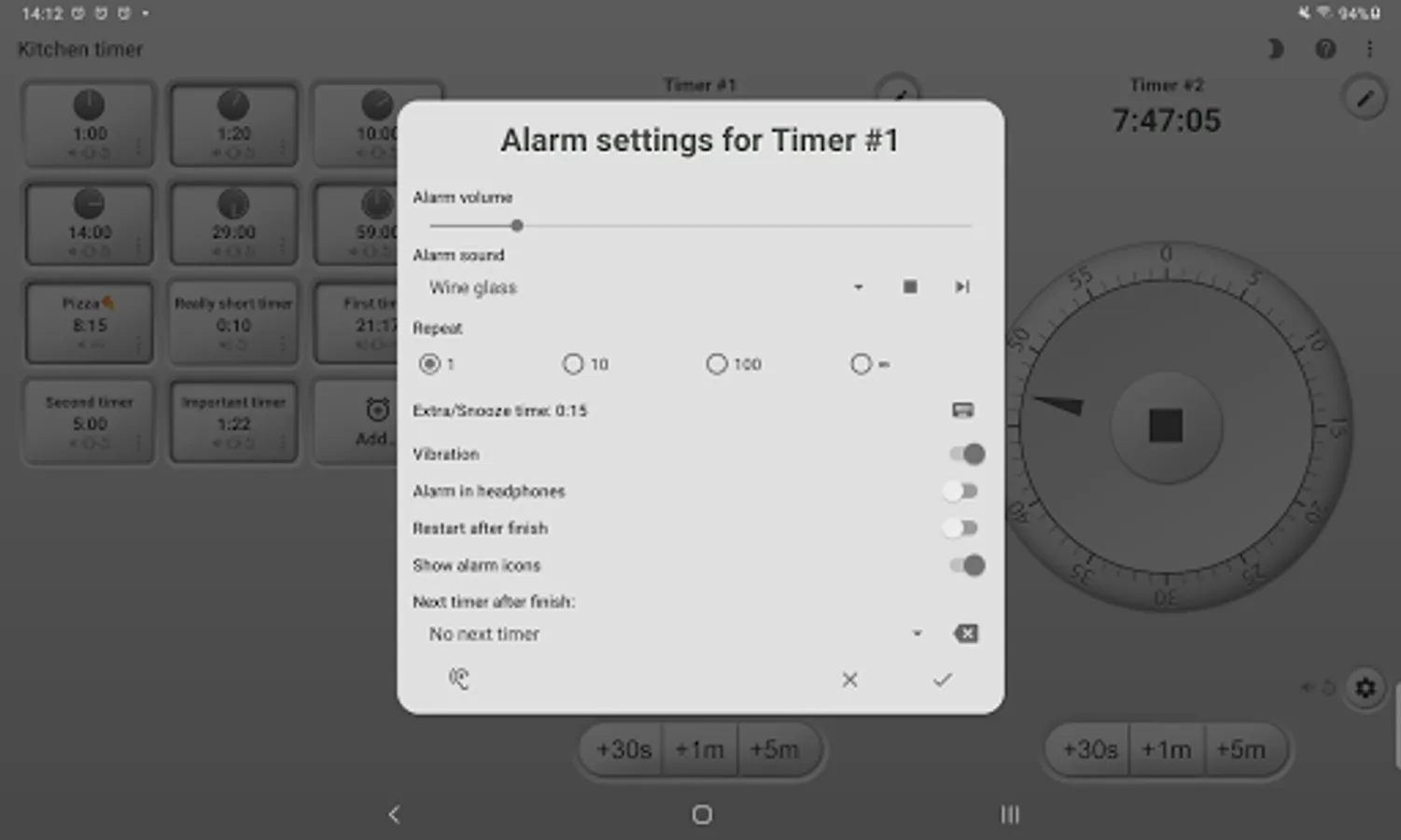
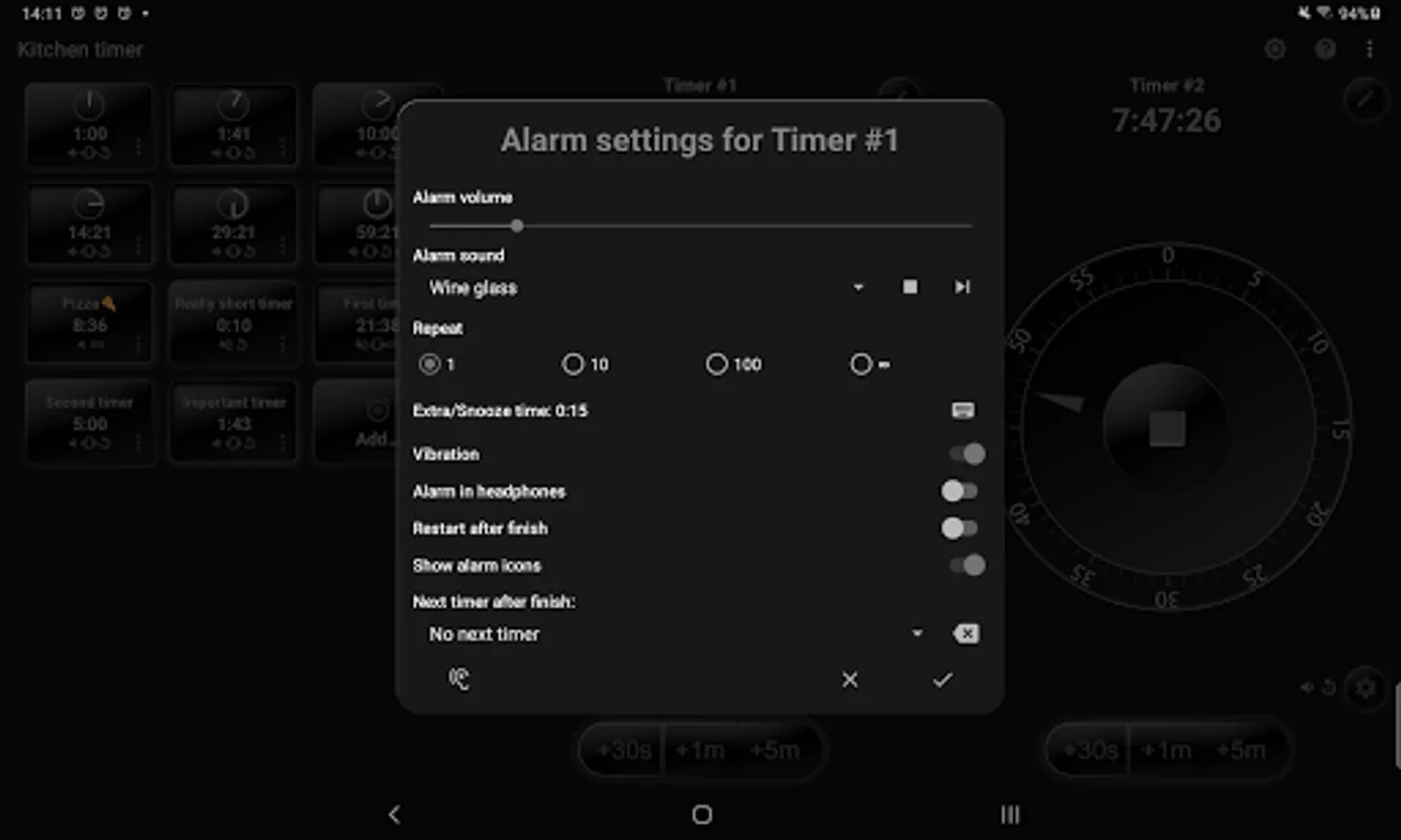
• Personalized Settings: Adjust volume, vibration, repetition, sound, and titles for each timer to suit your preferences.
• Quick Adjustments: Convenient quick time add buttons make modifying timers a breeze.
• Sleek Design: Enjoy a clean, user-friendly interface that is both functional and aesthetically pleasing.
• Day & Night Modes: Switch between Day and Night modes for optimal visibility in any lighting condition.
• Tablet Optimization: Perfectly optimized for tablet users, with a landscape mode that makes multi-timer management simple.
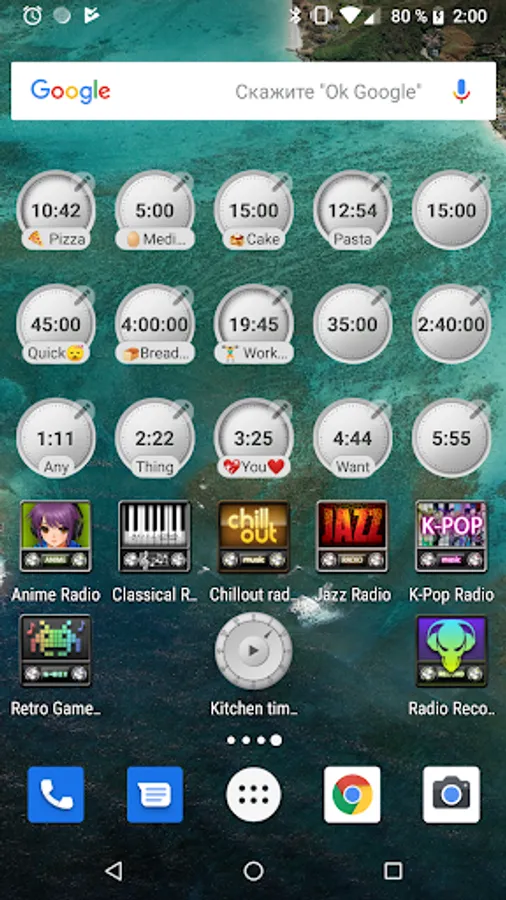
• Adorable Widgets: Customize your home screen with cute, functional widgets for even quicker access to your timers.
• Completely Free: Enjoy all these features without any limits or premium upgrades—totally free!
Perfect for a Variety of Uses:
• Cooking
• Baking
• Sleeping
• Yoga
• Reading
• Gaming
Important Notice: To ensure seamless operation, add this app to the whitelist of your power-saving or battery optimization settings. Failure to do so may result in the app being stopped in the background, causing you to miss important alarms. Detailed instructions are included within the app to guide you through this process.
Get ready to simplify your time management with our Kitchen Timer app!
Kitchen Multi-Timer Screenshots
Tap to Rate:
Reviews for Kitchen Multi-Timer
Rick Morin
11/29/2025
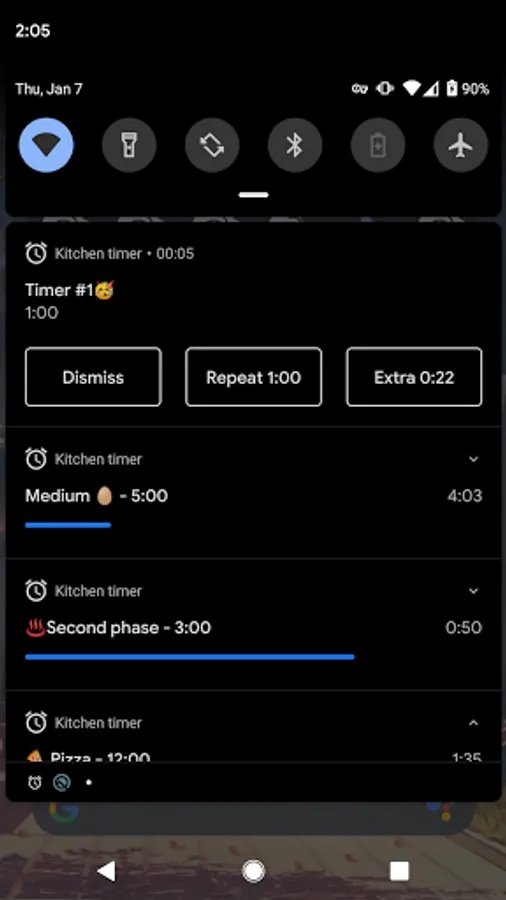
I've used this app for years. Loving it! However, the latest version has an idiosyncrasy that I don't like. If the app is at the forefront of your device, Android Motorola Edge in my case, and the timer ends, main screen offers to buttons, 1 to restart on the left and stop on the right. If notifications are on, the same options show at the top of the screen, no matter if app is forefront or not. IDEOSYNCHRONY is, the placement is flipped . Stop on left, restart on right. Keep consistent please!
Michael Surname
11/24/2025
Update 3 looks you are loosing stars again. Ver 5.2.2. Every time a time goes off the system sound channel goes down to 0 and then if something else happens i do not hear it. Unless I have gone to the volume settings and put it back up. System sound is on then Kitchen timer goes off then system sound goes to 0. And this happens a lot of times.