Pomodoro Flow
Daejeong Kim
1,000+
downloads
Free
AppRecs review analysis
AppRecs rating 3.9. Trustworthiness 83 out of 100. Review manipulation risk 16 out of 100. Based on a review sample analyzed.
★★★☆☆
3.9
AppRecs Rating
Ratings breakdown
5 star
57%
4 star
0%
3 star
14%
2 star
0%
1 star
29%
What to know
✓
Low review manipulation risk
16% review manipulation risk
✓
Credible reviews
83% trustworthiness score from analyzed reviews
About Pomodoro Flow
#1 Pomodoro Technique step
from https://en.wikipedia.org/wiki/Pomodoro_Technique
1. Decide on the task to be done.
2. Set the Pomodoro timer (typically for 25 minutes).
3. Work on the task.
4. End work when the timer rings and take a short break (typically 5–10 minutes).
5. Go back to Step 2 and repeat until you complete four pomodoros.
6. After four Pomodoros are done, take a long break (typically 15 to 30 minutes) instead of a short break. Once the long break is finished, return to step 2.
#2 It's a simple Pomodoro app.
This app is designed to be used with the screen on. Even if you lock the screen, Pomodoro will wake it up when the time is up.
We recommend excluding our app from battery optimization so that it is not killed by the OS while in use.
#3 Features
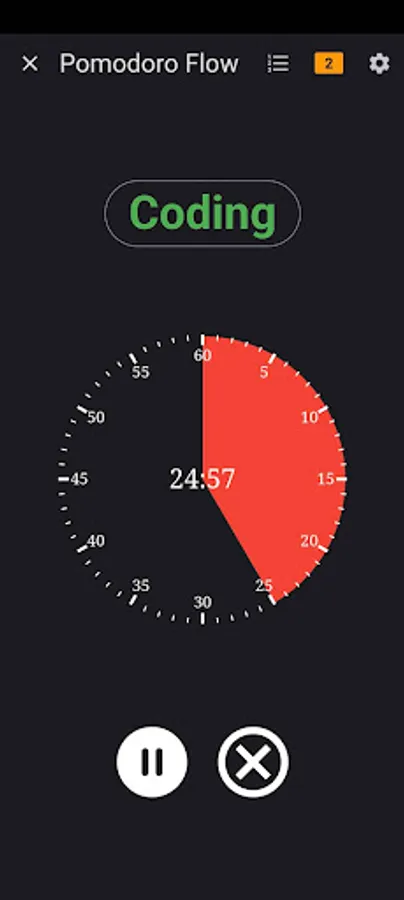
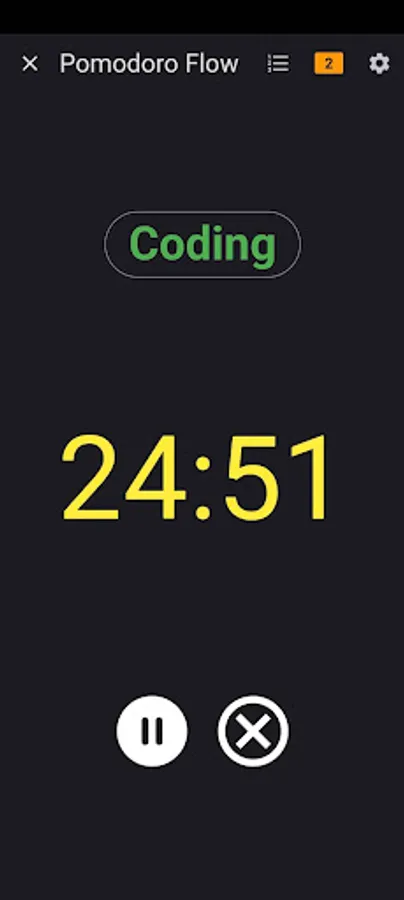
- View as analog clock, view as digital clock
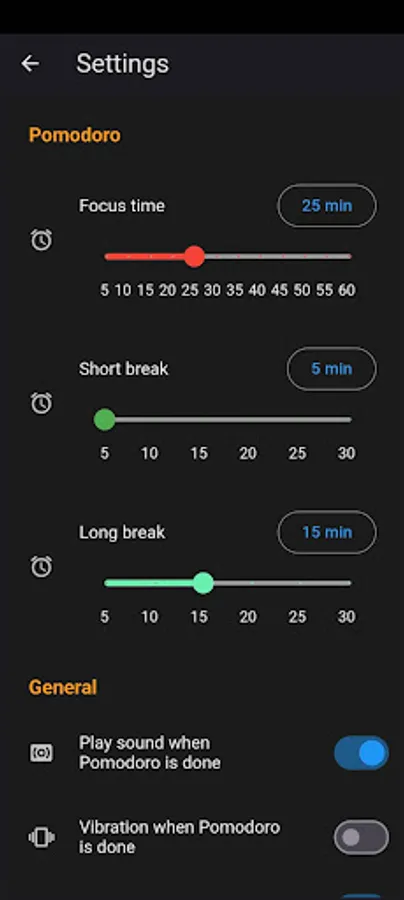
- Adjust focus time, break time
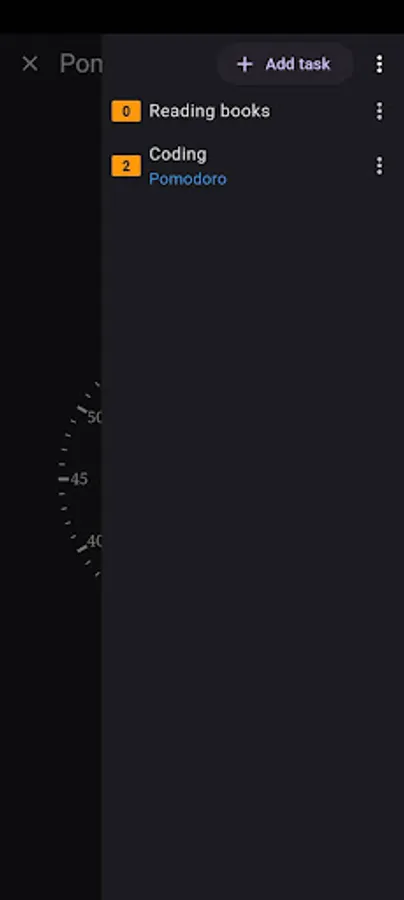
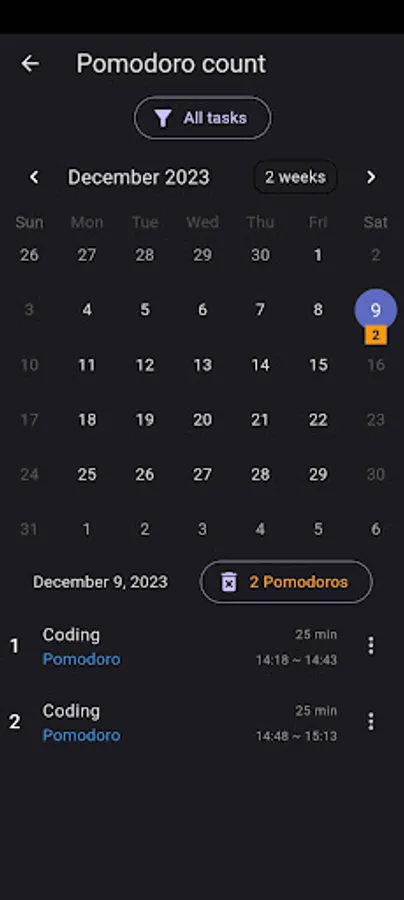
- Add tasks and simple calendar
- Alarm sound or vibration
- Ignore battery usage optimization
- Minimal permissions
Pomodoro icons created by Flat Finance Icons
from https://en.wikipedia.org/wiki/Pomodoro_Technique
1. Decide on the task to be done.
2. Set the Pomodoro timer (typically for 25 minutes).
3. Work on the task.
4. End work when the timer rings and take a short break (typically 5–10 minutes).
5. Go back to Step 2 and repeat until you complete four pomodoros.
6. After four Pomodoros are done, take a long break (typically 15 to 30 minutes) instead of a short break. Once the long break is finished, return to step 2.
#2 It's a simple Pomodoro app.
This app is designed to be used with the screen on. Even if you lock the screen, Pomodoro will wake it up when the time is up.
We recommend excluding our app from battery optimization so that it is not killed by the OS while in use.
#3 Features
- View as analog clock, view as digital clock
- Adjust focus time, break time
- Add tasks and simple calendar
- Alarm sound or vibration
- Ignore battery usage optimization
- Minimal permissions
Pomodoro icons created by Flat Finance Icons