About REACHLite
The Orbis REACHLite mobile application allows partner hospitals to conduct eye screening at the school and manage data on the go. The application is supported by a digital visual acuity chart – OcularCheck - to assess visual acuity based on the LogMar0.2 chart. OcularCheck is a clinically validated visual acuity examination application. It is accessible and available across all platforms.
Who is it for?
The REACHLite application has restricted use, meant only for Orbis partner users. They can download the application and get it validated by the super admin to facilitate data collection. Individuals cannot use the application unless they are associated with the Orbis partner organization.
Why the REACHLite app?
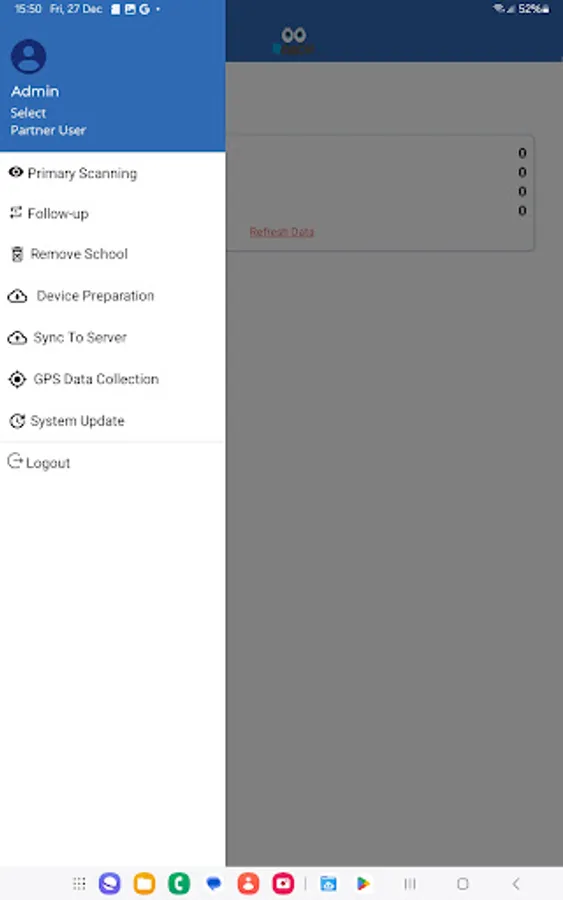
The application is designed in a way that the partner can use it on any handheld device like mobiles, tablets, etc. The partner user can download the application from the Playstore. Using the valid credentials, the user can connect to the partner hospital database.
The application is capable of operating offline while conducting screening, i.e., internet connectivity is not required while collecting data in the field. All student data is prepared on web application. Before going to the school for screening the partner user need to prepare their devices to do the screening offline. The data will be synced on a configured cloud server after completing the screening activity.
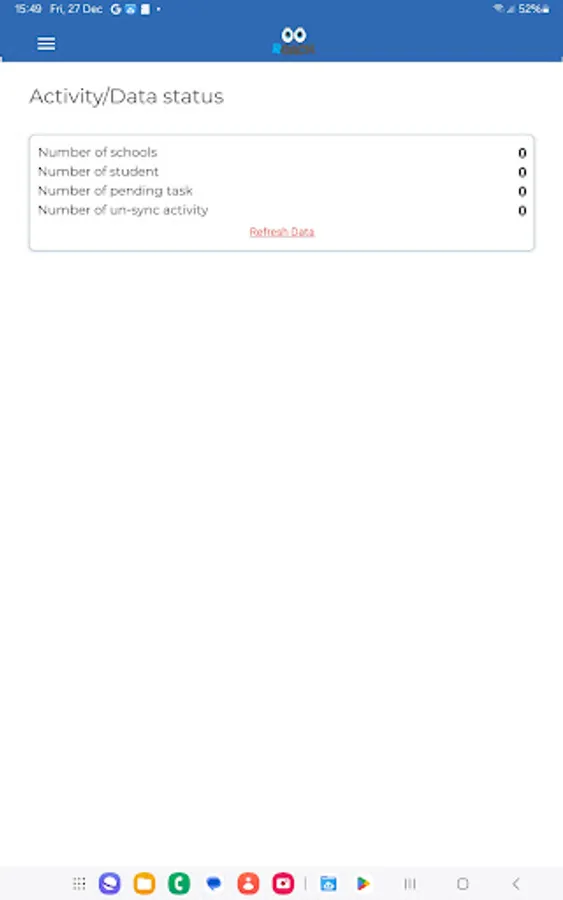
Once the data is synced on the cloud server, the project team can extract multiple reports as needed.
Mobile Application
- to conduct screening and collect data
Associated web application
- System Administration (User Management, Device Registration, etc.)
- Referral Management (MR Tagging)
- View reports
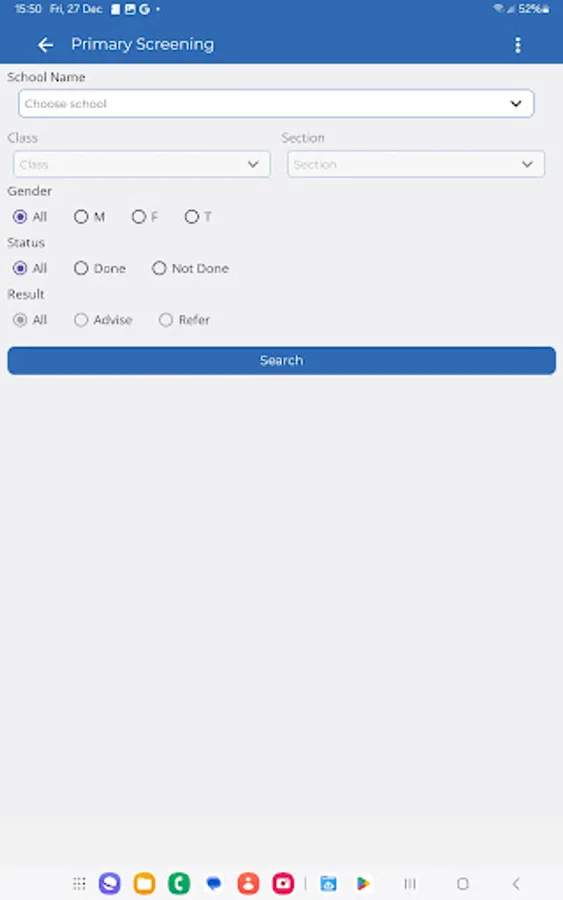
The application allows users to conduct screening based on standard parameters including,
- Whether the person is using spectacles
- Whether the person can read LogMar0.2?
- Any other Ocular complaint (by the person who screened)
- Any external problem identified by the screener through observation, e.g., ---Cataract, Bitot Spot, Chalazion, Discharge, Drooping Eyelid, Red Eye, etc.
- Other optional test, e.g. Cover Test, NPC, +2.0D Test, Color Vision Test etc.
File Access Permission
Our app requires the MANAGE_EXTERNAL_STORAGE permission to store collected data in CSV format before uploading it to the server. This functionality is essential for data recovery in case of any technical issue in syncing the data on database server.
The stored data is encrypted, ensuring security and compliance with data protection policies.
The CSV files are only accessible within the app.
This permission is used strictly for data integrity and user verification purposes, and the app does not access or modify any other files on the device.
Removing this permission would break a core feature of the app, as users rely on stored encrypted CSV files to verify collected data before uploading. If required, we can provide additional details to justify this necessity.
Who is it for?
The REACHLite application has restricted use, meant only for Orbis partner users. They can download the application and get it validated by the super admin to facilitate data collection. Individuals cannot use the application unless they are associated with the Orbis partner organization.
Why the REACHLite app?
The application is designed in a way that the partner can use it on any handheld device like mobiles, tablets, etc. The partner user can download the application from the Playstore. Using the valid credentials, the user can connect to the partner hospital database.
The application is capable of operating offline while conducting screening, i.e., internet connectivity is not required while collecting data in the field. All student data is prepared on web application. Before going to the school for screening the partner user need to prepare their devices to do the screening offline. The data will be synced on a configured cloud server after completing the screening activity.
Once the data is synced on the cloud server, the project team can extract multiple reports as needed.
Mobile Application
- to conduct screening and collect data
Associated web application
- System Administration (User Management, Device Registration, etc.)
- Referral Management (MR Tagging)
- View reports
The application allows users to conduct screening based on standard parameters including,
- Whether the person is using spectacles
- Whether the person can read LogMar0.2?
- Any other Ocular complaint (by the person who screened)
- Any external problem identified by the screener through observation, e.g., ---Cataract, Bitot Spot, Chalazion, Discharge, Drooping Eyelid, Red Eye, etc.
- Other optional test, e.g. Cover Test, NPC, +2.0D Test, Color Vision Test etc.
File Access Permission
Our app requires the MANAGE_EXTERNAL_STORAGE permission to store collected data in CSV format before uploading it to the server. This functionality is essential for data recovery in case of any technical issue in syncing the data on database server.
The stored data is encrypted, ensuring security and compliance with data protection policies.
The CSV files are only accessible within the app.
This permission is used strictly for data integrity and user verification purposes, and the app does not access or modify any other files on the device.
Removing this permission would break a core feature of the app, as users rely on stored encrypted CSV files to verify collected data before uploading. If required, we can provide additional details to justify this necessity.
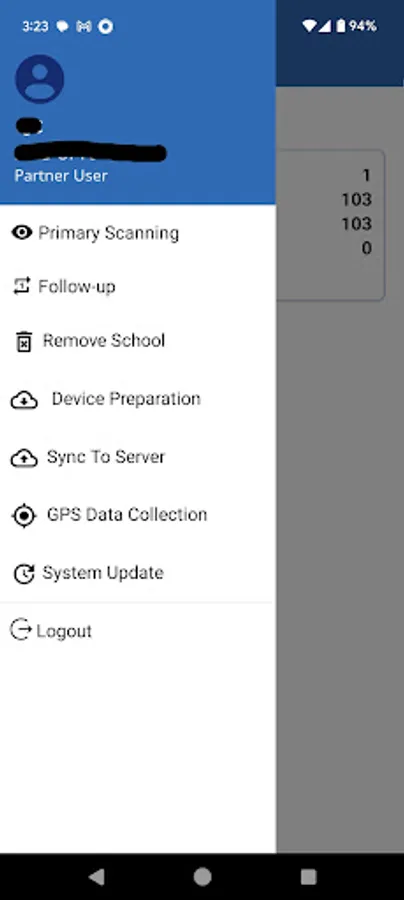
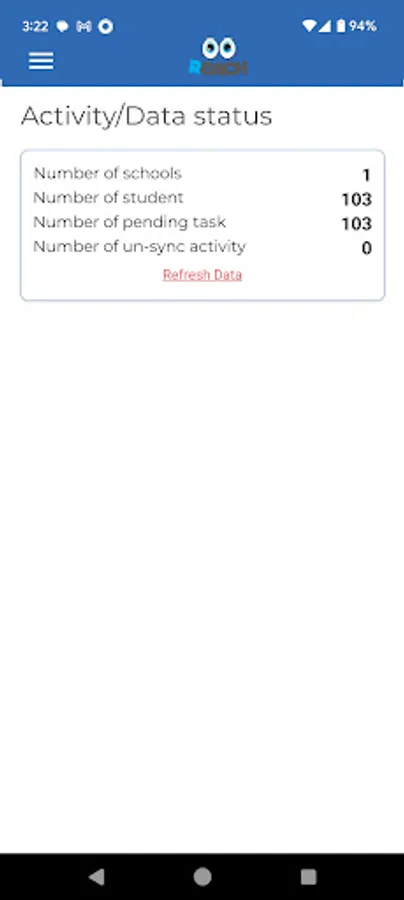
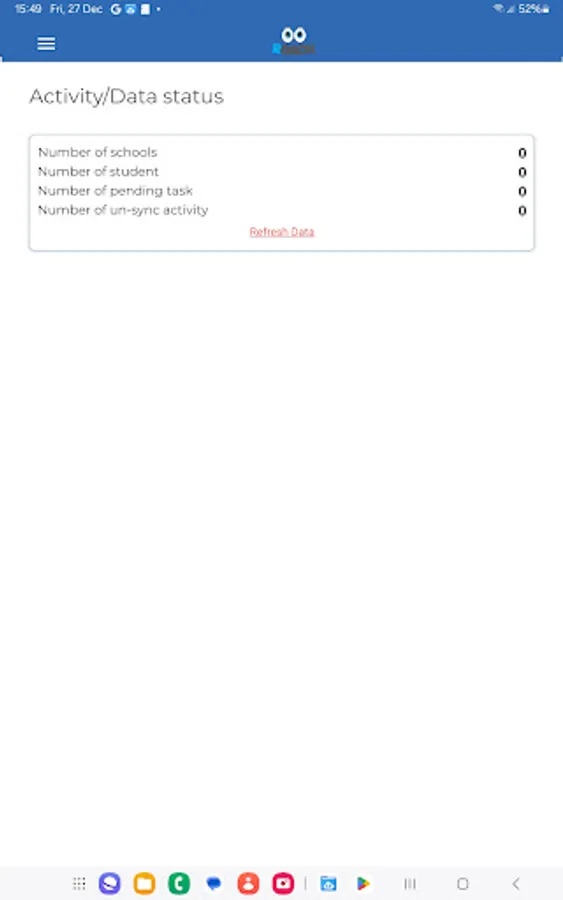
REACHLite Screenshots
Tap to Rate: