
In this eye care app, you can set timers to remind yourself to follow the 20-20-20 rule and customize notification settings. Includes features for automatic countdown, manual control, and ad-free operation.
AppRecs review analysis
AppRecs rating 4.1. Trustworthiness 81 out of 100. Review manipulation risk 24 out of 100. Based on a review sample analyzed.
★★★★☆
4.1
AppRecs Rating
Ratings breakdown
5 star
64%
4 star
14%
3 star
7%
2 star
3%
1 star
12%
What to know
✓
Low review manipulation risk
24% review manipulation risk
✓
Credible reviews
81% trustworthiness score from analyzed reviews
✓
High user satisfaction
78% of sampled ratings are 4+ stars (4.1★ average)
About 20 20 20 Eye Care
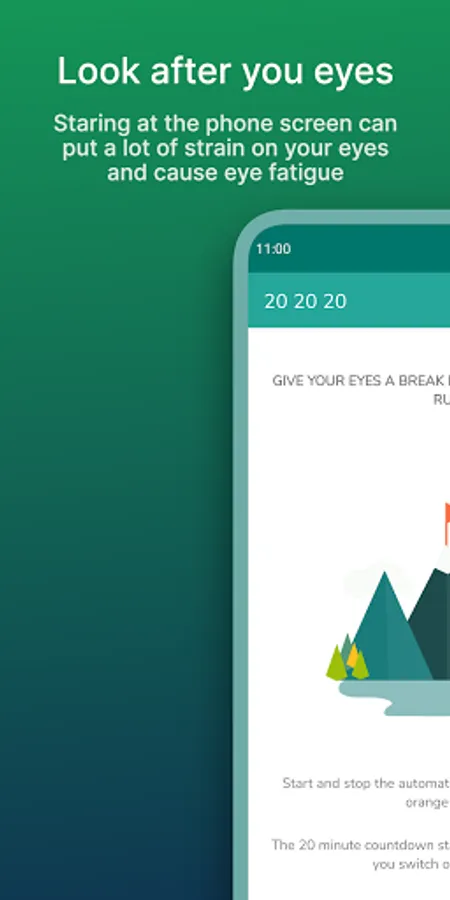
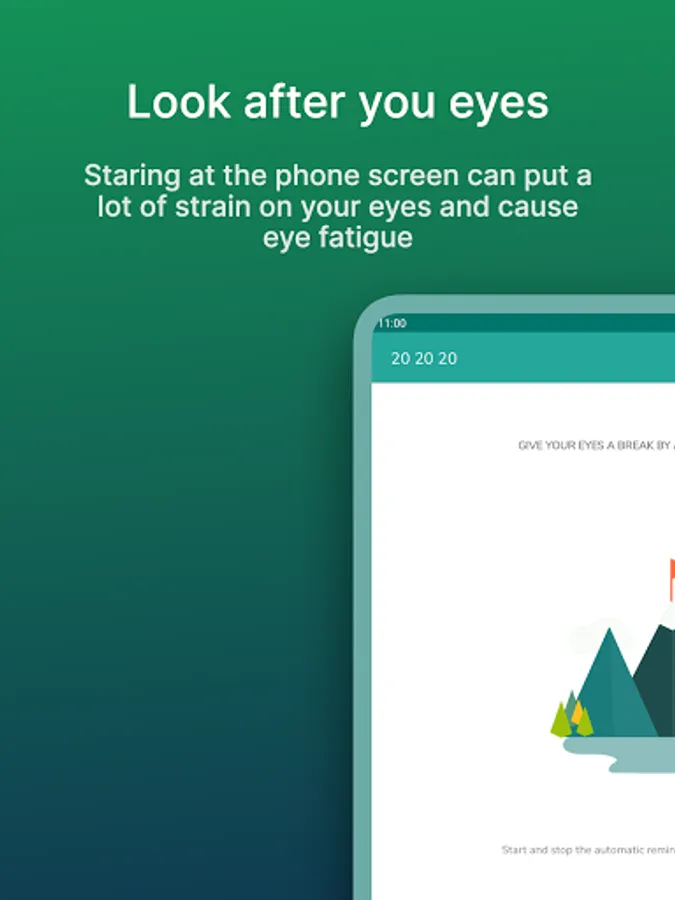
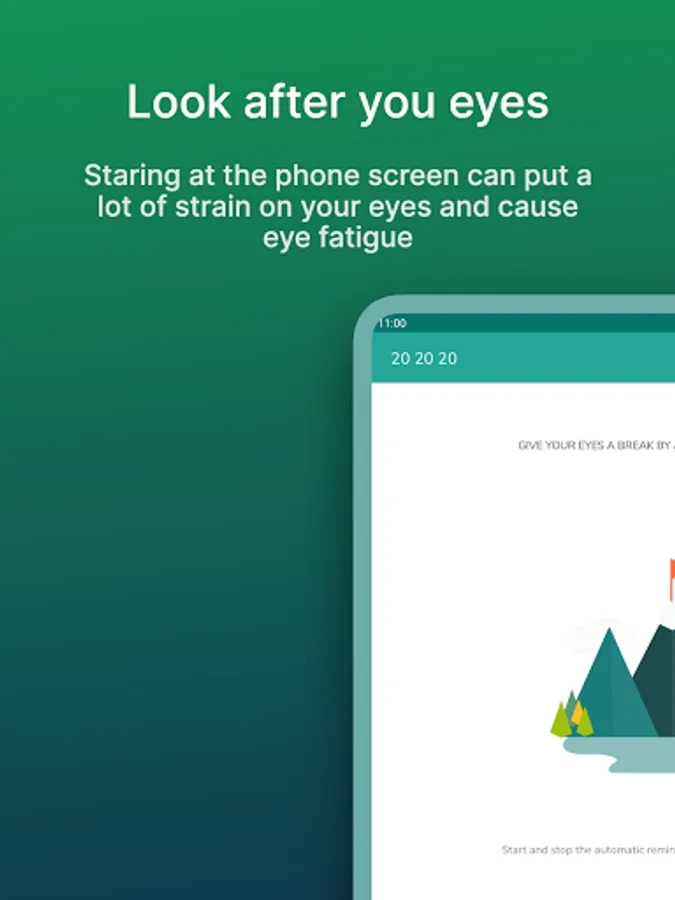
Staring at the phone screen can put a lot of strain on your eyes and cause eye fatigue.
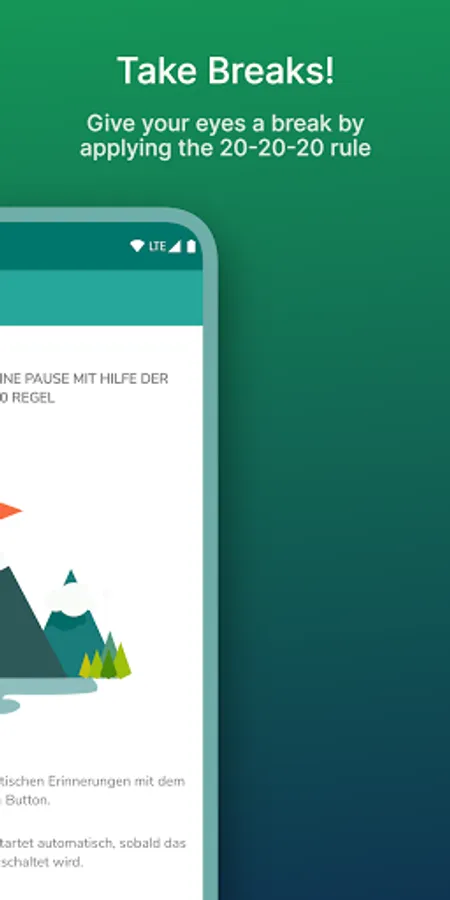
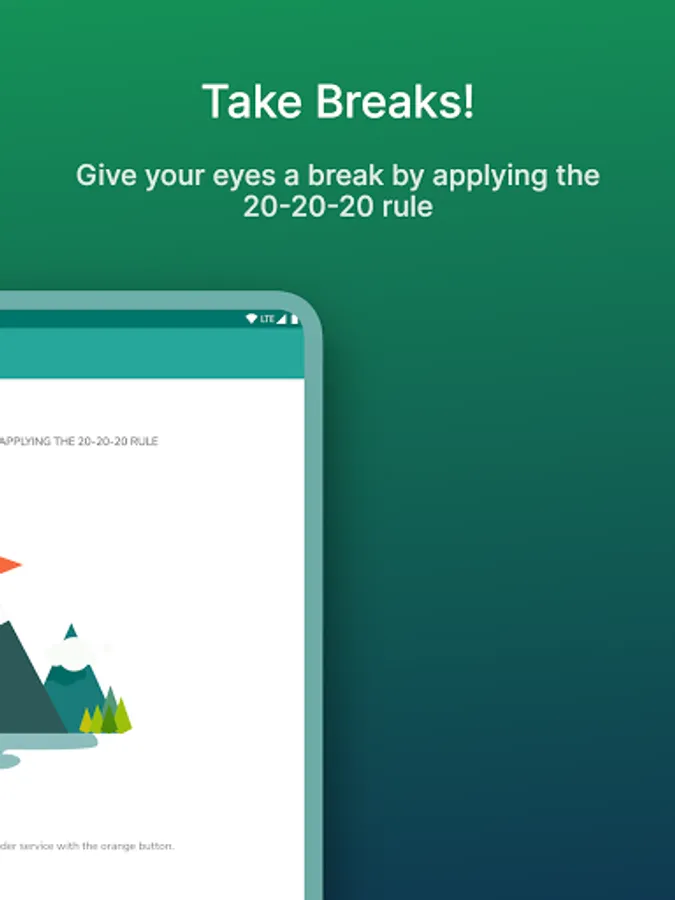
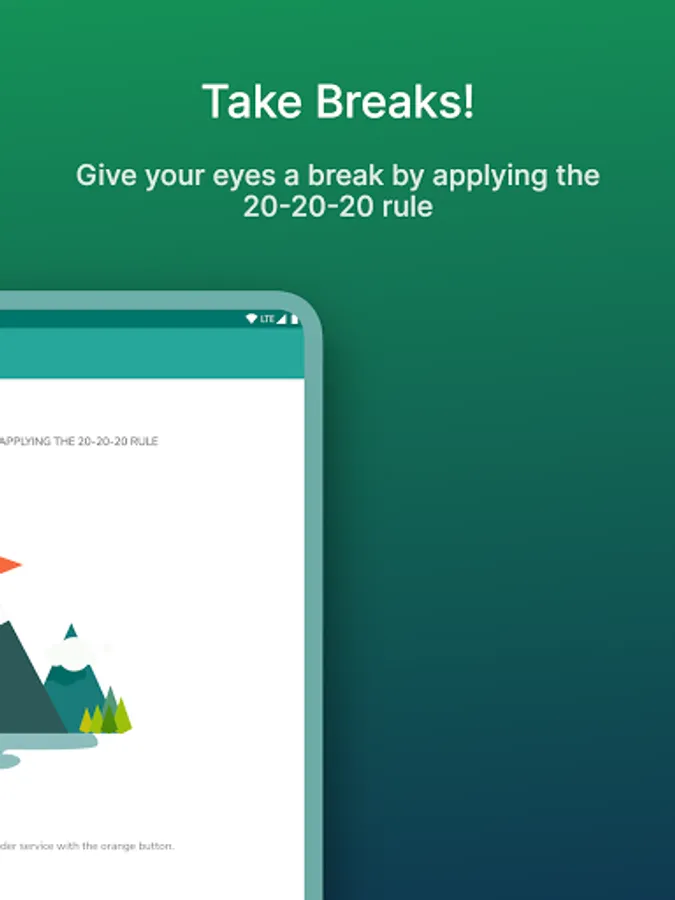
Give your eyes a break by applying the 20-20-20 rule.
Every 20 minutes, take a 20-second break and focus your eyes on something at least 20 feet (7m) away.
Features:
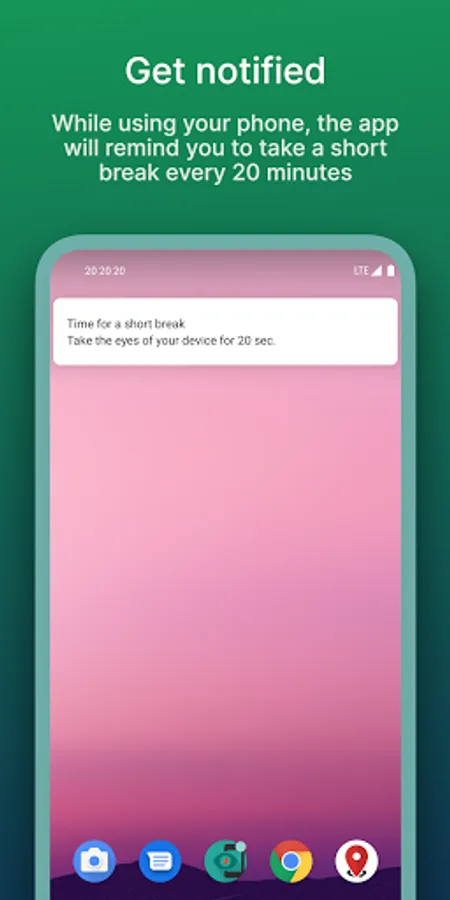
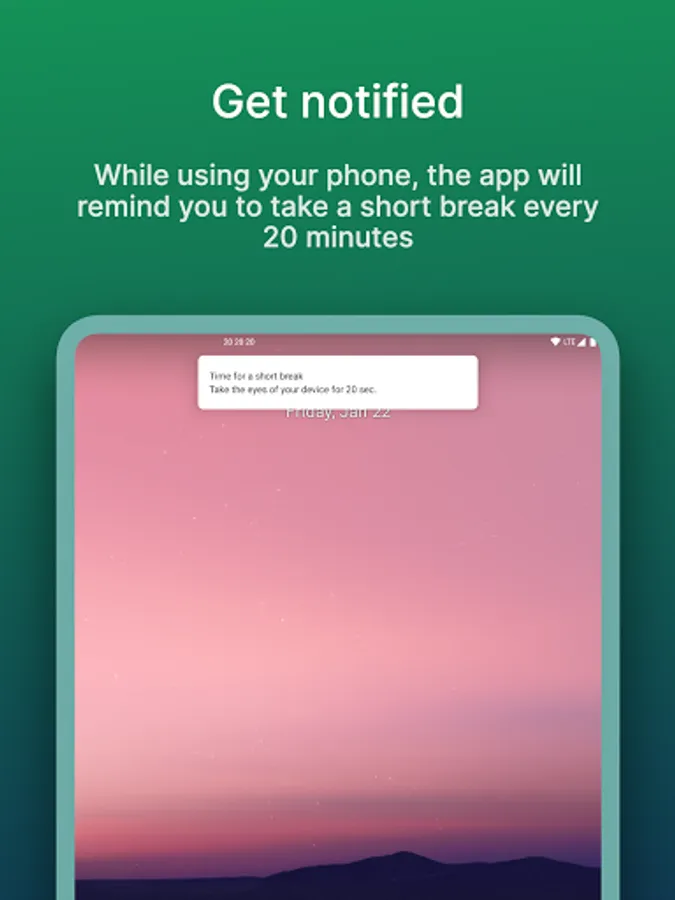
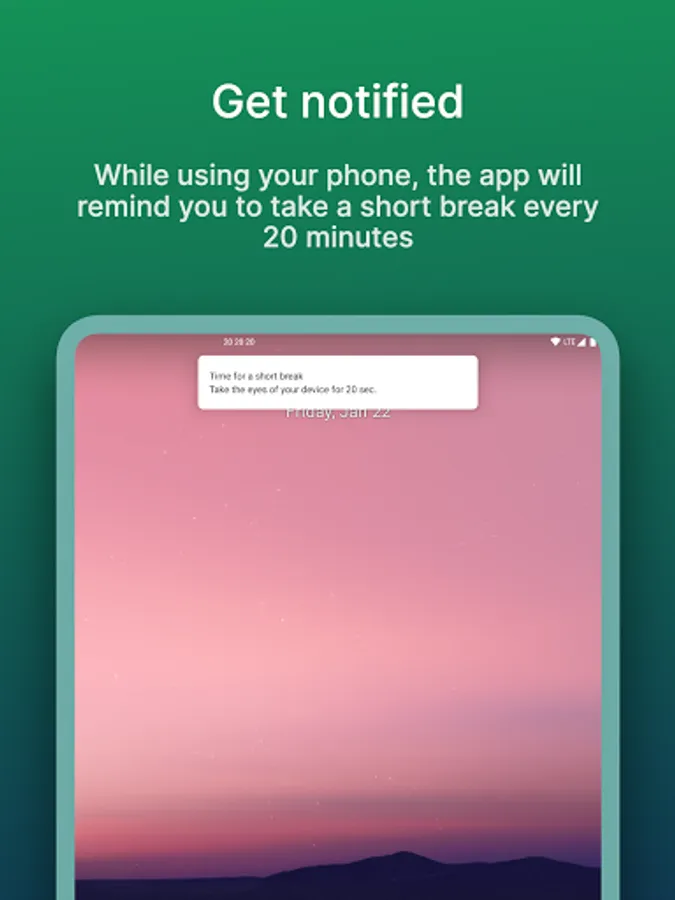
• Notifies you after 20 minutes to give your eyes a break
• Starts countdown automatically when the screen is turned on
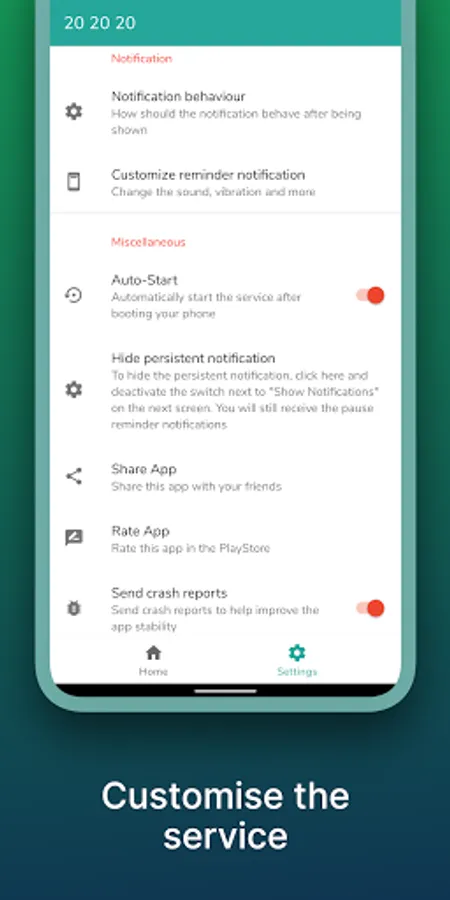
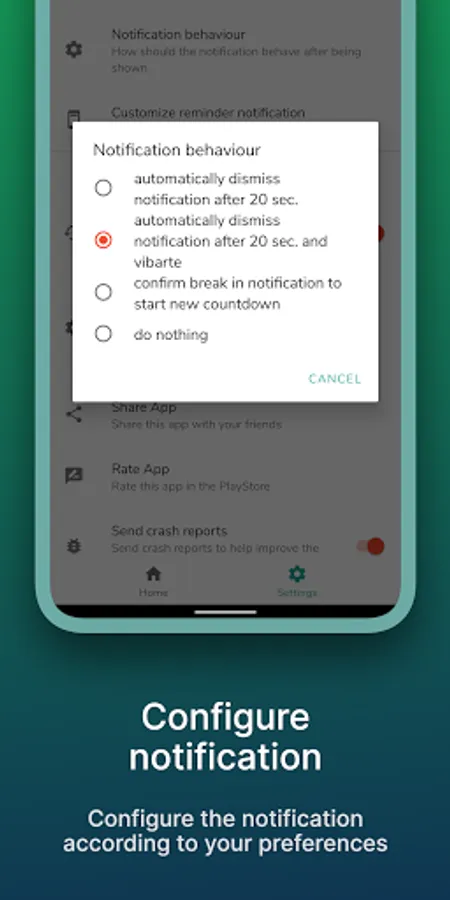
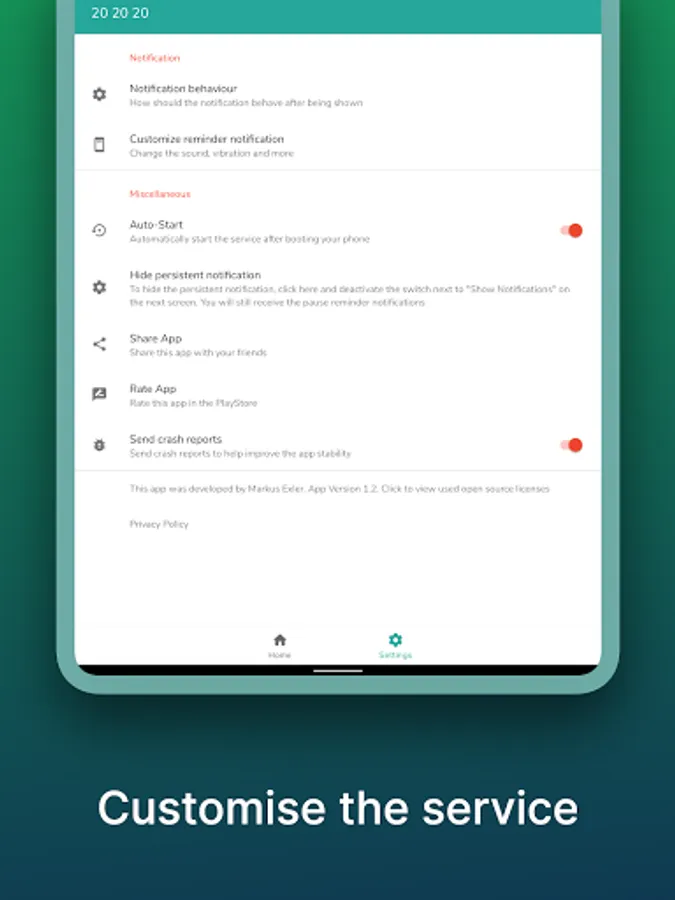
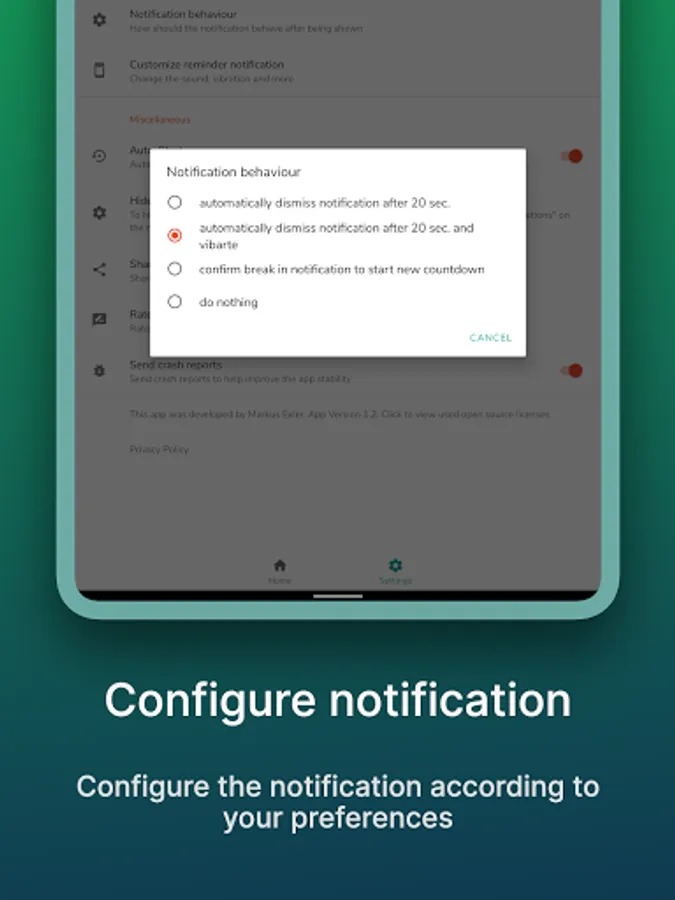
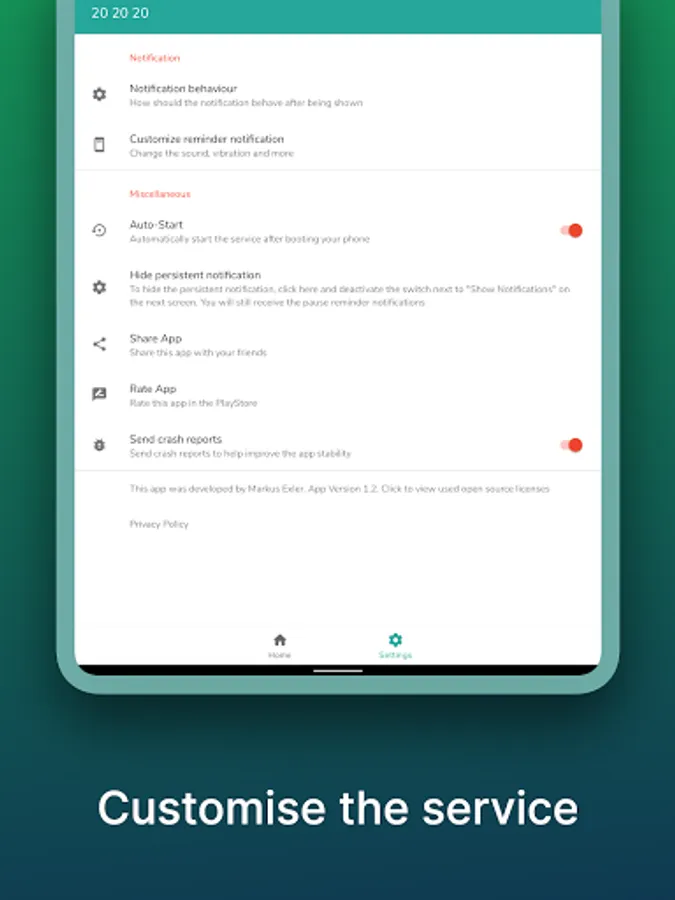
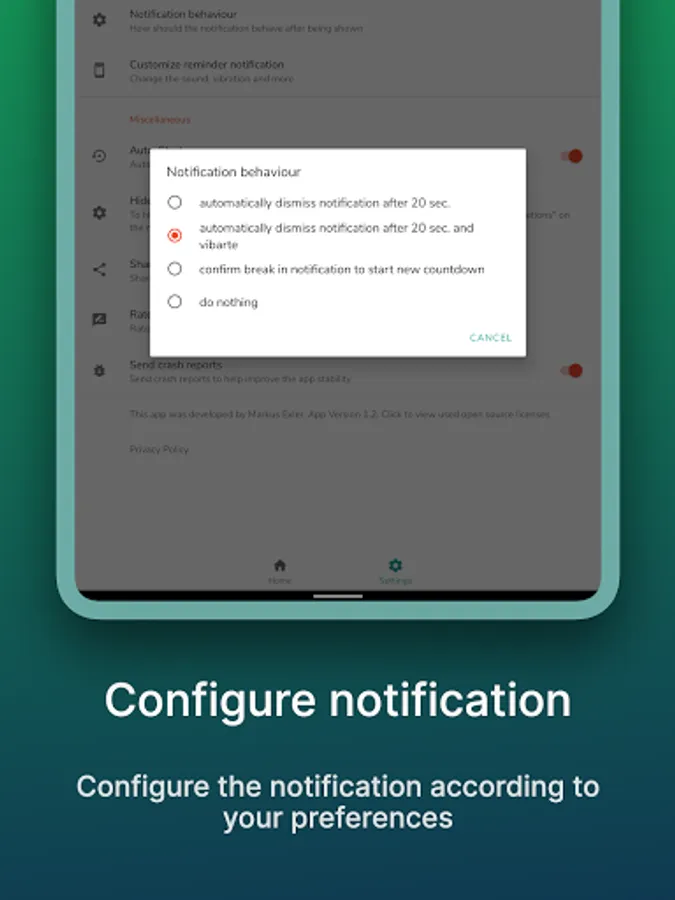
• Configure the notification behavior the way you like
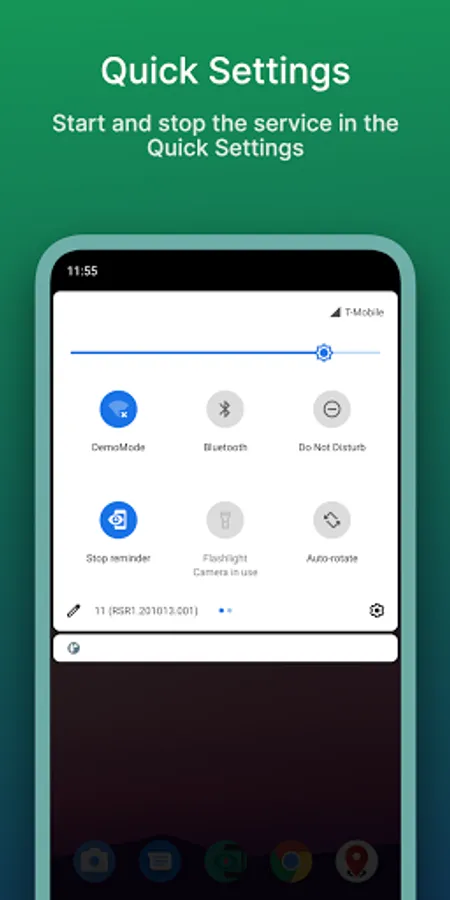
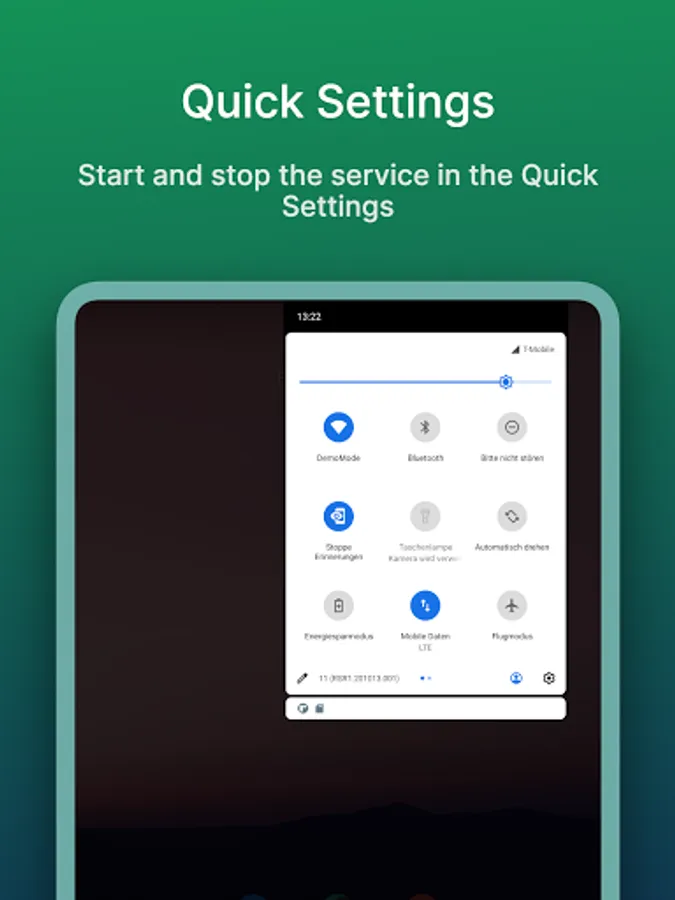
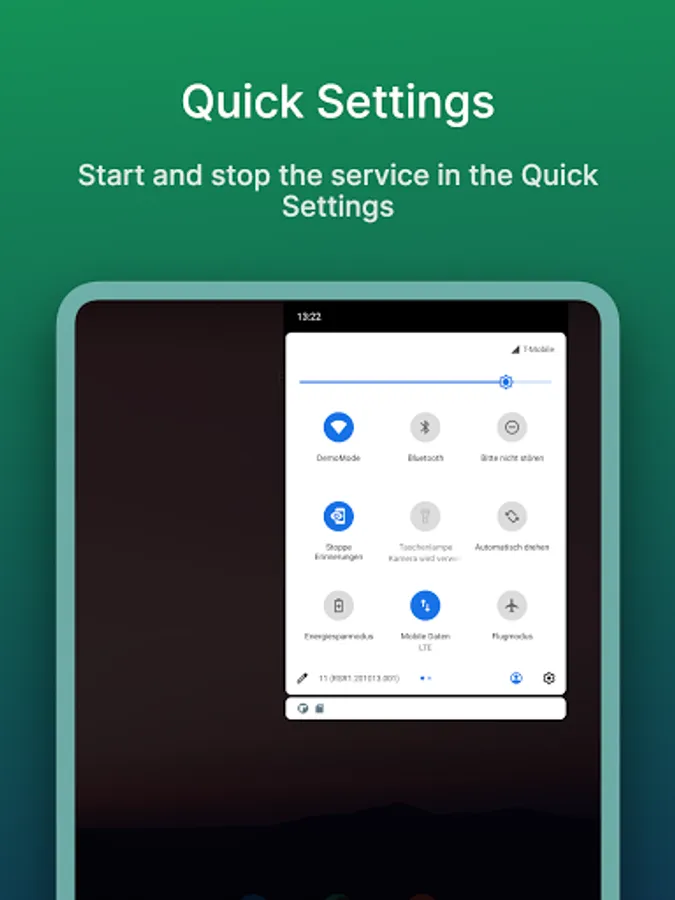
• start and stop the service manually
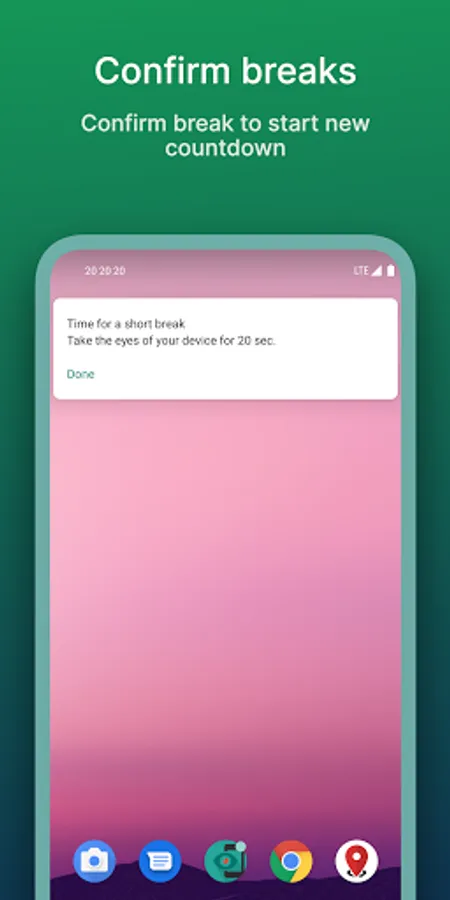
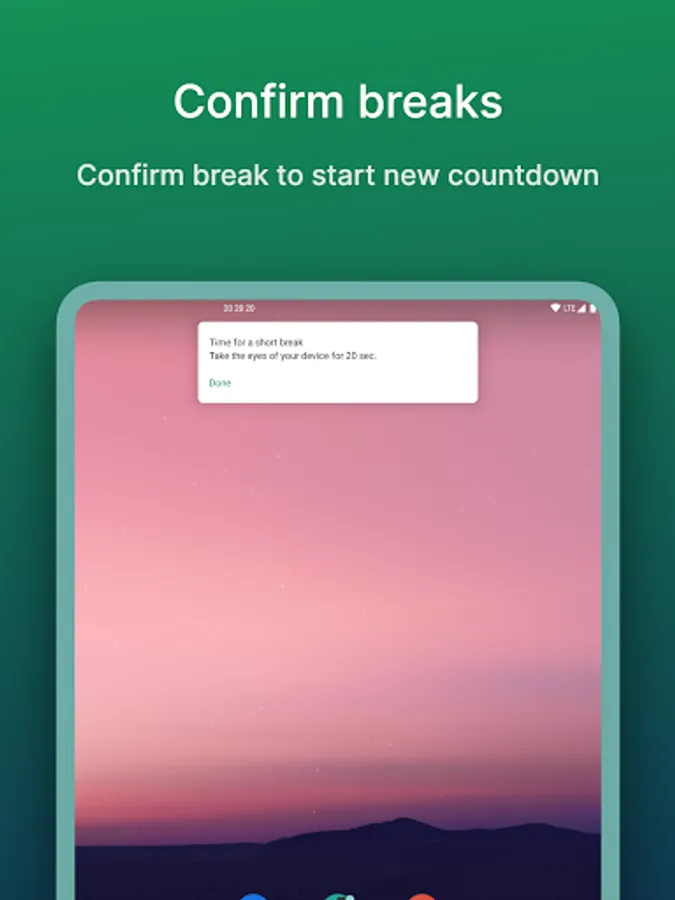
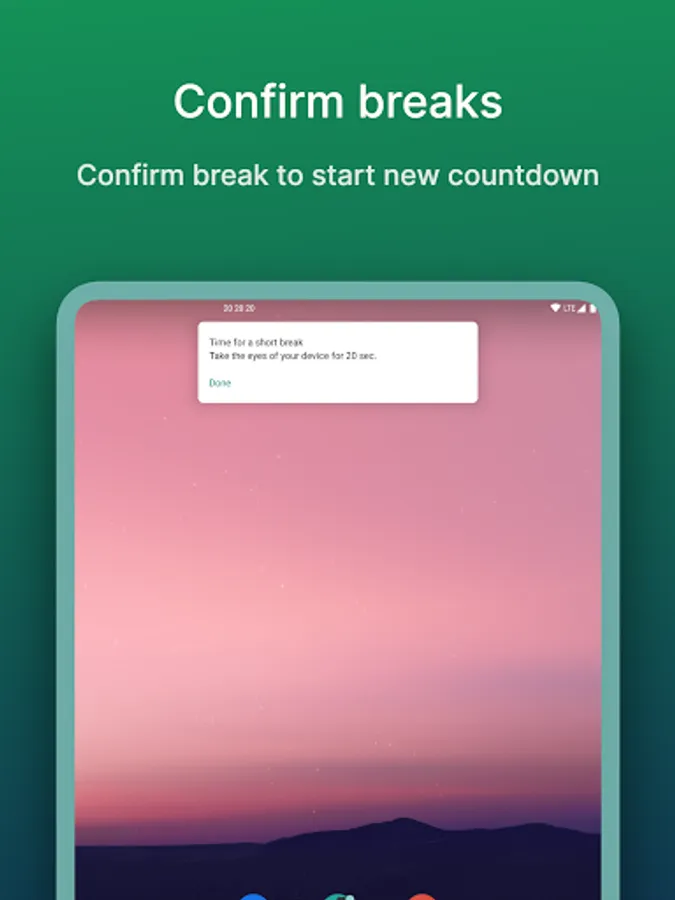
• confirm brake in notification
• take care of your eyes 😉
• AD free
Android 8+ Users please read:
On Devices running Android 8 and higher you'll receive a notification telling you the 20 20 20 App is draining the battery in the background.
This is a default notification which is shown for every app using a background service even if it isn't using much power at all. The 20 20 20 service is only counting down 20 minutes as soon as its started. This doesn't require much power or cpu capacity. To verify this claim your self, you can check the Battery statistics after a day of running the 20 20 20 app.
Give your eyes a break by applying the 20-20-20 rule.
Every 20 minutes, take a 20-second break and focus your eyes on something at least 20 feet (7m) away.
Features:
• Notifies you after 20 minutes to give your eyes a break
• Starts countdown automatically when the screen is turned on
• Configure the notification behavior the way you like
• start and stop the service manually
• confirm brake in notification
• take care of your eyes 😉
• AD free
Android 8+ Users please read:
On Devices running Android 8 and higher you'll receive a notification telling you the 20 20 20 App is draining the battery in the background.
This is a default notification which is shown for every app using a background service even if it isn't using much power at all. The 20 20 20 service is only counting down 20 minutes as soon as its started. This doesn't require much power or cpu capacity. To verify this claim your self, you can check the Battery statistics after a day of running the 20 20 20 app.
20 20 20 Eye Care Screenshots
Tap to Rate:
Reviews for 20 20 20 Eye Care
Fake Name
12/3/2025
the app turns off every time my phone goes to sleep
Aman
11/23/2025
best