
OpenText Service Management
OpenText Corp.
Free
rated 4.4 stars
50,000+
downloads
About OpenText Service Management
The OpenText Service Management mobile app is the mobile version of Service Management.
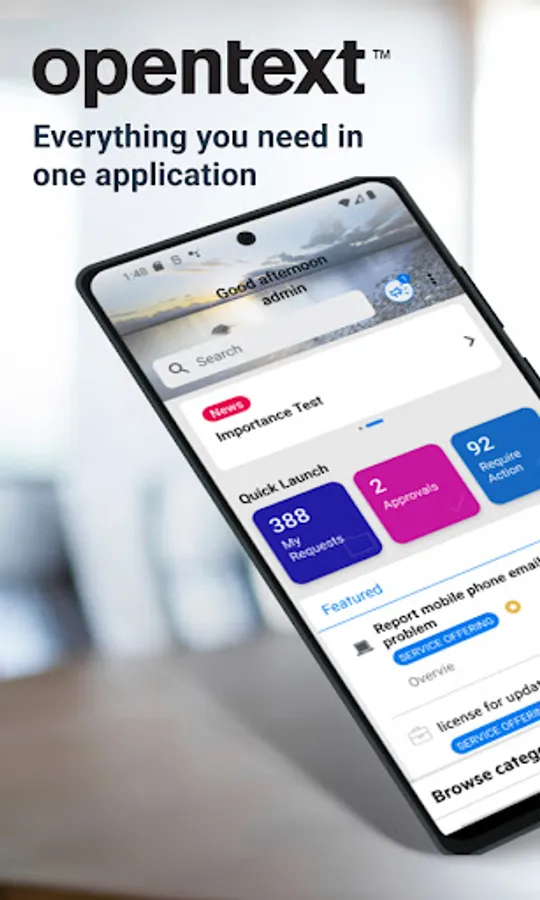
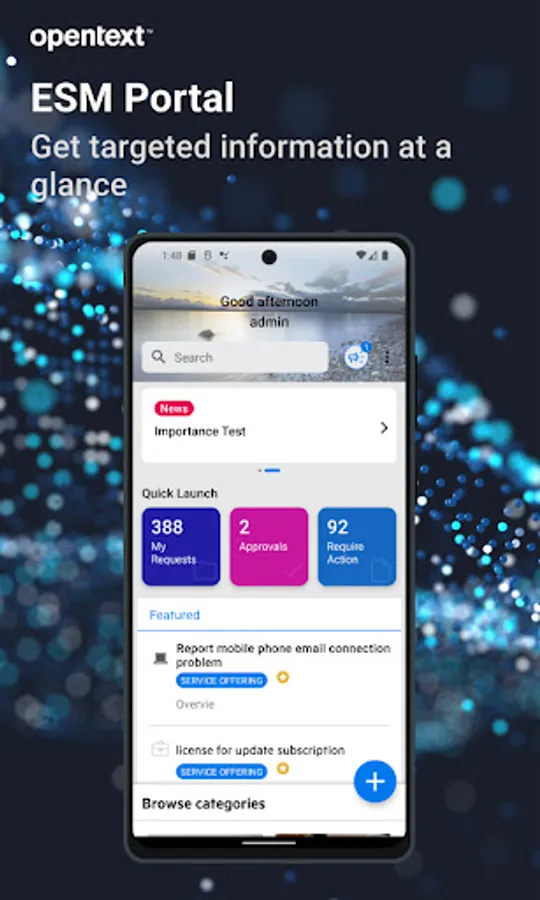
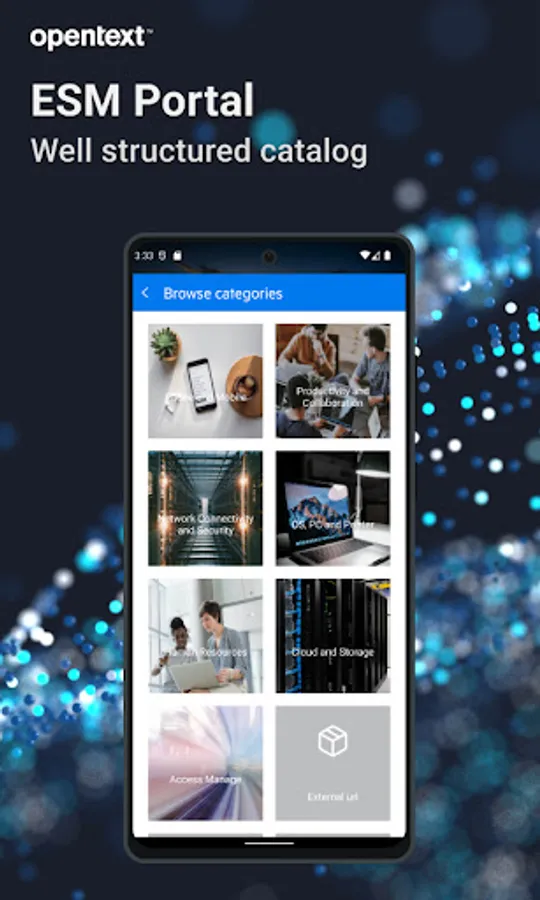
Via Service Portal mode, end-users can:
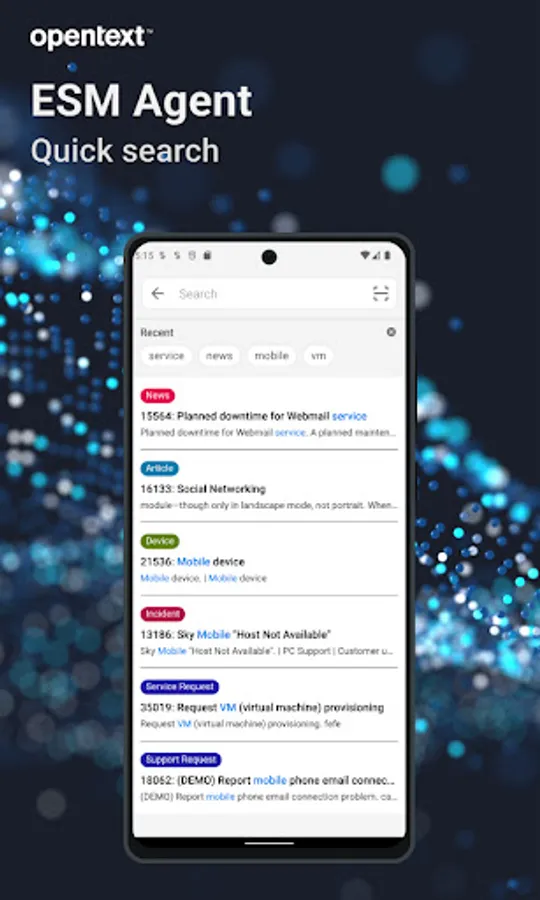
Search service or support offerings, knowledge articles and news
Browse the service or support offerings
Create new service or support requests
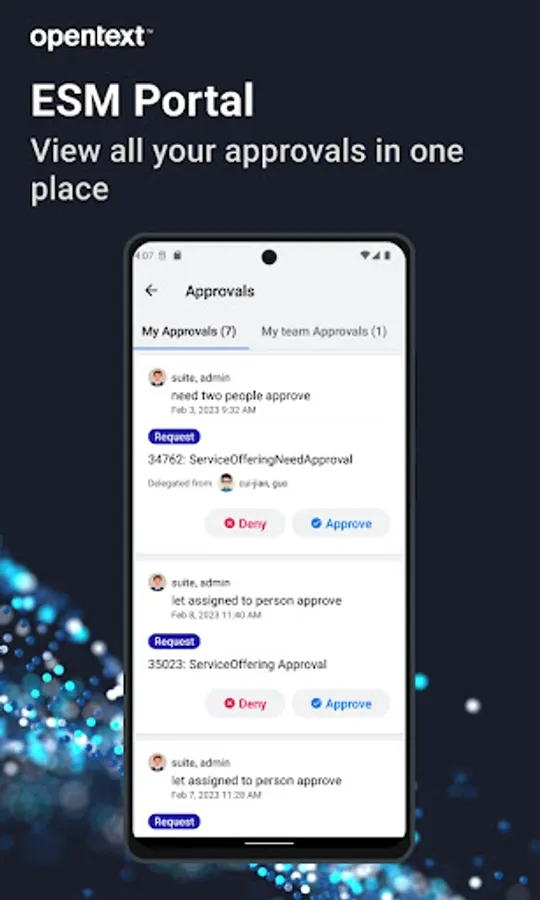
Approve or deny the request approvals or change approvals
Accept or reject resolved requests
Smart ticketing and Virtual Agent support
Switch between different tenants
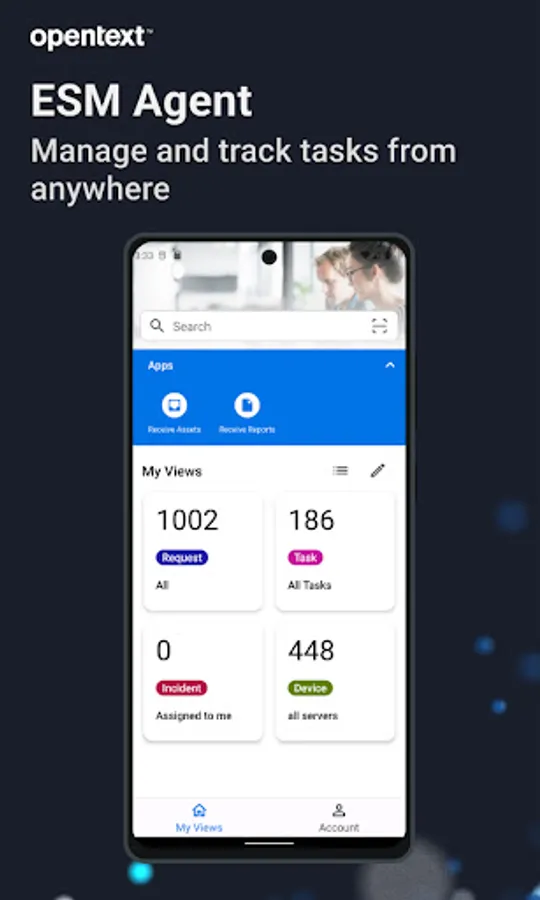
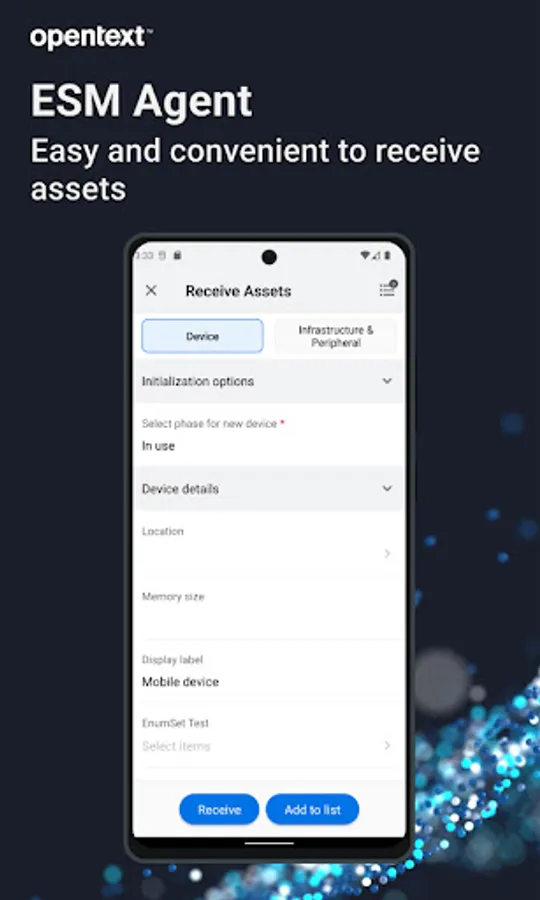
Via agent mode, agent users can:
Search for specific requests/incidents, CIs, people, and knowledge articles or news
View the requests/tasks/incidents in my views
Filter request/task/incident list. For example, filter the requests in a specific priority
Update the detailed information of a request/task/incident
Post comments to a request/task/incident
Add solution or suggested solution to a request/incident
View the detailed information of Person records and contact the person by tapping the phone number, the email address or the location
For full details of our new release please go to OpenText online documentation :
https://docs.microfocus.com/doc/Mobile/SMAX/ReleaseNotes
https://docs.microfocus.com/doc/Mobile/SMA-SM/ReleaseNotes
https://docs.microfocus.com/doc/Mobile/SaaS/ReleaseNotes
IMPORTANT: This software requires connectivity to the OpenText Service Management. You may activate the mobile app by scanning a QR code from your company’s Service Management web site. You may also contact your IT administrator for an activation URL.
Via Service Portal mode, end-users can:
Search service or support offerings, knowledge articles and news
Browse the service or support offerings
Create new service or support requests
Approve or deny the request approvals or change approvals
Accept or reject resolved requests
Smart ticketing and Virtual Agent support
Switch between different tenants
Via agent mode, agent users can:
Search for specific requests/incidents, CIs, people, and knowledge articles or news
View the requests/tasks/incidents in my views
Filter request/task/incident list. For example, filter the requests in a specific priority
Update the detailed information of a request/task/incident
Post comments to a request/task/incident
Add solution or suggested solution to a request/incident
View the detailed information of Person records and contact the person by tapping the phone number, the email address or the location
For full details of our new release please go to OpenText online documentation :
https://docs.microfocus.com/doc/Mobile/SMAX/ReleaseNotes
https://docs.microfocus.com/doc/Mobile/SMA-SM/ReleaseNotes
https://docs.microfocus.com/doc/Mobile/SaaS/ReleaseNotes
IMPORTANT: This software requires connectivity to the OpenText Service Management. You may activate the mobile app by scanning a QR code from your company’s Service Management web site. You may also contact your IT administrator for an activation URL.
OpenText Service Management Screenshots

Reviews for OpenText Service Management
isango isango
9/17/2025
good accessible
Sunny Sharma
7/18/2025
Failed to connect to the server
Santosh Kumar
6/22/2025
good
sushant singh
10/7/2024
Very bad experience, even not scaned in qr
Radhika Sisodiya
7/24/2024
Error is showing
Tap to Rate: