Microsoft Lens - PDF Scanner
Microsoft Corporation
4.8 ★
967K ratings
50,000,000+
downloads
Free
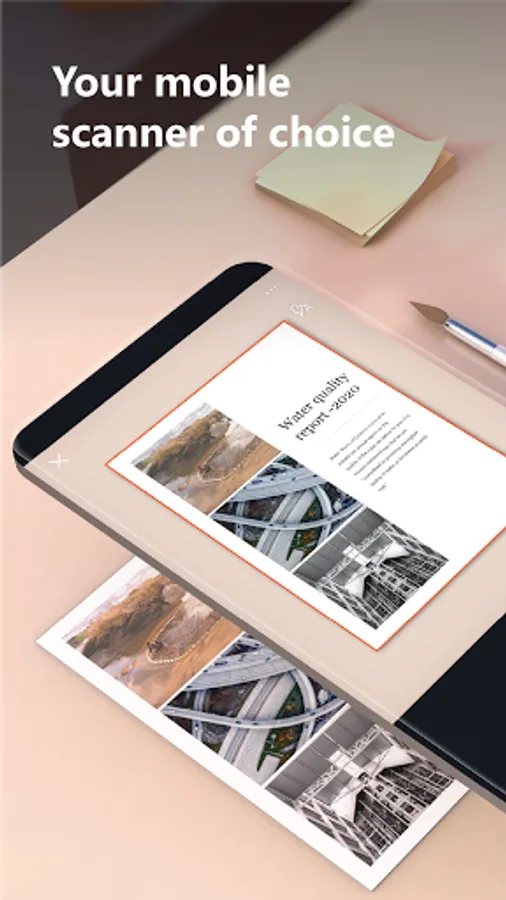
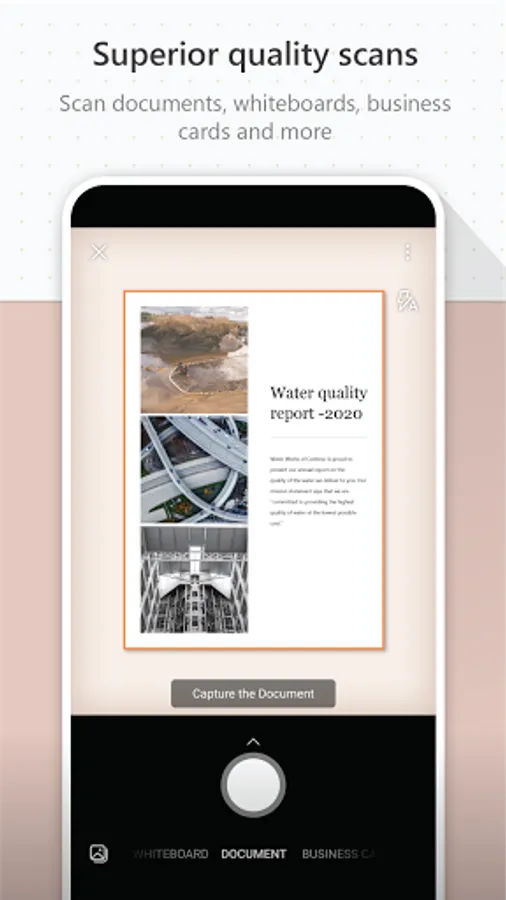
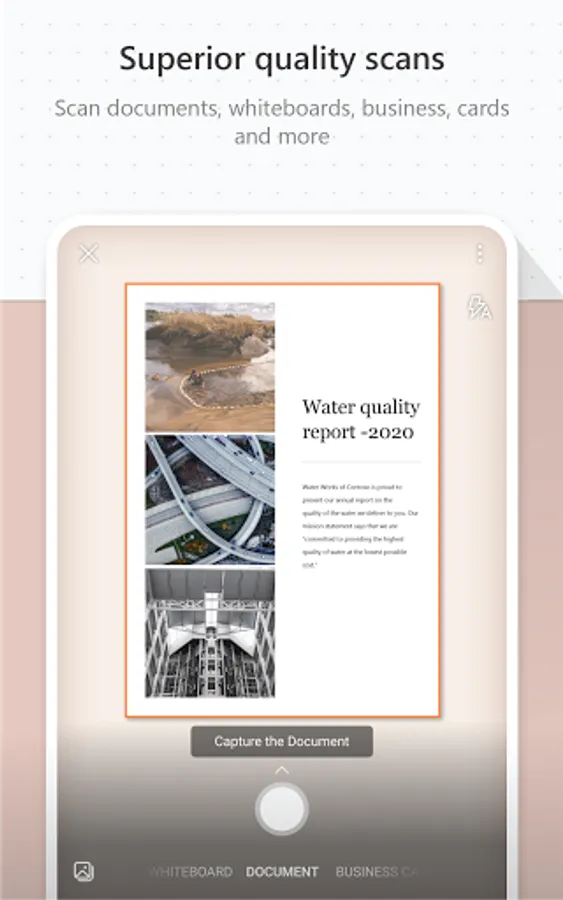
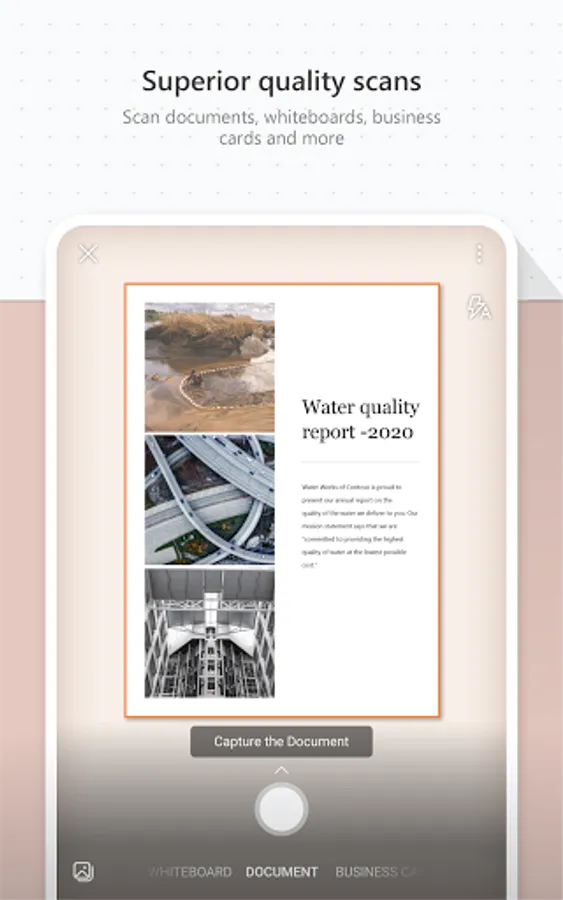
In this PDF scanner app, you can capture images of documents, whiteboards, and notes, then convert them into editable files or PDFs. Includes options for saving to OneDrive, OneNote, or locally, with features for enhancing image quality and OCR text recognition.
AppRecs review analysis
AppRecs rating 4.4. Trustworthiness 41 out of 100. Review manipulation risk 43 out of 100. Based on a review sample analyzed.
★★★★☆
4.4
AppRecs Rating
Ratings breakdown
5 star
90%
4 star
5%
3 star
1%
2 star
1%
1 star
3%
What to know
⚠
Questionable review patterns
43% review manipulation risk - some review patterns appear unusual
⚠
Rating authenticity concerns
High rating concentration (90% 5-star) in sampled ratings
⚠
Review quality concerns
63% of sampled 5-star reviews are very short
About Microsoft Lens - PDF Scanner
Microsoft Lens (formerly Microsoft Office Lens) trims, enhances, and makes pictures of whiteboards and documents readable.
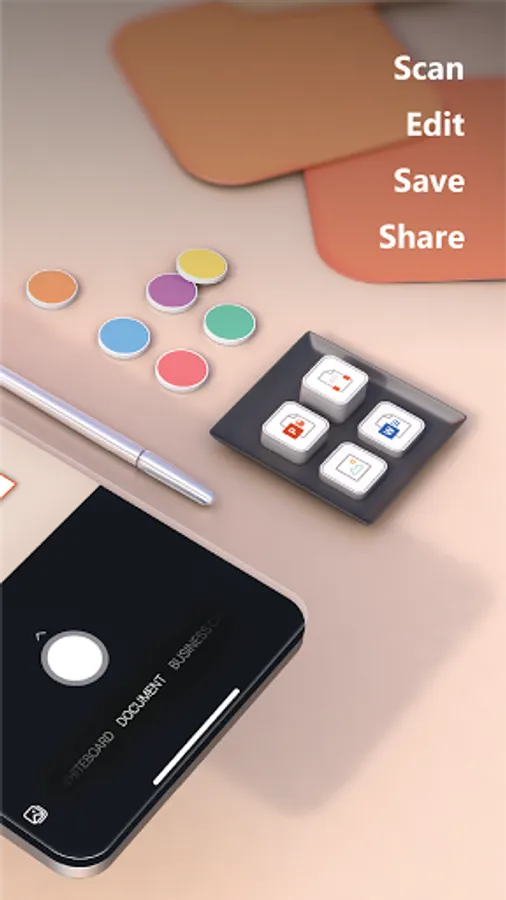
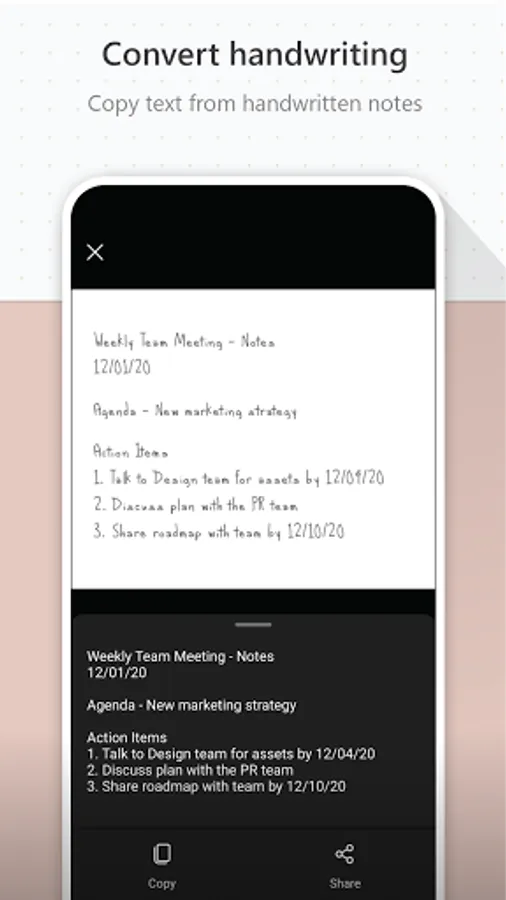
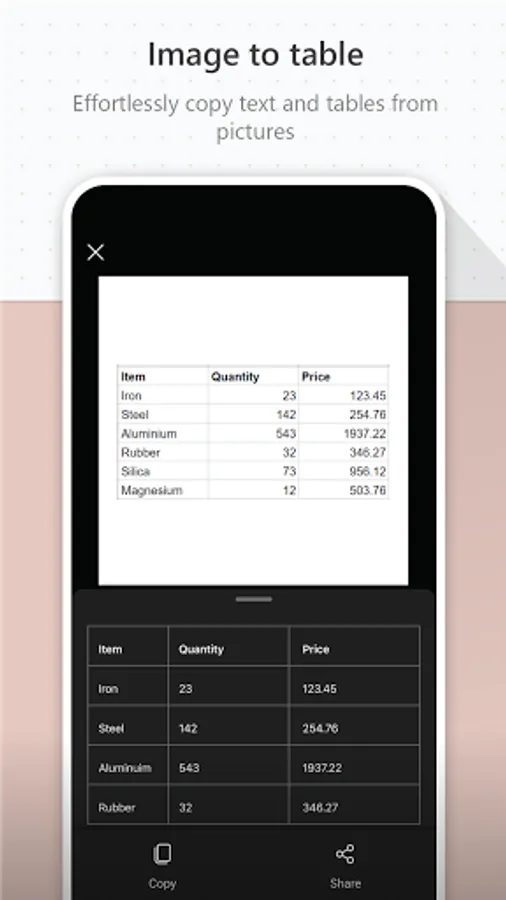
You can use Microsoft Lens to convert images to PDF, Word, PowerPoint, and Excel files, digitize printed or handwritten text, and save to OneNote, OneDrive, or your local device. You can even import images that are already on your device using Gallery.
PRODUCTIVITY AT WORK
• Scan and upload all your notes, receipts, and documents
• Capture whiteboard at end of the meeting to keep those action items on track
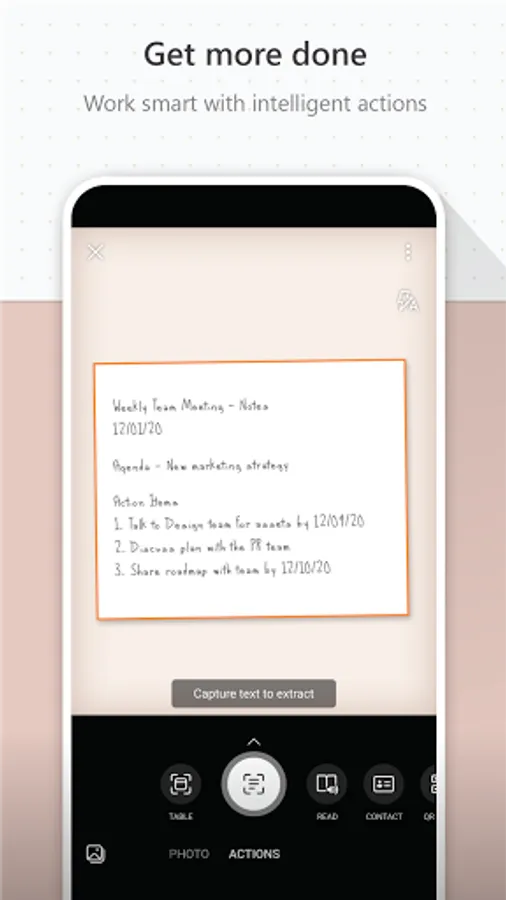
• Scan printed text or handwritten meeting notes to edit and share later
• Keep your business networking contacts handy by scanning business cards and saving them to your contact list
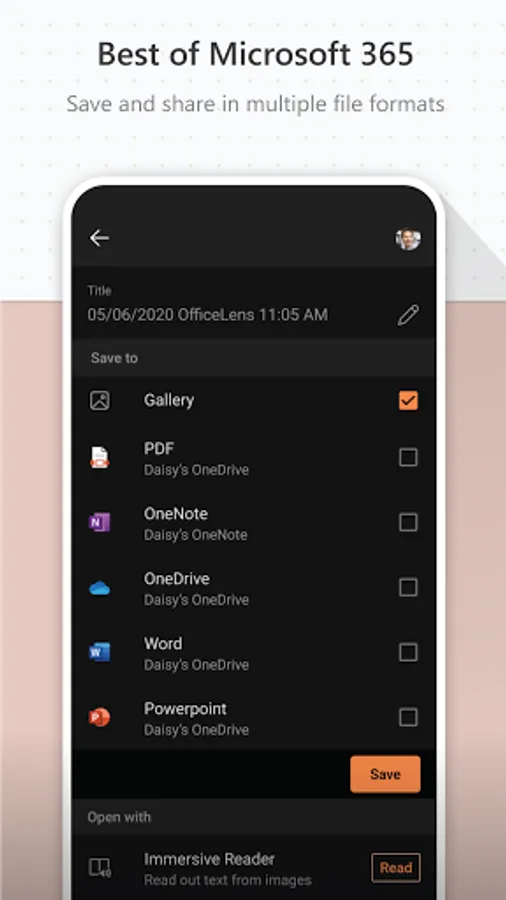
• Choose to save as PDF, Image, Word or PowerPoint formats into OneNote, OneDrive, or local device as location
PRODUCTIVITY AT SCHOOL
• Scan classroom handouts and annotate them in Word and OneNote
• Scan handwritten notes to digitize and edit later (works with English only)
• Take a picture of the whiteboard or blackboard to reference later, even if you're offline
• Keep class notes and your own research organized with the seamless integration with OneNote
By installing the app, you agree to these terms and conditions: http://aka.ms/olensandterms.
You can use Microsoft Lens to convert images to PDF, Word, PowerPoint, and Excel files, digitize printed or handwritten text, and save to OneNote, OneDrive, or your local device. You can even import images that are already on your device using Gallery.
PRODUCTIVITY AT WORK
• Scan and upload all your notes, receipts, and documents
• Capture whiteboard at end of the meeting to keep those action items on track
• Scan printed text or handwritten meeting notes to edit and share later
• Keep your business networking contacts handy by scanning business cards and saving them to your contact list
• Choose to save as PDF, Image, Word or PowerPoint formats into OneNote, OneDrive, or local device as location
PRODUCTIVITY AT SCHOOL
• Scan classroom handouts and annotate them in Word and OneNote
• Scan handwritten notes to digitize and edit later (works with English only)
• Take a picture of the whiteboard or blackboard to reference later, even if you're offline
• Keep class notes and your own research organized with the seamless integration with OneNote
By installing the app, you agree to these terms and conditions: http://aka.ms/olensandterms.
Microsoft Lens - PDF Scanner Screenshots
Tap to Rate:
Reviews for Microsoft Lens - PDF Scanner
nagesh kiwalekar
12/30/2025
ok
Amir Ahmed
12/30/2025
amazing app