AR Video Trace
MIDLANDSTORY Inc.
Free
1+
downloads
About AR Video Trace
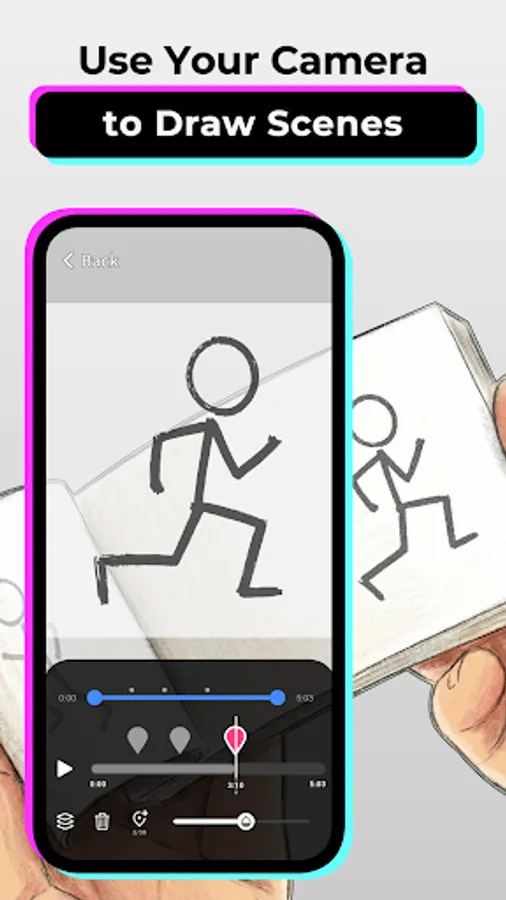
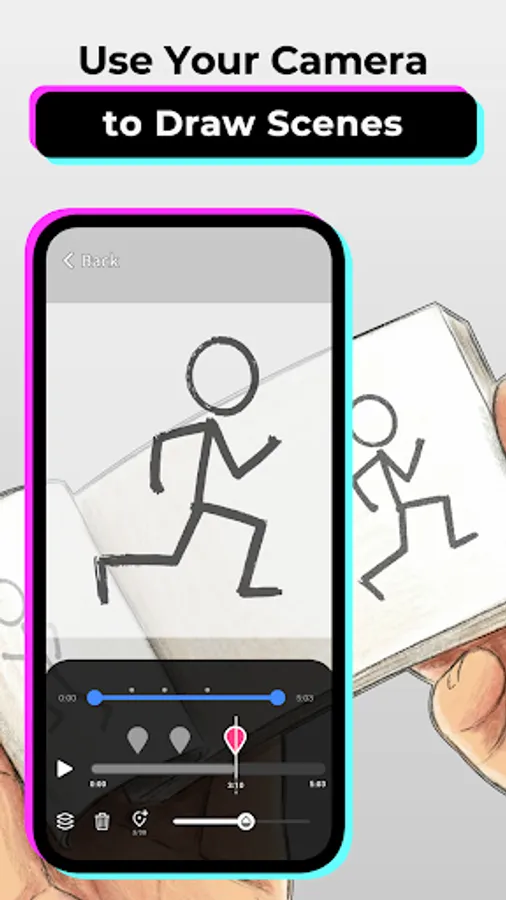
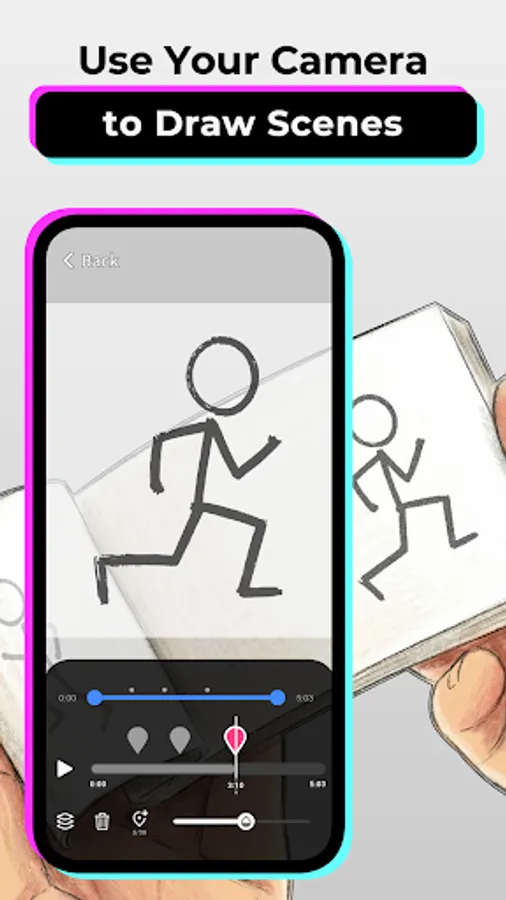
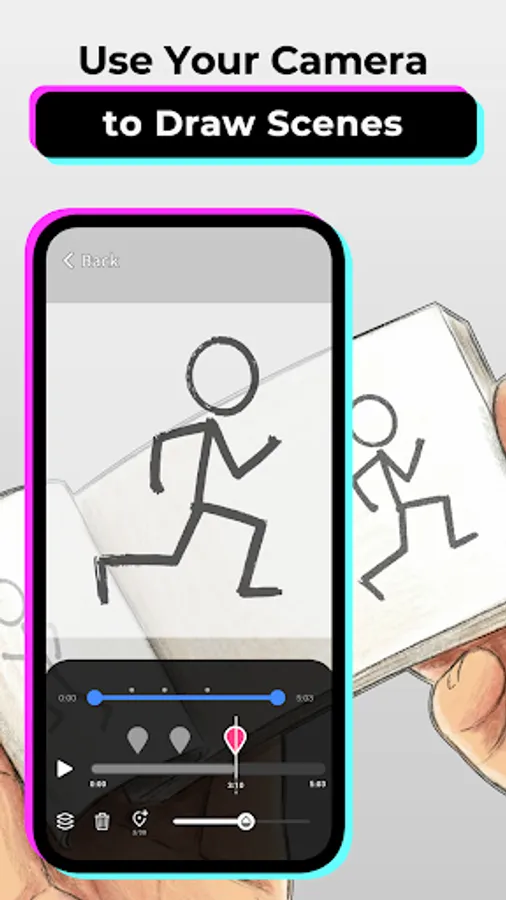
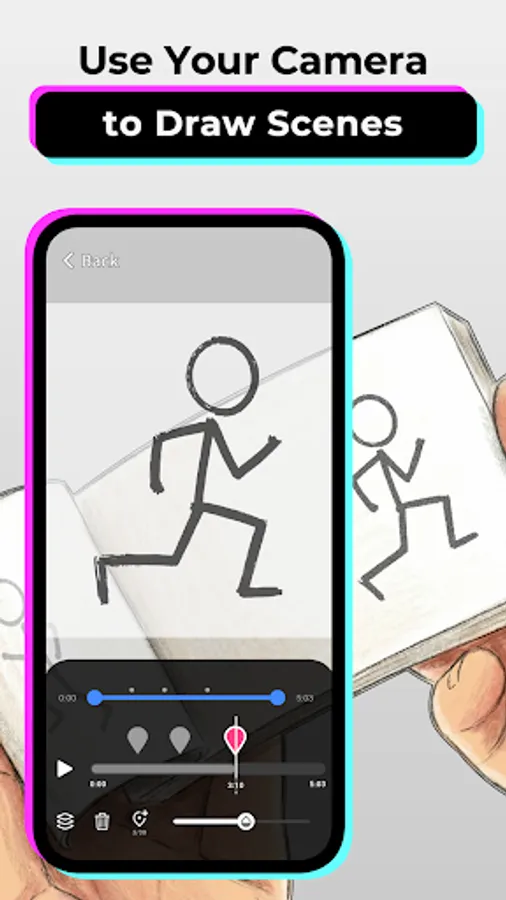
Bring your videos to life on paper! AR Video Trace helps you create flipbooks and hand-drawn animations by tracing video frames directly onto your sketchbook.
Whether you are an aspiring animator, an artist wanting to study motion, or just looking for a fun creative hobby, this app makes drawing frames easy and intuitive.
[ Key Features ]
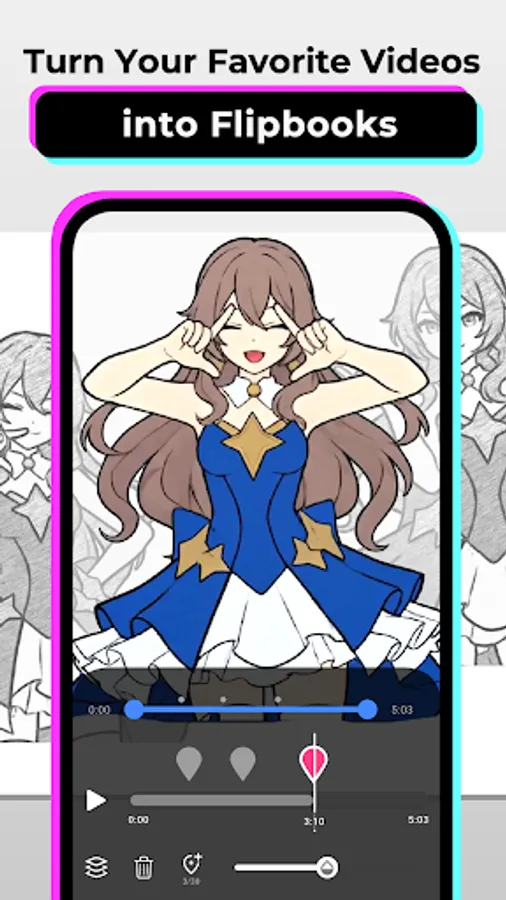
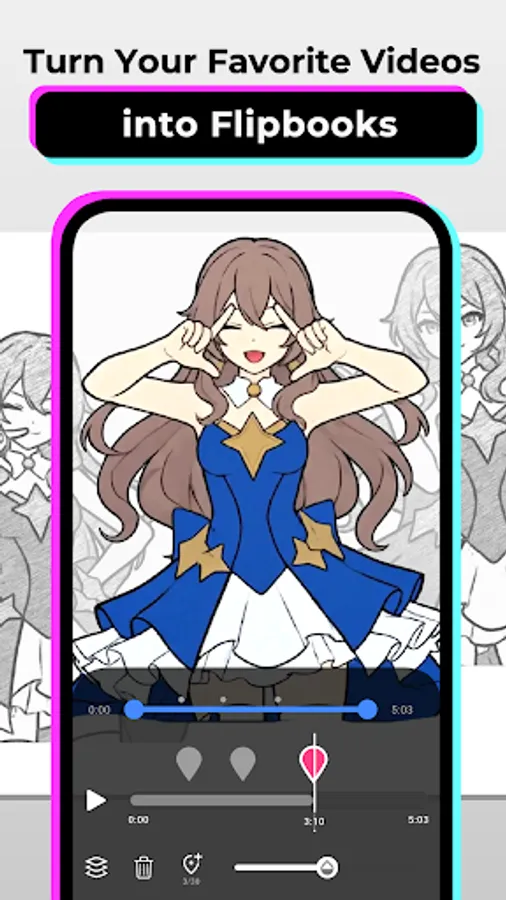
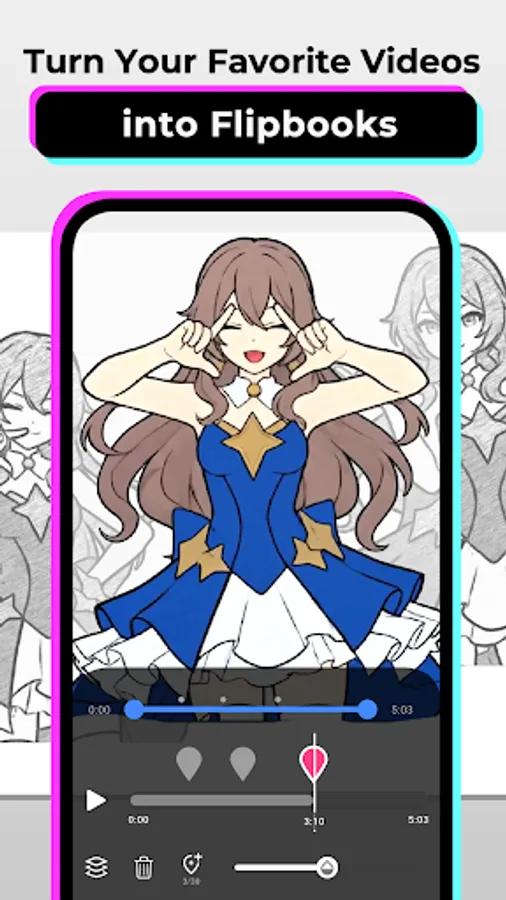
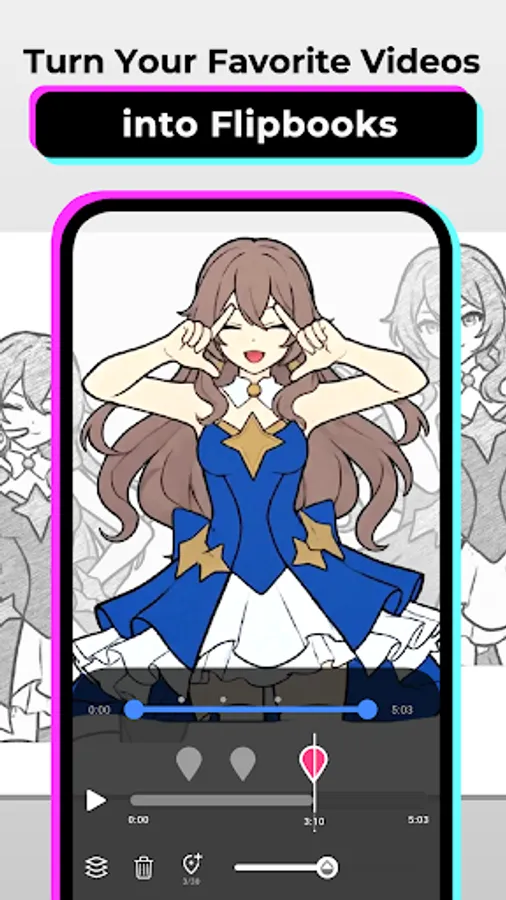
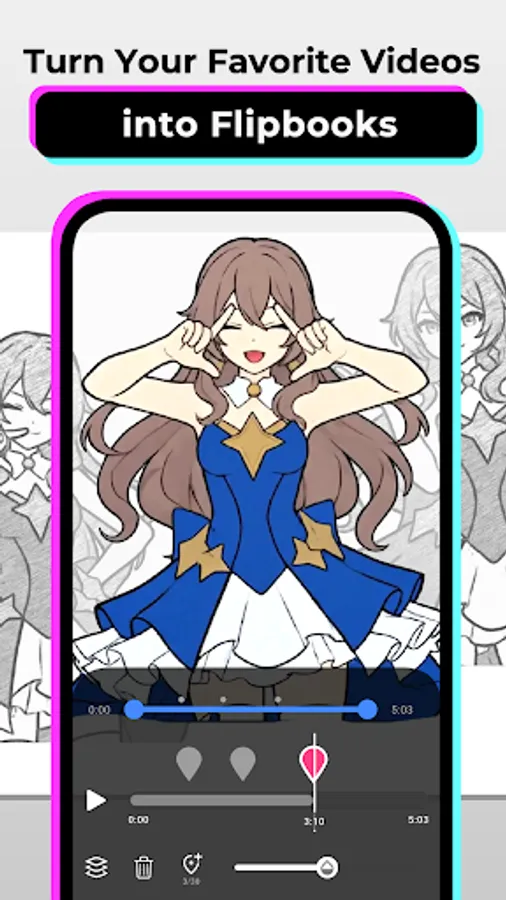
■ Create Flipbooks from Video Unlike standard tracing apps that only work with static images, AR Video Trace specializes in video. Pause specific moments in a video and trace them one by one to create smooth, hand-drawn animations.
■ Master the Art of Movement Understanding how things move is the hardest part of drawing. By tracing real video footage, you will naturally learn how to draw dynamic poses, capture weight, and understand the flow of motion. It’s the perfect practice tool for improving your drawing skills.
■ Smart Anchor System Our unique "Anchor" feature allows you to lock the video at specific frames (seek bar positions).
Add Anchor: Lock the frame you want to draw.
Overlay Mode: Use the "Anchor Multi-Selection Mode" to see previous frames ghostly overlaid on the current one—essential for keeping your animation consistent (Onion Skinning).
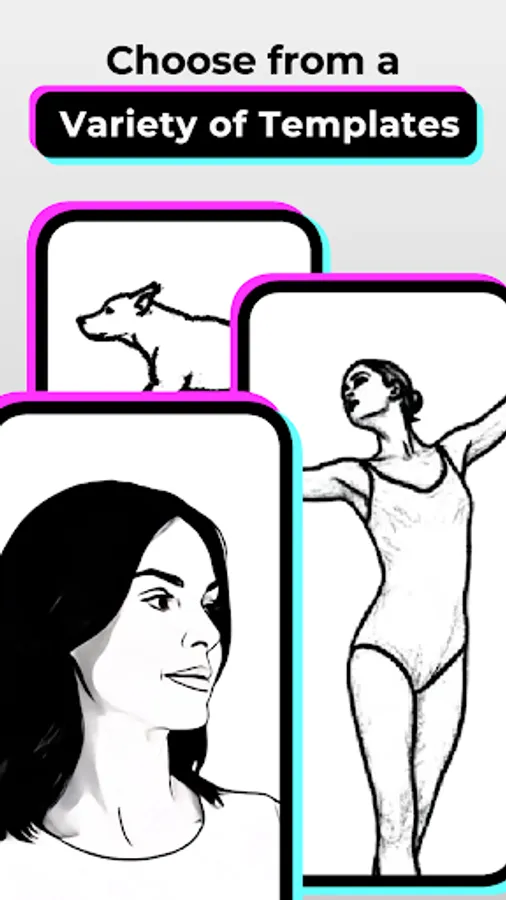
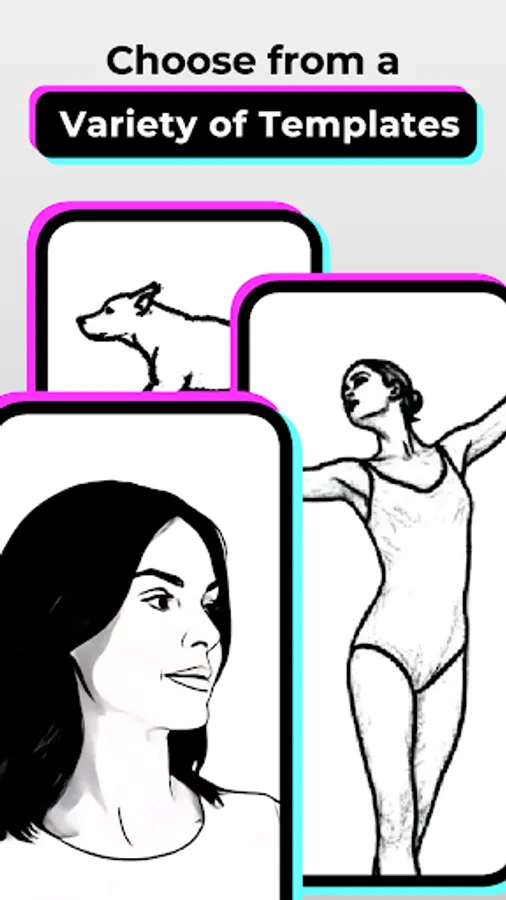
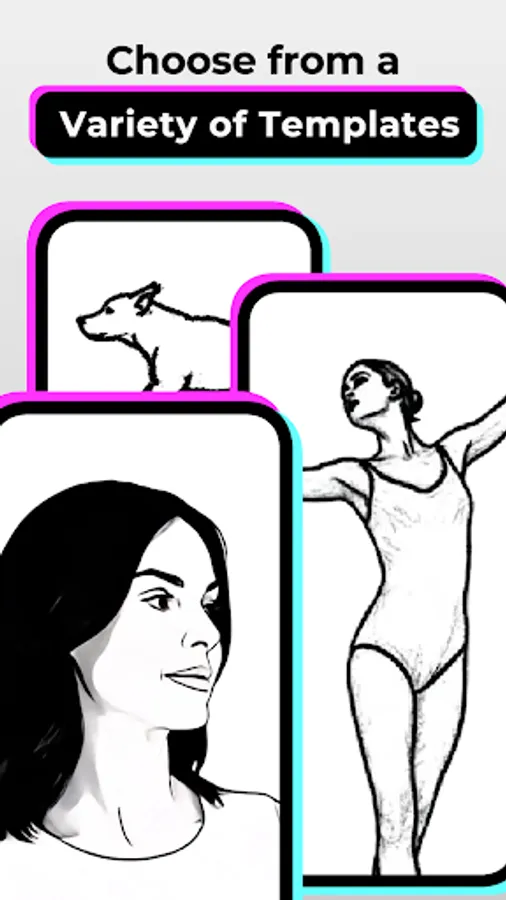
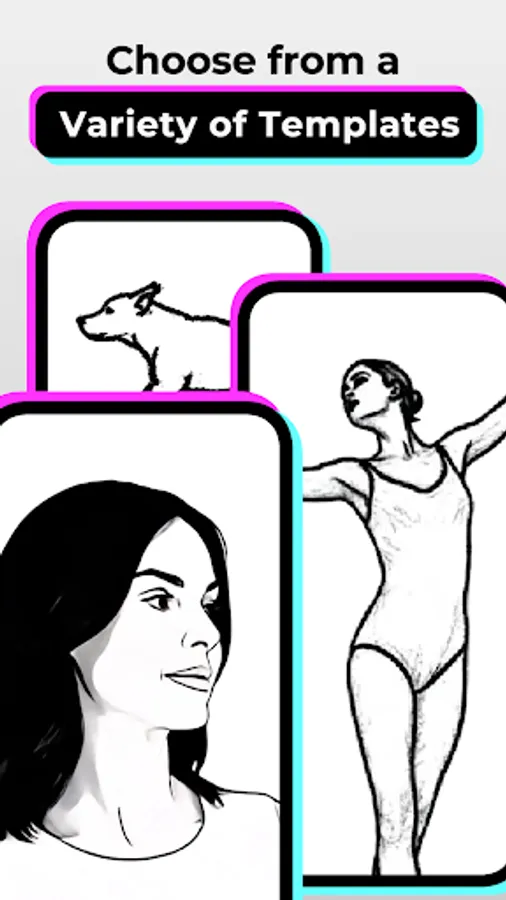
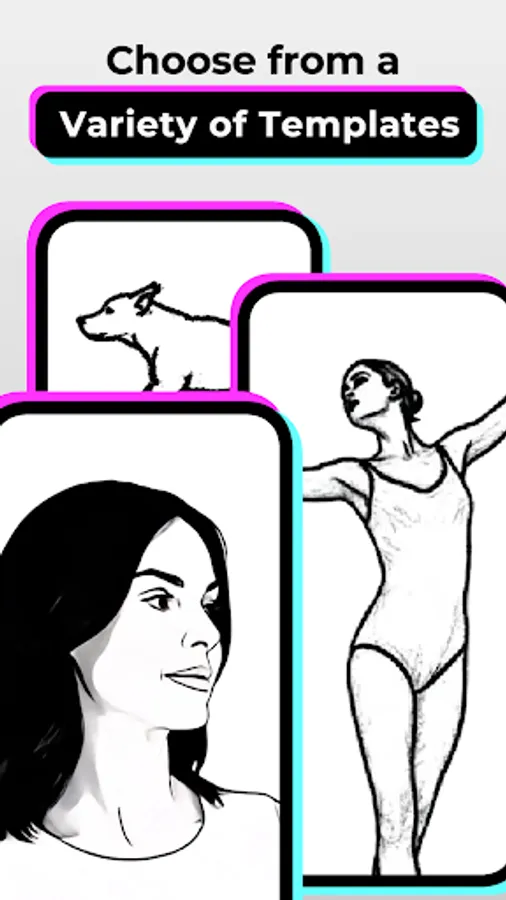
■ Start Creating Immediately No video? No problem. The app comes with pre-installed motion clips specifically selected for practice. You can start tracing and animating right away without needing to record your own footage first.
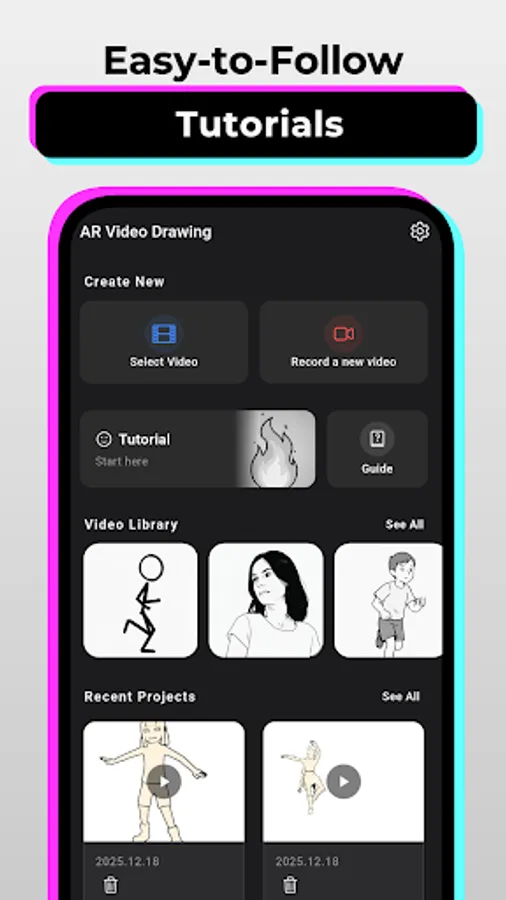
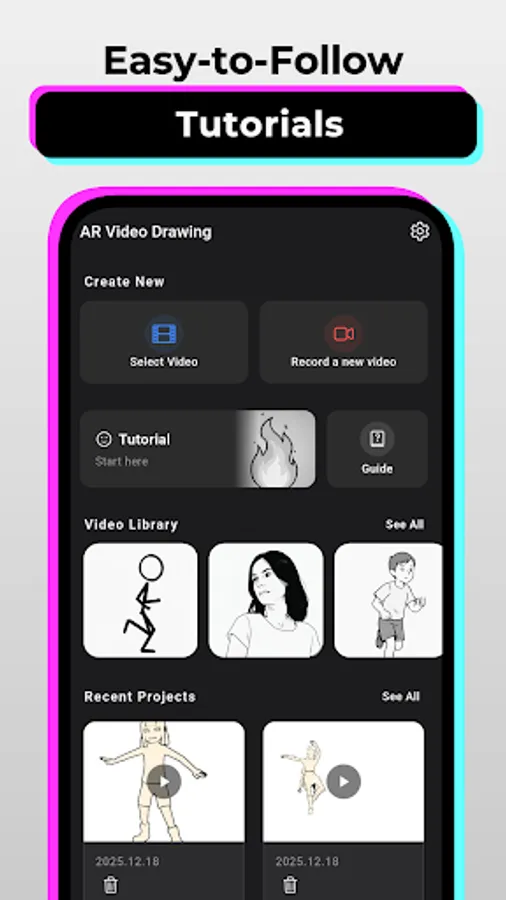
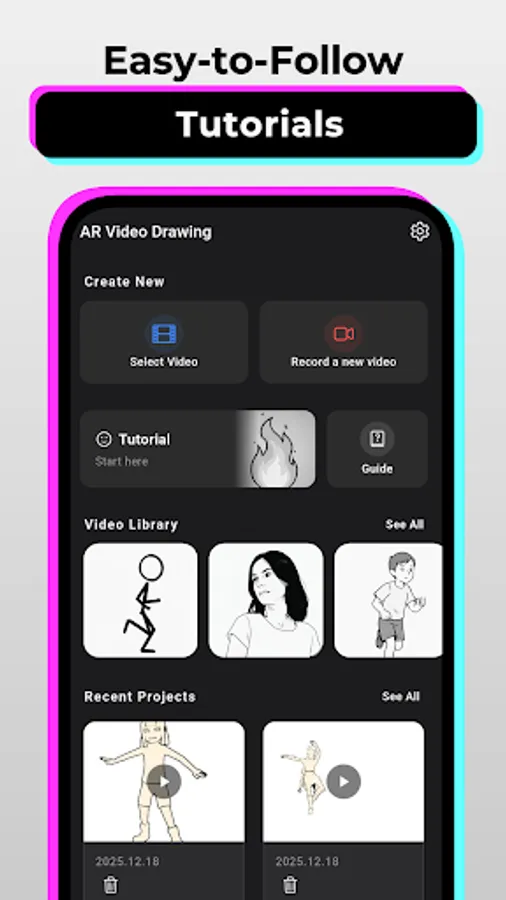
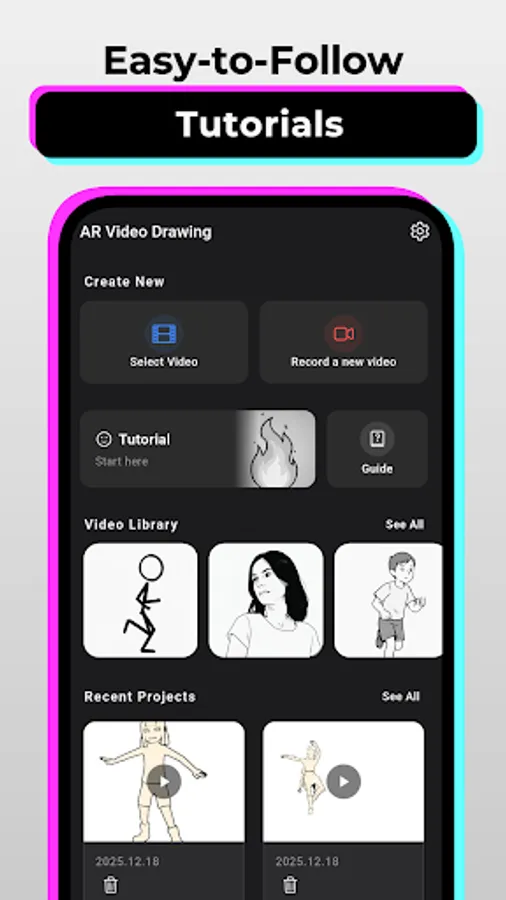
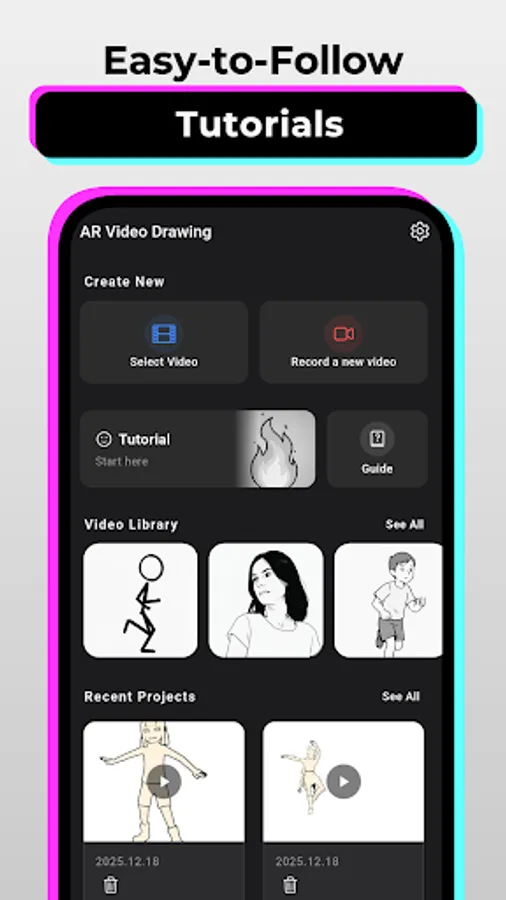
■ Step-by-Step Guide Beginners are welcome! A built-in tutorial guides you through the process:
Prepare your paper and pen (binder clips recommended!).
Learn how to place anchors.
Trace, flip, and animate!
[ Tools for Precision ]
Zoom & Scale: Pinch to scale the video image to fit your paper size.
Range Control: Focus on a specific loop of the video with the range bar.
Move & Adjust: Easily reposition anchors to align your drawing perfectly.
Download AR Video Trace today and start turning digital moments into hand-drawn magic!
Whether you are an aspiring animator, an artist wanting to study motion, or just looking for a fun creative hobby, this app makes drawing frames easy and intuitive.
[ Key Features ]
■ Create Flipbooks from Video Unlike standard tracing apps that only work with static images, AR Video Trace specializes in video. Pause specific moments in a video and trace them one by one to create smooth, hand-drawn animations.
■ Master the Art of Movement Understanding how things move is the hardest part of drawing. By tracing real video footage, you will naturally learn how to draw dynamic poses, capture weight, and understand the flow of motion. It’s the perfect practice tool for improving your drawing skills.
■ Smart Anchor System Our unique "Anchor" feature allows you to lock the video at specific frames (seek bar positions).
Add Anchor: Lock the frame you want to draw.
Overlay Mode: Use the "Anchor Multi-Selection Mode" to see previous frames ghostly overlaid on the current one—essential for keeping your animation consistent (Onion Skinning).
■ Start Creating Immediately No video? No problem. The app comes with pre-installed motion clips specifically selected for practice. You can start tracing and animating right away without needing to record your own footage first.
■ Step-by-Step Guide Beginners are welcome! A built-in tutorial guides you through the process:
Prepare your paper and pen (binder clips recommended!).
Learn how to place anchors.
Trace, flip, and animate!
[ Tools for Precision ]
Zoom & Scale: Pinch to scale the video image to fit your paper size.
Range Control: Focus on a specific loop of the video with the range bar.
Move & Adjust: Easily reposition anchors to align your drawing perfectly.
Download AR Video Trace today and start turning digital moments into hand-drawn magic!
AR Video Trace Screenshots
Tap to Rate: