With this photo resize app, you can quickly reduce the size of your images before sharing or emailing. Includes size presets, custom dimensions, and integration with the share menu.
AppRecs review analysis
AppRecs rating 3.4. Trustworthiness 0 out of 100. Review manipulation risk 0 out of 100. Based on a review sample analyzed.
★★★☆☆
3.4
AppRecs Rating
Ratings breakdown
5 star
44%
4 star
11%
3 star
10%
2 star
10%
1 star
25%
What to know
✓
Authentic reviews
Natural distribution, no red flags
⚠
High negative review ratio
35% of sampled ratings are 1–2 stars
About Photo Resize
(please read if you are confused because you see no "open" button or icon to start this app):
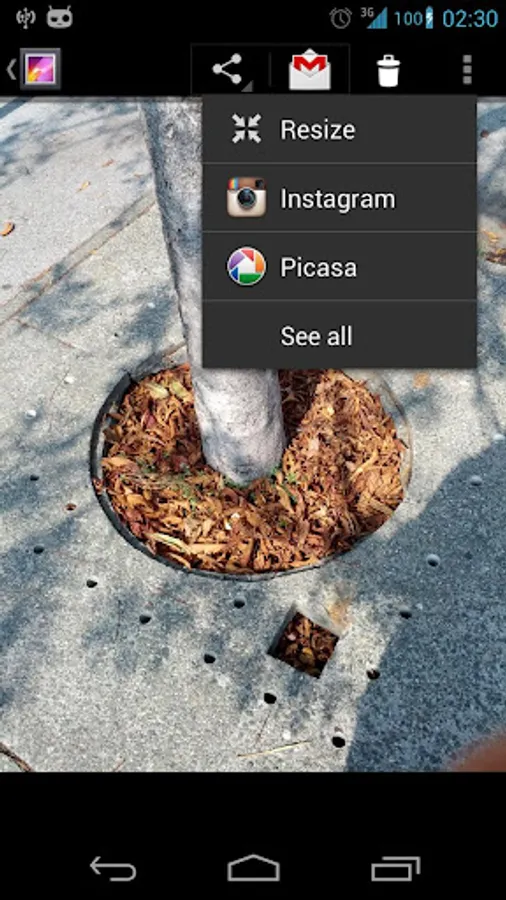
Ever been annoyed by the fact that when you want to email your friends a photo you recently took there's no quick way to reduce it's size because you don't want to sent the whole 5-8-12 megapixels of 2-3-5 megabytes to them just to let them check out the awesome pizza you had for dinner? Well with this app you get a nice "Resize" entry in your "Share with" menu.
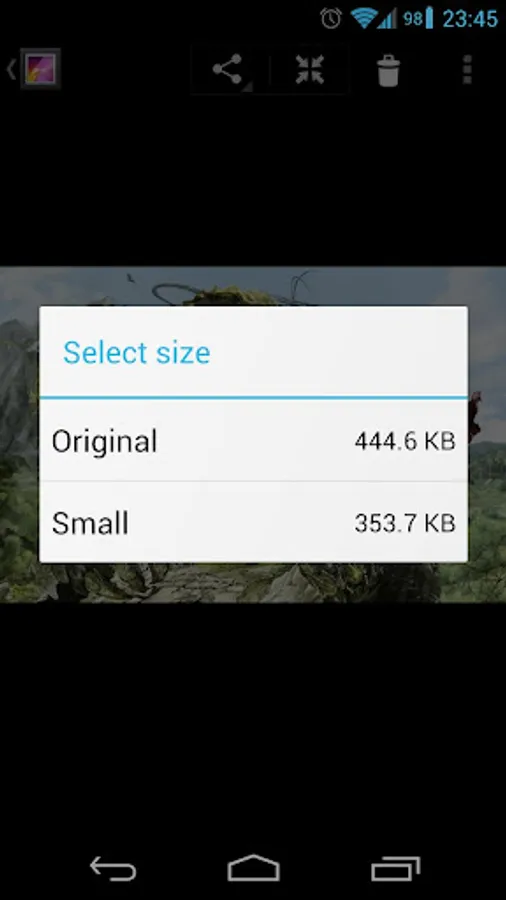
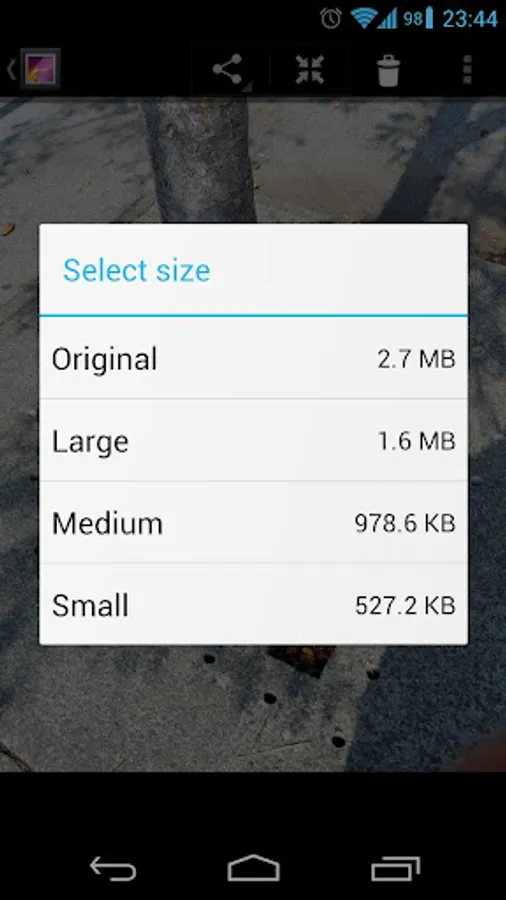
Open your photo gallery and instead of choosing "Share with" and then selecting eg. Gmail, you can now choose "Share with" and then Resize, after selecting your size you again get a chance to choose the app you wish to share your photo with, but this time the photo will be shrunk to the selected size. Nice and simple and the way it should have been built into Android from the start!
Ever been annoyed by the fact that when you want to email your friends a photo you recently took there's no quick way to reduce it's size because you don't want to sent the whole 5-8-12 megapixels of 2-3-5 megabytes to them just to let them check out the awesome pizza you had for dinner? Well with this app you get a nice "Resize" entry in your "Share with" menu.
Open your photo gallery and instead of choosing "Share with" and then selecting eg. Gmail, you can now choose "Share with" and then Resize, after selecting your size you again get a chance to choose the app you wish to share your photo with, but this time the photo will be shrunk to the selected size. Nice and simple and the way it should have been built into Android from the start!