
Greatest Common Factor!
mikeyaworski
3.8 ★
181 ratings
10,000+
downloads
Free
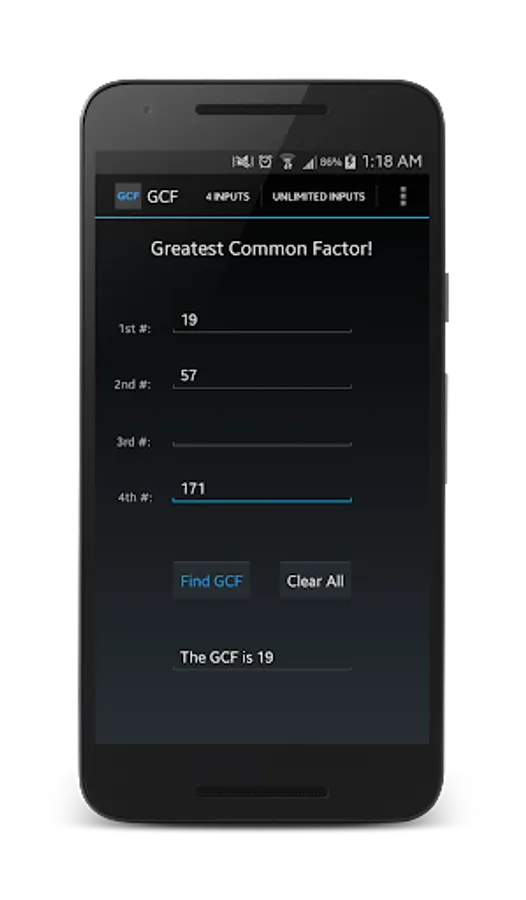
With this educational app, you can input multiple numbers to calculate their greatest common factor and switch between input modes. Includes options for restoring previous data, copying, and pasting inputs.
AppRecs review analysis
AppRecs rating 3.9. Trustworthiness 46 out of 100. Review manipulation risk 44 out of 100. Based on a review sample analyzed.
★★★☆☆
3.9
AppRecs Rating
Ratings breakdown
5 star
67%
4 star
0%
3 star
3%
2 star
9%
1 star
21%
What to know
✓
Authentic reviews
No red flags detected
⚠
Questionable review patterns
44% review manipulation risk - some review patterns appear unusual
⚠
Review quality concerns
38% of sampled 5-star reviews are very short
About Greatest Common Factor!
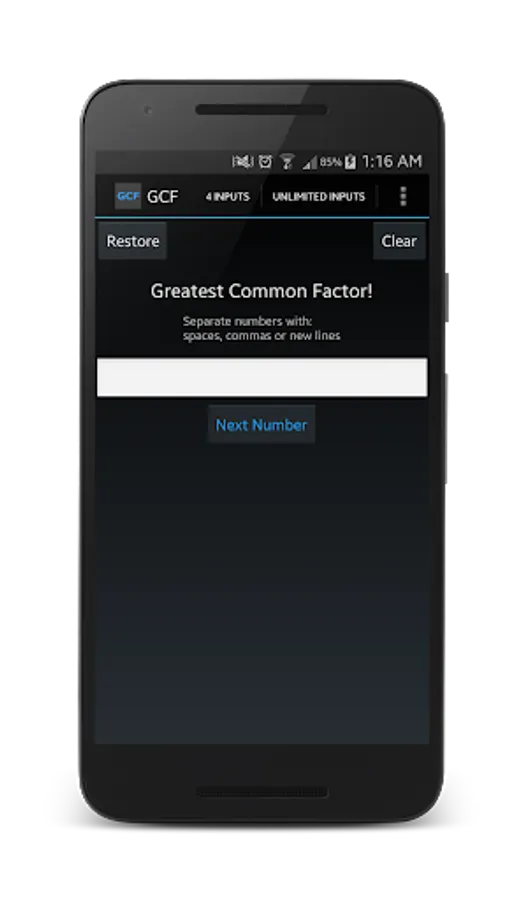
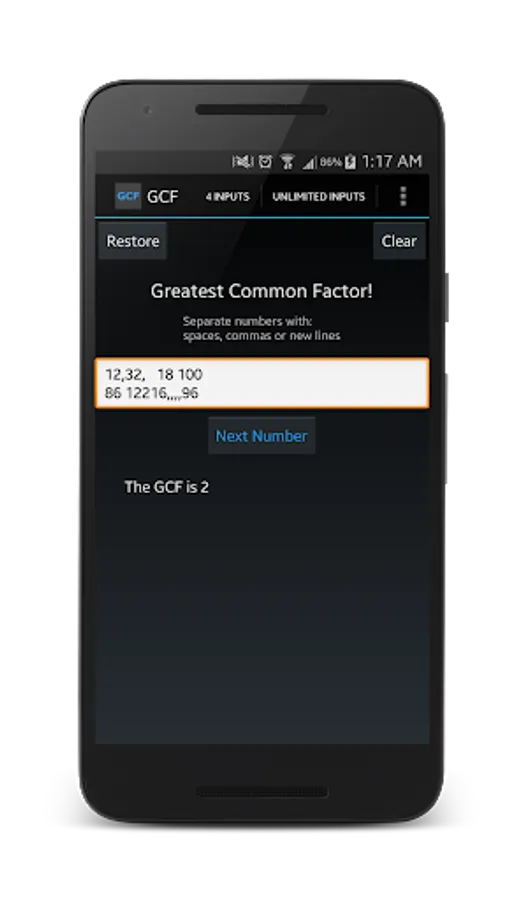
Greatest Common Factor, otherwise known as Greatest Common Divisor, will take an UNLIMITED amount of numbers for input and calculate the GCF of those numbers!
Use spaces, commas or new lines as delimiters for new numbers (how to separate different numbers from each other).
If your keyboard doesn't allow you to type spaces or commas, you'll have to download a different keyboard or use new lines to separate numbers.
Use the 'restore' button to restore the last data you entered before you closed the app the last time.
Long click on the display text, or the numbers you entered and it will bring up the option to copy or paste.
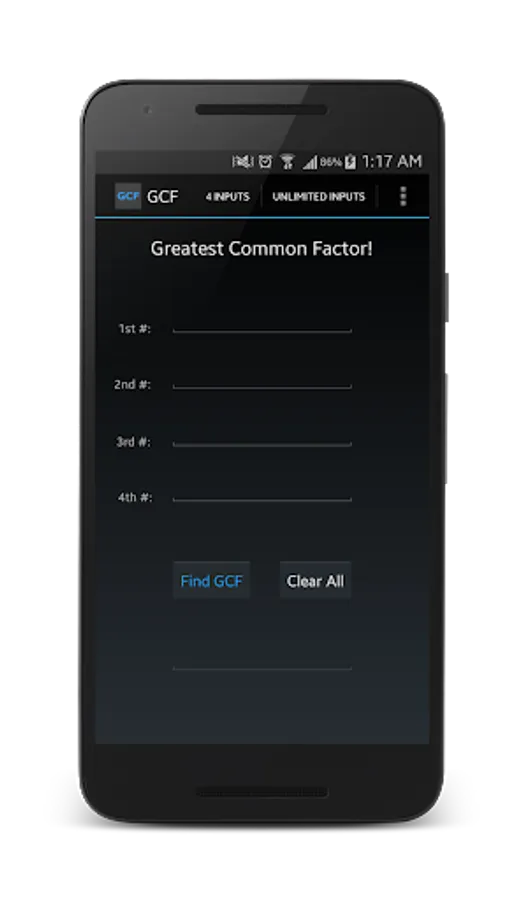
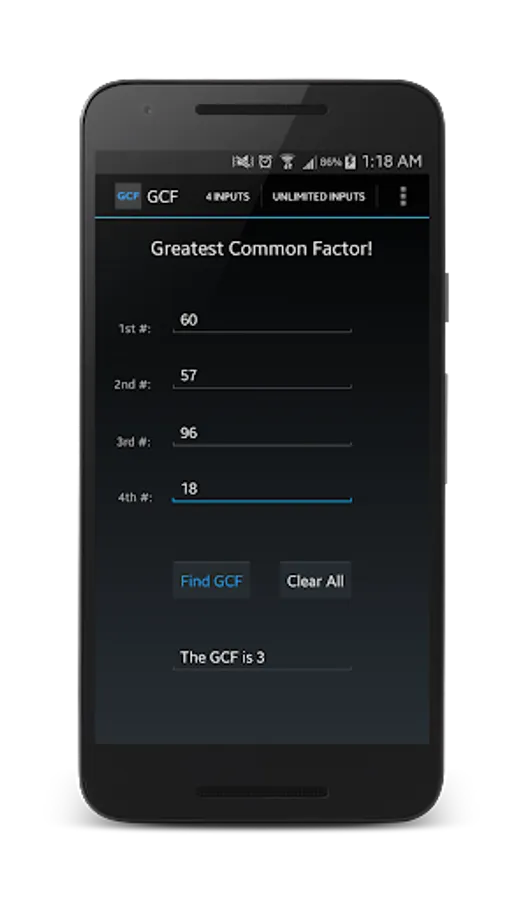
Switch between input screens for the classic GCF screen and the new, unlimited input GCF screen by clicking the options in the top right corner of the app. If you don't have the option in the top right corner, click your Menu BUTTON (which is a physical button on your phone).
Use spaces, commas or new lines as delimiters for new numbers (how to separate different numbers from each other).
If your keyboard doesn't allow you to type spaces or commas, you'll have to download a different keyboard or use new lines to separate numbers.
Use the 'restore' button to restore the last data you entered before you closed the app the last time.
Long click on the display text, or the numbers you entered and it will bring up the option to copy or paste.
Switch between input screens for the classic GCF screen and the new, unlimited input GCF screen by clicking the options in the top right corner of the app. If you don't have the option in the top right corner, click your Menu BUTTON (which is a physical button on your phone).
Greatest Common Factor! Screenshots
Tap to Rate:
Reviews for Greatest Common Factor!
Delphine Mackintosh
1/6/2022
Yess it help's you a lot
GVRPatrudu
11/16/2021
Very but if it do in full procedure it will be nice for ex h.c.f of 12 and 60 ( by using any method thank you