AppRecs review analysis
AppRecs rating . Trustworthiness 100 out of 100. Review manipulation risk 18 out of 100. Based on a review sample analyzed.
★
AppRecs Rating
Ratings breakdown
5 star
50%
4 star
0%
3 star
0%
2 star
0%
1 star
50%
What to know
✓
Low review manipulation risk
18% review manipulation risk
✓
Credible reviews
100% trustworthiness score from analyzed reviews
About Pix3D: 3D Pixel Art Creator
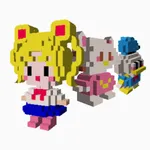
Easily convert your 2D pixel art to 3D model
Make your own 3D model without any pain, as easy as 2D pixel art.
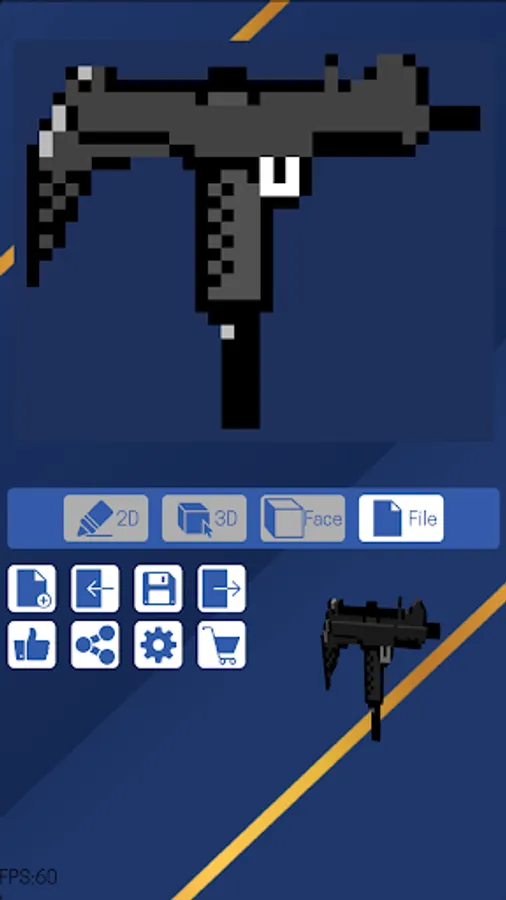
In the 2D editor, you will have all the regular editing features in a typical pixel art editor.
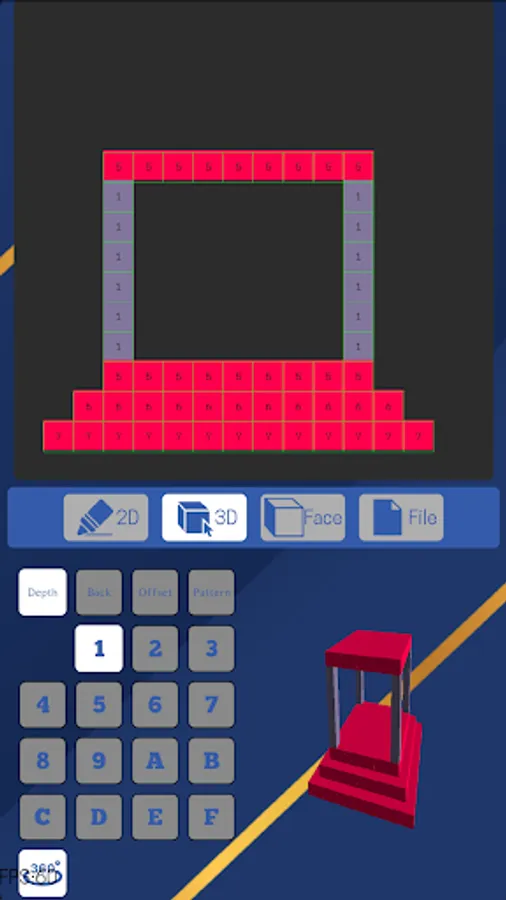
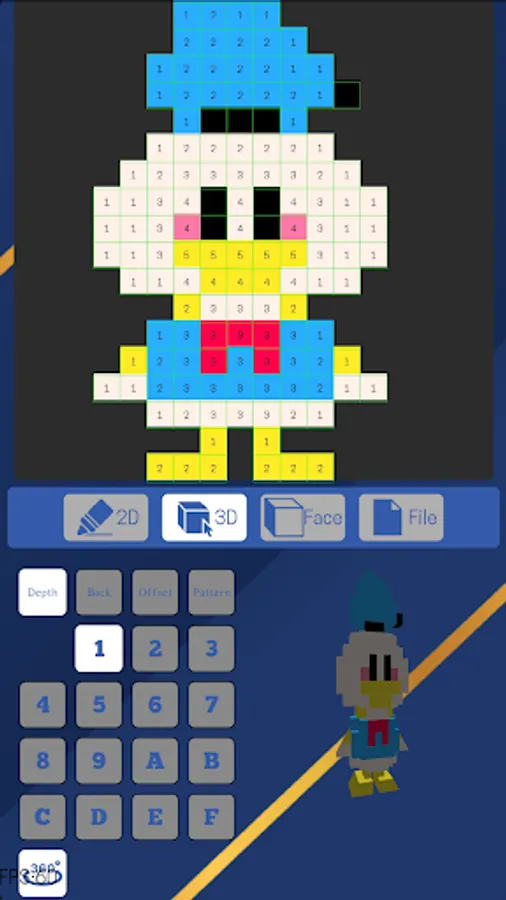
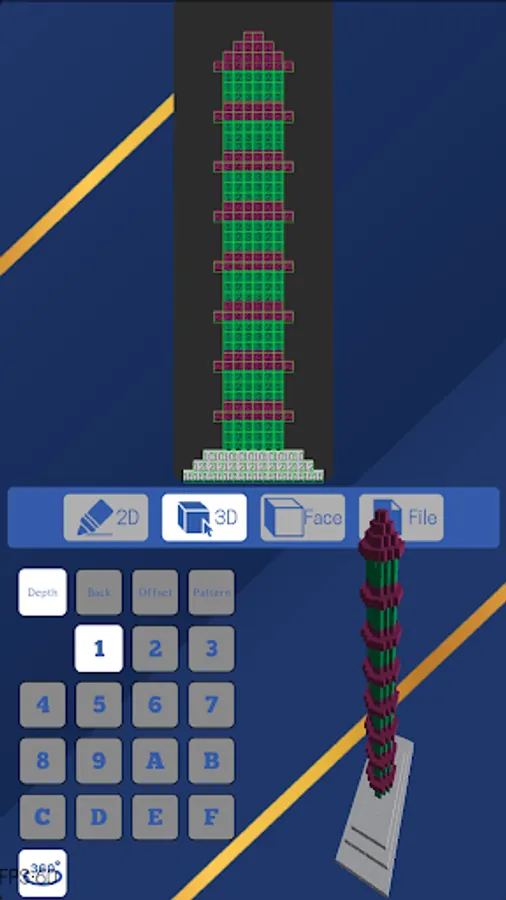
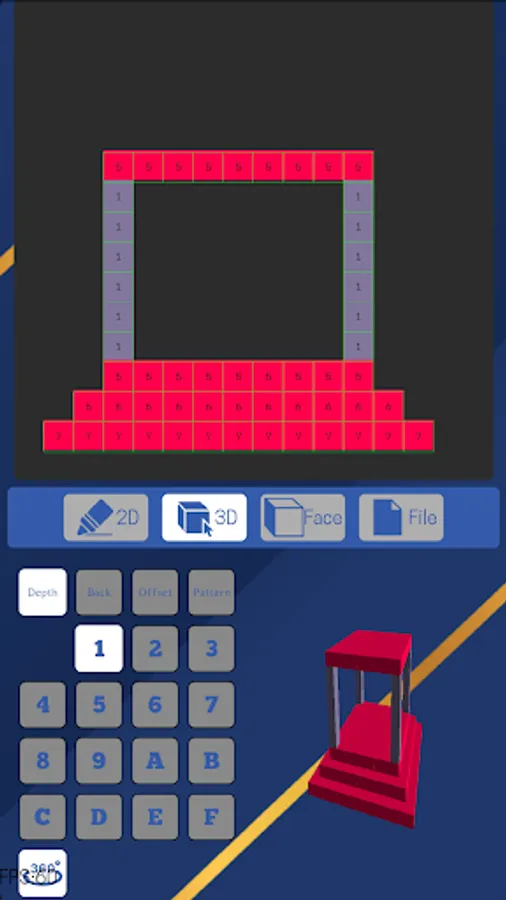
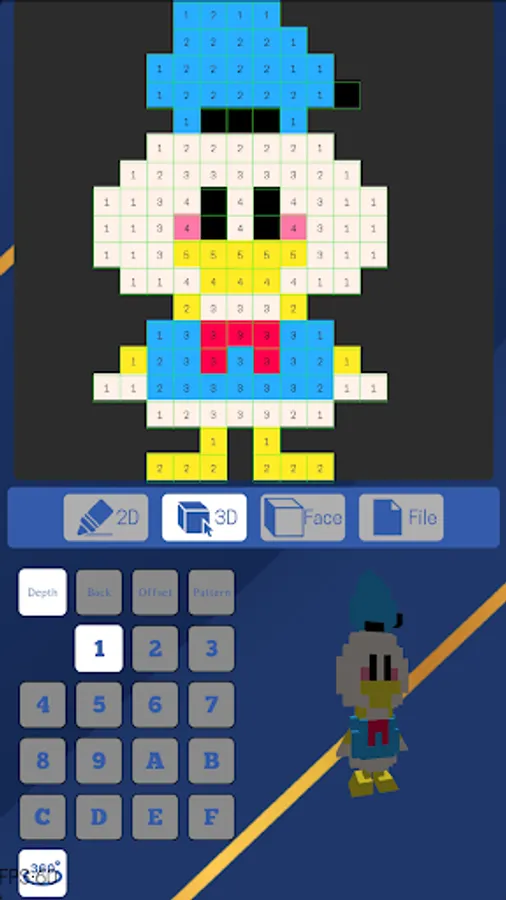
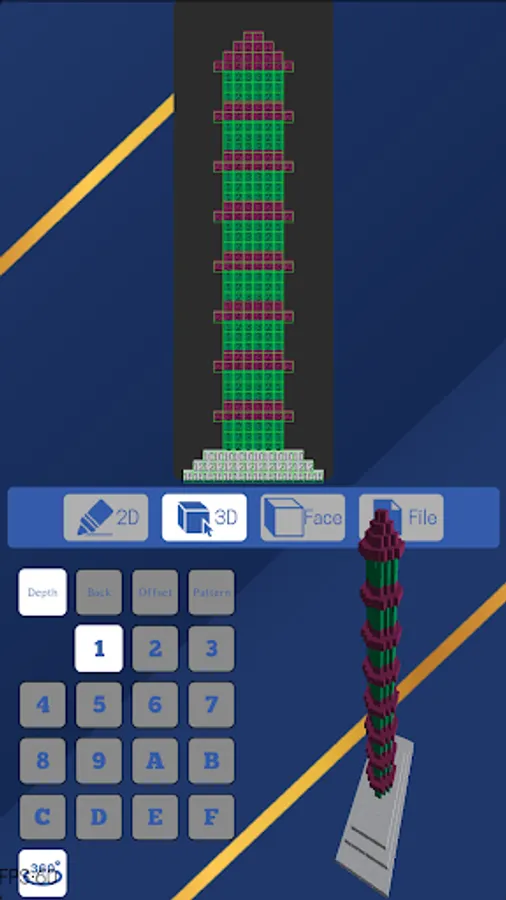
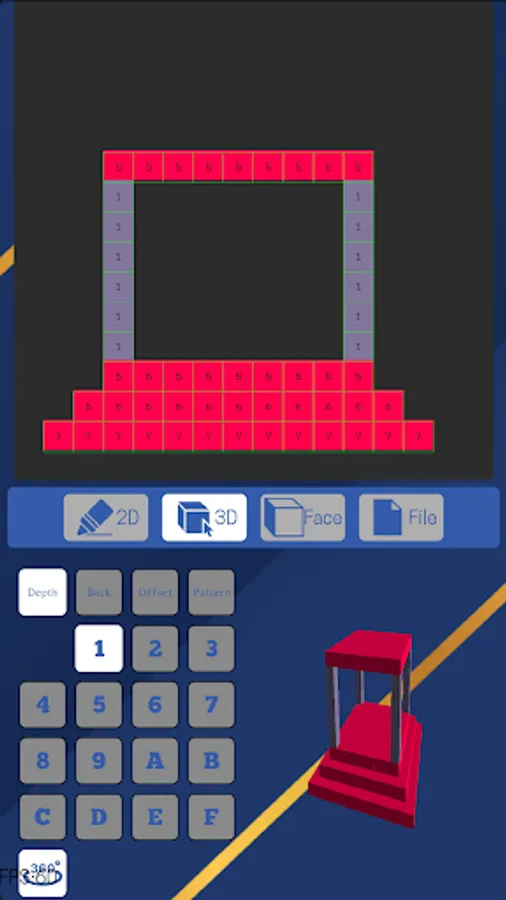
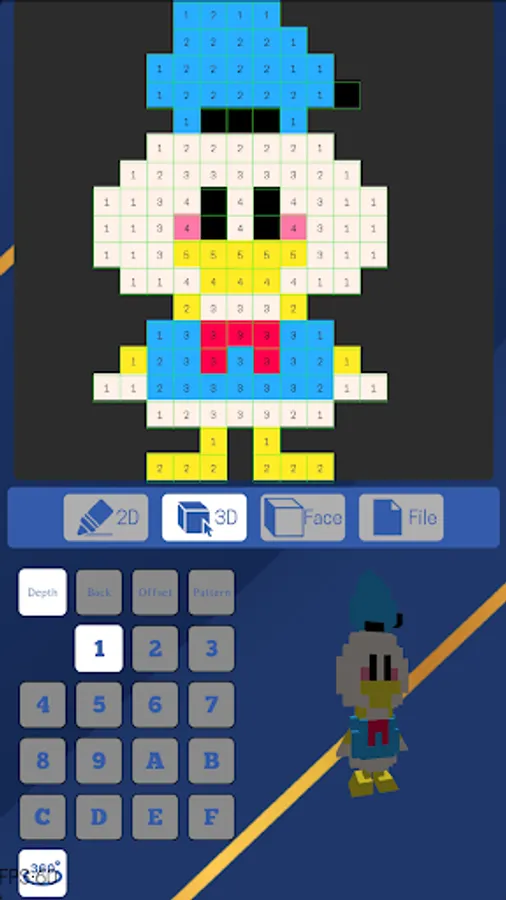
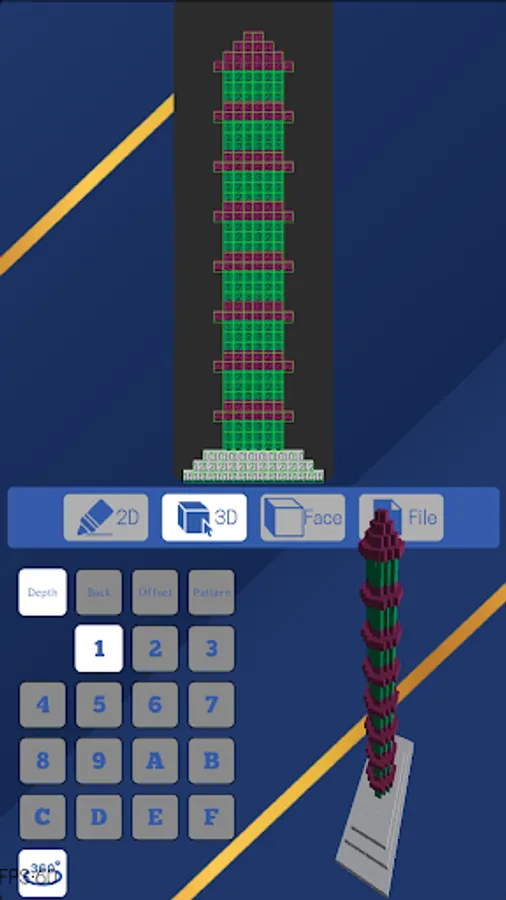
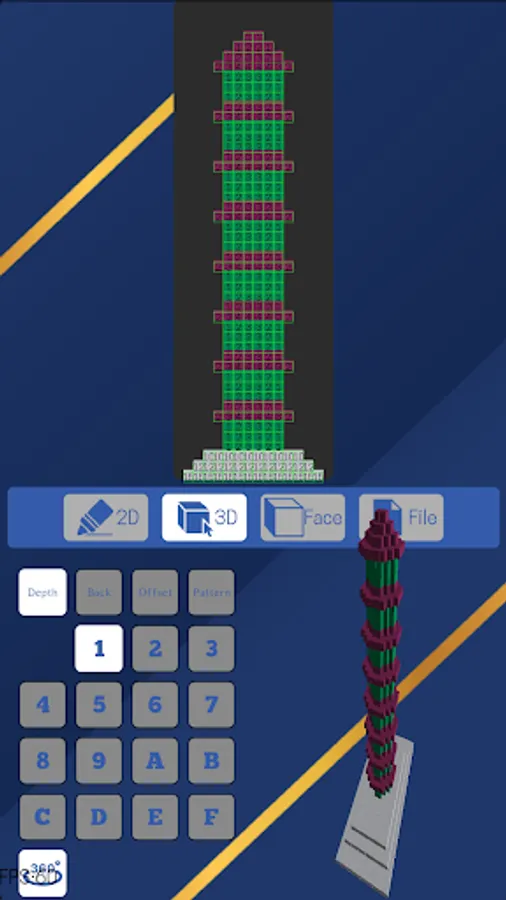
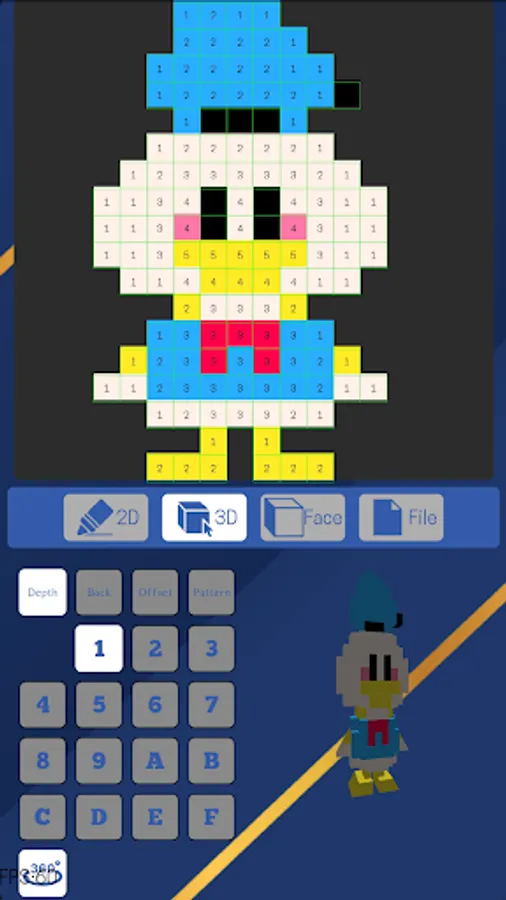
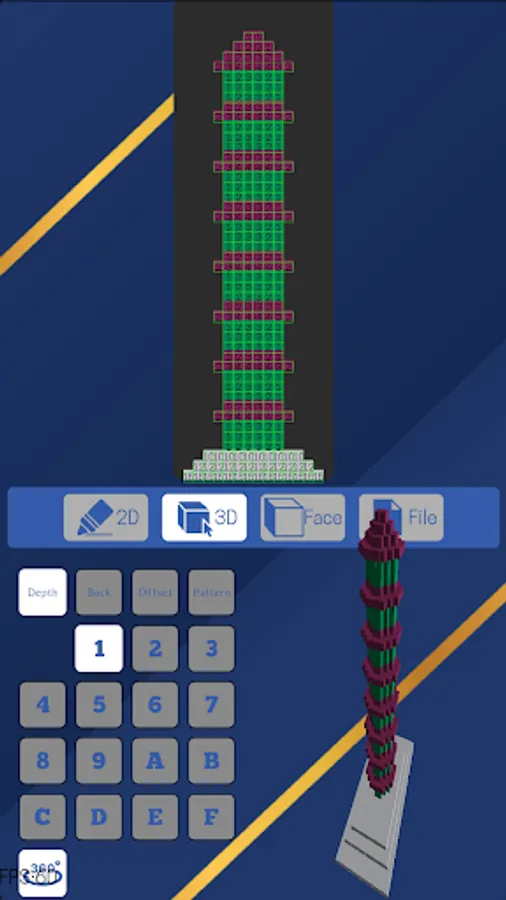
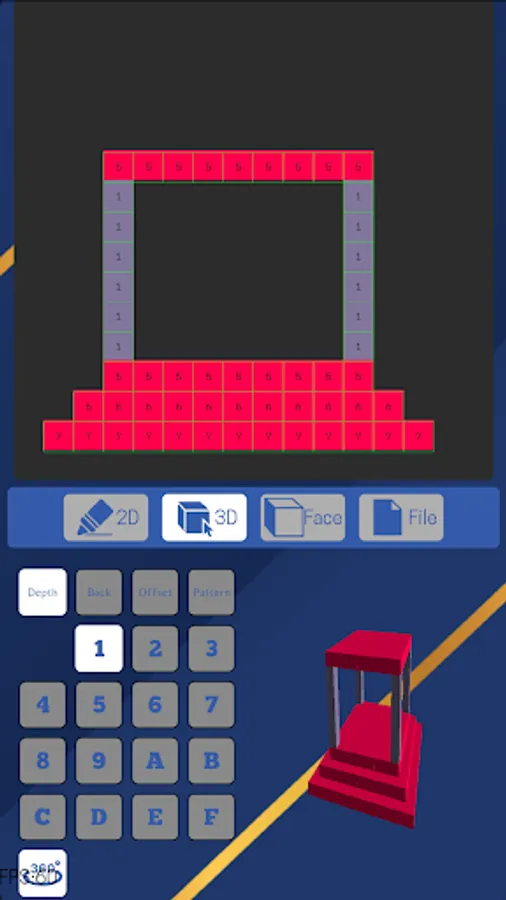
In the 3D editor, you can expand your 2D image to the third dimension. You will expand your pixel into the y axis with the depth button, much the same as what you do in the 2D editor but in the third dimension.
In the Face editor, you will have the chance to paint different colors for each face of the cube. In 2D and 3D editors, we actually work on the front face while in the Face editor we can work on the other 5 faces. Here we expand the scope of a regular voxel model. The cube can have different color for each of its 6 faces.
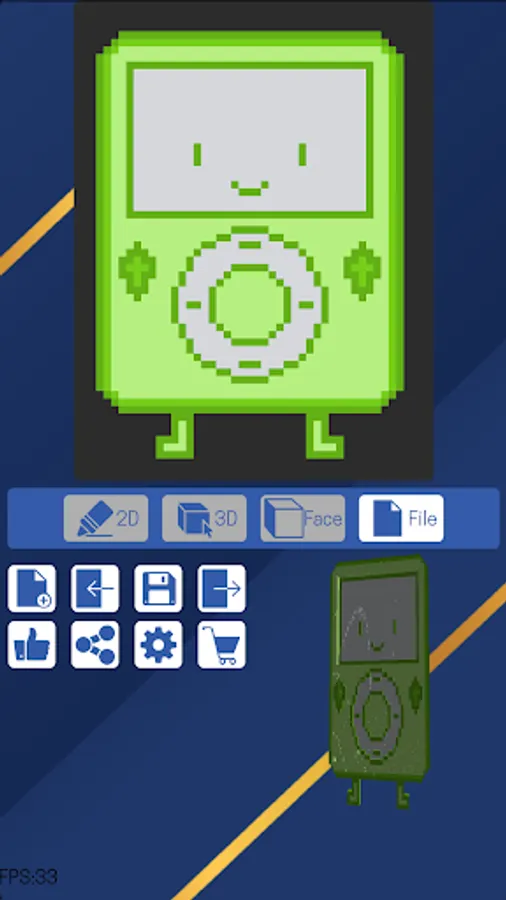
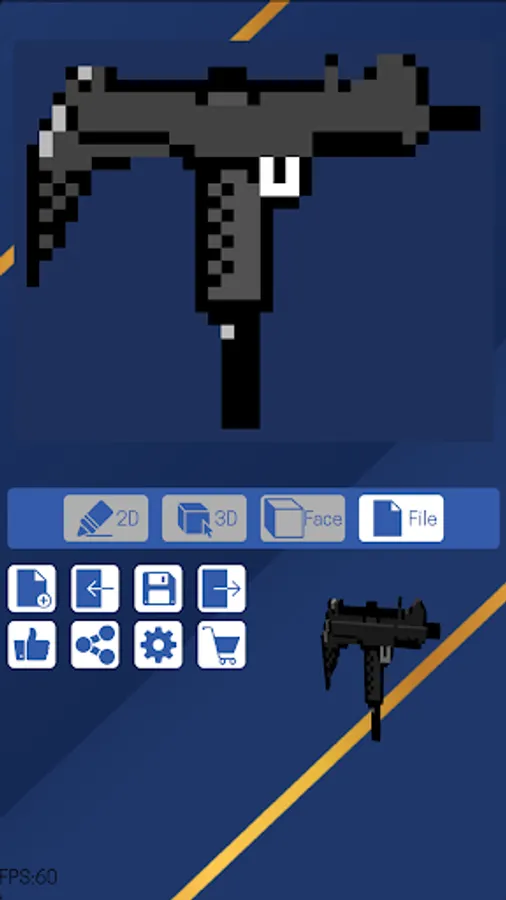
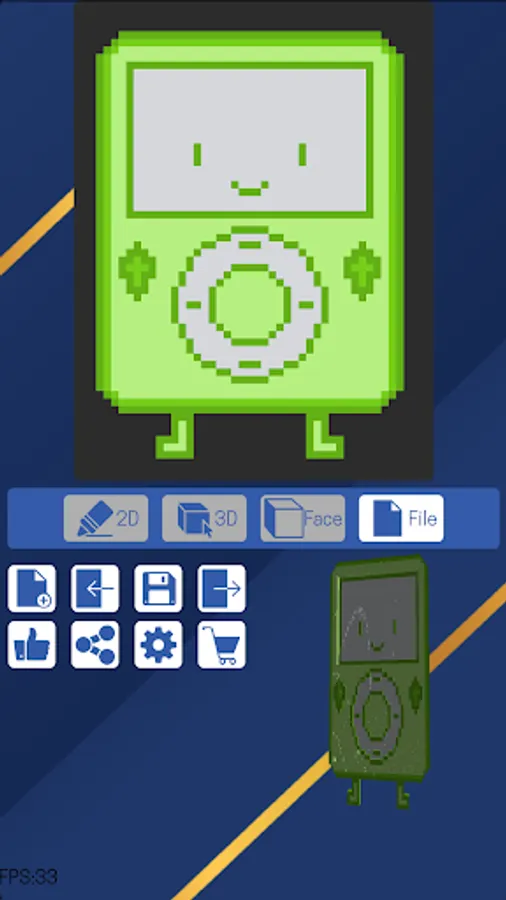
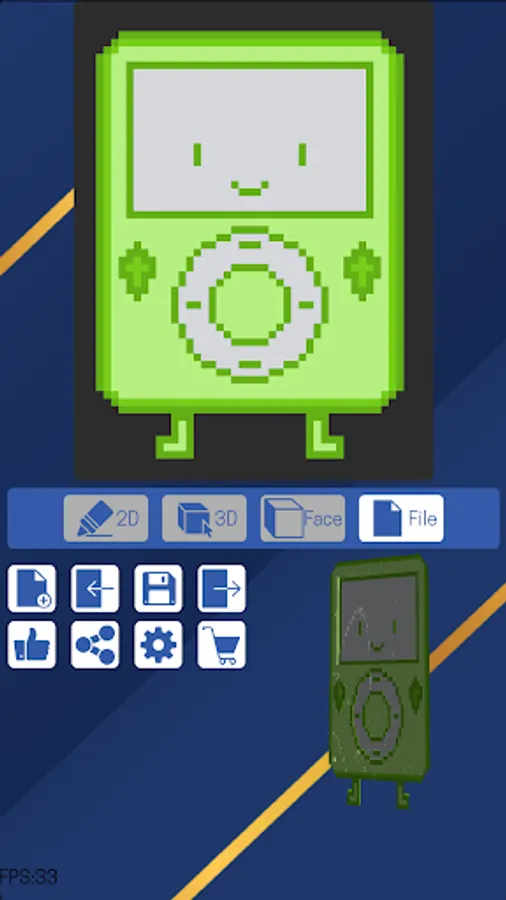
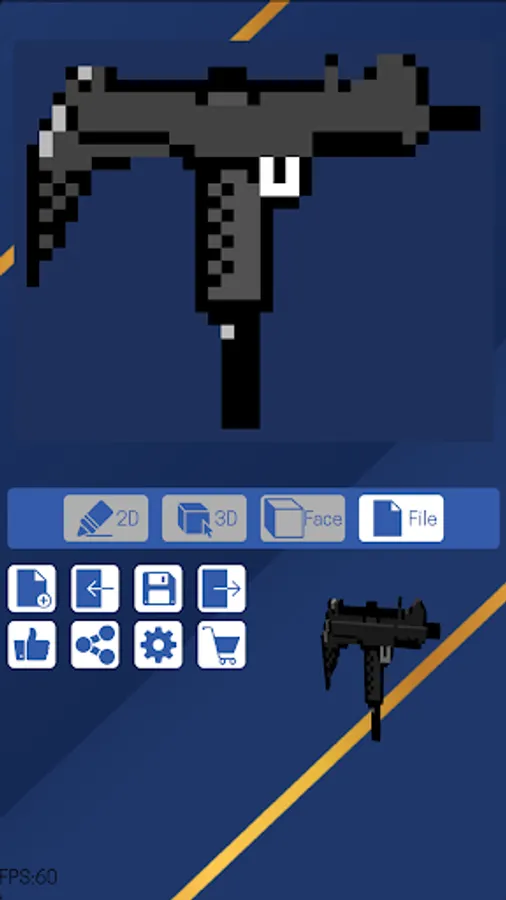
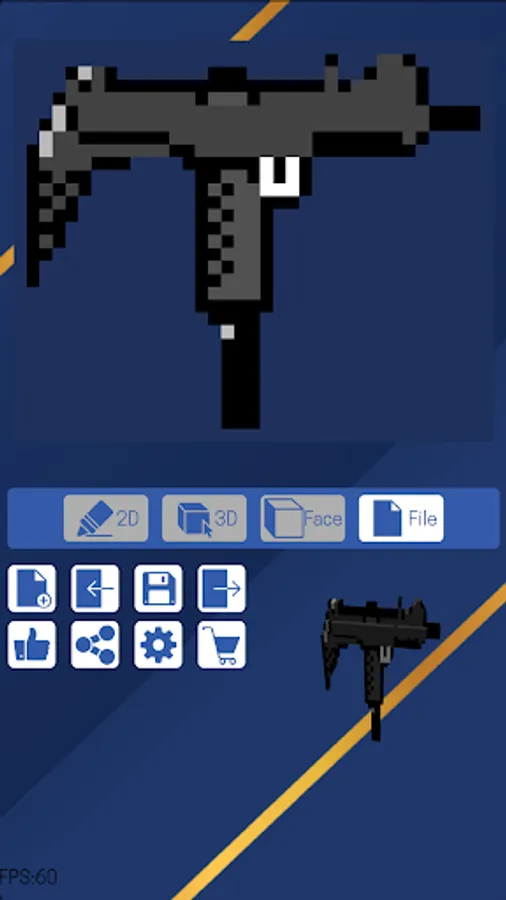
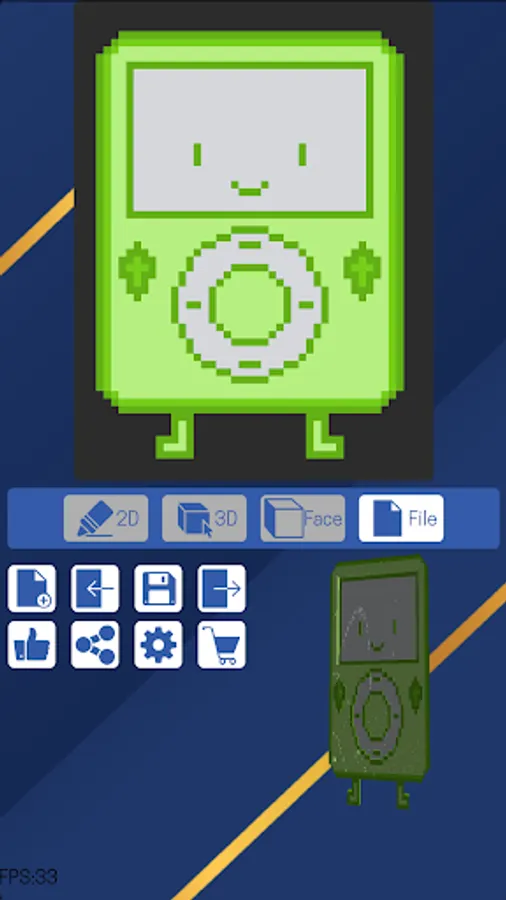
In the File tab, you can see the buttons of file related functions, such as New, Save, Load, Export and Share.
Your work can be exported as lots of popular 3D formats, fbx, obj, glTF and GIF image format. These exported models are verified with popular 3D model editors, online 3D model viewers and game engines, including blender, unity, godot and etc.
You can both export to your local file system and share your models with your friends.
Create and have fun.
Make your own 3D model without any pain, as easy as 2D pixel art.
In the 2D editor, you will have all the regular editing features in a typical pixel art editor.
In the 3D editor, you can expand your 2D image to the third dimension. You will expand your pixel into the y axis with the depth button, much the same as what you do in the 2D editor but in the third dimension.
In the Face editor, you will have the chance to paint different colors for each face of the cube. In 2D and 3D editors, we actually work on the front face while in the Face editor we can work on the other 5 faces. Here we expand the scope of a regular voxel model. The cube can have different color for each of its 6 faces.
In the File tab, you can see the buttons of file related functions, such as New, Save, Load, Export and Share.
Your work can be exported as lots of popular 3D formats, fbx, obj, glTF and GIF image format. These exported models are verified with popular 3D model editors, online 3D model viewers and game engines, including blender, unity, godot and etc.
You can both export to your local file system and share your models with your friends.
Create and have fun.
Pix3D: 3D Pixel Art Creator Screenshots
Tap to Rate:
Reviews for Pix3D: 3D Pixel Art Creator
Your local • 10 years ago
1/7/2025
did not met my expectations. Thought it would be instantly 3D after drawing. But instead I have to manually do it.
Neo
11/14/2024
This app is very good! It is very useful when I want to make 3D animations with the models looking like they are blocky! This is recommended for people who want to make basic 3D models and export them. Thank you!