Ventoy (Unofficial)
MixApplications
4.7 ★
13K ratings
1,000,000+
downloads
Free
+ in-app
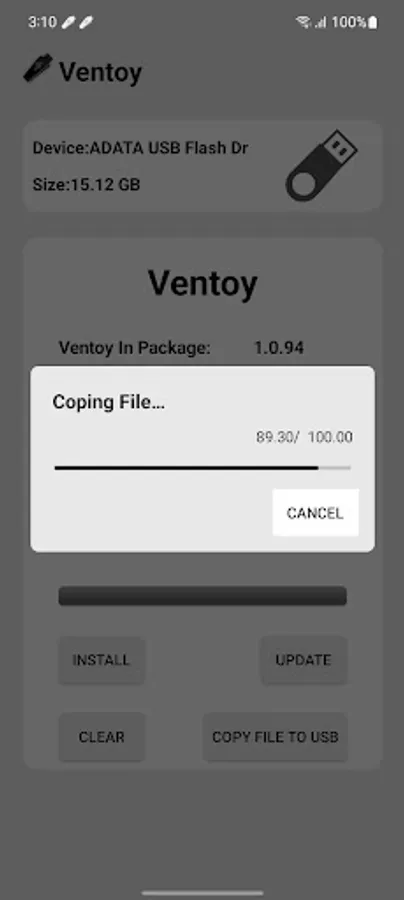
In this app, you can create multi-boot USB drives by copying ISO files directly to a USB. Includes support for Windows and Linux distributions, dynamic ISO menus, and partition scheme options.
AppRecs review analysis
AppRecs rating 4.1. Trustworthiness 74 out of 100. Review manipulation risk 31 out of 100. Based on a review sample analyzed.
★★★★☆
4.1
AppRecs Rating
Ratings breakdown
5 star
84%
4 star
11%
3 star
4%
2 star
0%
1 star
2%
What to know
✓
Credible reviews
74% trustworthiness score from analyzed reviews
✓
High user satisfaction
84% of sampled ratings are 5 stars
⚠
Ad complaints
Many low ratings mention excessive ads
About Ventoy (Unofficial)
🧭 Ventoy — Multi-Boot USB Creator for Android
Create multi-boot USB drives with dynamic ISO menus—no PC required.
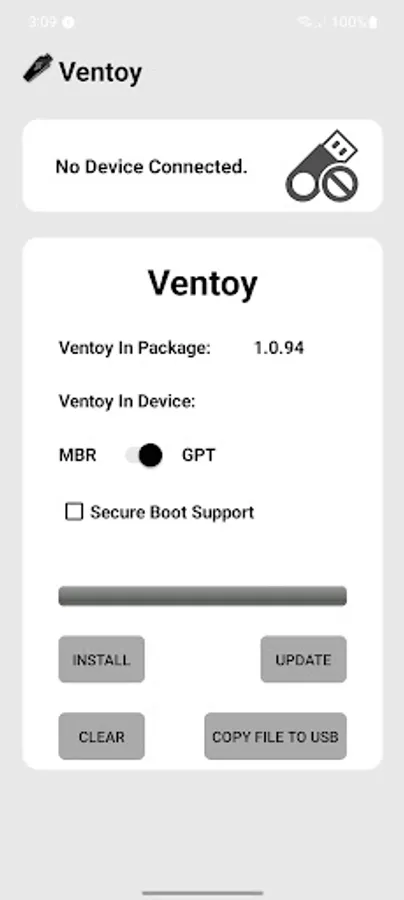
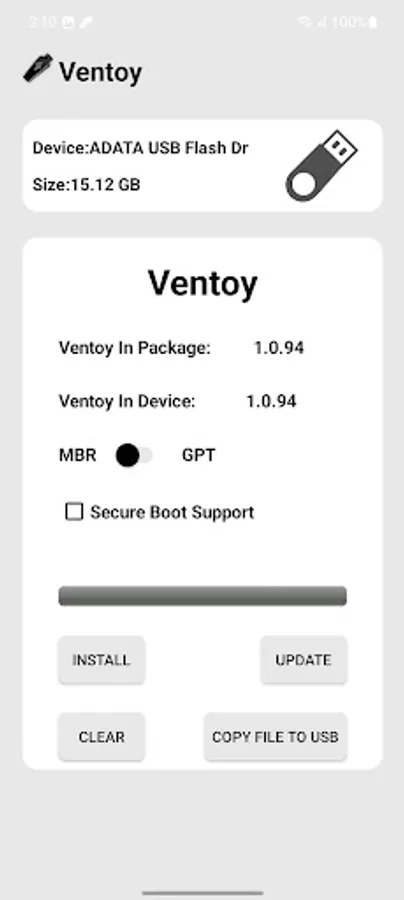
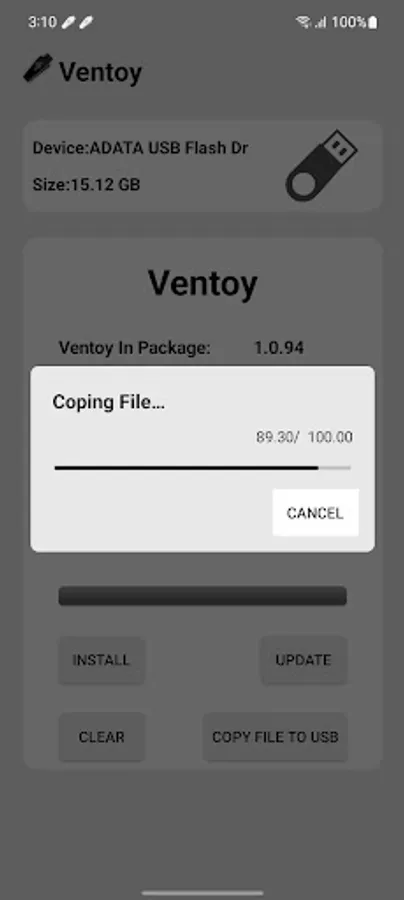
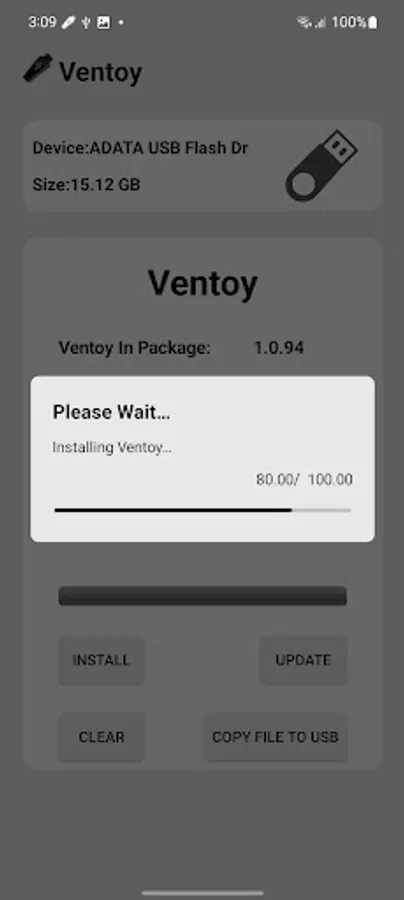
Ventoy is a standalone Android tool for building multi-boot USB drives. Just install once, then copy ISO files directly to your USB—no need to reformat or reburn. Boot any supported image from a dynamic menu with full control over partition schemes and file systems.
🛠️ Core Features
• Create multi-boot USB drives with ISO boot menu
• Supports Windows 7–11 and all major Linux distributions
• Bypass Windows 11 minimum requirements
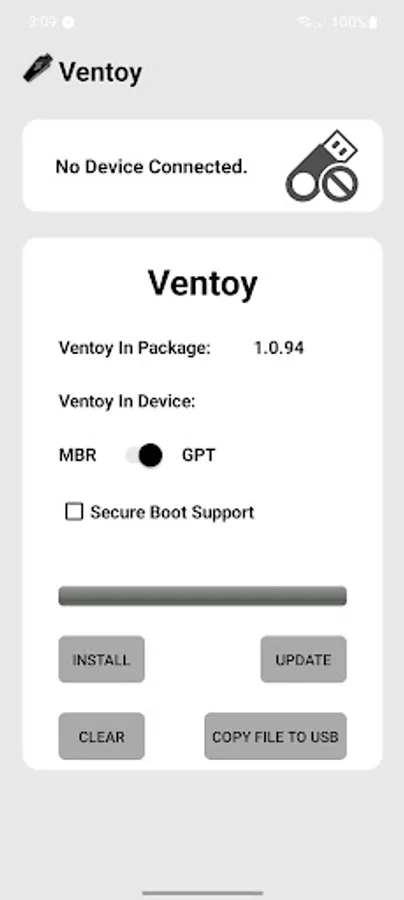
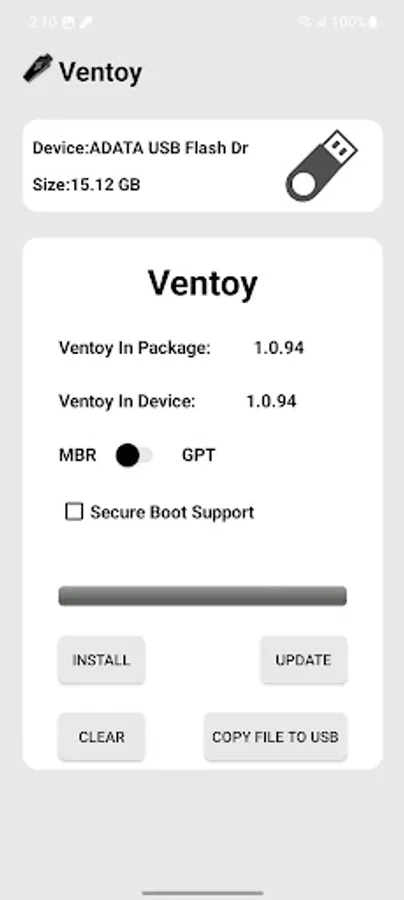
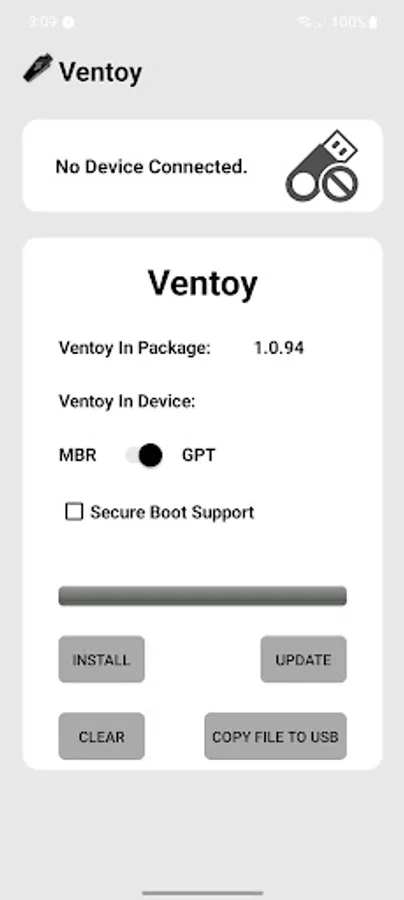
• Manual selection of partition scheme: GPT (UEFI) or MBR (Legacy)
• File system support: NTFS, FAT32, EXFAT (FAT32/EXFAT require Pro)
• Add or remove ISOs anytime—no reburn needed
• Copy ISO files or download them directly to USB
💰 Coin Usage
Coins are used for core Ventoy operations. You can earn coins by watching rewarded ads or buy them directly.
Coin-required actions:
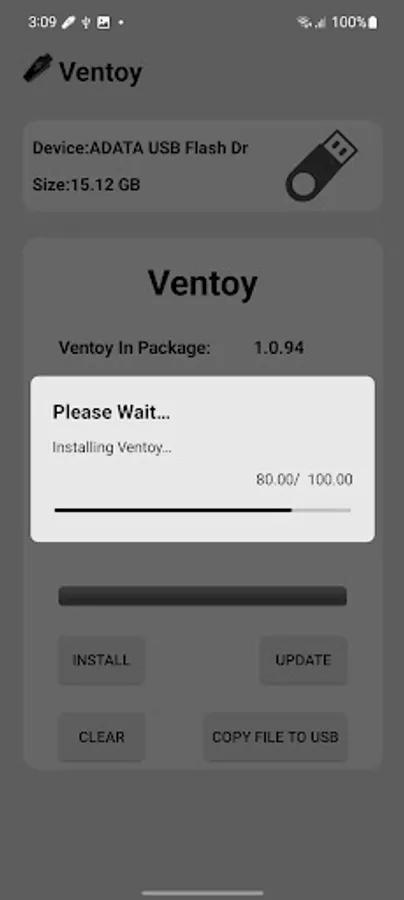
• Install Ventoy → 2 coins
• Update Ventoy → 2 coins
• Clear Ventoy → 2 coins
Free actions:
• Copy ISO files to USB
• Download ISO files directly to USB
Want unlimited access?
Upgrade to Pro to unlock all features, remove the coin system, and use the app offline—even with ad blockers.
📢 Ad-Supported Experience
Ventoy includes banner ads and rewarded video ads to keep core features free.
Upgrade to Pro to:
• Remove all ads
• Unlock unlimited access
• Disable the coin system
• Use offline and with ad blockers
⚠️ Notes
• Internet required unless using Pro
• Disable ad blockers unless using Pro
• Keep the app in the foreground during USB operations
• If USB isn’t recognized after setup:
– The USB is likely working correctly
– Test it on a PC to confirm
– Use FAT32 for better compatibility
Download Ventoy now and boot smarter—right from your Android device.
Ventoy (Unofficial) Screenshots
Tap to Rate:
Reviews for Ventoy (Unofficial)
Rodney j meece
2/19/2026
currently checking it out will let you know how I like it
Rathor ji Ji
2/18/2026
good