IMG2PDF: Convert Image to PDF
Magnetic Lab
5.0 ★
2K ratings
100,000+
downloads
Free
+ in-app
In this app, users can convert images such as JPG, PNG, and BMP into PDF files with options to crop, resize, and apply filters. Includes features for combining multiple images, setting password protection, and adjusting PDF quality settings.
AppRecs review analysis
AppRecs rating 4.0. Trustworthiness 60 out of 100. Review manipulation risk 46 out of 100. Based on a review sample analyzed.
★★★★☆
4.0
AppRecs Rating
Ratings breakdown
5 star
100%
4 star
0%
3 star
0%
2 star
0%
1 star
0%
What to know
⚠
Questionable review patterns
46% review manipulation risk - some review patterns appear unusual
⚠
Unusually uniform ratings
100% of sampled ratings are 5 stars with very little variation
⚠
Review quality concerns
66% of sampled 5-star reviews are very short
About IMG2PDF: Convert Image to PDF
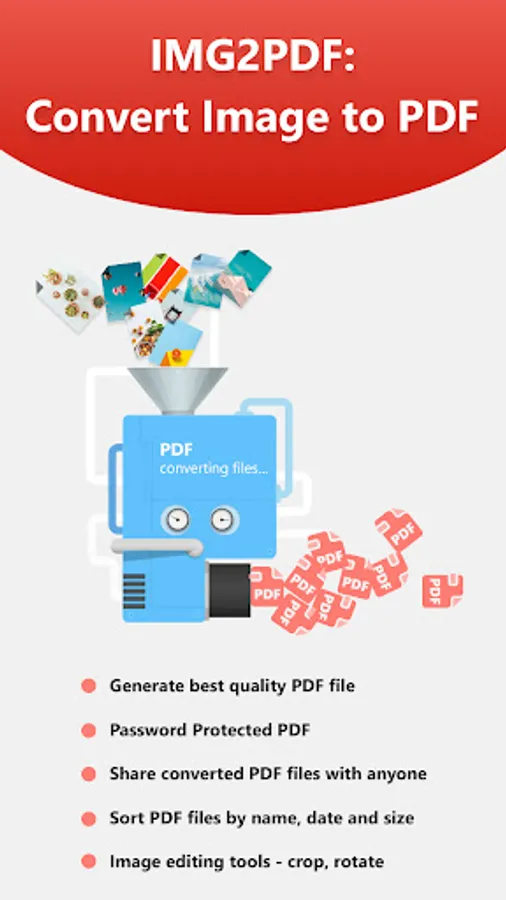
IMG2PDF: Convert Image to PDF is the easiest and fastest way to convert your photos and images into a professional-quality PDF document — all in one tap! Whether you need to scan documents, convert JPG to PDF, or create a photo to PDF file on the go, IMG2PDF makes it simple and secure.
✅ Why Choose IMG2PDF?
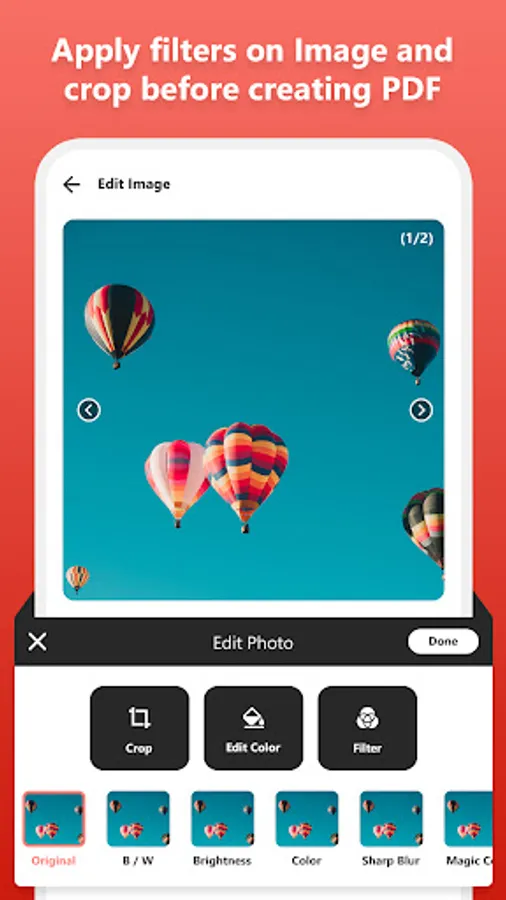
Convert images to PDF instantly with powerful tools like image crop, resize, filters, grayscale, and compression — all in one offline PDF converter app!
🔹 Key Features of IMG2PDF: Convert Image to PDF 🔹
📌 All Image to PDF Converter
Convert JPG, PNG, and BMP formats into high-quality PDF files. Create PDFs from images of receipts, ID cards, business cards, certificates, handwritten notes, whiteboards, forms, and more.
📌 Combine Multiple Images
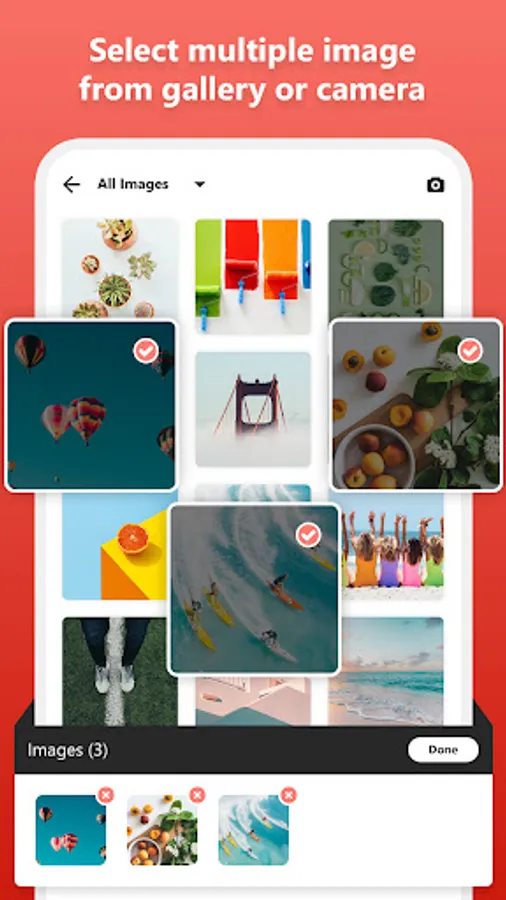
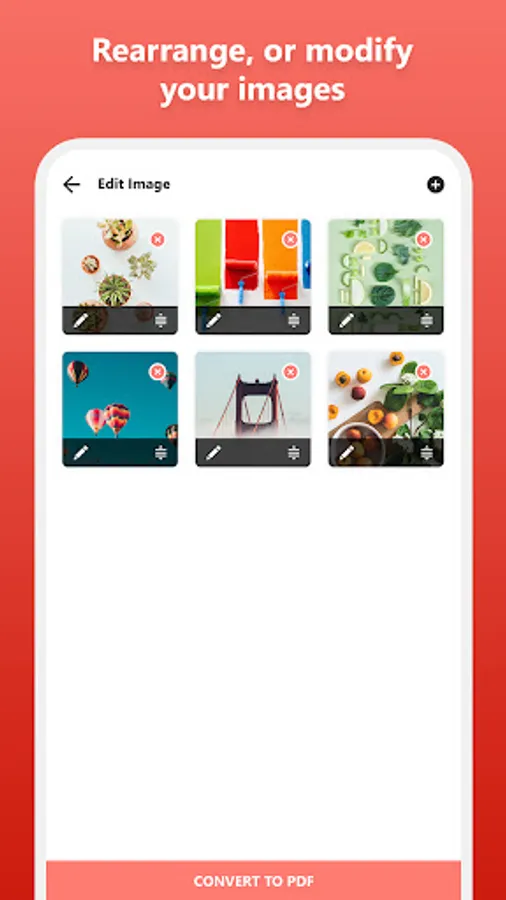
Easily select multiple photos from your gallery or camera and merge them into a single PDF file. Rearrange images in your preferred order before converting.
📌 Offline PDF Converter
No internet needed! IMG2PDF works completely offline, ensuring your data is secure and accessible anytime.
📌 Custom PDF Settings
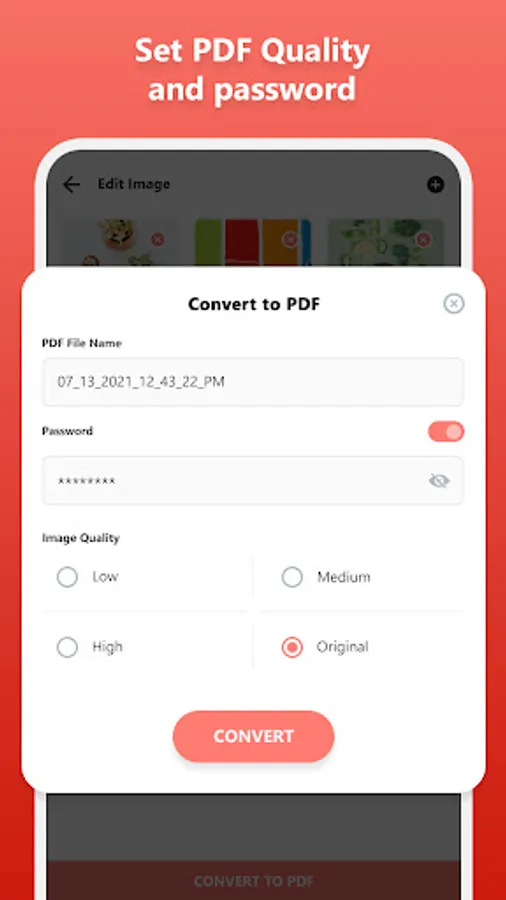
Control image quality (low, medium, high, original) and compress PDF file size for faster sharing and storage optimization.
📌 Password Protected PDFs
Add password protection to your PDF files in seconds. Secure your sensitive documents with ease.
📌 Sort & Manage PDFs
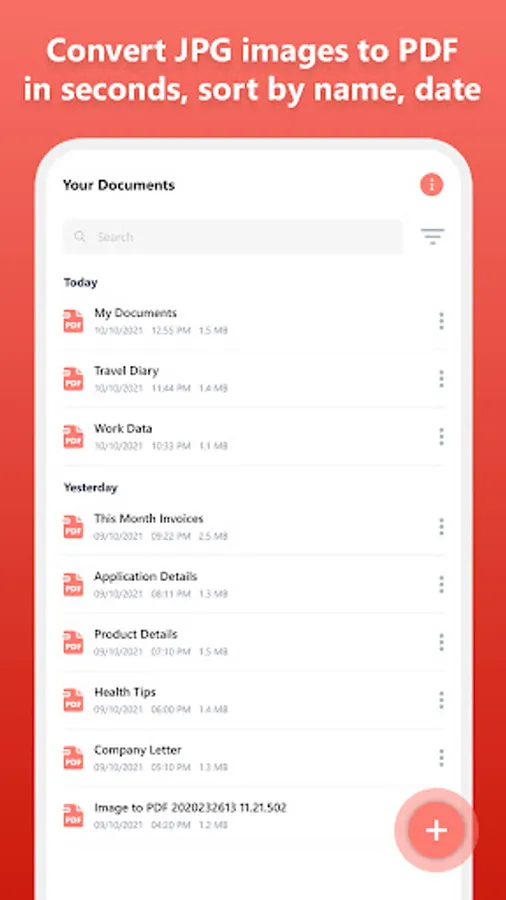
Sort image files or PDF files by name, size, creation date, or modified date for quick access and better file management.
📌 Smart Image Editor Before PDF Creation
Crop images for better layout
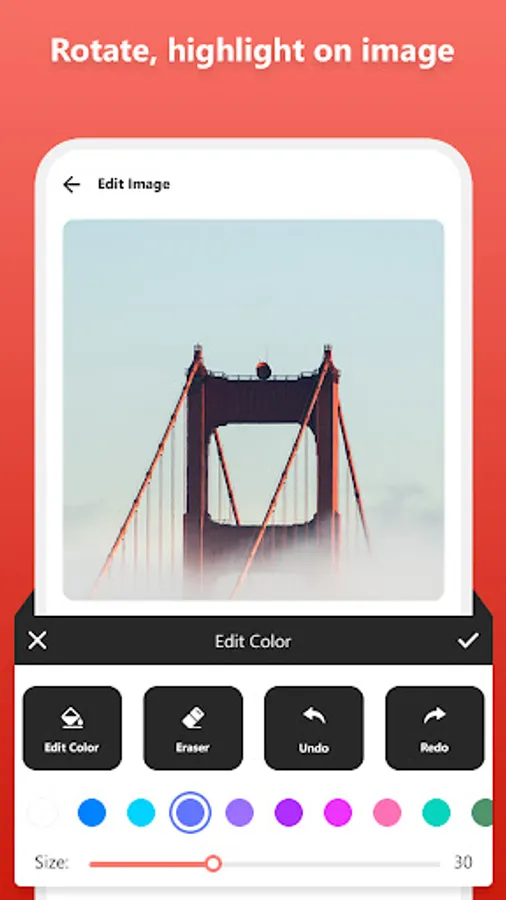
Apply grayscale or color filters
Rearrange images freely
Preview before exporting to PDF
📌 Easy Sharing & Export
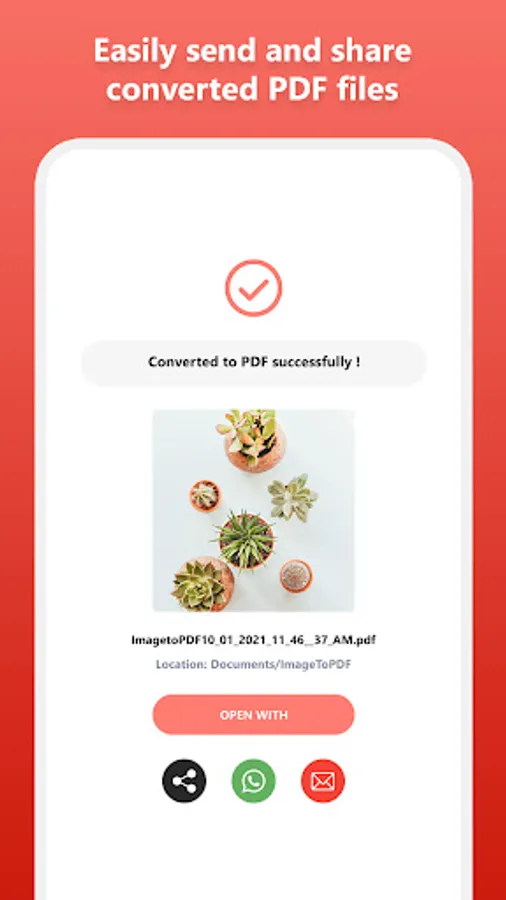
Share your converted PDFs via WhatsApp, Email, Google Drive, Bluetooth, or any other app with just one tap.
🛠 Supported Formats:
JPG to PDF
PNG to PDF
BMP to PDF
💡 Use Cases:
Convert photo to PDF for quick sharing
Create a document scanner using your phone
Turn handwritten notes or whiteboard photos into PDFs
Save ID cards or receipts securely as PDFs
Generate business and personal documents anytime, anywhere
🚀 All Features Are Completely FREE — No watermark, no login, and no limitations!
📲 Download IMG2PDF: Convert Image to PDF now and transform your photos into clean, professional PDFs in seconds!
✅ Why Choose IMG2PDF?
Convert images to PDF instantly with powerful tools like image crop, resize, filters, grayscale, and compression — all in one offline PDF converter app!
🔹 Key Features of IMG2PDF: Convert Image to PDF 🔹
📌 All Image to PDF Converter
Convert JPG, PNG, and BMP formats into high-quality PDF files. Create PDFs from images of receipts, ID cards, business cards, certificates, handwritten notes, whiteboards, forms, and more.
📌 Combine Multiple Images
Easily select multiple photos from your gallery or camera and merge them into a single PDF file. Rearrange images in your preferred order before converting.
📌 Offline PDF Converter
No internet needed! IMG2PDF works completely offline, ensuring your data is secure and accessible anytime.
📌 Custom PDF Settings
Control image quality (low, medium, high, original) and compress PDF file size for faster sharing and storage optimization.
📌 Password Protected PDFs
Add password protection to your PDF files in seconds. Secure your sensitive documents with ease.
📌 Sort & Manage PDFs
Sort image files or PDF files by name, size, creation date, or modified date for quick access and better file management.
📌 Smart Image Editor Before PDF Creation
Crop images for better layout
Apply grayscale or color filters
Rearrange images freely
Preview before exporting to PDF
📌 Easy Sharing & Export
Share your converted PDFs via WhatsApp, Email, Google Drive, Bluetooth, or any other app with just one tap.
🛠 Supported Formats:
JPG to PDF
PNG to PDF
BMP to PDF
💡 Use Cases:
Convert photo to PDF for quick sharing
Create a document scanner using your phone
Turn handwritten notes or whiteboard photos into PDFs
Save ID cards or receipts securely as PDFs
Generate business and personal documents anytime, anywhere
🚀 All Features Are Completely FREE — No watermark, no login, and no limitations!
📲 Download IMG2PDF: Convert Image to PDF now and transform your photos into clean, professional PDFs in seconds!
IMG2PDF: Convert Image to PDF Screenshots
Tap to Rate:
Reviews for IMG2PDF: Convert Image to PDF
Kumaresan KumaresanG
12/8/2025
excellent 👌👌👌👍
Samiksha Choudhury
11/11/2025
easy to use