
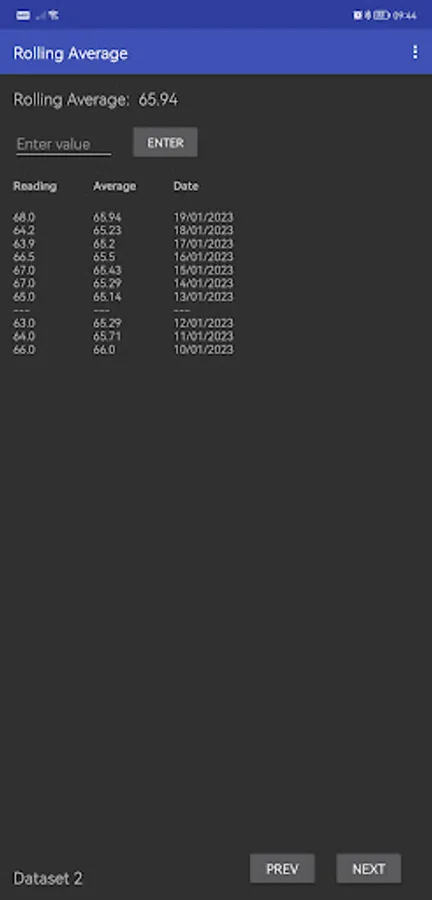
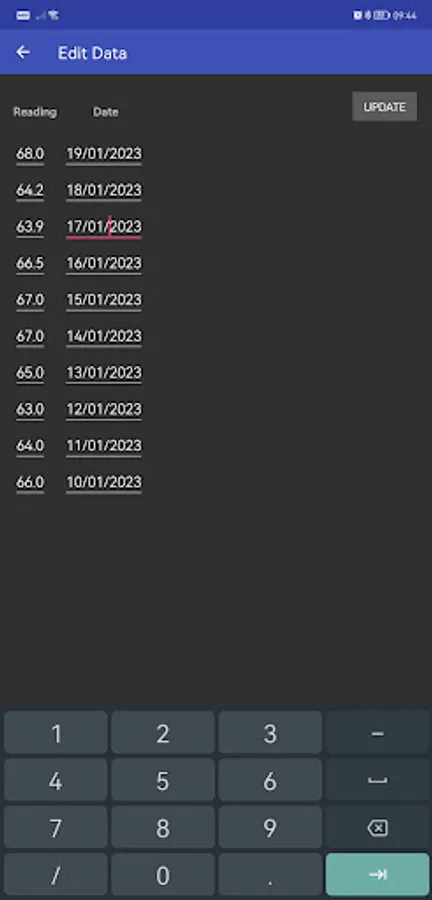
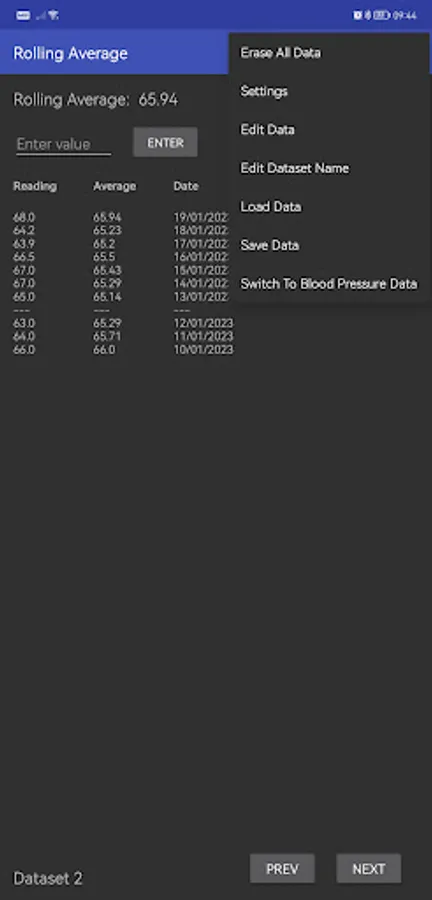
With this calculator app, you can input data points, select the number of values to average, and view the calculated rolling average. Includes data editing, file import/export, and multiple datasets management.
AppRecs review analysis
AppRecs rating 3.7. Trustworthiness 73 out of 100. Review manipulation risk 26 out of 100. Based on a review sample analyzed.
★★★☆☆
3.7
AppRecs Rating
Ratings breakdown
5 star
56%
4 star
0%
3 star
33%
2 star
0%
1 star
11%
What to know
✓
Low review manipulation risk
26% review manipulation risk
✓
Credible reviews
73% trustworthiness score from analyzed reviews
About Rolling Average
You can choose how many values will be used to calculate the rolling average up to a maximum of 100, as well as the number of decimal places to be displayed. It's perfect for tracking weight, BMI, blood sugar levels or any other type of measurement.
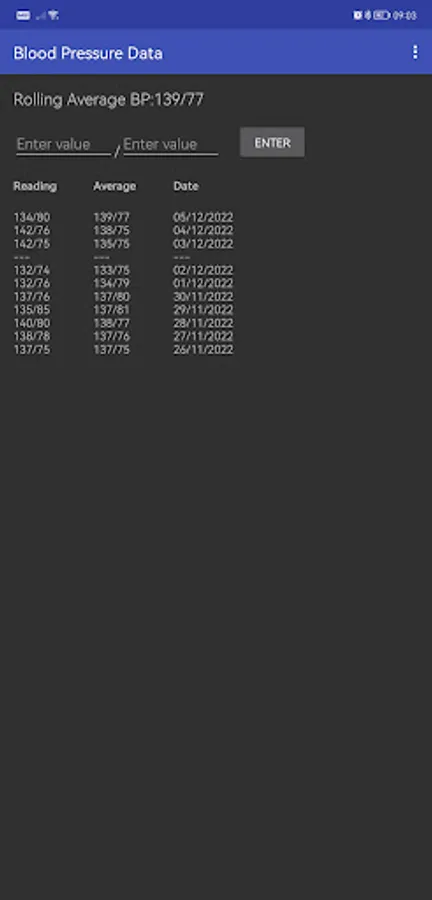
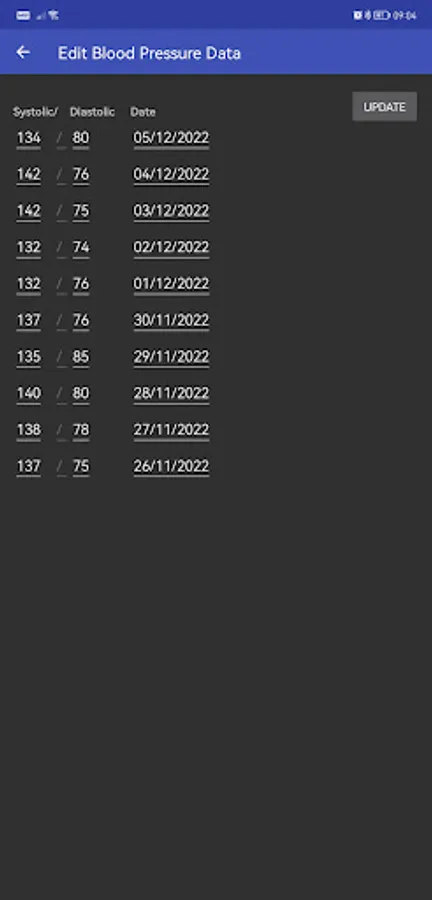
You can track up to five sets of data. You can also track blood pressure data and average the two readings for each measurement together. Each dataset can be exported individually to an external file.
This is my first ever Android app and it's free with no ads, so please be kind if you choose to leave a review. Thanks for your understanding. If you want to improve it yourself or use the code for your own project, you're welcome. You'll find the code here: https://github.com/moandal/rolling-average
Rolling Average Screenshots
Tap to Rate:
Reviews for Rolling Average
Craig
7/11/2023
Really disappointing... I wanted a really simple moving average tracker, but after using this for a couple of weeks, I found it's really lacking some basic functions. For example, I made an duplicate entry on one day, and found there is no way I can delete it. I can edit the value but I can't get rid of it. I tried editing the date to push it to the bottom of the data set, but it makes no difference - the list of entries doesn't sort itself by date, (or anything else). Needs more development?
Robert Gosnell
1/23/2023
Wonderful. The only app that I have found on which one can do general rolling averages (moving averages). It has just been modified, very promptly, so that negatives can now also be input.