Moasure
3D Technologies
3.5 ★
store rating
100,000+
downloads
Free
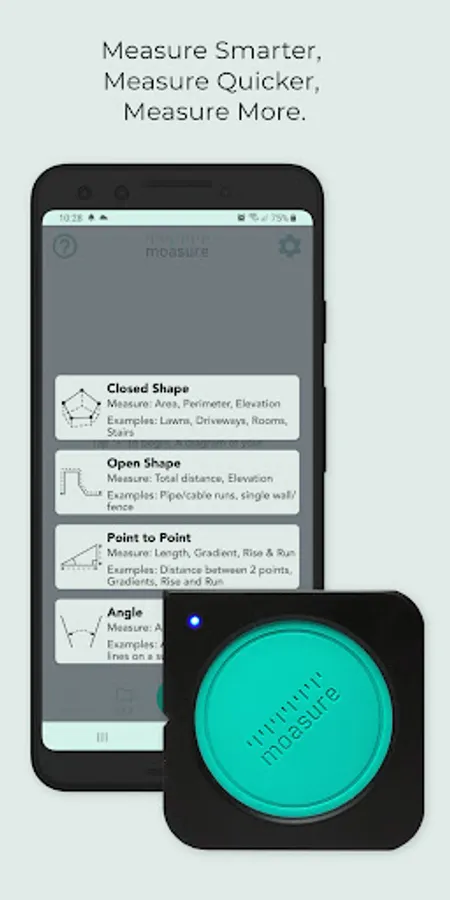
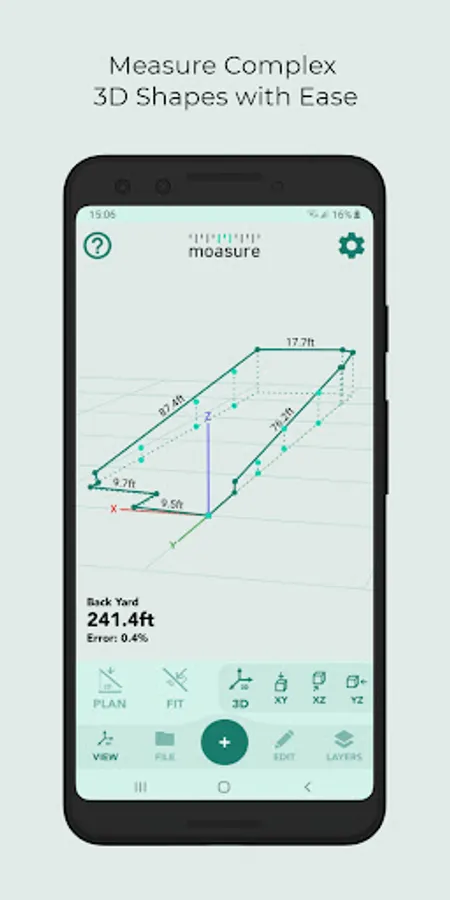
In this measurement app, you can connect to Moasure devices via Bluetooth to capture and visualize data in 2D and 3D, then edit measurements with various tools. Includes data organization, exporting options, and the ability to measure areas, volumes, and elevations.
AppRecs review analysis
AppRecs rating 3.5. Trustworthiness 86 out of 100. Review manipulation risk 15 out of 100. Based on a review sample analyzed.
★★★☆☆
3.5
AppRecs Rating
Ratings breakdown
5 star
54%
4 star
5%
3 star
4%
2 star
8%
1 star
29%
What to know
✓
Low review manipulation risk
15% review manipulation risk
✓
Credible reviews
86% trustworthiness score from analyzed reviews
⚠
High negative review ratio
37% of sampled ratings are 1–2 stars
About Moasure
The Moasure app – formerly known as the Moasure PRO app – is the innovative companion app for all Moasure devices.
Connecting via Bluetooth, the Moasure app provides you with a sleek and user-friendly interface to help you measure, view and edit your measurement data in one place, without the need for Wi-Fi, GPS, or cell phone signal.
Measure and draw simultaneously
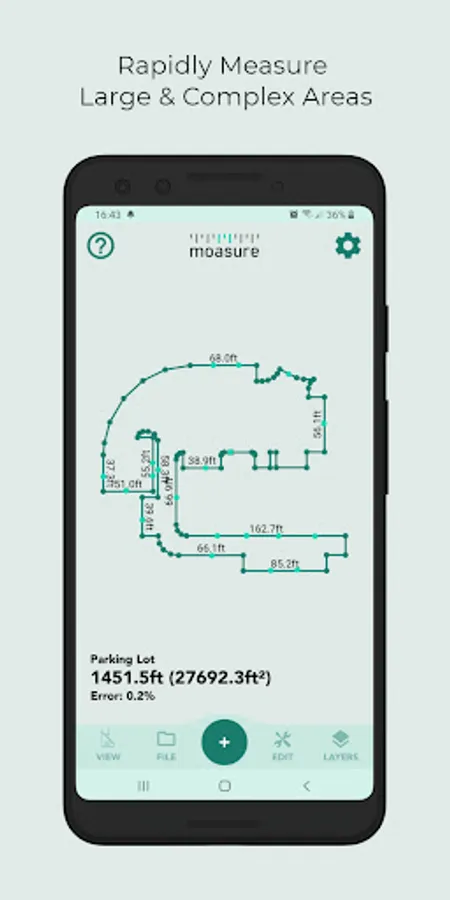
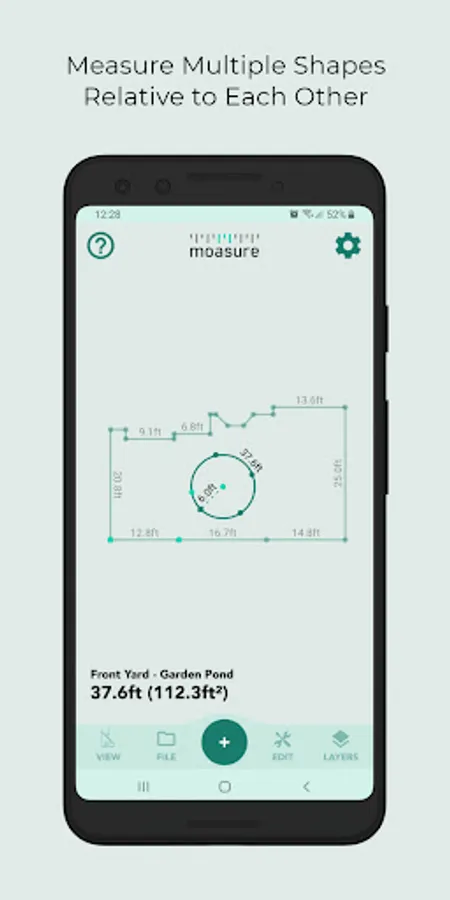
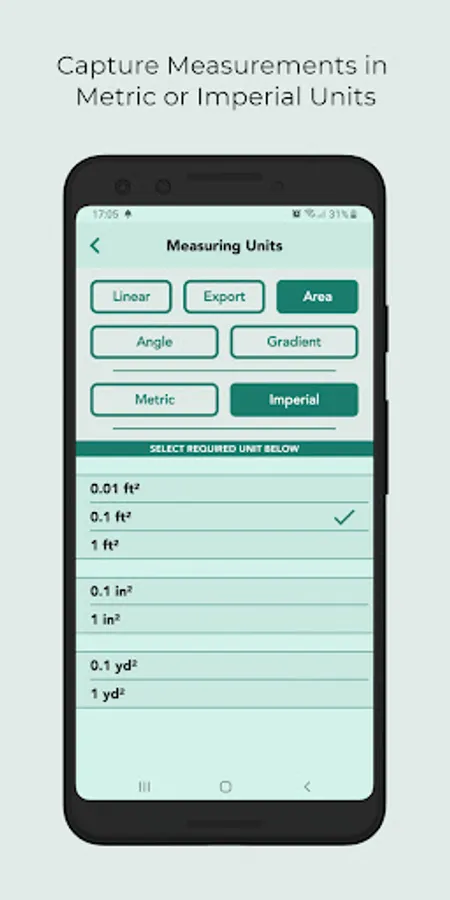
See your measurements visualized in 2D & 3D instantly on-screen, with a number of different ways to view your data. Capture the area, perimeter, true surface area, volume, elevation, gradient, and more of your measured space, in the time it takes to walk the site. Plus, choose from a variety of path types to tackle complex spaces with ease, such as straight lines, curves, and arcs.
Inspect and edit your measurements
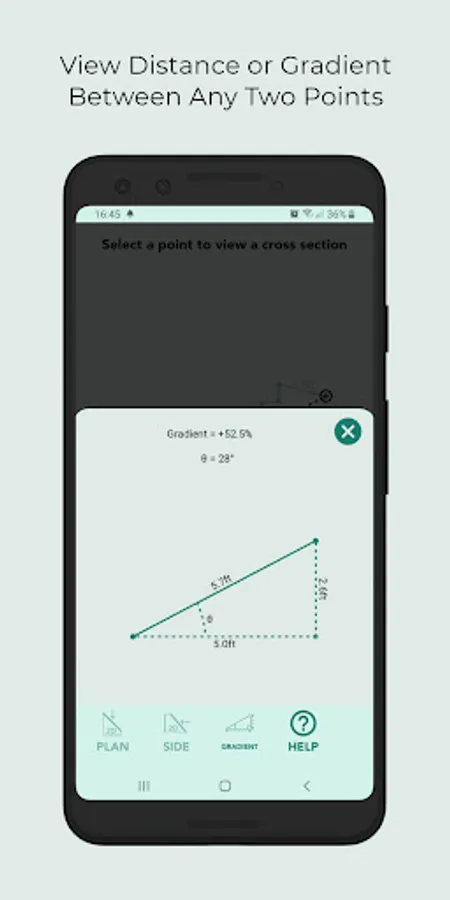
Utilize the range of powerful in-app tools to enhance your data and diagrams, including the ability to: determine the rise, run and gradient between any two selected points, calculate cut-and-fill volumes, add background images to measurements, label points of interest, customize colors of layers, determine net areas using an in-built calculator and a whole host of other productive tools.
Organize and export your files
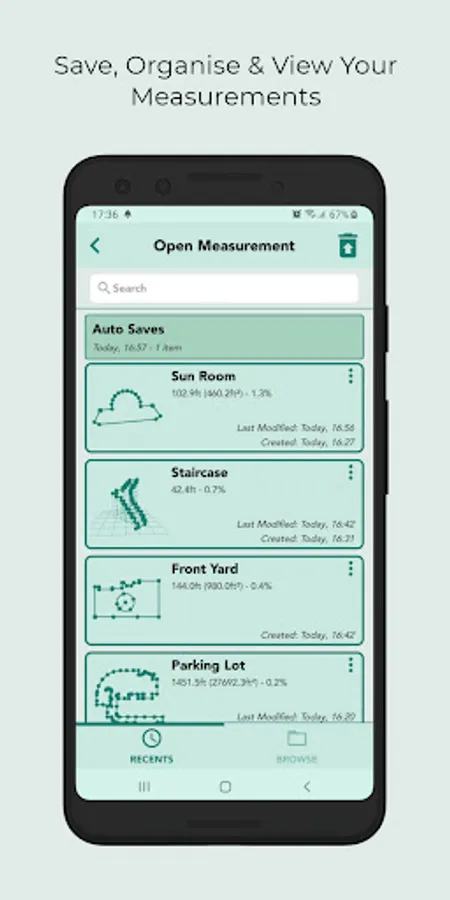
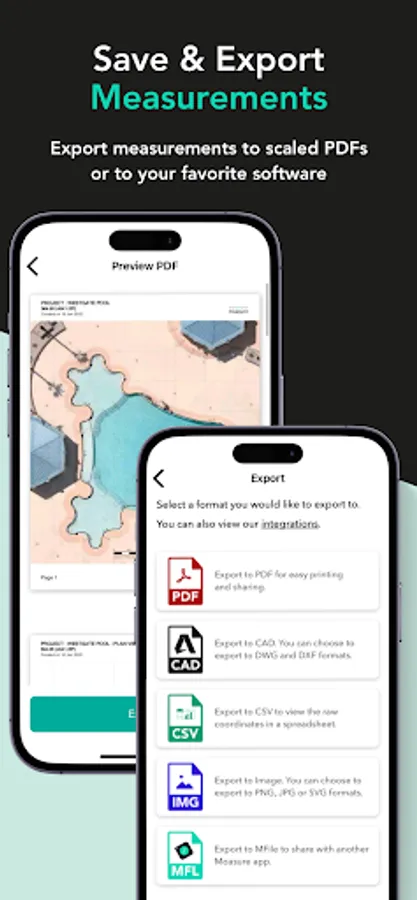
Save each measurement, and categorize files into folders for easy access within the app. Use a variety of exporting options, including directly to CAD through DXF & DWG formats and as a PDF, CSV, and IMG files for quick and convenient sharing between customers and colleagues.
The Moasure app is free to download, and there are no subscription fees.
Connecting via Bluetooth, the Moasure app provides you with a sleek and user-friendly interface to help you measure, view and edit your measurement data in one place, without the need for Wi-Fi, GPS, or cell phone signal.
Measure and draw simultaneously
See your measurements visualized in 2D & 3D instantly on-screen, with a number of different ways to view your data. Capture the area, perimeter, true surface area, volume, elevation, gradient, and more of your measured space, in the time it takes to walk the site. Plus, choose from a variety of path types to tackle complex spaces with ease, such as straight lines, curves, and arcs.
Inspect and edit your measurements
Utilize the range of powerful in-app tools to enhance your data and diagrams, including the ability to: determine the rise, run and gradient between any two selected points, calculate cut-and-fill volumes, add background images to measurements, label points of interest, customize colors of layers, determine net areas using an in-built calculator and a whole host of other productive tools.
Organize and export your files
Save each measurement, and categorize files into folders for easy access within the app. Use a variety of exporting options, including directly to CAD through DXF & DWG formats and as a PDF, CSV, and IMG files for quick and convenient sharing between customers and colleagues.
The Moasure app is free to download, and there are no subscription fees.