With this MIDI keyboard app, you can connect to external MIDI devices and control notes through your device. It enables users to send MIDI signals to synthesizers or software with customizable controls. Includes options for USB MIDI connection setup and developer testing tools.
AppRecs review analysis
AppRecs rating 3.4. Trustworthiness 82 out of 100. Review manipulation risk 24 out of 100. Based on a review sample analyzed.
★★★☆☆
3.4
AppRecs Rating
Ratings breakdown
5 star
46%
4 star
9%
3 star
12%
2 star
1%
1 star
32%
What to know
✓
Low review manipulation risk
24% review manipulation risk
✓
Credible reviews
82% trustworthiness score from analyzed reviews
⚠
High negative review ratio
33% of sampled ratings are 1–2 stars
About MIDI Keyboard
MIDI keyboard for playing notes on external MIDI devices, laptops, or other MIDI apps.
This app does not produce sound by itself. It is not a synthesizer. It is just a MIDI controller that can be used with a synthesizer.
To connect to a laptop:
- Drag finger down from top of Android screen.
- Select "USB for Charging" icon.
- Select "MIDI".
- Launch this "MIDIKeyboard" app.
- Select "Android USB Peripheral Port" from "Receiver for Keys" menu at top.
This may be used by software developers or OEMs to test the Android MIDI feature.
Instructions and links to source code are here:
https://source.android.com/devices/audio/midi_test
This app does not produce sound by itself. It is not a synthesizer. It is just a MIDI controller that can be used with a synthesizer.
To connect to a laptop:
- Drag finger down from top of Android screen.
- Select "USB for Charging" icon.
- Select "MIDI".
- Launch this "MIDIKeyboard" app.
- Select "Android USB Peripheral Port" from "Receiver for Keys" menu at top.
This may be used by software developers or OEMs to test the Android MIDI feature.
Instructions and links to source code are here:
https://source.android.com/devices/audio/midi_test
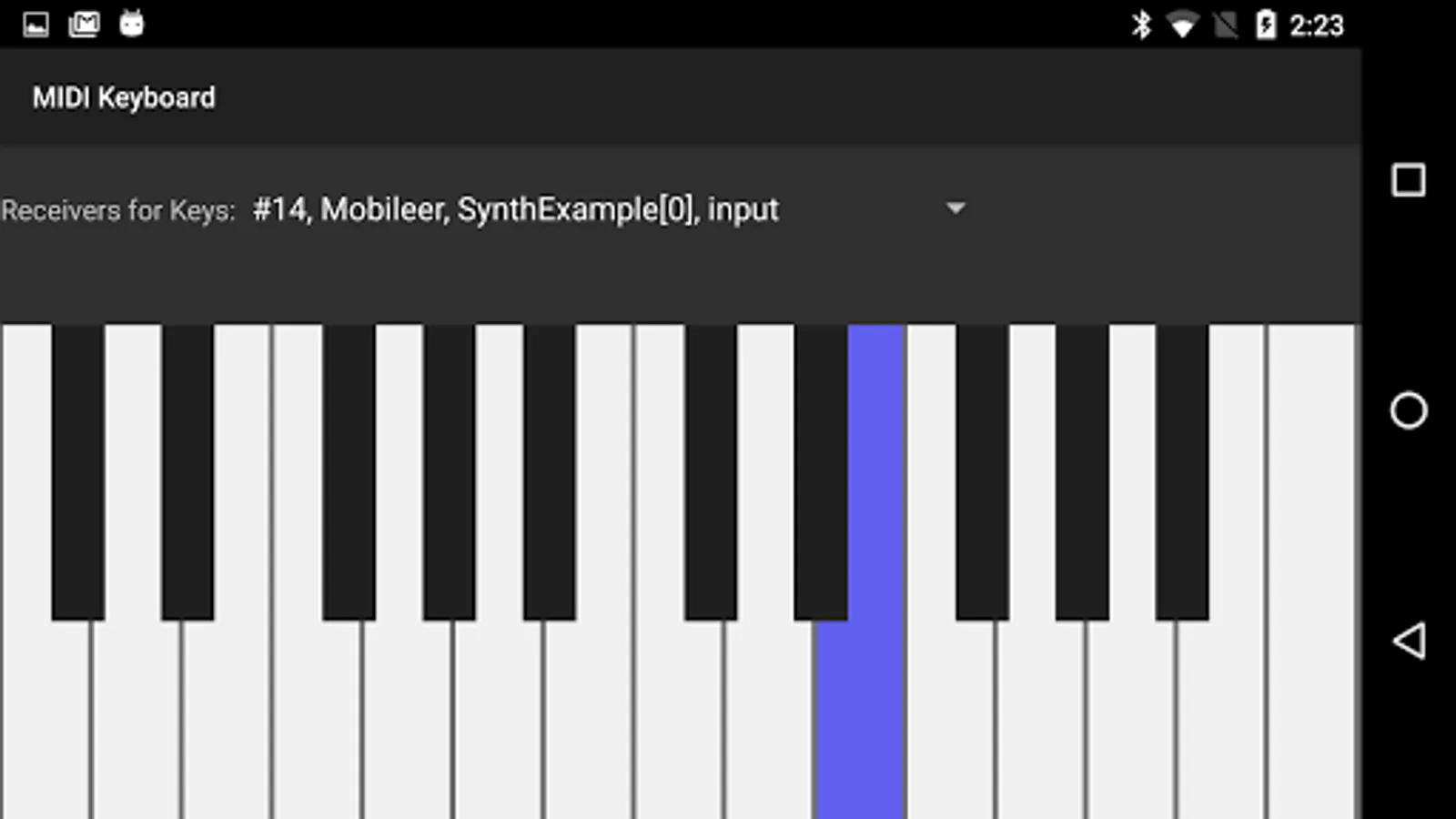
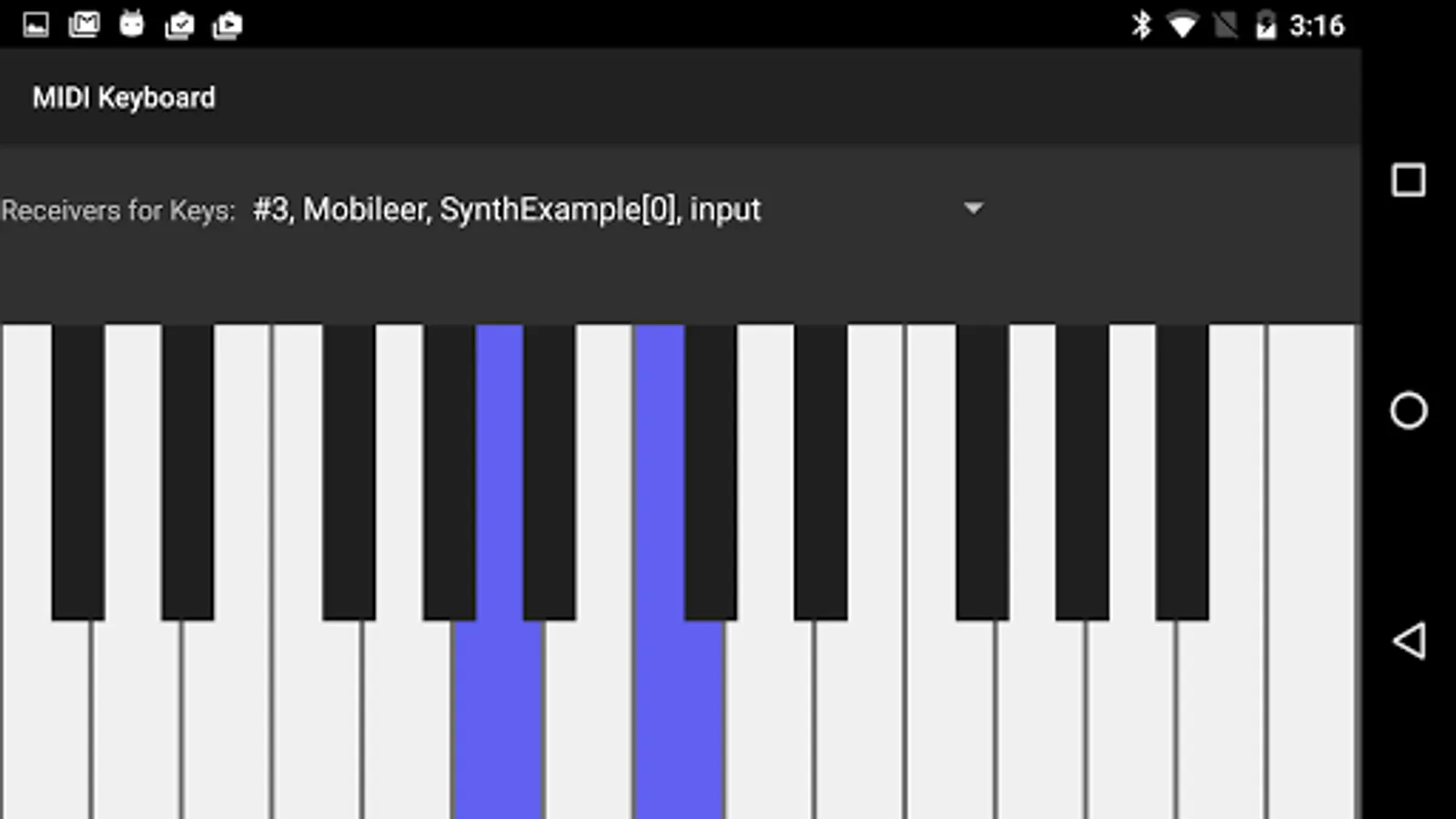
MIDI Keyboard Screenshots
Tap to Rate:
Reviews for MIDI Keyboard
Adrhy Drive
1/21/2026
Not a midi for physical midi keyboard but act as a virtual midi keyboard.
Paul Olivas
12/27/2025
it works