Mobile Speaker Remove Dust
Bit Apps Tech
4.4 ★
2K ratings
500,000+
downloads
Free
+ in-app
In this app, you can test and clean your device's speakers and microphones to improve sound quality. Includes dust removal, water ejection features, and sound testing tools.
AppRecs review analysis
AppRecs rating 4.4. Trustworthiness 71 out of 100. Review manipulation risk 36 out of 100. Based on a review sample analyzed.
★★★★☆
4.4
AppRecs Rating
Ratings breakdown
5 star
77%
4 star
7%
3 star
7%
2 star
2%
1 star
8%
What to know
✓
Credible reviews
71% trustworthiness score from analyzed reviews
✓
High user satisfaction
84% of sampled ratings are 4+ stars (4.4★ average)
⚠
Ad complaints
Many low ratings mention excessive ads
About Mobile Speaker Remove Dust
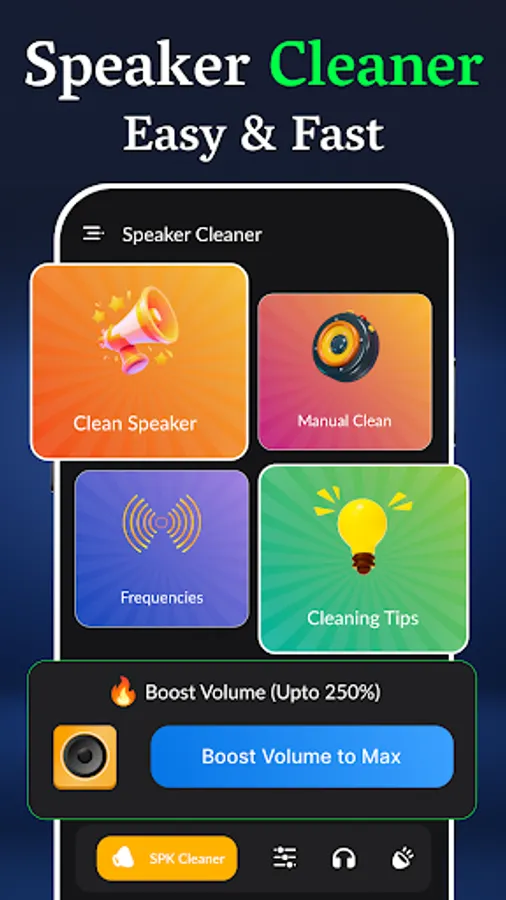
We are presenting Speaker Cleaner & Mobile Speaker Remove Dust to Fix Sound App, which is really helpful in daily routine clean speaker apps especially if you want 100% clear sound waves. Having a distorted sound from speakers and headphones or getting bad sound from the Microphone🎙? Don't worry😉! You don't have to replace your worthy headphone or Microphones to produce clear waves. We have a sophisticated Mobile Speaker Dust to help you as a mobile speaker dust water remover. Phone Ear Speaker Cleaner & Speaker Dust Cleaner quickly cleans bad speakers, bad hands-free sound, and microphones with our testing environment where users can test bad speakers, headphones & microphones and can fix sound in this Mobile Speaker for water speakers.
Dust Cleaner App takes just 45-60 seconds to make your cellphone 📱, smart watch speaker headphone, or microphone sounds like new in the remove water cleaner app. You can remove ads through in-app purchases and then can enjoy a Speaker cleaner app you can clean and expel Dust & water from the speaker in term of seconds in this dust cleaning app. You can do a sound test in a simple process before removing water from the speaker is very easy to do and has a success rate of more than 85% remove water speaker.
Water Speaker uses sine wave sounds of predefined frequencies to remove water from the speaker as great eject water. When you clean the speaker sound waves cause the speaker to vibrate and shake off water stuck inside as the Water Speaker
⚙️Testing modes of Remove Water Dust the speaker
1: Test Mobile phone Speaker and Speaker Cleaner to remove dust
With Speaker Dust Cleaner - Fix Headphones & Microphone you can easily test multiple sounds and frequencies on your cellphone speaker or home speaker system. Eject water app supports both Mono and Stereo sound systems and can clean as a great water ejector.
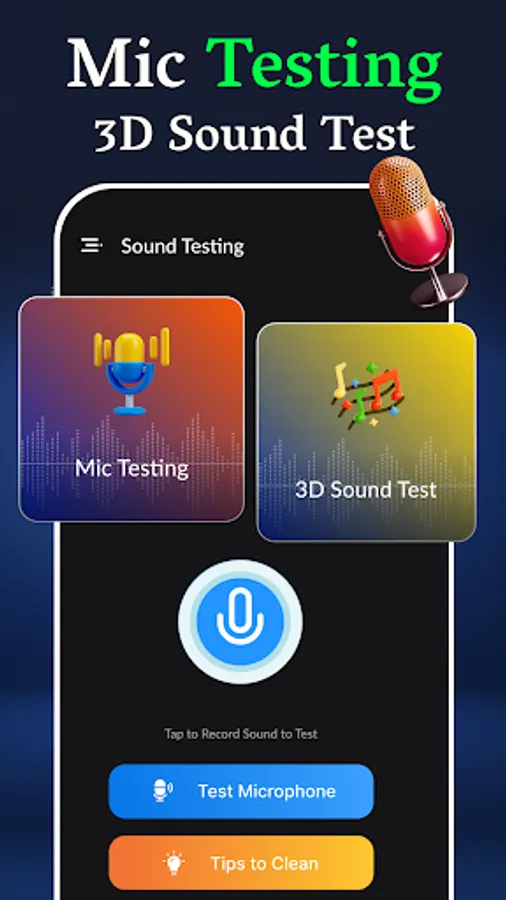
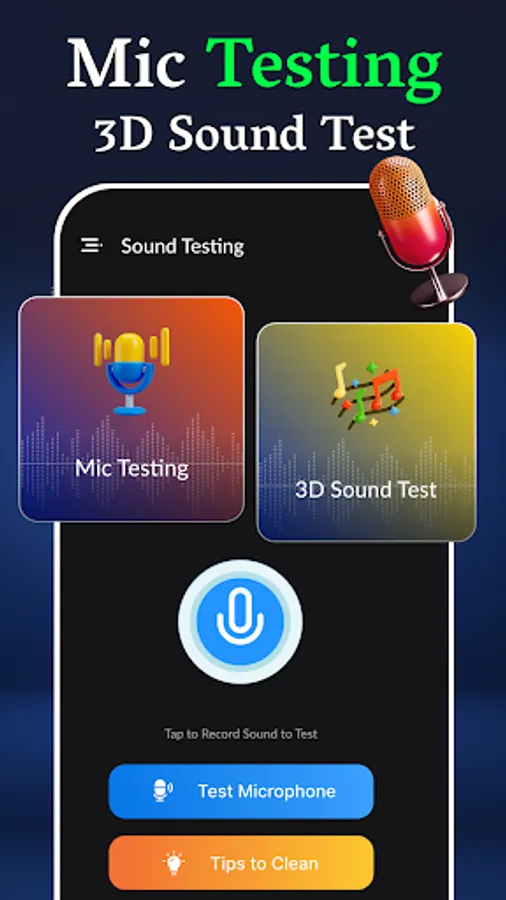
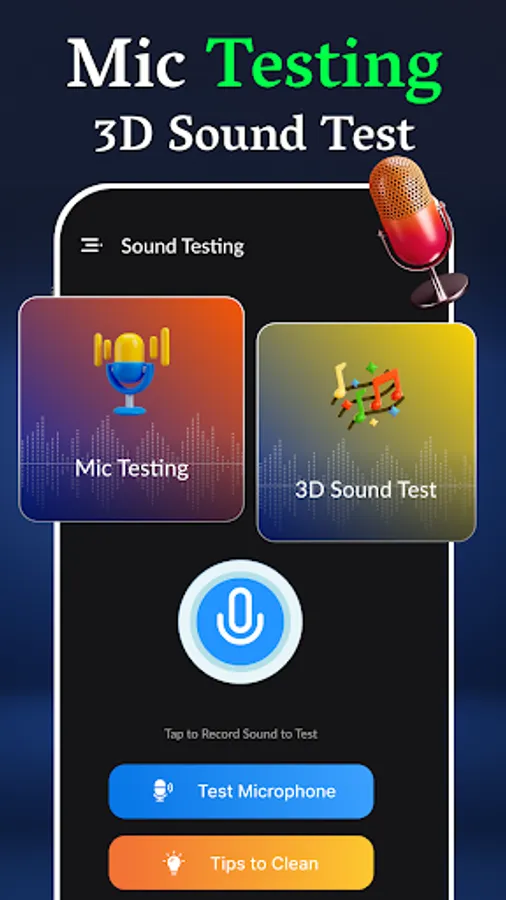
2: Easy Mic Test in Speaker Dust Cleaner fix my speaker sound 🎙🎤
With Mic test, you can do a quick recording test to evaluate the quality of your smartphone's microphone or your headset. You will know how others hear you if have made any water damage. Use Mic Test to compare the quality of your different devices or a new one before buying it.
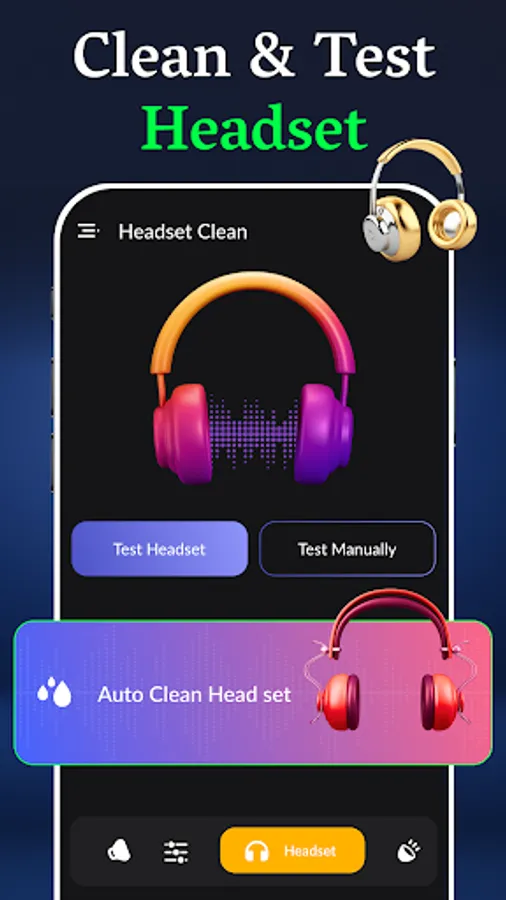
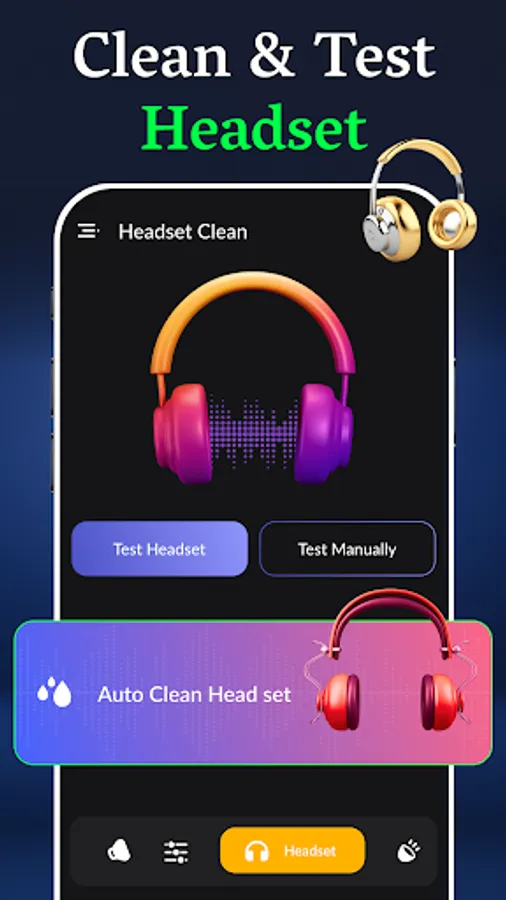
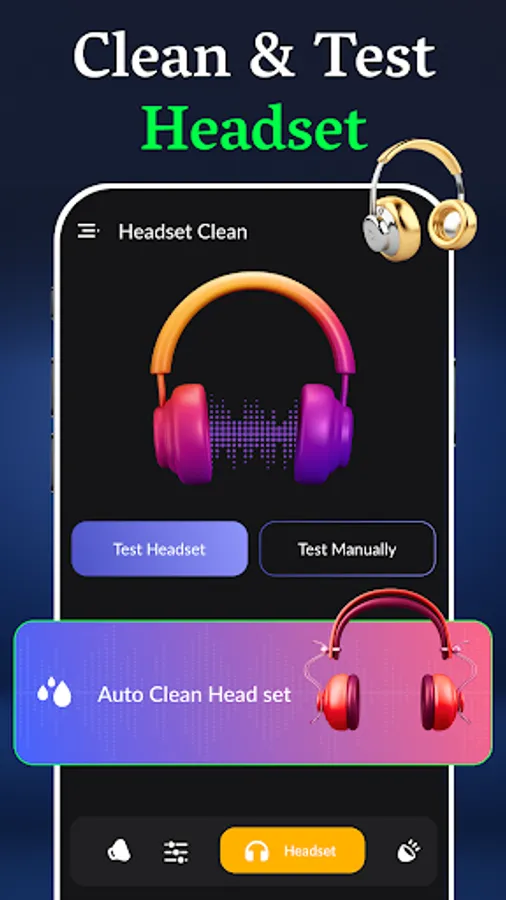
3: Headphone Cleaner and Air buds Sound Fixer Clean Speaker App
Clean Water app offers the quickest way to figure out which earbud or headphone side left or right is not working by playing stereo sound one by one.
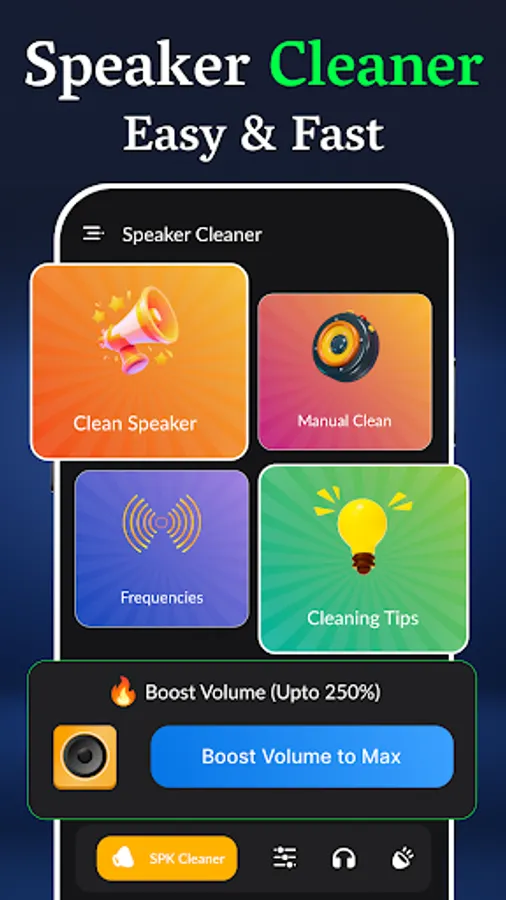
⚙️ Cleaning modes to Phone Ear Speaker Cleaner & Dust Cleaner Speaker:
Water Speaker - Fix Headphones & Microphone has a few built-in cleaning modes to help you remove trapped water cleaners inside the speaker with great success.
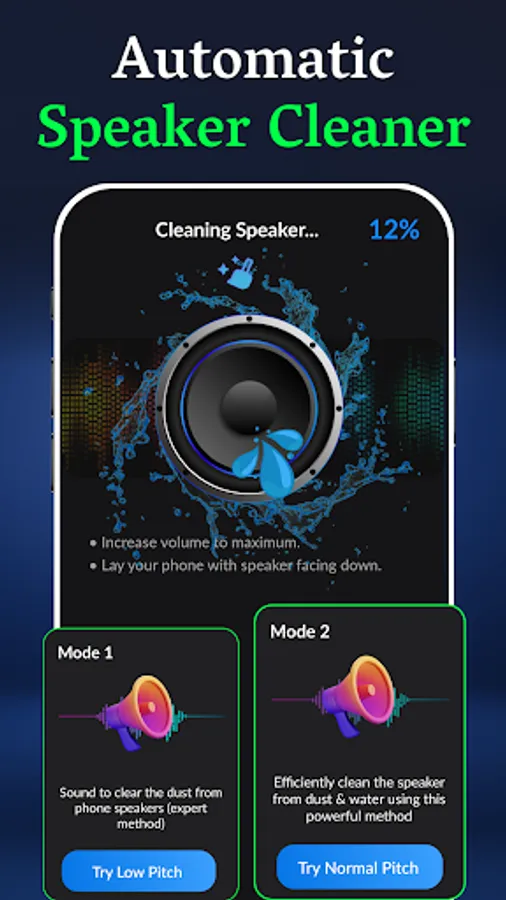
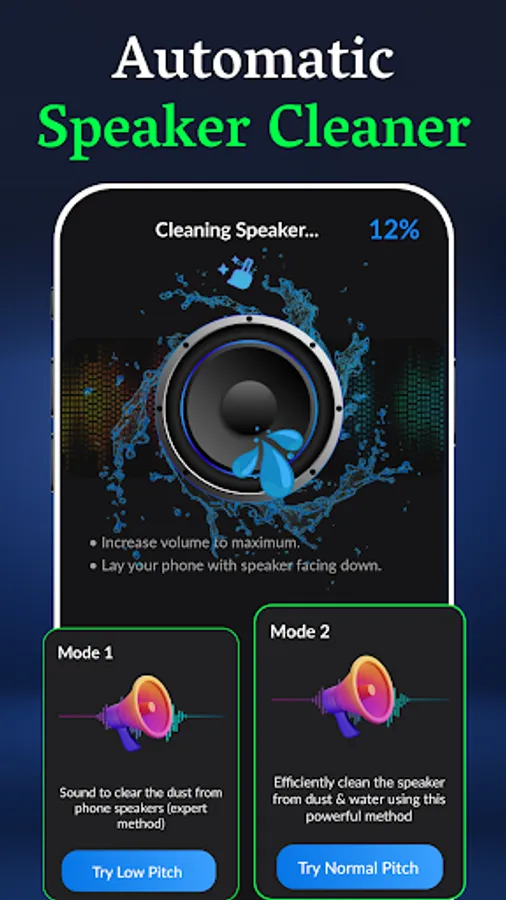
Auto cleaning (Recommended) to get water out of speakers
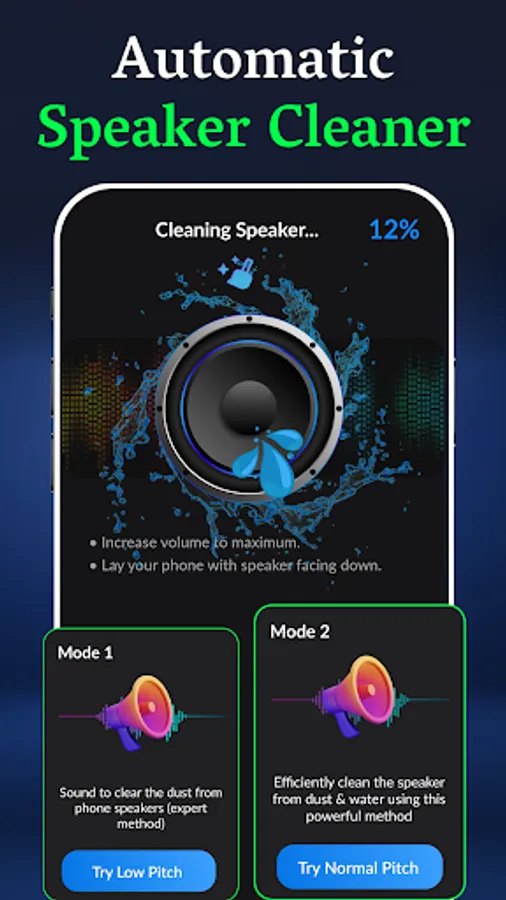
Microphone cleaner and Headphone cleaner modes are built-in in this Speaker cleaner app and dust cleaner app too. Water Speaker is an automated process of removing water from the speaker. With just one press of the button, your speaker will be fixed in 80 seconds. There are also two modes of auto cleaning, so be sure to try them both if one doesn't work.
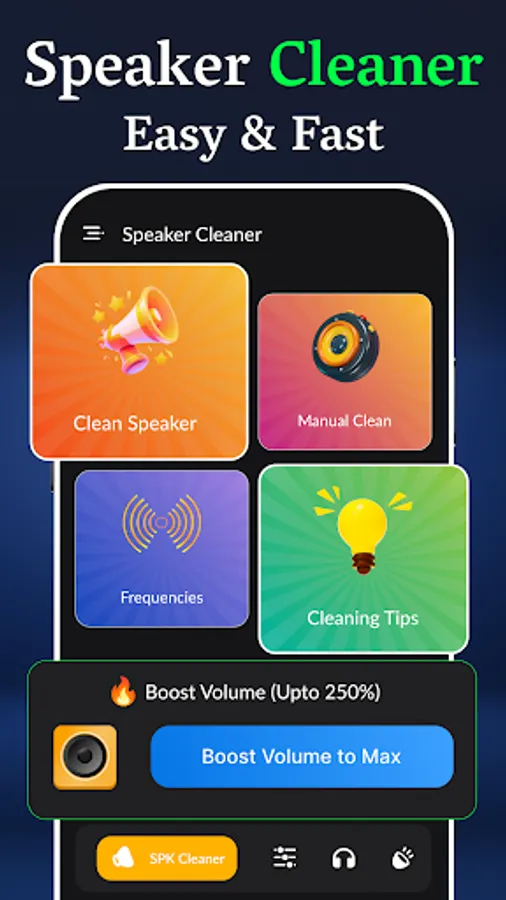
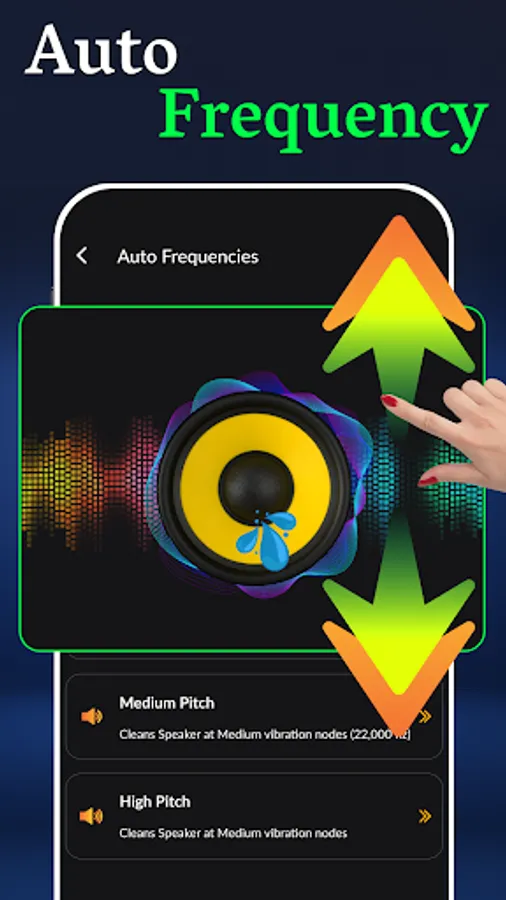
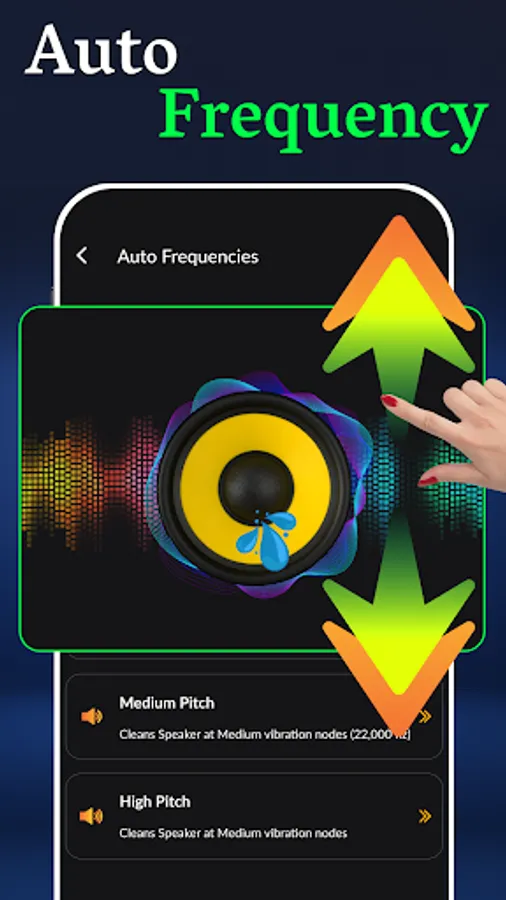
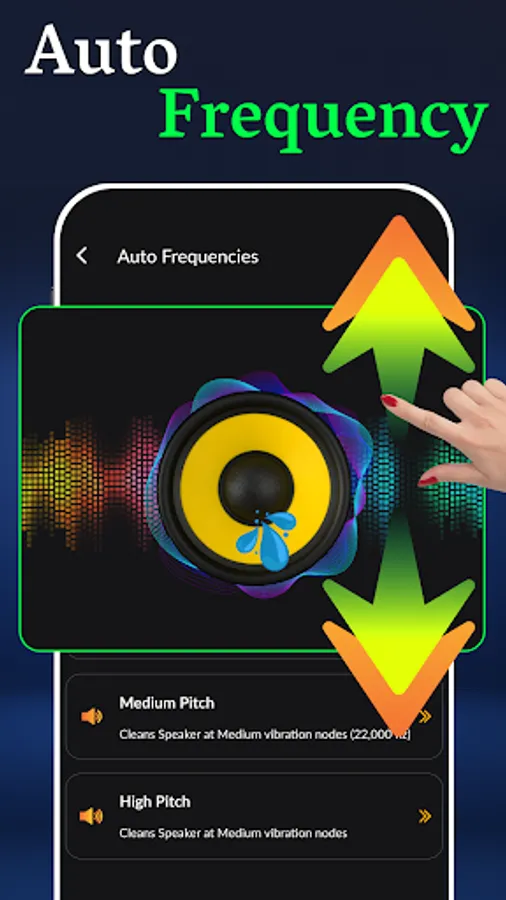
Manual cleaning uses sound waves of 0-8000Hz to clean the speaker and remove dust and water.
Manual cleaning mode allows you to manually select the exact sound frequency which works best for a specific speaker. Use the slider to adjust the frequency.
⚠️Important Notes about Mobile Speaker Remove Dust
● Use for clean water at your own risk
● Position the phone or smartwatch in such a way that the speaker is facing DOWN.
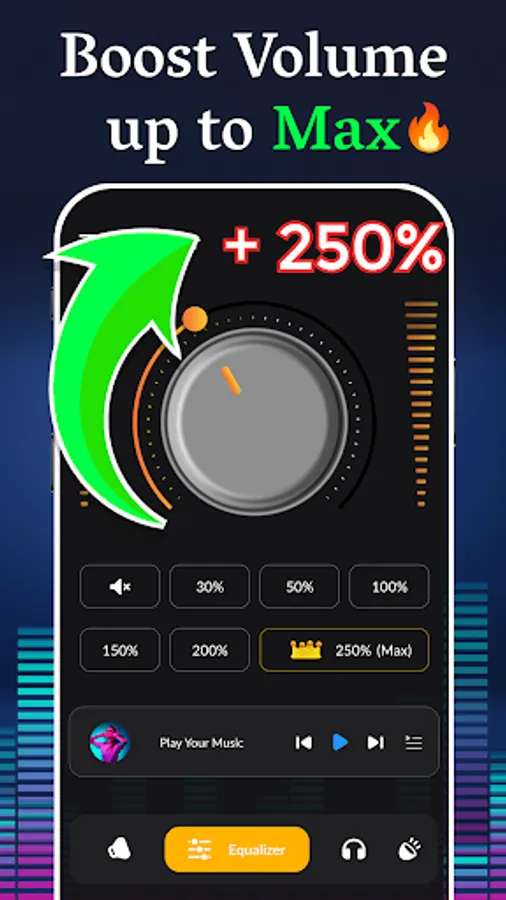
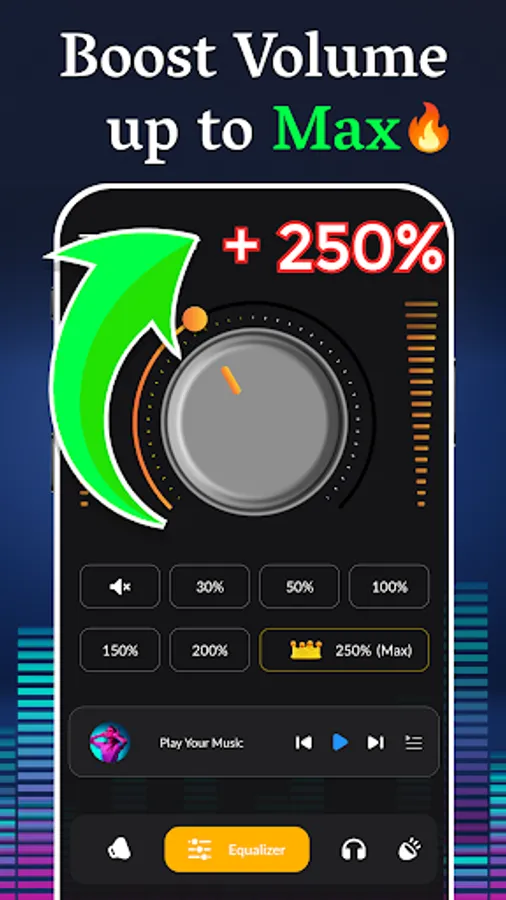
● Turn the volume to the maximum for the speaker cleaner process
● Disconnect headphones if connected while cleaning phone speakers
● While cleaning Headphones or earbuds, take off from your ears until the cleaning process is not done speaker water cleaner
● For mic cleaning, be very careful during speaker dust cleaner
Dust Cleaner App takes just 45-60 seconds to make your cellphone 📱, smart watch speaker headphone, or microphone sounds like new in the remove water cleaner app. You can remove ads through in-app purchases and then can enjoy a Speaker cleaner app you can clean and expel Dust & water from the speaker in term of seconds in this dust cleaning app. You can do a sound test in a simple process before removing water from the speaker is very easy to do and has a success rate of more than 85% remove water speaker.
Water Speaker uses sine wave sounds of predefined frequencies to remove water from the speaker as great eject water. When you clean the speaker sound waves cause the speaker to vibrate and shake off water stuck inside as the Water Speaker
⚙️Testing modes of Remove Water Dust the speaker
1: Test Mobile phone Speaker and Speaker Cleaner to remove dust
With Speaker Dust Cleaner - Fix Headphones & Microphone you can easily test multiple sounds and frequencies on your cellphone speaker or home speaker system. Eject water app supports both Mono and Stereo sound systems and can clean as a great water ejector.
2: Easy Mic Test in Speaker Dust Cleaner fix my speaker sound 🎙🎤
With Mic test, you can do a quick recording test to evaluate the quality of your smartphone's microphone or your headset. You will know how others hear you if have made any water damage. Use Mic Test to compare the quality of your different devices or a new one before buying it.
3: Headphone Cleaner and Air buds Sound Fixer Clean Speaker App
Clean Water app offers the quickest way to figure out which earbud or headphone side left or right is not working by playing stereo sound one by one.
⚙️ Cleaning modes to Phone Ear Speaker Cleaner & Dust Cleaner Speaker:
Water Speaker - Fix Headphones & Microphone has a few built-in cleaning modes to help you remove trapped water cleaners inside the speaker with great success.
Auto cleaning (Recommended) to get water out of speakers
Microphone cleaner and Headphone cleaner modes are built-in in this Speaker cleaner app and dust cleaner app too. Water Speaker is an automated process of removing water from the speaker. With just one press of the button, your speaker will be fixed in 80 seconds. There are also two modes of auto cleaning, so be sure to try them both if one doesn't work.
Manual cleaning uses sound waves of 0-8000Hz to clean the speaker and remove dust and water.
Manual cleaning mode allows you to manually select the exact sound frequency which works best for a specific speaker. Use the slider to adjust the frequency.
⚠️Important Notes about Mobile Speaker Remove Dust
● Use for clean water at your own risk
● Position the phone or smartwatch in such a way that the speaker is facing DOWN.
● Turn the volume to the maximum for the speaker cleaner process
● Disconnect headphones if connected while cleaning phone speakers
● While cleaning Headphones or earbuds, take off from your ears until the cleaning process is not done speaker water cleaner
● For mic cleaning, be very careful during speaker dust cleaner
Mobile Speaker Remove Dust Screenshots
Tap to Rate:
Reviews for Mobile Speaker Remove Dust
Malik
11/19/2025
Lousy apps, can't even start the app because too many ads.
Abdullahasan Abdullah
11/3/2025
perfect