Delete apps - Easy Uninstall
QappsCom
4.2 ★
store rating
1,000,000+
downloads
Free
AppRecs review analysis
AppRecs rating 3.5. Trustworthiness 75 out of 100. Review manipulation risk 31 out of 100. Based on a review sample analyzed.
★★★☆☆
3.5
AppRecs Rating
Ratings breakdown
5 star
69%
4 star
12%
3 star
4%
2 star
3%
1 star
12%
What to know
✓
Credible reviews
75% trustworthiness score from analyzed reviews
✓
High user satisfaction
80% of sampled ratings are 4+ stars (4.2★ average)
⚠
Review quality concerns
46% of sampled 5-star reviews are very short
About Delete apps - Easy Uninstall
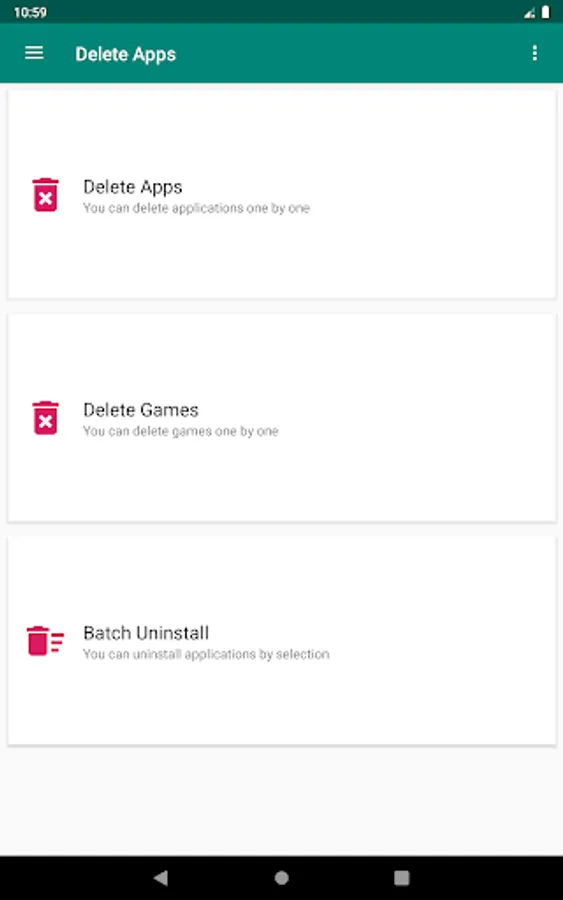
Delete apps - Easy Uninstall is a tool for android to remove apps by several taps. Clean up storage and free up more spaces. New uninstaller pro for all devices.
■ Delete apps - Easy Uninstall apps Features
------------------------------------------------------------------
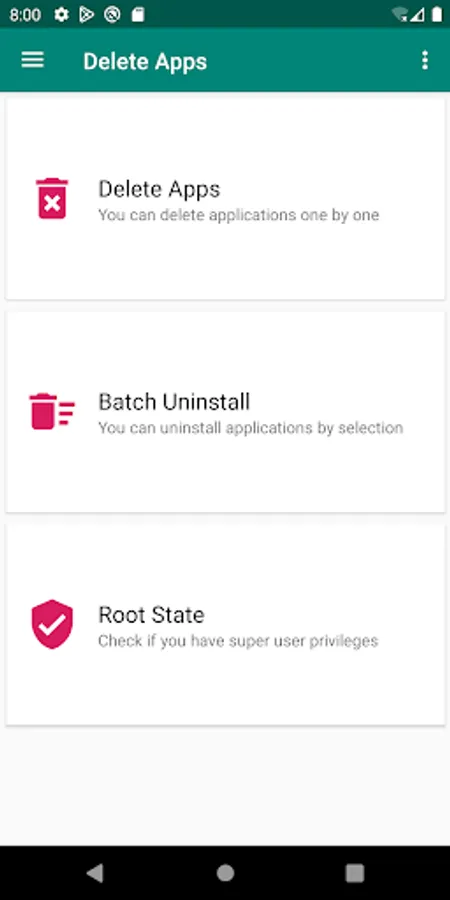
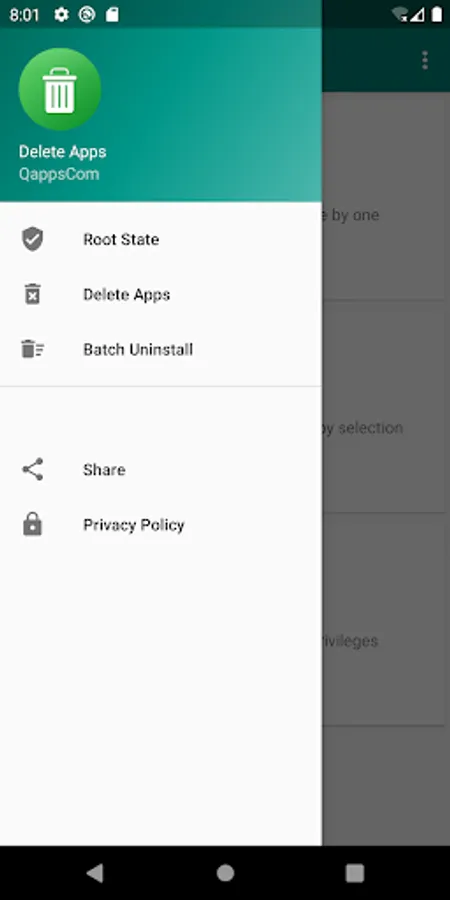
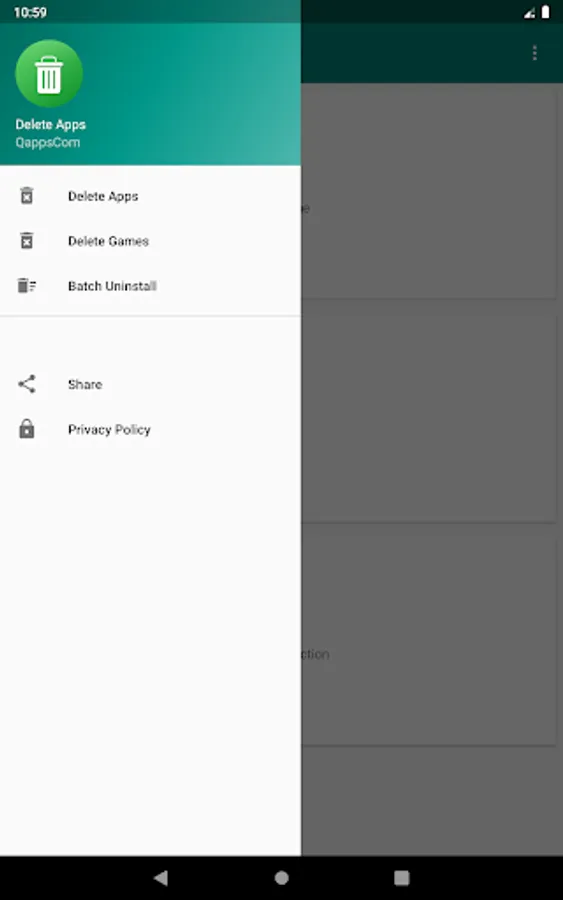
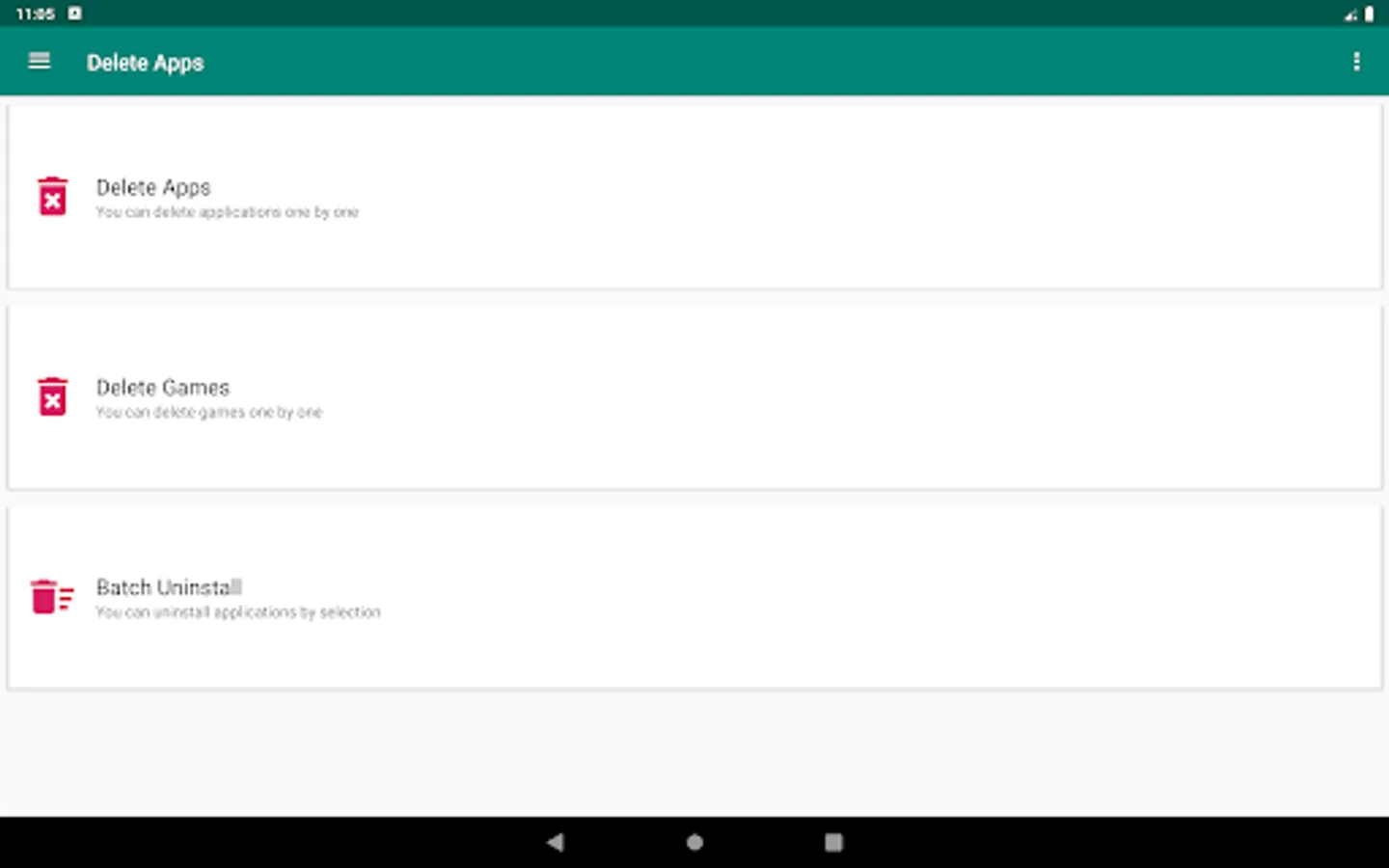
You can list all installed apps with two uninstall mode : single uninstall and batch uninstall, we provide also a convenient search function.
■ Delete apps - Easy Uninstall apps Description
----------------------------------
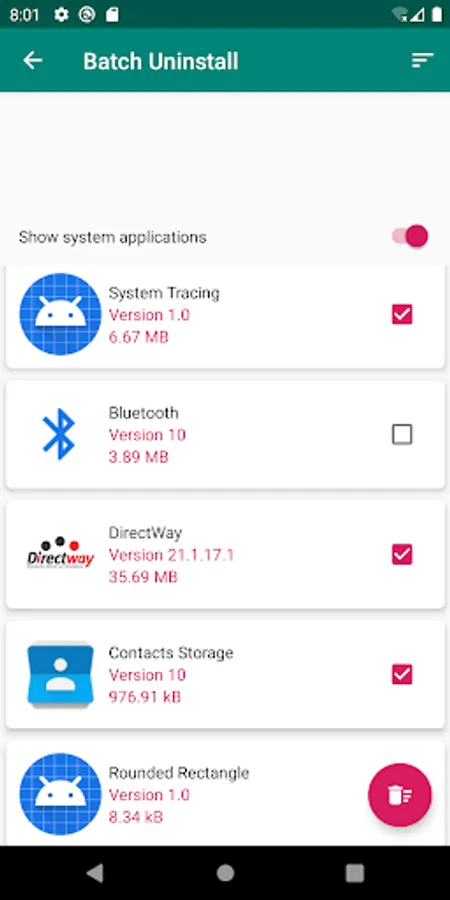
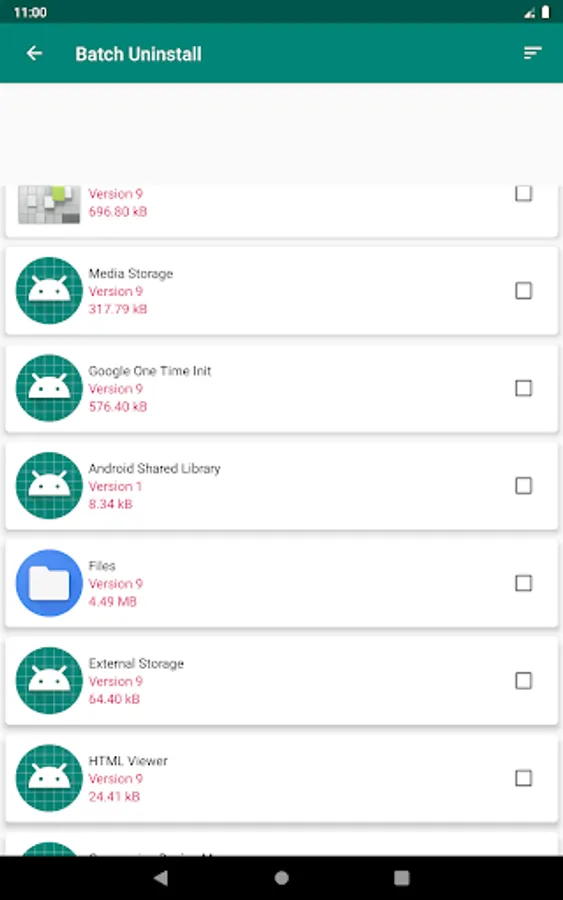
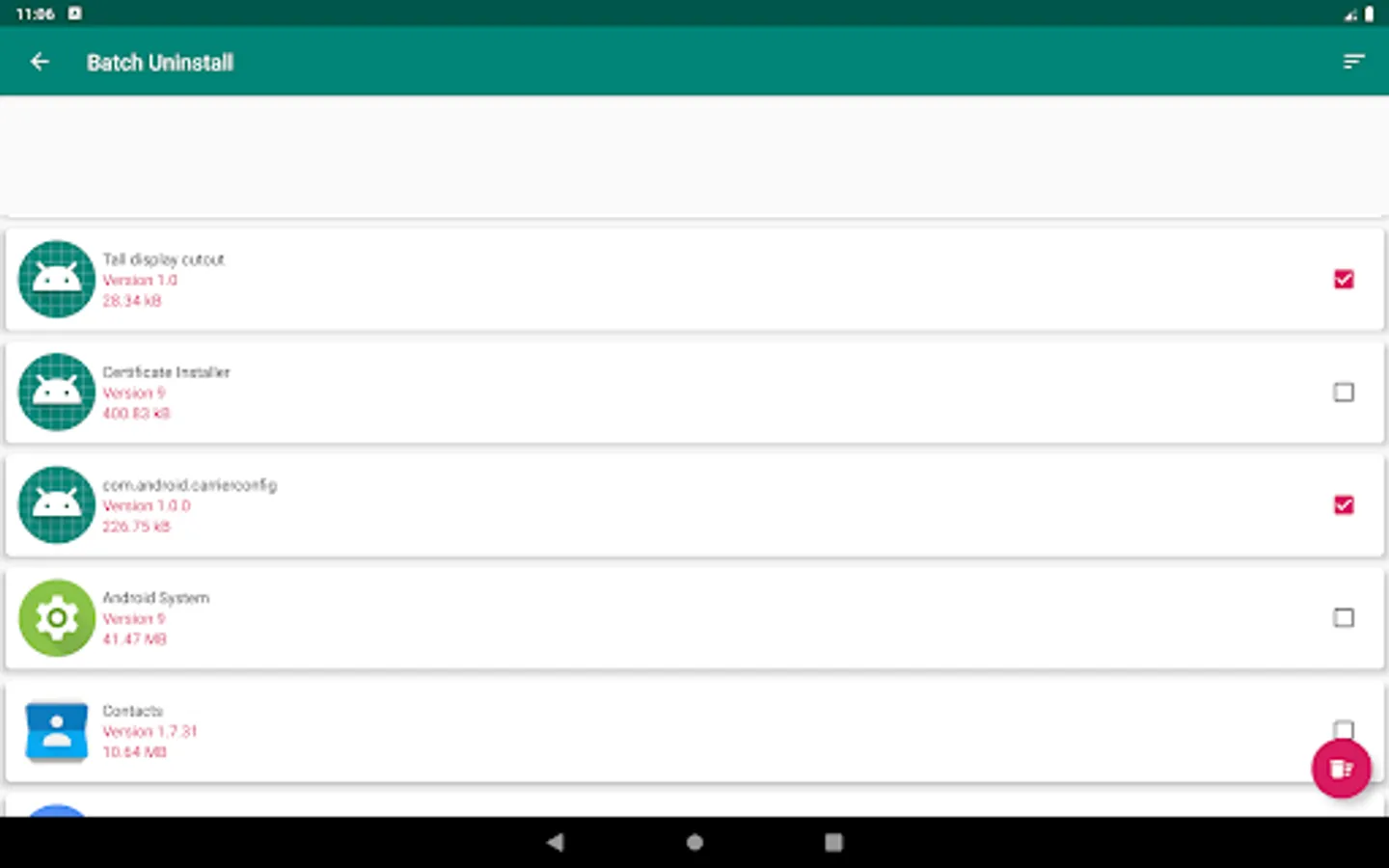
Delete Apps is a tool to remove apps for android phones. It is super easy to use, you can select multiple apps that you want to uninstall, and click "Delete" button to uninstall them.
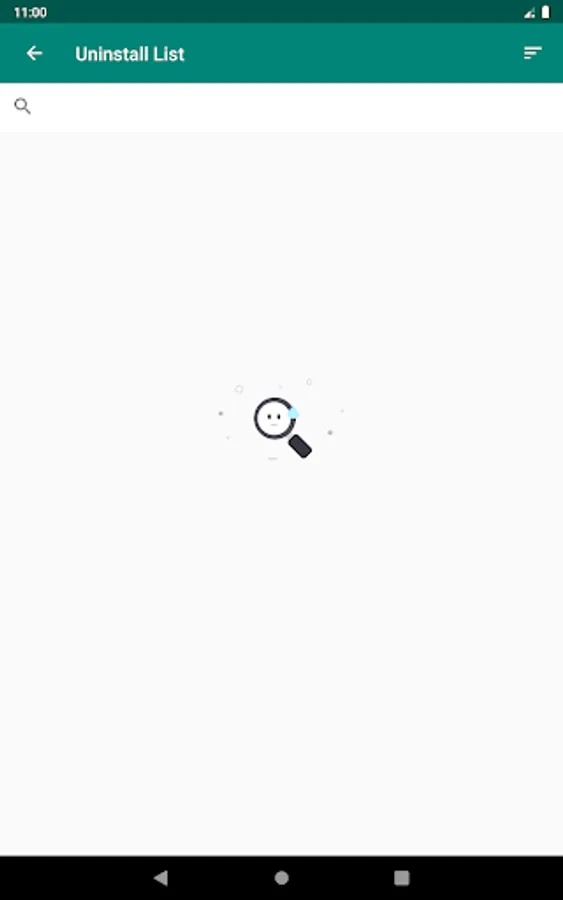
Delete Apps also supports app search & sort. Type keyword in the textbox on the top to search the app that you want to uninstall. Click "Sort" button to sort the apps in many sort types.
Delete Apps cannot uninstall pre-loaded or pre-installed apps in the system because it is limited by the system mechanism.
■ Delete apps - Easy Uninstall apps FAQ
-------------------------
Question: How to remove apps android ?
Check the apps that you want to uninstall, then tap the uninstall button.
Question: Why can't it list pre-loaded apps?
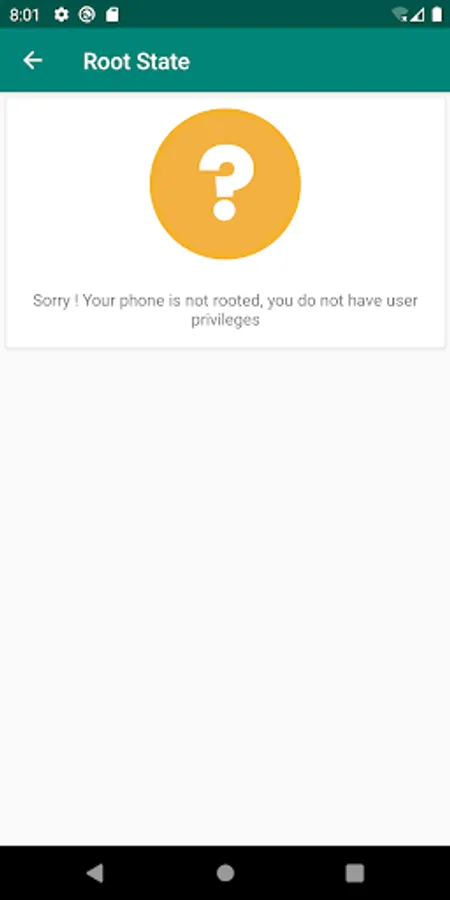
A: Pre-loaded apps cannot be uninstalled, only if your phone is rooted, you can search "root uninstall" in Google market.
■ Delete apps - Easy Uninstall apps Features
------------------------------------------------------------------
You can list all installed apps with two uninstall mode : single uninstall and batch uninstall, we provide also a convenient search function.
■ Delete apps - Easy Uninstall apps Description
----------------------------------
Delete Apps is a tool to remove apps for android phones. It is super easy to use, you can select multiple apps that you want to uninstall, and click "Delete" button to uninstall them.
Delete Apps also supports app search & sort. Type keyword in the textbox on the top to search the app that you want to uninstall. Click "Sort" button to sort the apps in many sort types.
Delete Apps cannot uninstall pre-loaded or pre-installed apps in the system because it is limited by the system mechanism.
■ Delete apps - Easy Uninstall apps FAQ
-------------------------
Question: How to remove apps android ?
Check the apps that you want to uninstall, then tap the uninstall button.
Question: Why can't it list pre-loaded apps?
A: Pre-loaded apps cannot be uninstalled, only if your phone is rooted, you can search "root uninstall" in Google market.