Screen Cast Mirroring - easy s
MOBZAPP
3.9 ★
store rating
1,000,000+
downloads
Free
+ in-app
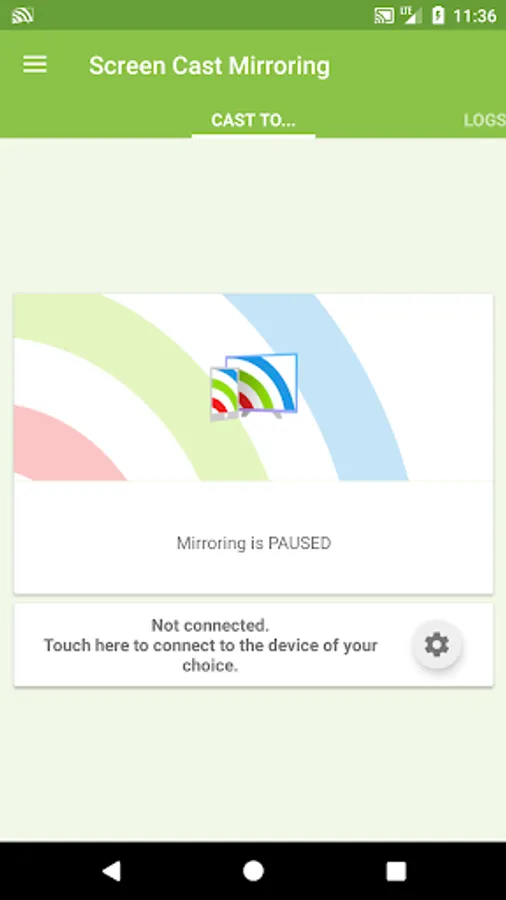
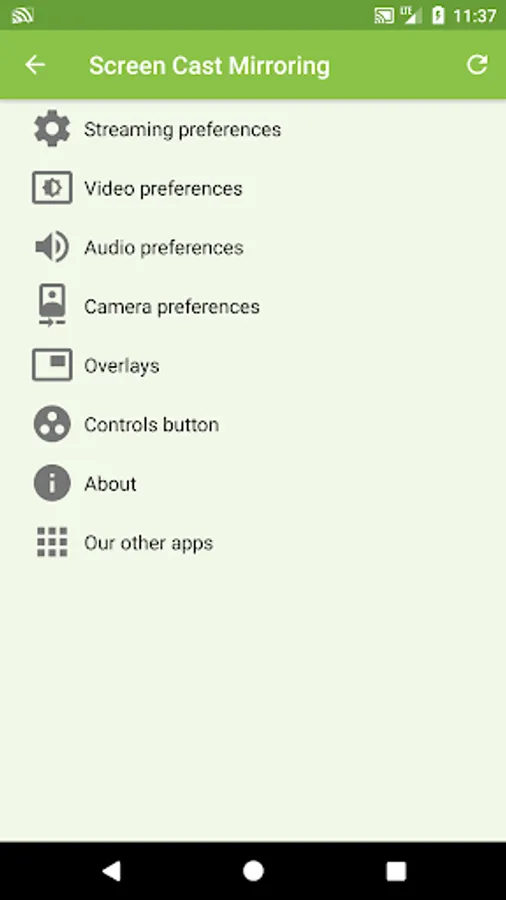
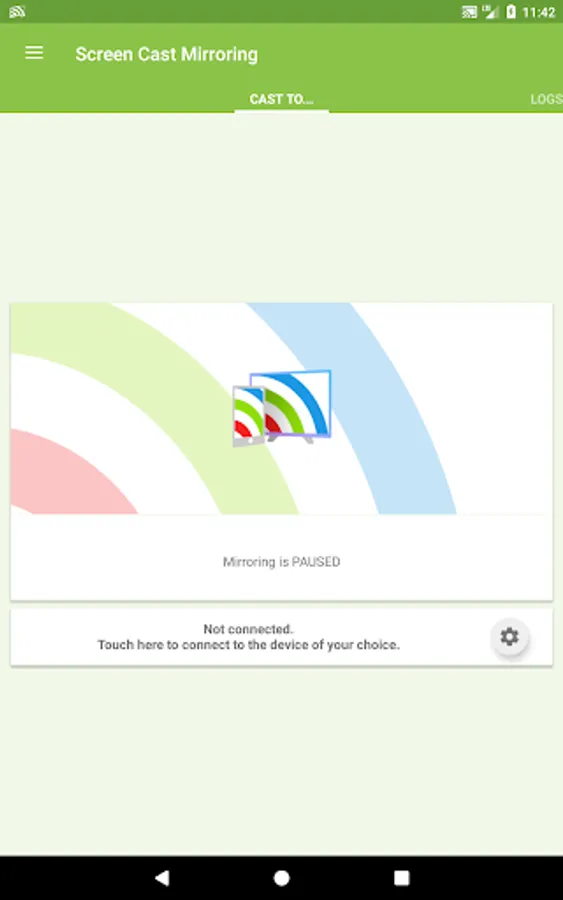
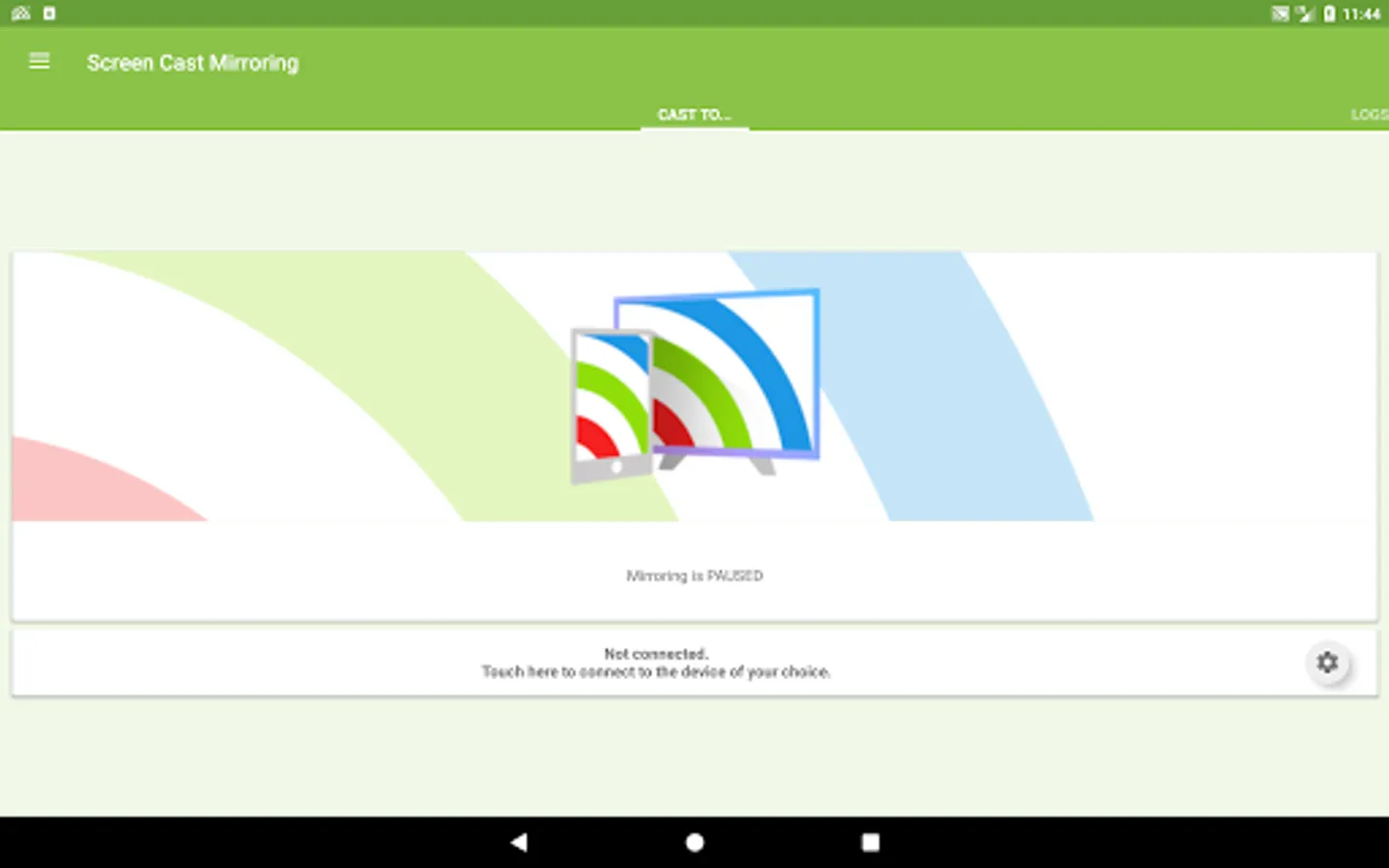
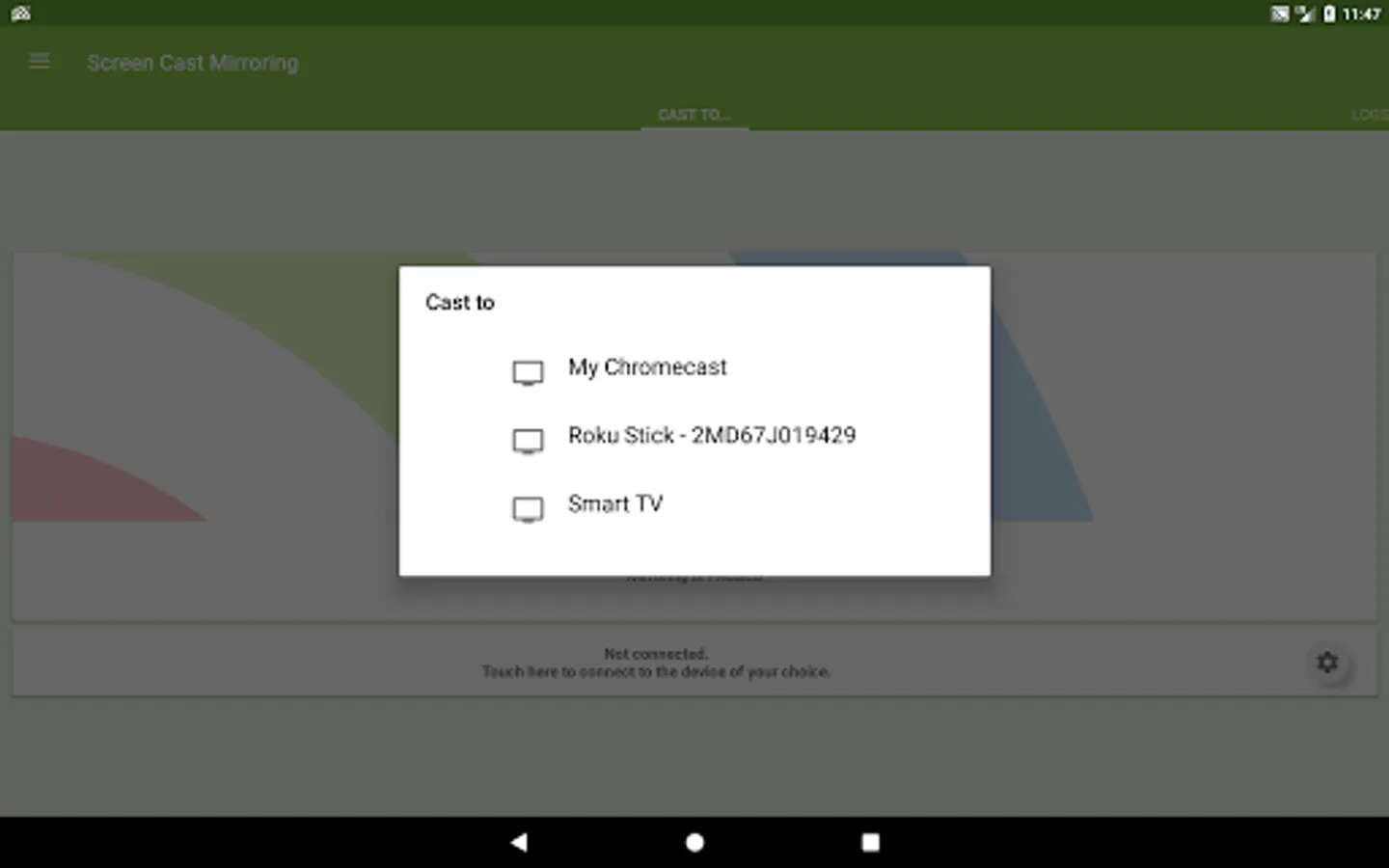
In this screen mirroring app, you can cast your Android screen and audio in real time to smart devices, including smart TVs and Chromecast. Includes internal and microphone audio streaming, overlay features, and compatibility with UPnP/DLNA devices.
AppRecs review analysis
AppRecs rating 3.9. Trustworthiness 0 out of 100. Review manipulation risk 0 out of 100. Based on a review sample analyzed.
★★★☆☆
3.9
AppRecs Rating
Ratings breakdown
5 star
63%
4 star
8%
3 star
5%
2 star
4%
1 star
19%
What to know
✓
Good user ratings
72% positive sampled reviews
✓
Authentic reviews
Natural distribution, no red flags
About Screen Cast Mirroring - easy s
Screen Cast Mirroring is a powerful app for mirroring your Android screen and audio in real time !
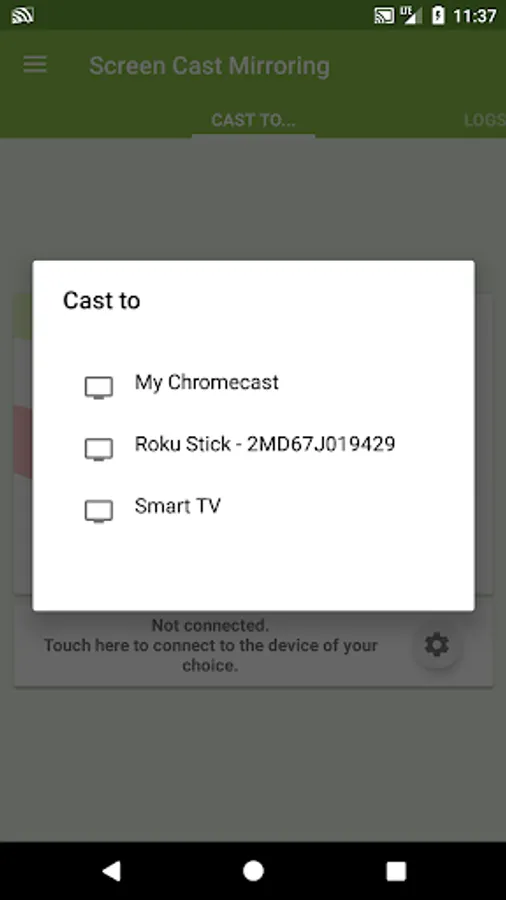
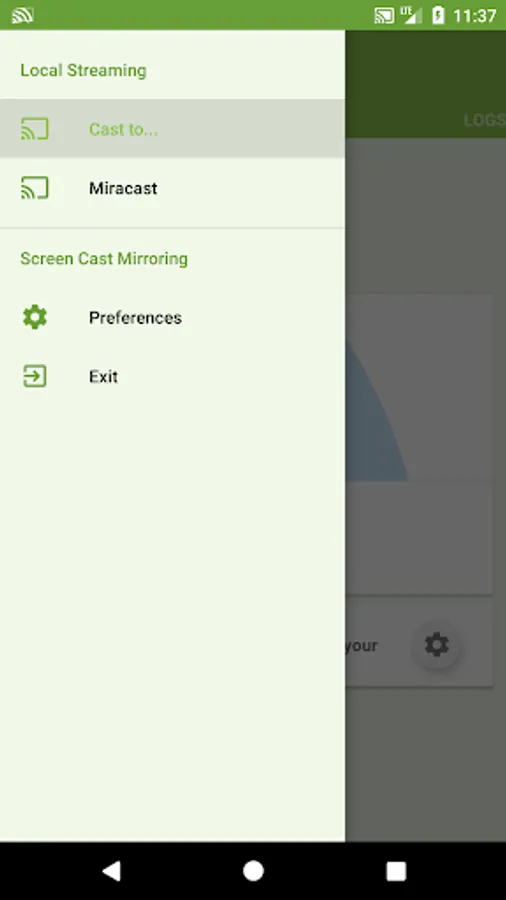
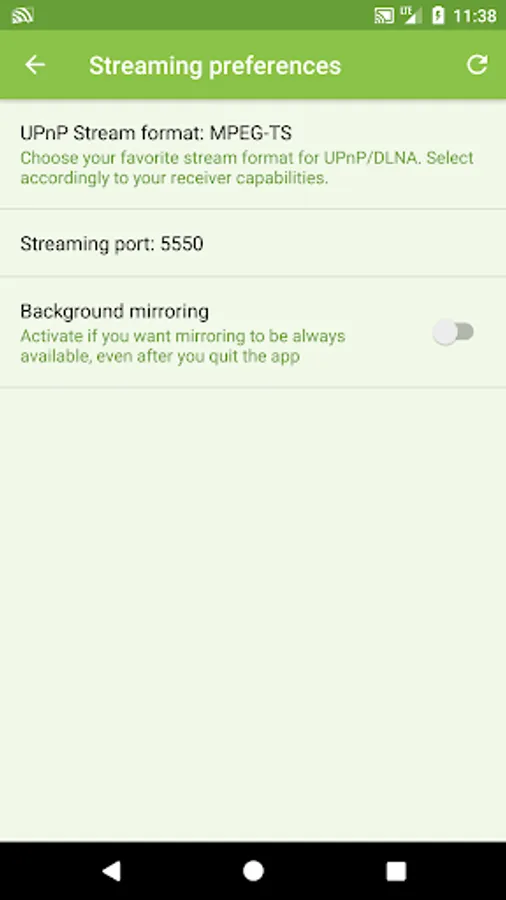
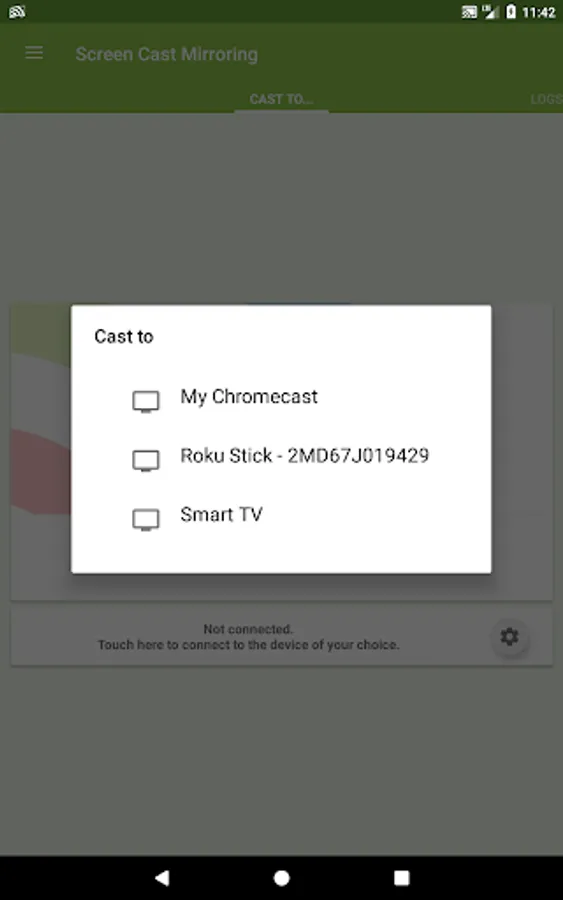
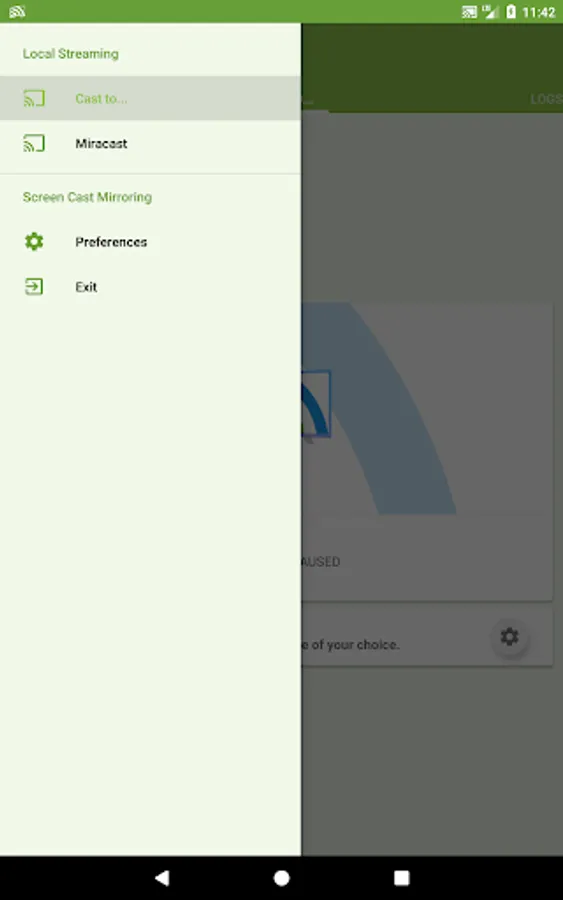
The apps allows to screencast "live" just like a dual screen to smart devices such SmartTVs, Blu-Ray players, Chromecast, other UPnP / DLNA compatible players, and even use the Miracast settings of your Android device to connect to Miracast devices.
Following features are available:
[✔] No root: Prior to Android 5.0 you just need to run our startup tool from your computer to activate screen mirroring.
[✔] Mirroring, screencast with UPnP / DLNA compatible video players such as XBMC/KODI
[✔] Mirroring, screencast with UPnP / DLNA devices such as Smart TV, Blu Ray players, and other compatible devices
[✔] Google Cast™ Ready (Chromecast)
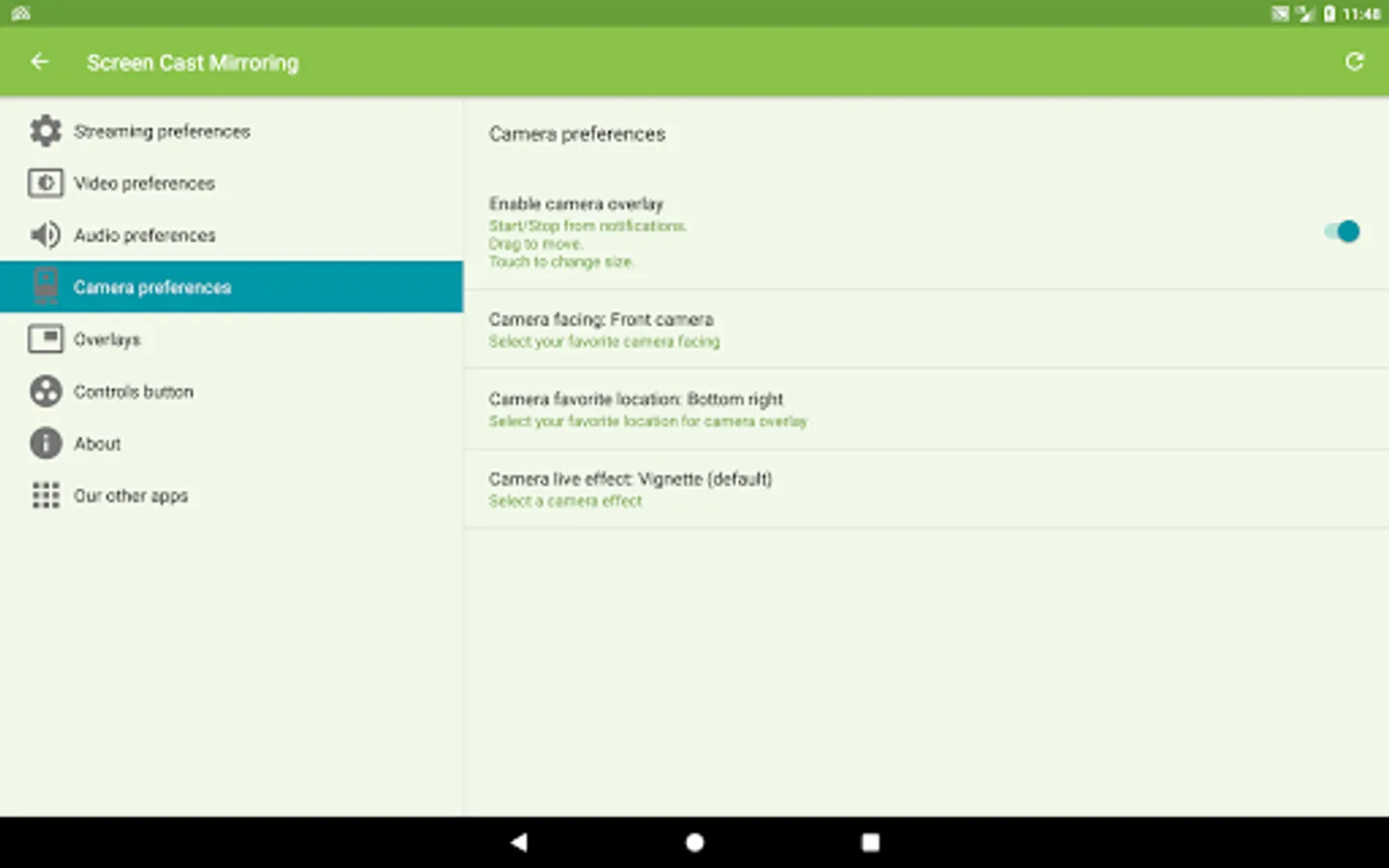
[✔] Camera overlay widget while you stream
[✔] Image overlays and web overlays (Android 5+)
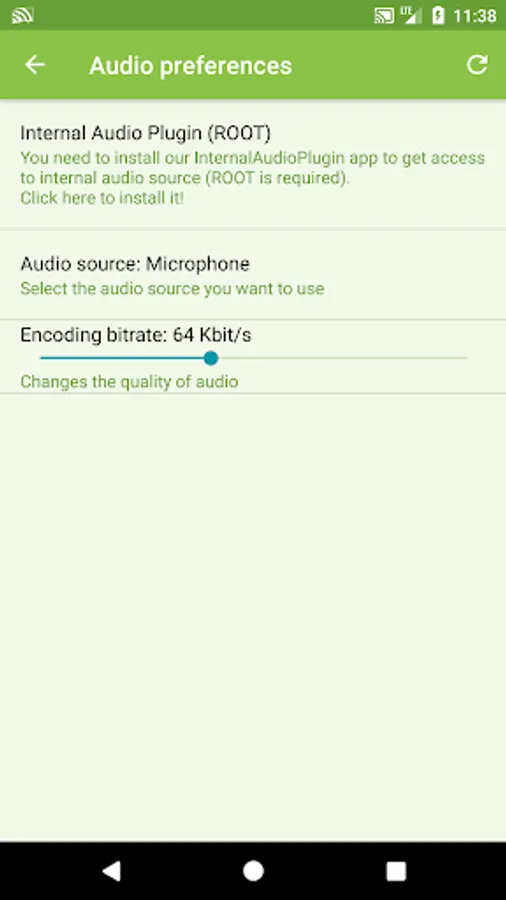
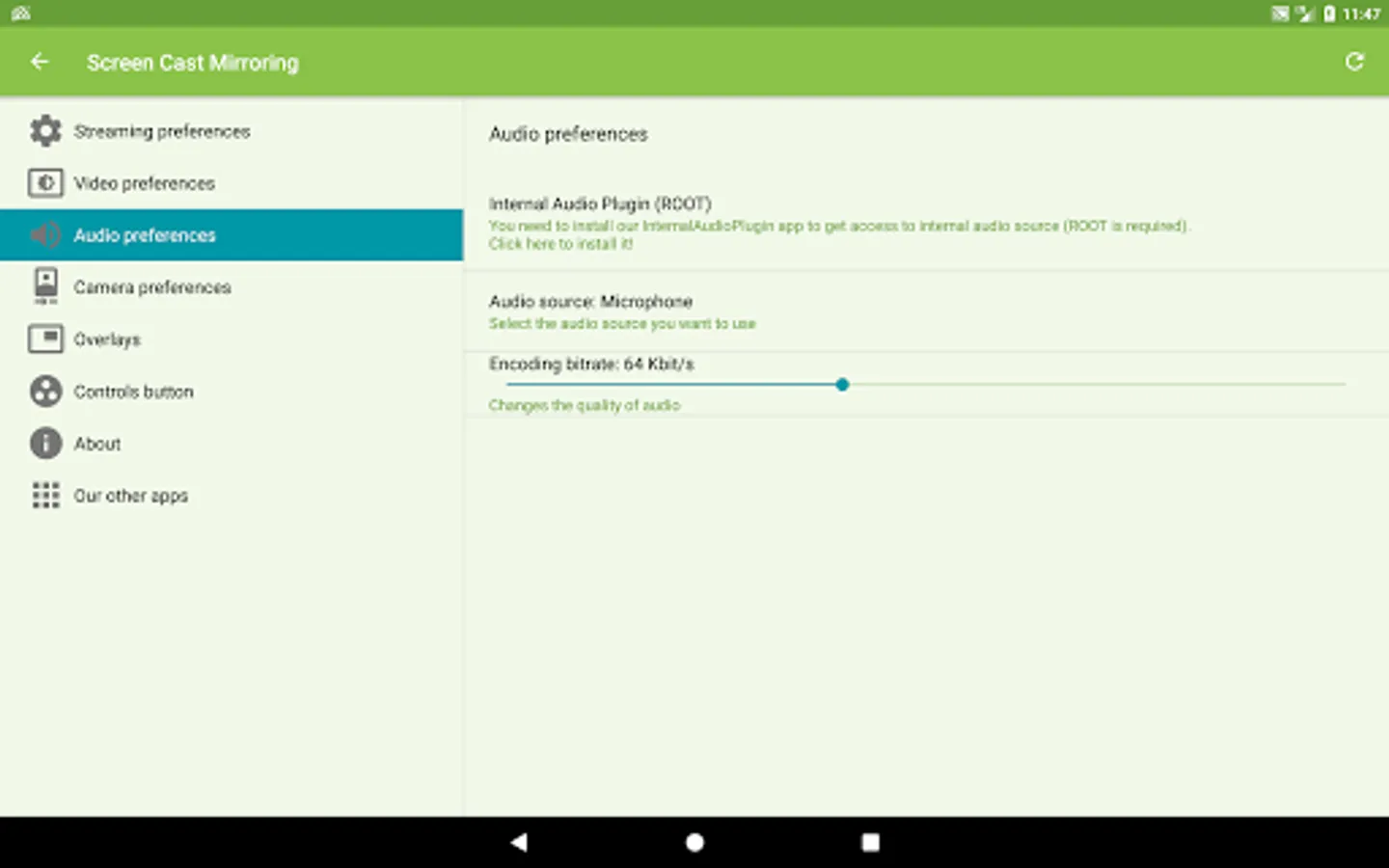
[✔] internal audio and microphone streaming
[✔] Mixed audio streaming (internal + microphone)
[✔] Screen drawing while mirroring (perfect for demoing)
[✔] Compatible with Network Tethering (wifi, bluetooth, USB)
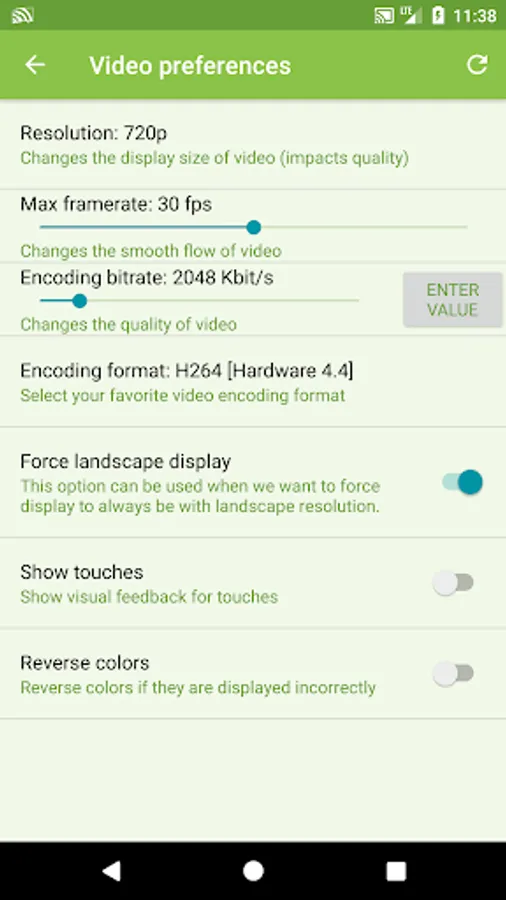
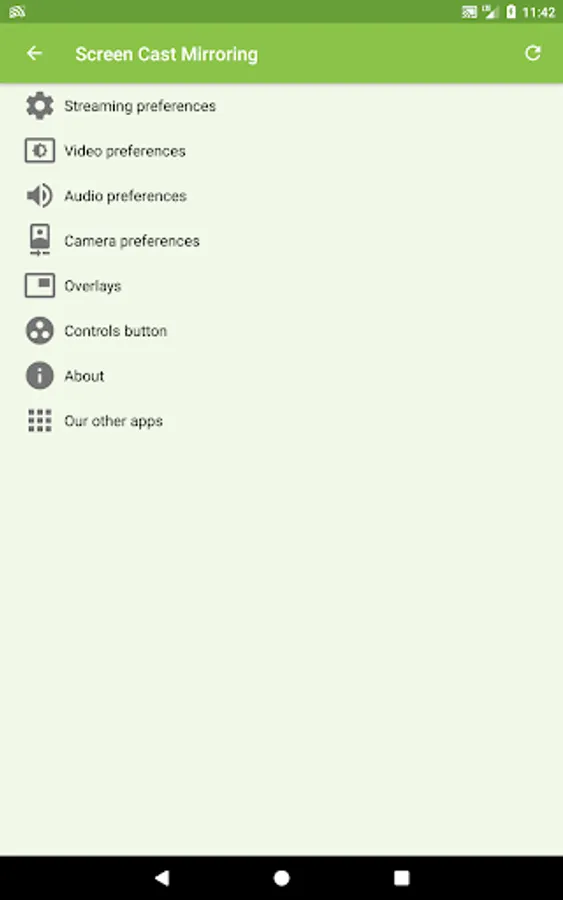
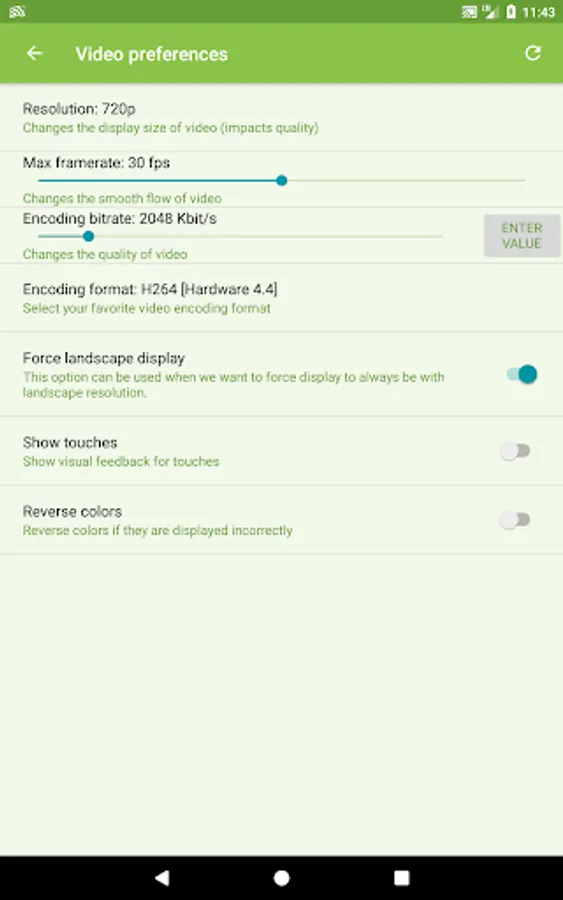
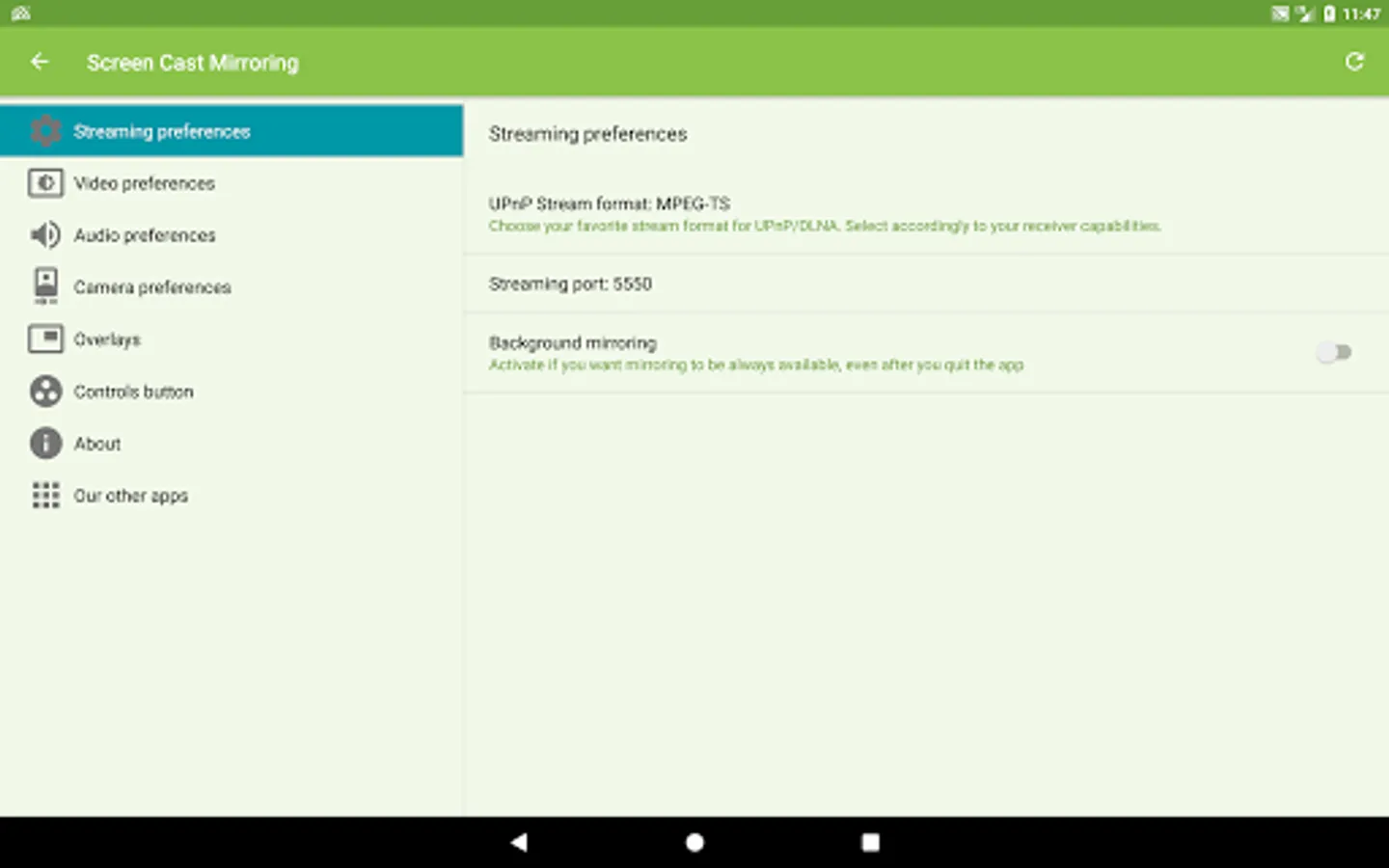
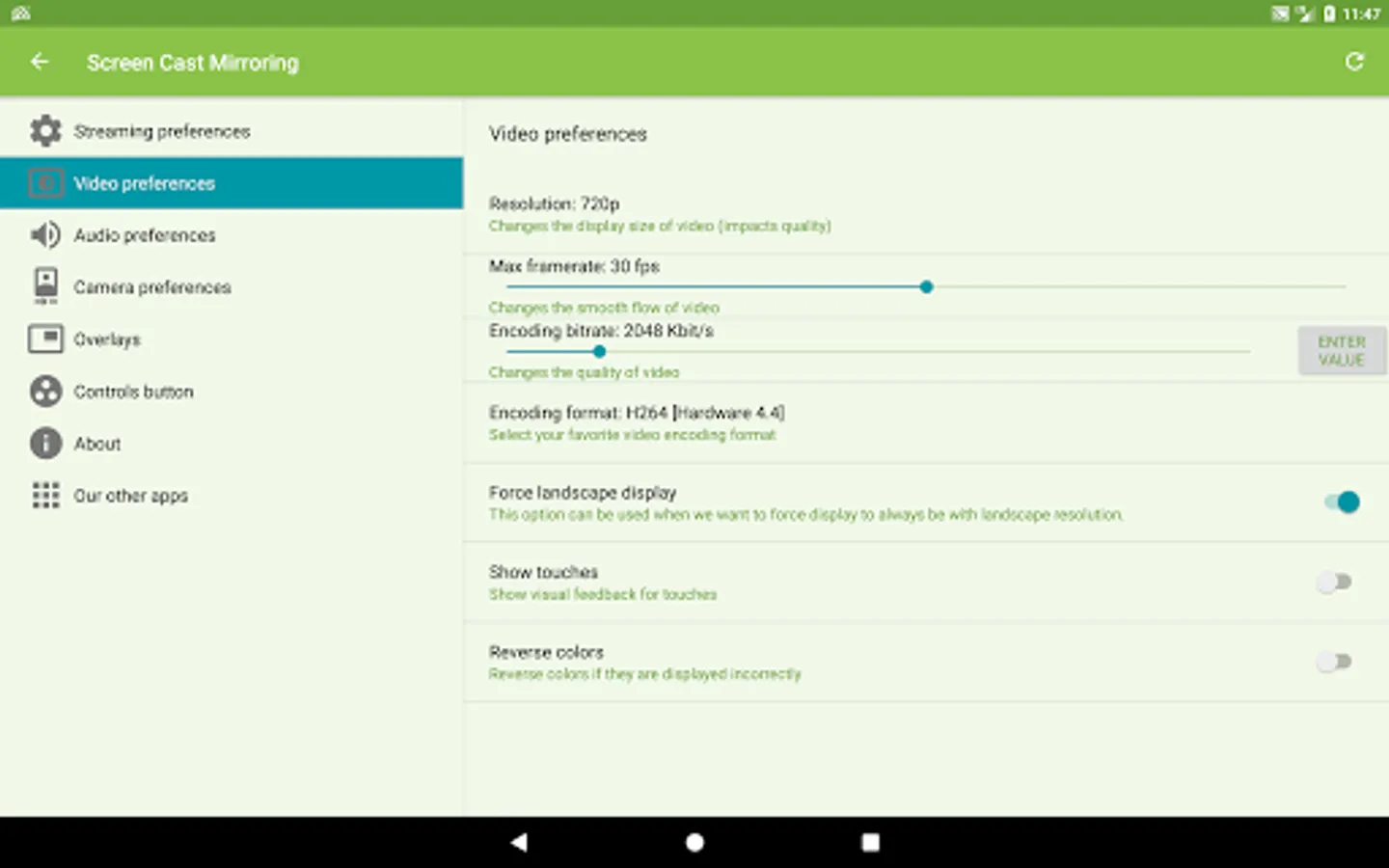
[✔] Many settings to optimize performances
PLEASE READ instructions prior to installing our app:
Do not use reviews for reporting issues or if you have questions.
CONTACT US at support@mobzapp.com before you decide to leave a bad comment due to experiencing some difficulties with our app. We would be more than pleased to provide you with help to resolve any issue that you have come across at support@mobzapp.com.
We do not have anyway to help you thru any rating you have chosen to give us, We care about your needs and want our app to work the best it can for you . SO please contact us through our customer support team so we can resolve any problems you have come across.
Instructions for unrooted devices:
Prior to Android 5.0, if your device is not rooted, you will need to use our startup tool to activate screen mirroring.
Download startup tool here: << http://mobzapp.com/screencast/startup-tool-download.html >>
You need to start it only the first time you want to use the application, and run it again only when your device is restarted.
Please contact us for issues that may arise or any future requests at support@mobzapp.com
The apps allows to screencast "live" just like a dual screen to smart devices such SmartTVs, Blu-Ray players, Chromecast, other UPnP / DLNA compatible players, and even use the Miracast settings of your Android device to connect to Miracast devices.
Following features are available:
[✔] No root: Prior to Android 5.0 you just need to run our startup tool from your computer to activate screen mirroring.
[✔] Mirroring, screencast with UPnP / DLNA compatible video players such as XBMC/KODI
[✔] Mirroring, screencast with UPnP / DLNA devices such as Smart TV, Blu Ray players, and other compatible devices
[✔] Google Cast™ Ready (Chromecast)
[✔] Camera overlay widget while you stream
[✔] Image overlays and web overlays (Android 5+)
[✔] internal audio and microphone streaming
[✔] Mixed audio streaming (internal + microphone)
[✔] Screen drawing while mirroring (perfect for demoing)
[✔] Compatible with Network Tethering (wifi, bluetooth, USB)
[✔] Many settings to optimize performances
PLEASE READ instructions prior to installing our app:
Do not use reviews for reporting issues or if you have questions.
CONTACT US at support@mobzapp.com before you decide to leave a bad comment due to experiencing some difficulties with our app. We would be more than pleased to provide you with help to resolve any issue that you have come across at support@mobzapp.com.
We do not have anyway to help you thru any rating you have chosen to give us, We care about your needs and want our app to work the best it can for you . SO please contact us through our customer support team so we can resolve any problems you have come across.
Instructions for unrooted devices:
Prior to Android 5.0, if your device is not rooted, you will need to use our startup tool to activate screen mirroring.
Download startup tool here: << http://mobzapp.com/screencast/startup-tool-download.html >>
You need to start it only the first time you want to use the application, and run it again only when your device is restarted.
Please contact us for issues that may arise or any future requests at support@mobzapp.com