
Blue Neon Theme for ExDialer
XOTHEMES
4.2 ★
29 ratings
500+
downloads
$0.99
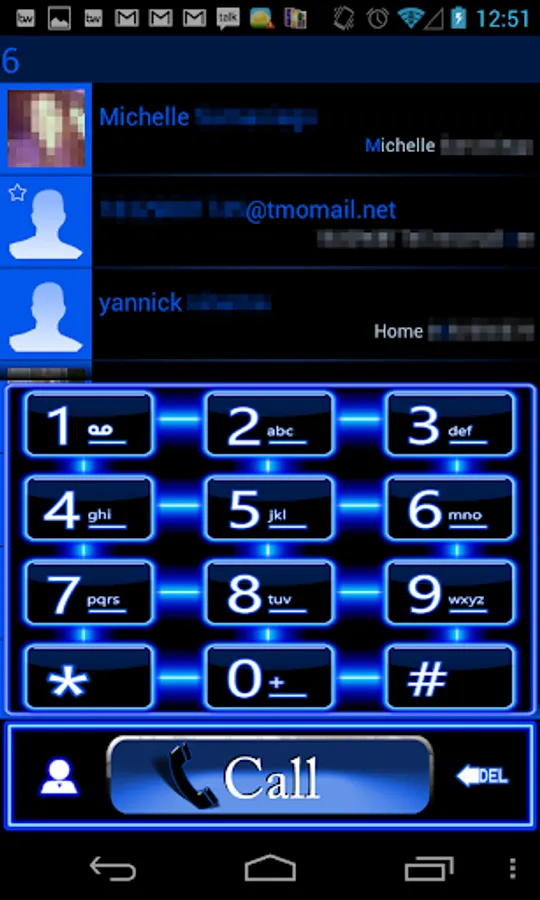
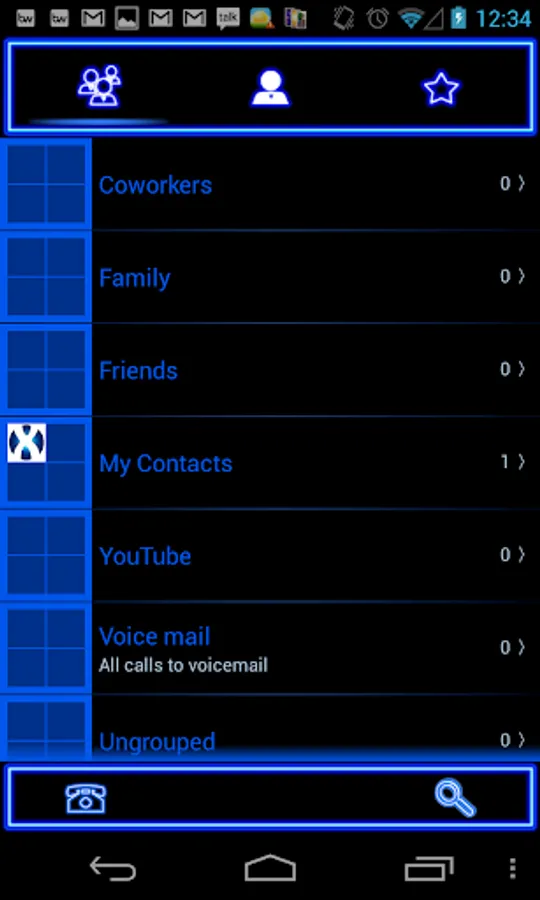
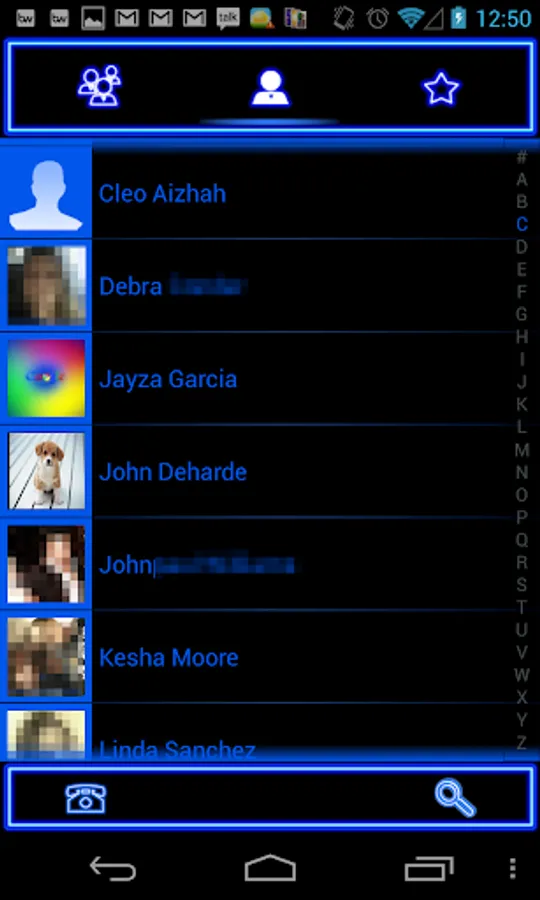
With this theme, you can customize the appearance of ExDialer with a blue neon style and handcrafted design. Includes original fonts, icons, buttons, and optimized for multiple screen resolutions.
AppRecs review analysis
AppRecs rating 4.2. Trustworthiness 0 out of 100. Review manipulation risk 0 out of 100. Based on a review sample analyzed.
★★★★☆
4.2
AppRecs Rating
Ratings breakdown
5 star
78%
4 star
4%
3 star
7%
2 star
0%
1 star
11%
What to know
✓
High user satisfaction
81% of sampled ratings are 4+ stars (4.2★ average)
About Blue Neon Theme for ExDialer
Beautiful and Clean Blue Neon style theme for ExDialer.
Note: ExDialer is required for this theme to work
You can find it on Google Play
Key Features: All Custom hand-crafted
- Original font & brand colors
- Theme icons, buttons and logos
- Optimized for different screen resolutions
Installation:
1. Download Blue Neon Theme
2. Start ExDialer
3. Click on Menu-Preferences-Theme
4. Select Blue Neon Theme
5. Click on Menu- Preferences-Appearance
Dialpad Size - Extra large (1.10x)
Dialpad Text Size - Small
Display ABC - OFF
ABC at Right - OFF
6. Go back to ExDialer
Note: ExDialer is required for this theme to work
You can find it on Google Play
Key Features: All Custom hand-crafted
- Original font & brand colors
- Theme icons, buttons and logos
- Optimized for different screen resolutions
Installation:
1. Download Blue Neon Theme
2. Start ExDialer
3. Click on Menu-Preferences-Theme
4. Select Blue Neon Theme
5. Click on Menu- Preferences-Appearance
Dialpad Size - Extra large (1.10x)
Dialpad Text Size - Small
Display ABC - OFF
ABC at Right - OFF
6. Go back to ExDialer
Blue Neon Theme for ExDialer Screenshots
Tap to Rate: