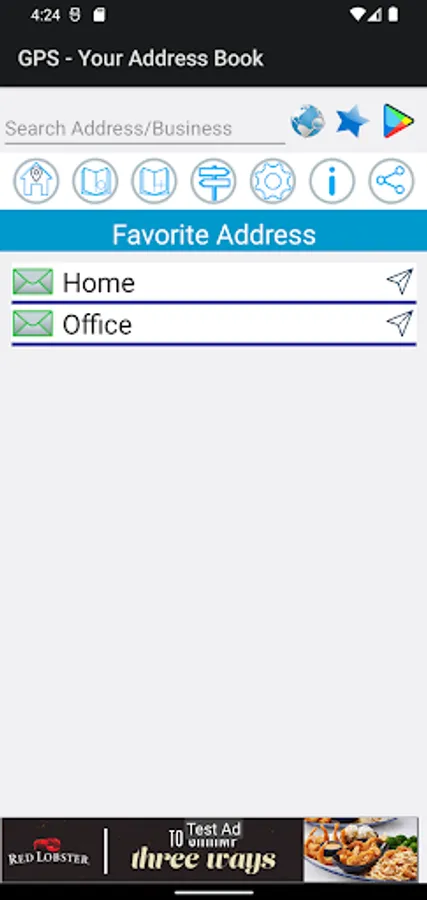
With this address book app, you can save, organize, and navigate to addresses using integrated Google Maps features. Includes address saving, sharing, favorites management, and multi-mode navigation options.
AppRecs review analysis
AppRecs rating 3.5. Trustworthiness 51 out of 100. Review manipulation risk 25 out of 100. Based on a review sample analyzed.
★★★☆☆
3.5
AppRecs Rating
Ratings breakdown
5 star
61%
4 star
20%
3 star
0%
2 star
0%
1 star
20%
What to know
✓
High user satisfaction
80% of sampled ratings are 4+ stars (4.0★ average)
✓
Authentic reviews
Natural distribution, no red flags
About Map Smart Address Book
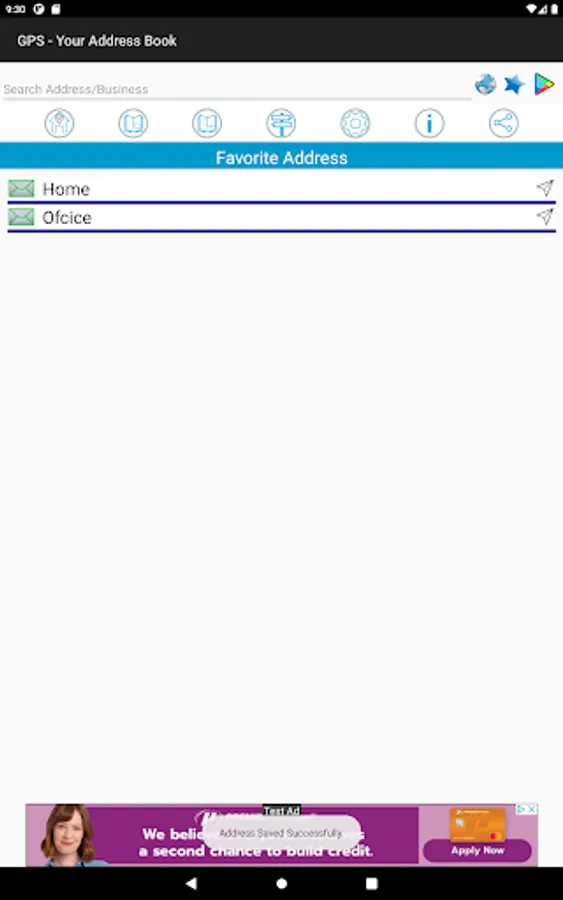
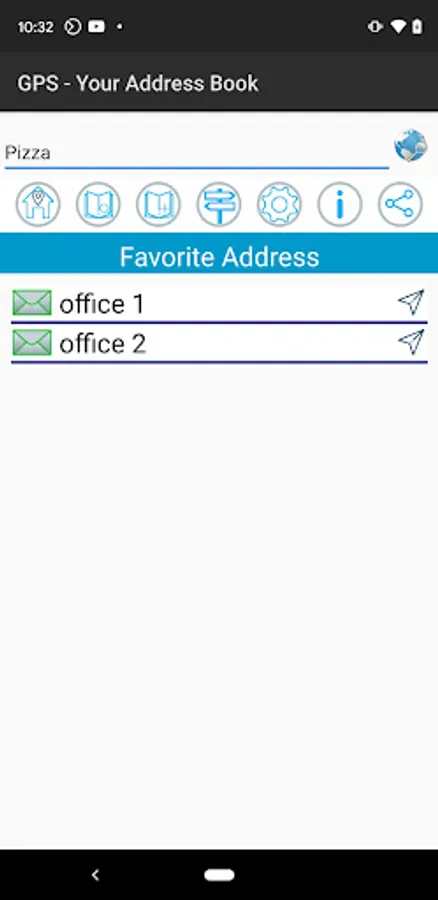
Smart GPS Address Book is a great add on to your phone. It will increase your productivity and easy to navigate to any places from your current location. You can save the frequent address in the app and by a single tap, you can open Google navigation from your location to the desired address.
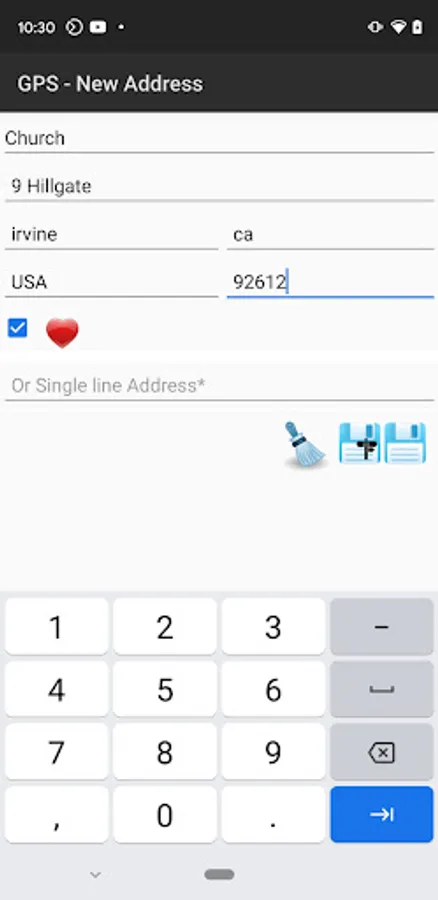
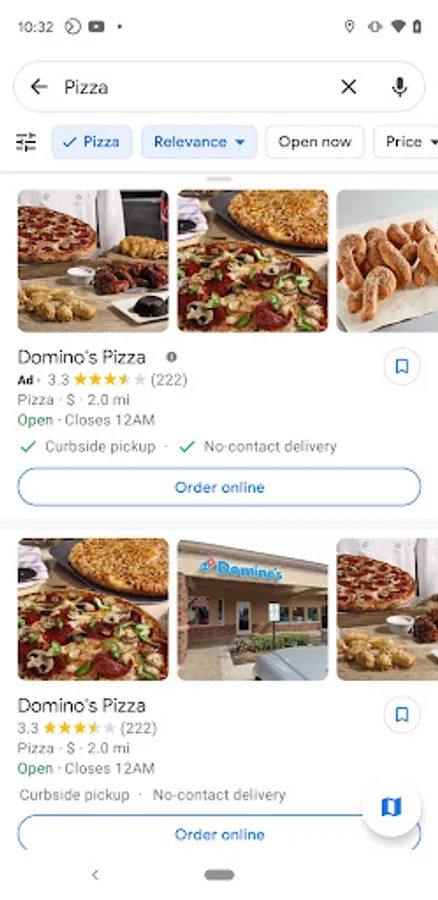
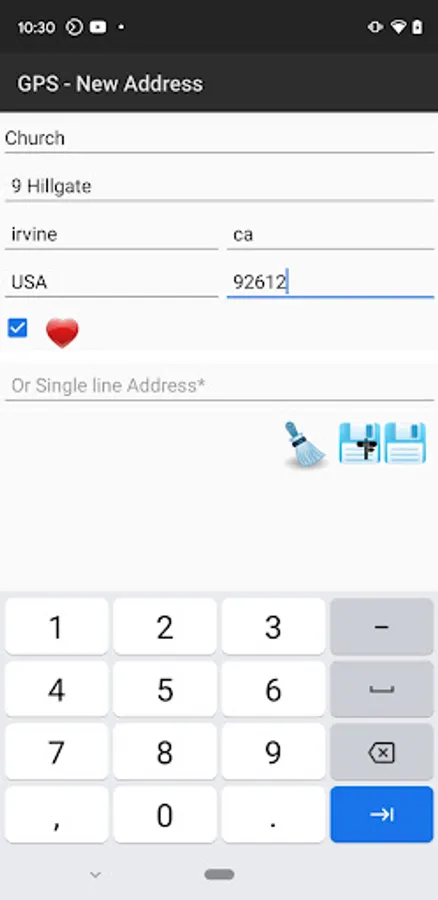
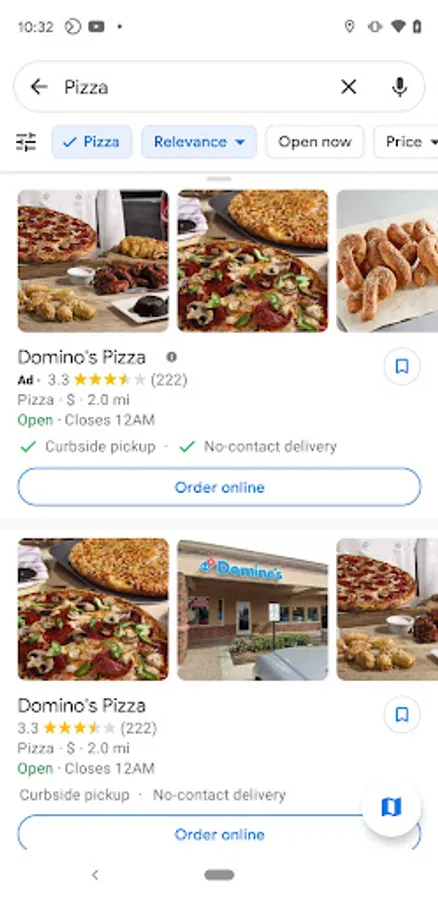
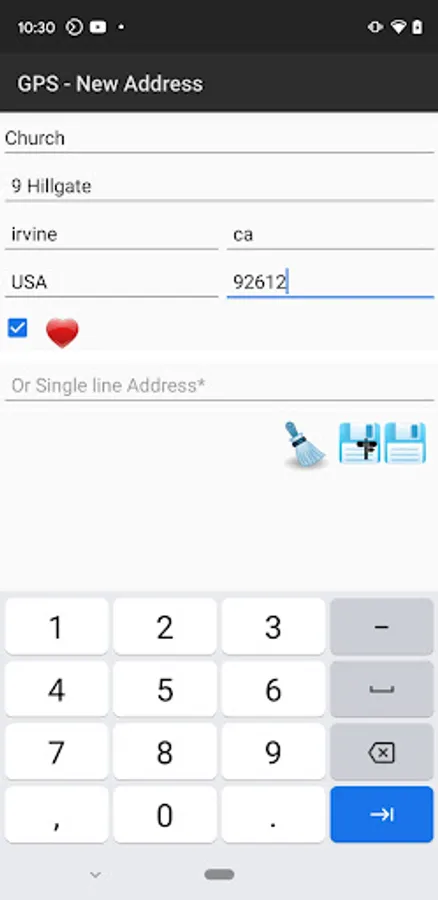
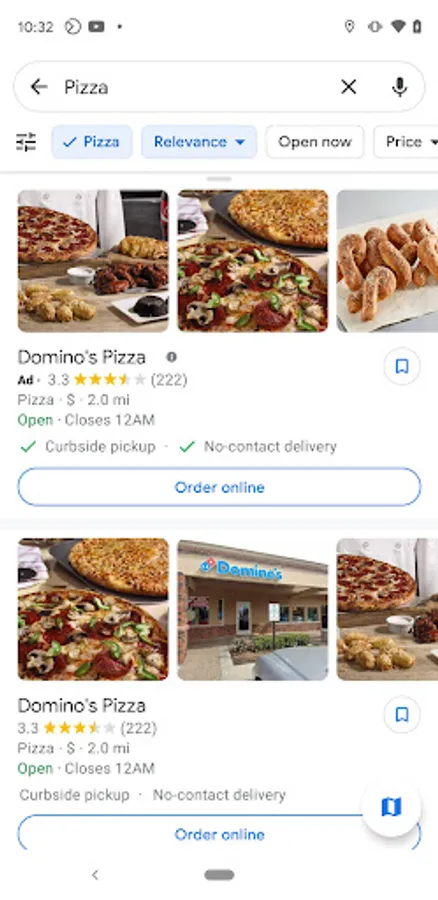
The app has a feature to add the address directly from the Google Map. From Google Map, search for any address and then share it with the GPS app. The address will be automatically added to the app. No need to type a single text. You can change the Address name to your preference using update mode.
The key features include
1. Save an address from Google Map to the application which can then be used for navigation or directions from the current location
2. Share the address to anyone
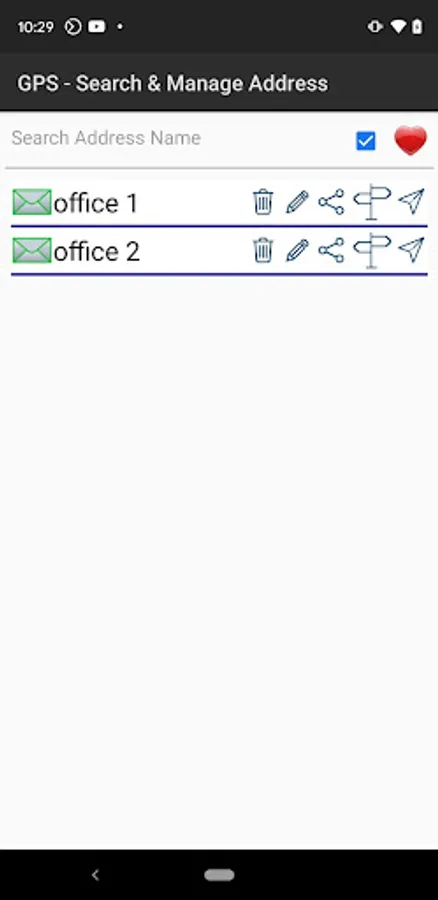
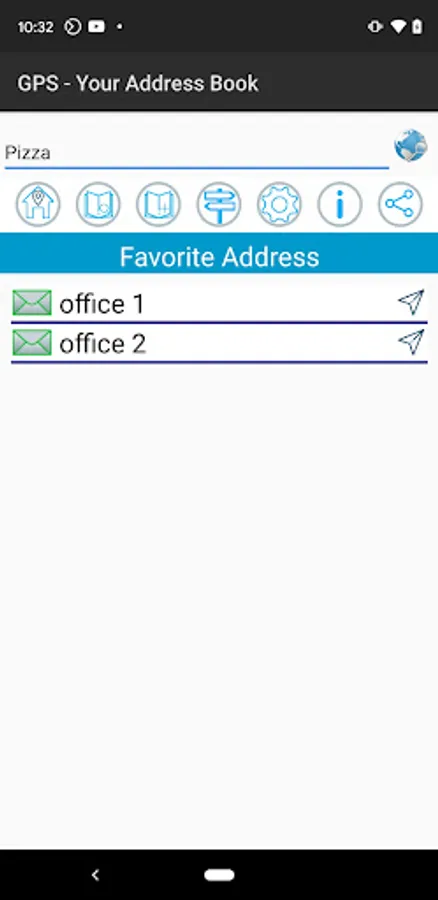
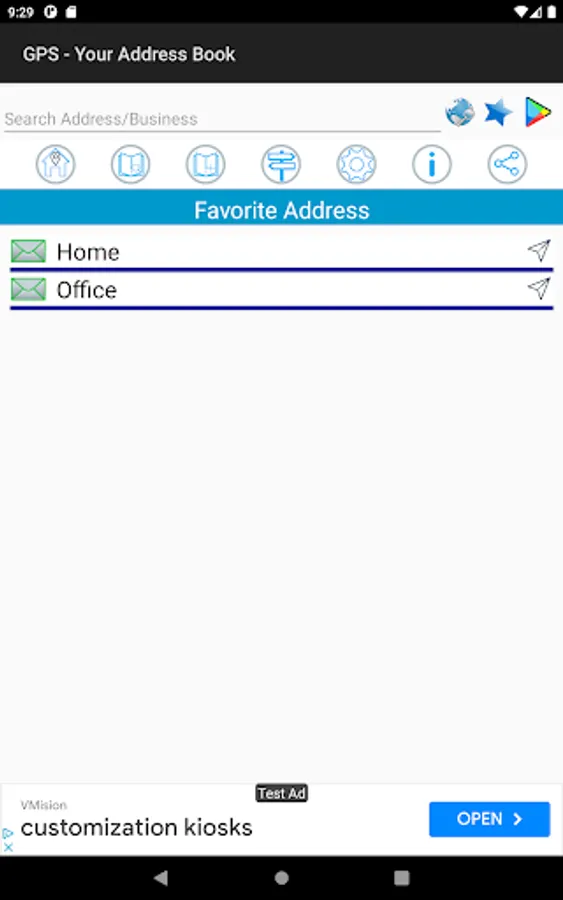
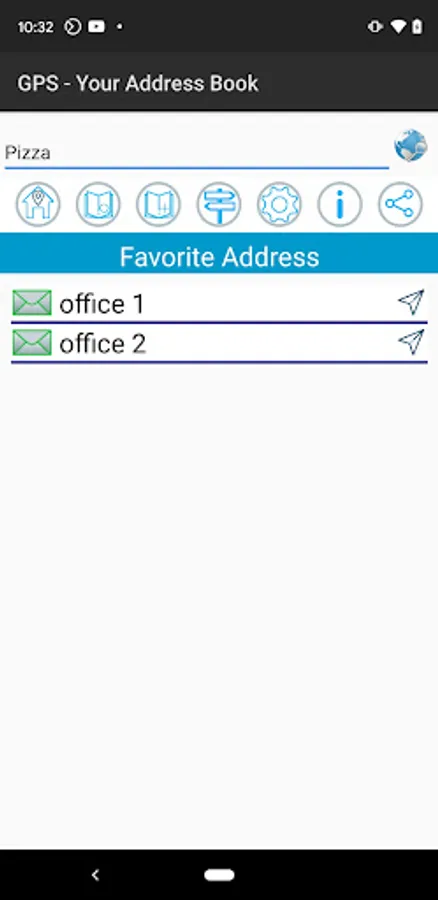
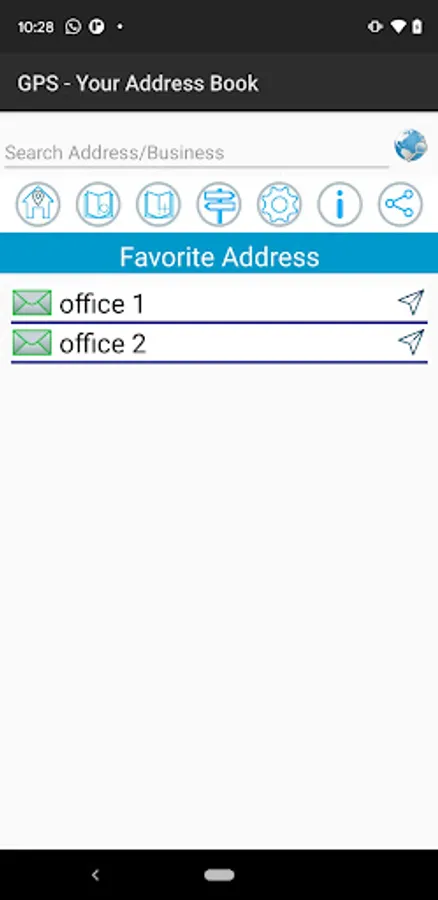
3. Save Favorite addresses. Favorites will be displayed in the home screen
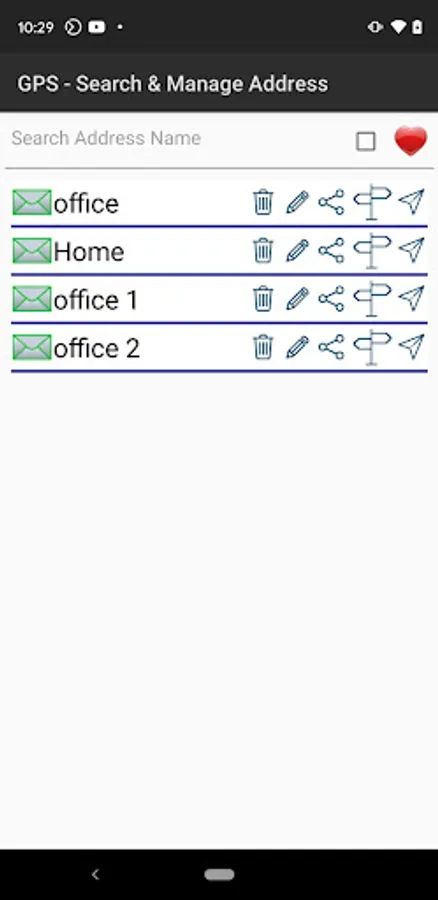
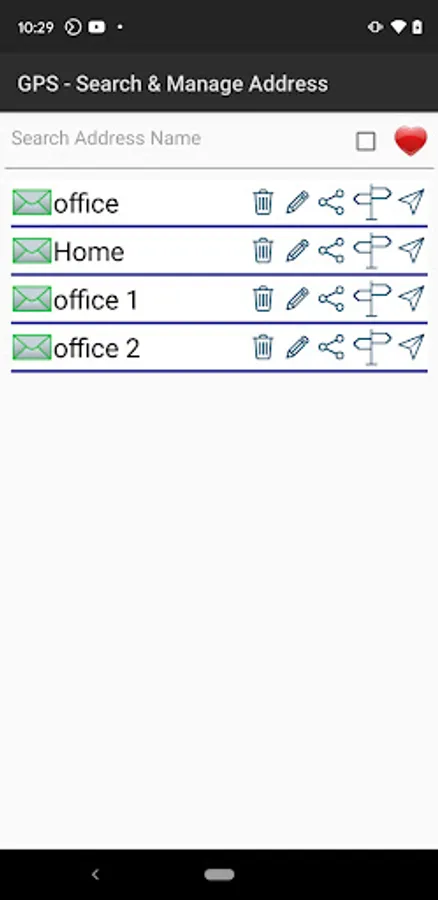
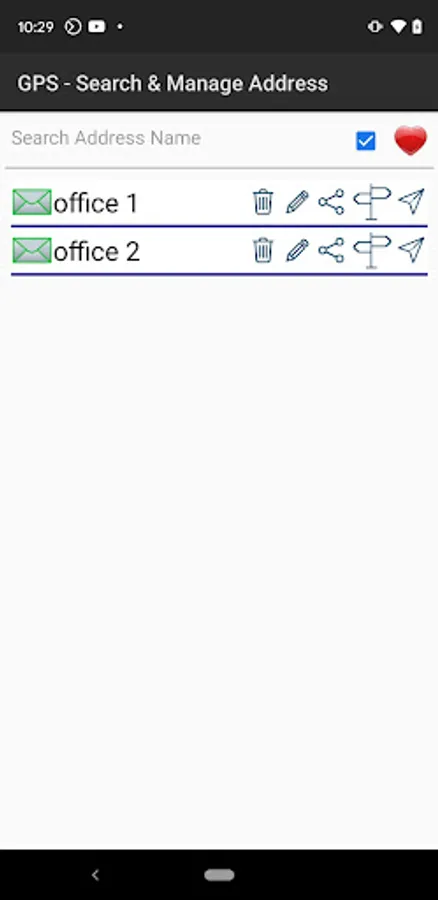
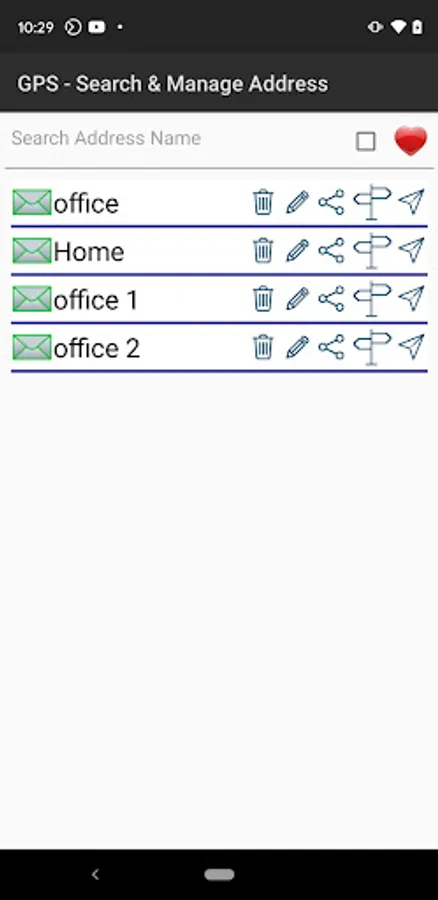
4. Extensive search and manage screen to perform all functionality
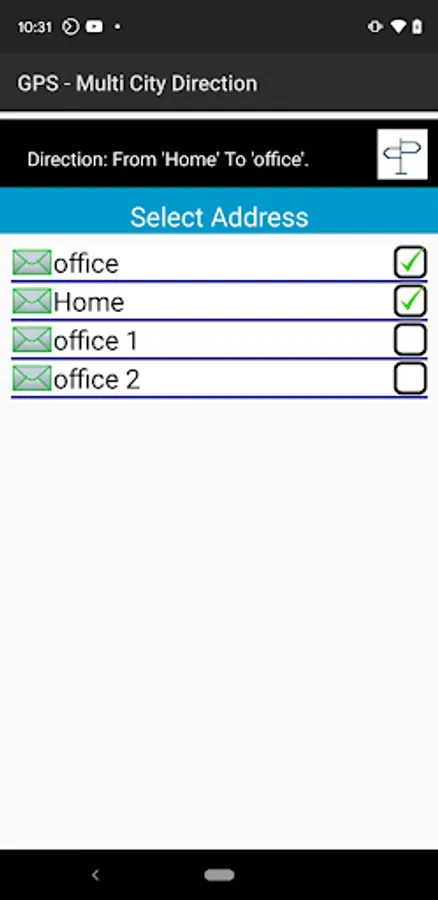
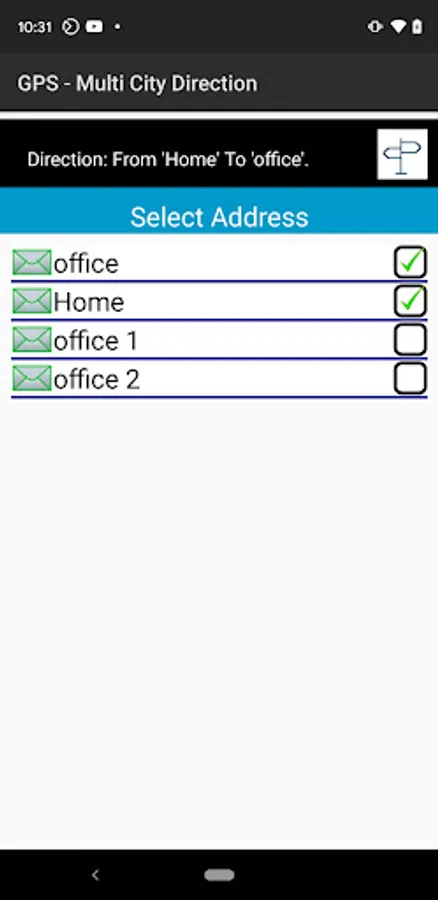
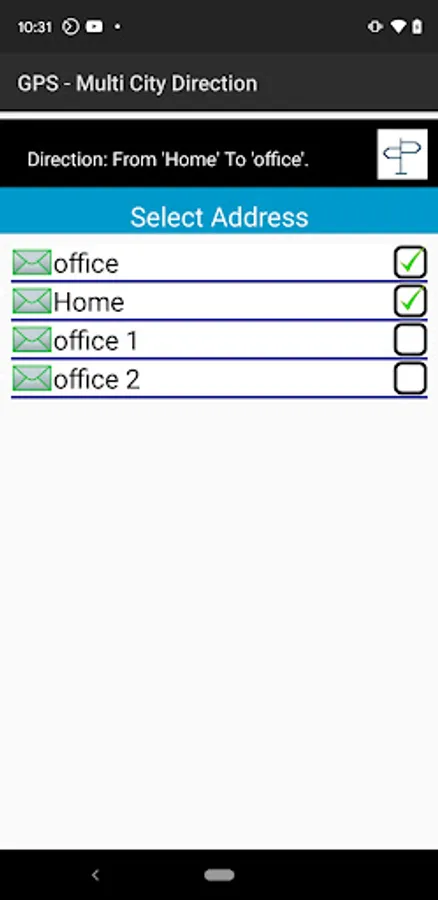
5. Multi address navigation provides directions from your address book.
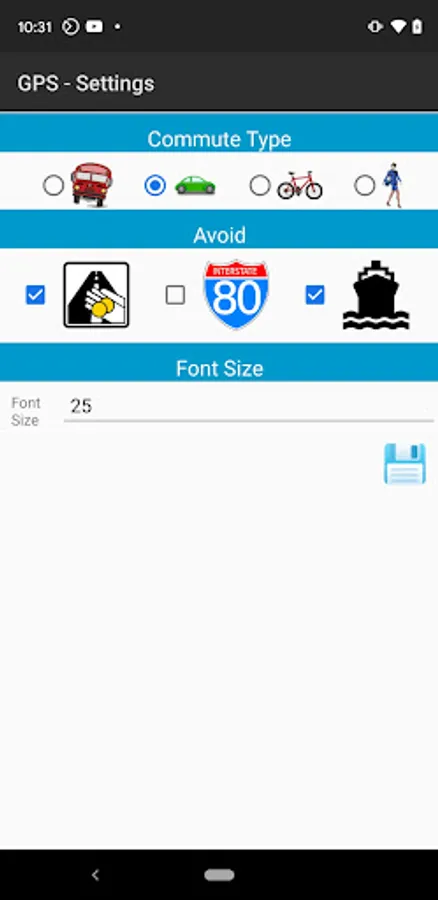
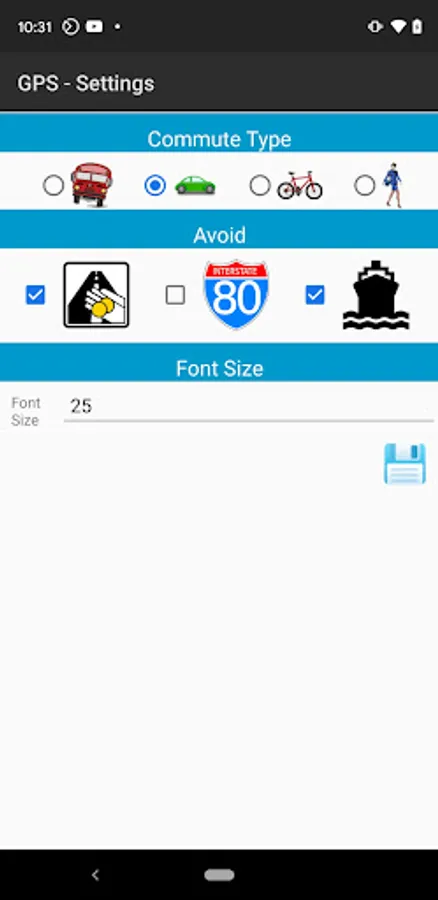
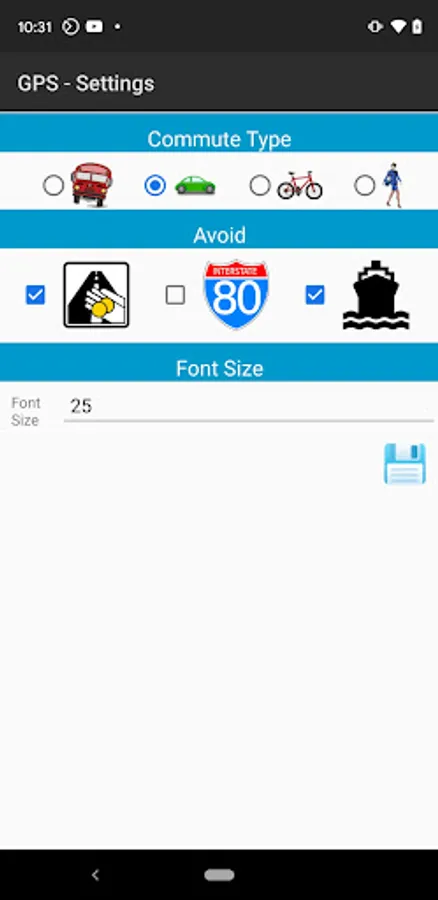
6. Navigation options include Car, Bike, Public transportation and Walk
7. Supports different view options for map including show/hide traffic.
If you like to add any new functionalities please contact us at contactmoonstarinc@gmail.com
The app has a feature to add the address directly from the Google Map. From Google Map, search for any address and then share it with the GPS app. The address will be automatically added to the app. No need to type a single text. You can change the Address name to your preference using update mode.
The key features include
1. Save an address from Google Map to the application which can then be used for navigation or directions from the current location
2. Share the address to anyone
3. Save Favorite addresses. Favorites will be displayed in the home screen
4. Extensive search and manage screen to perform all functionality
5. Multi address navigation provides directions from your address book.
6. Navigation options include Car, Bike, Public transportation and Walk
7. Supports different view options for map including show/hide traffic.
If you like to add any new functionalities please contact us at contactmoonstarinc@gmail.com