Gallery Lock Pro(Hide picture)
Morrison Software
3.4 ★
31K ratings
100,000+
downloads
$4.25
With this app, you can hide photos and videos, enable stealth mode, and back up data to cloud services. Includes features like a watchdog camera, multi-select options, and viewing modes.
AppRecs review analysis
AppRecs rating 3.3. Trustworthiness 82 out of 100. Review manipulation risk 28 out of 100. Based on a review sample analyzed.
★★★☆☆
3.3
AppRecs Rating
Ratings breakdown
5 star
49%
4 star
8%
3 star
7%
2 star
7%
1 star
29%
What to know
✓
Low review manipulation risk
28% review manipulation risk
⚠
Pricing complaints
Many low ratings mention paywalls or pricing
⚠
High negative review ratio
36% of sampled ratings are 1–2 stars
About Gallery Lock Pro(Hide picture)
Hide pictures and videos!
"Gallery Lock" hide pictures and videos and it is an app that is absolutely needed for protection of personal privacy. The product is one of the most popular apps in the world and is one of the top 10 apps sold on Google Play.
Like us ? Hit the +1 button.
Features
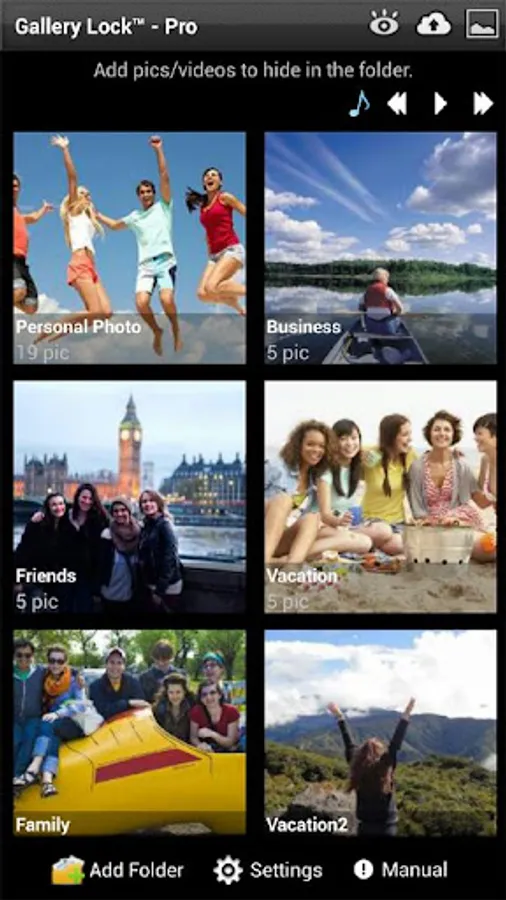
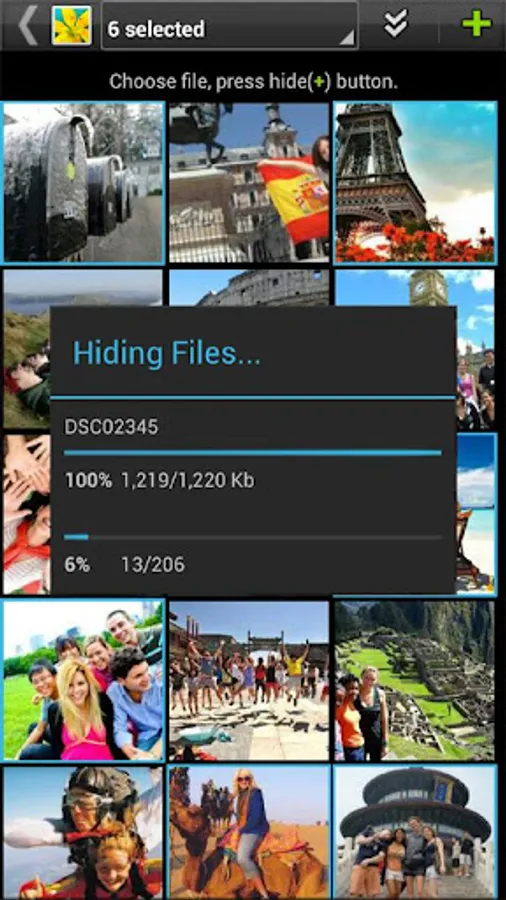
• Hide Photos & Videos
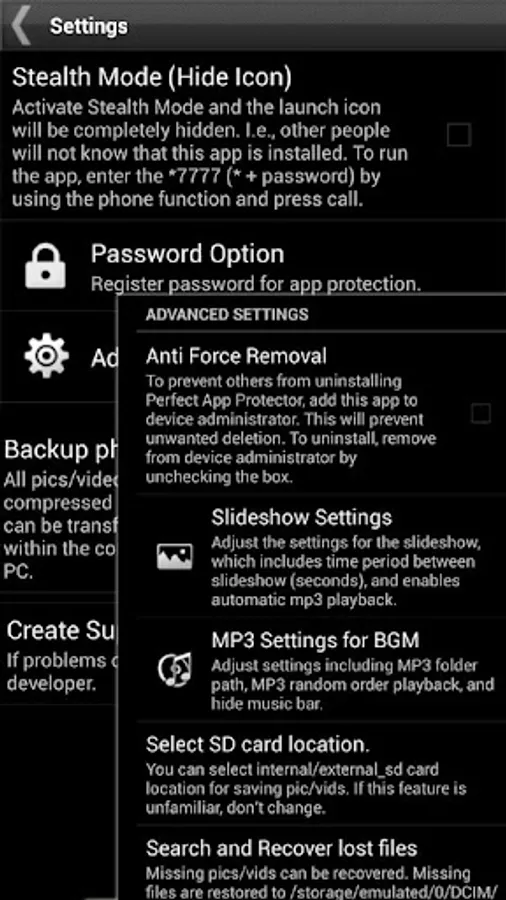
• Stealth Mode supported : this feature hides a launch icon.
• Watchdog : After 3rd failed password attempt, built-in camera takes photo of attacker.
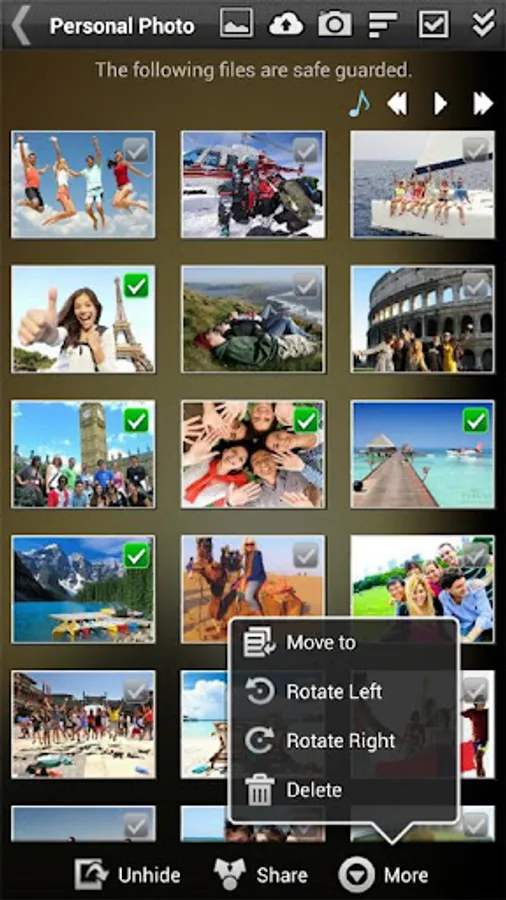
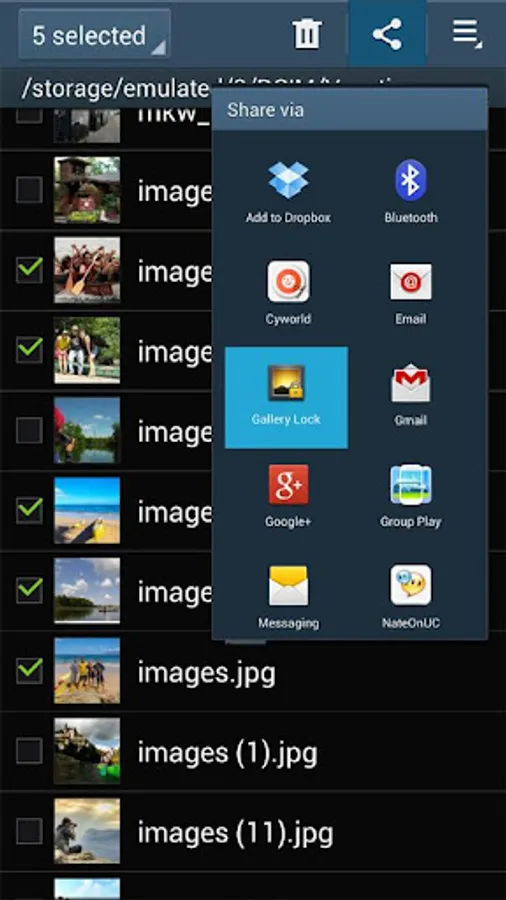
• Share pictures from Gallery Lock to any applications.
• Cloud Backup supported to Google Drive, Dropbox, Box
• Folders supported.
• Beautiful designs
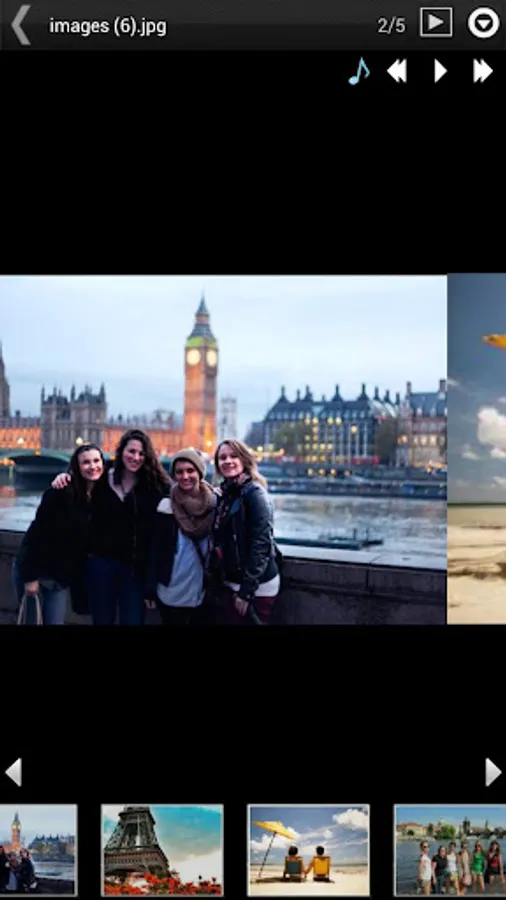
• Rotate and zoom features
• Slide Show supported.
• Mp3 background music playing supported while slide show.
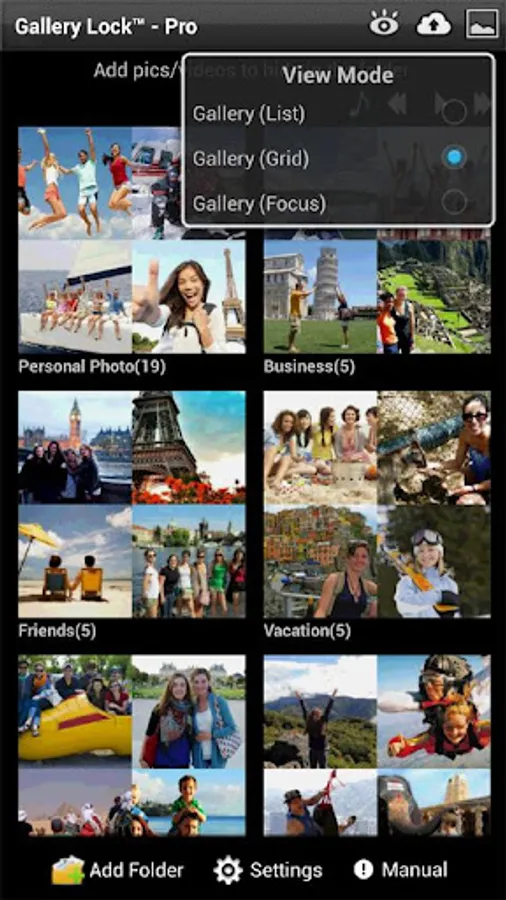
• A variety of viewing mode.
• Multi-select feature for fast hiding, un-hiding, sharing
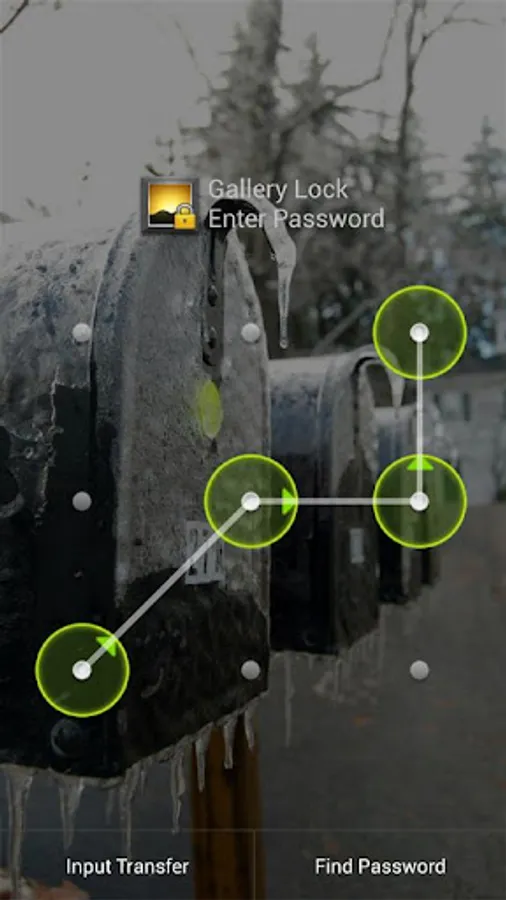
• Easy-to-use PIN,Pattern access
# (Important!) Before uninstall the Lite version, undo the hide function of the photos and the videos. If you uninstall the program without undoing the hide function or Factory reset of device, the photos and videos will be lost.
# It is recommended that you purchase the app after checking to see if the free assessment Lite version runs properly.
Permissions
- Call permission : for Stealth Mode feature.
- Take Picture permission : for WatchDog feature
# Method to recover photos when problems occur
If for some reason Gallery Lock does not run, recovery can be made by following the method below.
1) Uninstall Gallery Lock
2) Download Gallery Lock from the Market and install it.
3) Go Setting in the Gallery Lock, Tap "Find/Recover Missing files" menu.
4) The missing files will be recovered to /mnt/sdcard/DCIM/recover path.
5) run default Gallery application and check whether those files are recovered properly.
# If Stealth Mode doesn't works suddenly,
Install apk of link below and tap Stealth Mode Enabler icon and try to call *+pin
https://bit.ly/2NDhUXU
# Please send an email for any questions that you have. The developer of the app does not have authorization to reply to comments here.
** This app uses the Device Administrator permission.
Gallery Lock Pro(Hide picture) Screenshots
Tap to Rate:
Reviews for Gallery Lock Pro(Hide picture)
Dany Hociyanov
12/7/2025
After last update all the locked files are disappeared. This is not the first time it happened, but this time I cant restore them. What a shame, release untested app to the market !!!
MarK Mann
9/21/2025
Great program. A few glitches but overall 5 stars. Previous issues I had with the program can't be fixed as all are related to Android restrictions