Moto Experience Hub
Motorola Mobility LLC.
2.6 ★
39 ratings
5,000+
downloads
Free
In this app, you can customize launchers, access mode-specific dashboards, and connect peripherals. Includes app management, video chat tools, and device compatibility options.
AppRecs review analysis
AppRecs rating 2.6. Trustworthiness 0 out of 100. Review manipulation risk 0 out of 100. Based on a review sample analyzed.
★★☆☆☆
2.6
AppRecs Rating
Ratings breakdown
5 star
19%
4 star
0%
3 star
41%
2 star
0%
1 star
41%
What to know
⚠
Mixed user feedback
Average 2.6★ rating suggests room for improvement
About Moto Experience Hub
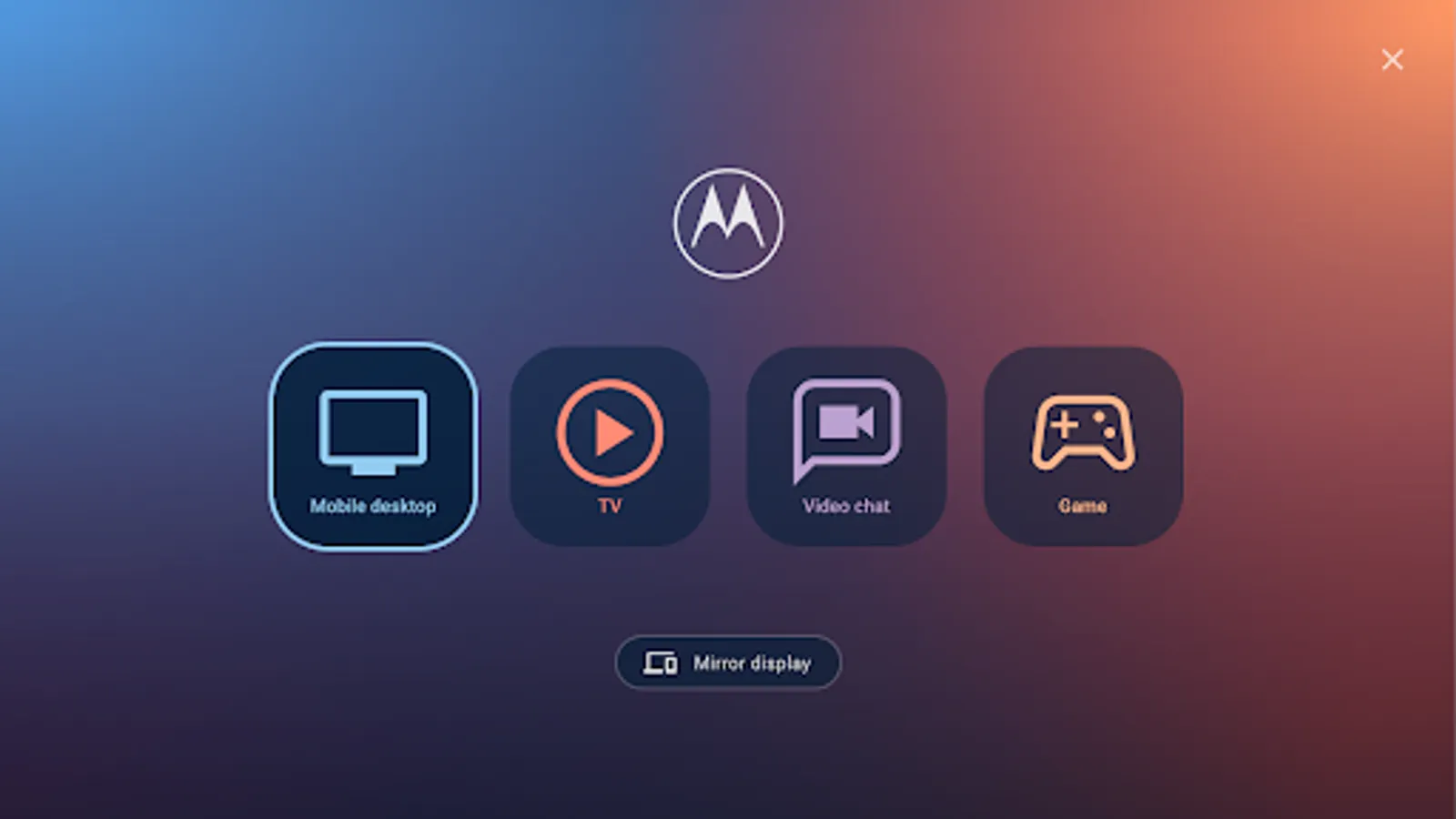
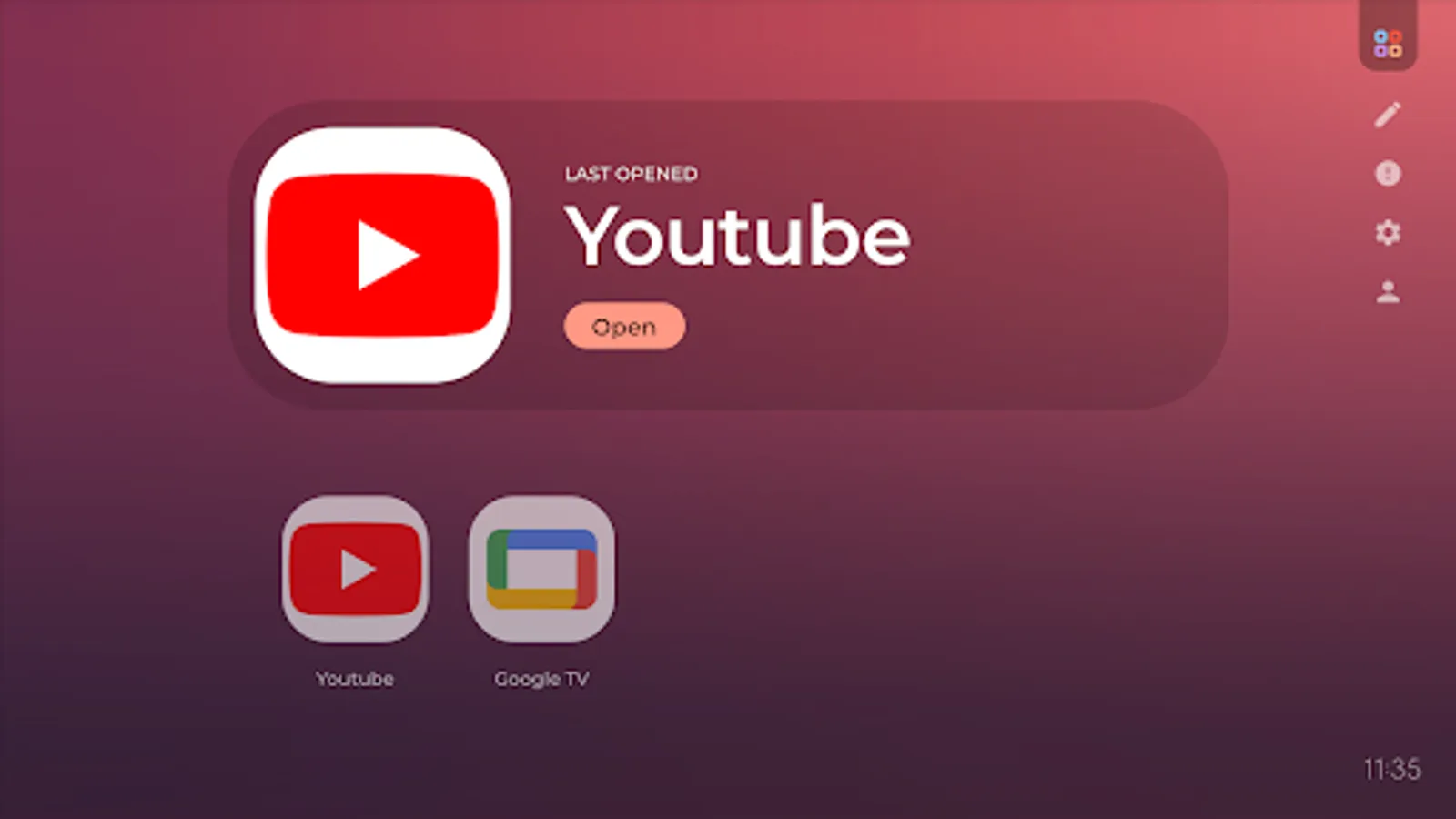
• Brings your favorite TV, game and video apps into one place for easy access while you’re connected to a larger display
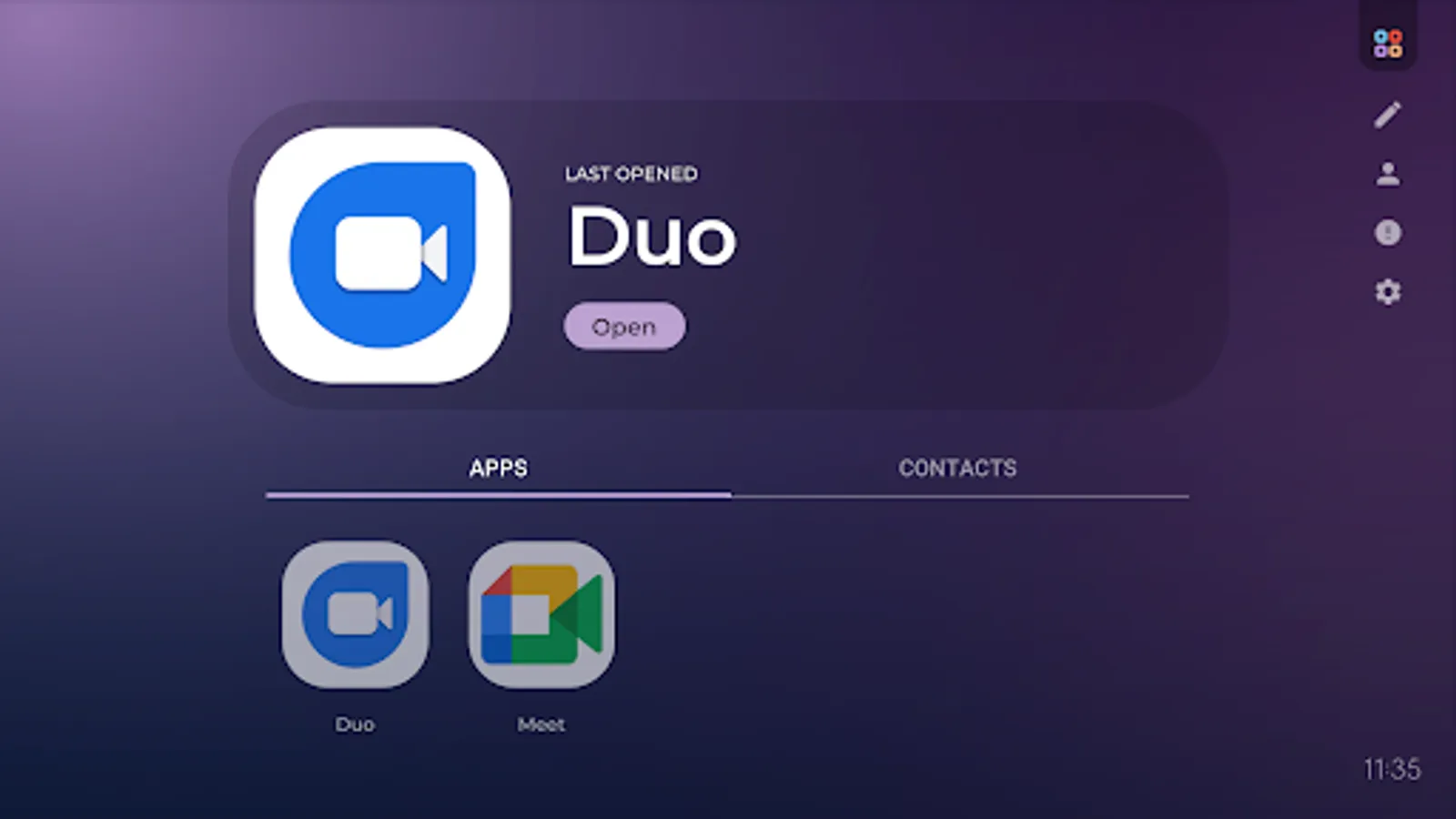
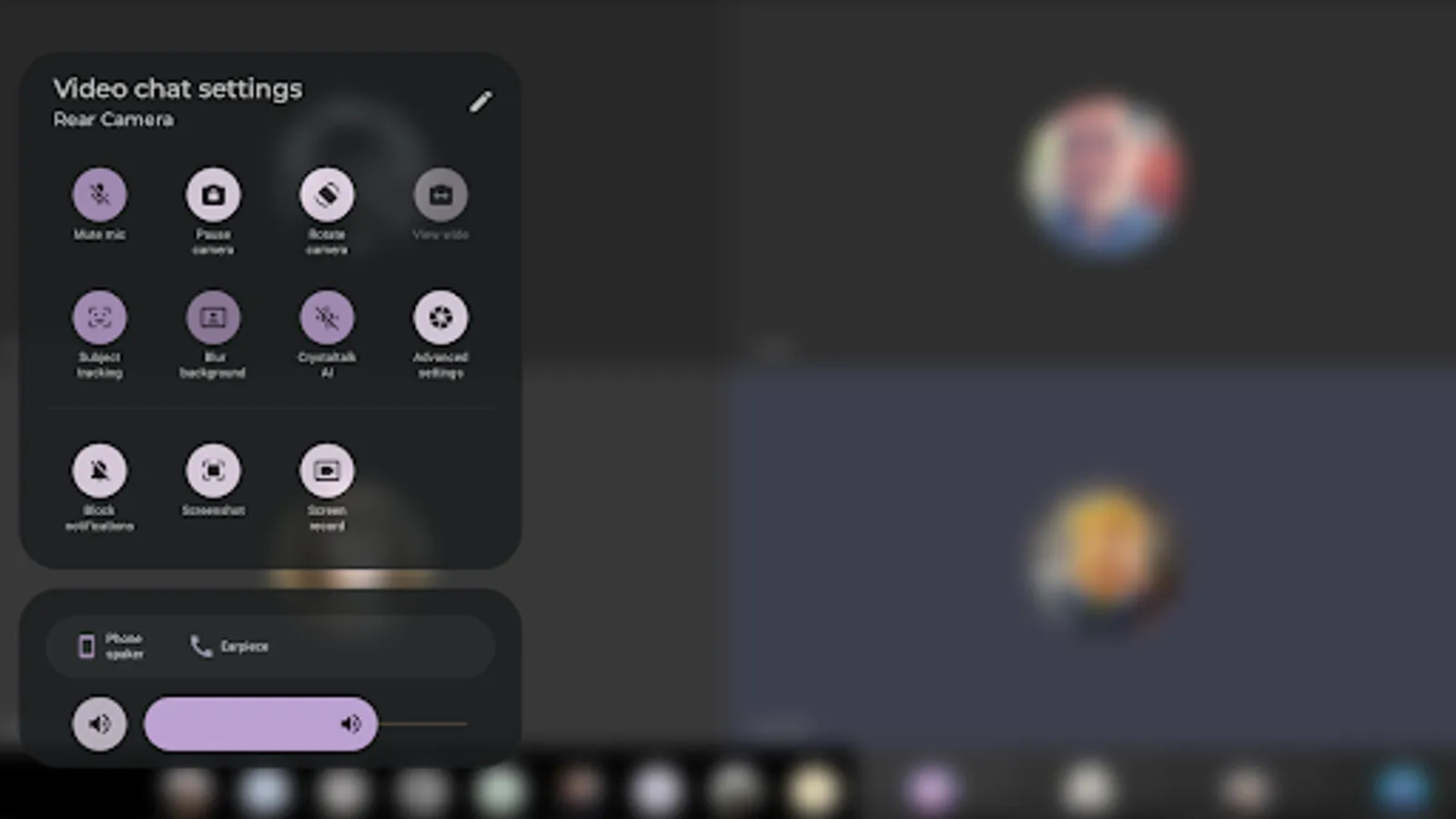
• Makes it easy to enjoy full-screen video chats and enhance your video calls with subject tracking or blur background
• Access handy tools to improve your calling experience.
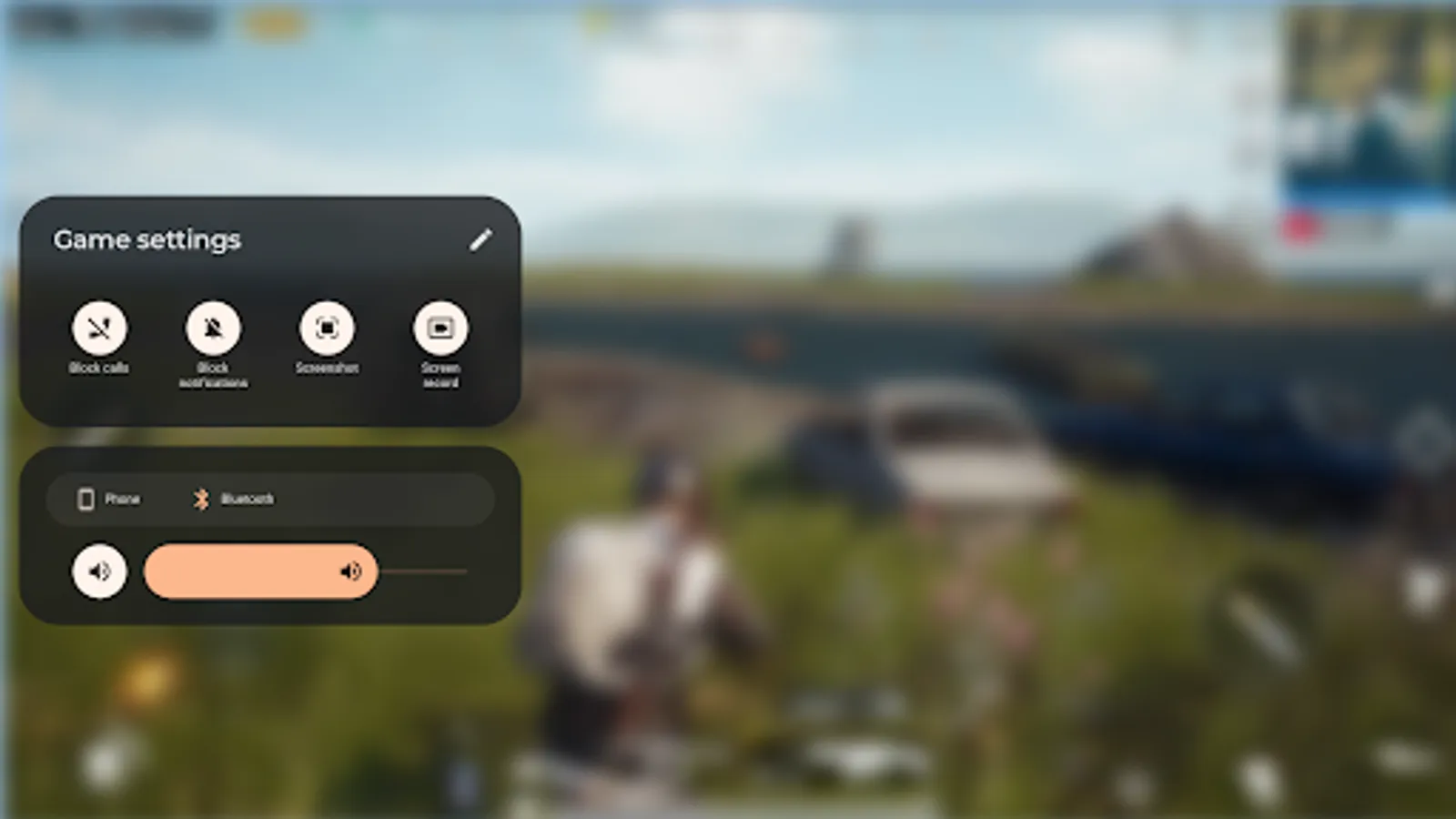
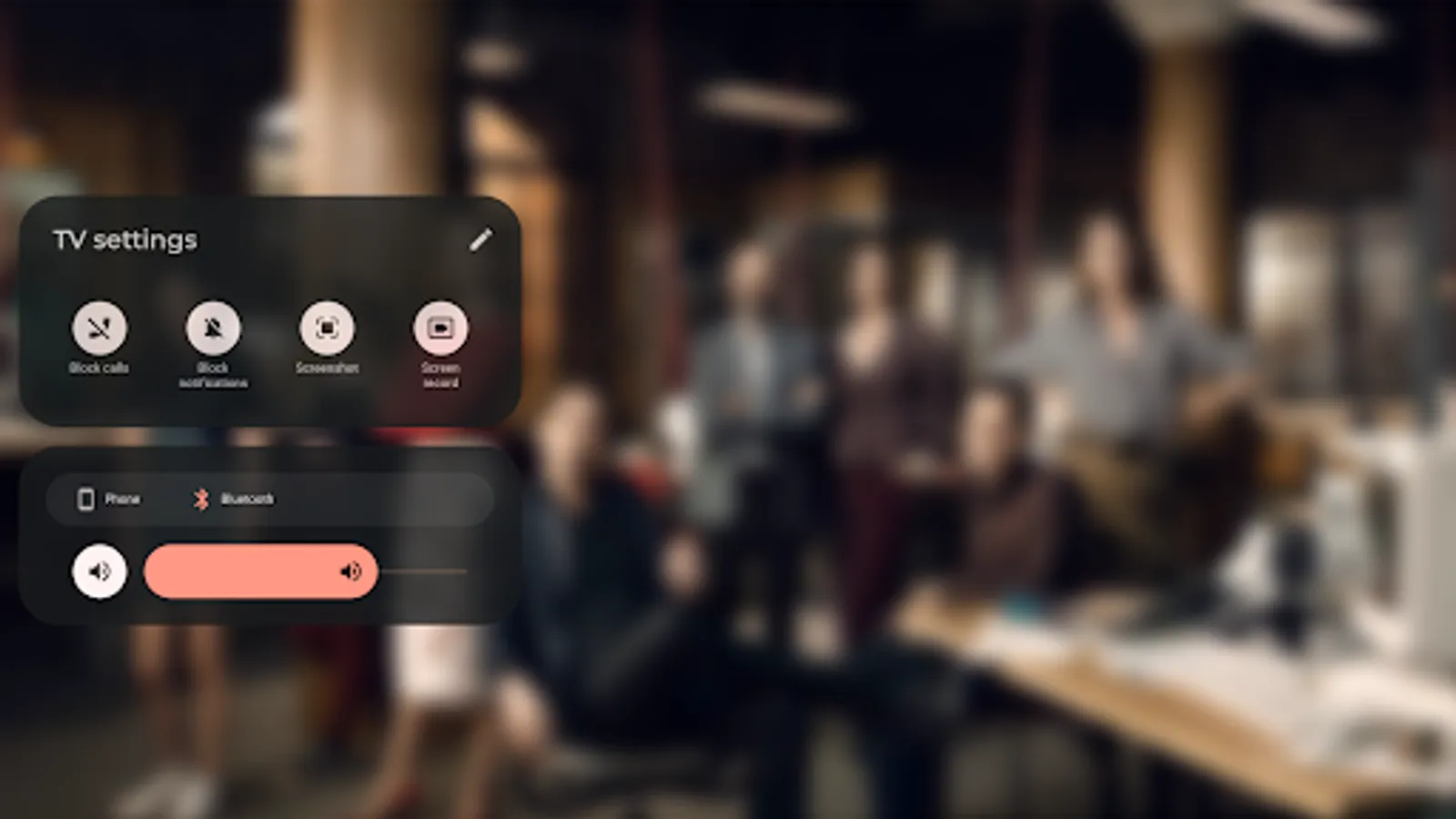
• With the TV and game modes, completely immerse yourself in games and hit shows.
• Adjust settings to silence incoming calls or notifications, and
access play-enhancing apps and tools.
• Individual content dashboards dedicated to each mode. Add or remove apps to customize your launchers.
• Elevate your Ready For experience by adding a Bluetooth keyboard, mouse, or a compatible gaming controller.
Ready For is available on select Motorola devices. Video-enabled USB-C cable or USB-C-to-HDMI adaptor required; TV or monitor must have HDMI port or USB-C video-in port. TV or monitor must support Miracast
• Makes it easy to enjoy full-screen video chats and enhance your video calls with subject tracking or blur background
• Access handy tools to improve your calling experience.
• With the TV and game modes, completely immerse yourself in games and hit shows.
• Adjust settings to silence incoming calls or notifications, and
access play-enhancing apps and tools.
• Individual content dashboards dedicated to each mode. Add or remove apps to customize your launchers.
• Elevate your Ready For experience by adding a Bluetooth keyboard, mouse, or a compatible gaming controller.
Ready For is available on select Motorola devices. Video-enabled USB-C cable or USB-C-to-HDMI adaptor required; TV or monitor must have HDMI port or USB-C video-in port. TV or monitor must support Miracast
Moto Experience Hub Screenshots
Tap to Rate: