Smart Connect
Motorola Mobility LLC.
4.2 ★
107K ratings
100,000,000+
downloads
Free
AppRecs review analysis
AppRecs rating 4.4. Trustworthiness 63 out of 100. Review manipulation risk 36 out of 100. Based on a review sample analyzed.
★★★★☆
4.4
AppRecs Rating
Ratings breakdown
5 star
67%
4 star
13%
3 star
7%
2 star
4%
1 star
9%
What to know
✓
High user satisfaction
80% of sampled ratings are 4+ stars (4.2★ average)
✓
Authentic reviews
Natural distribution, no red flags
About Smart Connect
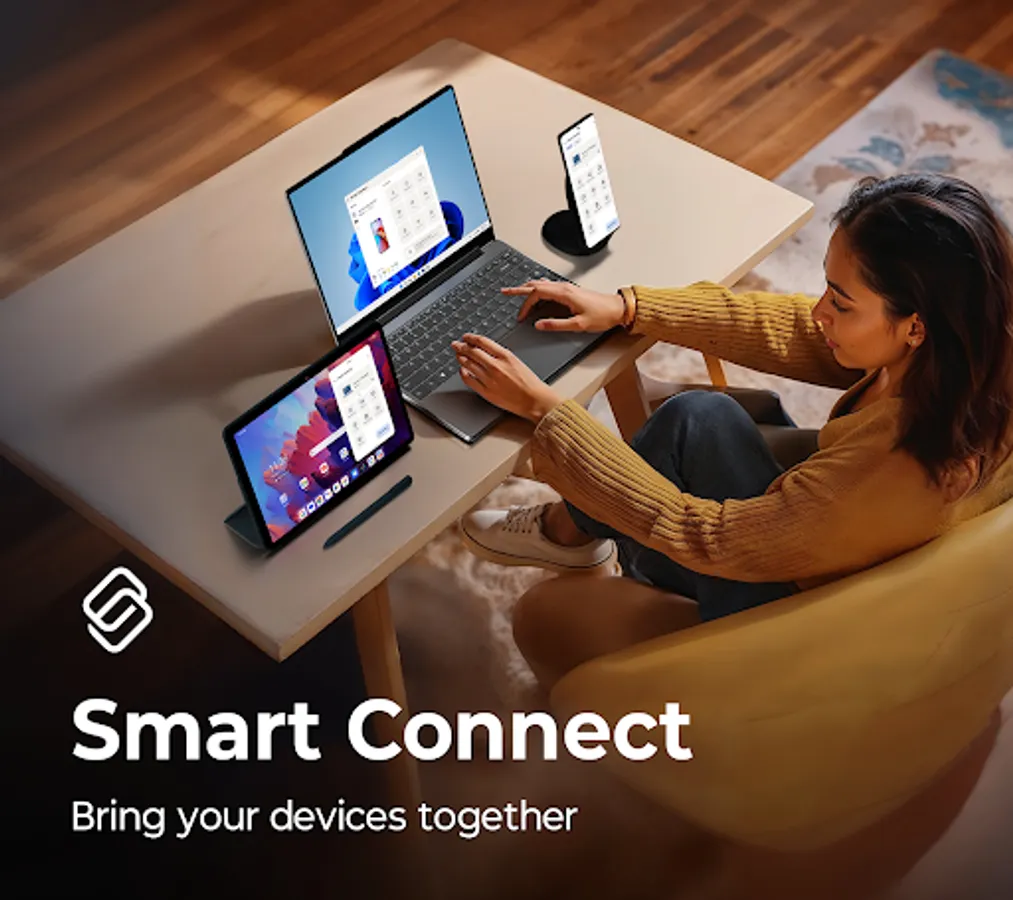
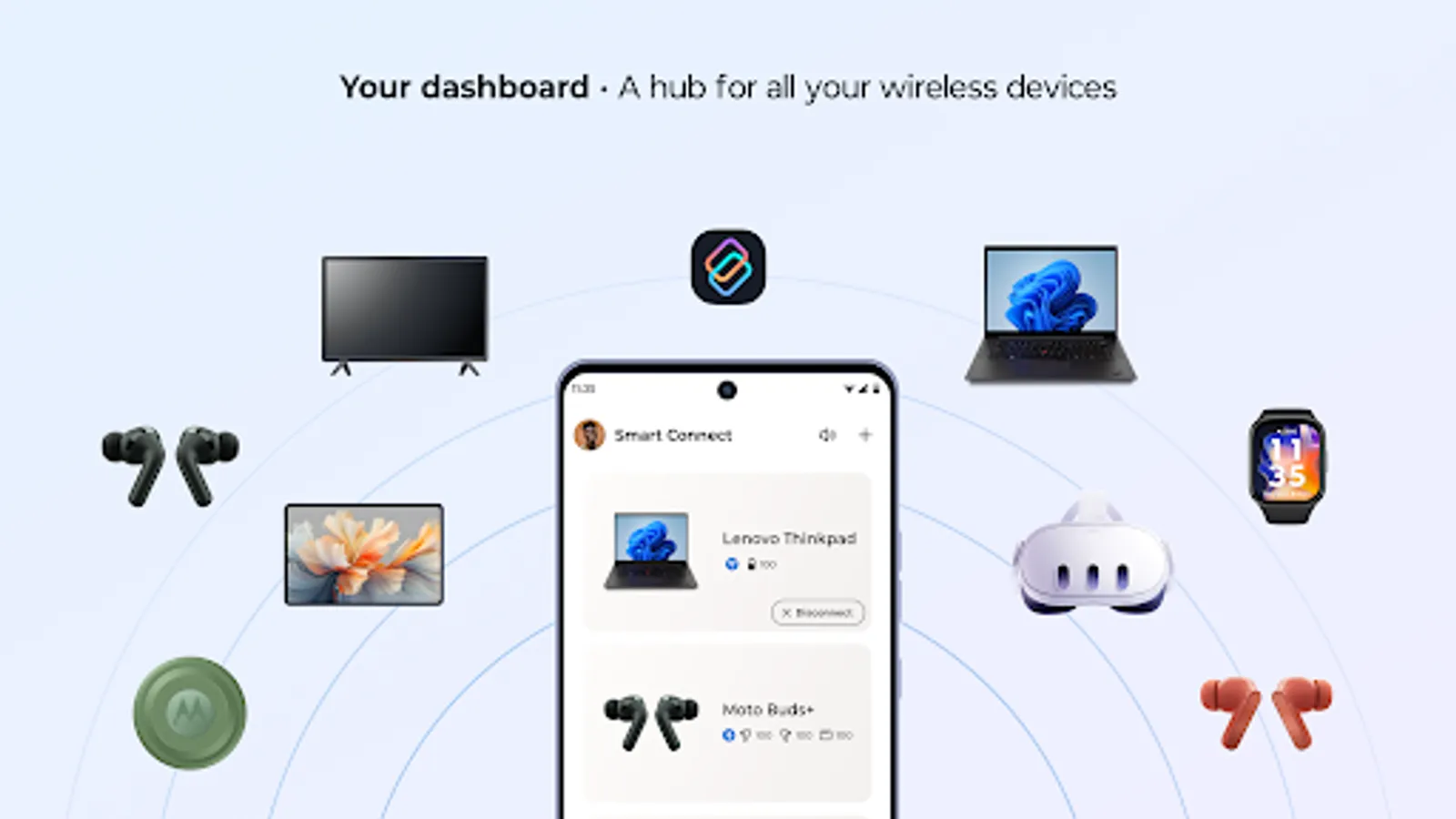
Smart Connect unifies your digital life across phone, tablet, and PC. Move between screens without missing a beat. Control, share, and stream content anywhere in your ecosystem.
Key features:
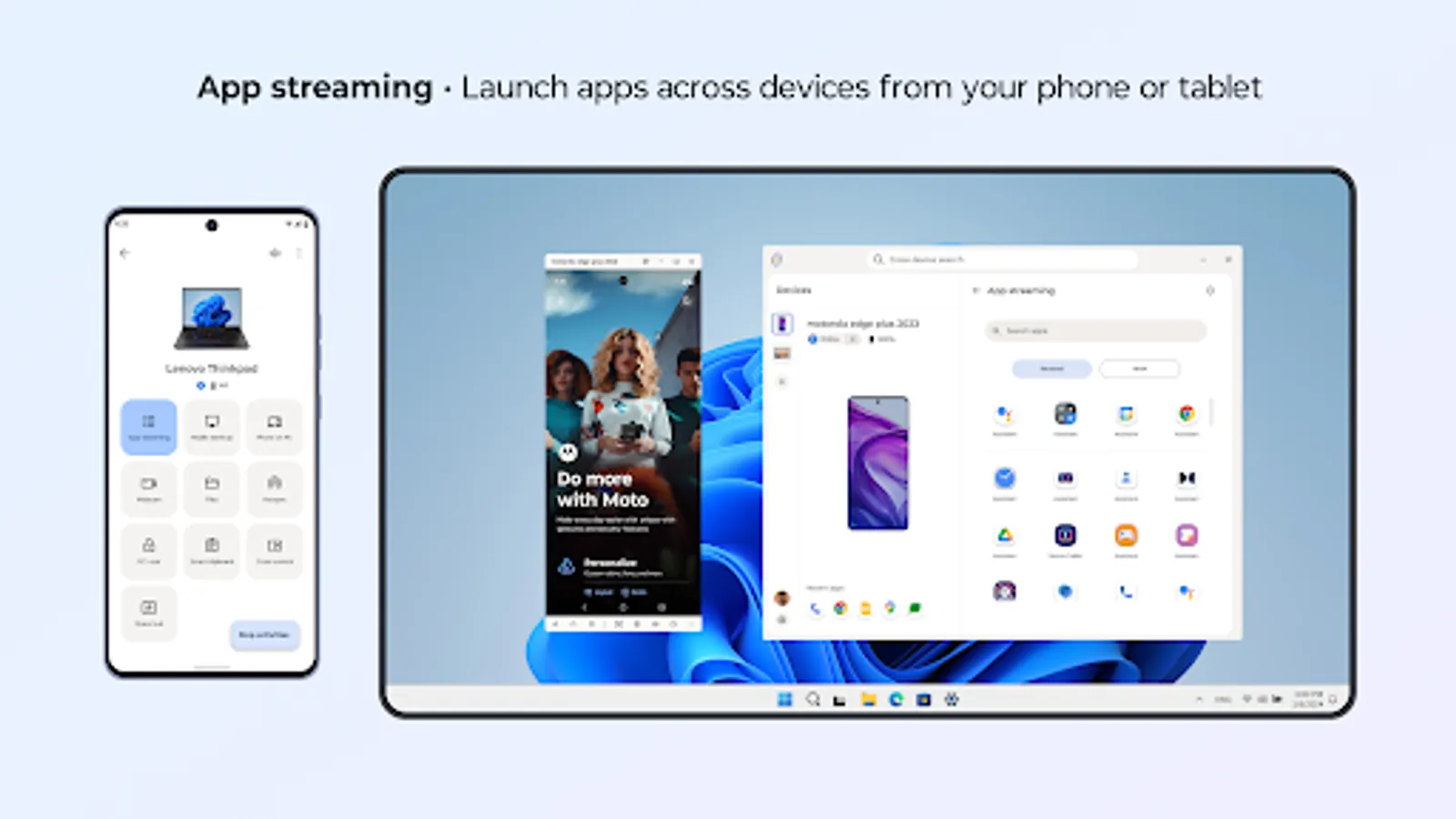
• Stream your favorite apps and media from your phone or tablet to your PC or smart display.
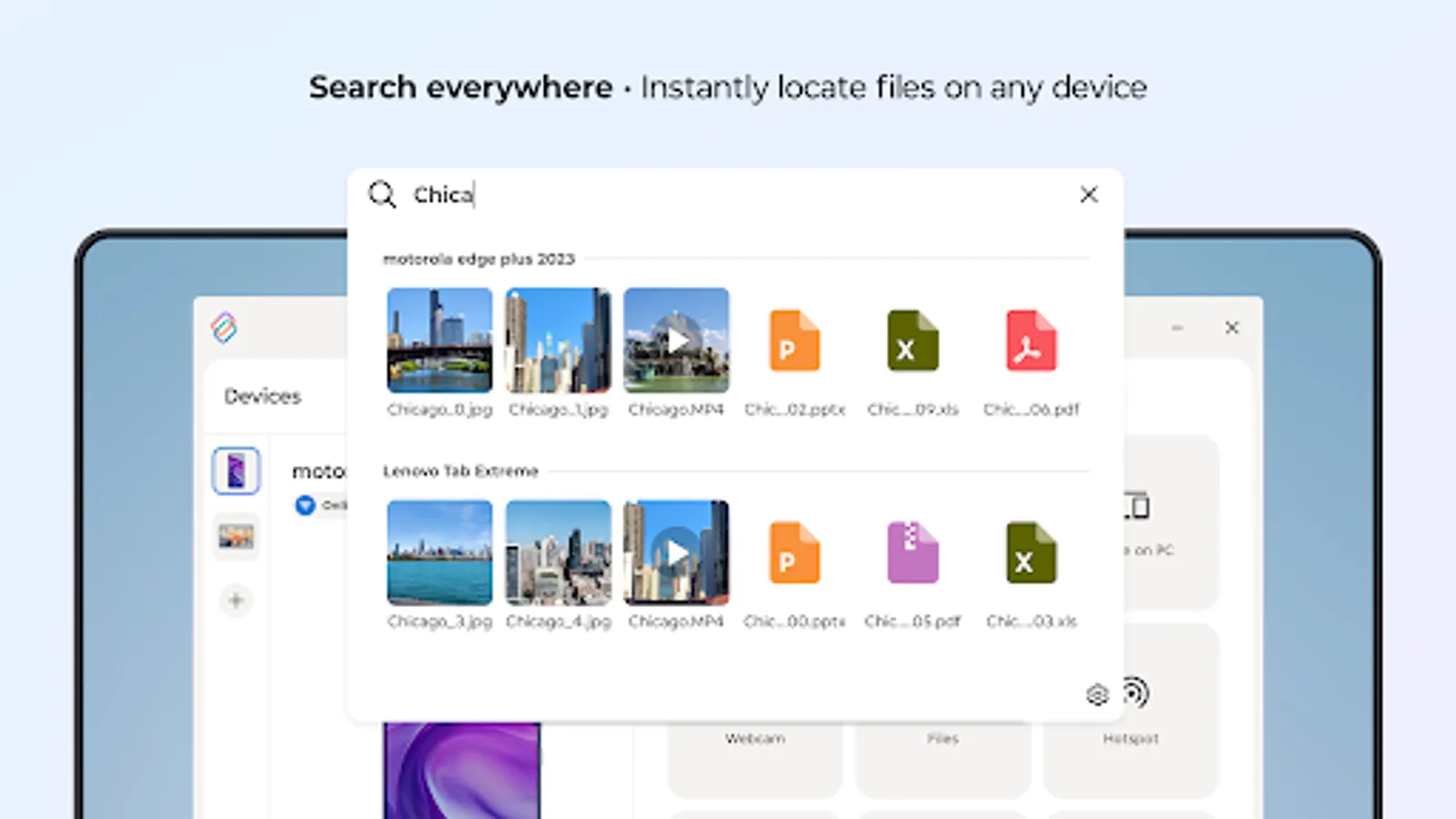
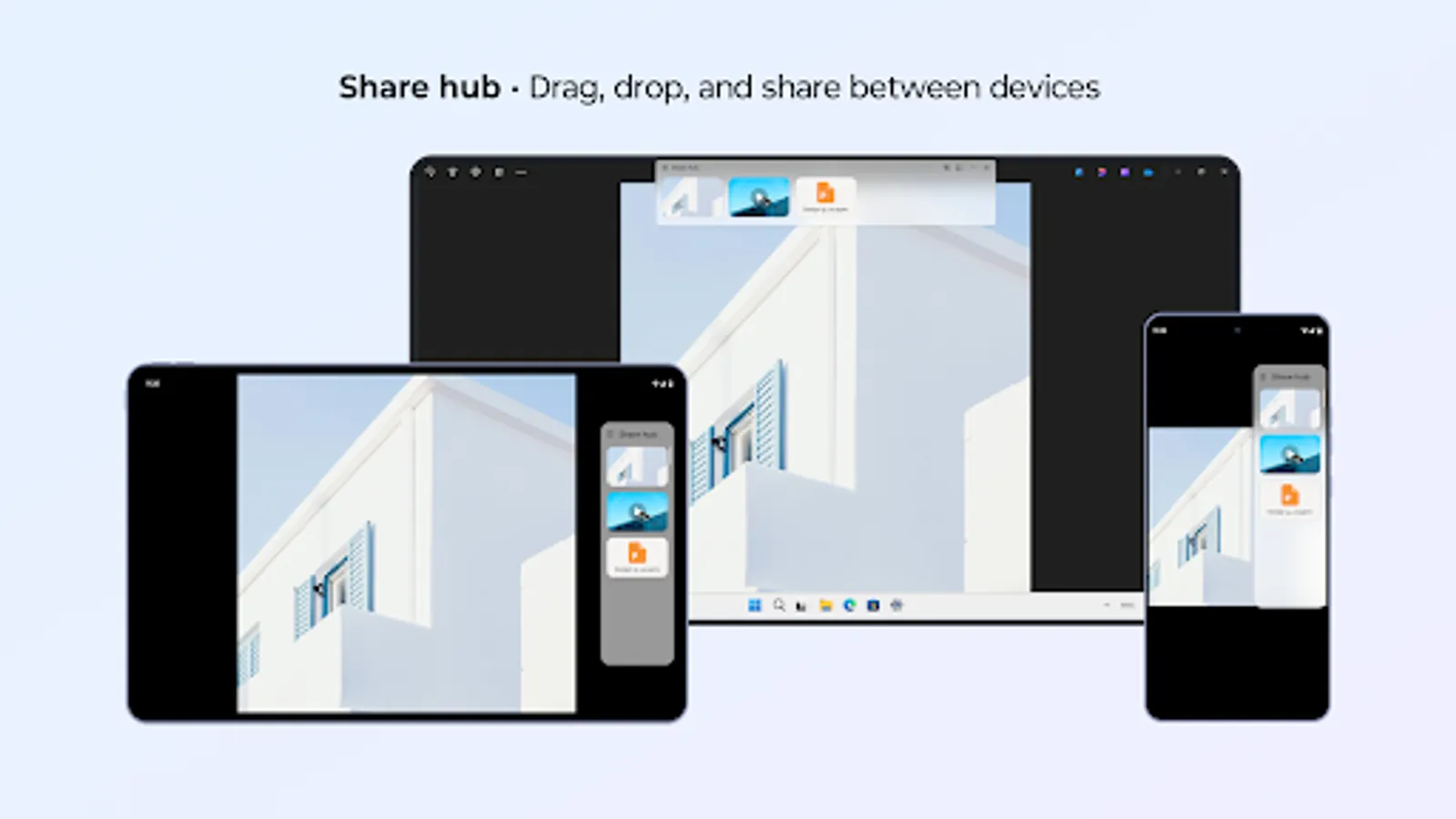
• Find and share files, photos, and content across all your devices with cross-device Search and Share Hub.
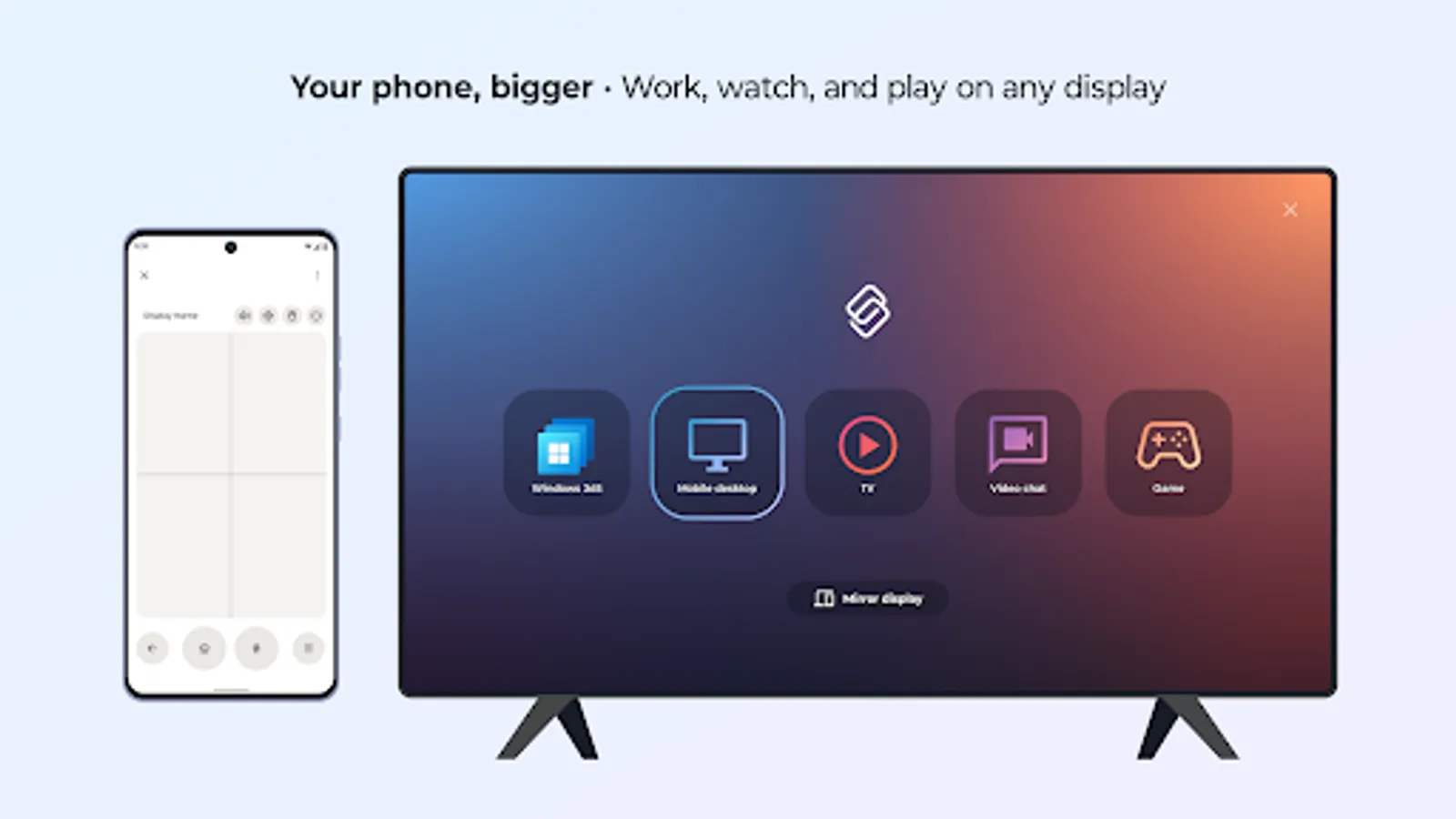
• Turn your phone into a full desktop-style workspace for multitasking on the go with Mobile Desktop.
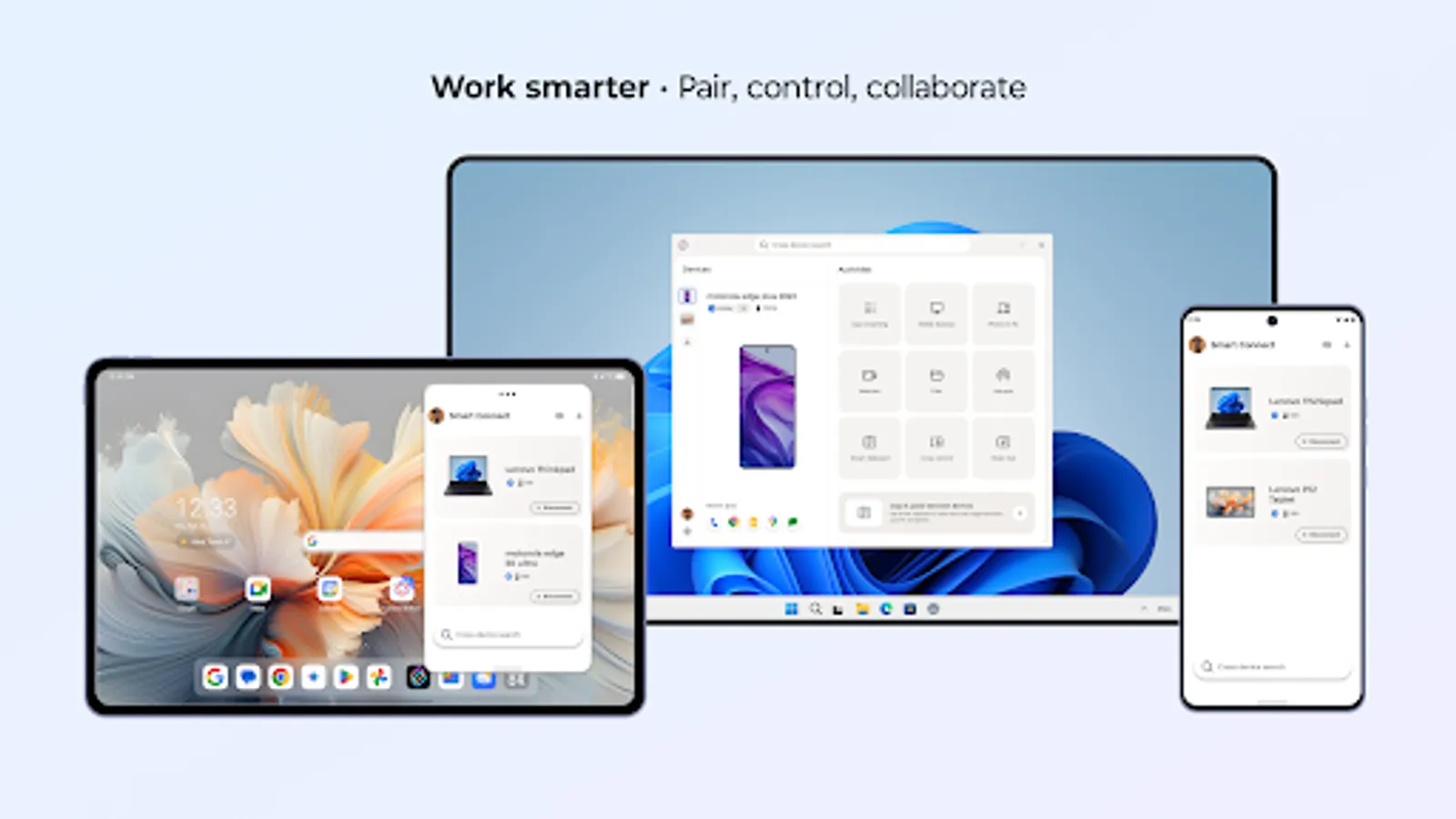
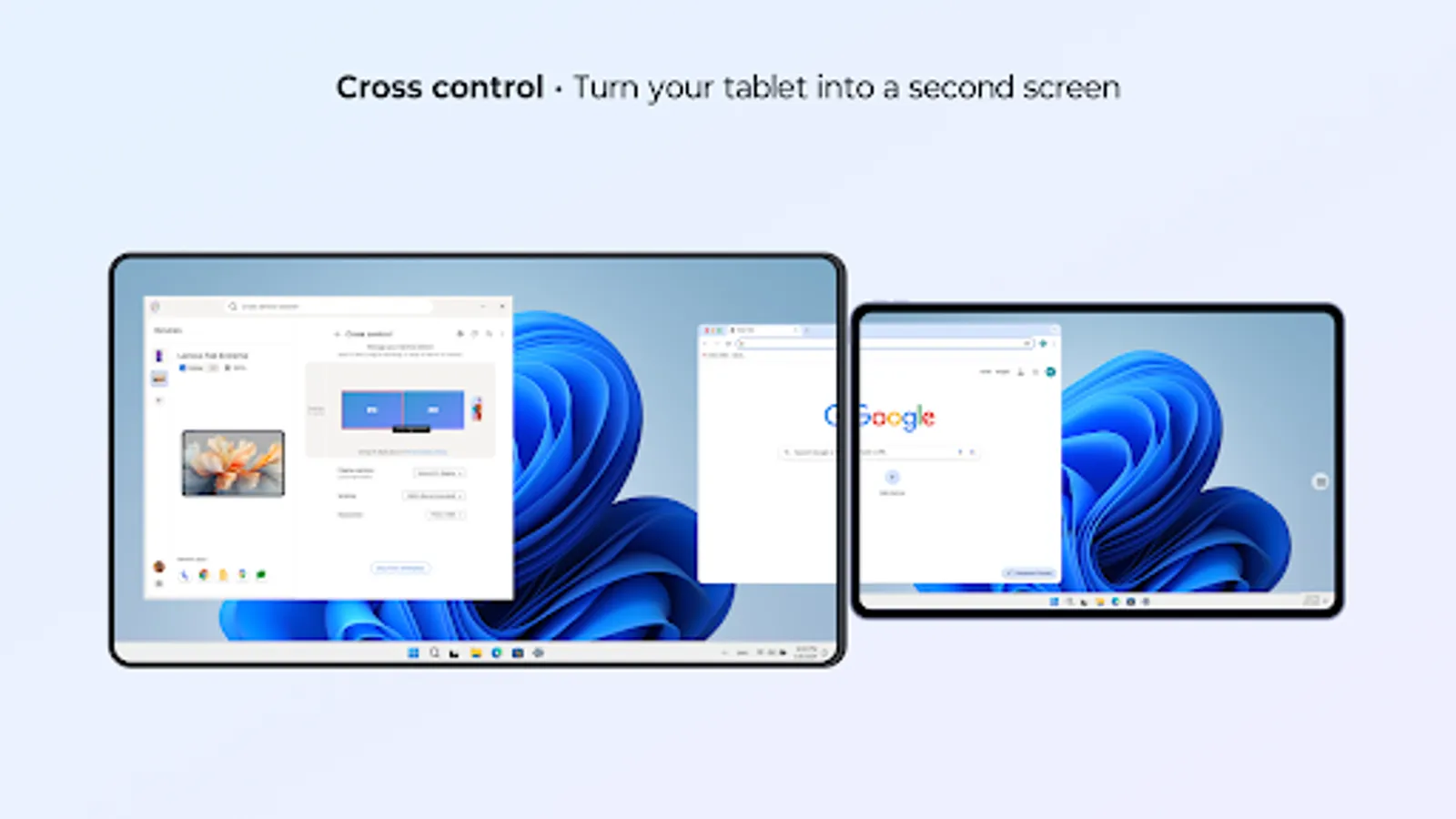
• Use Cross Control to extend or mirror your PC screen to your tablet.
• Check and reply to your phone’s Messages from the PC dashboard.
• Use your phone or tablet’s high-resolution camera with Webcam for clear, professional video calls.
• Copy text or screenshots on one device and paste them on another with Clipboard.
Smart Connect requires elevated permissions to install and use this app.
A Windows 10 or 11 PC with Bluetooth and a compatible phone or tablet is required.
Feature compatibility may vary by device. Click the link to see if your phone or tablet is compatible: https://help.motorola.com/hc/apps/smartconnect/?t=compatible
Key features:
• Stream your favorite apps and media from your phone or tablet to your PC or smart display.
• Find and share files, photos, and content across all your devices with cross-device Search and Share Hub.
• Turn your phone into a full desktop-style workspace for multitasking on the go with Mobile Desktop.
• Use Cross Control to extend or mirror your PC screen to your tablet.
• Check and reply to your phone’s Messages from the PC dashboard.
• Use your phone or tablet’s high-resolution camera with Webcam for clear, professional video calls.
• Copy text or screenshots on one device and paste them on another with Clipboard.
Smart Connect requires elevated permissions to install and use this app.
A Windows 10 or 11 PC with Bluetooth and a compatible phone or tablet is required.
Feature compatibility may vary by device. Click the link to see if your phone or tablet is compatible: https://help.motorola.com/hc/apps/smartconnect/?t=compatible
Smart Connect Screenshots
Tap to Rate:
Reviews for Smart Connect
Greg Henry
2/23/2026
file transfers can be a bit cumbersome for infrequent users
Badal Marandi
2/23/2026
GOOD