
Mural - Visual Collaboration
MURAL
2.6 ★
546 ratings
100,000+
downloads
Free
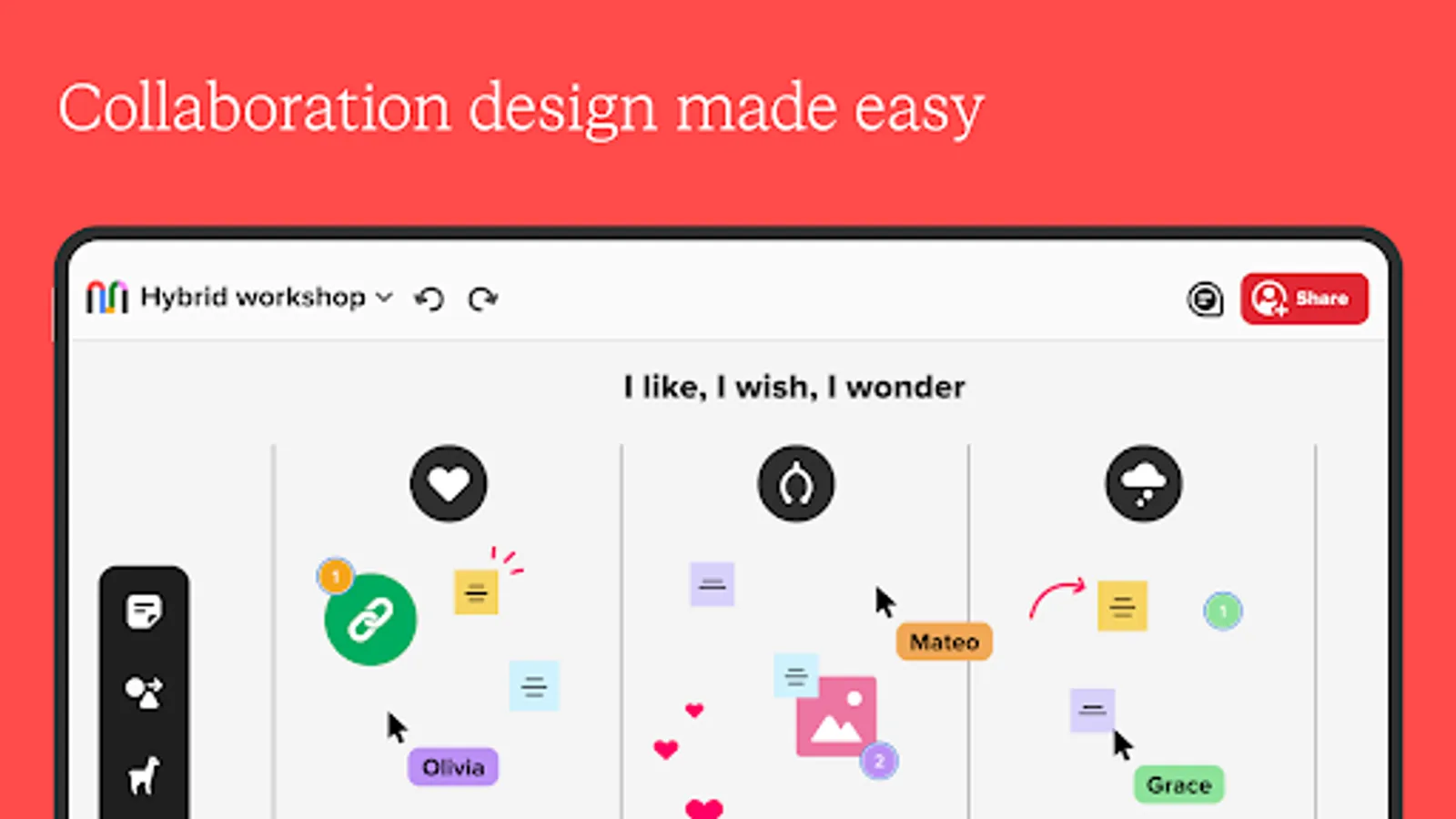
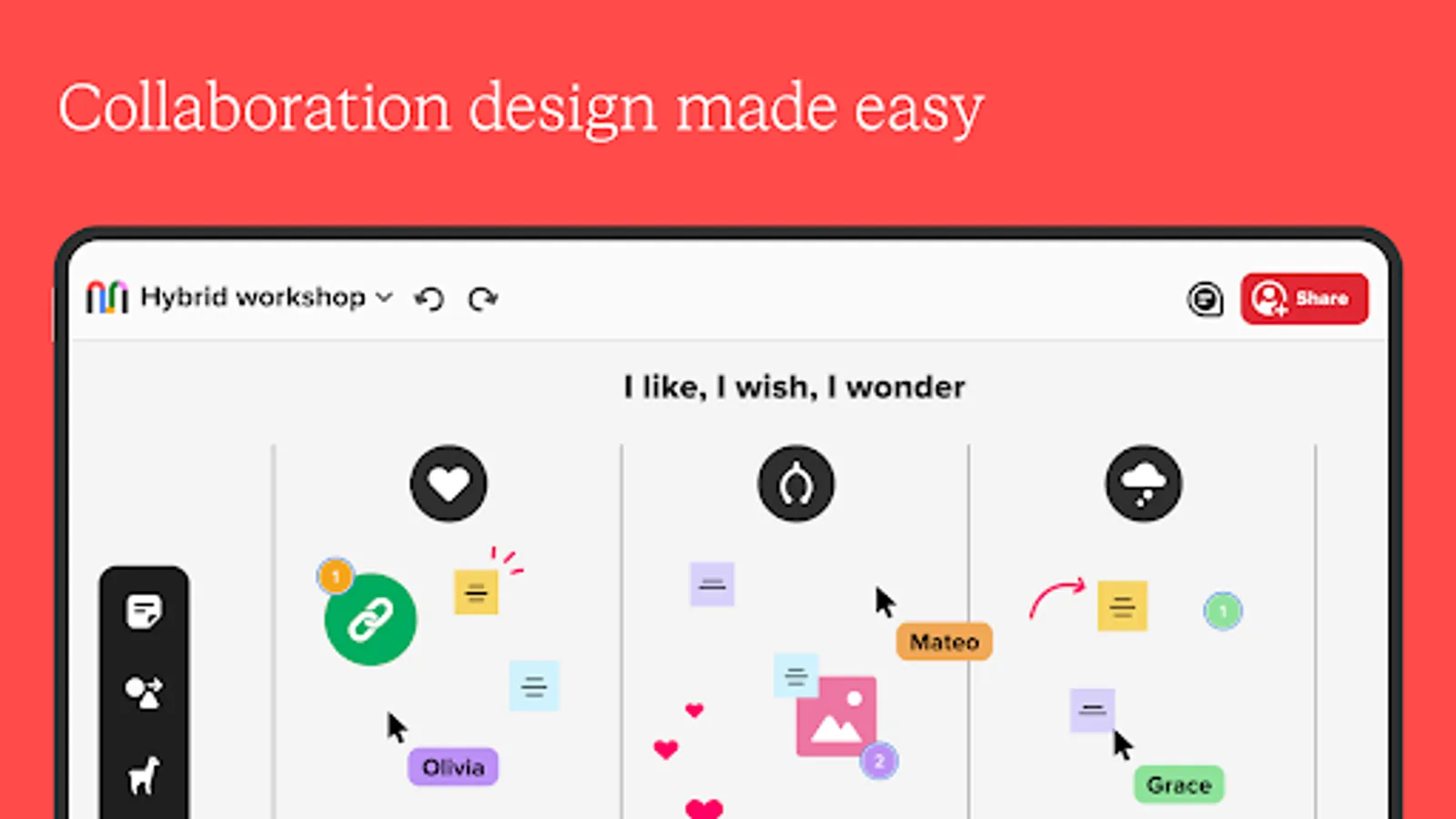
In this collaboration app, you can create digital murals, add content, draw, and invite team members to contribute. Includes content editing tools, commenting features, image uploads, and presentation options.
AppRecs review analysis
AppRecs rating 2.5. Trustworthiness 83 out of 100. Review manipulation risk 16 out of 100. Based on a review sample analyzed.
★★☆☆☆
2.5
AppRecs Rating
Ratings breakdown
5 star
26%
4 star
11%
3 star
6%
2 star
9%
1 star
48%
What to know
✓
Low review manipulation risk
16% review manipulation risk
⚠
Mixed user feedback
Average 2.6★ rating suggests room for improvement
⚠
High negative review ratio
57% of sampled ratings are 1–2 stars
About Mural - Visual Collaboration
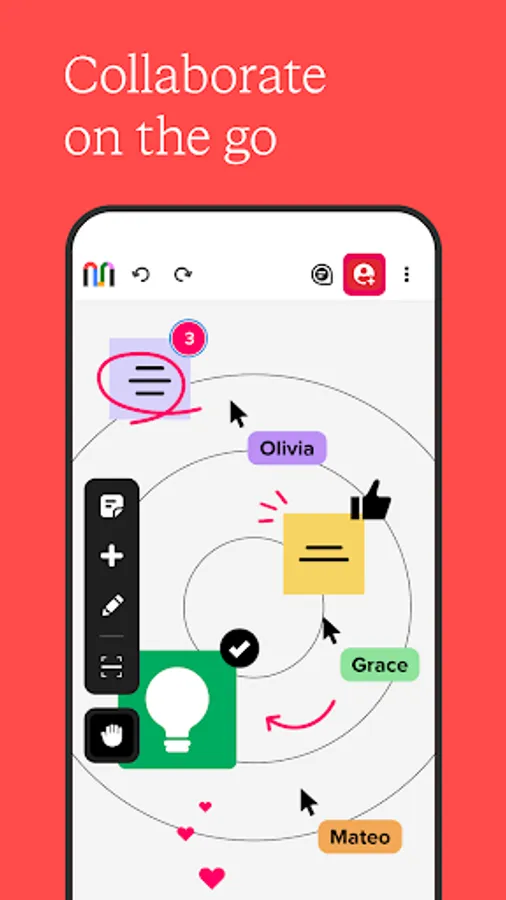
The Mural App for phone and tablet keeps you connected to your team and enables you to capture and share inspiration on the go.
Innovative teams at IBM, Intuit, Microsoft, GitLab, Steelcase, Thoughtworks, and Atlassian use Mural to collaborate from anywhere. Use the Mural mobile apps to:
* Bring your best ideas to life, wherever you work best
* Invite your team to a collaboration session no matter where they are
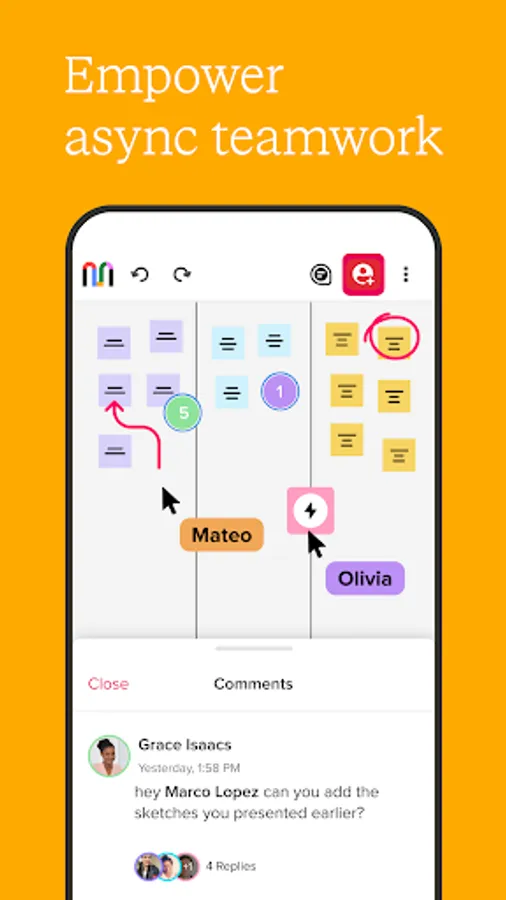
* Review content and provide feedback to keep work moving forward
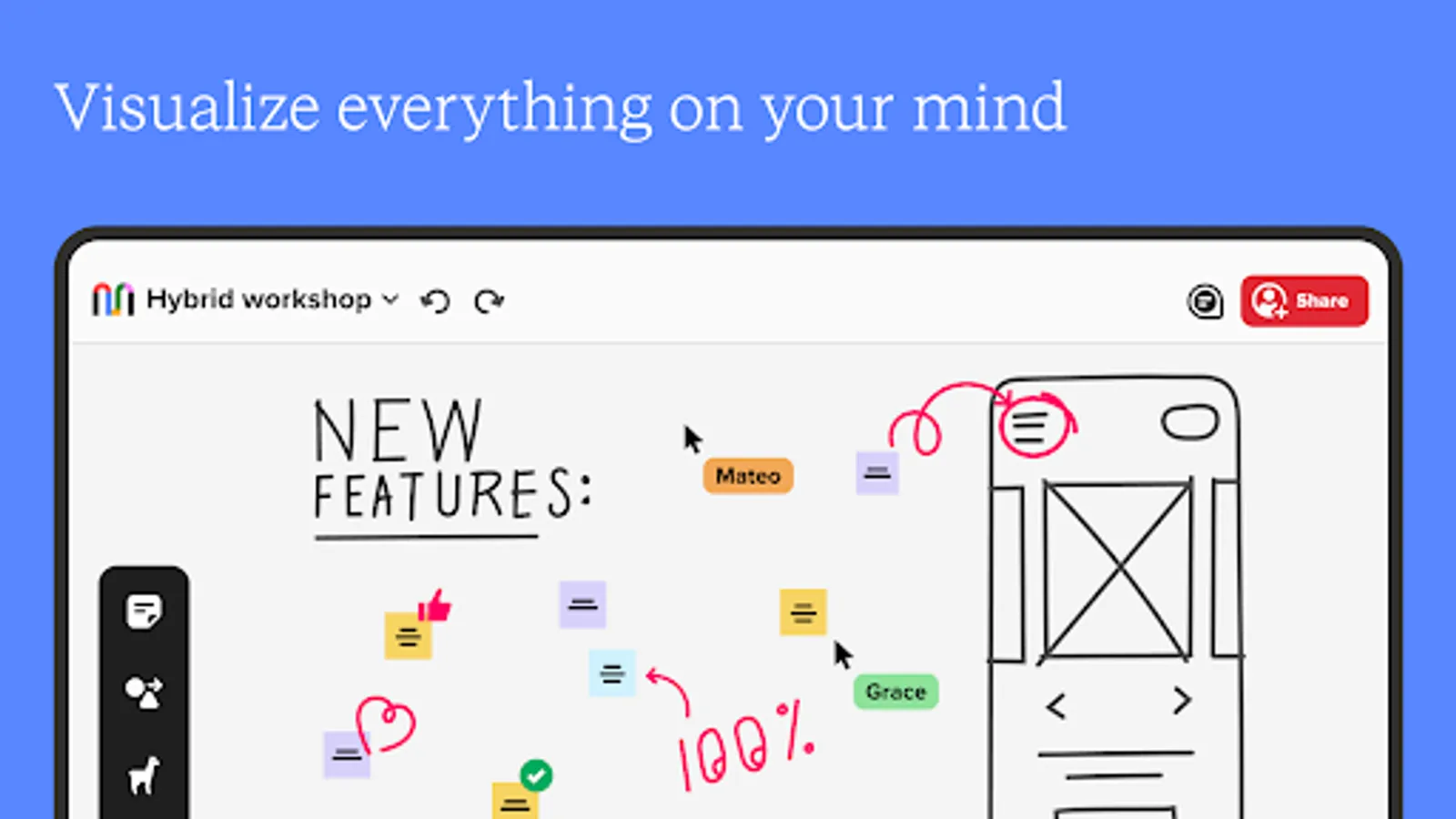
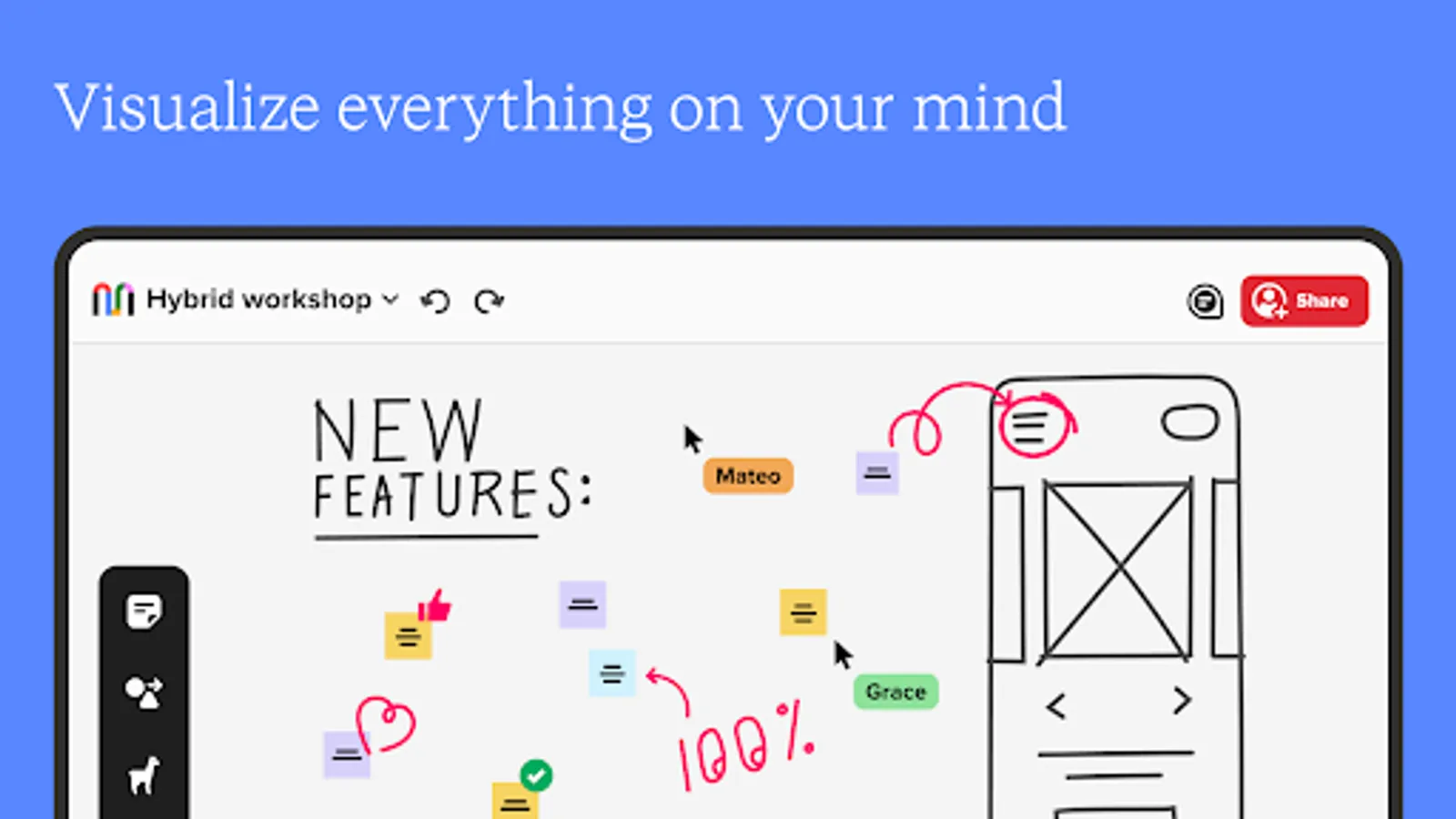
* Spark creative thinking with freehand drawing
* Map concepts and ideas with your Stylus
Mural meets security standards for enterprise organizations with mobile device management and secure sign in supported by our Microsoft Intune Mobile Application Management integration.
With the Mural app for mobile devices, you can:
* Create a new mural
* Add content in sticky notes, shapes, and text boxes with a variety of formatting options at your fingertips
* Draw ideas and sketch notes with a number of colors and line sizes
* Invite collaborators to your murals and easily change link permissions
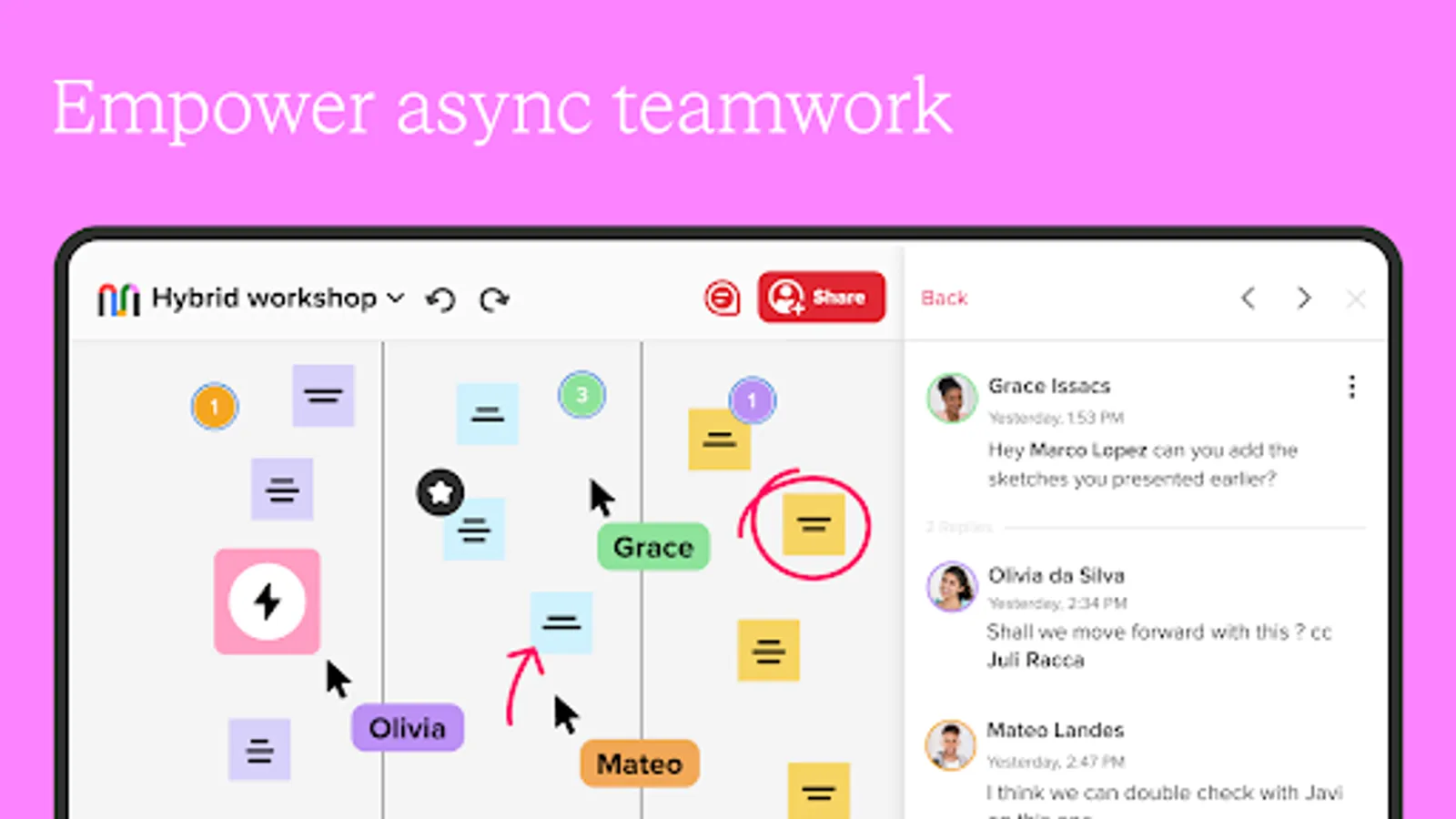
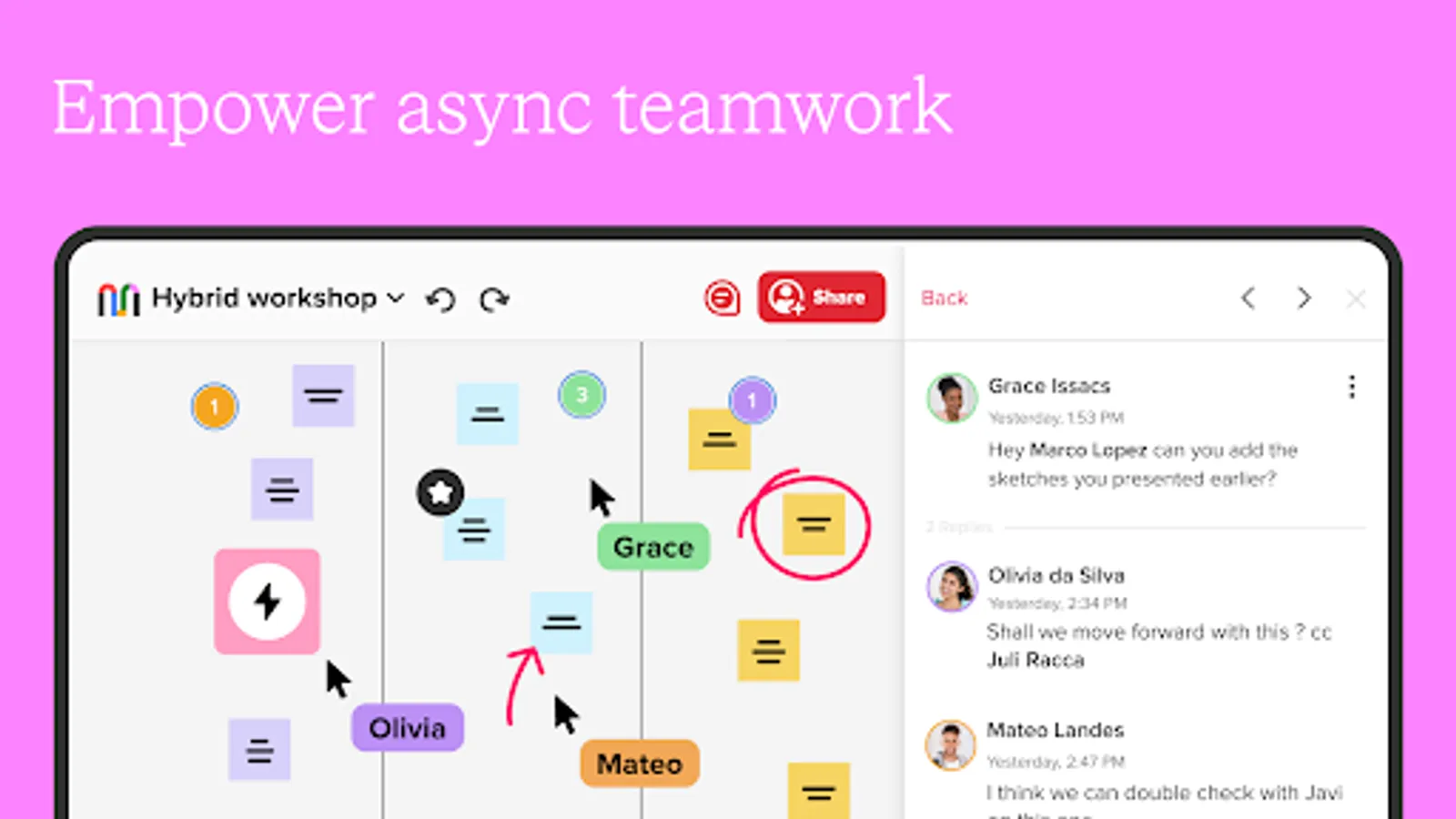
* Add, edit, delete, and mention other collaborators in comments
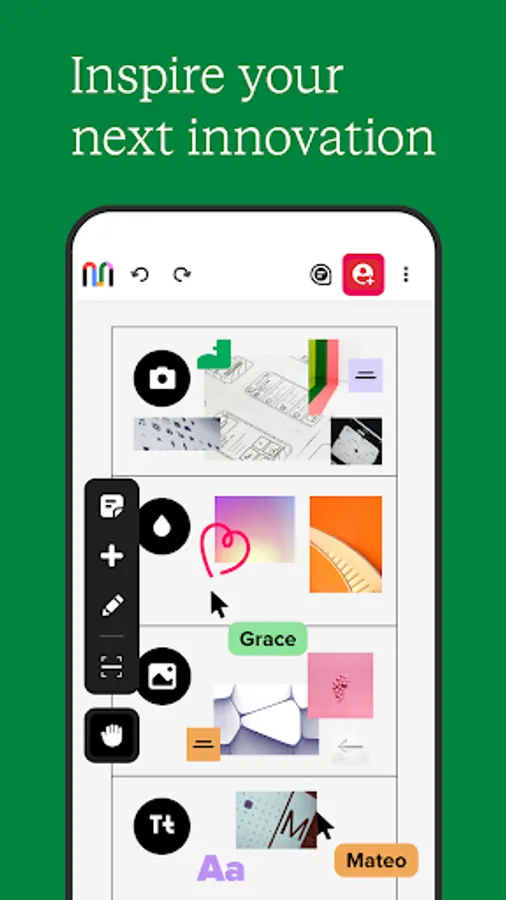
* Enhance your visual thinking with a library of icons
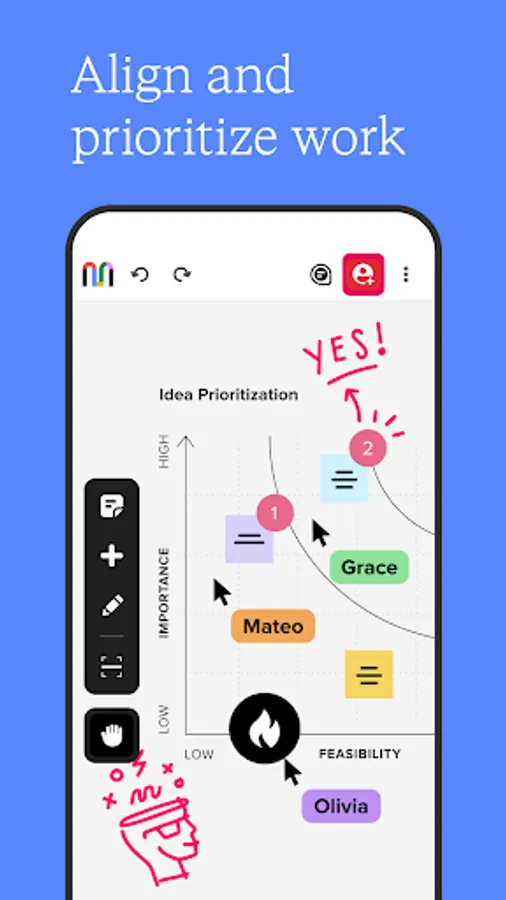
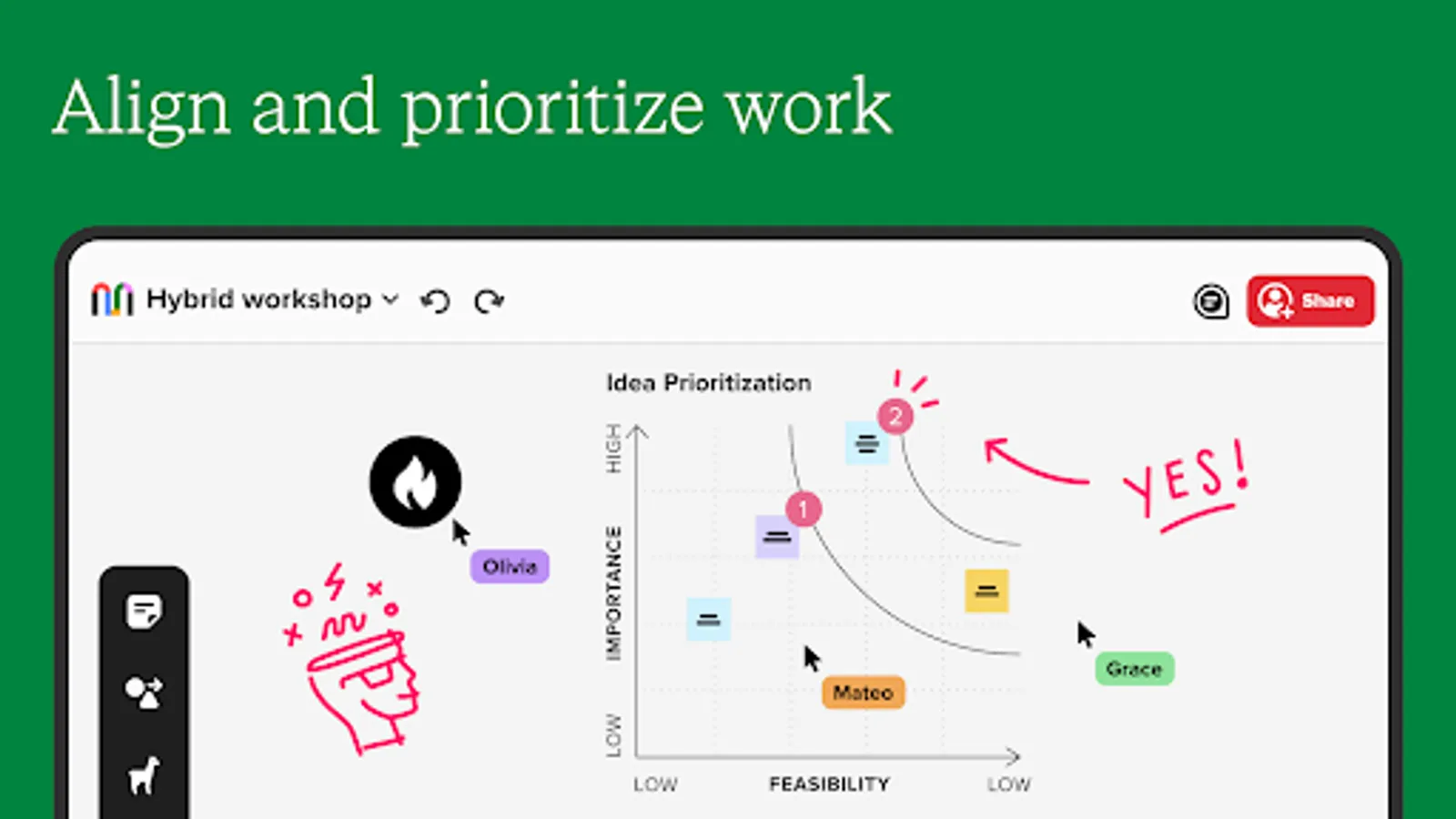
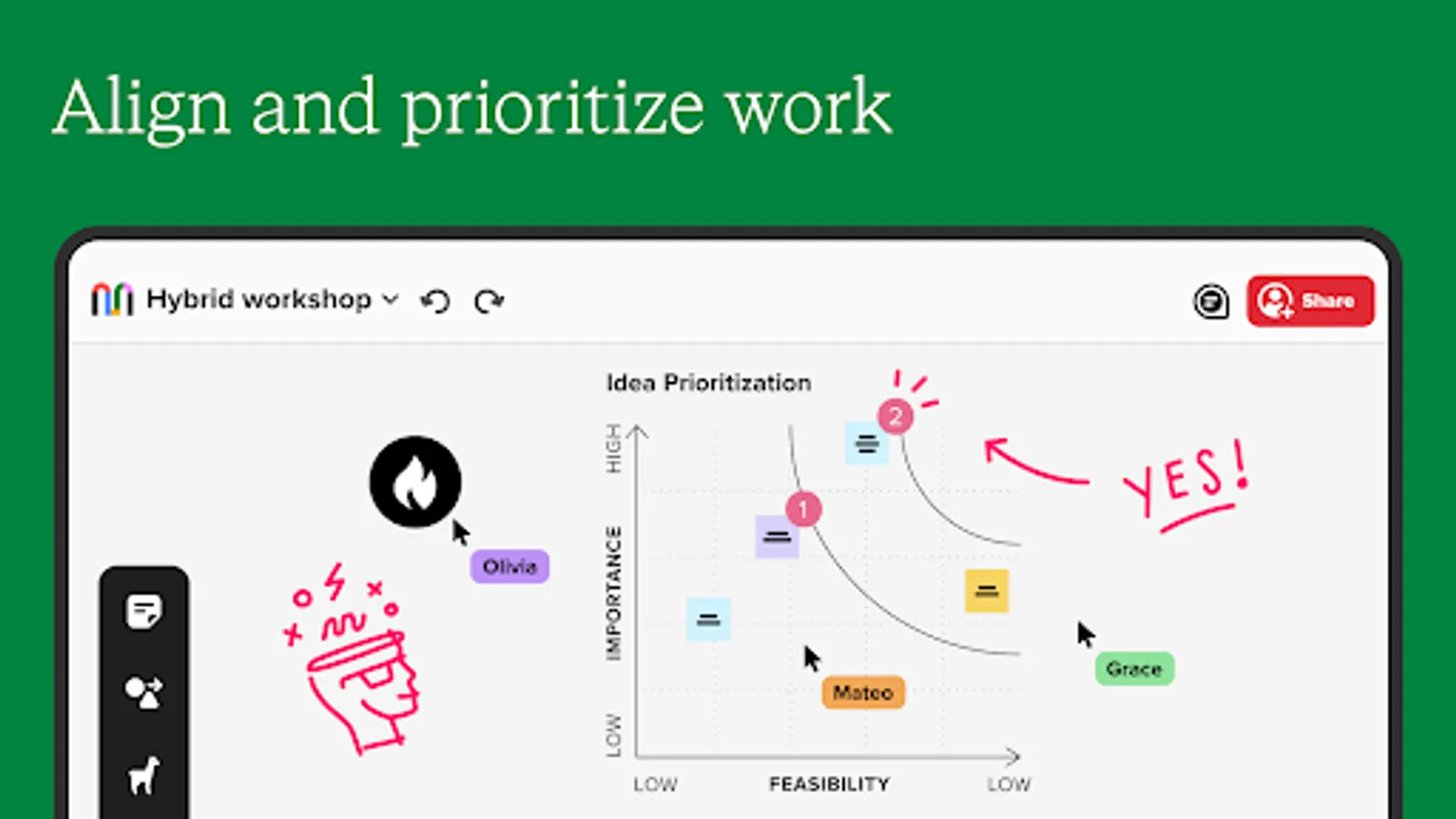
* Participate in a voting session
* Share excitement and visual feedback with reactions
* Export a mural as a PDF, image, or zip file
* Add images from your photo library, take in the moment photos, or upload files
* Send a mural to a touchscreen display for hybrid collaboration sessions
* Organize content and ideas with frameworks
* Change mural settings
* Easily present with outline and presentation mode
To use the Mural app, an account and sign-in is required. Learn more at www.mural.co.
Mural - Visual Collaboration Screenshots


Tap to Rate:
Reviews for Mural - Visual Collaboration
Michael Boylan
12/14/2025
broken now asks for multiple log ins don't know why so I can't access links as after logging in at the minimum twice it just goes to the home page. great on pc with some stuff missing though. it feels like they are abandoning the Android side of things, I bet it works fine on Apple devices though?
Emannuel
8/26/2025
can't login with my work email, useless