In this water data app, you can view USGS flow, stage, temperature, and turbidity data with interactive graphs and customizable alerts. Includes favorites management, home screen widgets, and data download options.
AppRecs review analysis
AppRecs rating 3.8. Trustworthiness 61 out of 100. Review manipulation risk 35 out of 100. Based on a review sample analyzed.
★★★☆☆
3.8
AppRecs Rating
Ratings breakdown
5 star
63%
4 star
21%
3 star
8%
2 star
2%
1 star
6%
What to know
✓
High user satisfaction
85% of sampled ratings are 4+ stars (4.3★ average)
✓
Authentic reviews
Natural distribution, no red flags
About Flow Alert!
Flow Alert provides quick access to flow , stage, temperature, and turbidity data made available by the United States Geologic Survey (USGS) via USGS Water Services https://waterservices.usgs.gov/.
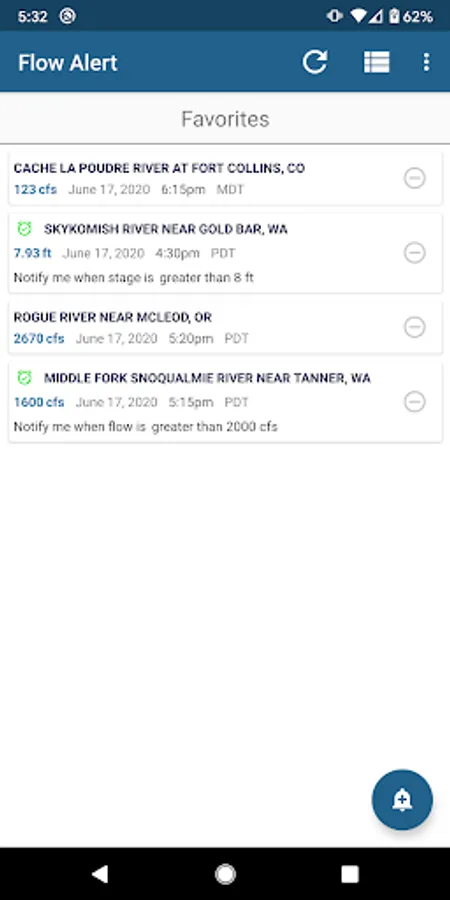
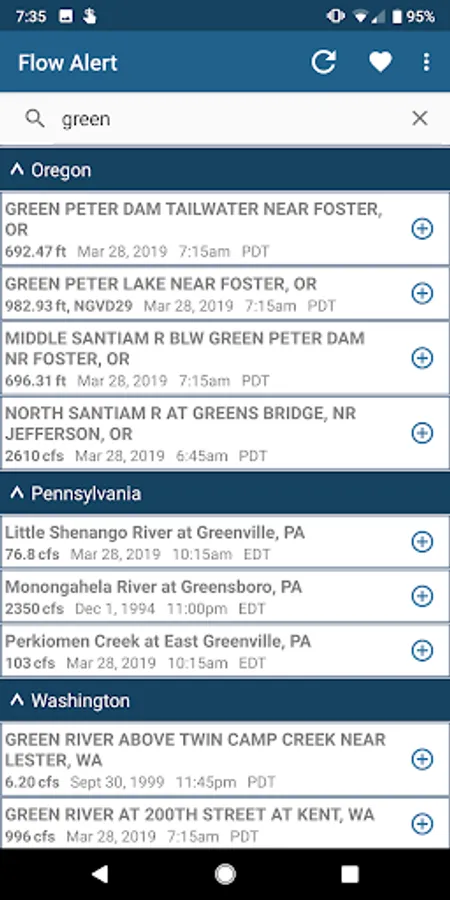
Download USGS gauges and add favorites to a separate list. Create nicknames for your favorite gauges.
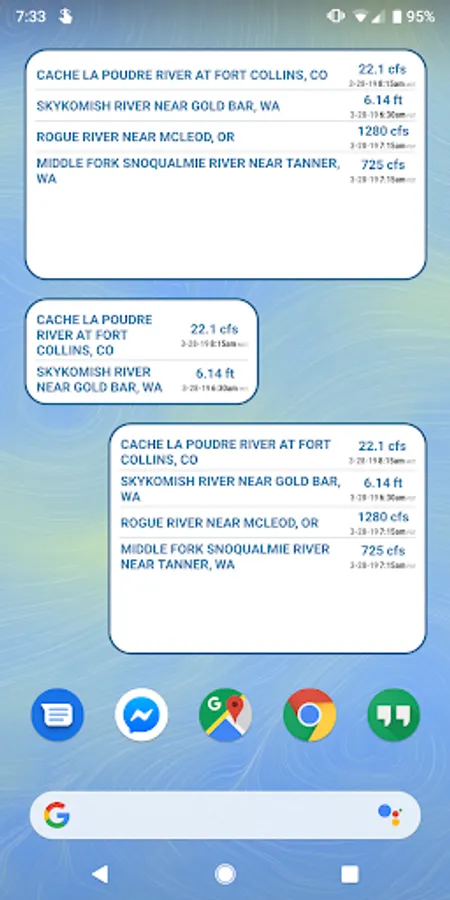
Add a widget on your home screen that shows your selected parameter for your favorite gauges. Currently, widgets update automatically approximately every 15 minutes.
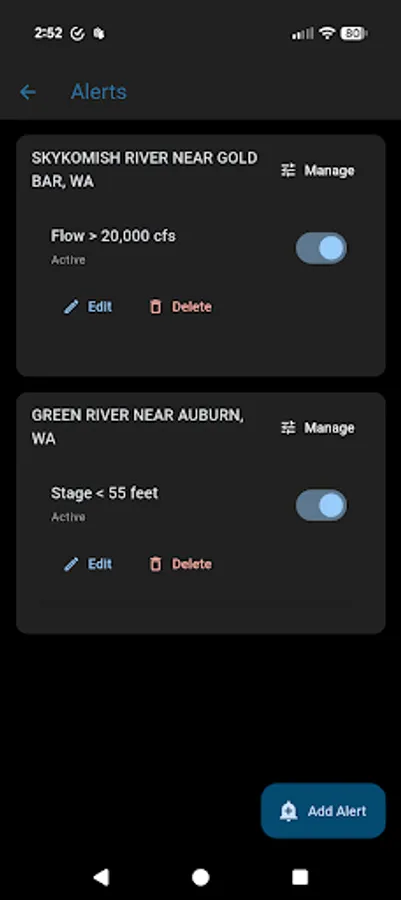
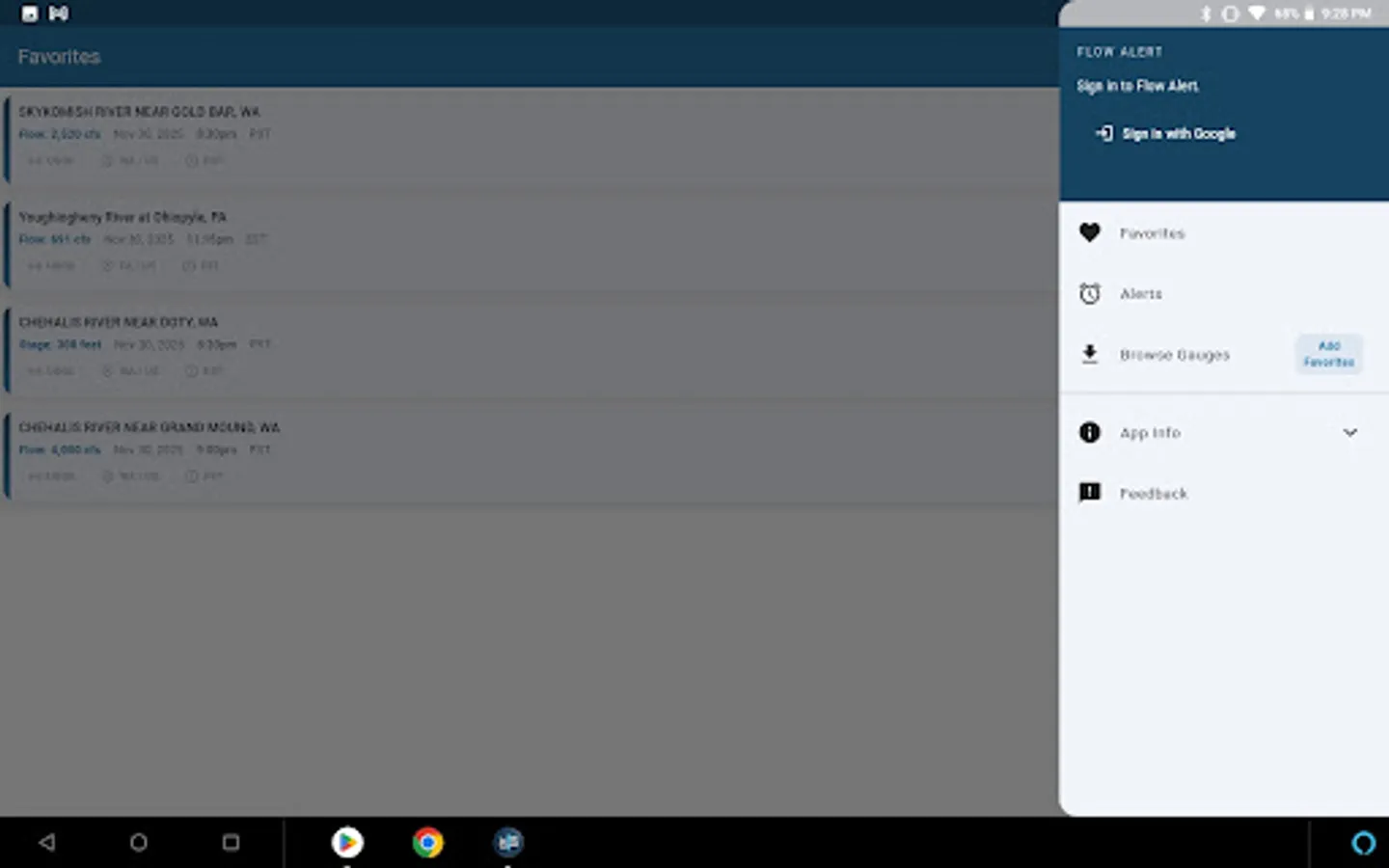
Add alerts to notify yourself when your gauge meets your defined criteria. Multiple alerts may be set for each favorite gauge. Manage your alerts for all gauges in one screen.
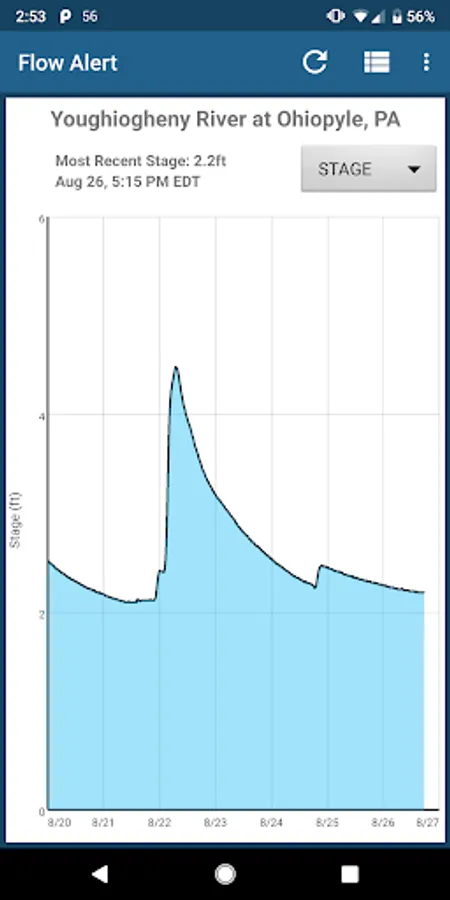
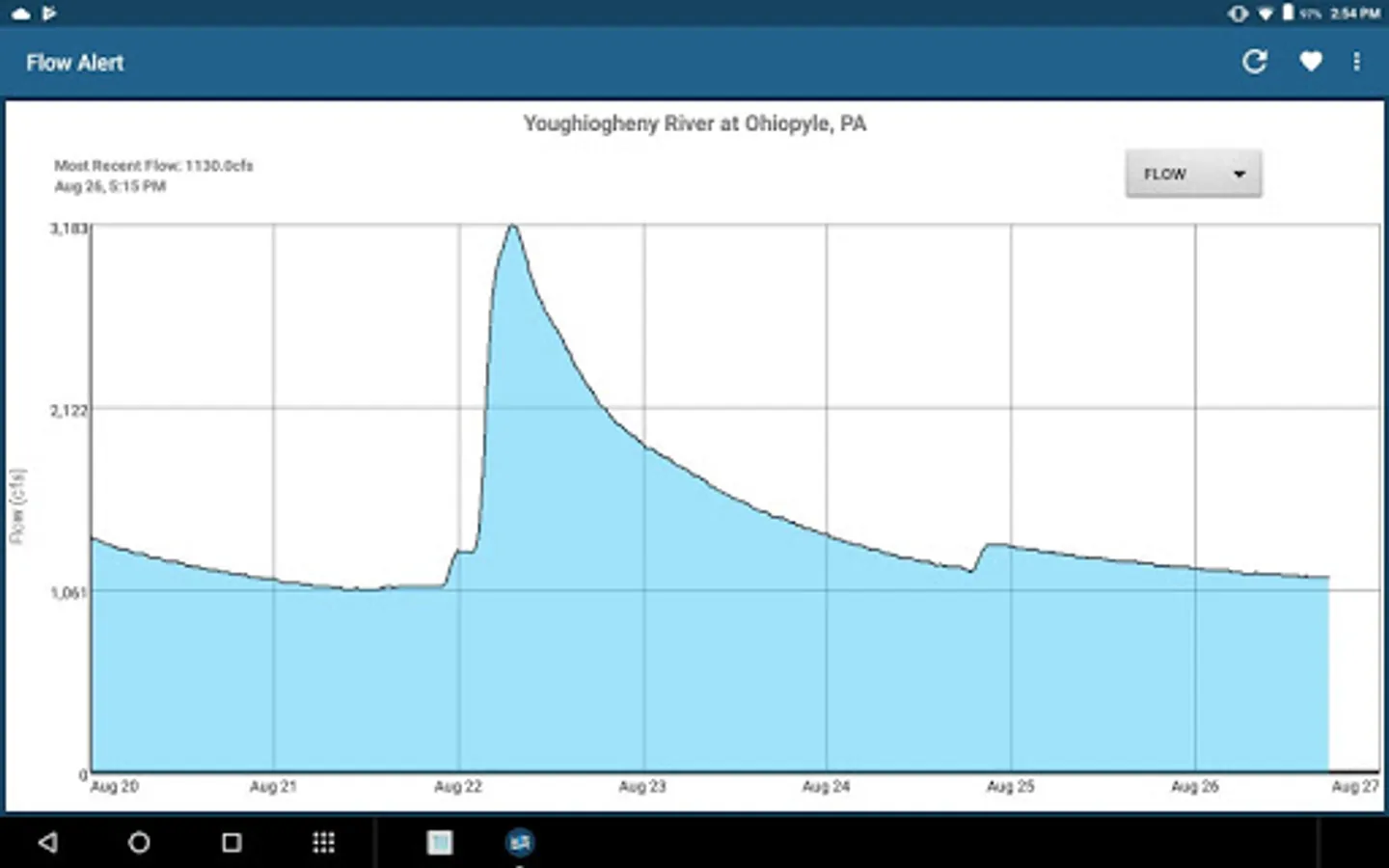
Select a gauge from the list to see an interactive graph of the past 7 days of available data.
Data provided by:
-United State Geological Survey (USGS)
Disclaimer:
Flow Alert provides quick access to flow , stage, temperature, and turbidity data made available by the United States Geologic Survey (USGS) via USGS Water Services. All data shown in Flow Alert are downloaded from the USGS Water Services API.
Flow Alert is not affiliated with, endorsed by, or representative of any government entity including USGS. Flow Alert does not take credit, responsibility, or ownership for any data downloaded from USGS's Water Services API. It is simply a tool that you can use to view the data made available by USGS.
Data Source Link https://waterservices.usgs.gov/.
If you have feedback, suggestions, or feature requests, please e-mail me at flowalertapp@gmail.com...I'd appreciate it! You may also submit feedback through the in-app feedback page.
Download USGS gauges and add favorites to a separate list. Create nicknames for your favorite gauges.
Add a widget on your home screen that shows your selected parameter for your favorite gauges. Currently, widgets update automatically approximately every 15 minutes.
Add alerts to notify yourself when your gauge meets your defined criteria. Multiple alerts may be set for each favorite gauge. Manage your alerts for all gauges in one screen.
Select a gauge from the list to see an interactive graph of the past 7 days of available data.
Data provided by:
-United State Geological Survey (USGS)
Disclaimer:
Flow Alert provides quick access to flow , stage, temperature, and turbidity data made available by the United States Geologic Survey (USGS) via USGS Water Services. All data shown in Flow Alert are downloaded from the USGS Water Services API.
Flow Alert is not affiliated with, endorsed by, or representative of any government entity including USGS. Flow Alert does not take credit, responsibility, or ownership for any data downloaded from USGS's Water Services API. It is simply a tool that you can use to view the data made available by USGS.
Data Source Link https://waterservices.usgs.gov/.
If you have feedback, suggestions, or feature requests, please e-mail me at flowalertapp@gmail.com...I'd appreciate it! You may also submit feedback through the in-app feedback page.