About My Quest List
Using My Quest List you can keep track of everything you have to do, like working or tidy up your house, then balance your productivity with your free time.
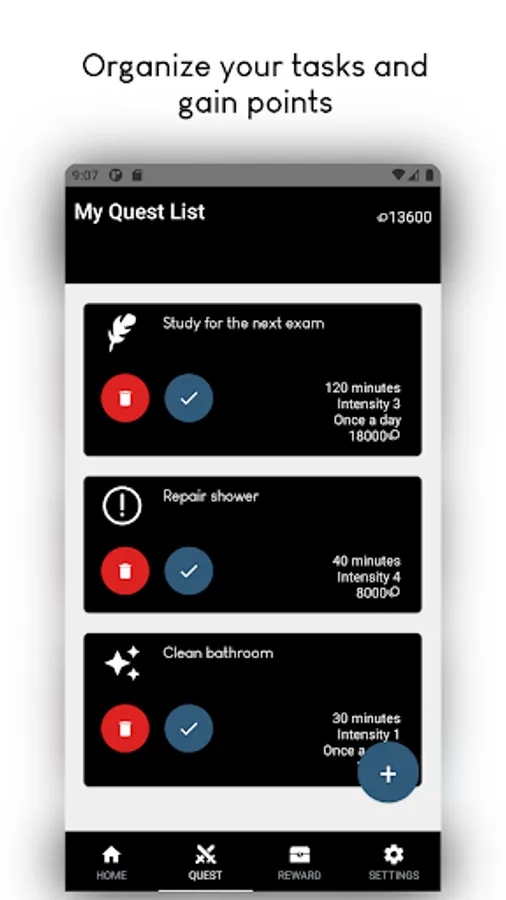
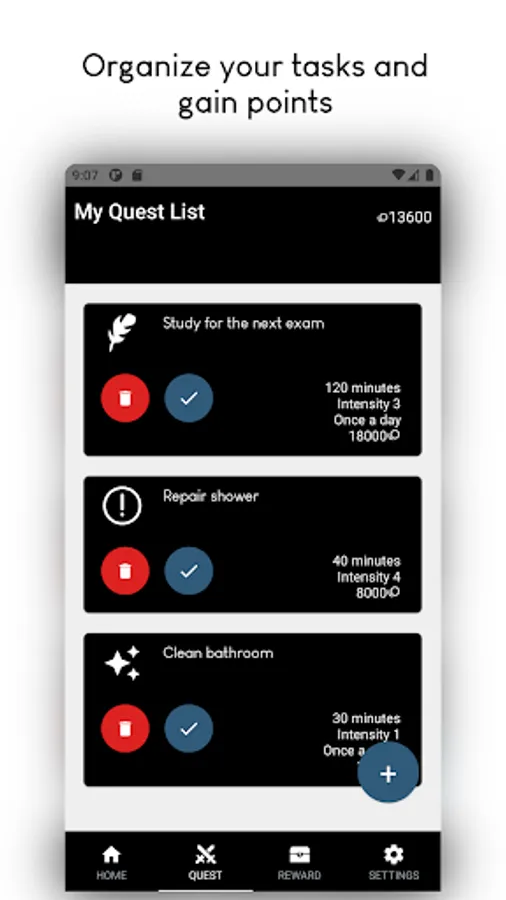
In the 'Quests' menu, you can create a new task, choosing its difficulty and time needed for completing it. You can even add a customized icon or set it to be repeatable. Once your done with you activity, you can press the 'Done' button and obtain points based on the task you just completed.
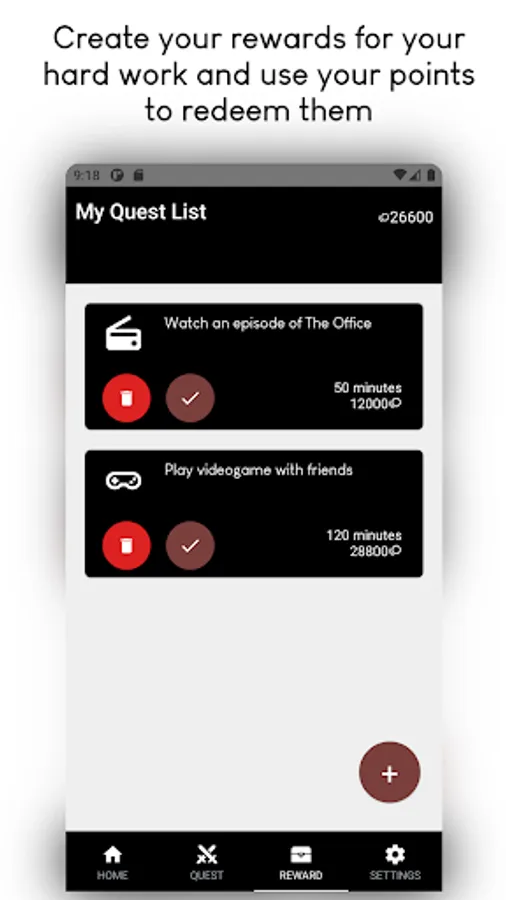
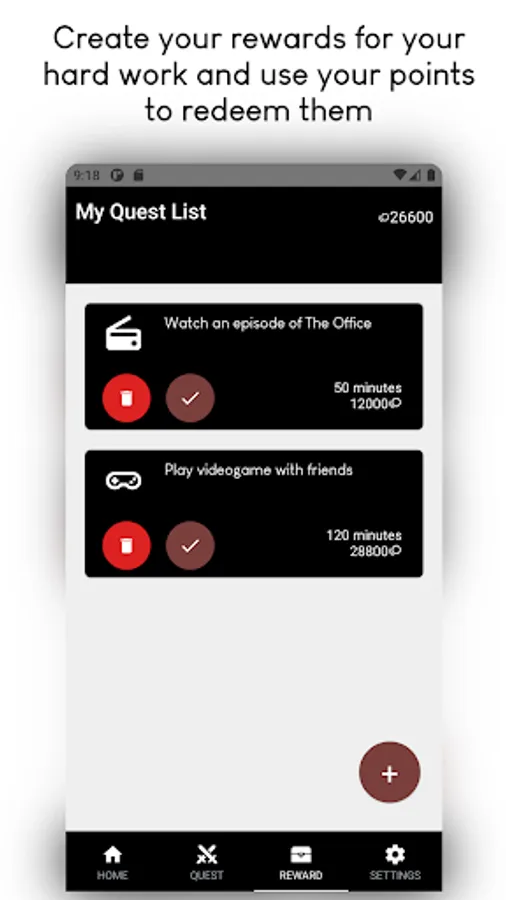
In the 'Rewards' menu, you can create pleasant activities for your free time, like going to the restaurant or watching a show. You can expend the points you gained through your hard work to redeem such rewards and get some you-time.
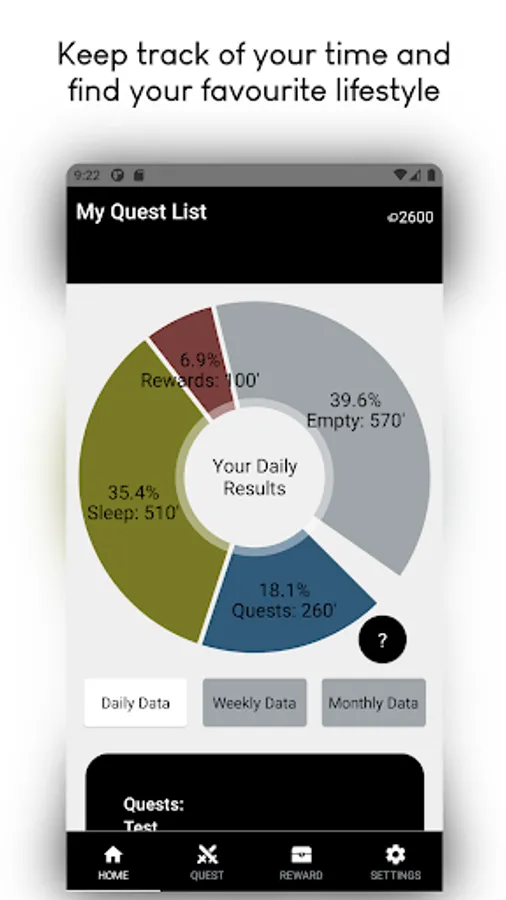
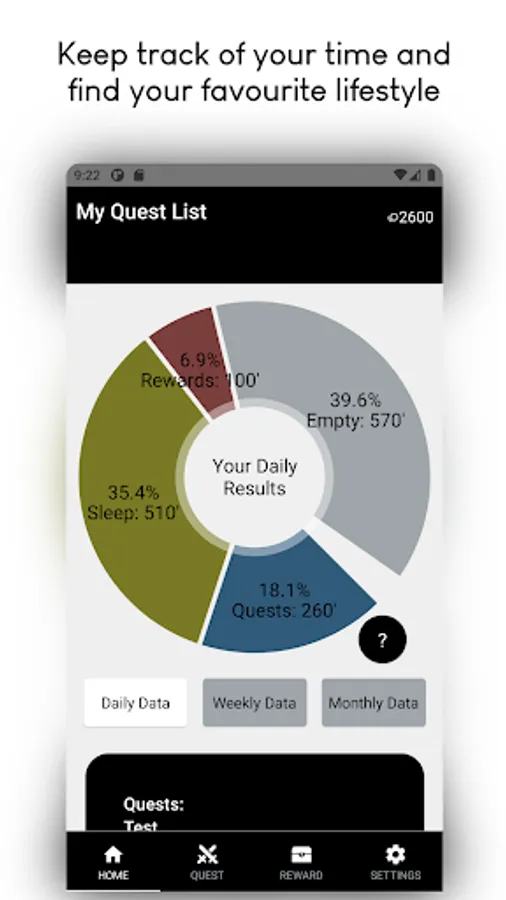
In the 'Home' screen, you can check your results during the last few days, keeping your productivity and spare time in check. In the 'Settings' screen, you can customize your application, to choose how you wish to balance your productivity, spare time and sleep time. You can even change the background of the app and save a backup to move to another device.
In the 'Quests' menu, you can create a new task, choosing its difficulty and time needed for completing it. You can even add a customized icon or set it to be repeatable. Once your done with you activity, you can press the 'Done' button and obtain points based on the task you just completed.
In the 'Rewards' menu, you can create pleasant activities for your free time, like going to the restaurant or watching a show. You can expend the points you gained through your hard work to redeem such rewards and get some you-time.
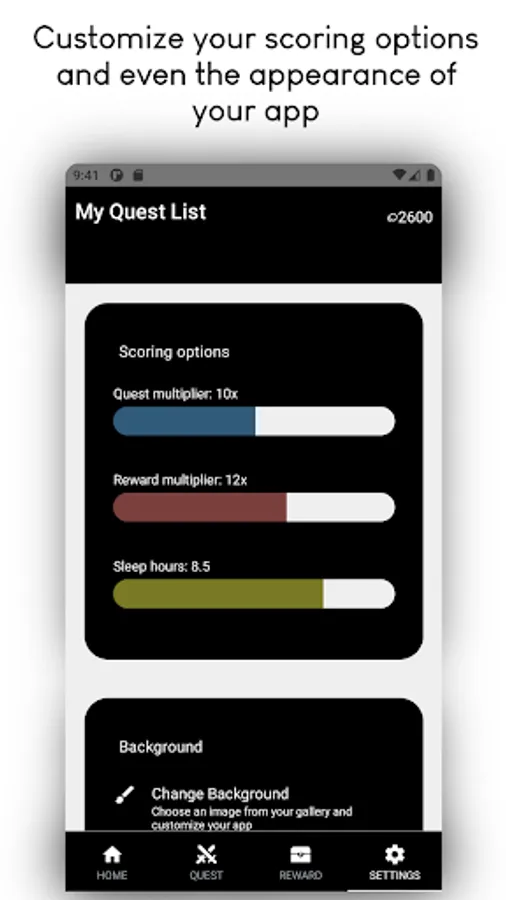
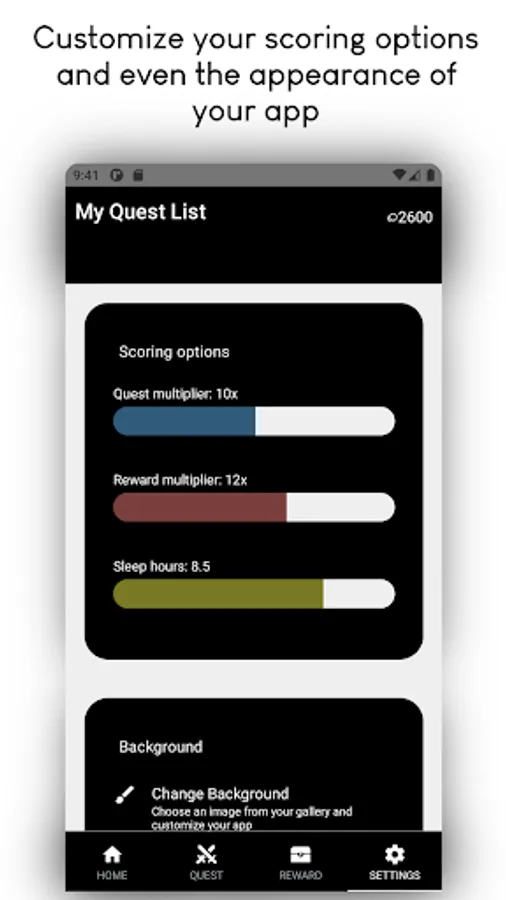
In the 'Home' screen, you can check your results during the last few days, keeping your productivity and spare time in check. In the 'Settings' screen, you can customize your application, to choose how you wish to balance your productivity, spare time and sleep time. You can even change the background of the app and save a backup to move to another device.