Uninstaller (App Uninstall)
MyungLab
4.5 ★
2K ratings
100,000+
downloads
Free
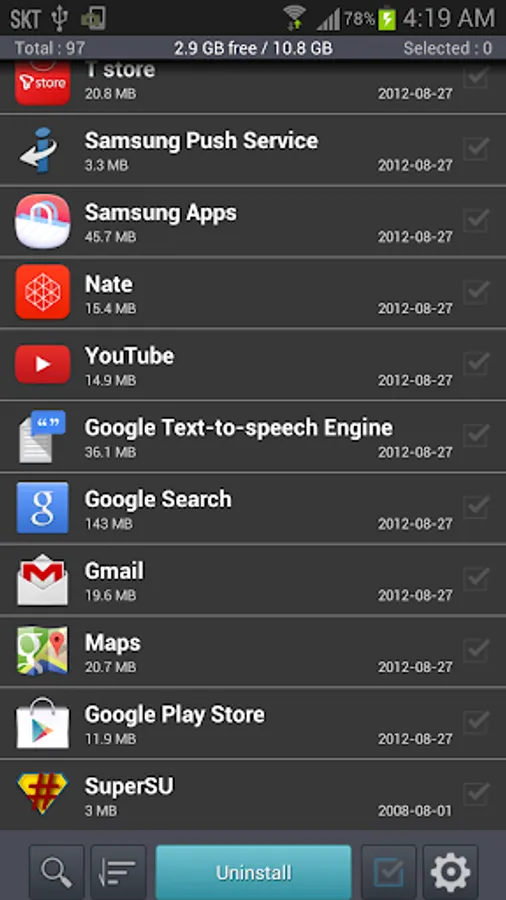
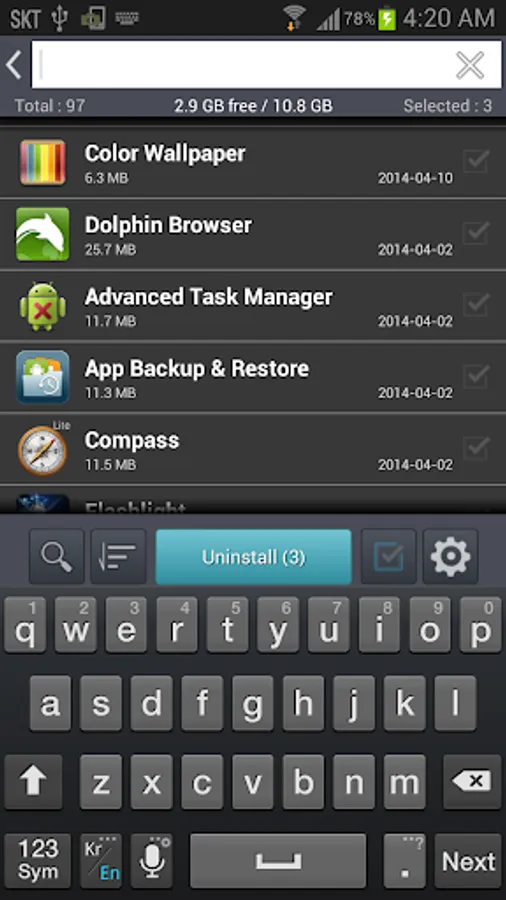
In this app, you can quickly delete unwanted apps from your Android device and manage installed applications. Includes app details, uninstall history, sorting options, and direct links to the Play Store.
AppRecs review analysis
AppRecs rating 4.6. Trustworthiness 63 out of 100. Review manipulation risk 43 out of 100. Based on a review sample analyzed.
★★★★☆
4.6
AppRecs Rating
Ratings breakdown
5 star
82%
4 star
4%
3 star
4%
2 star
4%
1 star
7%
What to know
⚠
Questionable review patterns
43% review manipulation risk - some review patterns appear unusual
⚠
Limited rating diversity
86% high ratings in sampled reviews
⚠
Review quality concerns
55% of sampled 5-star reviews are very short
About Uninstaller (App Uninstall)
you can quickly and easily delete apps from your Android device.
Uninstaller (App Uninstall) can remove user-installed applications or unnecessary system applications.
Uninstaller (App Uninstall) can uninstall multiple apps of your choice with one click.
Delete apps and manage apps to save memory space on your phone or tablet.
================
--- Main Features ---
================
▶ Remove application easily
▶ Display application name, installation time and size
▶ Search app by name
▶ Show app manage page
▶ View app in Google PlayStore
▶ Launch app
▶ App share
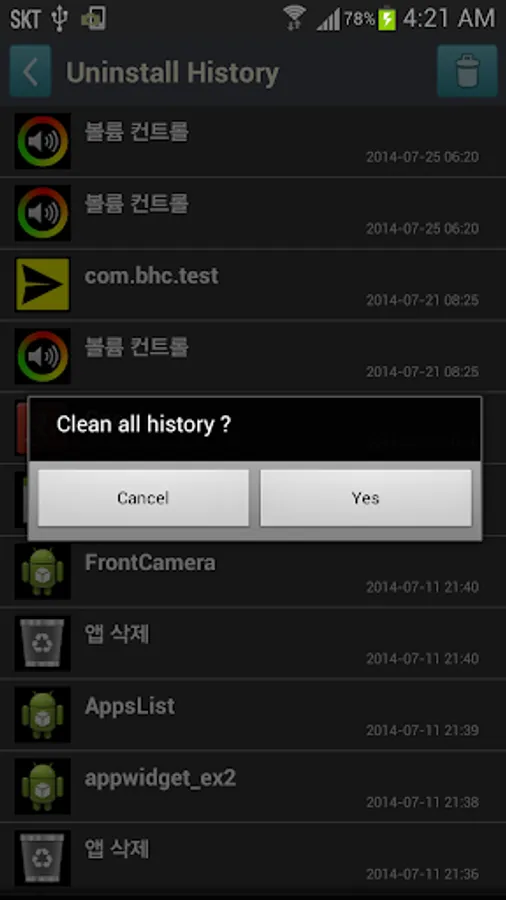
▶ Uninstall History - You can reinstall the deleted app from Play Store.
▶ Sort options
- By Name Ascending (a → z)
- By Name Descending (z → a)
- By Size Ascending
- By Size Descending
- By Date Ascending
- By Date Descending
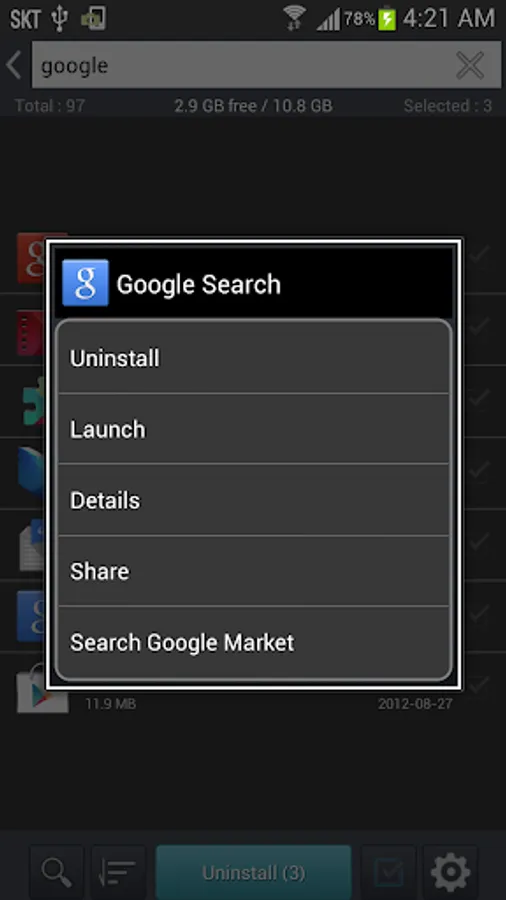
▶ Long click options
- Launch app
- Show app manage page
- App share
- View app in PlayStore
Download Uninstaller(App Uninstall) for FREE today!
Uninstaller (App Uninstall) can remove user-installed applications or unnecessary system applications.
Uninstaller (App Uninstall) can uninstall multiple apps of your choice with one click.
Delete apps and manage apps to save memory space on your phone or tablet.
================
--- Main Features ---
================
▶ Remove application easily
▶ Display application name, installation time and size
▶ Search app by name
▶ Show app manage page
▶ View app in Google PlayStore
▶ Launch app
▶ App share
▶ Uninstall History - You can reinstall the deleted app from Play Store.
▶ Sort options
- By Name Ascending (a → z)
- By Name Descending (z → a)
- By Size Ascending
- By Size Descending
- By Date Ascending
- By Date Descending
▶ Long click options
- Launch app
- Show app manage page
- App share
- View app in PlayStore
Download Uninstaller(App Uninstall) for FREE today!
Uninstaller (App Uninstall) Screenshots
Tap to Rate:
Reviews for Uninstaller (App Uninstall)
SNIPER FURY
11/3/2025
Fake app
kameswara rao kurada
10/12/2025
good