Namio
ABOSS
10+
downloads
Free
About Namio
How it works
• Create an account and maintain a virtual balance in Namio.
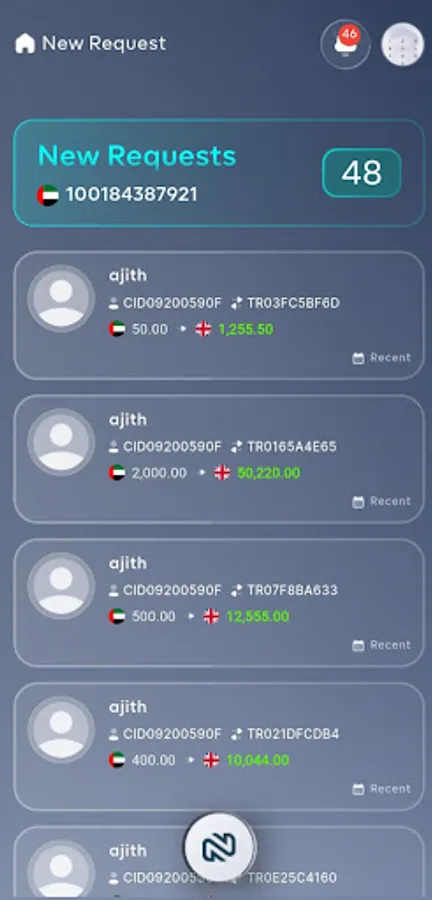
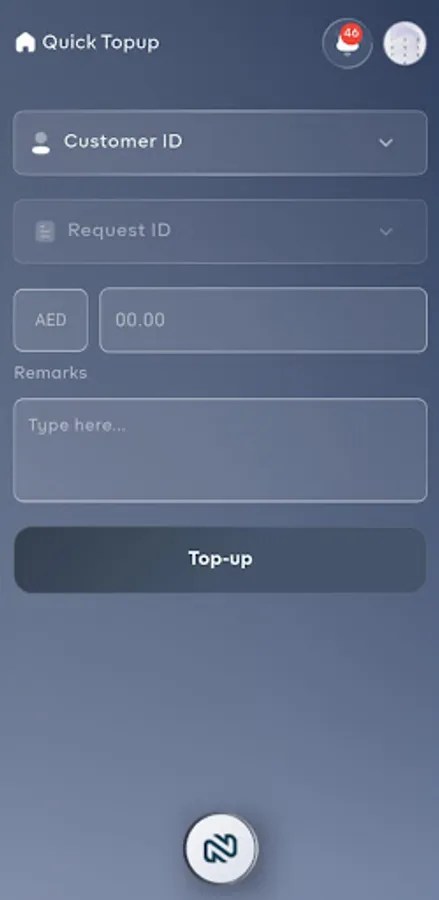
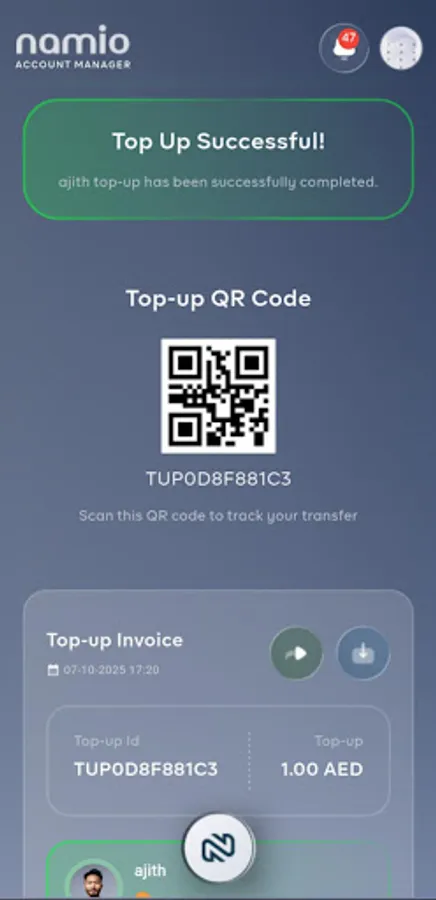
• Request a Top‑Up when you need more balance — the account manager reviews and approves the request, then your balance is increased.
• Request a Transfer to move virtual funds to a beneficiary — once approved, the sender's balance decreases and the beneficiary's balance increases.
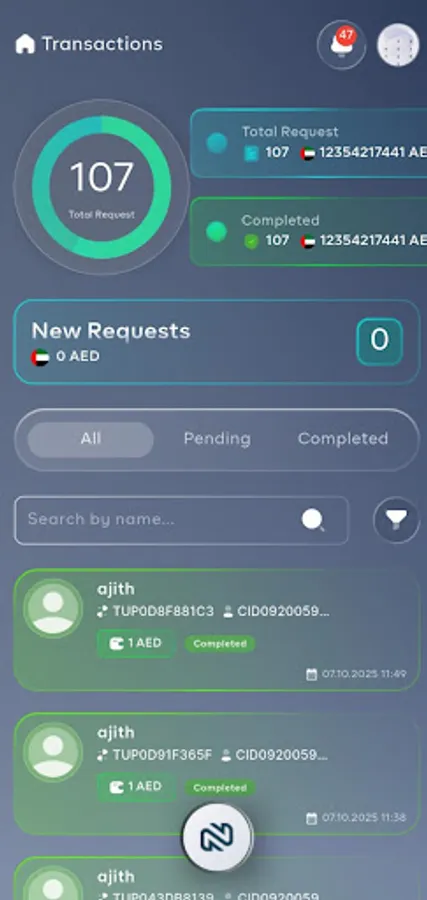
• All actions are recorded in a clear, auditable transaction journal and history.
Key features
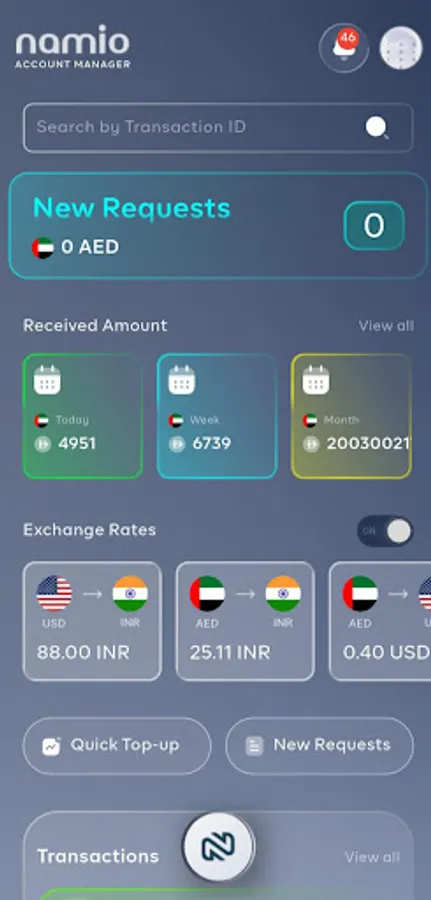
• Clean, mobile-friendly balance dashboard with real-time updates.
• Request-based top-ups and transfers with manager approval workflow.
• Complete transaction history with timestamps, comments, and statuses (Requested / Approved / Rejected).
• Comprehensive beneficiary management — add, edit, or remove recipient accounts.
• Advanced search, filter, and export transaction records for reporting or review.
• Role-based access control: regular users and account managers.
• Custom notes and references for each request to explain purpose or add tracking numbers.
• Push notifications for request updates and approvals.
• Secure Firebase backend with enterprise-grade data protection.
Important
• Not a banking or payment app. No actual money is transferred or handled.
• Use Namio for simulation, record-keeping, and internal bookkeeping only.
• This app is designed for virtual transactions and training purposes.
• Create an account and maintain a virtual balance in Namio.
• Request a Top‑Up when you need more balance — the account manager reviews and approves the request, then your balance is increased.
• Request a Transfer to move virtual funds to a beneficiary — once approved, the sender's balance decreases and the beneficiary's balance increases.
• All actions are recorded in a clear, auditable transaction journal and history.
Key features
• Clean, mobile-friendly balance dashboard with real-time updates.
• Request-based top-ups and transfers with manager approval workflow.
• Complete transaction history with timestamps, comments, and statuses (Requested / Approved / Rejected).
• Comprehensive beneficiary management — add, edit, or remove recipient accounts.
• Advanced search, filter, and export transaction records for reporting or review.
• Role-based access control: regular users and account managers.
• Custom notes and references for each request to explain purpose or add tracking numbers.
• Push notifications for request updates and approvals.
• Secure Firebase backend with enterprise-grade data protection.
Important
• Not a banking or payment app. No actual money is transferred or handled.
• Use Namio for simulation, record-keeping, and internal bookkeeping only.
• This app is designed for virtual transactions and training purposes.