Naver SmartBoard - Keyboard
NAVER Corp.
3.7 ★
26K ratings
1,000,000+
downloads
Free
In this keyboard app, you can type, translate, and customize your experience with suggestions, voice input, and drawing features. Includes search functions, language translation, and personalization options.
AppRecs review analysis
AppRecs rating 3.8. Trustworthiness 81 out of 100. Review manipulation risk 23 out of 100. Based on a review sample analyzed.
★★★☆☆
3.8
AppRecs Rating
Ratings breakdown
5 star
50%
4 star
13%
3 star
13%
2 star
8%
1 star
16%
What to know
✓
Low review manipulation risk
23% review manipulation risk
✓
Credible reviews
81% trustworthiness score from analyzed reviews
✓
Good user ratings
63% positive sampled reviews
About Naver SmartBoard - Keyboard
You also can use stickers or your own drawings.
Take a look at NAVER SmartBoard, a keyboard app that just fits you.
1. It gests smarter as you use it.
You can use suggestions from SmartBoard such as words, corrections, or emojis.
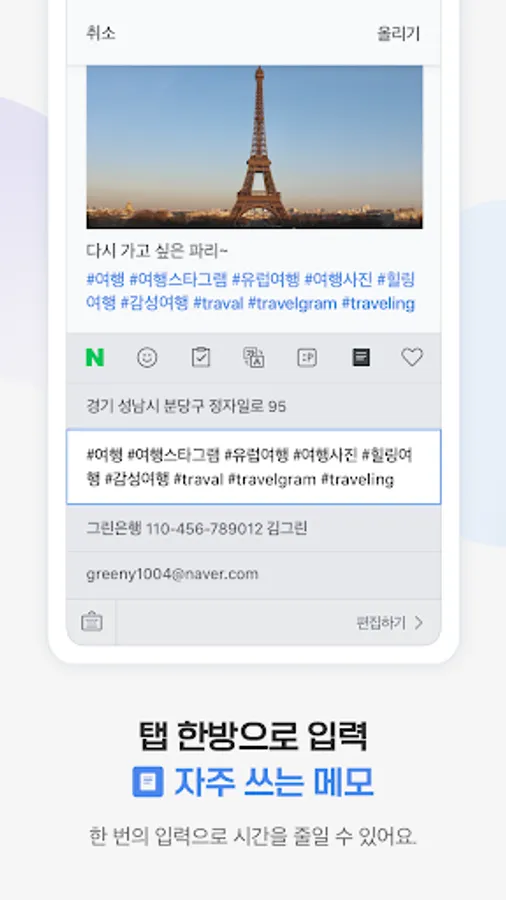
Custom texts help you enter long sentences each with a single tap while Quick Keys let your favorite shortened phrases stay in a single key.
You can not only change Korean syllables to Chinese characters but also type with your voice.
2. Search while you keep texting
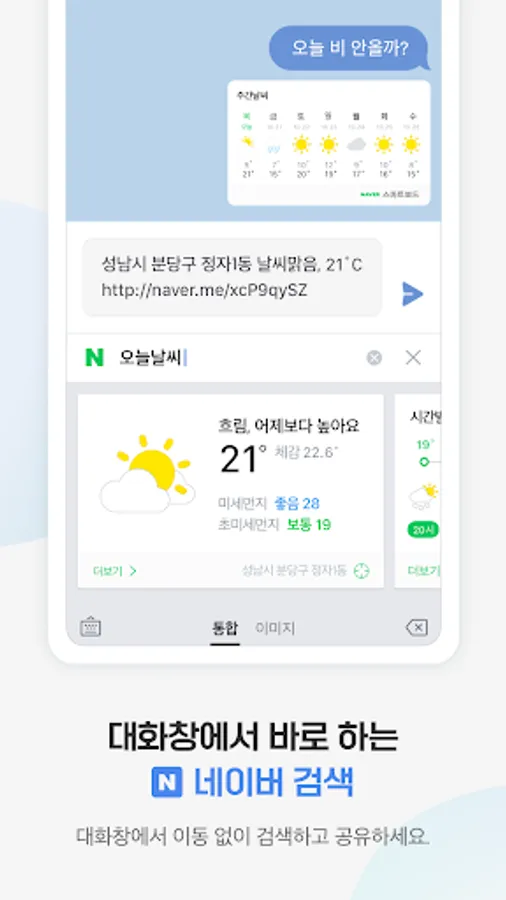
You don't have to switch to a search app during a conversation.
Finding information of restaurants, movies, weather, and shopping has never been easier.
Stay where you are and get things done!
3. Real-time translation as you type in.
Don't be afraid of texting or emailing with foreigners any more.
Just type in Korean and SmartBoard does the rest translating into English, Chinese (Simplified), or Japanese using N2MT technology.
Using voice recognition while translating is even useful.
4. A single image wins the speech.
Sometimes it's a lot better to show a picture than to describe in words.
Send stickers, gifs, and your own drawings either on a empty canvas or pictures in gallery!
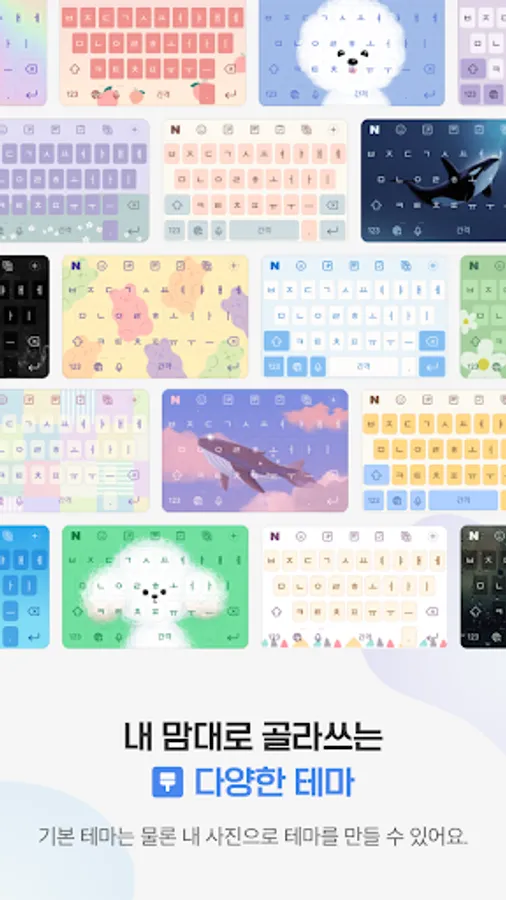
5. Customize your keyboard
Accustomed to a certain Korean layout? SmarBoard supports major Korean layouts such as "2-set Korean", "Danmoum", "Cheonjiin", "Naratgul", and "Vega".
You also can set any images for the keyboard background.
※ Permission Required
- Location: SmartBoard can show the weather around you and local search results.
- Microphone: What you say is transformed to texts using voice recognition.
- Camera: For drawing and text recognition, you can use your camera.
Naver SmartBoard - Keyboard Screenshots




Tap to Rate:
Reviews for Naver SmartBoard - Keyboard
nageshwar rao adhikarala
3/5/2026
More than horrible.
NeonLeon
2/22/2026
I love this keyboard and LOVE that you can translate from Korean but I don't like how the autocorrect is basically non-existent and also I had to reinstall the app again because it was crashing the last time I tried to edit my toolbar So I couldn't use it at all and then it deleted EVERYTHING on my toolbar. other than that this is a great app! I love the themes!