WavePad Master's Edition
NCH Software
4.1 ★
131 ratings
10,000+
downloads
Free
+ in-app
With this sound editing app, you can record, edit, add effects, and share audio files. Includes support for multiple formats, noise reduction tools, and voice activation features.
AppRecs review analysis
AppRecs rating 4.1. Trustworthiness 84 out of 100. Review manipulation risk 20 out of 100. Based on a review sample analyzed.
★★★★☆
4.1
AppRecs Rating
Ratings breakdown
5 star
59%
4 star
21%
3 star
5%
2 star
0%
1 star
16%
What to know
✓
Low review manipulation risk
20% review manipulation risk
✓
Credible reviews
84% trustworthiness score from analyzed reviews
✓
High user satisfaction
80% of sampled ratings are 4+ stars (4.1★ average)
About WavePad Master's Edition
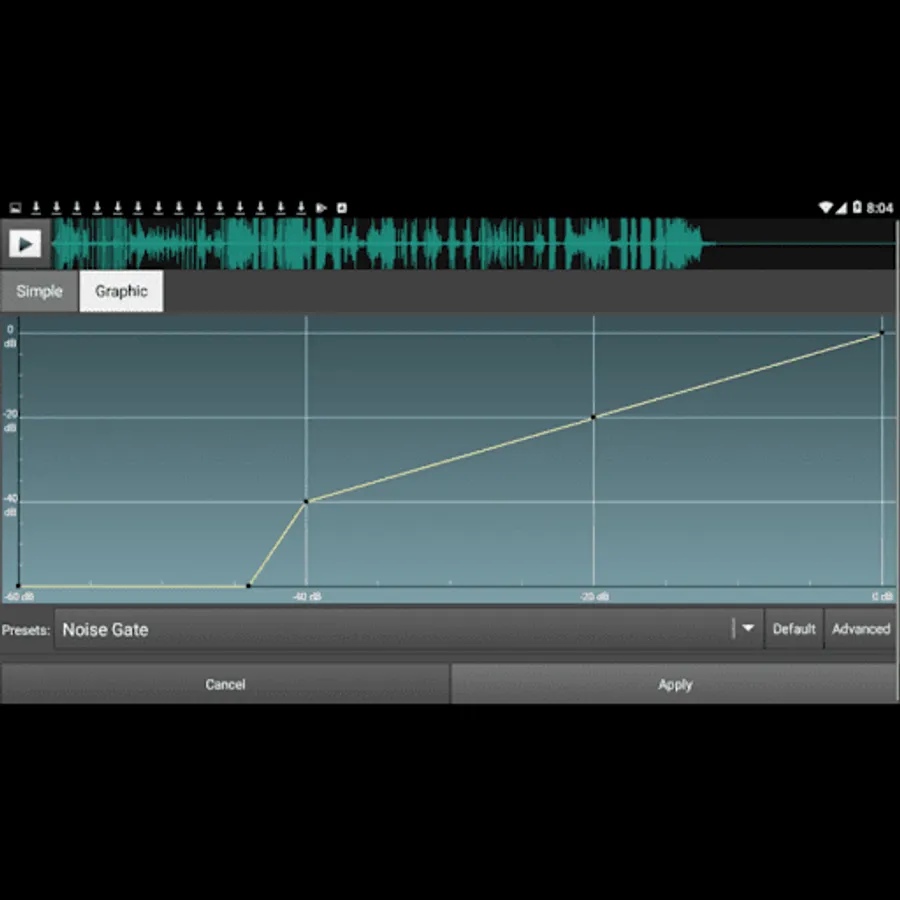
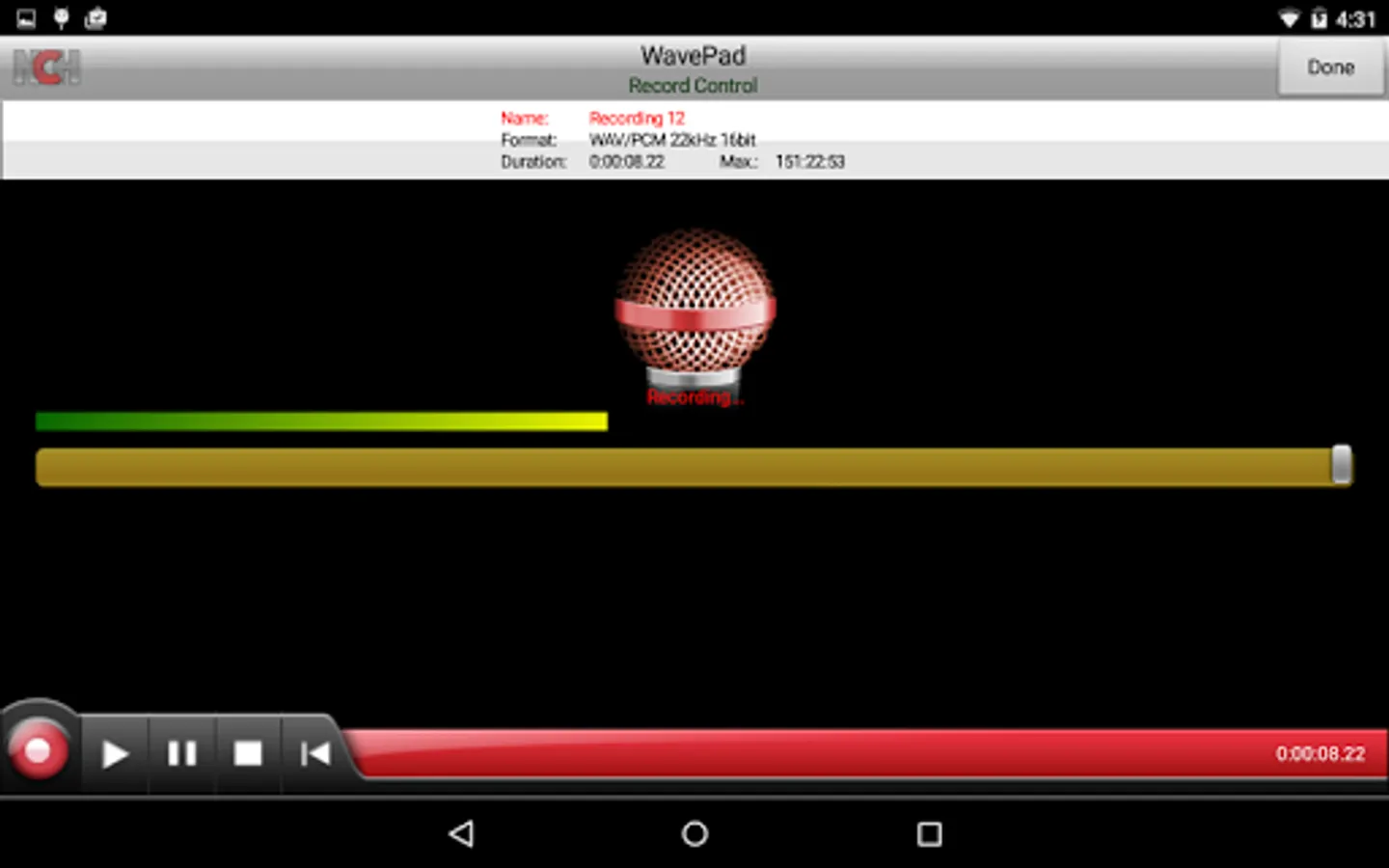
WavePad Master's Edition sound and audio editing application. Record, edit, and add effects, then send audio to yourself or others to share or continuing editing on another device. WavePad Master's Edition allows you to record voice or music, then edit the recording and add sound effects, clean up background noise and more to achieve high quality audio recordings.
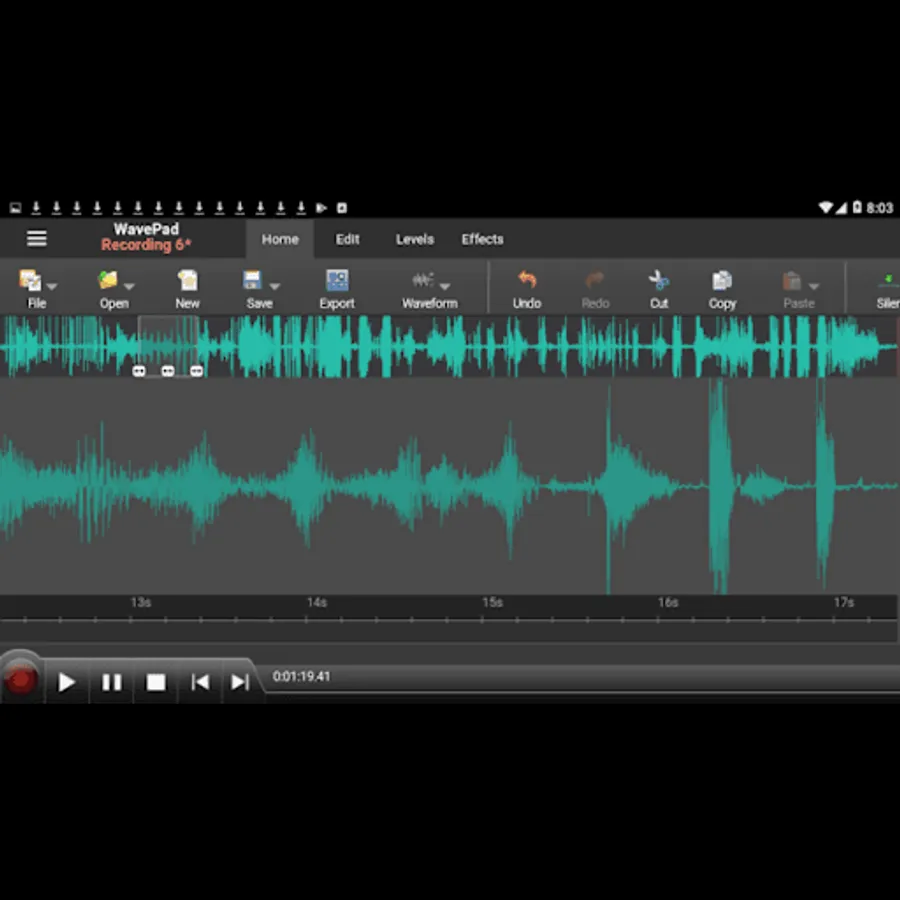
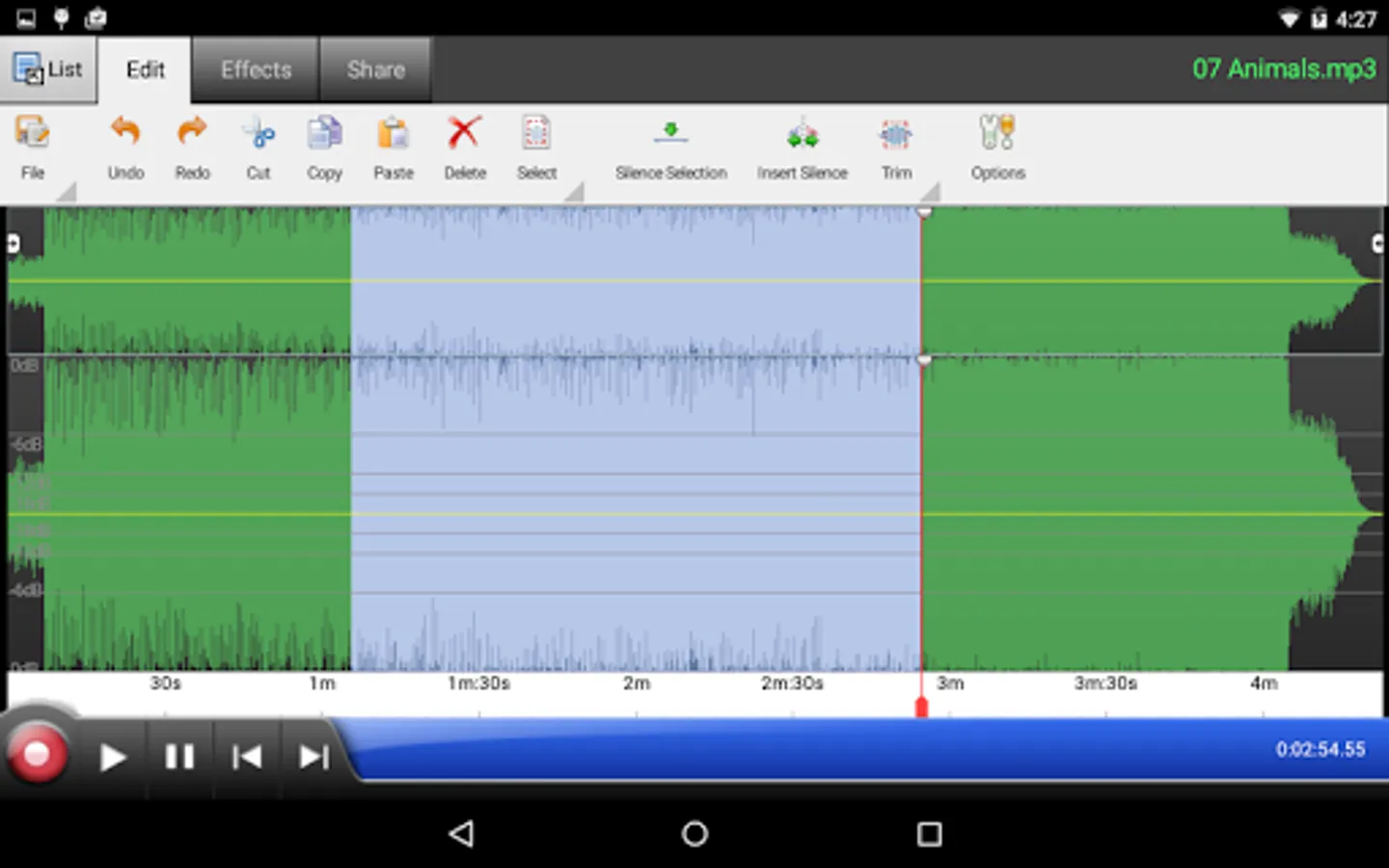
WavePad Master's Edition works with audio waveforms to make selections for quick editing, such as inserting sound from other files, or apply sound effects like the high pass filter to clarify audio quality.
This free sound editor is ideal for anyone who needs to make recordings and edit on the go. WavePad Master's Edition makes it easy to store or send recordings so they are readily available wherever they are needed.
• Supports a number of file formats including WAV and AIFF
• Editing capabilities include cut, copy, paste, insert, trim and more
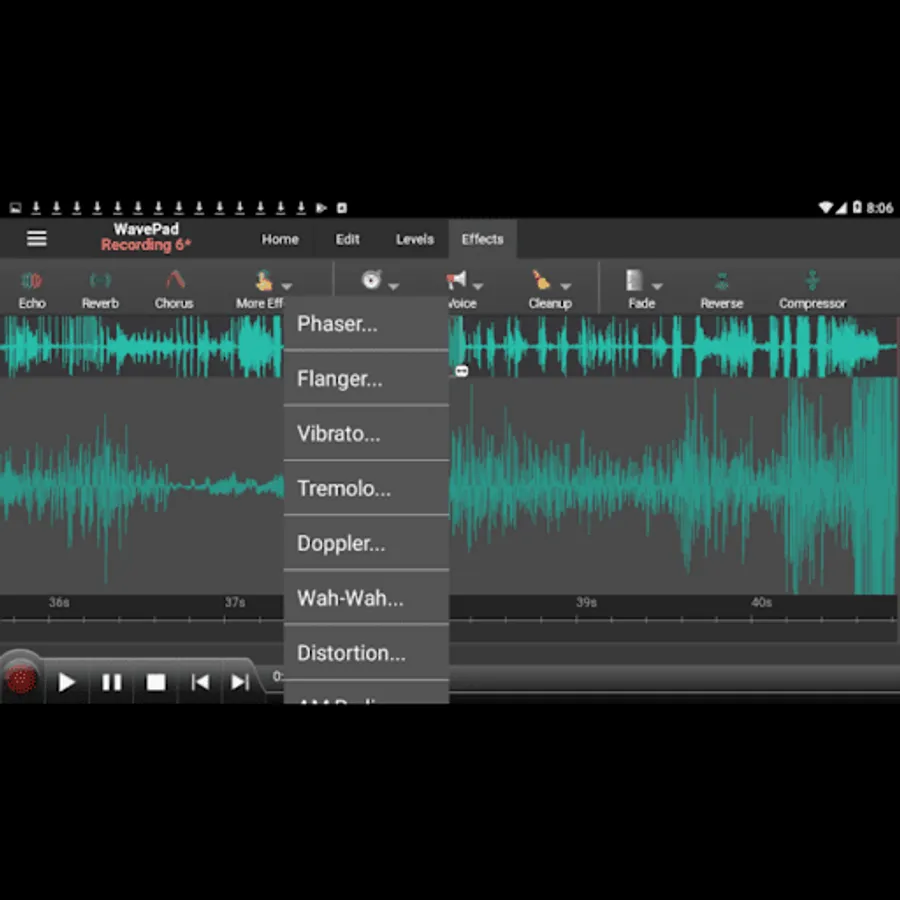
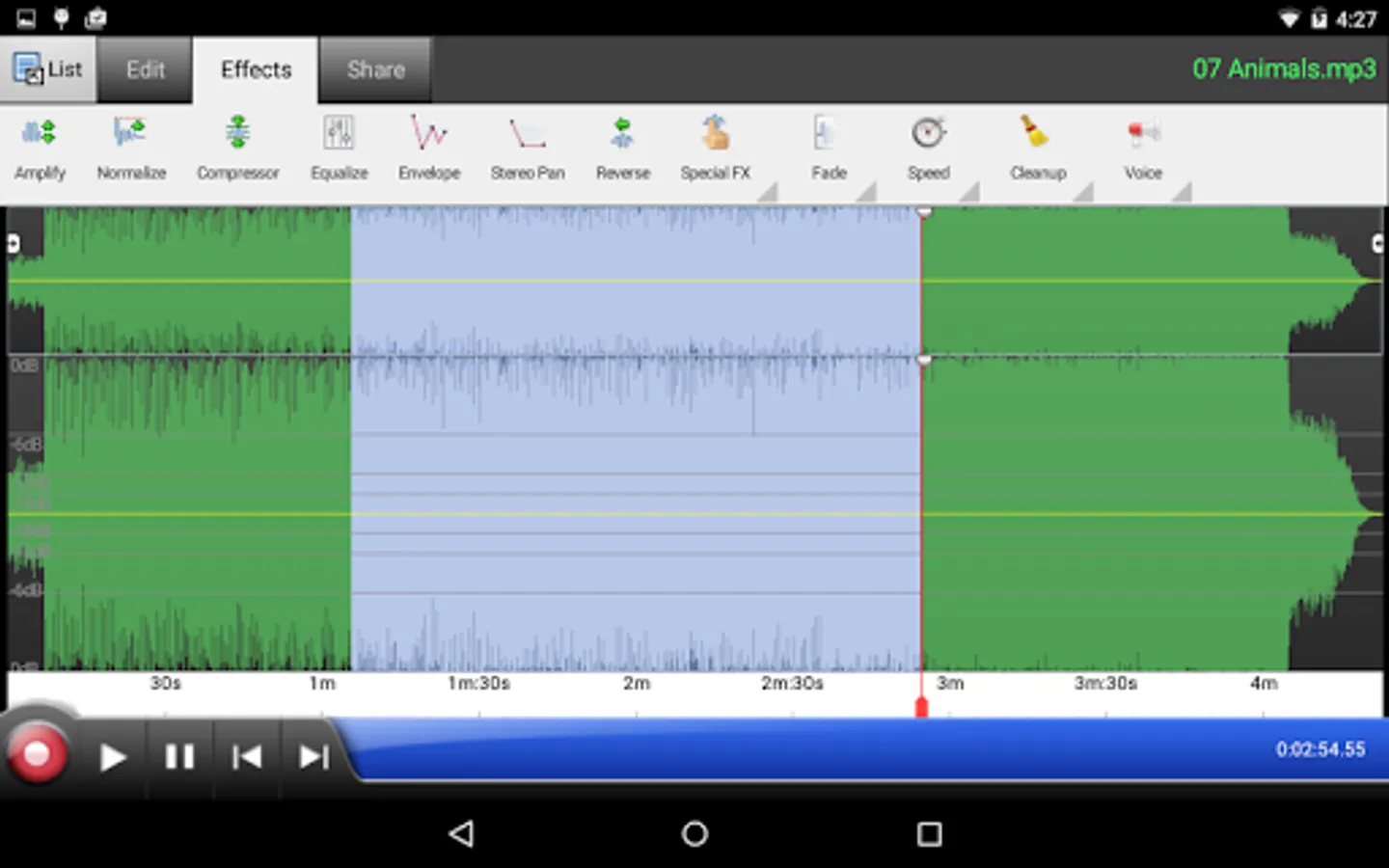
• Effects include amplify, normalize, echo and more
• Edit multiple audio file formats
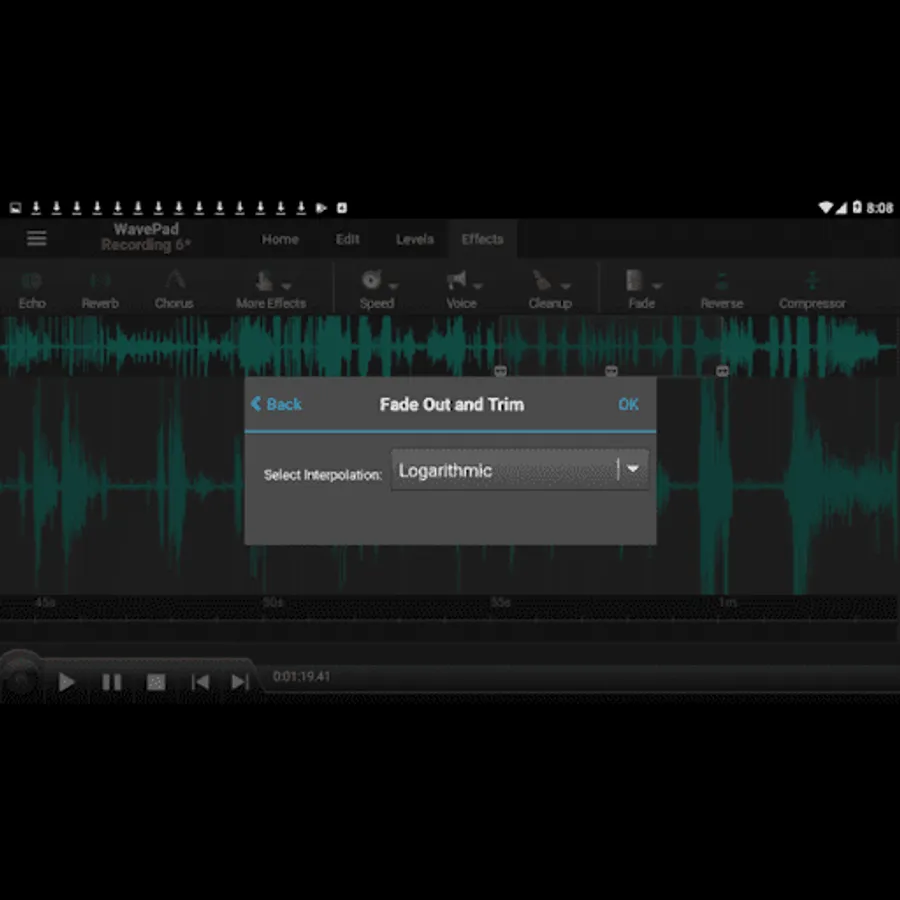
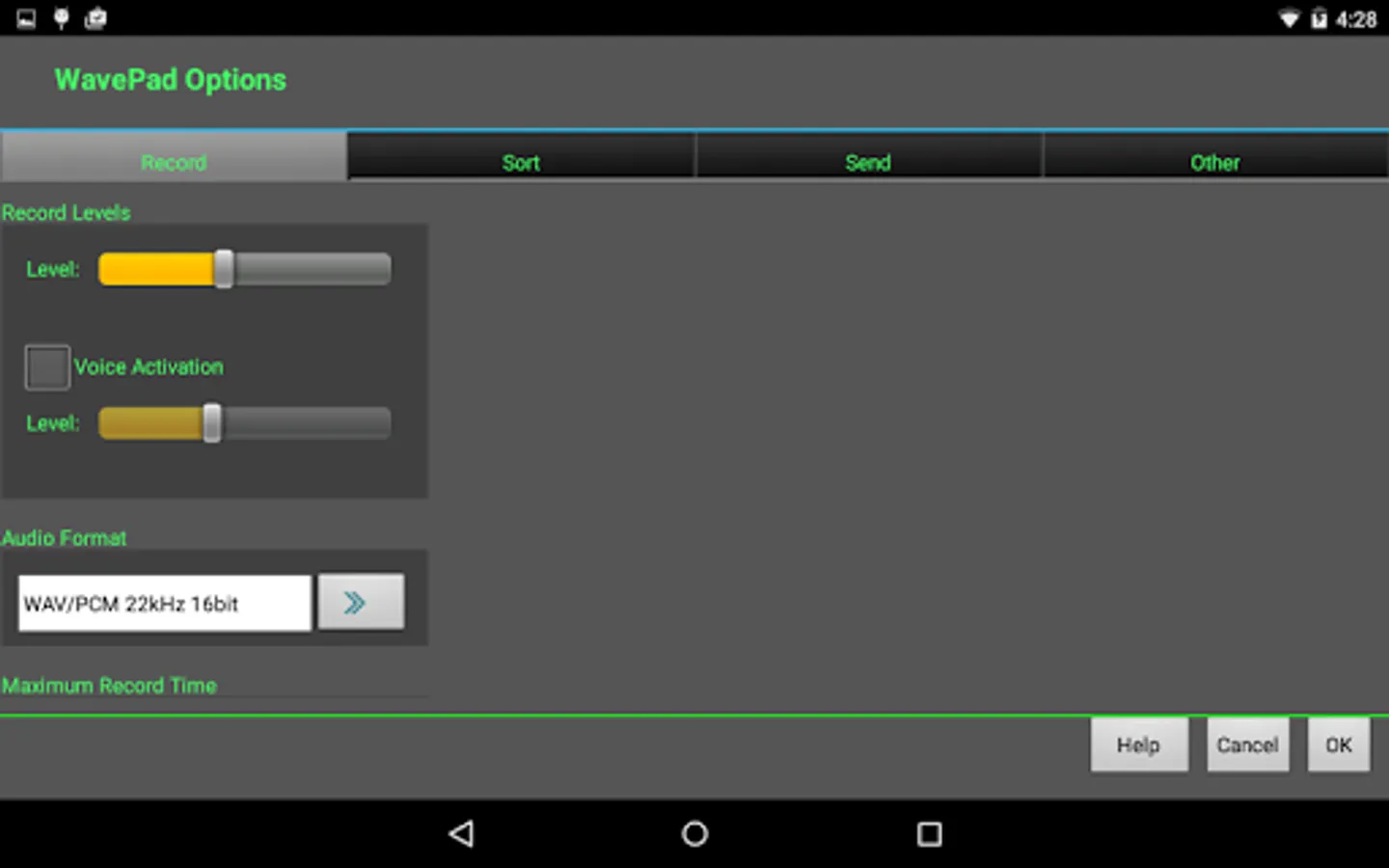
• Supports auto-trim editing and voice activated recording
WavePad Master's Edition works with audio waveforms to make selections for quick editing, such as inserting sound from other files, or apply sound effects like the high pass filter to clarify audio quality.
This free sound editor is ideal for anyone who needs to make recordings and edit on the go. WavePad Master's Edition makes it easy to store or send recordings so they are readily available wherever they are needed.
• Supports a number of file formats including WAV and AIFF
• Editing capabilities include cut, copy, paste, insert, trim and more
• Effects include amplify, normalize, echo and more
• Edit multiple audio file formats
• Supports auto-trim editing and voice activated recording
WavePad Master's Edition Screenshots
Tap to Rate:
Reviews for WavePad Master's Edition
Aylan
12/20/2025
Cool
Nksi Us7
11/2/2025
u can't even open it without paying, how im i supposed to know if this shi worth paying