WavePad, editor de audio
NCH Software
3.9 ★
903 ratings
100,000+
downloads
Free
+ in-app
With this audio editing app, you can record, cut, apply effects, and share audio files. Includes support for multiple formats, noise reduction, and a library of sound effects.
AppRecs review analysis
AppRecs rating 3.9. Trustworthiness 83 out of 100. Review manipulation risk 27 out of 100. Based on a review sample analyzed.
★★★☆☆
3.9
AppRecs Rating
Ratings breakdown
5 star
62%
4 star
10%
3 star
6%
2 star
4%
1 star
18%
What to know
✓
Low review manipulation risk
27% review manipulation risk
✓
Credible reviews
83% trustworthiness score from analyzed reviews
✓
Good user ratings
72% positive sampled reviews
About WavePad, editor de audio
This application is already updated and comes with the English version. Get the English version at https://play.google.com/store/search?q=wavepad+audio+editor+free&c=apps&hl=en
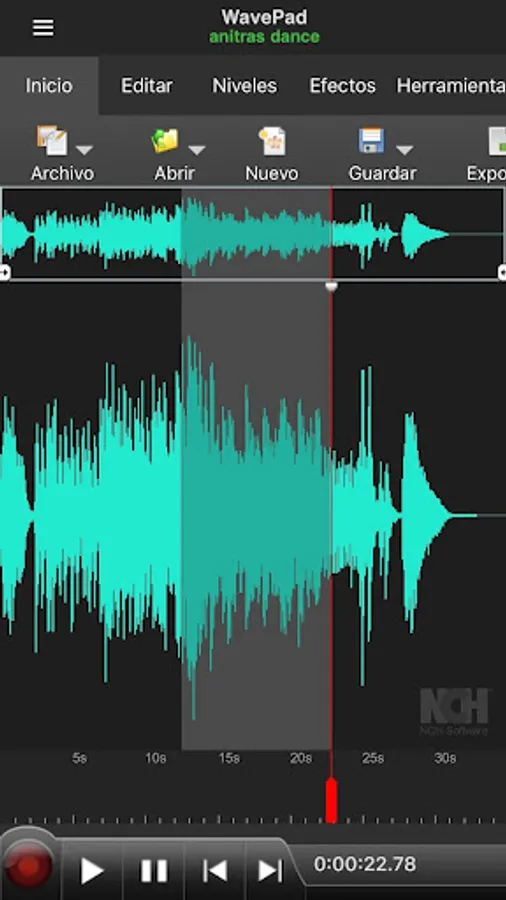
WavePad, free audio editor is a full-featured professional sound application. Record, edit, add effects and share your audio. Record and edit music, voice and other audio recordings. When editing audio files, you can cut, copy, and paste parts of recordings, and then add effects such as echo, amplification, and noise reduction.
WavePad works as a WAV or MP3 editor, but also supports other file formats.
Characteristics:
• Supports various file formats, including MP3, WAV (PCM), WAV (GSM) and AIFF.
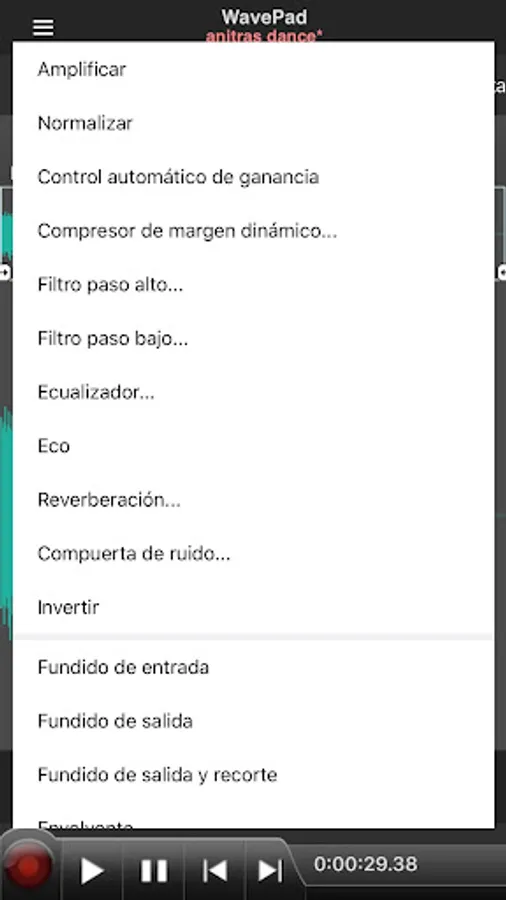
• Sound editing tools include cut, copy, paste, delete, insert, mute, auto trim, compression, pitch shifting and more
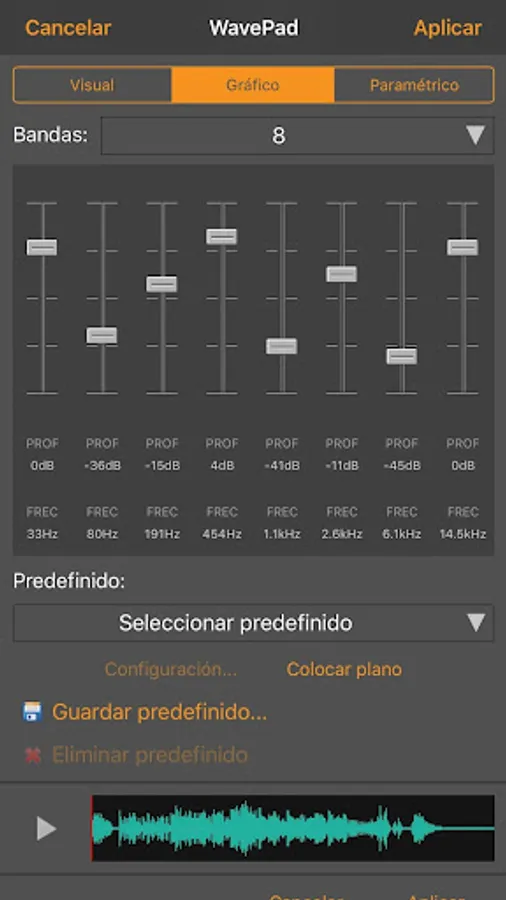
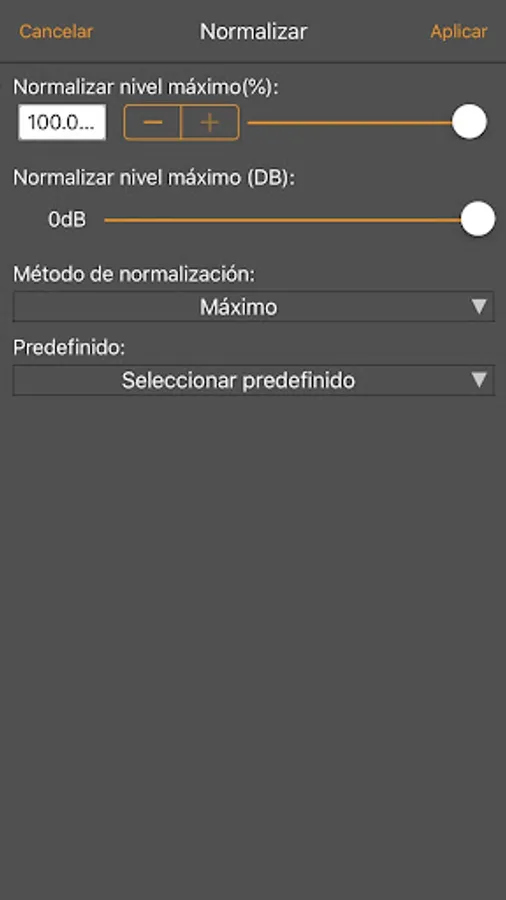
• Audio effects include boost, normalize, equalizer, envelope, reverb, echo, invert and many more
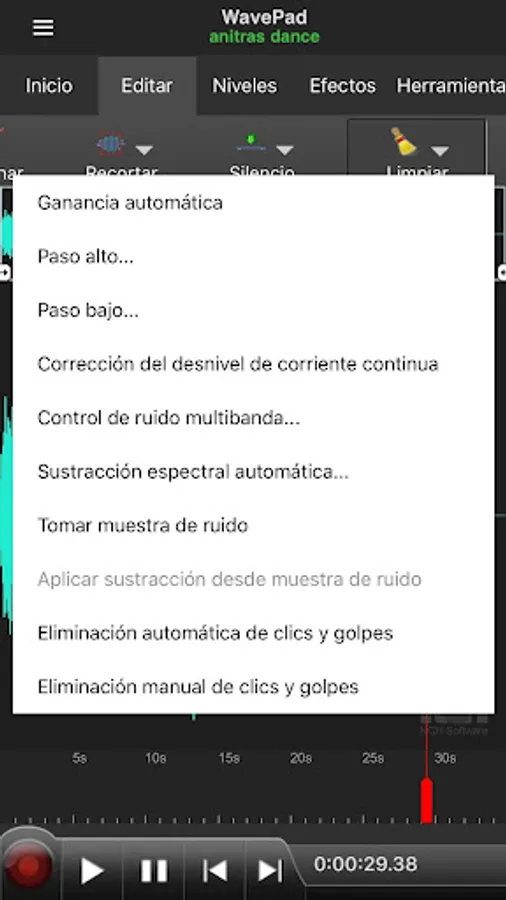
• Audio restoration features include noise reduction and click and bump removal
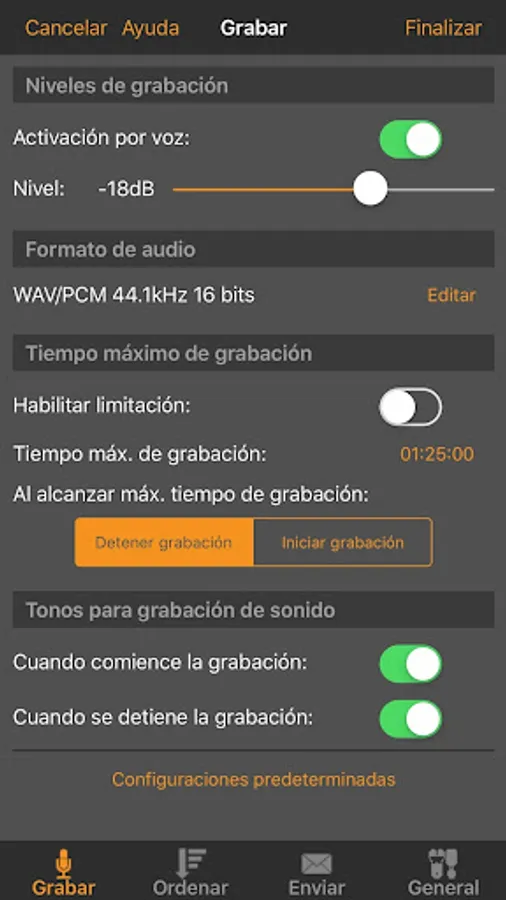
• Supports sample rates from 6 to 192 kHz, stereo or mono, 8, 16, 24 or 32 bits
• The easy-to-use interface will allow you to use destruction-free audio editing in minutes
• Sound effects library includes hundreds of royalty-free sound effects and music clips
WavePad, a free audio editor, supports direct editing of waveforms for quick editing, such as inserting sound from other files, creating new recordings, or applying sound effects such as high-pass filter to clarify audio quality.
This free sound editor is ideal for anyone who needs to make recordings and edits on the go. WavePad makes it easy to store or send recordings so they are available wherever they are needed.
WavePad, free audio editor is a full-featured professional sound application. Record, edit, add effects and share your audio. Record and edit music, voice and other audio recordings. When editing audio files, you can cut, copy, and paste parts of recordings, and then add effects such as echo, amplification, and noise reduction.
WavePad works as a WAV or MP3 editor, but also supports other file formats.
Characteristics:
• Supports various file formats, including MP3, WAV (PCM), WAV (GSM) and AIFF.
• Sound editing tools include cut, copy, paste, delete, insert, mute, auto trim, compression, pitch shifting and more
• Audio effects include boost, normalize, equalizer, envelope, reverb, echo, invert and many more
• Audio restoration features include noise reduction and click and bump removal
• Supports sample rates from 6 to 192 kHz, stereo or mono, 8, 16, 24 or 32 bits
• The easy-to-use interface will allow you to use destruction-free audio editing in minutes
• Sound effects library includes hundreds of royalty-free sound effects and music clips
WavePad, a free audio editor, supports direct editing of waveforms for quick editing, such as inserting sound from other files, creating new recordings, or applying sound effects such as high-pass filter to clarify audio quality.
This free sound editor is ideal for anyone who needs to make recordings and edits on the go. WavePad makes it easy to store or send recordings so they are available wherever they are needed.
WavePad, editor de audio Screenshots
Tap to Rate:
Reviews for WavePad, editor de audio
Mark Clauser
11/9/2025
this app is pretty good and replaces my application on my desktop which happens to be cool pro edit version 2
Xaloasensio
10/19/2024
Pretty good user interface but it absolutely crashes every time I try to save or export files