Oil paint Photo Editor
Nerd Developer
2.5 ★
store rating
10,000+
downloads
Free
+ in-app
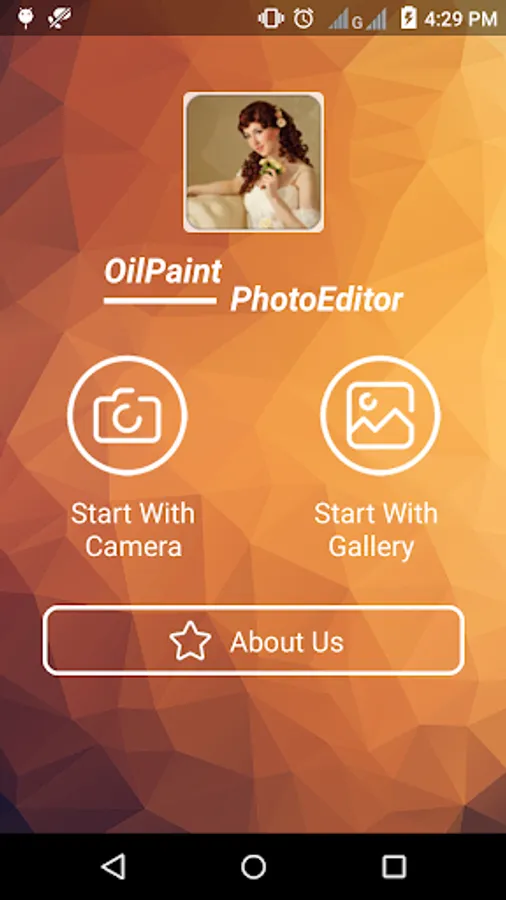
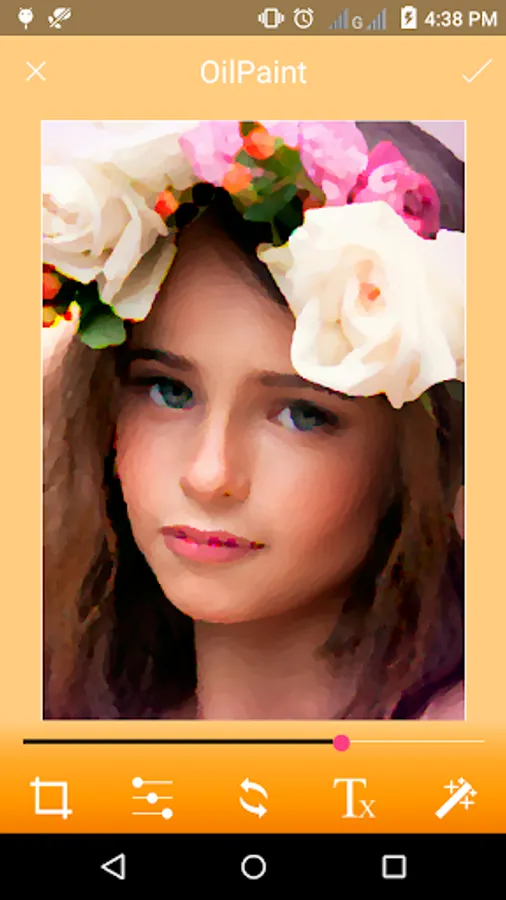
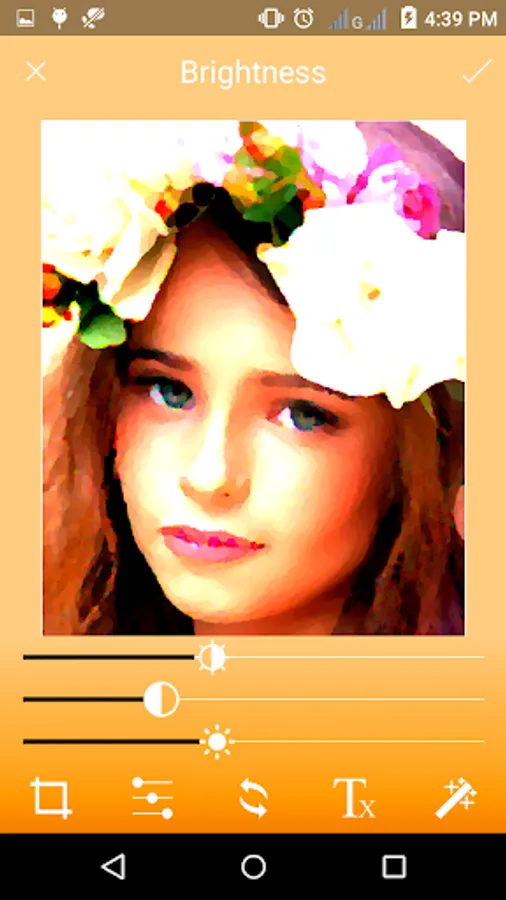
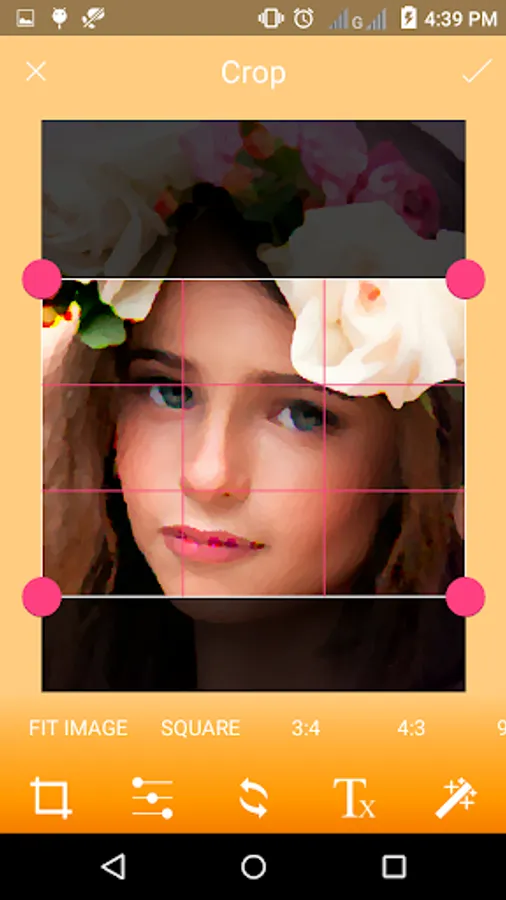
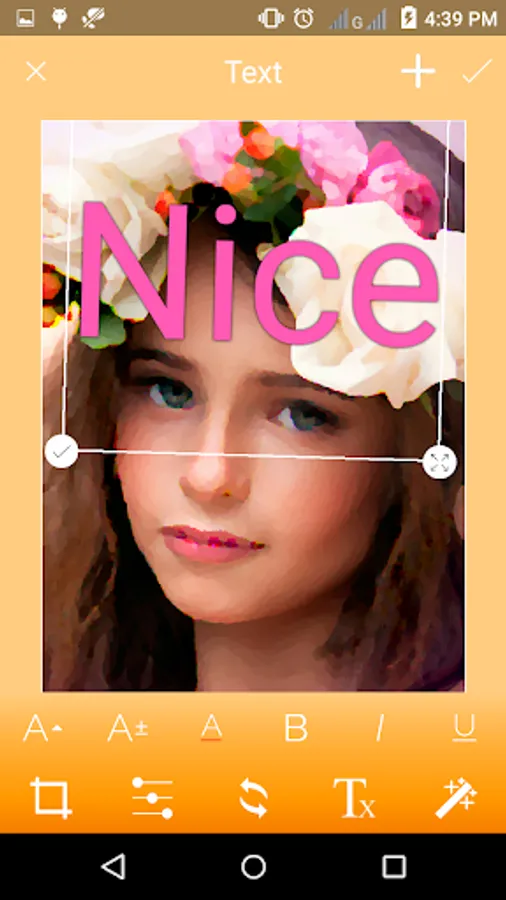
In this photo editing app, you can transform images with oil paint effects and adjust brightness, contrast, and saturation. Includes options to crop, mirror, rotate, add styled text, and share edited photos.
AppRecs review analysis
AppRecs rating 2.5. Trustworthiness 0 out of 100. Review manipulation risk 0 out of 100. Based on a review sample analyzed.
★★☆☆☆
2.5
AppRecs Rating
Ratings breakdown
5 star
31%
4 star
7%
3 star
0%
2 star
7%
1 star
54%
What to know
✓
Authentic reviews
No red flags detected
⚠
Mixed user feedback
Average 2.5★ rating suggests room for improvement
⚠
High negative review ratio
62% of sampled ratings are 1–2 stars
About Oil paint Photo Editor
◆◆◆◆◆ Oil Paint Photo Editor ◆◆◆◆◆
◆ Convert your any photo into an Oil Paint Photo using our app.
◆ Oil Paint Editor app applies some magic effects on your photos to make it more beautiful and realistic.
◆ Very much easy to use app interface with single click effect apply.
◆ Pick an image from gallery or take a picture with the inbuilt camera.
◆ Set Brightness, Contrast & Saturation of a photo.
◆ Crop any image with per-defined sizes or free size as per your need.
◆ Vertical And horizontal image mirror option to set it as you want.
◆ Rotate image in the freeway or left and right directions to make it more perfect.
◆ Add Text on the photo to make it cooler.
◆ Select Stylish font face as you want.
◆ Select Text colour from RGB colour picker.
◆ Change Text Styles like Bold, Italic and underline.
◆ Save the edited Oil Paint pic in your phone gallery and SD card.
◆ Share Edited Oil Paint Photo with friends and family on social apps like Whatsapp, Twitter, G+, Facebook, hike, Line, WeChat and many others.
◆ Share app with a friend to check out how they look in their Oil Paint photos.
◆ Convert your any photo into an Oil Paint Photo using our app.
◆ Oil Paint Editor app applies some magic effects on your photos to make it more beautiful and realistic.
◆ Very much easy to use app interface with single click effect apply.
◆ Pick an image from gallery or take a picture with the inbuilt camera.
◆ Set Brightness, Contrast & Saturation of a photo.
◆ Crop any image with per-defined sizes or free size as per your need.
◆ Vertical And horizontal image mirror option to set it as you want.
◆ Rotate image in the freeway or left and right directions to make it more perfect.
◆ Add Text on the photo to make it cooler.
◆ Select Stylish font face as you want.
◆ Select Text colour from RGB colour picker.
◆ Change Text Styles like Bold, Italic and underline.
◆ Save the edited Oil Paint pic in your phone gallery and SD card.
◆ Share Edited Oil Paint Photo with friends and family on social apps like Whatsapp, Twitter, G+, Facebook, hike, Line, WeChat and many others.
◆ Share app with a friend to check out how they look in their Oil Paint photos.