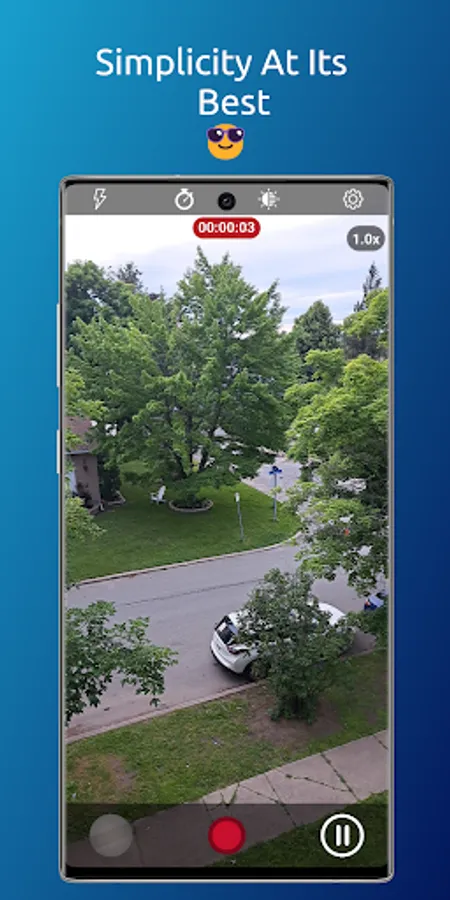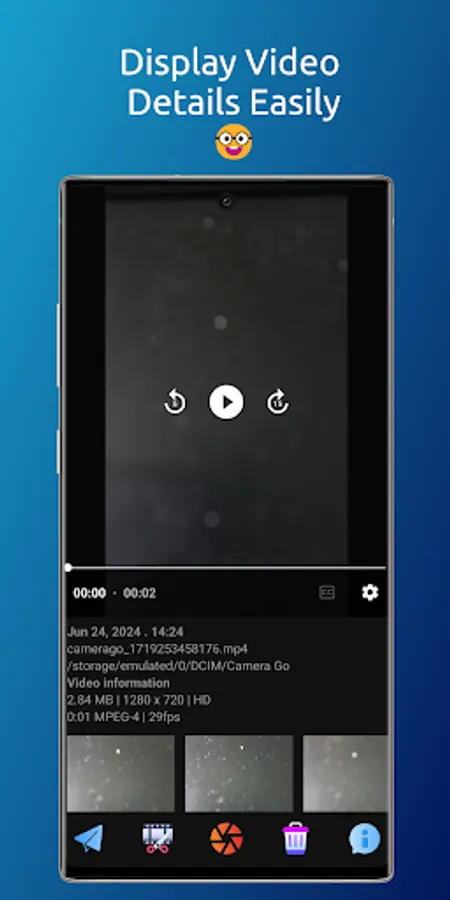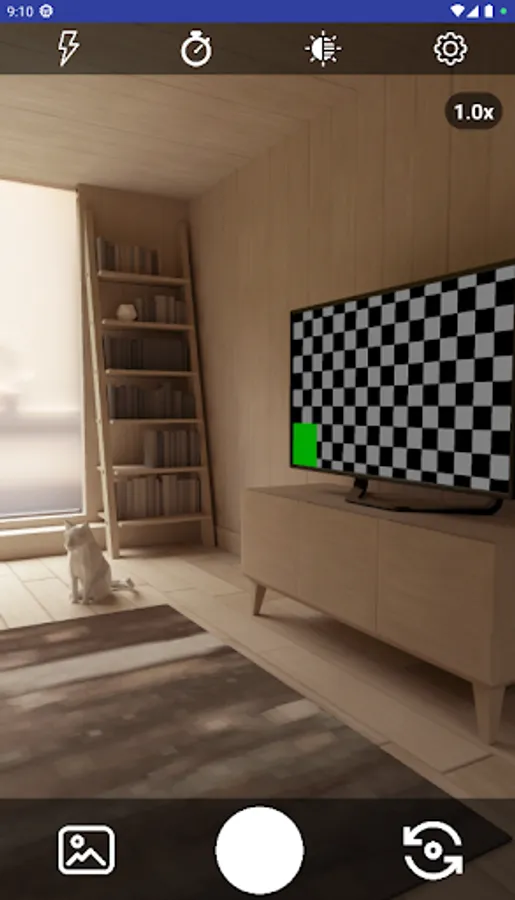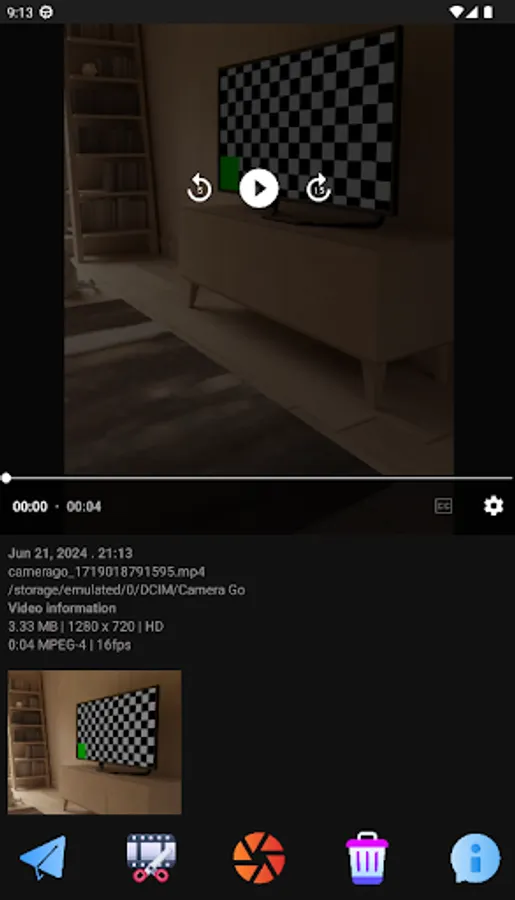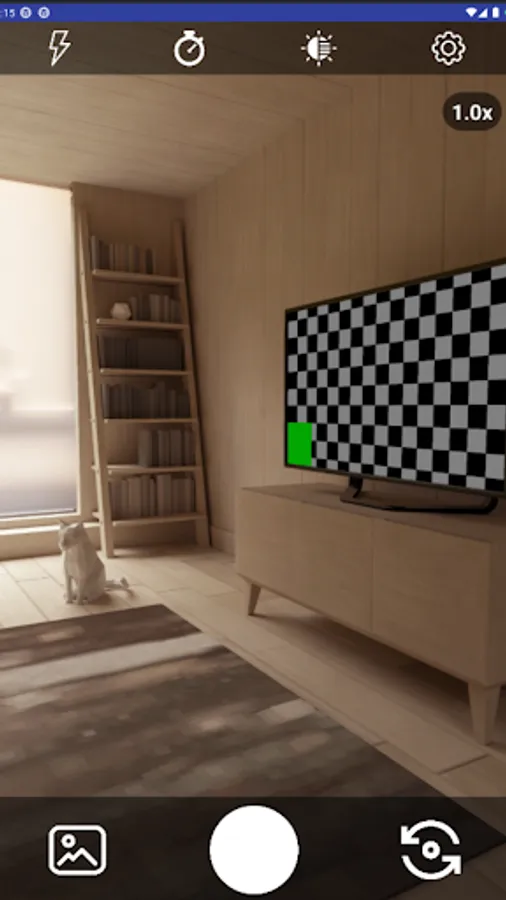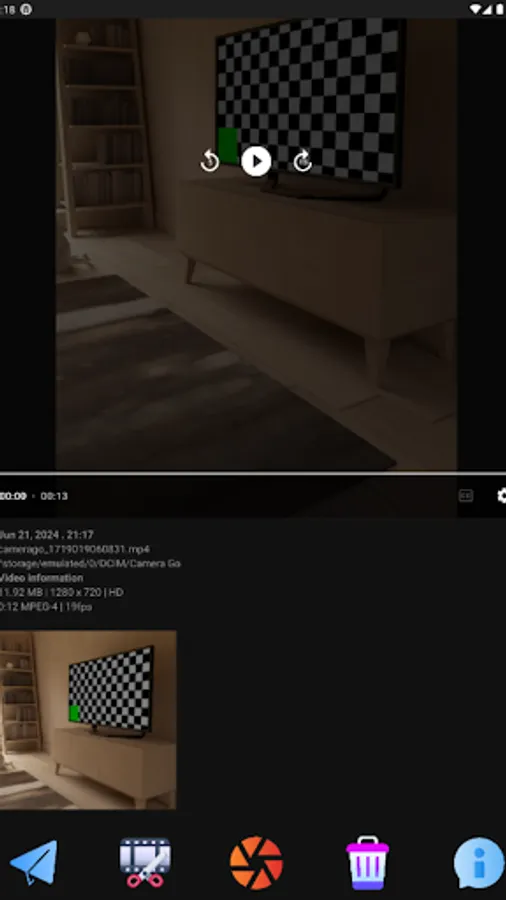
In this video recording app, users can start capturing footage instantly upon launch and enable background recording with ghost mode. Includes auto recording, background capture, and adjustable video quality settings.
AppRecs review analysis
AppRecs rating 4.3. Trustworthiness 74 out of 100. Review manipulation risk 36 out of 100. Based on a review sample analyzed.
★★★★☆
4.3
AppRecs Rating
Ratings breakdown
5 star
100%
4 star
0%
3 star
0%
2 star
0%
1 star
0%
What to know
✓
Credible reviews
74% trustworthiness score from analyzed reviews
✓
High user satisfaction
100% of sampled ratings are 5 stars
⚠
Review quality concerns
85% of sampled 5-star reviews are very short
About Camera Go: Fast Video Recorder
Discover the App that made videography great again 🩵
Camera Go features a stunning, straightforward, and user-friendly interface. It enables you to start recording instantly upon launching the app and also supports background video capture.
CGO is available in 12 languages: English, Arabic , Bengali, German, Spanish, French, Hindi, Italian, Japanese, Korean, Portuguese and Russian.
CGO Key Features:
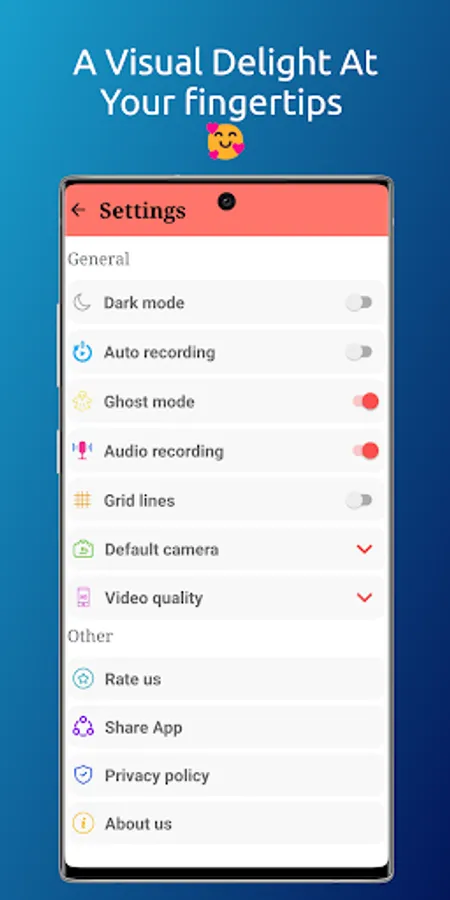
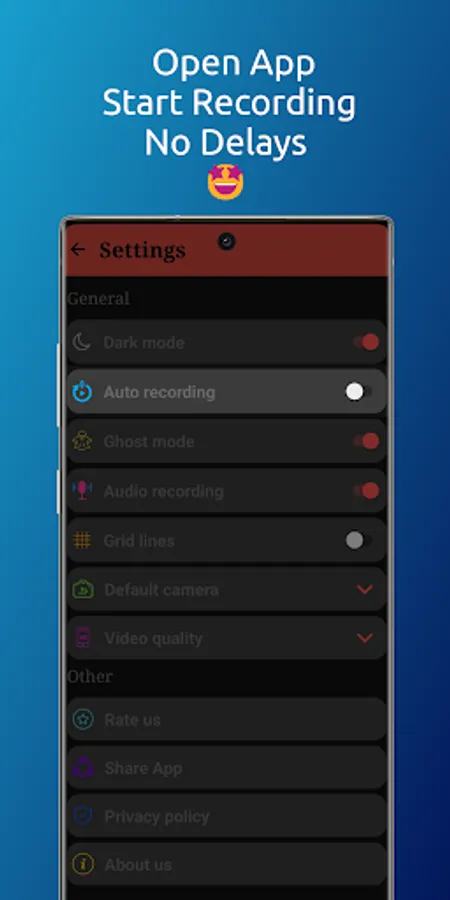
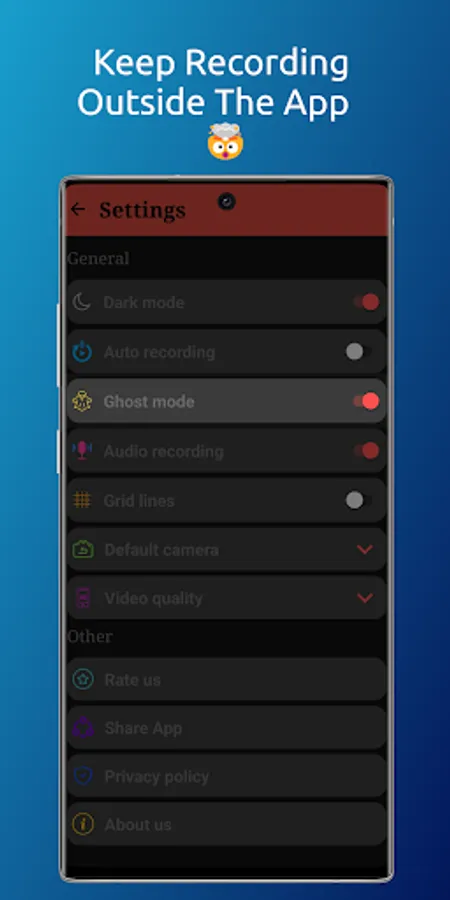
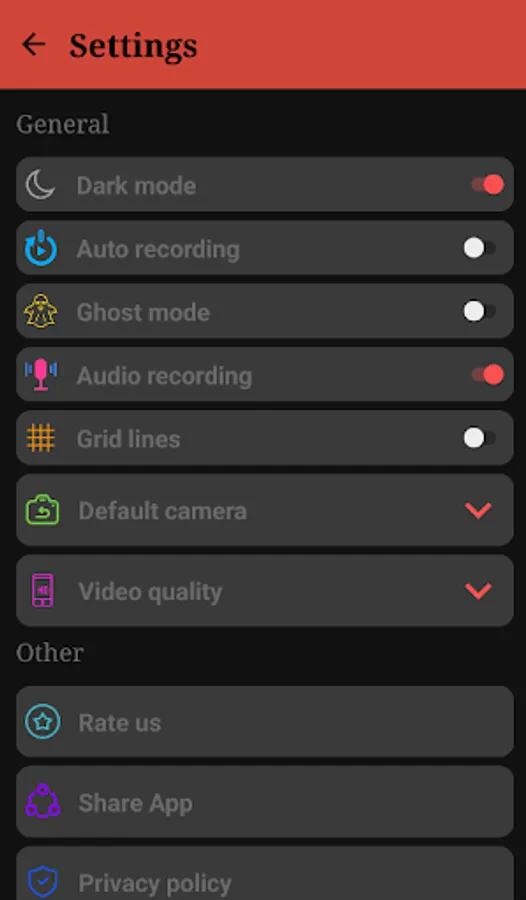
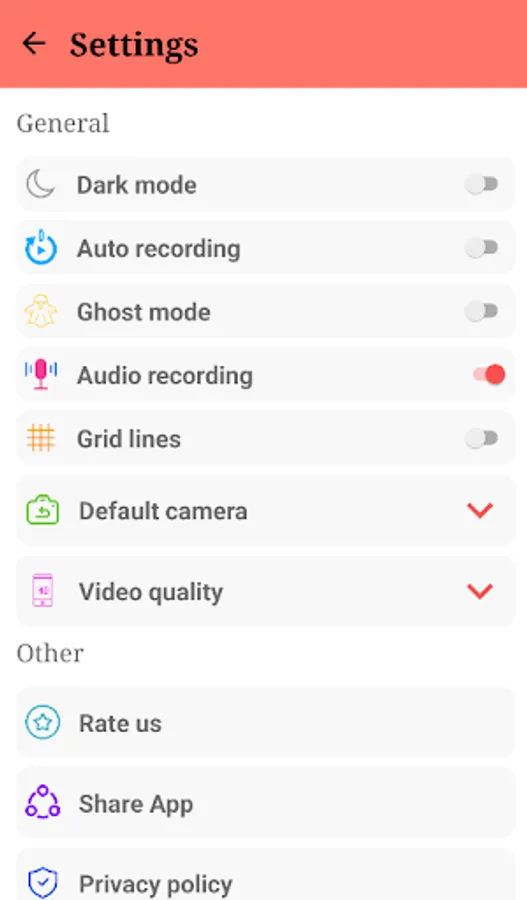
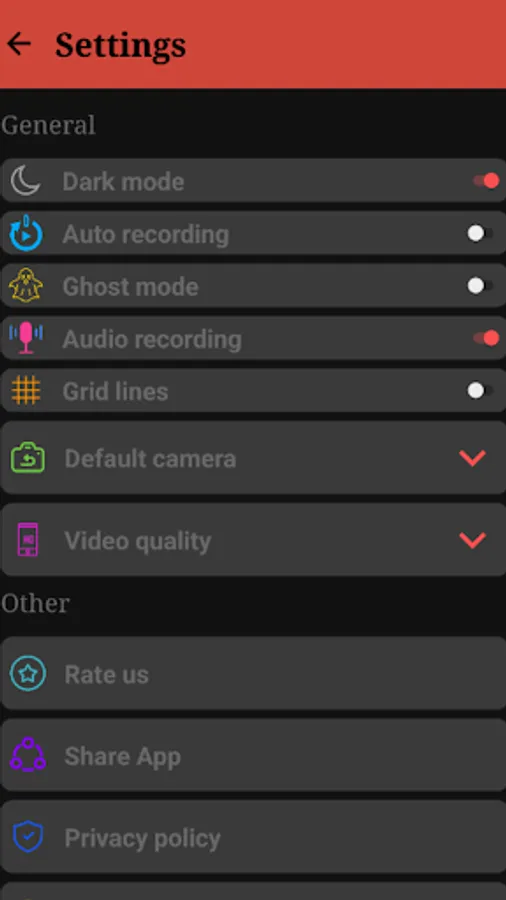
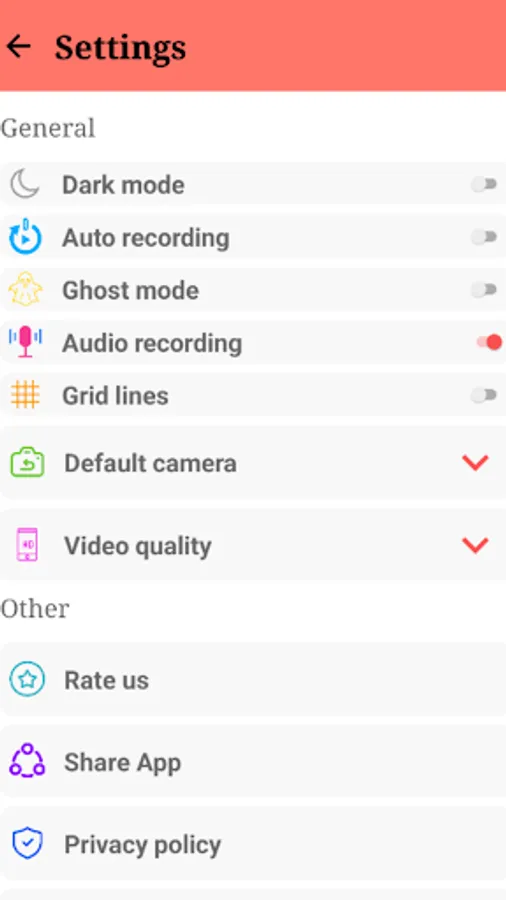
👉🏻 Auto recording: All you have to do is launching the app and it gonna start recording a video automatically (no time to waste). You can achieve this feature by activating the "Auto recording" in Settings.
👉🏻 Ghost mode: Turn the App into a ghost and start recording videos in the Background. You can achieve this feature by activating the "Ghost mode" in the Settings, start recording a video, exit the App while recording and the App will automatically start recording a video in the background with a notification saying that the video recording is in progress.
👉🏻 Audio recording: this feature allows you to mute the audio while recording.
👉🏻 Default camera: Choose your default camera when launching the app ( Front or Back camera).
👉🏻 Video quality: Choose your quality and it could include: HD resolution , Full HD resolution (FHD), Ultra HD resolution (UHD), 4K resolution .
In order to activate a quick launcher you have 2 options (you can do both) :
1.Through the lock screen shortcut:
The way of doing it depends on the smart phone model that you have. Here’s how you can do it on a Samsung Galaxy phone:
👉🏻Tap your lock screen to wake it up, and then touch and hold it.
👉🏻Enter your credentials if prompted.
👉🏻Tap the shortcut you’d like to change.
👉🏻Select the app you want to add as a shortcut. Note that some apps may require unlocking the device before they open fully.
👉🏻Tap Done when finished.
2.Through the side key/button:
The way of doing it depends on the smart phone model that you have. Here’s how you can do it on a Samsung Galaxy phone:
👉🏻Open Settings.
👉🏻Select Advanced features.
👉🏻Tap on Side button/key.
👉🏻Select Open app and click on the gearwheel on the side and choose Camera Go.
You can use the App as :
👉🏻 Video recorder
👉🏻 Background video recorder
👉🏻 Video capture tool
👉🏻 Camera launcher
👉🏻 Prompt video recorder
👉🏻 Fast video camera app
👉🏻 Instant recording video app
👉🏻 Quick video capture
👉🏻 Hidden camera recorder
👉🏻 OffScreen video recorder
👉🏻 high quality video recorder
PS: For a better user experience, the Auto Recording mode and the Ghost mode cannot work simultaneously. Therefore, the activation of one feature will lead to the deactivation of the other.
Disclaimer: The feature of "Ghost mode" is built for the purpose of switching between the Apps while recording. Therefore, it must be used as permitted by law.
Camera Go features a stunning, straightforward, and user-friendly interface. It enables you to start recording instantly upon launching the app and also supports background video capture.
CGO is available in 12 languages: English, Arabic , Bengali, German, Spanish, French, Hindi, Italian, Japanese, Korean, Portuguese and Russian.
CGO Key Features:
👉🏻 Auto recording: All you have to do is launching the app and it gonna start recording a video automatically (no time to waste). You can achieve this feature by activating the "Auto recording" in Settings.
👉🏻 Ghost mode: Turn the App into a ghost and start recording videos in the Background. You can achieve this feature by activating the "Ghost mode" in the Settings, start recording a video, exit the App while recording and the App will automatically start recording a video in the background with a notification saying that the video recording is in progress.
👉🏻 Audio recording: this feature allows you to mute the audio while recording.
👉🏻 Default camera: Choose your default camera when launching the app ( Front or Back camera).
👉🏻 Video quality: Choose your quality and it could include: HD resolution , Full HD resolution (FHD), Ultra HD resolution (UHD), 4K resolution .
In order to activate a quick launcher you have 2 options (you can do both) :
1.Through the lock screen shortcut:
The way of doing it depends on the smart phone model that you have. Here’s how you can do it on a Samsung Galaxy phone:
👉🏻Tap your lock screen to wake it up, and then touch and hold it.
👉🏻Enter your credentials if prompted.
👉🏻Tap the shortcut you’d like to change.
👉🏻Select the app you want to add as a shortcut. Note that some apps may require unlocking the device before they open fully.
👉🏻Tap Done when finished.
2.Through the side key/button:
The way of doing it depends on the smart phone model that you have. Here’s how you can do it on a Samsung Galaxy phone:
👉🏻Open Settings.
👉🏻Select Advanced features.
👉🏻Tap on Side button/key.
👉🏻Select Open app and click on the gearwheel on the side and choose Camera Go.
You can use the App as :
👉🏻 Video recorder
👉🏻 Background video recorder
👉🏻 Video capture tool
👉🏻 Camera launcher
👉🏻 Prompt video recorder
👉🏻 Fast video camera app
👉🏻 Instant recording video app
👉🏻 Quick video capture
👉🏻 Hidden camera recorder
👉🏻 OffScreen video recorder
👉🏻 high quality video recorder
PS: For a better user experience, the Auto Recording mode and the Ghost mode cannot work simultaneously. Therefore, the activation of one feature will lead to the deactivation of the other.
Disclaimer: The feature of "Ghost mode" is built for the purpose of switching between the Apps while recording. Therefore, it must be used as permitted by law.