
Mesailerim
Nevra Yazılım
4.5 ★
7K ratings
1,000,000+
downloads
Free
+ in-app
With this time tracking app, you can record and manage overtime hours, leave days, and generate reports. Includes features for setting reminders, adjusting coefficients, and sending reports via WhatsApp or email.
AppRecs review analysis
AppRecs rating 4.5. Trustworthiness 74 out of 100. Review manipulation risk 37 out of 100. Based on a review sample analyzed.
★★★★☆
4.5
AppRecs Rating
Ratings breakdown
5 star
67%
4 star
17%
3 star
17%
2 star
0%
1 star
0%
What to know
✓
Credible reviews
74% trustworthiness score from analyzed reviews
✓
High user satisfaction
67% of sampled ratings are 5 stars
✓
Authentic reviews
Natural distribution, no red flags
About Mesailerim
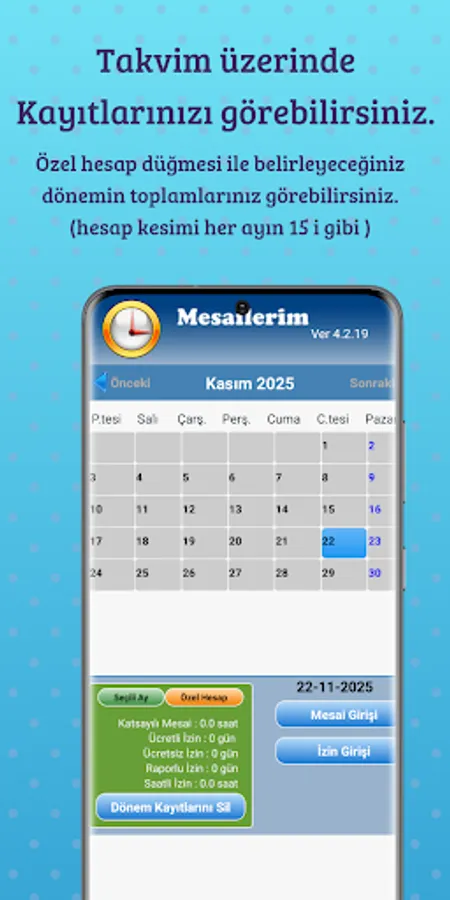
You can get monthly reports by registering your daily overtime hours by selecting the day on the calendar.
You can keep track of your paid (annual) leave, free leave (missing days), hourly leave and report days.
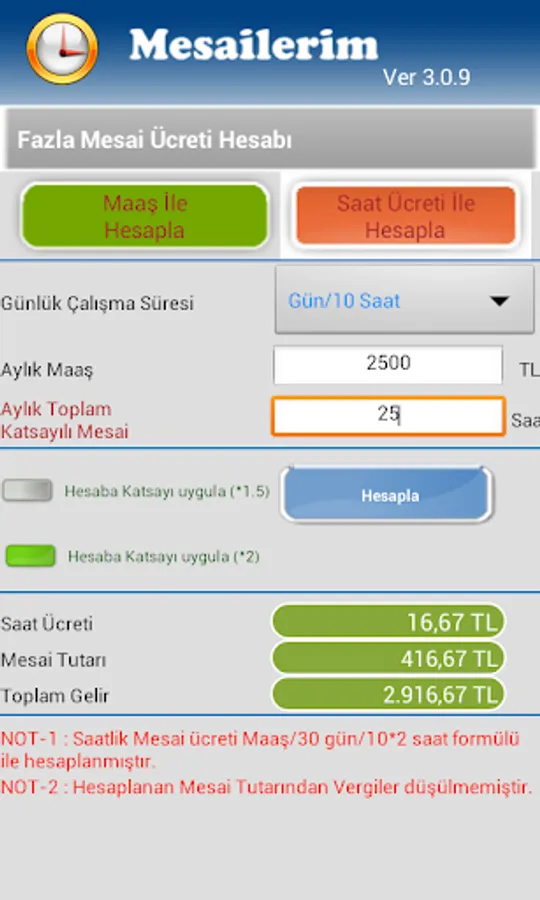
Your overtime; You can calculate your salary by entering your overtime hourly rate.
You can change the coefficient options in the settings menu.
If you activate the Reminder alarm in the Settings menu, it will give an alert if you have not entered overtime-leave at a time you set every day.
Overtime: Select the day you work on the calendar and press the Overtime button. In the window that opens, type your working time in the Duration box and press the Save button. To delete the message you entered incorrectly, save it by typing zero in the Duration box.
Permission Entry: Select the day you did not go to work from the calendar and press the Permission Entry button. Select the Permission Type and press the Save button
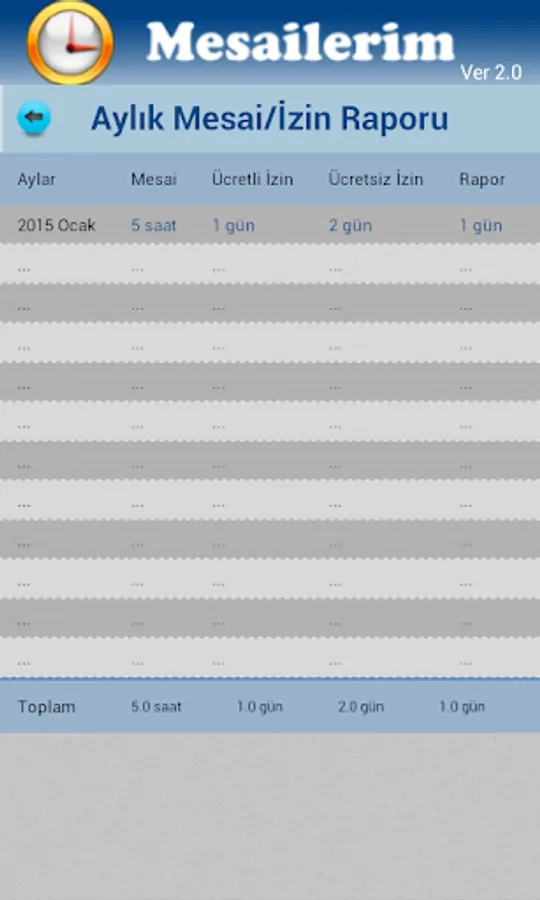
Report: You can see the Shifts and Permits in the months of your registration, as Annual, Monthly and Daily. You can send the Detailed Report option as a PDF file by whatsapp or mail.
Pressing the Delete Monthly Records button clears the leave and overtime records entered in the selected month.
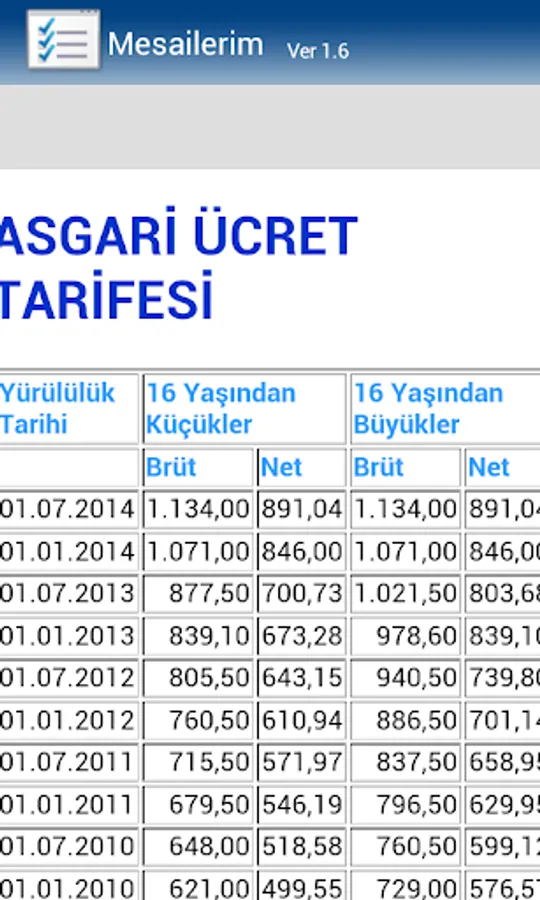
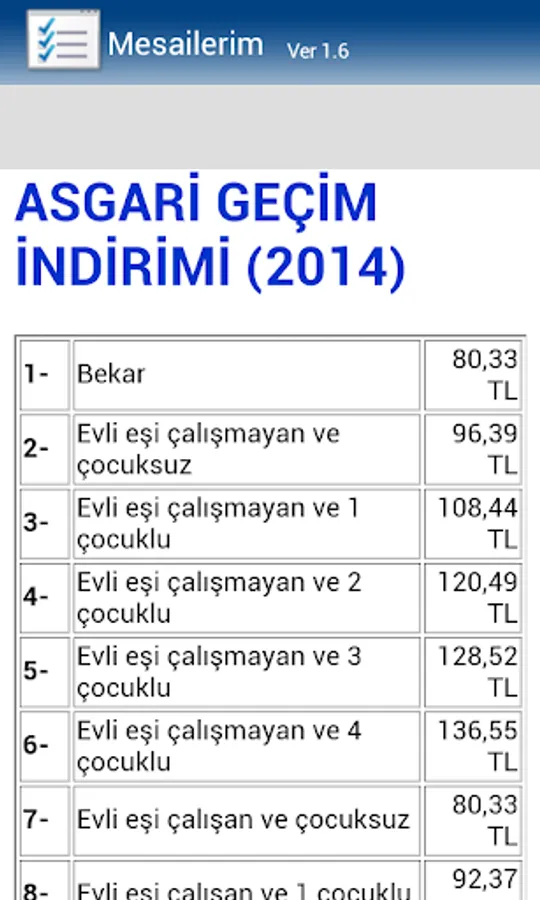
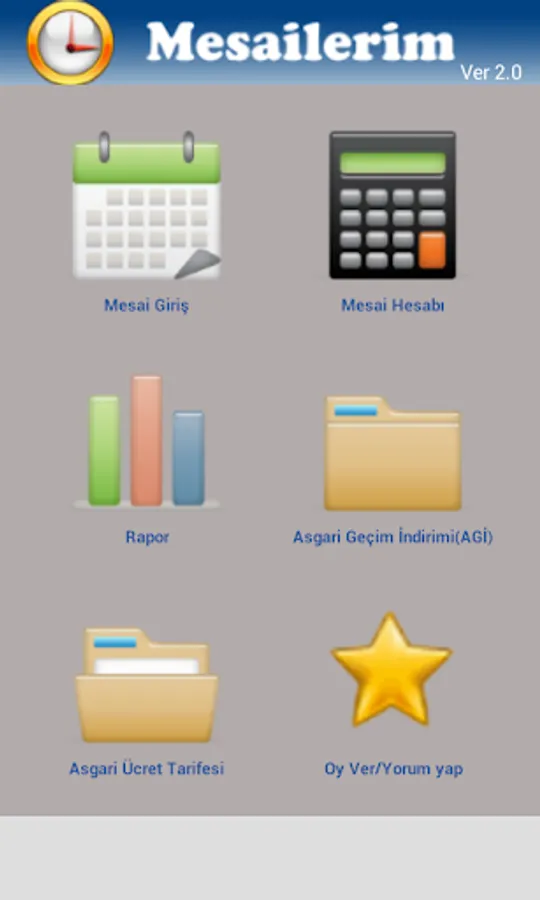
You can see the current Minimum Wage Tariff and Minimum Living Discount information in the application.
In the Required Accounts menu, you can make Severance-Notice Pay Account, Unemployment Benefit and Short Work Allowance Account.
Ads in the app are Google Admob Ads.
You can keep track of your paid (annual) leave, free leave (missing days), hourly leave and report days.
Your overtime; You can calculate your salary by entering your overtime hourly rate.
You can change the coefficient options in the settings menu.
If you activate the Reminder alarm in the Settings menu, it will give an alert if you have not entered overtime-leave at a time you set every day.
Overtime: Select the day you work on the calendar and press the Overtime button. In the window that opens, type your working time in the Duration box and press the Save button. To delete the message you entered incorrectly, save it by typing zero in the Duration box.
Permission Entry: Select the day you did not go to work from the calendar and press the Permission Entry button. Select the Permission Type and press the Save button
Report: You can see the Shifts and Permits in the months of your registration, as Annual, Monthly and Daily. You can send the Detailed Report option as a PDF file by whatsapp or mail.
Pressing the Delete Monthly Records button clears the leave and overtime records entered in the selected month.
You can see the current Minimum Wage Tariff and Minimum Living Discount information in the application.
In the Required Accounts menu, you can make Severance-Notice Pay Account, Unemployment Benefit and Short Work Allowance Account.
Ads in the app are Google Admob Ads.
Mesailerim Screenshots



Tap to Rate:
Reviews for Mesailerim
Nejat Kh
9/11/2025
reklamlar yüzünden kullanılmayacak hale getirdiniz tebrikler
Mehtabalam Shah
3/25/2025
nice app