AppRecs review analysis
AppRecs rating 3.5. Trustworthiness 82 out of 100. Review manipulation risk 17 out of 100. Based on a review sample analyzed.
★★★☆☆
3.5
AppRecs Rating
Ratings breakdown
5 star
54%
4 star
11%
3 star
6%
2 star
1%
1 star
28%
What to know
✓
Low review manipulation risk
17% review manipulation risk
✓
Credible reviews
82% trustworthiness score from analyzed reviews
✓
Good user ratings
65% positive sampled reviews
About NAVER Mail
※ The new NAVER Mail app can only be used on Android OS 9.0 and up.
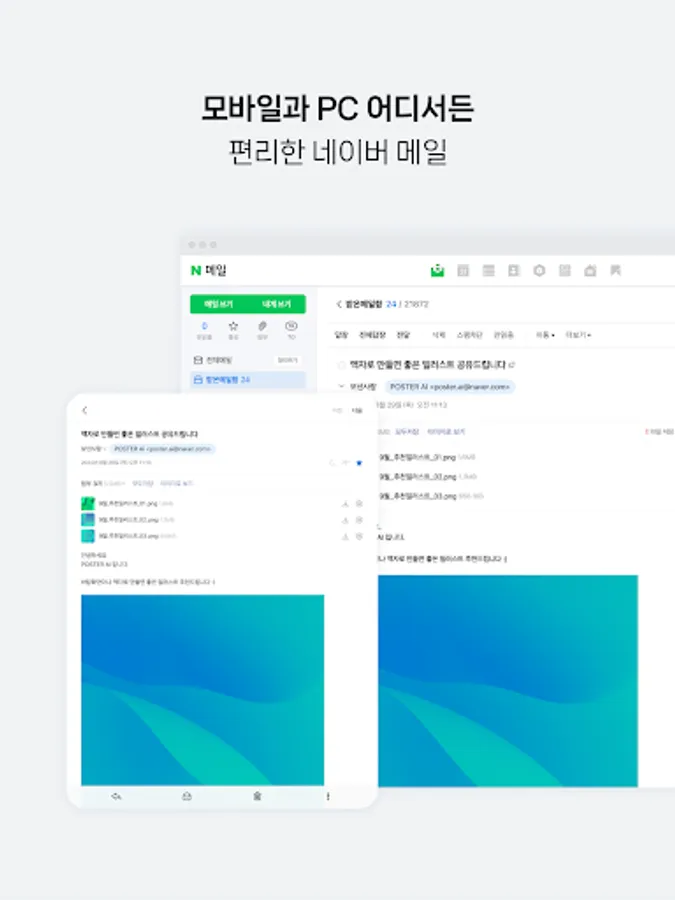
1. Easily find the mails you want.
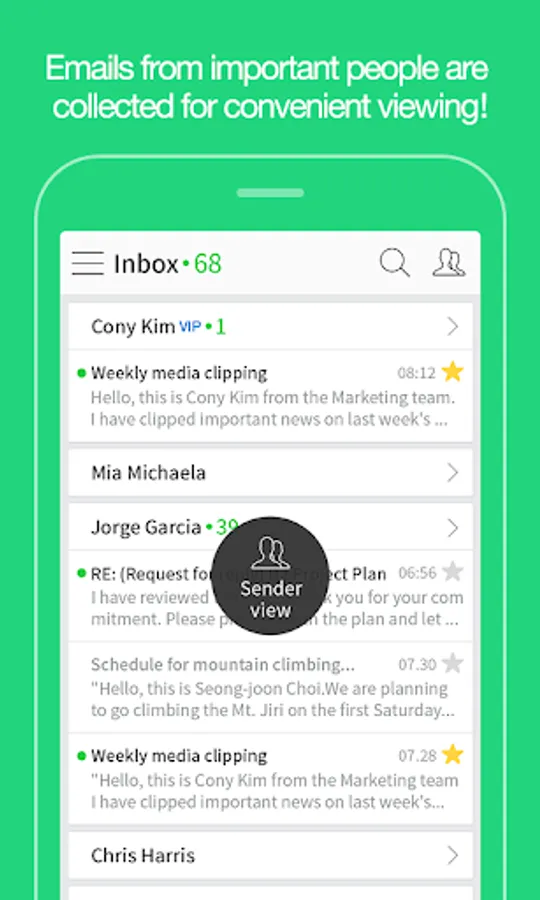
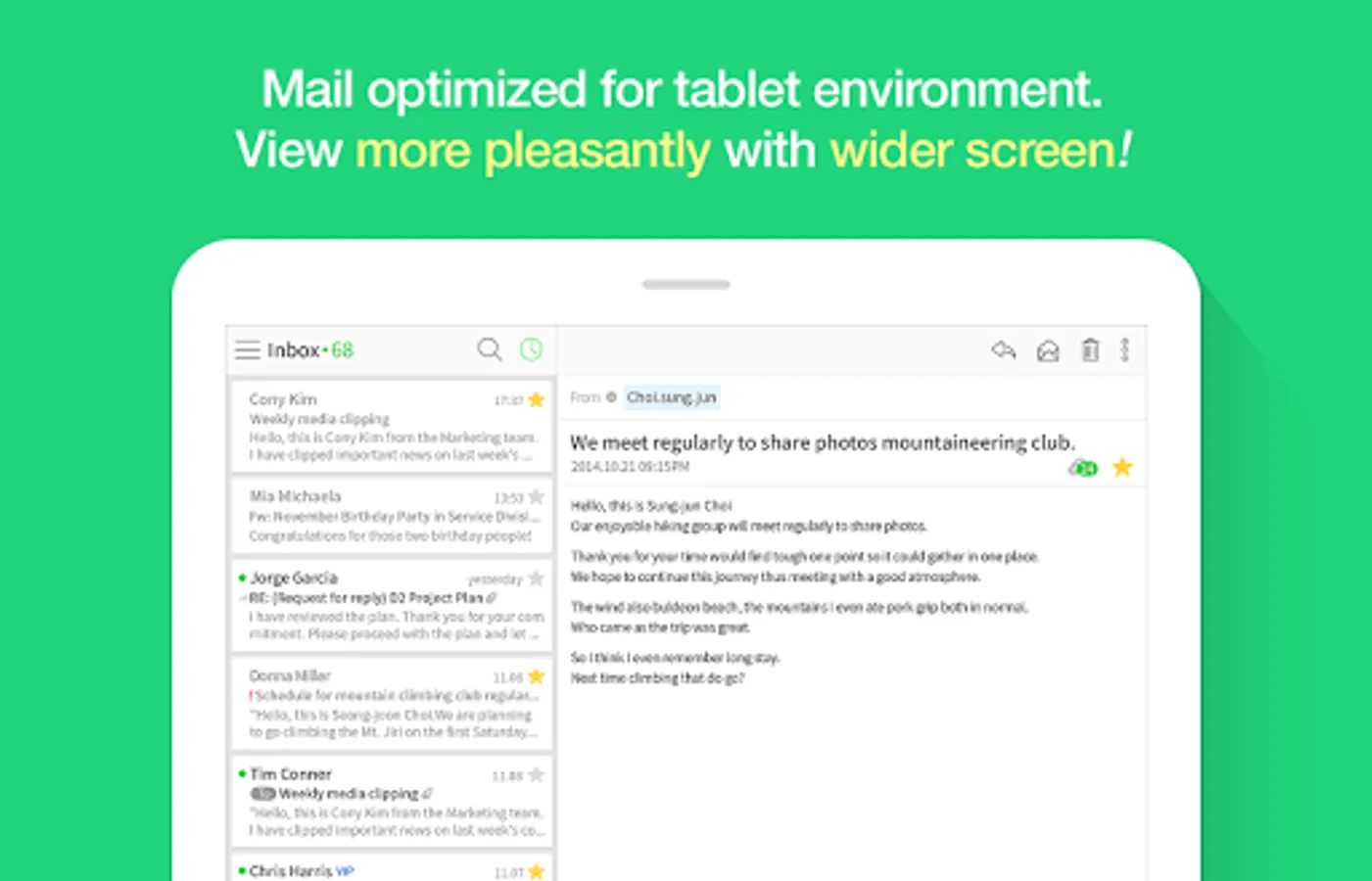
· You can group and view the mails collected in chronological order by conversation or person.
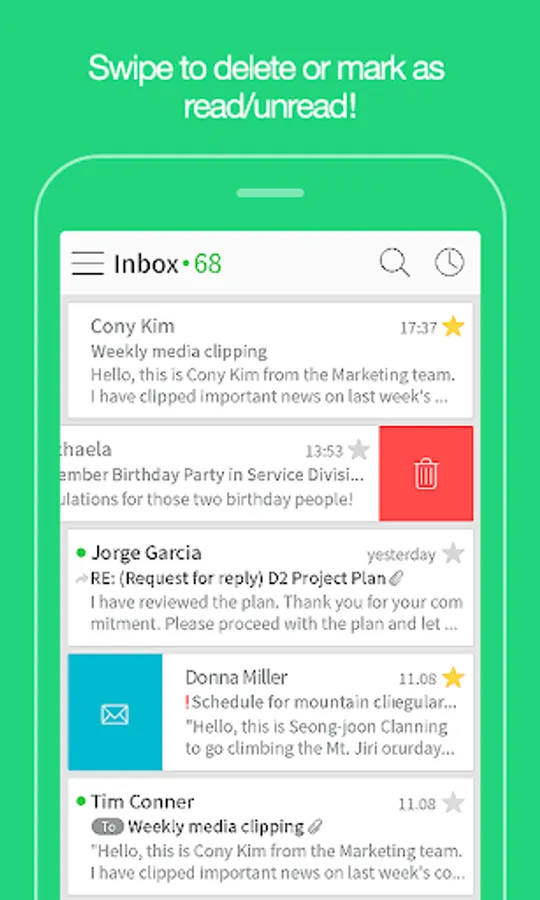
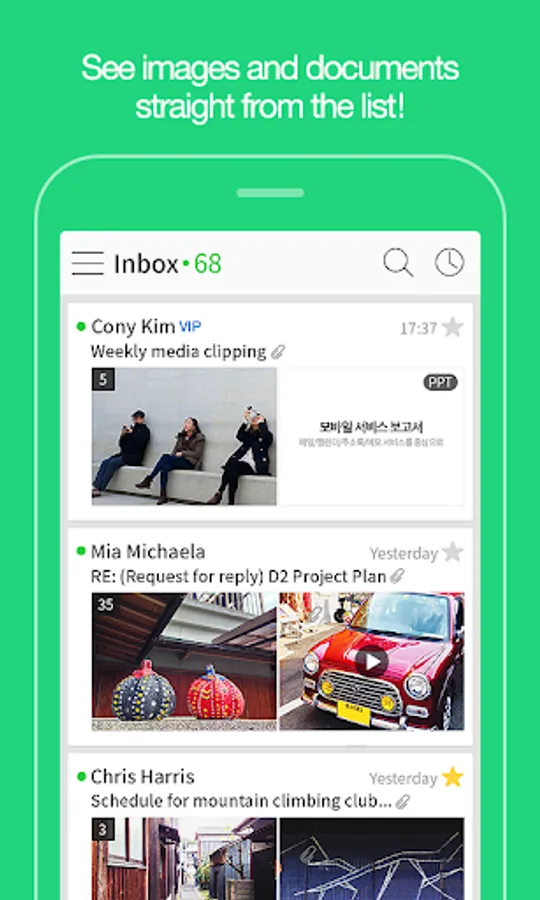
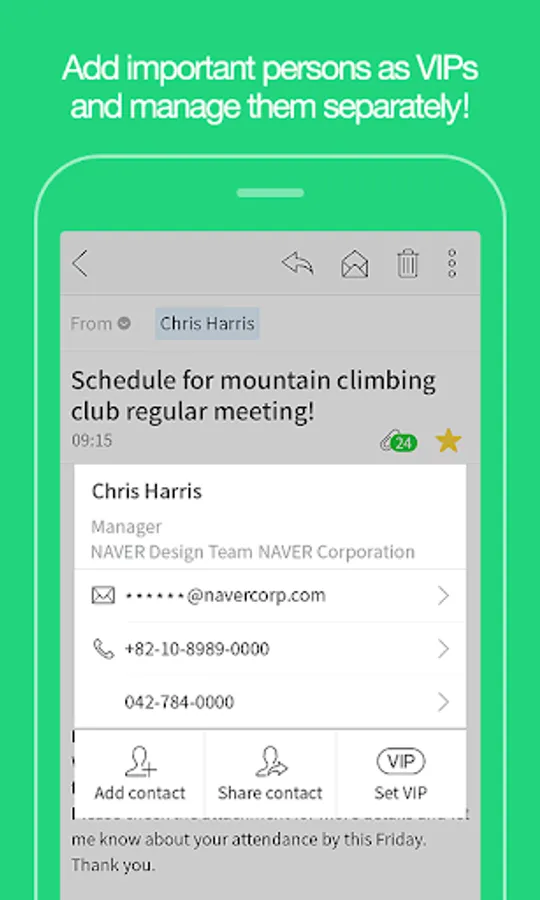
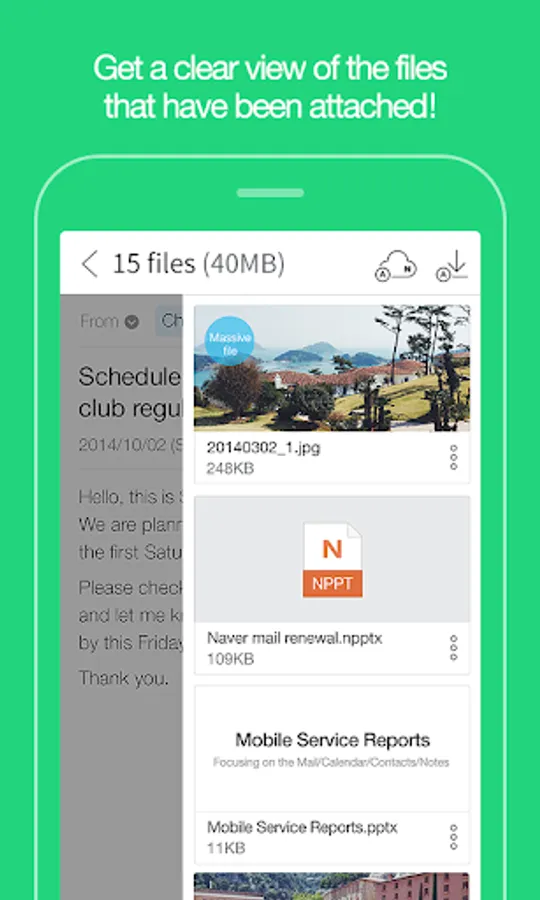
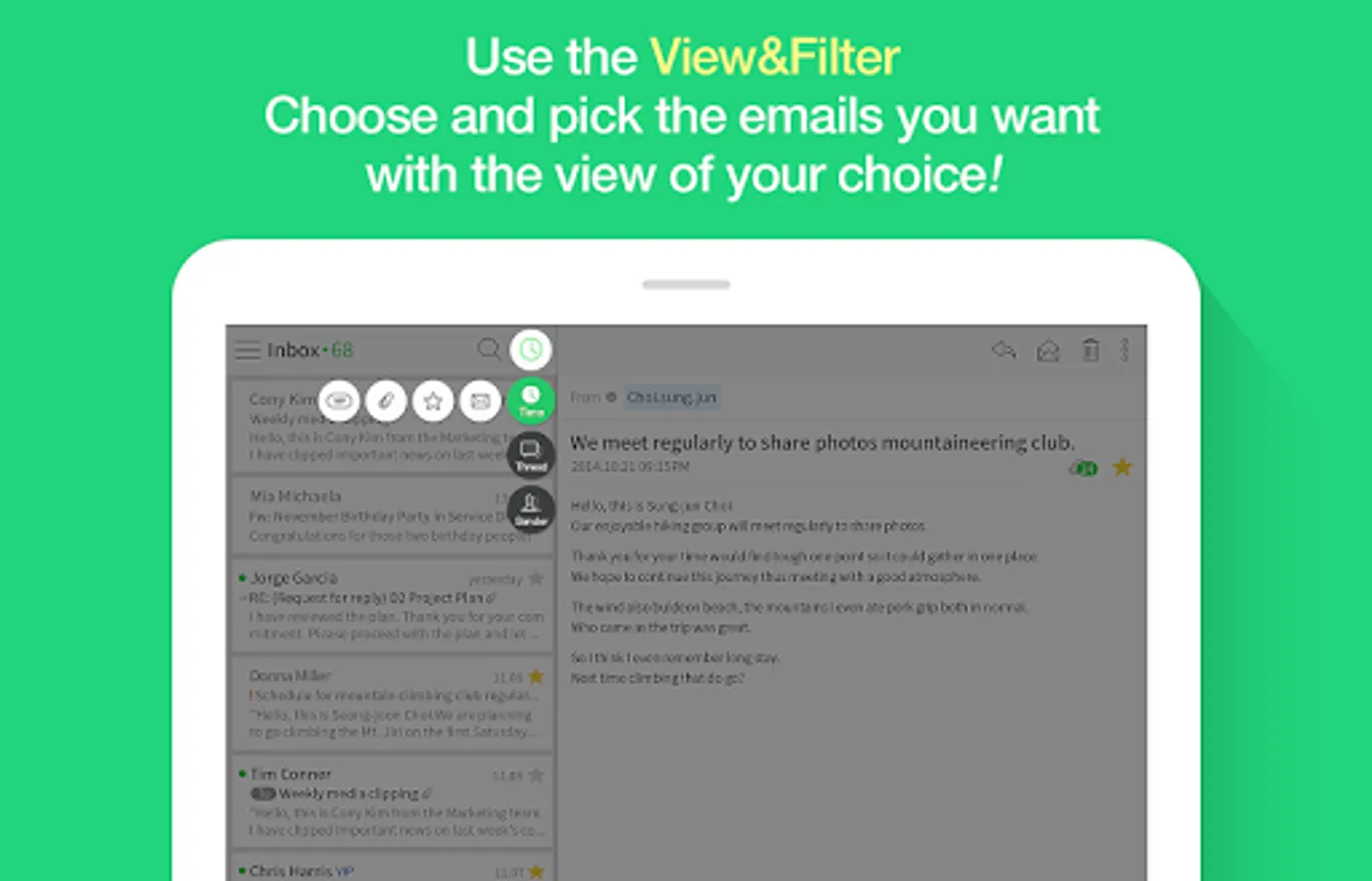
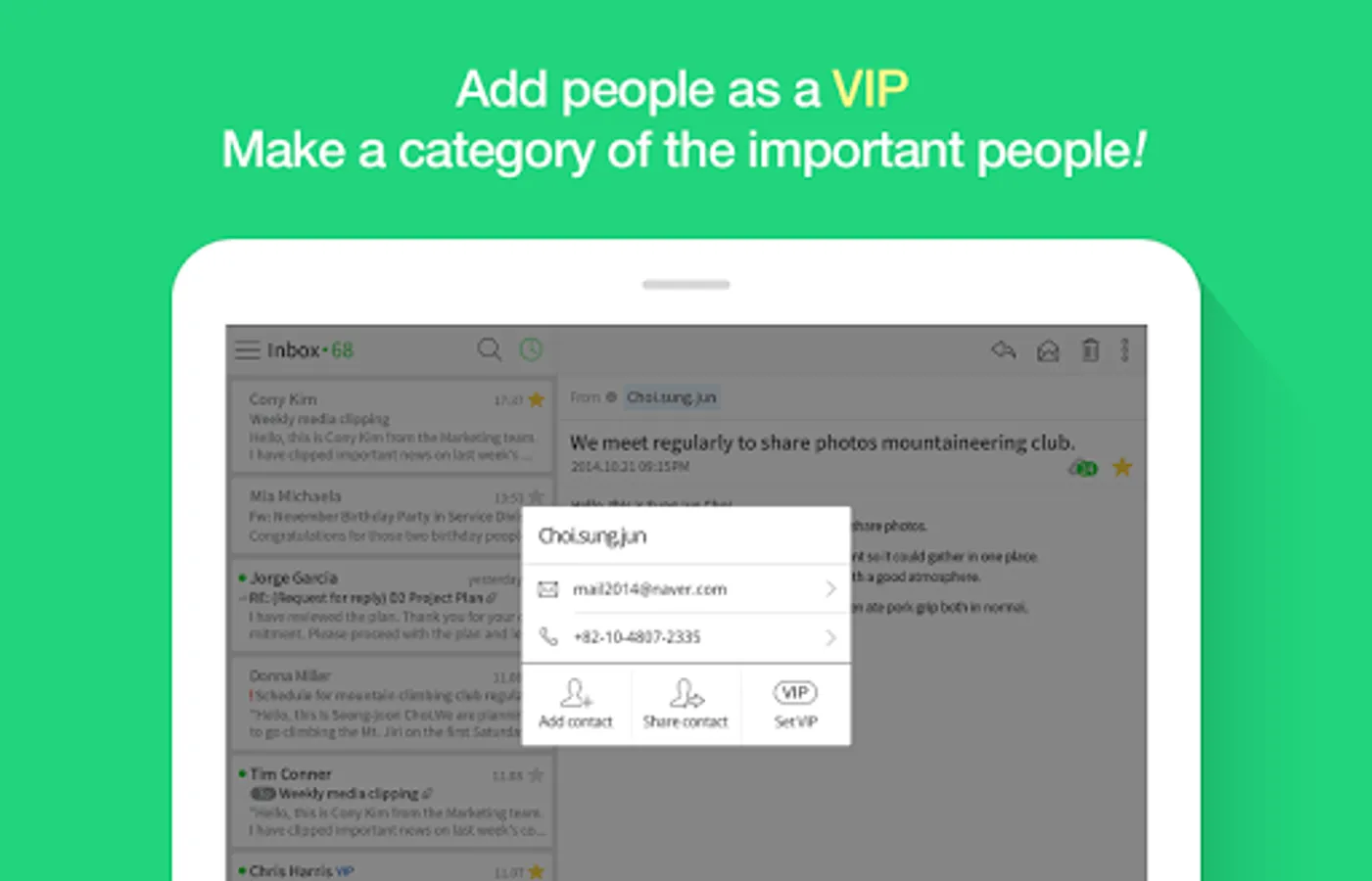
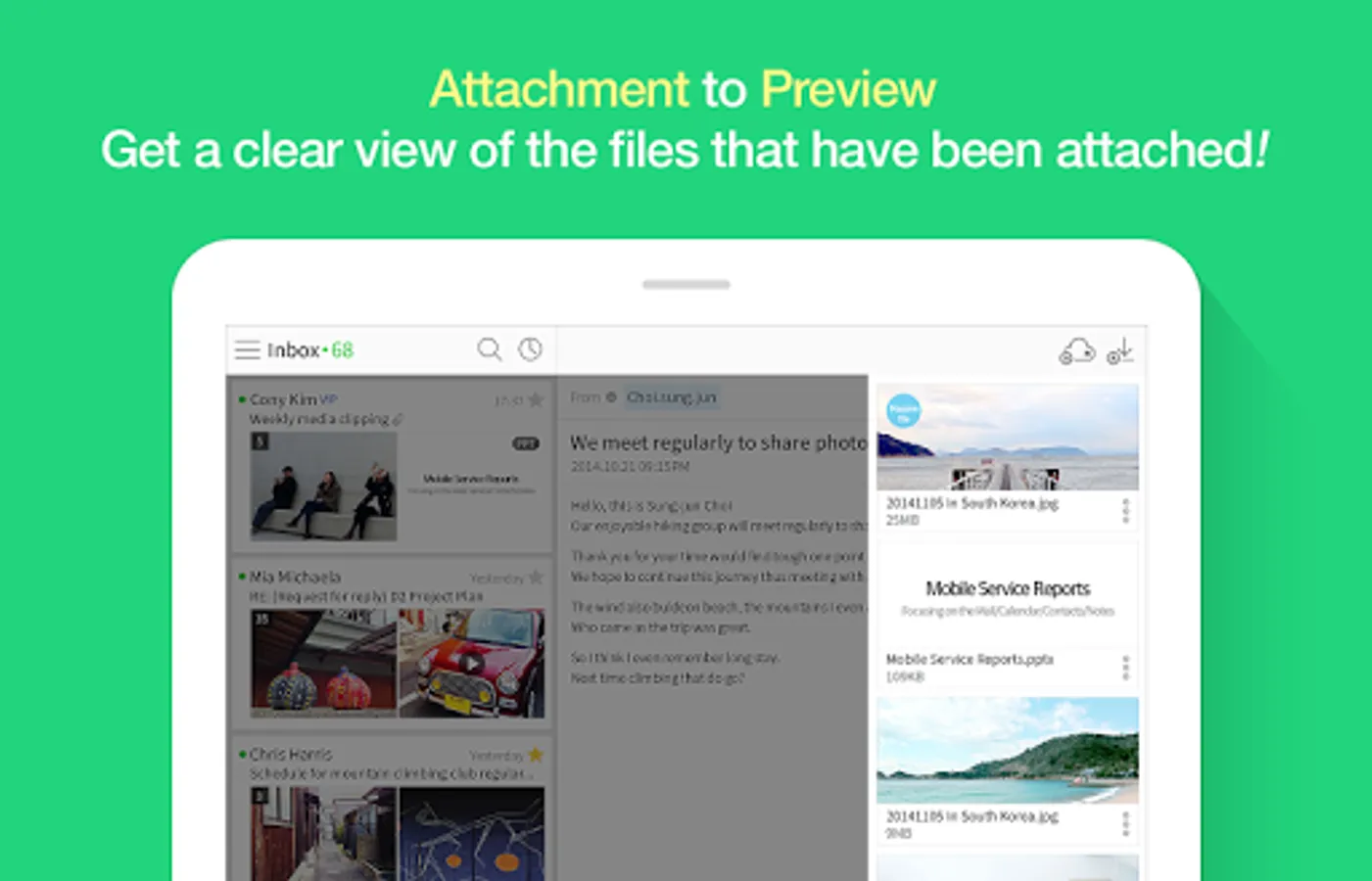
· Use the filter feature to quickly group unread mails/important mails/mails with attachments/VIP mails.
· You can separately view promotion mails, invoice/payment mails, and mails from social media services or NAVER Café, which are automatically classified to the smart mailbox.
· The NAVER Mail app allows you to view and manage your frequently used external mailing accounts, such as Gmail and Outlook.
2. Write smart emails on the app.
· Use bold/underline/colored fonts to emphasize important words, and insert images in your mail body.
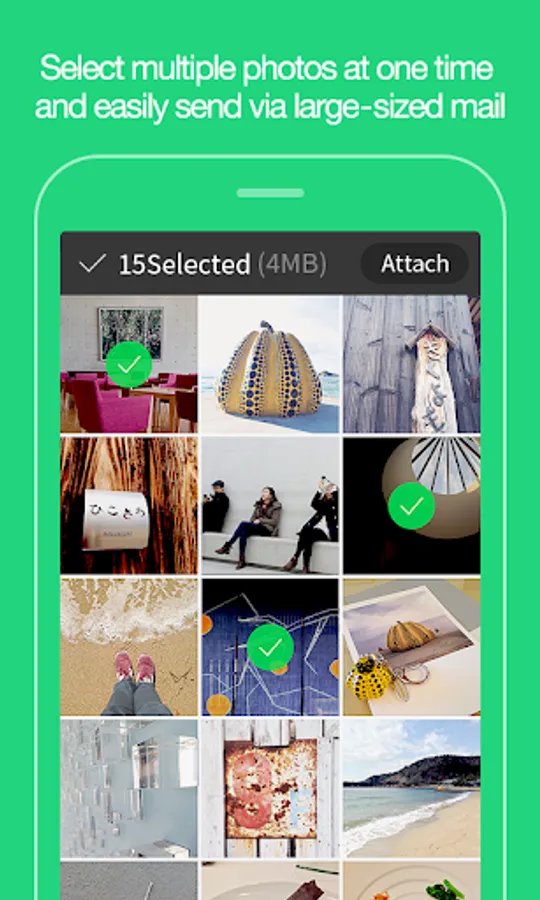
· You can attach and send files uploaded to your MYBOX.
· Use the translation feature to write mails in foreign languages hassle-free.
3. Safeguard your mail.
· We will detect and inform you in advance of files with viruses/malicious codes before attaching/downloading them.
· Use the password lock to keep your mail app safe.
Please contact NAVER Customer Center ( http://naver.me/5j7M4G2y ) for any issue or inquiry while using the app.
■ Details of Mandatory Access Authorization
· Contact information (Contact list): Bring the email contact information stored on your device’s contact list to write mails.
· Notifications : You can receive notifications for new mails, mail delivery failure messages, etc. (Only for devices running on OS 13.0 or up)
· Files and media (file, media, or storage): You can save files attached to emails on your device. (OS 9.0 only)
1. Easily find the mails you want.
· You can group and view the mails collected in chronological order by conversation or person.
· Use the filter feature to quickly group unread mails/important mails/mails with attachments/VIP mails.
· You can separately view promotion mails, invoice/payment mails, and mails from social media services or NAVER Café, which are automatically classified to the smart mailbox.
· The NAVER Mail app allows you to view and manage your frequently used external mailing accounts, such as Gmail and Outlook.
2. Write smart emails on the app.
· Use bold/underline/colored fonts to emphasize important words, and insert images in your mail body.
· You can attach and send files uploaded to your MYBOX.
· Use the translation feature to write mails in foreign languages hassle-free.
3. Safeguard your mail.
· We will detect and inform you in advance of files with viruses/malicious codes before attaching/downloading them.
· Use the password lock to keep your mail app safe.
Please contact NAVER Customer Center ( http://naver.me/5j7M4G2y ) for any issue or inquiry while using the app.
■ Details of Mandatory Access Authorization
· Contact information (Contact list): Bring the email contact information stored on your device’s contact list to write mails.
· Notifications : You can receive notifications for new mails, mail delivery failure messages, etc. (Only for devices running on OS 13.0 or up)
· Files and media (file, media, or storage): You can save files attached to emails on your device. (OS 9.0 only)