Morse Code Trainer (Learn CW)
Claus Niesen
4.1 ★
89 ratings
10,000+
downloads
Free
In this Morse code trainer, you can listen to Morse code characters and phrases, then identify them verbally. Includes customizable settings for speed, repetitions, and word lists.
AppRecs review analysis
AppRecs rating 4.0. Trustworthiness 76 out of 100. Review manipulation risk 32 out of 100. Based on a review sample analyzed.
★★★★☆
4.0
AppRecs Rating
Ratings breakdown
5 star
68%
4 star
13%
3 star
0%
2 star
3%
1 star
16%
What to know
✓
Credible reviews
76% trustworthiness score from analyzed reviews
✓
High user satisfaction
80% of sampled ratings are 4+ stars (4.1★ average)
✓
Authentic reviews
Natural distribution, no red flags
About Morse Code Trainer (Learn CW)
**Free: no ads, no privacy intrusion, no hidden fees, fully open source**
The recommended way to learn Morse code (cw) is not by remembering dots and dashes but by remembering the sound.
This app plays character, words and phrases in Morse code, gives you a brief moment of time to recognize it and then speaks out loud the answer. Allowing you to learn Morse code without having to look at or interact with your phone. Hopefully the app helps you and me learn to copy Morse code in our heads.
Features:
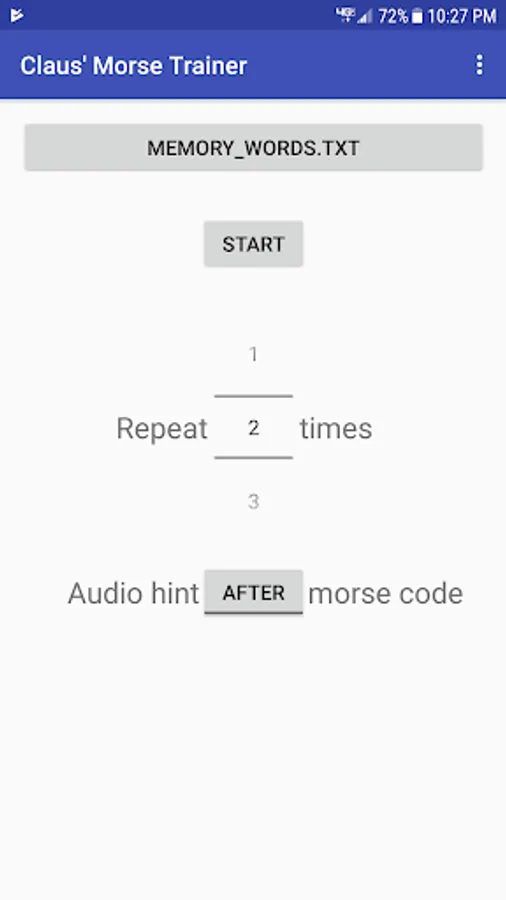
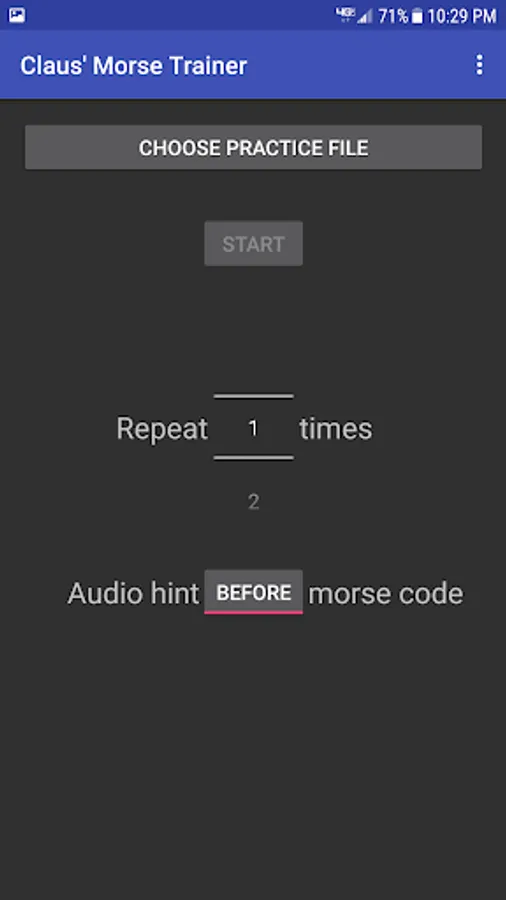
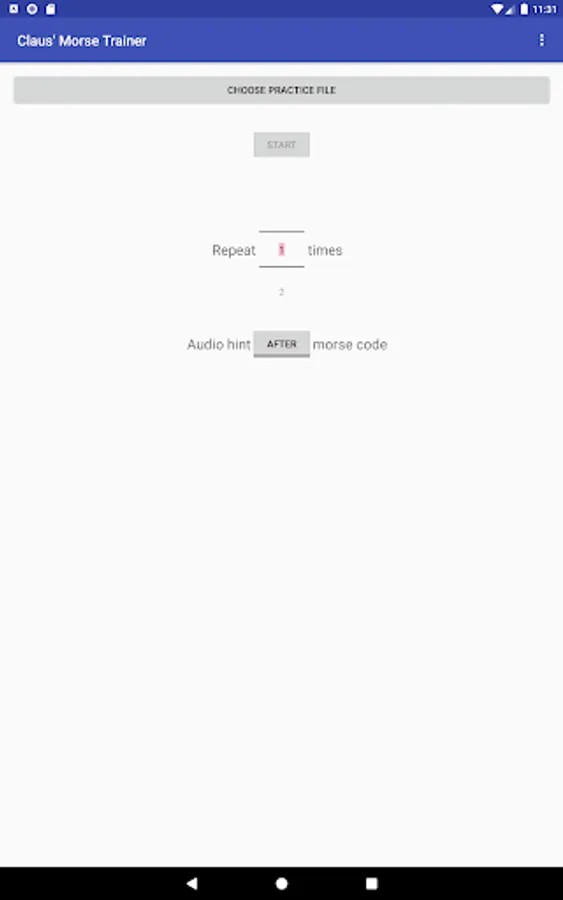
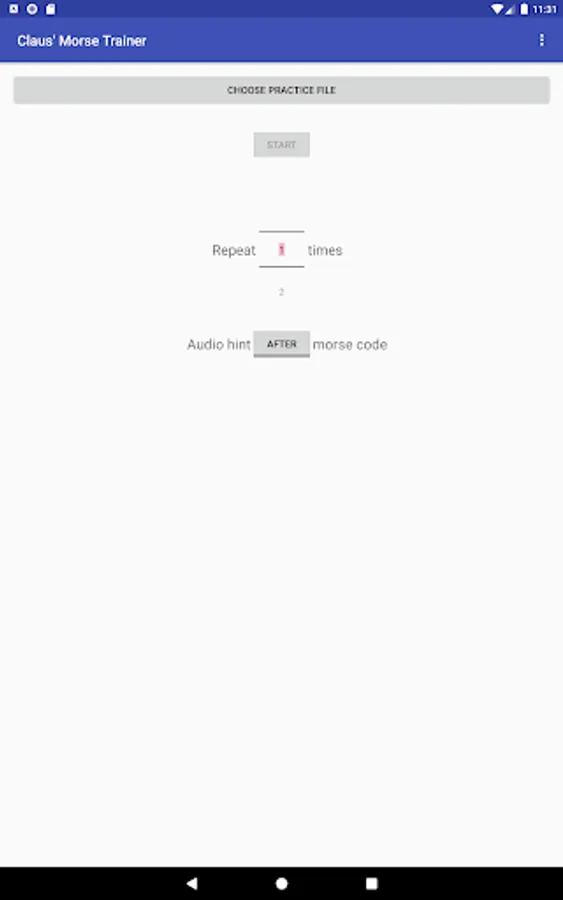
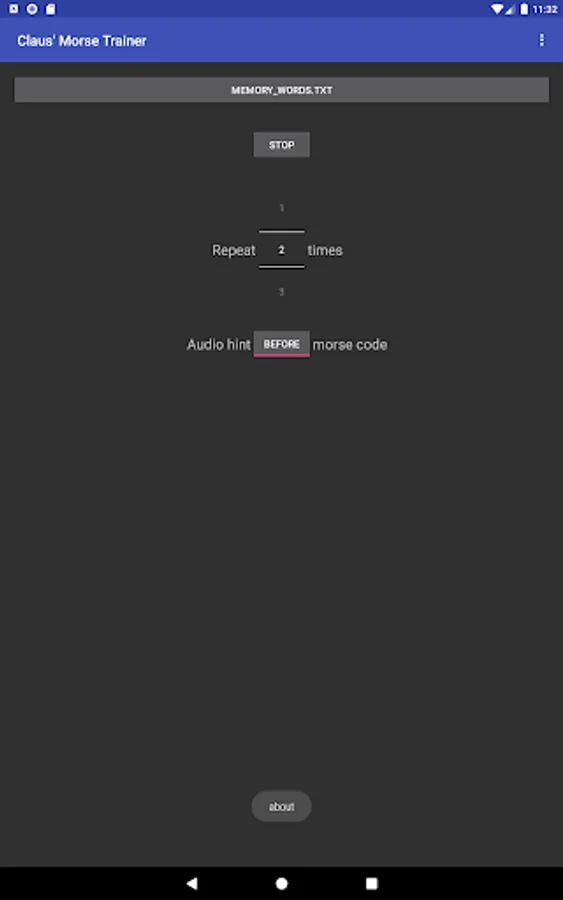
* User setting to repeat character/word/phrases multiple times before going to the next one.
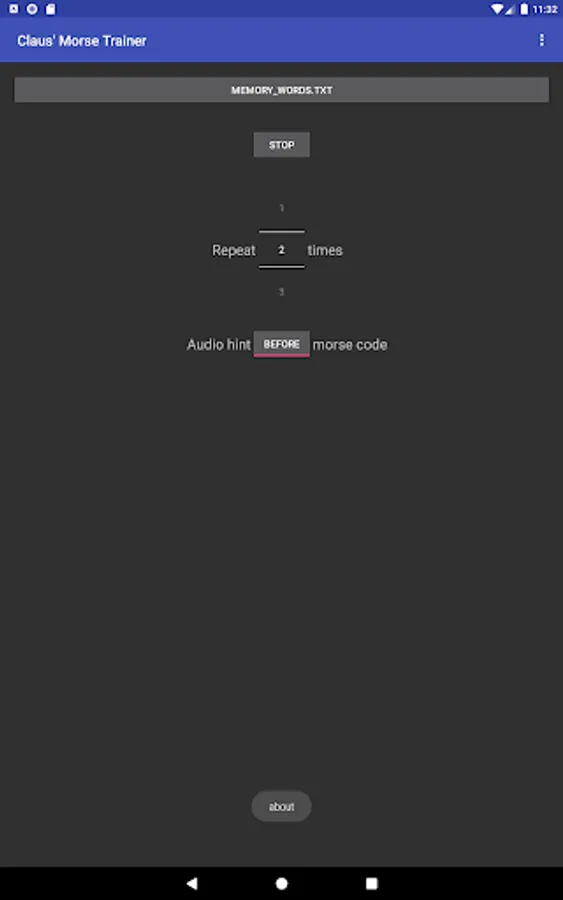
* User setting to give hint before/after Morse code. Allows you to practice reading and generating Morse code in your head.
* Your own custom word list (see below).
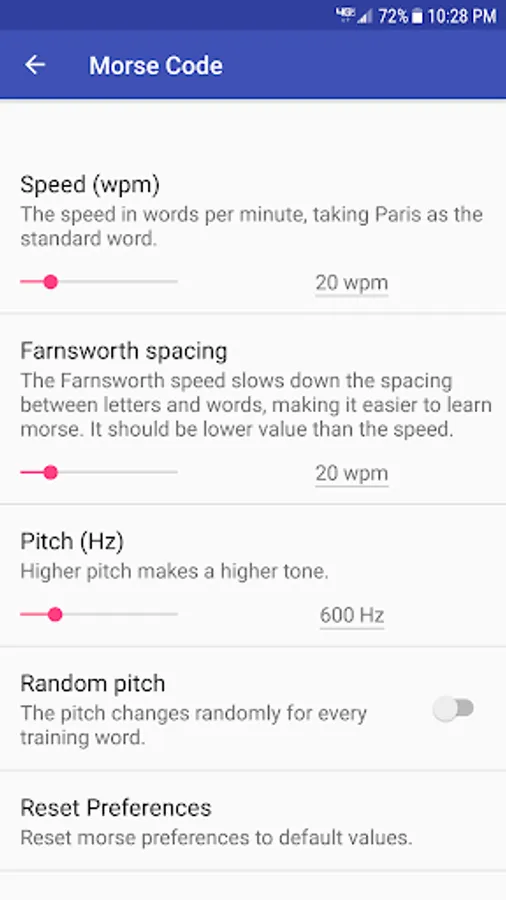
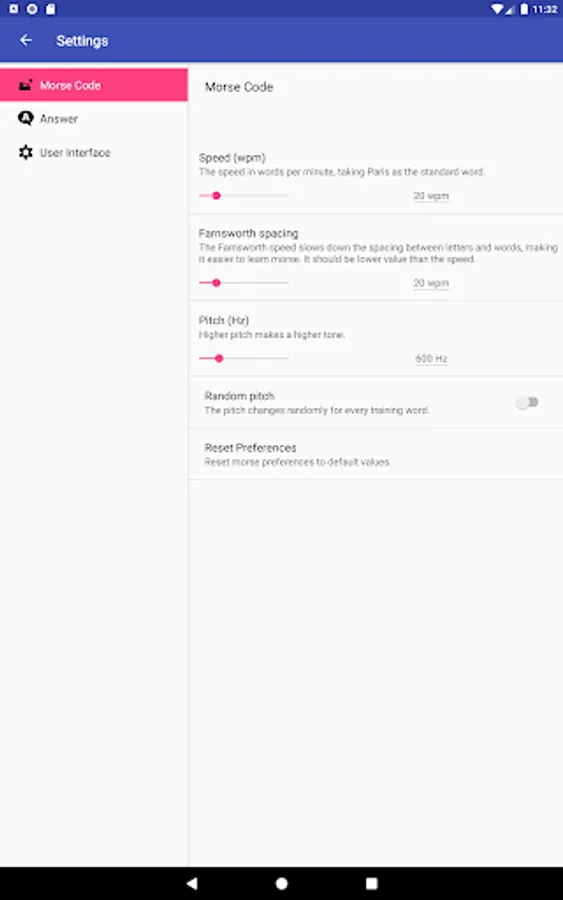
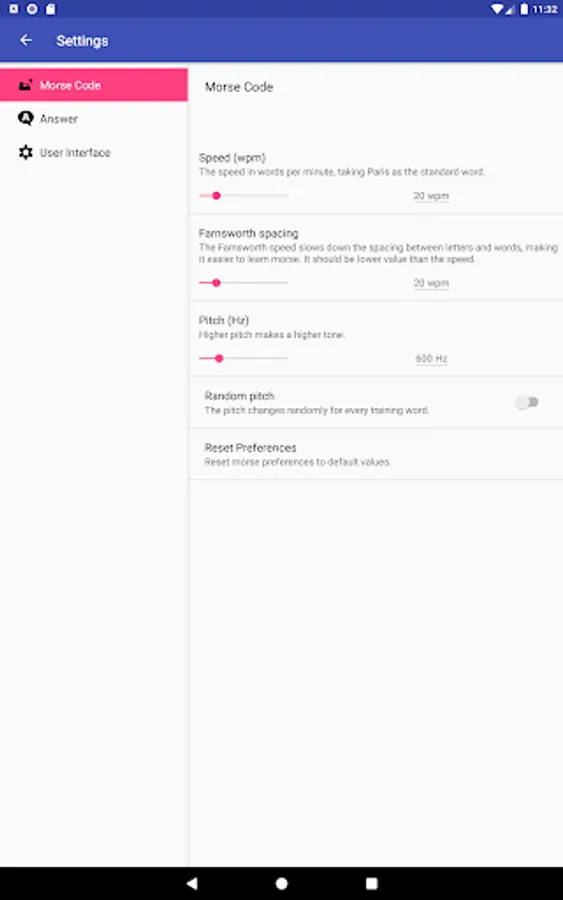
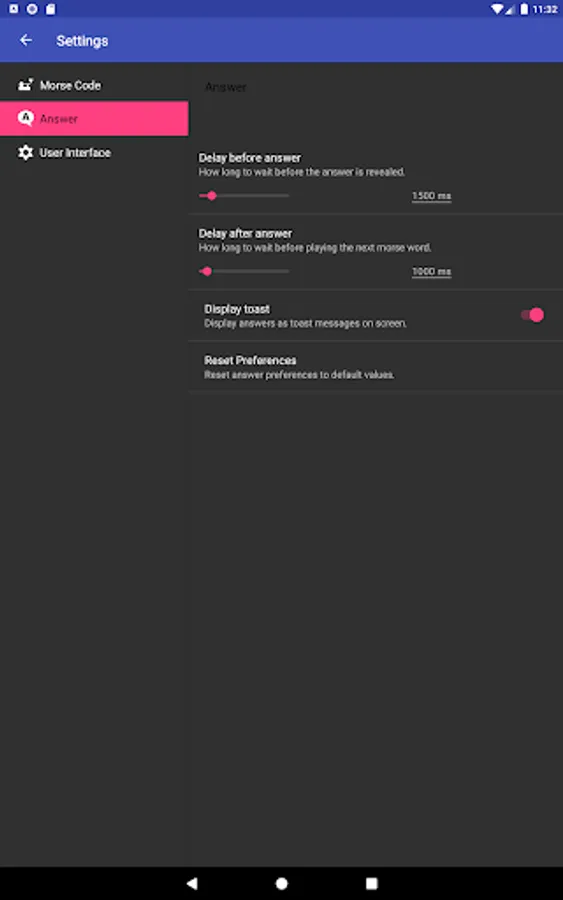
* Set speed, farnsworth spacing, pitch, and more.
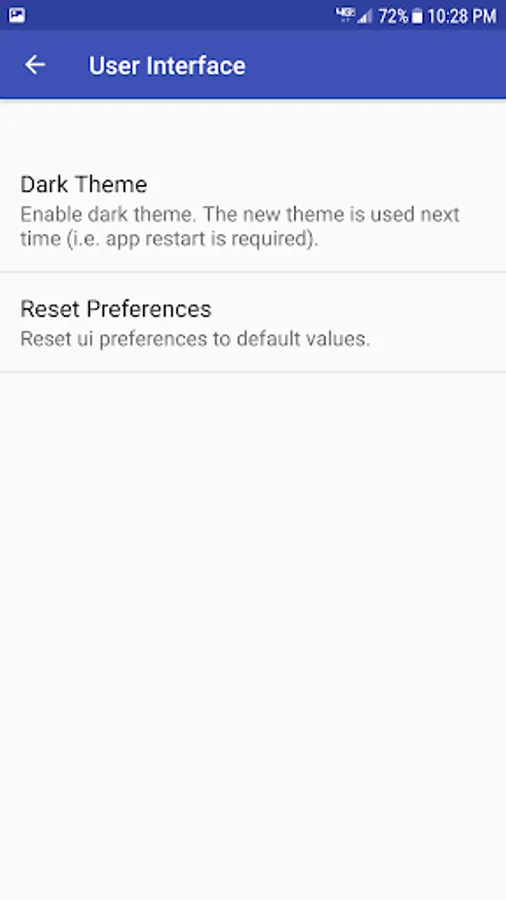
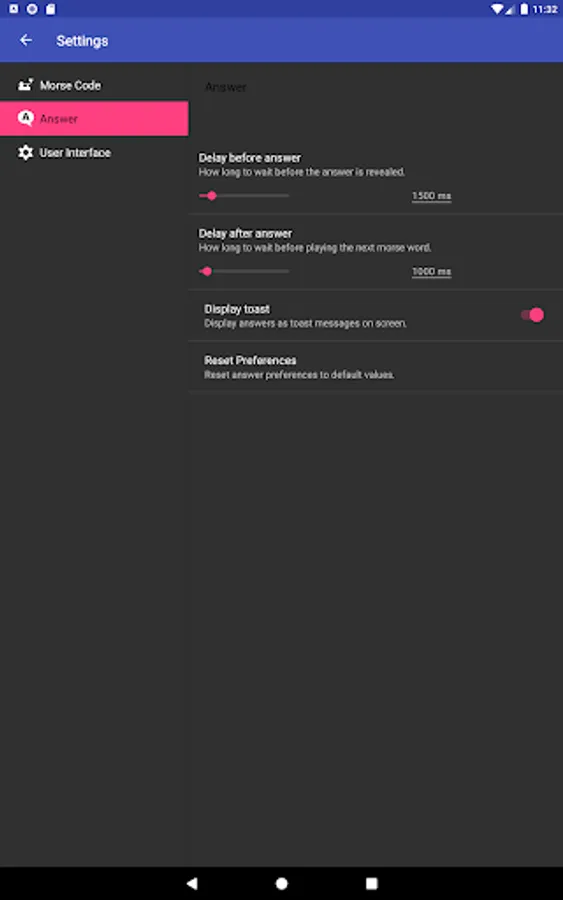
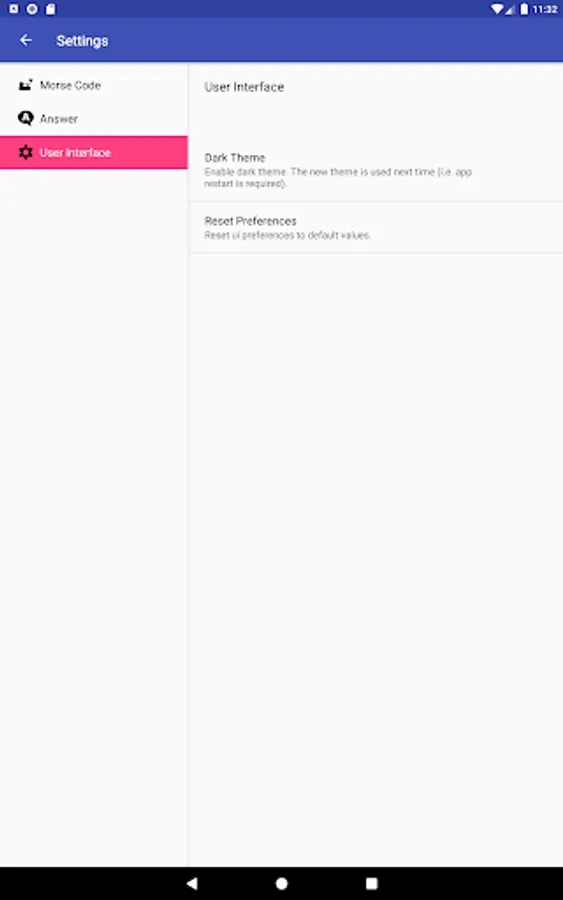
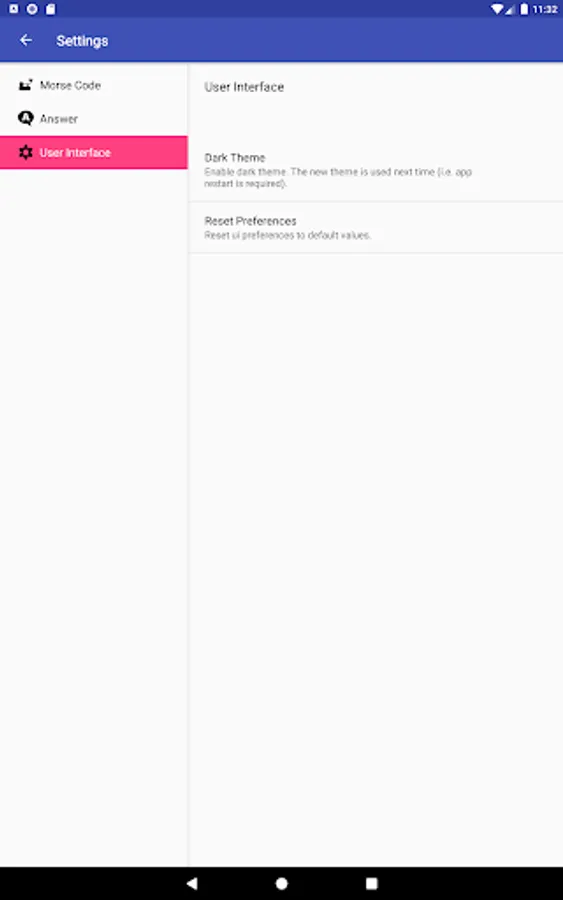
* Dark mode, to match your phones theme.
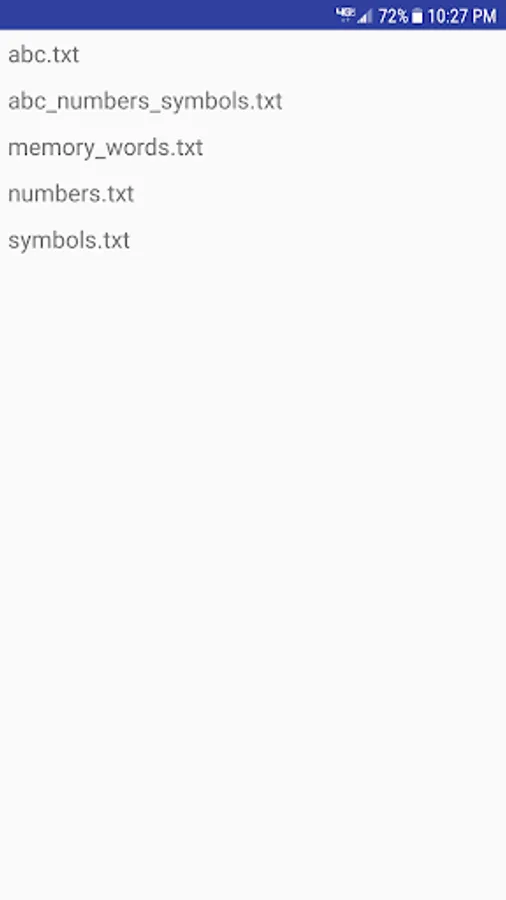
The app comes with the following word lists:
* abc.txt - contains the alphabet (a to z)
* numbers.txt - contains numbers (1 to 9 and 0)
* symbols.txt - period, stoke and question mark
* abc_numbers_symbols.txt - combination of the three files above
* memory_words.txt - some memory words
The app requires write access to your device's USB storage in order to work. The directory "Claus' Morse Trainer" will be created for the words lists. The directory can be safely deleted after you uninstall the program.
You can create your own custom files with characters, words or phrases that you want to learn. Just create a text file with each character, word or phrase on a separate line. If the Morse text and spoken text is different then separate them with a vertical pipe "|". E.g.:
tu|thank you
Tip: The Google Text-to-speech engine sounds quite a bit better than the Samsung Text-to-speech engine that is enabled by default.
This app is created of love of coding and amateur radio. Done in a professional manner but purely as a hobby. To enhance your and my ability "speak" Morse code and to to operate CW on the air waves. Not only is the app free, but the source code is viewable on Github. No data is collected by the app, so there is no need for a privacy policy.
Please report any issues and errors via GitHub ( https://github.com/cniesen/morsetrainer ). Ideas and code contributions to improve the Morse code trainer are welcome as well.
73, Claus (AE0S)
Formerly known as: Claus' Morse Trainer
The recommended way to learn Morse code (cw) is not by remembering dots and dashes but by remembering the sound.
This app plays character, words and phrases in Morse code, gives you a brief moment of time to recognize it and then speaks out loud the answer. Allowing you to learn Morse code without having to look at or interact with your phone. Hopefully the app helps you and me learn to copy Morse code in our heads.
Features:
* User setting to repeat character/word/phrases multiple times before going to the next one.
* User setting to give hint before/after Morse code. Allows you to practice reading and generating Morse code in your head.
* Your own custom word list (see below).
* Set speed, farnsworth spacing, pitch, and more.
* Dark mode, to match your phones theme.
The app comes with the following word lists:
* abc.txt - contains the alphabet (a to z)
* numbers.txt - contains numbers (1 to 9 and 0)
* symbols.txt - period, stoke and question mark
* abc_numbers_symbols.txt - combination of the three files above
* memory_words.txt - some memory words
The app requires write access to your device's USB storage in order to work. The directory "Claus' Morse Trainer" will be created for the words lists. The directory can be safely deleted after you uninstall the program.
You can create your own custom files with characters, words or phrases that you want to learn. Just create a text file with each character, word or phrase on a separate line. If the Morse text and spoken text is different then separate them with a vertical pipe "|". E.g.:
tu|thank you
Tip: The Google Text-to-speech engine sounds quite a bit better than the Samsung Text-to-speech engine that is enabled by default.
This app is created of love of coding and amateur radio. Done in a professional manner but purely as a hobby. To enhance your and my ability "speak" Morse code and to to operate CW on the air waves. Not only is the app free, but the source code is viewable on Github. No data is collected by the app, so there is no need for a privacy policy.
Please report any issues and errors via GitHub ( https://github.com/cniesen/morsetrainer ). Ideas and code contributions to improve the Morse code trainer are welcome as well.
73, Claus (AE0S)
Formerly known as: Claus' Morse Trainer
Morse Code Trainer (Learn CW) Screenshots

Tap to Rate:
Reviews for Morse Code Trainer (Learn CW)
Mxer 727
7/13/2025
when I try to choose a practice file, I get a blank screen,,,thoughts?
David Bruce
6/11/2025
Excellent for custom text files. Only thing missing for me is a sleep timer.