
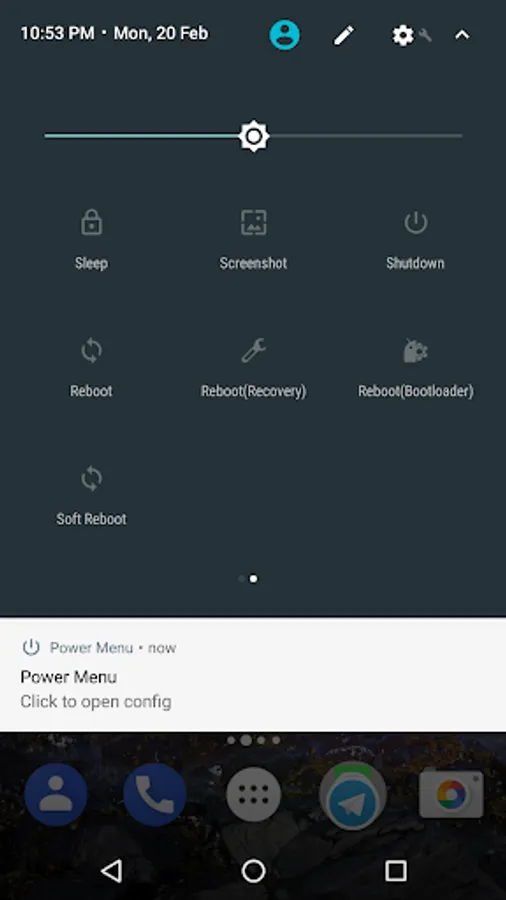
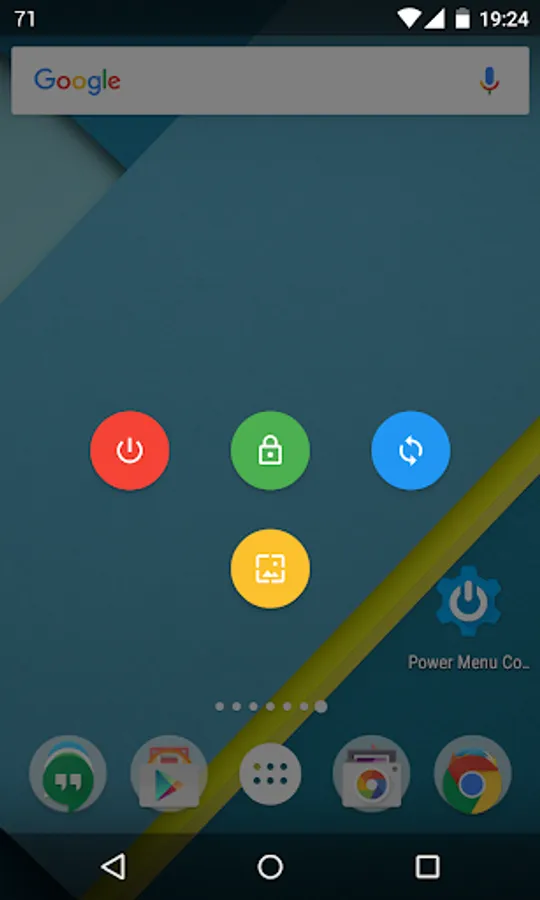
With this root utility app, you can manage device power options including reboot, shutdown, and screenshot functions. It also offers quick setting tiles and system menu overrides for advanced control. Includes support for multiple languages and options to install as a system app.
AppRecs review analysis
AppRecs rating 4.0. Trustworthiness 0 out of 100. Review manipulation risk 0 out of 100. Based on a review sample analyzed.
★★★★☆
4.0
AppRecs Rating
Ratings breakdown
5 star
55%
4 star
18%
3 star
10%
2 star
3%
1 star
13%
What to know
✓
High user satisfaction
74% of sampled ratings are 4+ stars (4.0★ average)
✓
Authentic reviews
Natural distribution, no red flags
About Power Menu (root)
Require rooted device, won't work otherwise
Important notice on Android 6.0+:
When you perform a reboot to recovery, the system dialog would incorrectly state as performing a factory data reset. Please be assured that this app would NOT factory reset your phone and it is purely a visual bug. Hopefully Google would fix it in future revision of Android
Features:
Power off
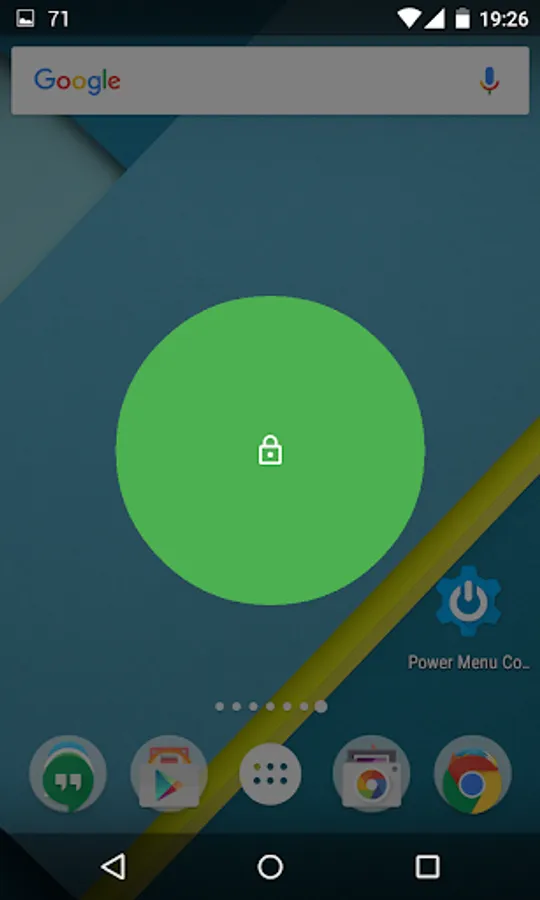
Sleep (Screen lock)
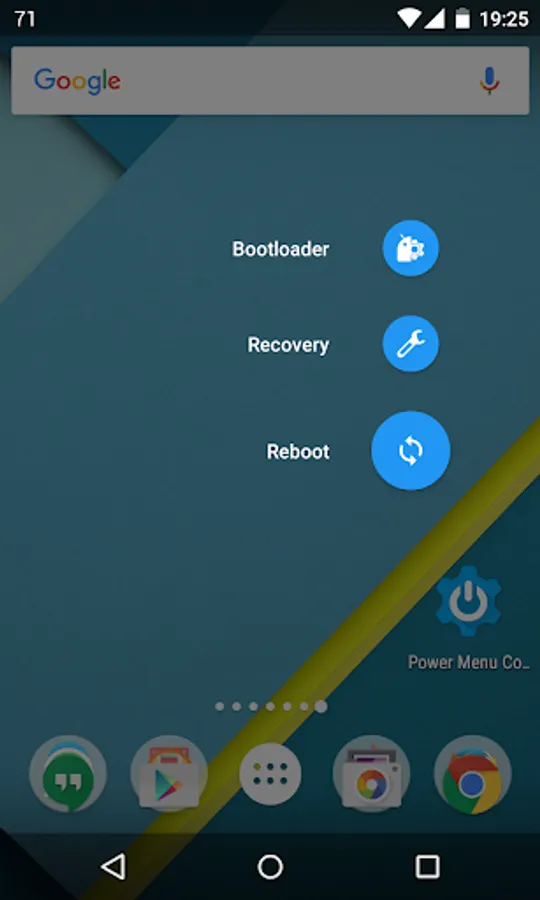
Reboot, soft reboot (require busybox), recovery, bootloader
Screenshot
System menu override (experimental)
Quick setting tiles
Languages:
English
Russian (contributed by Виталя Борисов, thanks!)
Brazilian Portuguese (contributed by Lucas K., thanks!)
Simplified Chinese (contributed by Matsuri, thanks!)
Notice:
Screenshot may not work if you have "mount namespace separation" enabled in SuperSU
Installing as System App (technical read):
On Android 4.3+, you can freely choose whether to install our app to /system. Running as a system app would grant us extra permissions to invoke some protected functions (like shutdown/reboot) via the Android API. Otherwise we'll fallback to root shell commands, which could be slower depending on your device. However modifying /system would most likely hinder your ability to receive an OTA update
If you do opt to install as system app, you'll have to remove it from /system first in order to uninstall completely. You can do so by opening the config and clicking "Undo system app installation"
You can find the source in the GitHub repo at https://github.com/nkming2/power-menu, bug reports should also go there
Important notice on Android 6.0+:
When you perform a reboot to recovery, the system dialog would incorrectly state as performing a factory data reset. Please be assured that this app would NOT factory reset your phone and it is purely a visual bug. Hopefully Google would fix it in future revision of Android
Features:
Power off
Sleep (Screen lock)
Reboot, soft reboot (require busybox), recovery, bootloader
Screenshot
System menu override (experimental)
Quick setting tiles
Languages:
English
Russian (contributed by Виталя Борисов, thanks!)
Brazilian Portuguese (contributed by Lucas K., thanks!)
Simplified Chinese (contributed by Matsuri, thanks!)
Notice:
Screenshot may not work if you have "mount namespace separation" enabled in SuperSU
Installing as System App (technical read):
On Android 4.3+, you can freely choose whether to install our app to /system. Running as a system app would grant us extra permissions to invoke some protected functions (like shutdown/reboot) via the Android API. Otherwise we'll fallback to root shell commands, which could be slower depending on your device. However modifying /system would most likely hinder your ability to receive an OTA update
If you do opt to install as system app, you'll have to remove it from /system first in order to uninstall completely. You can do so by opening the config and clicking "Undo system app installation"
You can find the source in the GitHub repo at https://github.com/nkming2/power-menu, bug reports should also go there
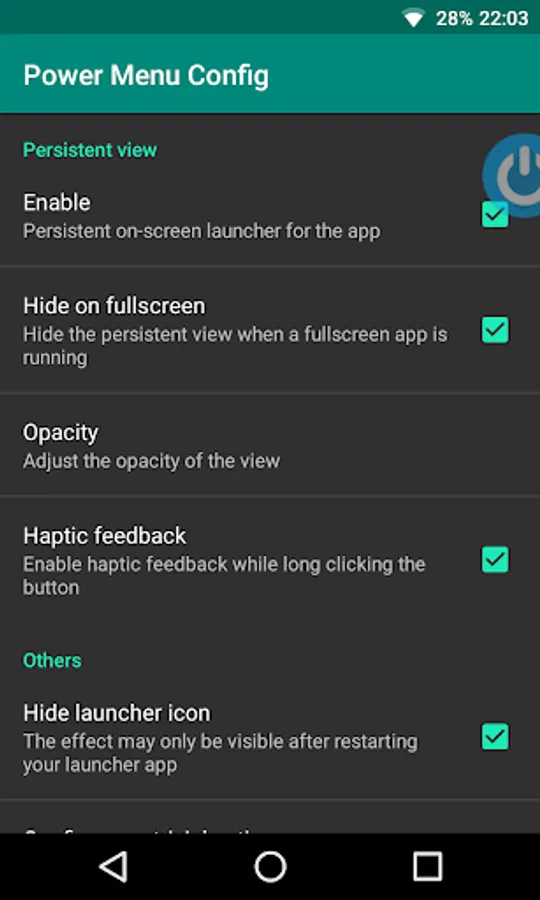
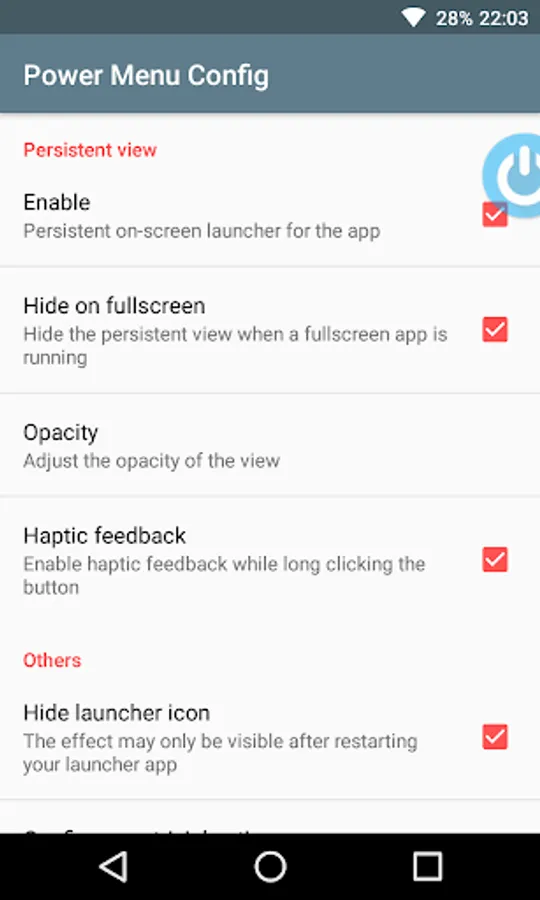
Power Menu (root) Screenshots
Tap to Rate: