AV For Pro Tools 11 Features
AskVideo.com
4.3 ★
1K ratings
100,000+
downloads
Free
With this educational course, you can explore the features of AV For Pro Tools 11 through video tutorials and explanations. Includes offline playback, system usage tips, and navigation guidance.
AppRecs review analysis
AppRecs rating 4.3. Trustworthiness 0 out of 100. Review manipulation risk 0 out of 100. Based on a review sample analyzed.
★★★★☆
4.3
AppRecs Rating
Ratings breakdown
5 star
74%
4 star
7%
3 star
6%
2 star
0%
1 star
13%
What to know
✓
High user satisfaction
81% of sampled ratings are 4+ stars (4.3★ average)
About AV For Pro Tools 11 Features
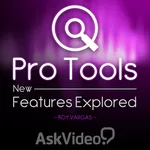
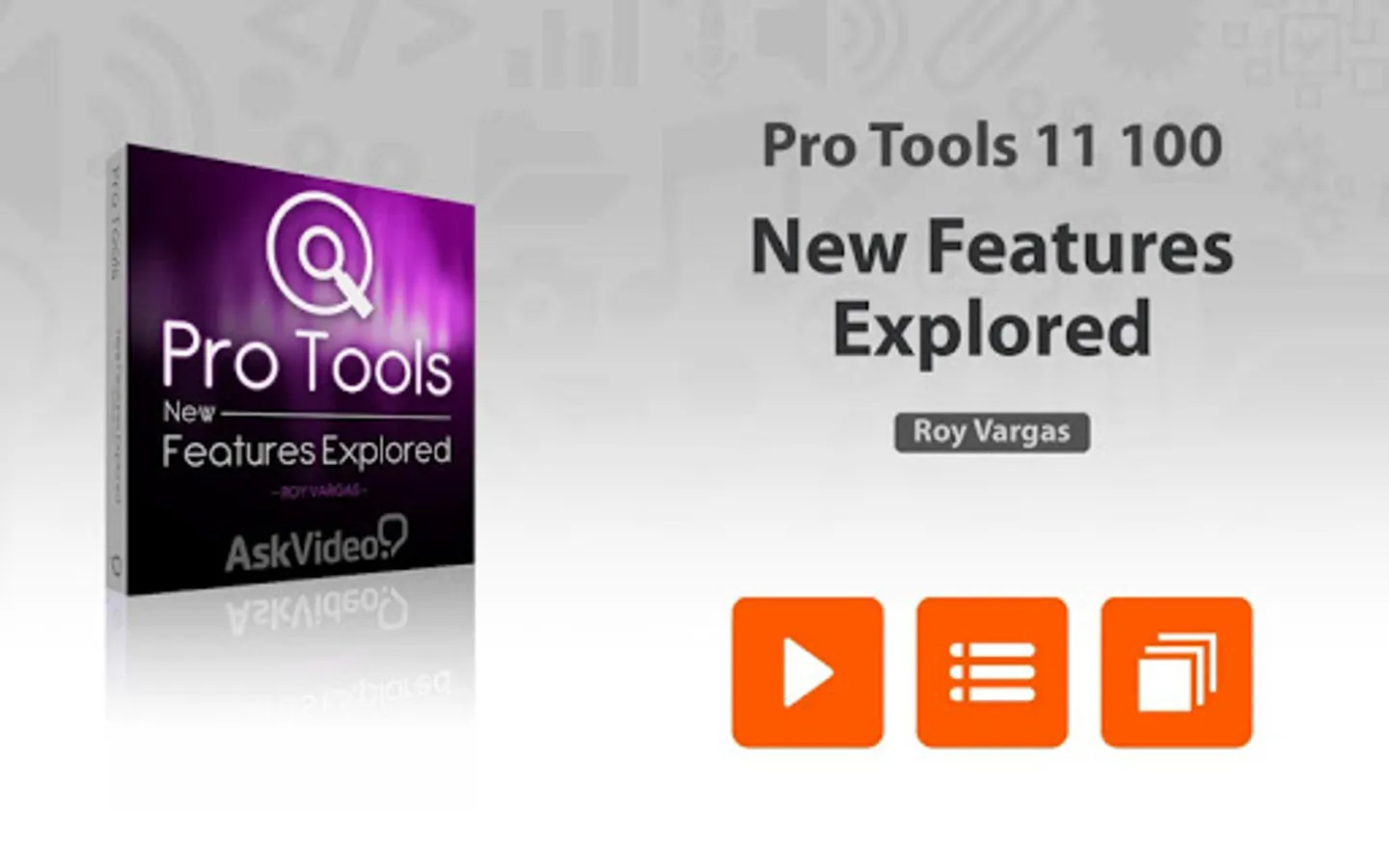
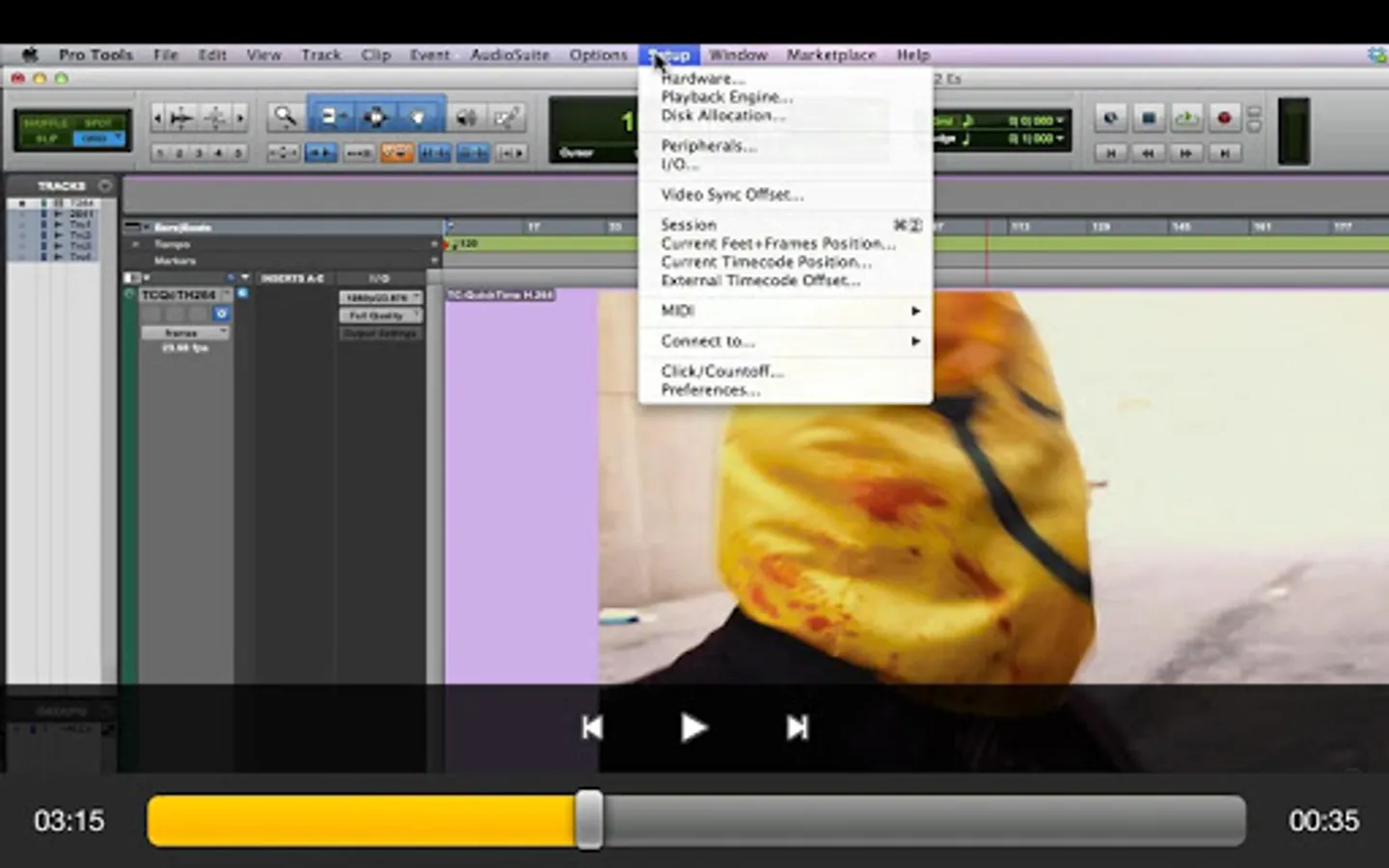
This FREE 40-tutorial course reveals, explores and explains all of the new and noteworthy features introduced in Avid's Pro Tools 11. Get up to speed in a hurry and find out what makes PT11 the best Pro Tools ever...
App Features:
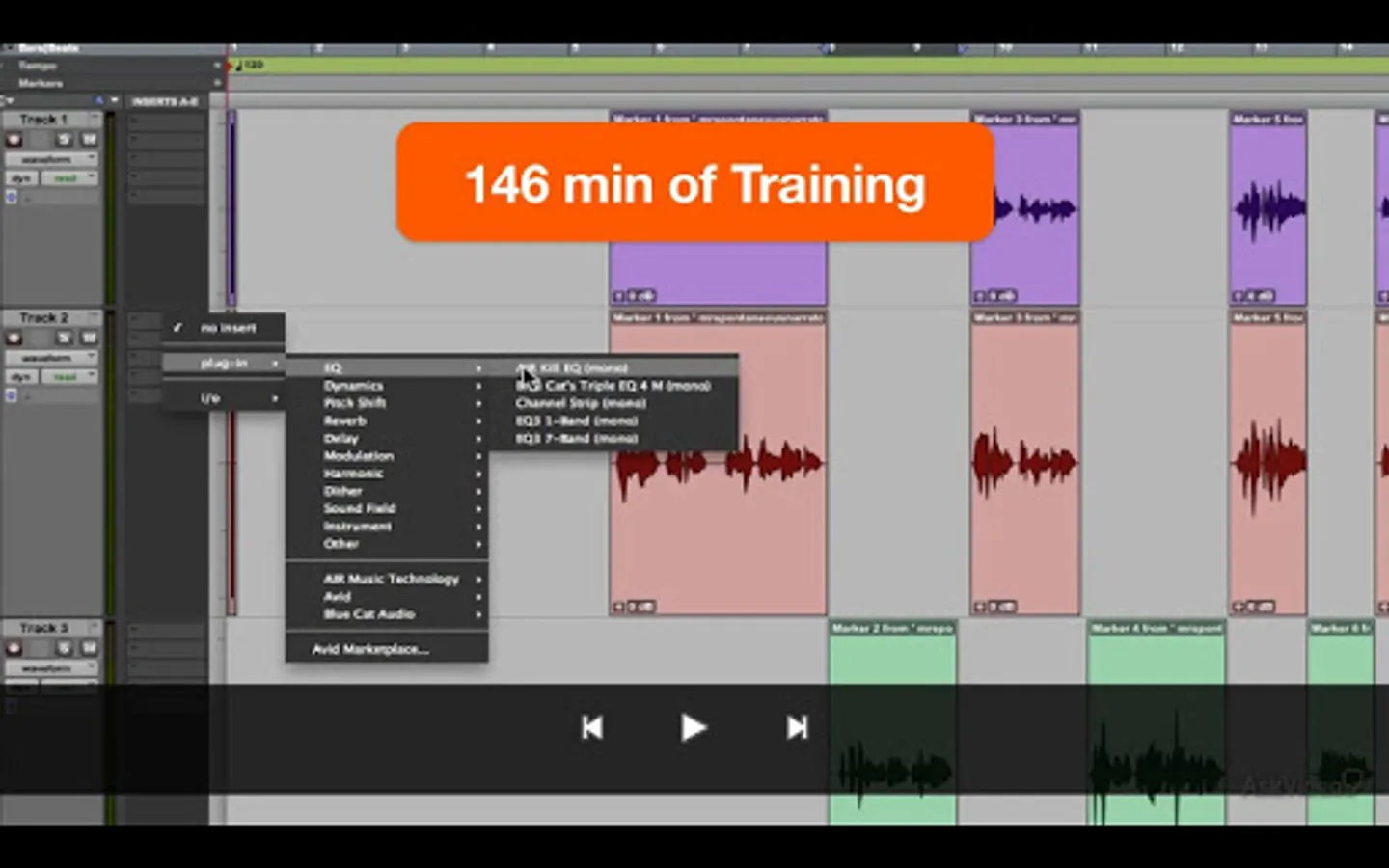
• 146 minutes of video training
• Super clear explanations
• Offline Playback (no internet connection needed)
• Easy to navigate
Course Outline:
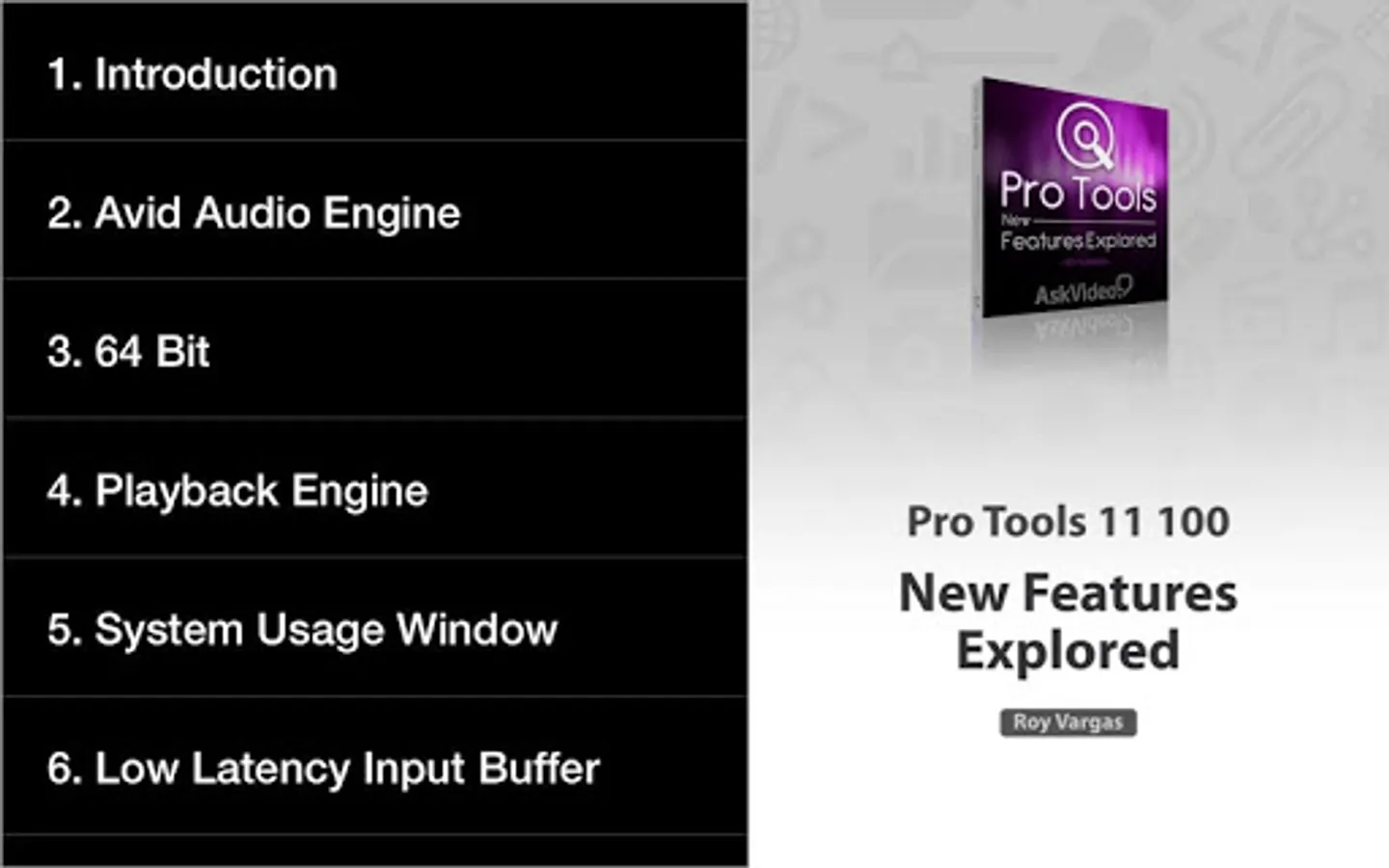
1. Introduction (01:05)
2. Avid Audio Engine (04:24)
3. 64 Bit (03:59)
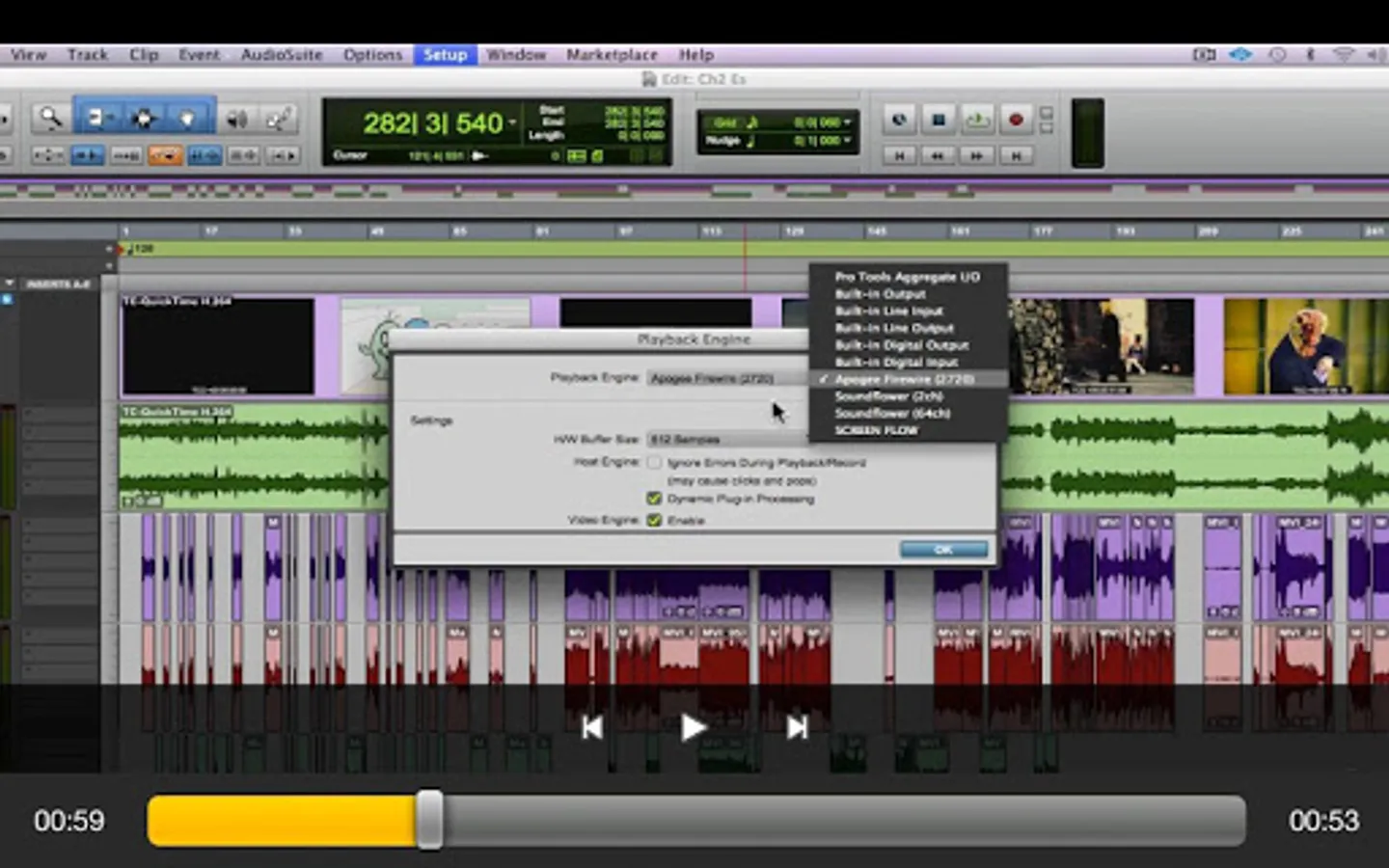
4. Playback Engine (01:52)
5. System Usage Window (02:24)
6. Low Latency Input Buffer (02:29)
7. Maximum Delay Compensation (02:44)
8. Dynamic Plug In Processing (03:48)
9. Video Engine (02:25)
10. Instrument Track Count (01:57)
11. 64 Levels of Undo (02:34)
12. Drag and Drop Install (01:24)
13. Pro Tools 10 and 11 Co-install (04:06)
14. Avid Support in the Help Menu (01:34)
15. Offline Bounce (05:58)
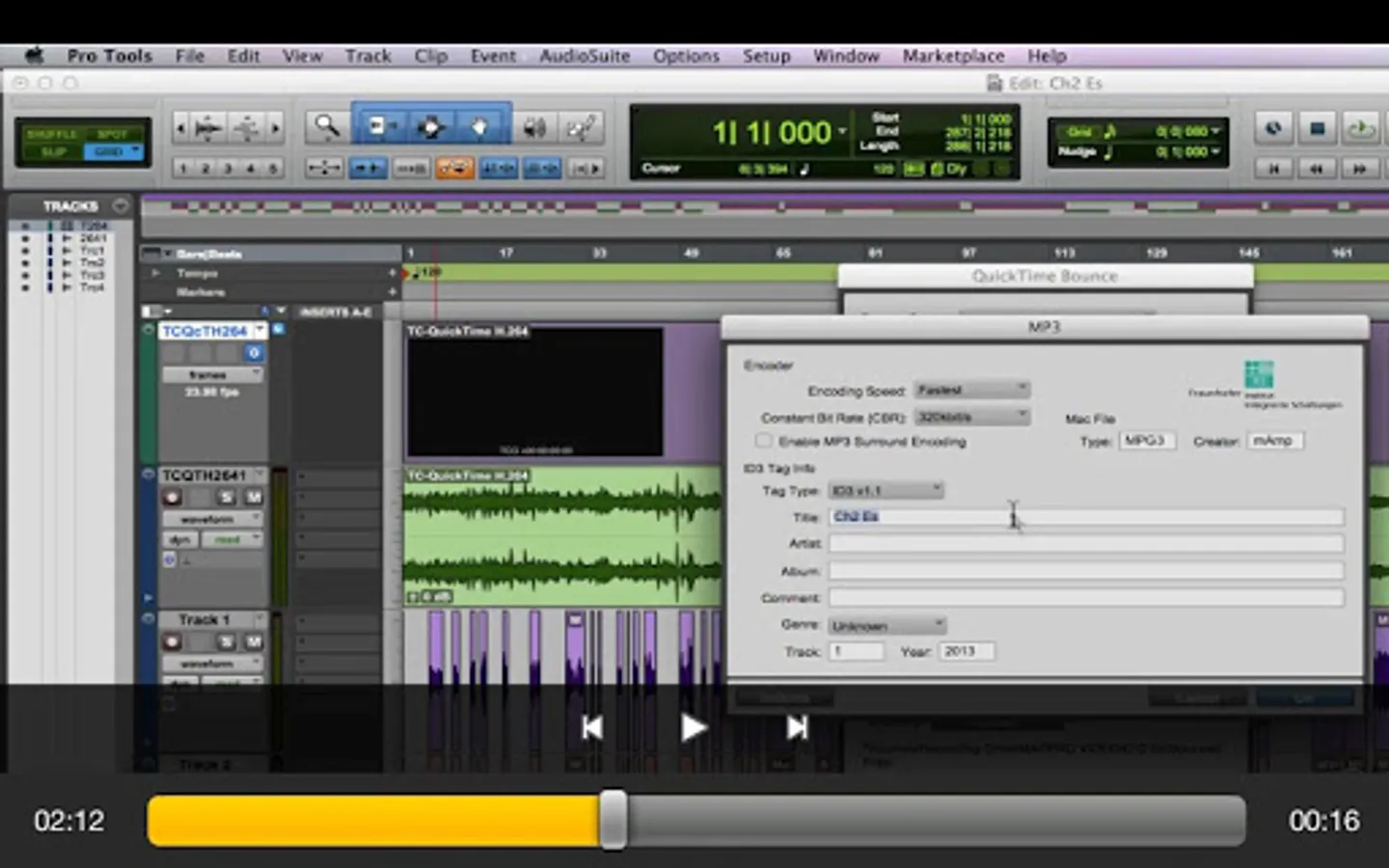
16. Bouncing an MP3 with Another File Type (02:46)
17. Bounce from Sends and Track Outputs (06:41)
18. Bouncing MP3 to QuickTime (02:27)
19. Bounce to QuickTime Settings (05:45)
20. The New Workspace Browser (05:51)
21. Browser Menu Enhancements (05:18)
22. Improved Database File Management (06:10)
23. Enhanced Database Searching (04:30)
24. 64Bit AAX Plug In Support (02:59)
25. Click II plug In (04:47)
26. Advanced Metering - Part 1 (02:42)
27. Advanced Metering - Part 2 (05:34)
28. Advanced Metering - Part 3 (03:40)
29. Output Meters (03:56)
30. Headroom Indicator (04:19)
31. Track and Send Clip Indicators (02:36)
32. Send Enhancements - Part 1 (03:21)
33. Send Enhancements - Part 2 (01:38)
34. Insert Enhancements (03:32)
35. Restore Previously Shown Tracks (02:21)
36. Add new Track Enhancements (03:54)
37. Transport Fade In (03:27)
38. Enable Automation During Record (04:22)
39. Video Track Improvements (05:04)
40. Video Preferences and Satellite LE (03:49)
41. Conclusion (01:09)
App Features:
• 146 minutes of video training
• Super clear explanations
• Offline Playback (no internet connection needed)
• Easy to navigate
Course Outline:
1. Introduction (01:05)
2. Avid Audio Engine (04:24)
3. 64 Bit (03:59)
4. Playback Engine (01:52)
5. System Usage Window (02:24)
6. Low Latency Input Buffer (02:29)
7. Maximum Delay Compensation (02:44)
8. Dynamic Plug In Processing (03:48)
9. Video Engine (02:25)
10. Instrument Track Count (01:57)
11. 64 Levels of Undo (02:34)
12. Drag and Drop Install (01:24)
13. Pro Tools 10 and 11 Co-install (04:06)
14. Avid Support in the Help Menu (01:34)
15. Offline Bounce (05:58)
16. Bouncing an MP3 with Another File Type (02:46)
17. Bounce from Sends and Track Outputs (06:41)
18. Bouncing MP3 to QuickTime (02:27)
19. Bounce to QuickTime Settings (05:45)
20. The New Workspace Browser (05:51)
21. Browser Menu Enhancements (05:18)
22. Improved Database File Management (06:10)
23. Enhanced Database Searching (04:30)
24. 64Bit AAX Plug In Support (02:59)
25. Click II plug In (04:47)
26. Advanced Metering - Part 1 (02:42)
27. Advanced Metering - Part 2 (05:34)
28. Advanced Metering - Part 3 (03:40)
29. Output Meters (03:56)
30. Headroom Indicator (04:19)
31. Track and Send Clip Indicators (02:36)
32. Send Enhancements - Part 1 (03:21)
33. Send Enhancements - Part 2 (01:38)
34. Insert Enhancements (03:32)
35. Restore Previously Shown Tracks (02:21)
36. Add new Track Enhancements (03:54)
37. Transport Fade In (03:27)
38. Enable Automation During Record (04:22)
39. Video Track Improvements (05:04)
40. Video Preferences and Satellite LE (03:49)
41. Conclusion (01:09)
AV For Pro Tools 11 Features Screenshots
Tap to Rate: