Peek AOD - Always On Display
Dubiaz
4.1 ★
store rating
50,000+
downloads
Free
+ in-app
AppRecs review analysis
AppRecs rating 3.4. Trustworthiness 78 out of 100. Review manipulation risk 35 out of 100. Based on a review sample analyzed.
★★★☆☆
3.4
AppRecs Rating
Ratings breakdown
5 star
64%
4 star
16%
3 star
3%
2 star
3%
1 star
16%
What to know
✓
Credible reviews
78% trustworthiness score from analyzed reviews
✓
High user satisfaction
79% of sampled ratings are 4+ stars (4.1★ average)
⚠
Review quality concerns
88% of sampled 5-star reviews are very short
About Peek AOD - Always On Display
Unlock the Power of Notifications on Your Lock Screen peek notifications!
Scroll through and interact with all current notifications.
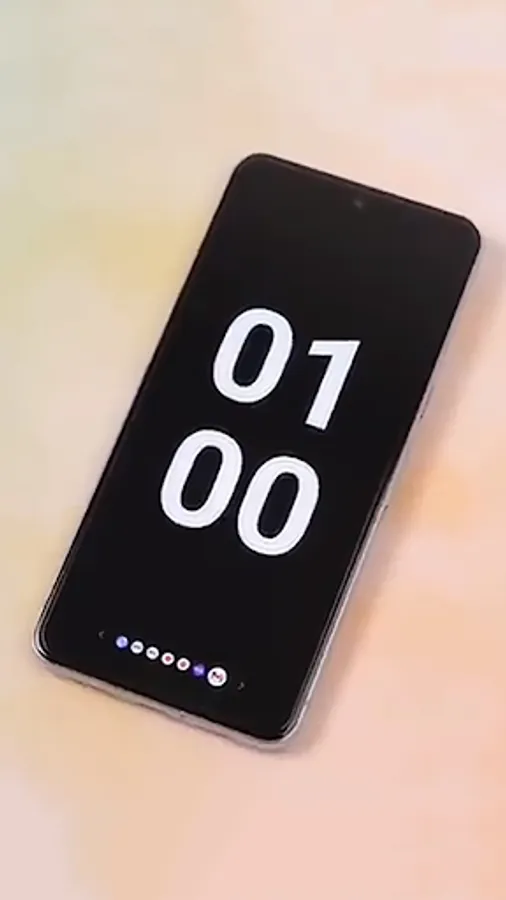
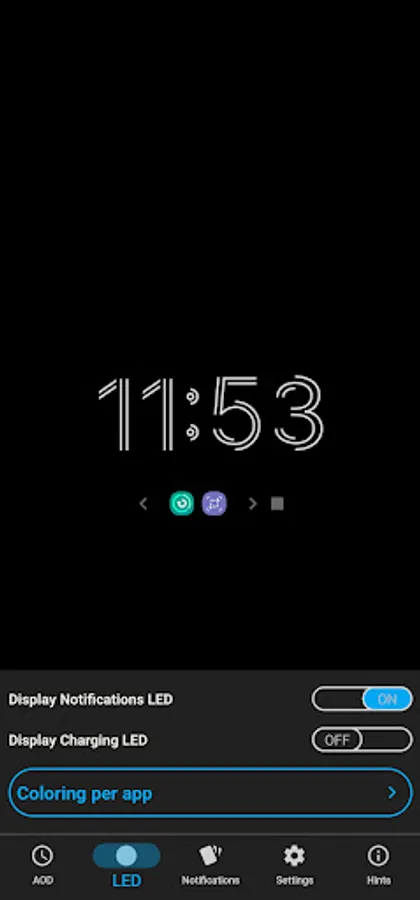
Main features of this app is an always on display with notifications icons which you can click it to view its notification details along with a notifications LED light and charging indicator.
Tired of missing important notifications while your phone is locked? Peek Display - AOD Plus has you covered! Our app lets you view and interact with notifications directly from your lock screen using always on display, saving you time and effort, empowering you to stay connected and manage your notifications effortlessly.
With Peek Display - AOD Plus, you can:
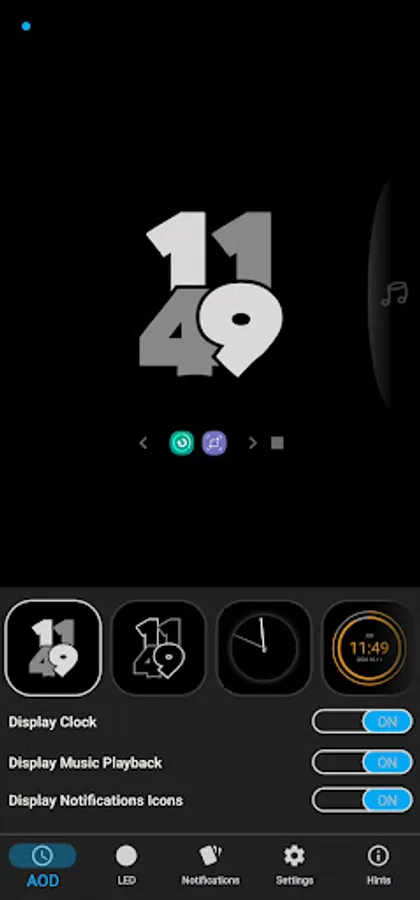
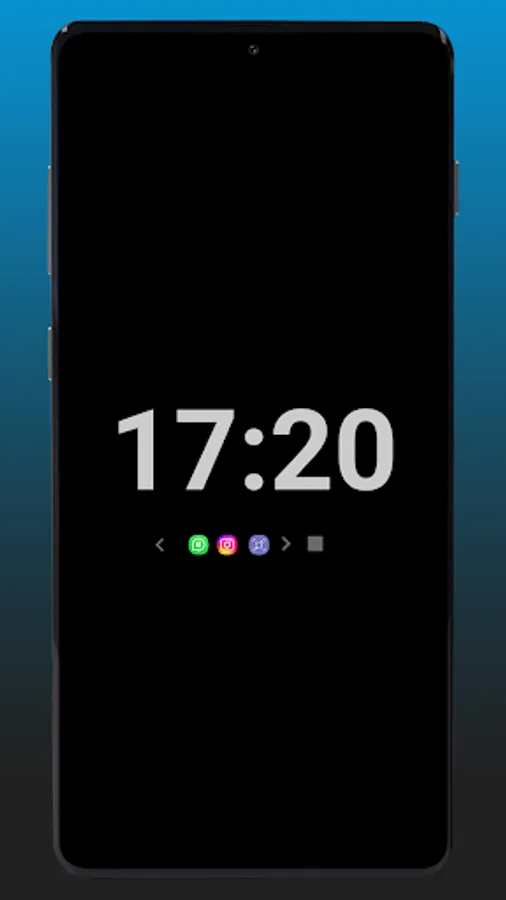
* AOD clock on lock screen with too many analog and numerical designs to choose from.
* Notifications icons below the clock which can be clicked to view the notification details.
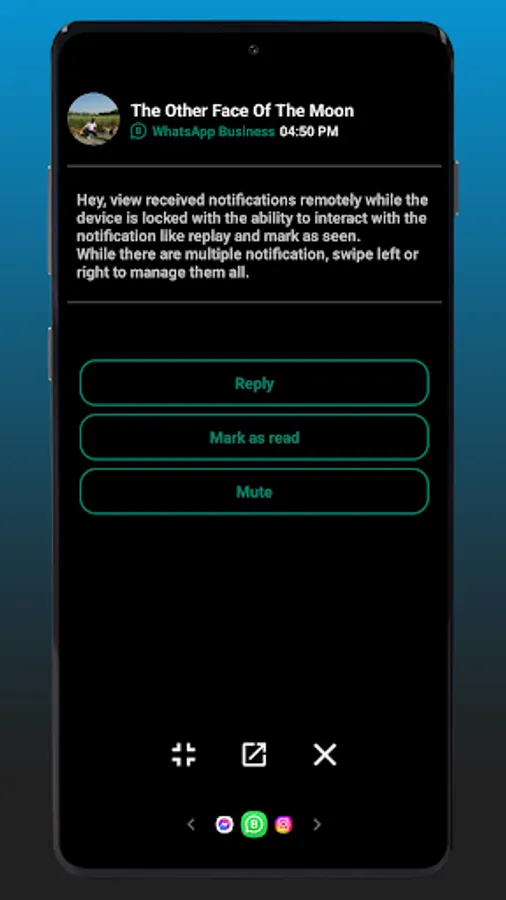
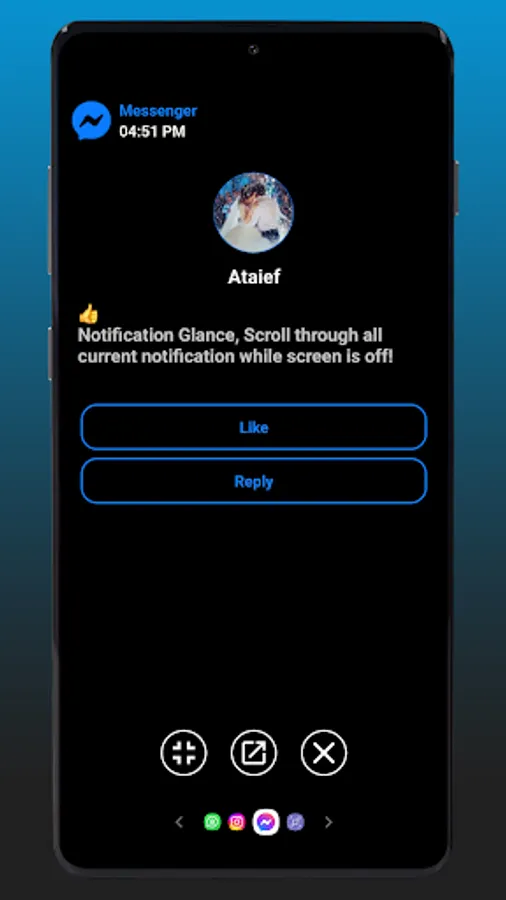
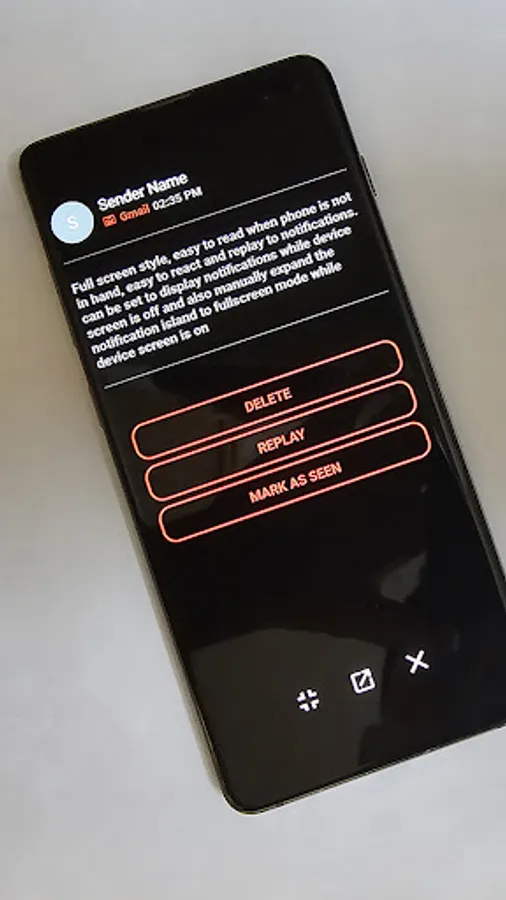
* the ability to interact with notification from lock screen like mark as seen or replay.
* See all your notifications at a glance, even when your device is locked
* Swipe left or right to navigate between multiple notifications
* Respond to messages, mark emails as read, and more, all without unlocking your phone
* Customize the notification style to your preference
* Display notifications on a large scale for easy reading from afar
* Set the app to work only while your device is charging, conserving battery life, or only for having new notifications or always after the screen is locked.
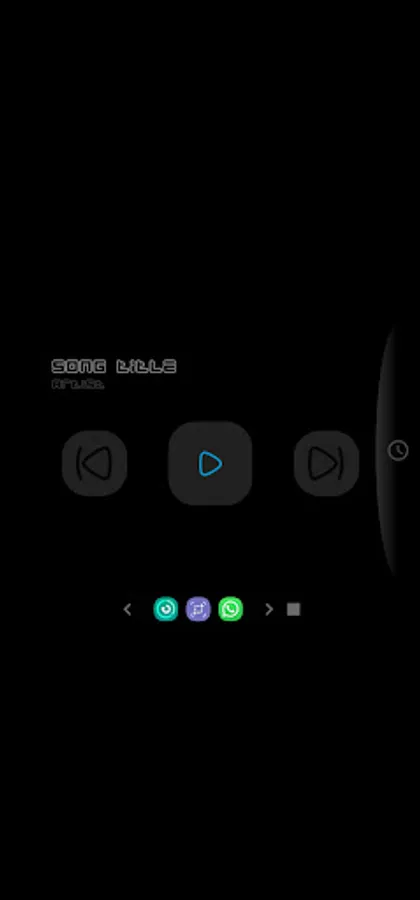
* Music playback while on lock screen
* Notifications LED colored per app.
* Charging indecator and battery full LED light.
Never miss a notification again! Download AOD Plus today and enjoy the convenience of managing your notifications right from your lock screen.
Scroll through and interact with all current notifications.
Main features of this app is an always on display with notifications icons which you can click it to view its notification details along with a notifications LED light and charging indicator.
Tired of missing important notifications while your phone is locked? Peek Display - AOD Plus has you covered! Our app lets you view and interact with notifications directly from your lock screen using always on display, saving you time and effort, empowering you to stay connected and manage your notifications effortlessly.
With Peek Display - AOD Plus, you can:
* AOD clock on lock screen with too many analog and numerical designs to choose from.
* Notifications icons below the clock which can be clicked to view the notification details.
* the ability to interact with notification from lock screen like mark as seen or replay.
* See all your notifications at a glance, even when your device is locked
* Swipe left or right to navigate between multiple notifications
* Respond to messages, mark emails as read, and more, all without unlocking your phone
* Customize the notification style to your preference
* Display notifications on a large scale for easy reading from afar
* Set the app to work only while your device is charging, conserving battery life, or only for having new notifications or always after the screen is locked.
* Music playback while on lock screen
* Notifications LED colored per app.
* Charging indecator and battery full LED light.
Never miss a notification again! Download AOD Plus today and enjoy the convenience of managing your notifications right from your lock screen.