Cloud Admin - Panel for Vultr
NotionBit Mobile
4.6 ★
134 ratings
10,000+
downloads
Free
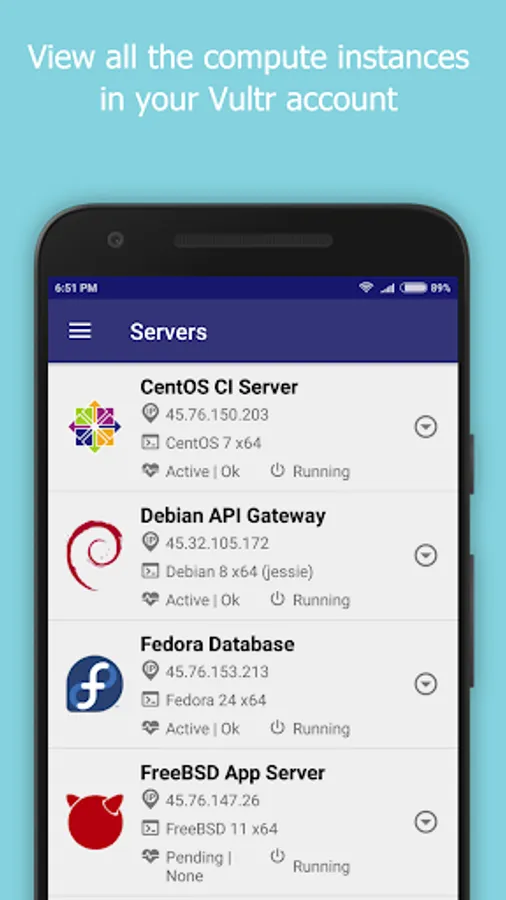
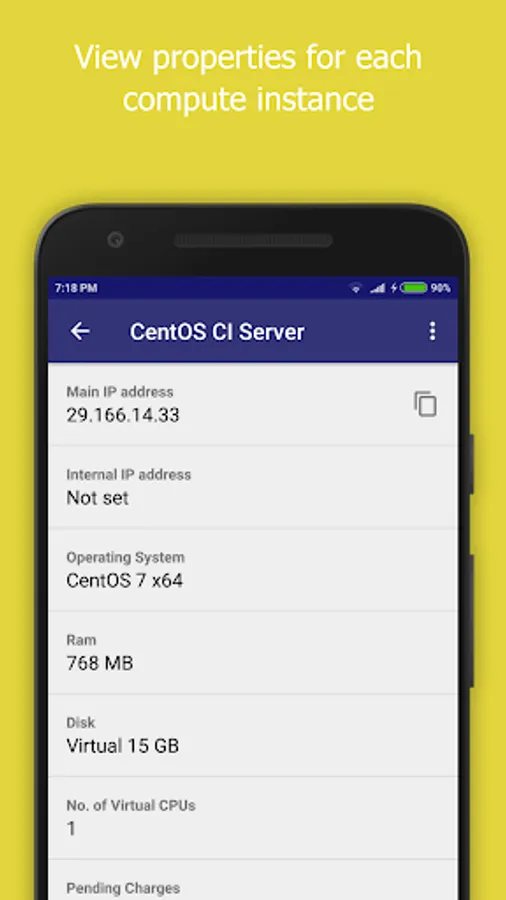
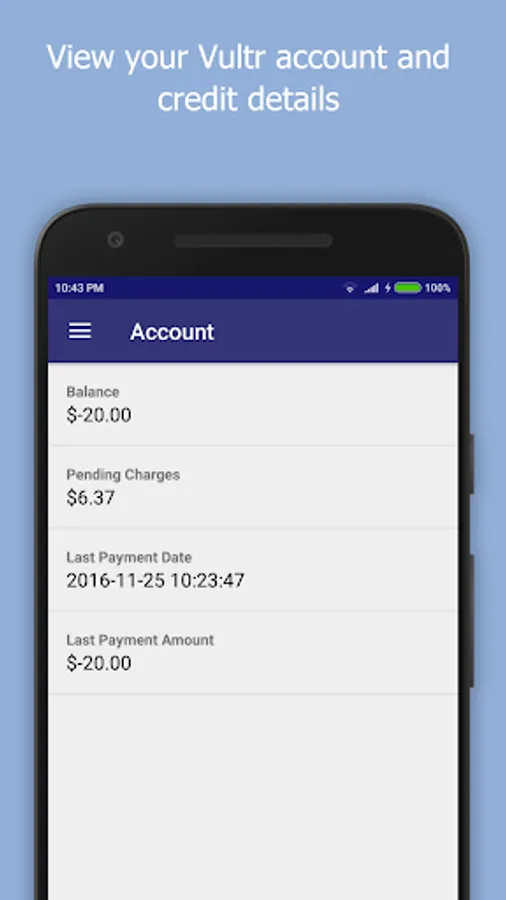
In this control panel app, you can manage your Vultr Cloud account by creating, viewing, and controlling servers and snapshots. Includes features for server management, snapshot handling, user management, and bandwidth monitoring.
AppRecs review analysis
AppRecs rating 4.6. Trustworthiness 0 out of 100. Review manipulation risk 0 out of 100. Based on a review sample analyzed.
★★★★☆
4.6
AppRecs Rating
Ratings breakdown
5 star
81%
4 star
10%
3 star
6%
2 star
0%
1 star
3%
What to know
✓
High user satisfaction
81% of sampled ratings are 5 stars
✓
Authentic reviews
Natural distribution, no red flags
About Cloud Admin - Panel for Vultr
Cloud Admin for Vultr provides a control panel to manage your Vultr Cloud Account, instances and snapshots.
Vultr Cloud functionality currently supported are -
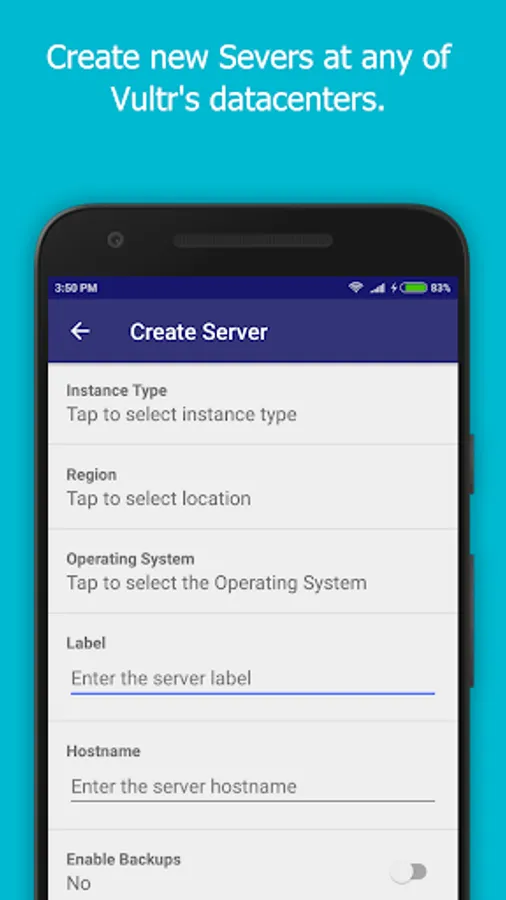
- Create/View servers
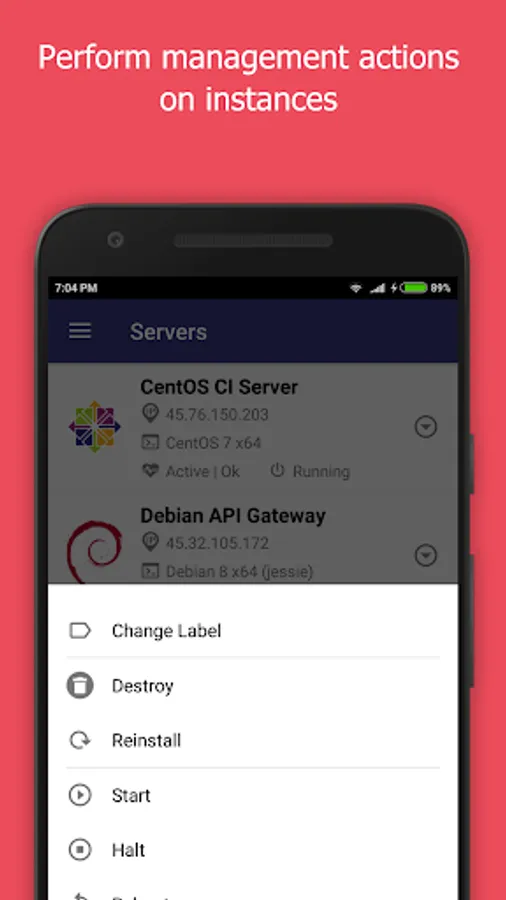
- Start/Stop/Restart/Reinstall/Destroy servers
- Enable/Disable Server backups
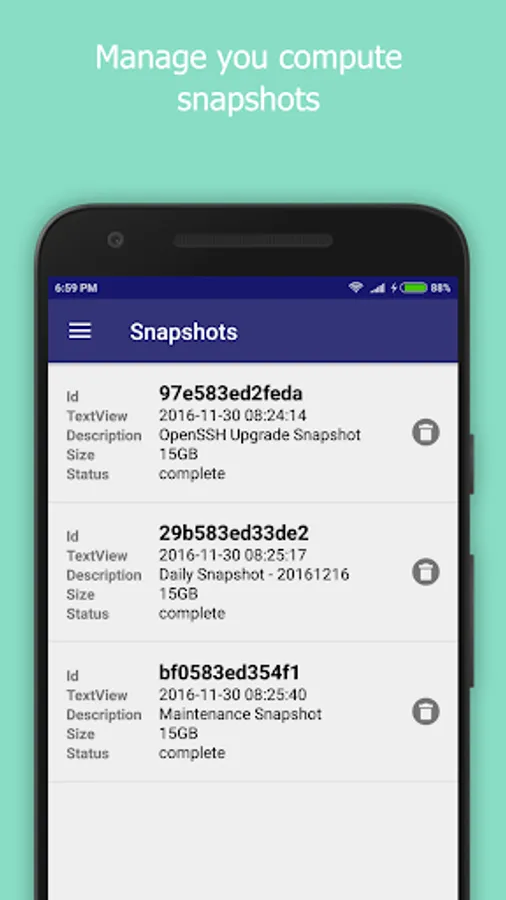
- Create/Delete/View snapshots
- Create/Edit/View users
- Experimental support for viewing bandwidth usage.
Notes -
- The IP Address of your mobile device will have to be white listed in the Vultr Admin Console for this application to function. This can be set at the following location.
https://my.vultr.com/settings/#settingsapi
- You can also allow access to all IP Addresses at the above link.
We would really appreciate it if you could provide us with your feedback, criticisms and problems encountered for us to be able to make this app better.
Also, please let us know the features that you would like the see the most in the app.
What is Vultr? - https://www.vultr.com/features/
New Vultr accounts can be created by registering here - http://www.vultr.com/?ref=7042741-3B
Disclaimer -
This is an unofficial app, we are not associated with Vultr.
We do not own any rights to the Vultr name or the logo.
Vultr Cloud functionality currently supported are -
- Create/View servers
- Start/Stop/Restart/Reinstall/Destroy servers
- Enable/Disable Server backups
- Create/Delete/View snapshots
- Create/Edit/View users
- Experimental support for viewing bandwidth usage.
Notes -
- The IP Address of your mobile device will have to be white listed in the Vultr Admin Console for this application to function. This can be set at the following location.
https://my.vultr.com/settings/#settingsapi
- You can also allow access to all IP Addresses at the above link.
We would really appreciate it if you could provide us with your feedback, criticisms and problems encountered for us to be able to make this app better.
Also, please let us know the features that you would like the see the most in the app.
What is Vultr? - https://www.vultr.com/features/
New Vultr accounts can be created by registering here - http://www.vultr.com/?ref=7042741-3B
Disclaimer -
This is an unofficial app, we are not associated with Vultr.
We do not own any rights to the Vultr name or the logo.