Remote for Roku TV Control
Tripti
4.2 ★
store rating
10,000+
downloads
Free
+ in-app
AppRecs review analysis
AppRecs rating 3.5. Trustworthiness 81 out of 100. Review manipulation risk 30 out of 100. Based on a review sample analyzed.
★★★☆☆
3.5
AppRecs Rating
Ratings breakdown
5 star
70%
4 star
11%
3 star
4%
2 star
4%
1 star
11%
What to know
✓
Credible reviews
81% trustworthiness score from analyzed reviews
⚠
Ad complaints
Many low ratings mention excessive ads
⚠
Review quality concerns
54% of sampled 5-star reviews are very short
About Remote for Roku TV Control
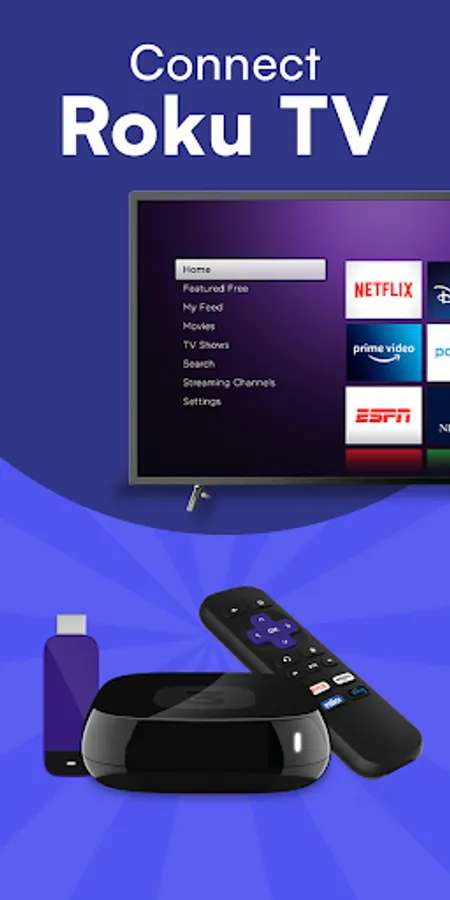
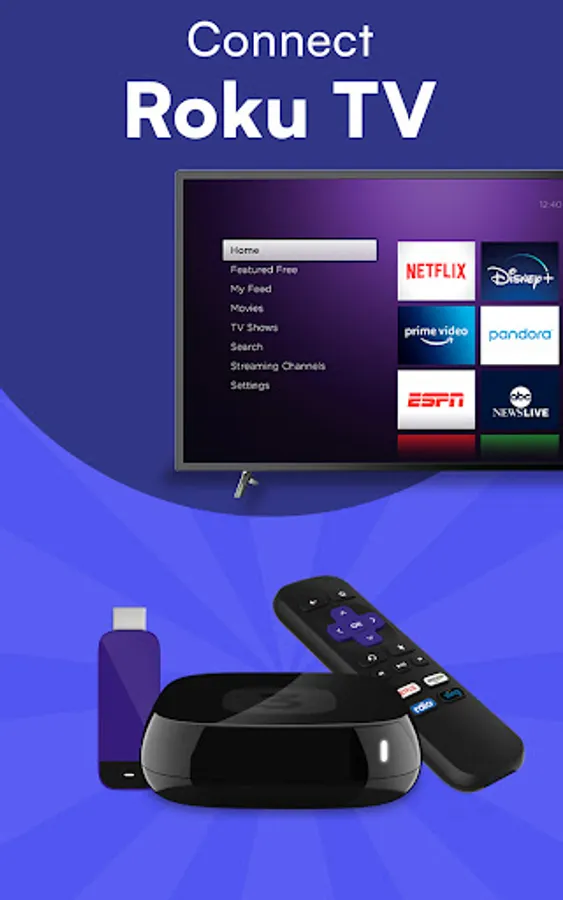
Remote for Roku TV Remote Control is a simple and easy-to-use Roku TV remote control app designed for Roku Smart TVs and Roku Streaming Players such as Haier, Hisense, Philips, Sharp, TCL, Element, Insignia, Hitachi, and RCA
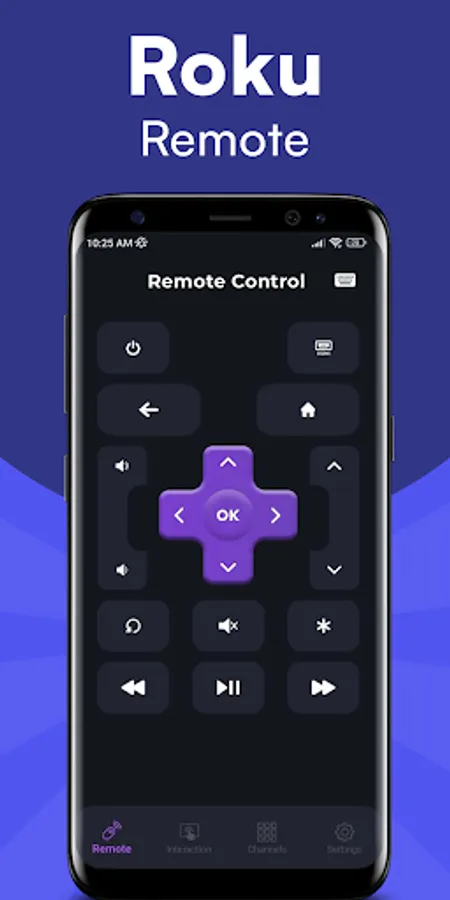
Remote for Roku TV Remote Control is a smart TV controller app that provides a fast, reliable, and convenient way to control your Roku Smart TV using any Android phone. Just connect your mobile device and your smart TV to the same Wi-Fi network and enjoy seamless control instantly.
Features of Remote for Roku TV Remote Control
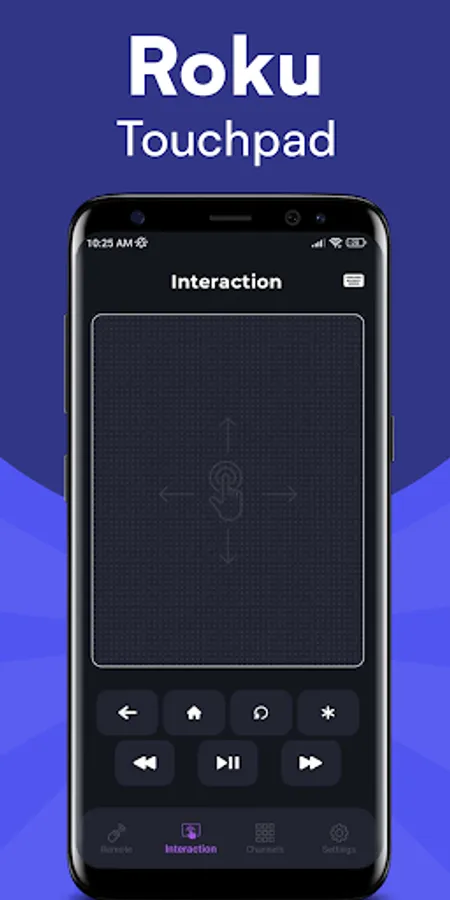
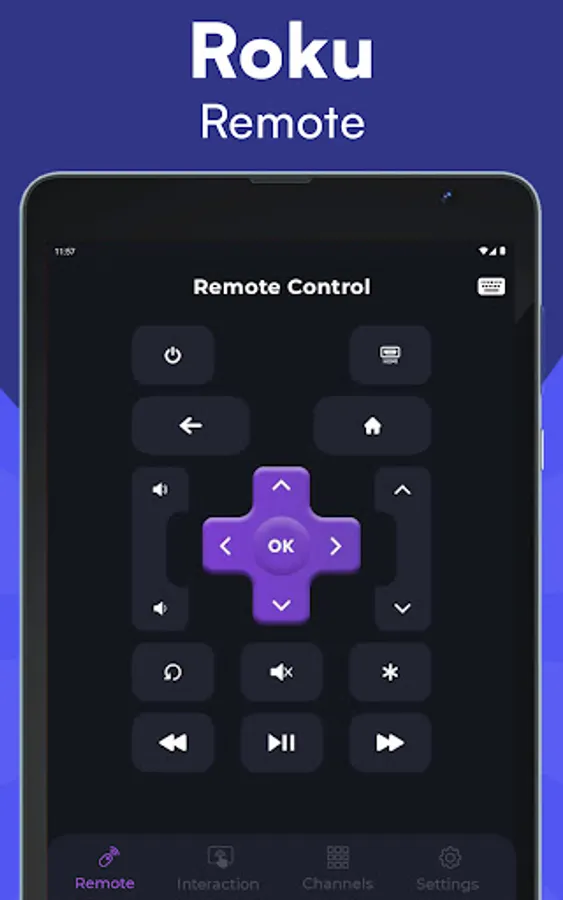
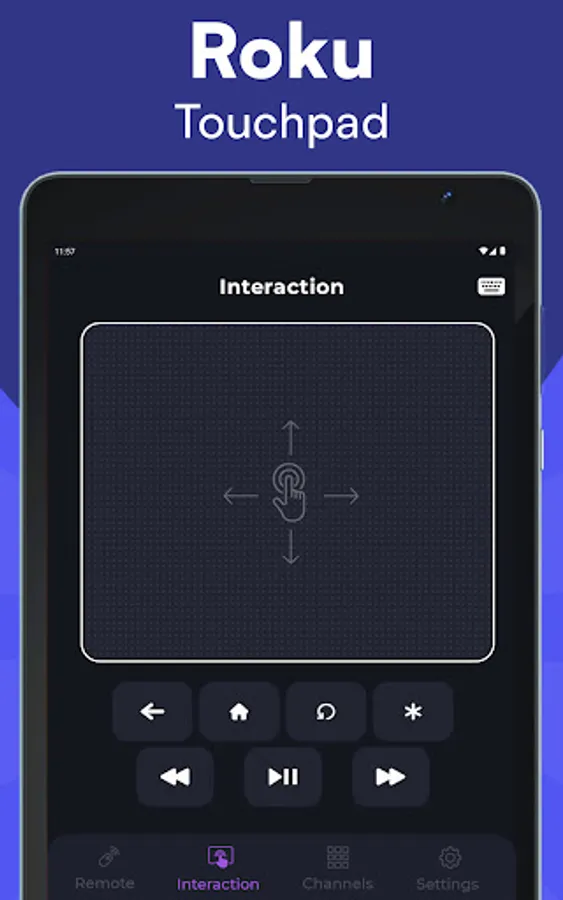
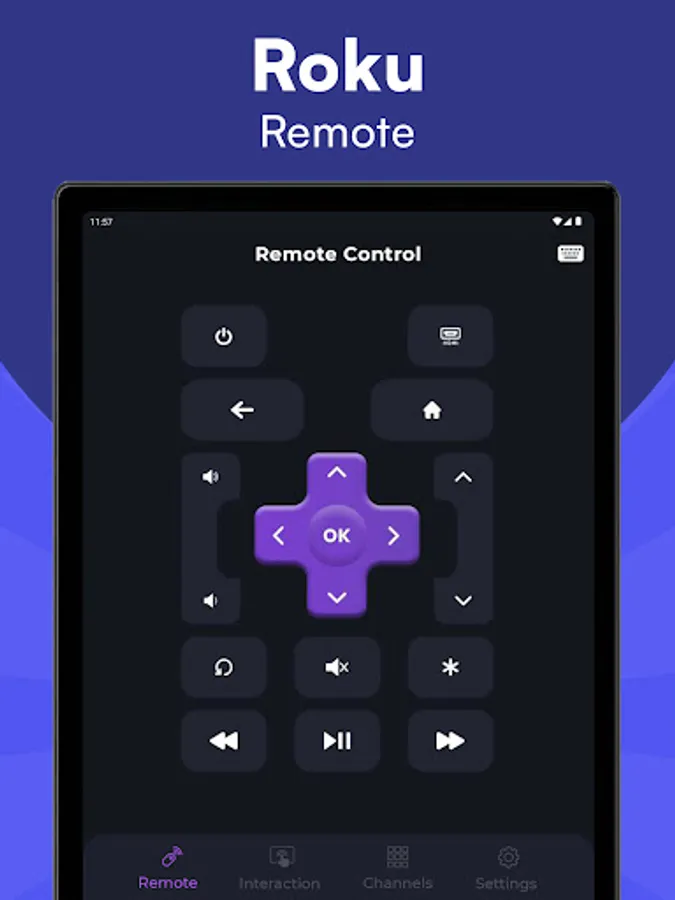
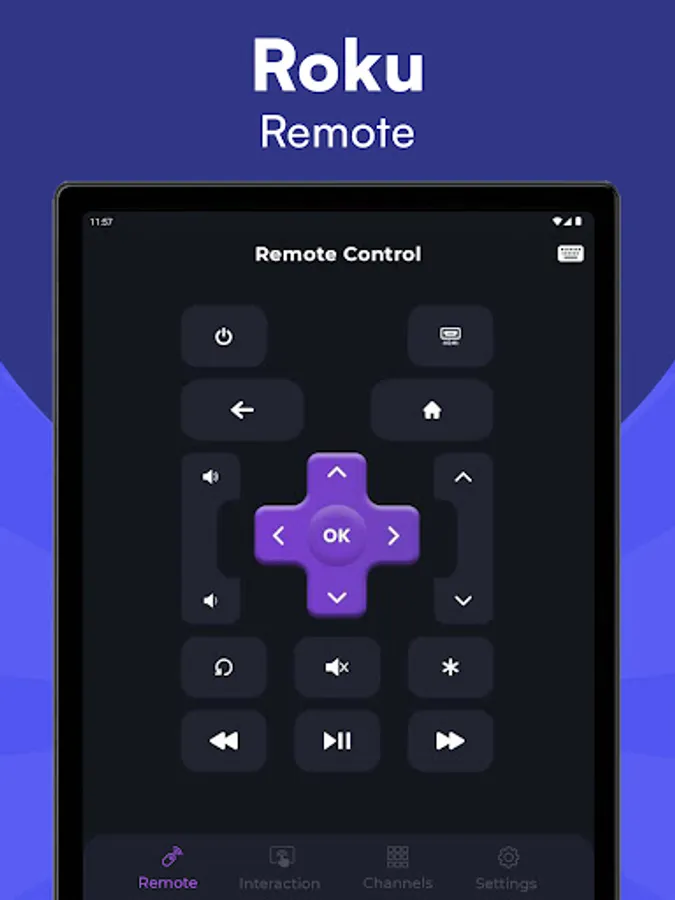
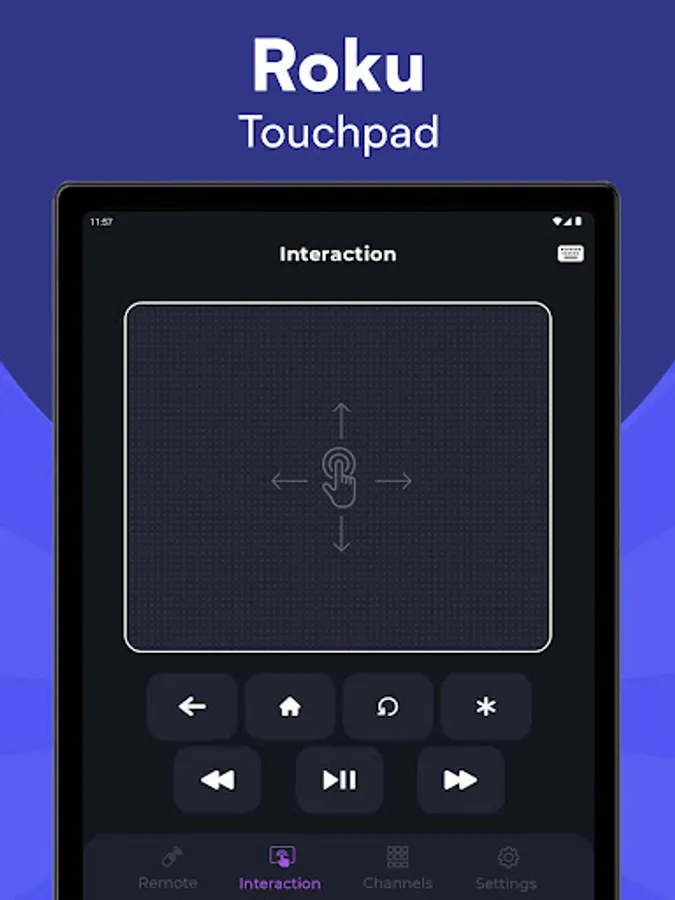
◆ No setup required – The app automatically scans your network to find your Roku device. ◆ Compatible with all Roku versions. ◆ All Roku remote buttons supported. ◆ Power ON/OFF and volume adjustments. ◆ Easy navigation with directional arrow keys (up, down, right, left). ◆ Large touchpad for smooth menu and content browsing. ◆ Fast & easy keyboard for quick text input. ◆ Works as a full-featured Roku remote directly from your phone.
Supported Devices of Remote for Roku TV Remote Control
◆ Roku streaming devices: Roku Express, Roku Express+, Roku Streaming Stick, Roku Streaming Stick+, Roku Premiere, Roku Premiere+, Roku Ultra ◆ Roku TVs from Philips, TCL, Hisense, Sharp, Haier, Element, Insignia, Hitachi, RCA, and more.
How to Connect Roku Remote
1. Make sure your Android smartphone is connected to the same Wi-Fi network as your Roku TV.
2. Download and launch the Roku TV Remote Control app, then tap to select your Roku device to connect.
3. Once connected, you can easily control your Roku device using the Roku TV Remote Control app.
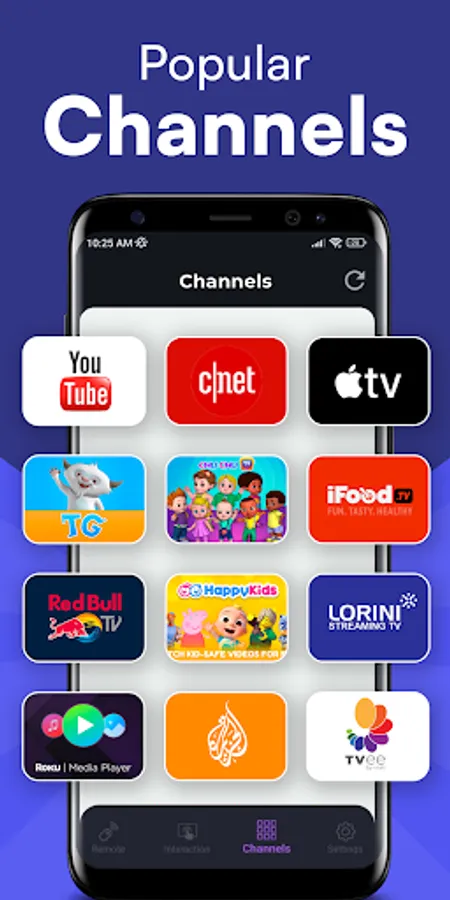
Are you tired of broken buttons or dead batteries in your physical TV remote? No worries! Remote for Roku TV Remote Control turns your Android phone into a powerful and reliable Roku remote. Enjoy instant access to all your Roku features without searching for your old remote.
Download the app now and control your Roku TV just like a real Roku Streaming Player remote!
DISCLAIMER
We are NOT affiliated with Roku, Inc., and this app is not an official product of Roku, Inc. This app is designed solely to replace or complement your physical Roku TV remote control.
Remote for Roku TV Remote Control is a smart TV controller app that provides a fast, reliable, and convenient way to control your Roku Smart TV using any Android phone. Just connect your mobile device and your smart TV to the same Wi-Fi network and enjoy seamless control instantly.
Features of Remote for Roku TV Remote Control
◆ No setup required – The app automatically scans your network to find your Roku device. ◆ Compatible with all Roku versions. ◆ All Roku remote buttons supported. ◆ Power ON/OFF and volume adjustments. ◆ Easy navigation with directional arrow keys (up, down, right, left). ◆ Large touchpad for smooth menu and content browsing. ◆ Fast & easy keyboard for quick text input. ◆ Works as a full-featured Roku remote directly from your phone.
Supported Devices of Remote for Roku TV Remote Control
◆ Roku streaming devices: Roku Express, Roku Express+, Roku Streaming Stick, Roku Streaming Stick+, Roku Premiere, Roku Premiere+, Roku Ultra ◆ Roku TVs from Philips, TCL, Hisense, Sharp, Haier, Element, Insignia, Hitachi, RCA, and more.
How to Connect Roku Remote
1. Make sure your Android smartphone is connected to the same Wi-Fi network as your Roku TV.
2. Download and launch the Roku TV Remote Control app, then tap to select your Roku device to connect.
3. Once connected, you can easily control your Roku device using the Roku TV Remote Control app.
Are you tired of broken buttons or dead batteries in your physical TV remote? No worries! Remote for Roku TV Remote Control turns your Android phone into a powerful and reliable Roku remote. Enjoy instant access to all your Roku features without searching for your old remote.
Download the app now and control your Roku TV just like a real Roku Streaming Player remote!
DISCLAIMER
We are NOT affiliated with Roku, Inc., and this app is not an official product of Roku, Inc. This app is designed solely to replace or complement your physical Roku TV remote control.