
PowerScribe Radiologist
Nuance Communications, Inc
3.0 ★
17 ratings
1,000+
downloads
Free
In this radiology app, radiologists can search content, create, edit, and sign reports using voice commands. Includes report management, notifications, and access to medical references.
AppRecs review analysis
AppRecs rating 3.0. Trustworthiness 62 out of 100. Review manipulation risk 28 out of 100. Based on a review sample analyzed.
★★★☆☆
3.0
AppRecs Rating
Ratings breakdown
5 star
33%
4 star
0%
3 star
33%
2 star
0%
1 star
33%
What to know
✓
Low review manipulation risk
28% review manipulation risk
About PowerScribe Radiologist
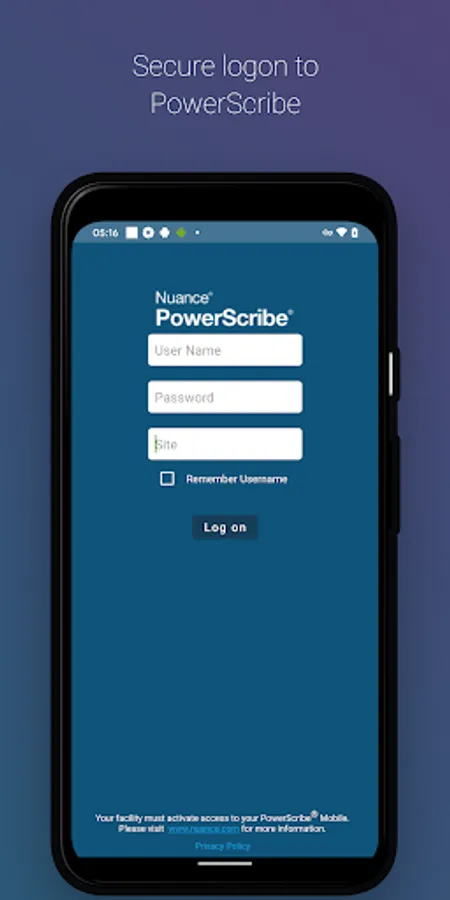
PowerScribe Mobile Radiologist enables medical imaging professionals to search radiology specific content to assist with a diagnosis and to securely sign, create, or edit reports and addenda in PowerScribe Reporting using speech while on the go.
REQUIREMENTS:
* Android 13.0 or greater.
* Internet access through wireless Local Area Network (LAN) connection or phone service provider is required.
* PowerScribe 360 Reporting v4.0 (or greater), PowerScribe One and Mobile Bridge are required to use this application.
FEATURES AND BENEFITS:
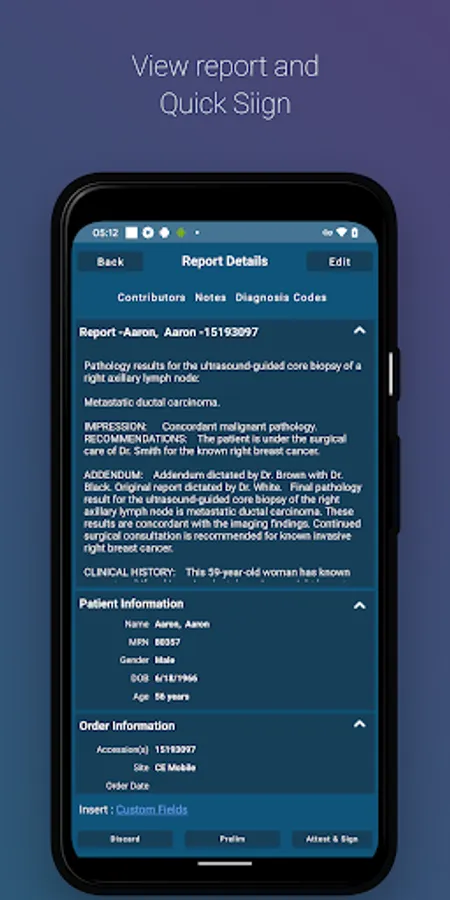
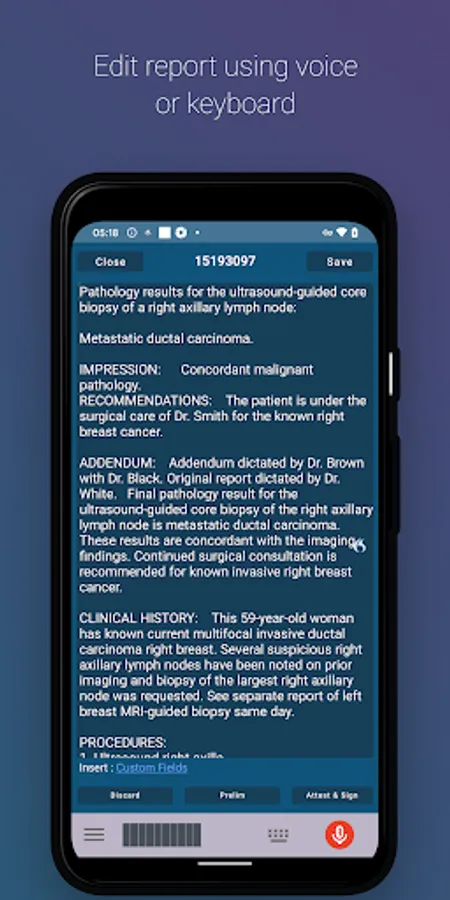
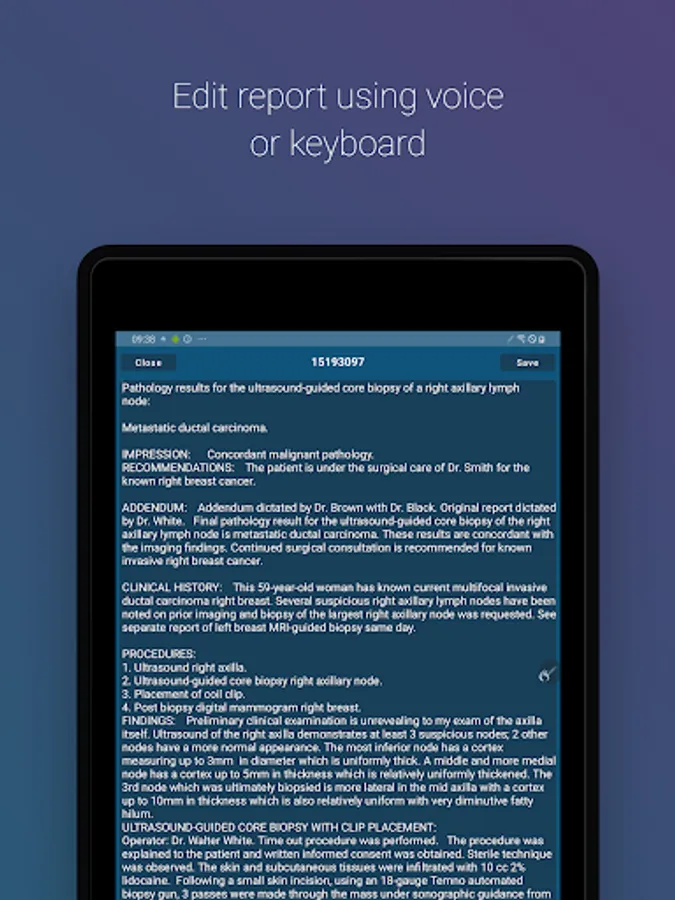
*Create, edit, search and sign: Provides secure access to create, search, edit and sign reports and addenda from the convenience of your mobile device.
*Notification alerts: Get alerts when a new report is ready for signing.
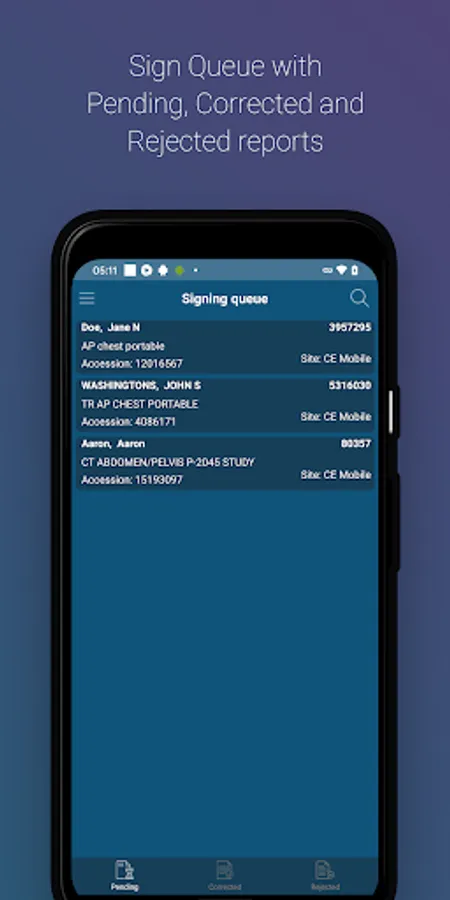
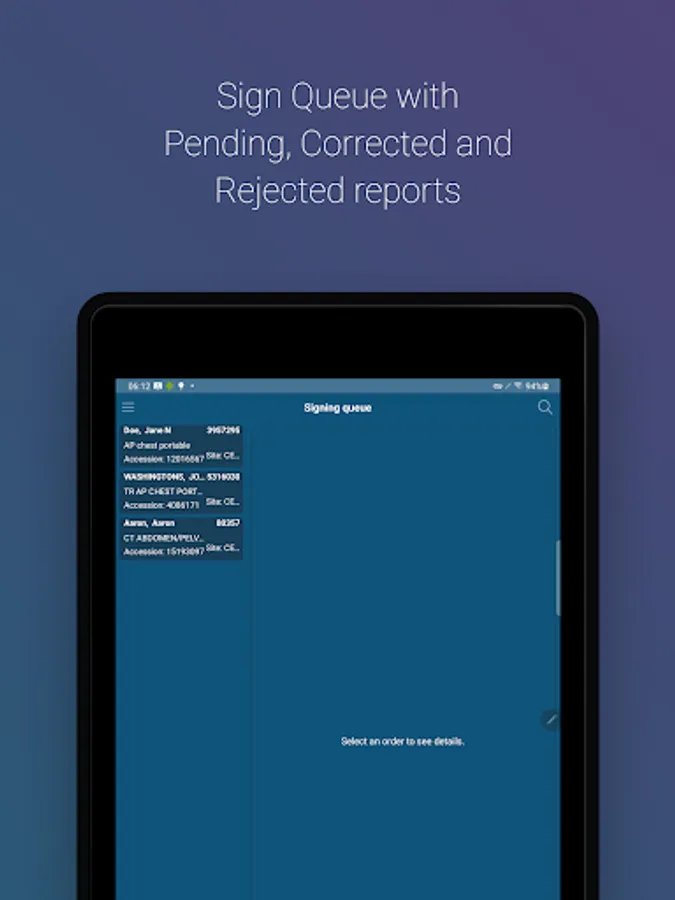
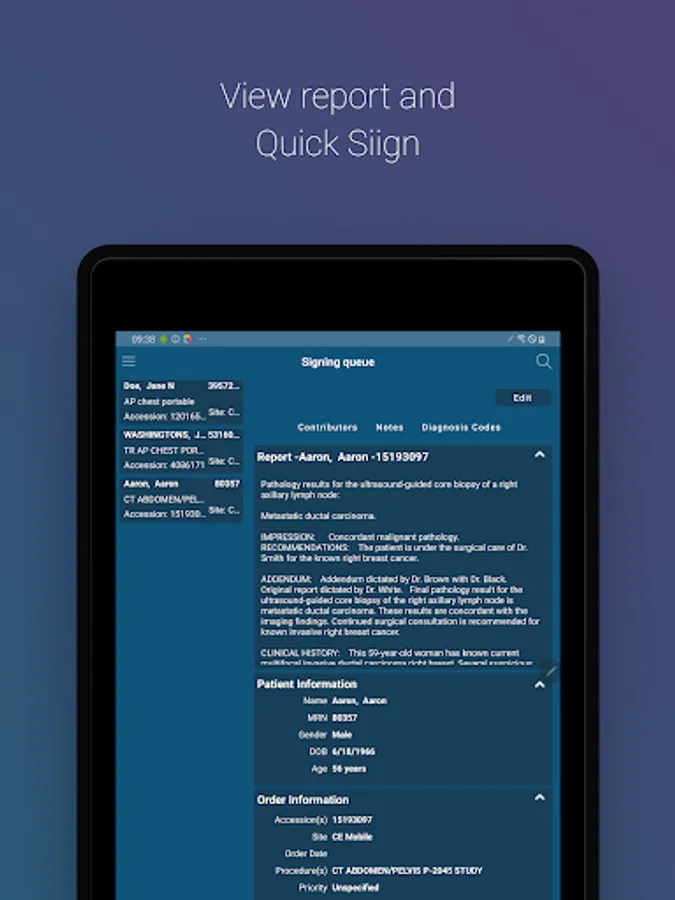
*Report Signing Queue: Provides authorized users with secure access to the PowerScribe Reporting signature queue allowing secure review, edit and sign off on reports. Also provides the ability to launch Assisted Diagnosis from any term or phrase in the report.
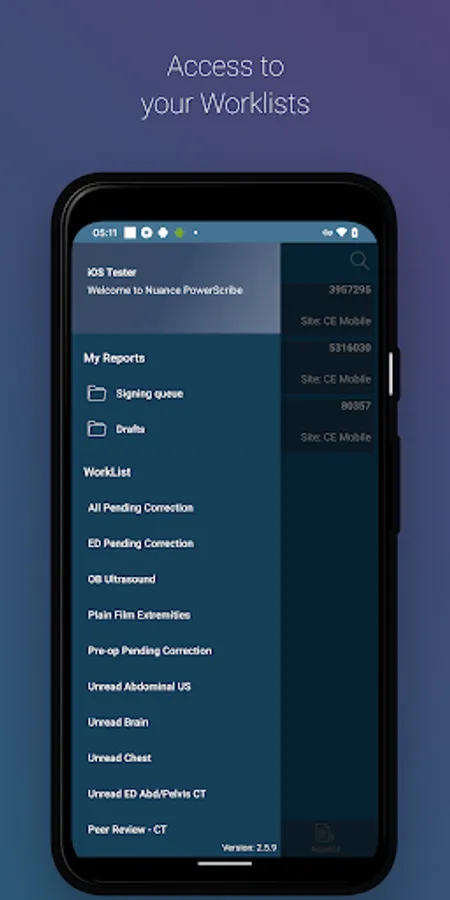
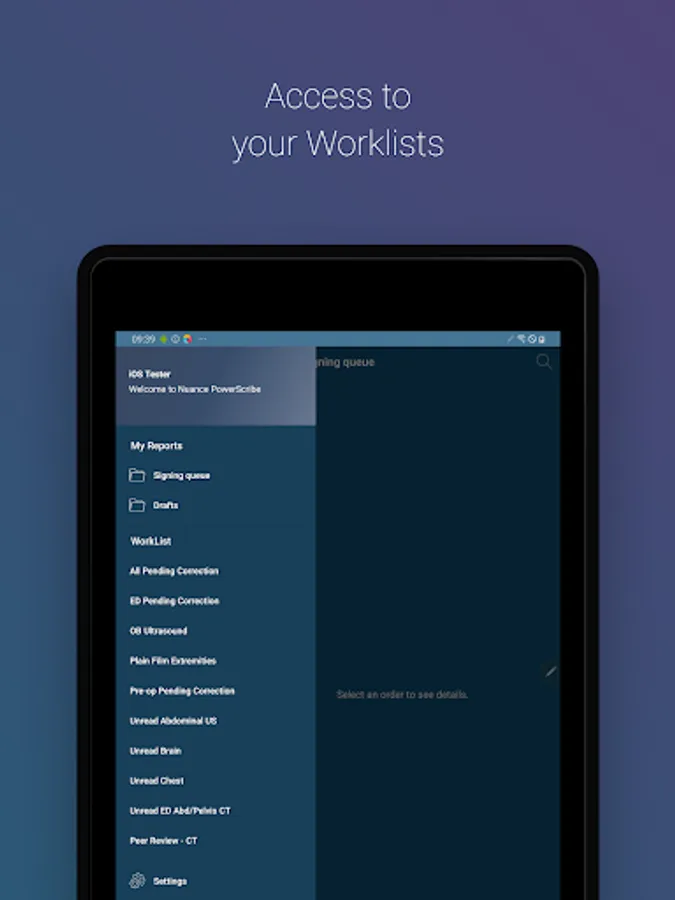
*Reporting Worklists: Provides authorized users with secure access to their worklists. Radiologists can view orders and reports that are present in a worklist that they belong to, and then select a participate record to edit securely edit and sign off from their mobile device.
*Report Creation: Allows authorized users to create new reports for an unreported study from their mobile devices. If a report has already been created and signed off, the user can create an addendum to add to the report.
*Assisted Diagnosis: Gain quick access to radiology-specific reference materials using their voice. Radiologists can look up medical terminology, find similar cases, access the latest medical research, and read top news stories in imaging. Reference examples include: MedPix, AJR, MERCK and more.
REQUIREMENTS:
* Android 13.0 or greater.
* Internet access through wireless Local Area Network (LAN) connection or phone service provider is required.
* PowerScribe 360 Reporting v4.0 (or greater), PowerScribe One and Mobile Bridge are required to use this application.
FEATURES AND BENEFITS:
*Create, edit, search and sign: Provides secure access to create, search, edit and sign reports and addenda from the convenience of your mobile device.
*Notification alerts: Get alerts when a new report is ready for signing.
*Report Signing Queue: Provides authorized users with secure access to the PowerScribe Reporting signature queue allowing secure review, edit and sign off on reports. Also provides the ability to launch Assisted Diagnosis from any term or phrase in the report.
*Reporting Worklists: Provides authorized users with secure access to their worklists. Radiologists can view orders and reports that are present in a worklist that they belong to, and then select a participate record to edit securely edit and sign off from their mobile device.
*Report Creation: Allows authorized users to create new reports for an unreported study from their mobile devices. If a report has already been created and signed off, the user can create an addendum to add to the report.
*Assisted Diagnosis: Gain quick access to radiology-specific reference materials using their voice. Radiologists can look up medical terminology, find similar cases, access the latest medical research, and read top news stories in imaging. Reference examples include: MedPix, AJR, MERCK and more.
PowerScribe Radiologist Screenshots
Tap to Rate:
Reviews for PowerScribe Radiologist
Chris Angus
9/12/2024
It's a little frustrating that my account has notes associated in the desktop application but the mobile app can only open empty notes. Really only useful if you have no other way of dictating reports. Would be great if I could pull those from my powerscribe one account and would make the app much more useful.
Sanjay Saini
11/30/2021
Amateurish App