VirtualBlock - Block Builder
NULL Product
2.3 ★
3K ratings
100,000+
downloads
Free
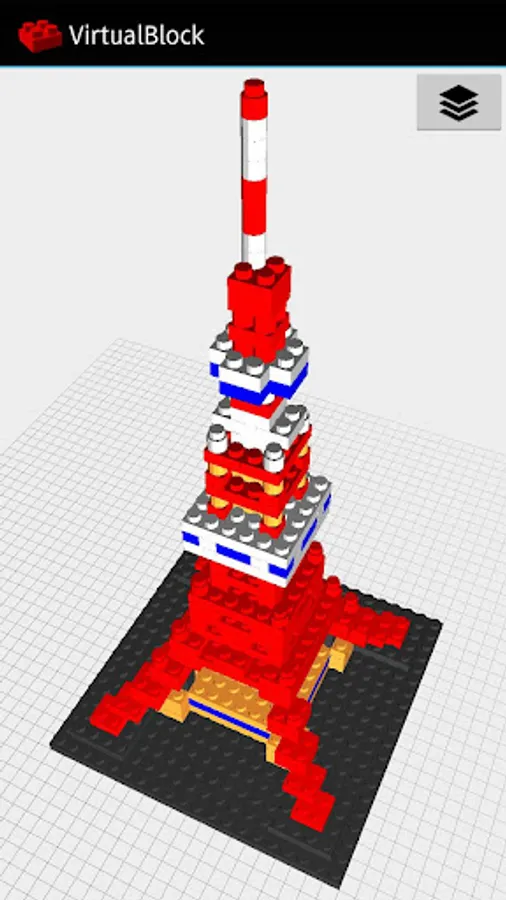
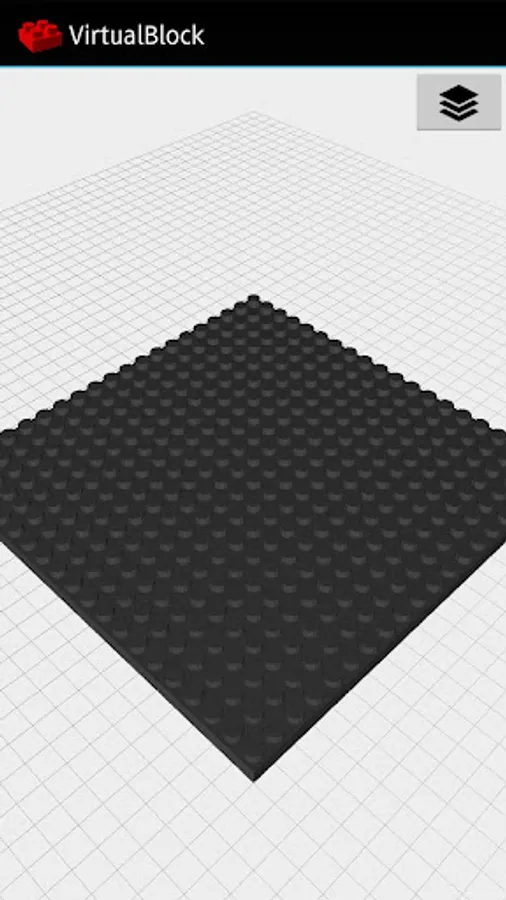
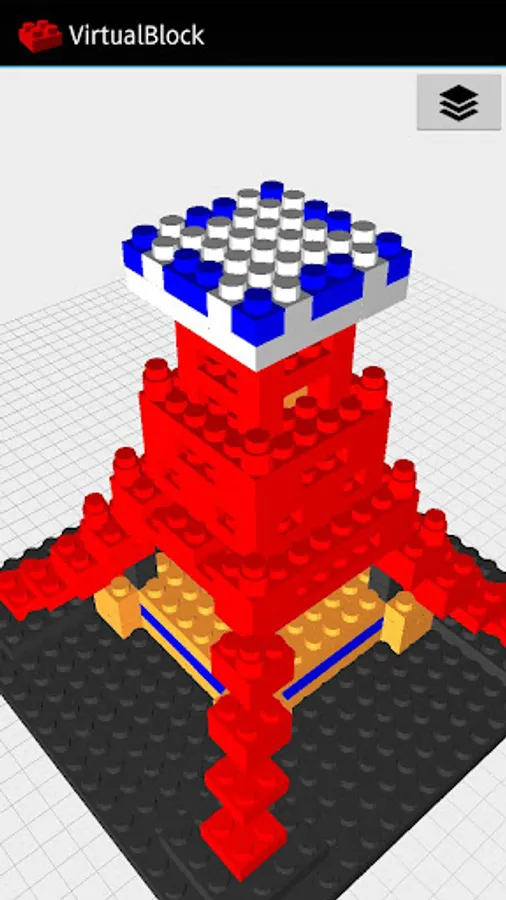
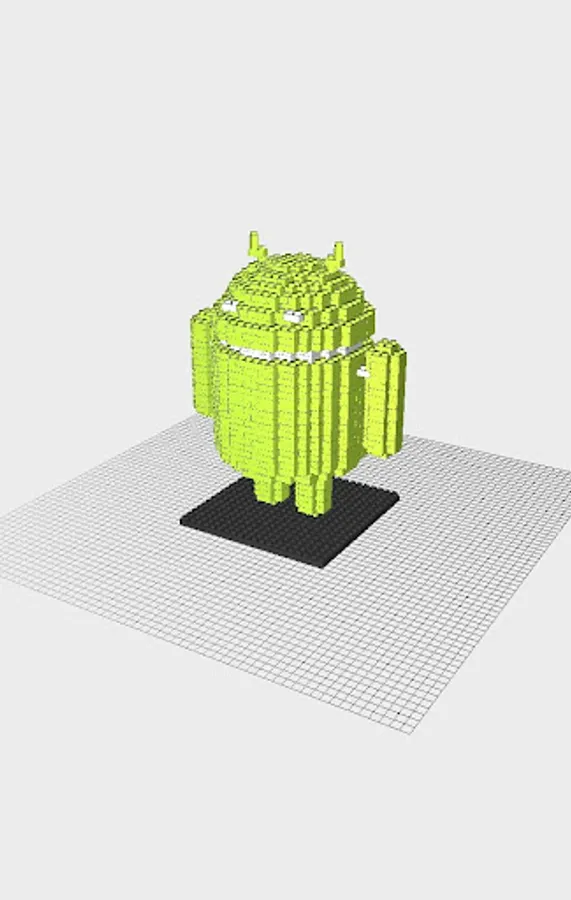
With this block builder app, you can assemble and manipulate blocks on your Android device, rotating and positioning them within a customizable workspace. Includes block addition, movement, rotation, deletion, and view control features.
AppRecs review analysis
AppRecs rating 2.3. Trustworthiness 0 out of 100. Review manipulation risk 0 out of 100. Based on a review sample analyzed.
★★☆☆☆
2.3
AppRecs Rating
Ratings breakdown
5 star
26%
4 star
3%
3 star
5%
2 star
4%
1 star
62%
What to know
⚠
Mixed user feedback
Average 2.3★ rating suggests room for improvement
⚠
High negative review ratio
66% of sampled ratings are 1–2 stars
About VirtualBlock - Block Builder
VirtualBlock is an application that can be assembled block on the Android terminal.
Gallery : https://www.facebook.com/pages/Virtualblock/198493906970432
[Recommended System Specifications]
・Android 4.0 or more
・Memory(RAM) : 2GB or more
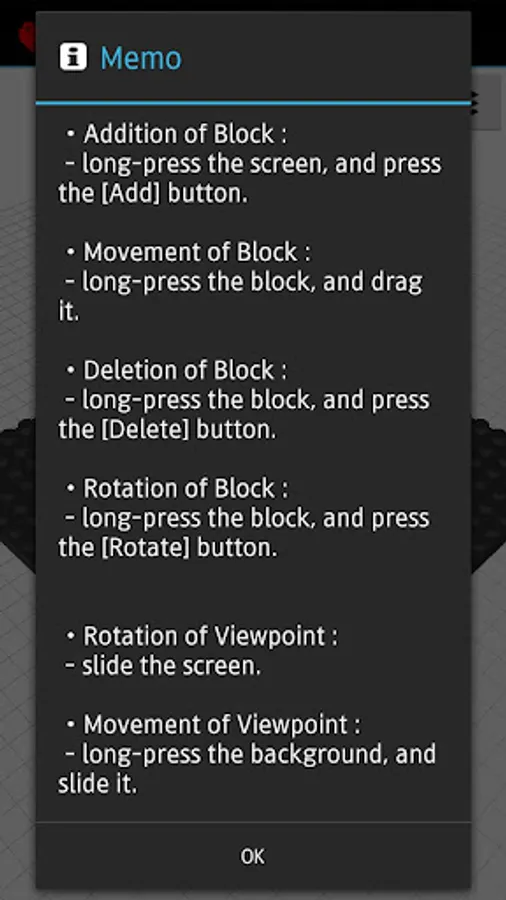
[Operation]
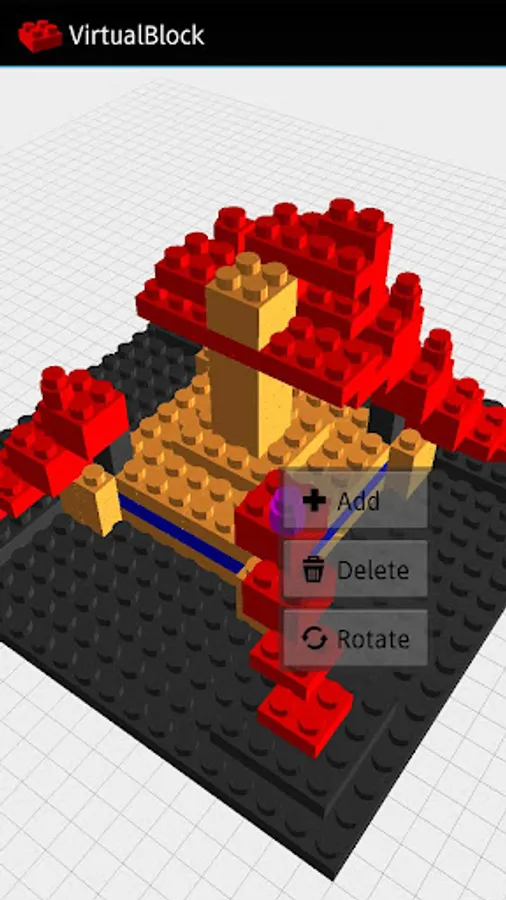
・Addition of Block :
- long-press the screen, and press the [Add] button.
・Movement of Block :
- long-press the block, and drag it.
・Deletion of Block :
- long-press the block, and press the [Delete] button.
・Rotation of Block :
- long-press the block, and press the [Rotate] button.
・Rotation of Viewpoint :
- slide the screen.
・Movement of Viewpoint :
- long-press the background, and slide it.
・Reset of Viewpoint :
- double-tap the screen.
・Zoom In/Out :
- Pinch in / Pinch out
・Capture :
- press the [Capture] button in menu.
- location '/Android/data/com.nullproduct.virtualblock/files/capture/'
・Shutdown of Application :
- press the [Shutdown] button in menu.
Gallery : https://www.facebook.com/pages/Virtualblock/198493906970432
[Recommended System Specifications]
・Android 4.0 or more
・Memory(RAM) : 2GB or more
[Operation]
・Addition of Block :
- long-press the screen, and press the [Add] button.
・Movement of Block :
- long-press the block, and drag it.
・Deletion of Block :
- long-press the block, and press the [Delete] button.
・Rotation of Block :
- long-press the block, and press the [Rotate] button.
・Rotation of Viewpoint :
- slide the screen.
・Movement of Viewpoint :
- long-press the background, and slide it.
・Reset of Viewpoint :
- double-tap the screen.
・Zoom In/Out :
- Pinch in / Pinch out
・Capture :
- press the [Capture] button in menu.
- location '/Android/data/com.nullproduct.virtualblock/files/capture/'
・Shutdown of Application :
- press the [Shutdown] button in menu.