In this app, you can log in to GeForce NOW games and access virtual controls for a seamless gaming experience. Includes virtual mouse, keyboard, remote D-pad, Android buttons, and volume controls.
AppRecs review analysis
AppRecs rating 2.4. Trustworthiness 82 out of 100. Review manipulation risk 20 out of 100. Based on a review sample analyzed.
★★☆☆☆
2.4
AppRecs Rating
Ratings breakdown
5 star
25%
4 star
10%
3 star
4%
2 star
10%
1 star
51%
What to know
✓
Low review manipulation risk
20% review manipulation risk
⚠
Mixed user feedback
Average 2.5★ rating suggests room for improvement
⚠
High negative review ratio
62% of sampled ratings are 1–2 stars
About NVIDIA SHIELD TV
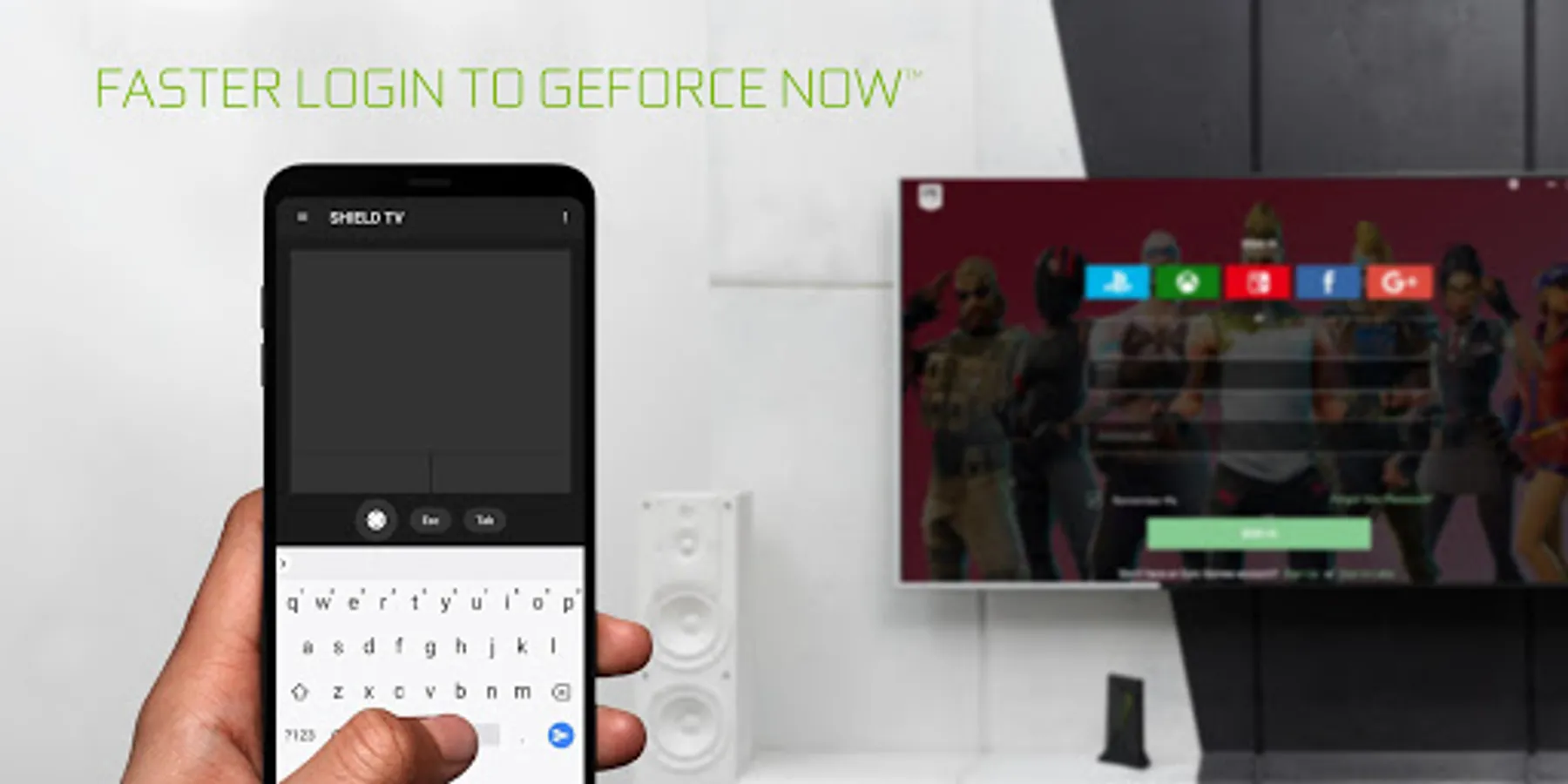
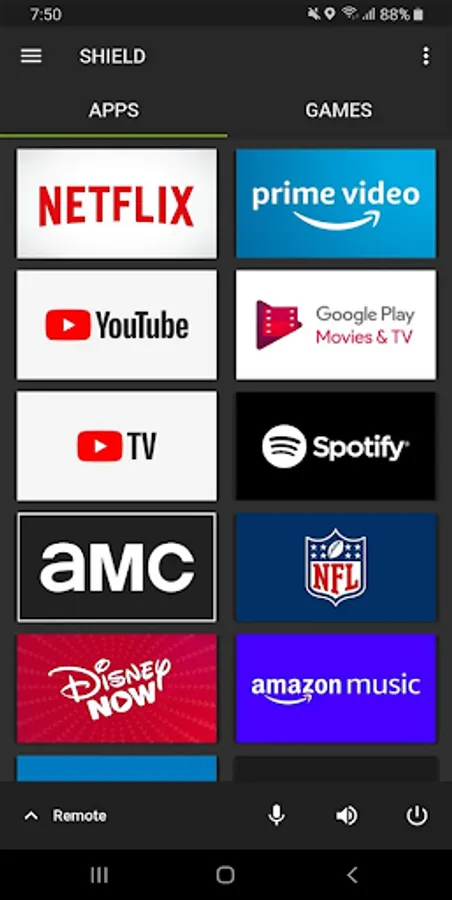
The NVIDIA SHIELD TV app lets you log in to your favorite GeForce NOW games on SHIELD even faster.
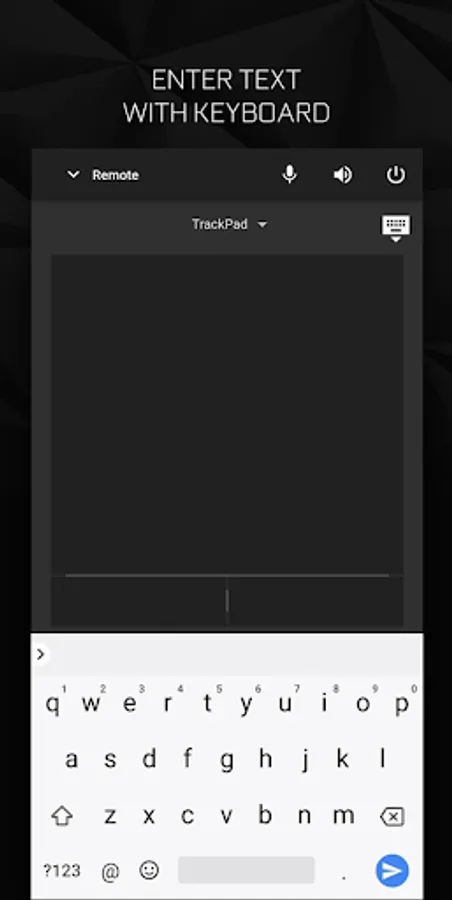
The app gives you instant access to a virtual mouse and keyboard, which makes it simple for you to enter your username and password into game services like Steam®, EPIC Games, and Uplay™.
Features:
GeForce NOW Controls
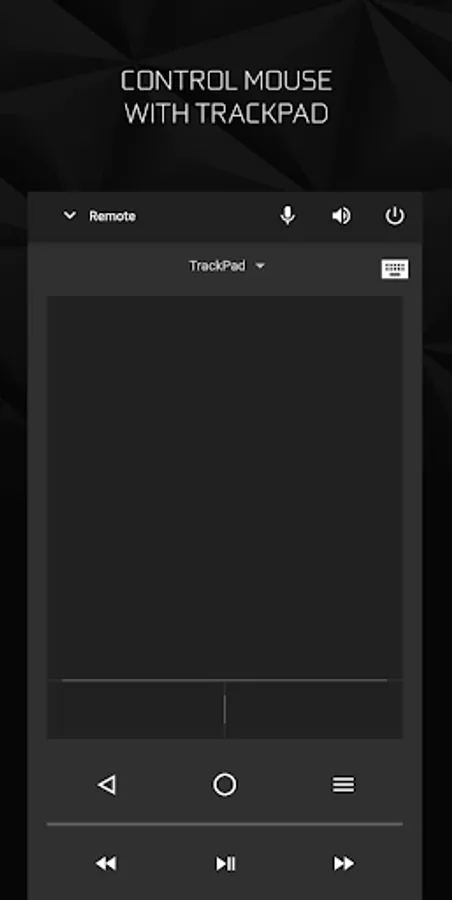
● Virtual mouse touchpad
● Virtual keyboard (US English)
SHIELD TV Remote Controls
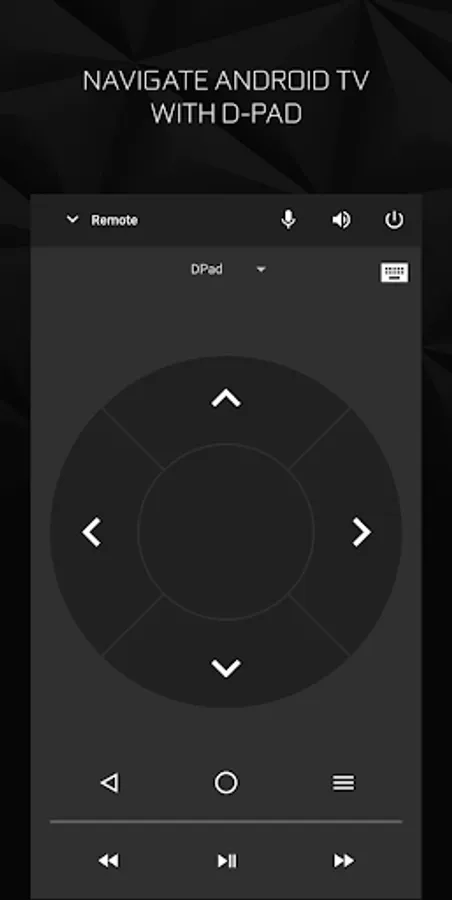
● D-pad (up/down/right/left) and Select
● Android buttons (Back, Start/Play/Pause, Home)
● Volume Control (mobile device’s volume buttons)
To get started, connect your Android phone or tablet to the same network as your SHIELD.
Make sure your SHIELD is upgraded to the latest version 7.1 or later system software (Settings > About > System upgrade).
For more information, please visit: http://shield.nvidia.com.
The app gives you instant access to a virtual mouse and keyboard, which makes it simple for you to enter your username and password into game services like Steam®, EPIC Games, and Uplay™.
Features:
GeForce NOW Controls
● Virtual mouse touchpad
● Virtual keyboard (US English)
SHIELD TV Remote Controls
● D-pad (up/down/right/left) and Select
● Android buttons (Back, Start/Play/Pause, Home)
● Volume Control (mobile device’s volume buttons)
To get started, connect your Android phone or tablet to the same network as your SHIELD.
Make sure your SHIELD is upgraded to the latest version 7.1 or later system software (Settings > About > System upgrade).
For more information, please visit: http://shield.nvidia.com.
NVIDIA SHIELD TV Screenshots
Tap to Rate:
Reviews for NVIDIA SHIELD TV
Marc Bague Garcia
12/30/2025
Launching apps works fine but the remote doesn't work at all 90% of the time. What's the point then?
Adja Kulaly
12/30/2025
garbage