
With this app, you can manage domains and server settings remotely, view server information, and access logs. Includes file management, server health monitoring, and quick access to Plesk features.
AppRecs review analysis
AppRecs rating 3.1. Trustworthiness 80 out of 100. Review manipulation risk 23 out of 100. Based on a review sample analyzed.
★★★☆☆
3.1
AppRecs Rating
Ratings breakdown
5 star
40%
4 star
8%
3 star
3%
2 star
8%
1 star
40%
What to know
✓
Low review manipulation risk
23% review manipulation risk
✓
Credible reviews
80% trustworthiness score from analyzed reviews
⚠
High negative review ratio
48% of sampled ratings are 1–2 stars
About Plesk Mobile
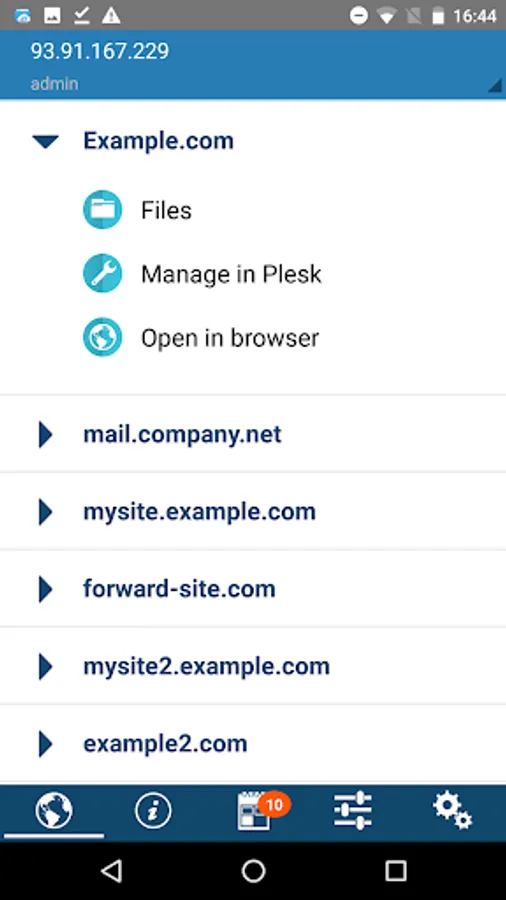
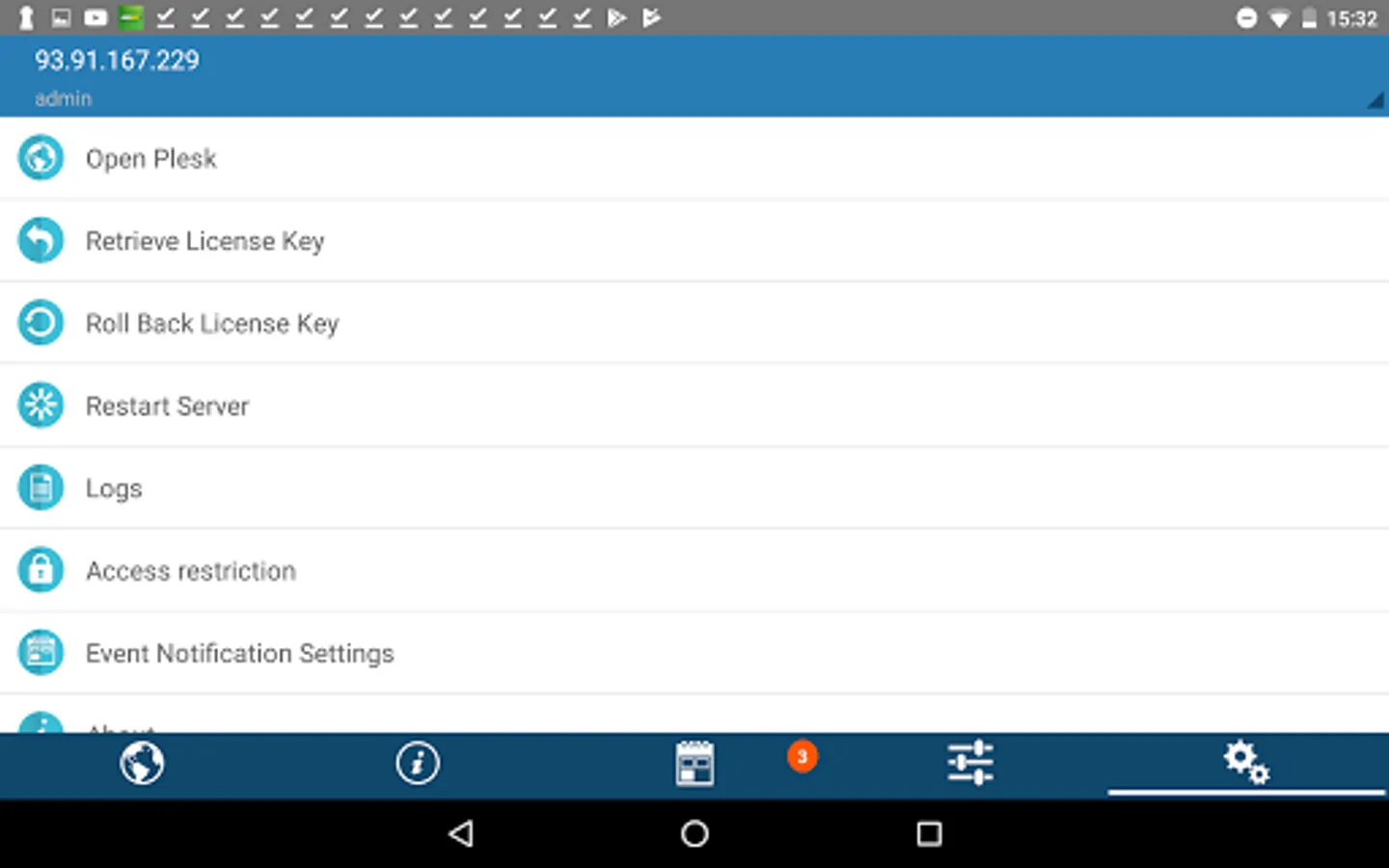
Plesk Mobile gives Plesk administrators and their customers mobile access to management of their domains. If you are the administrator of a Plesk server, you can also access a number of server management features. The app requires Plesk 11.0 or higher - and it's free. See the full list of features below.
Domain management features:
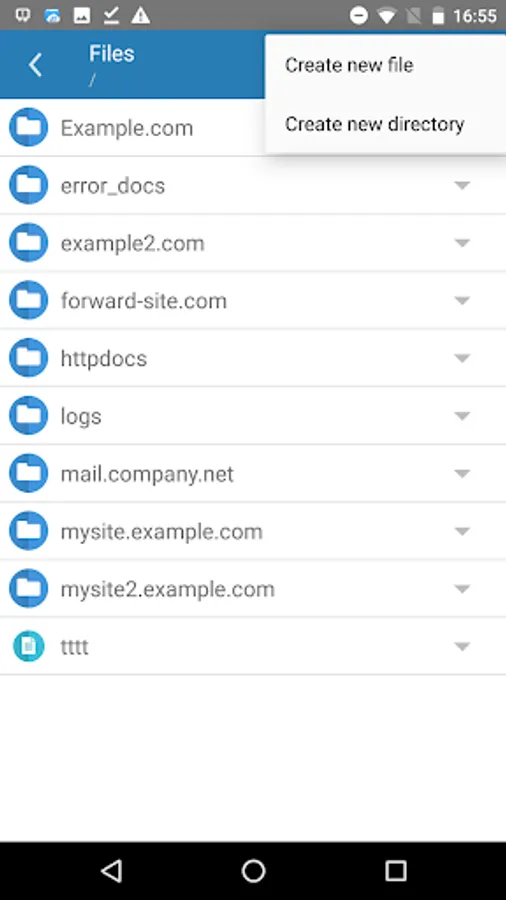
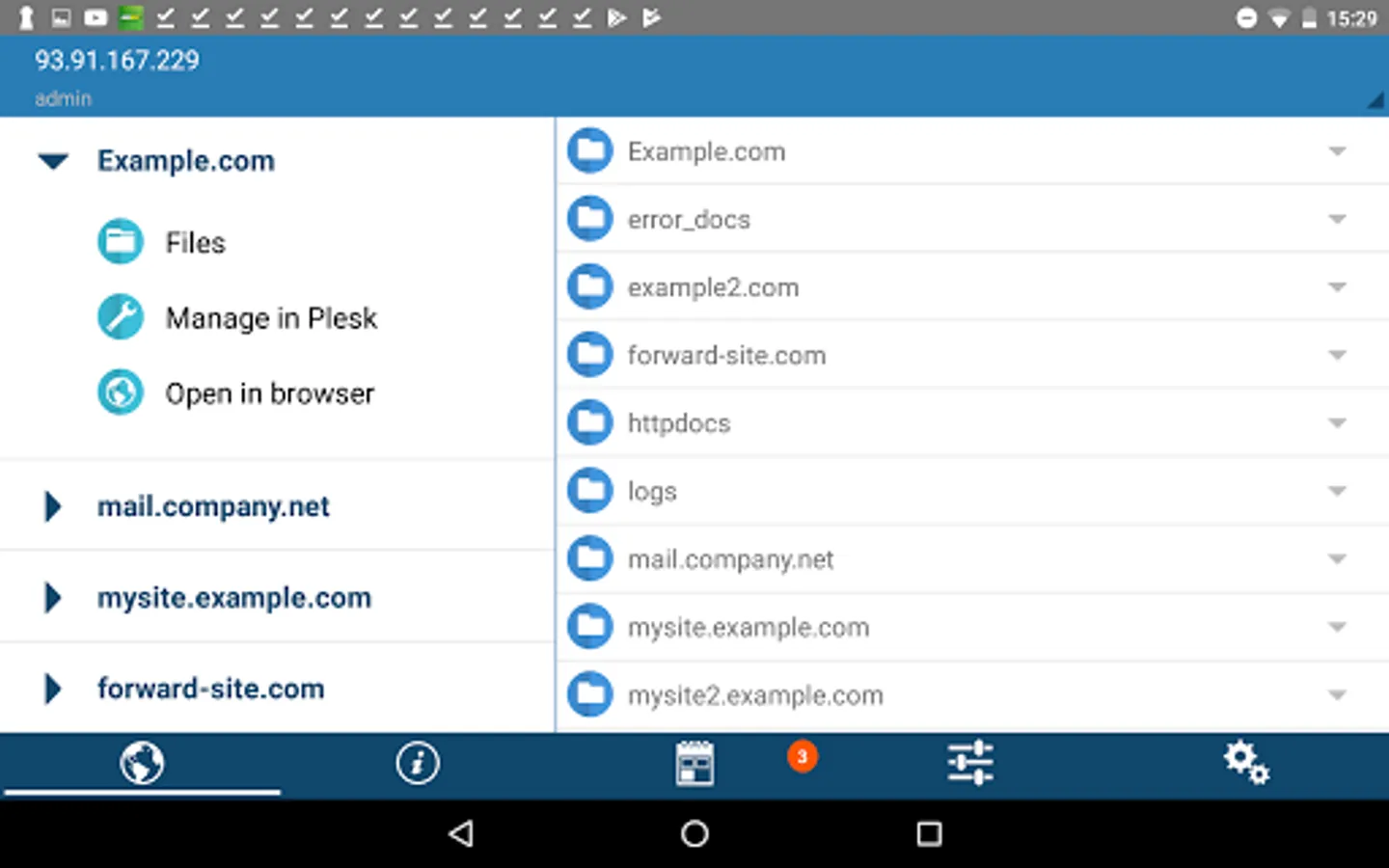
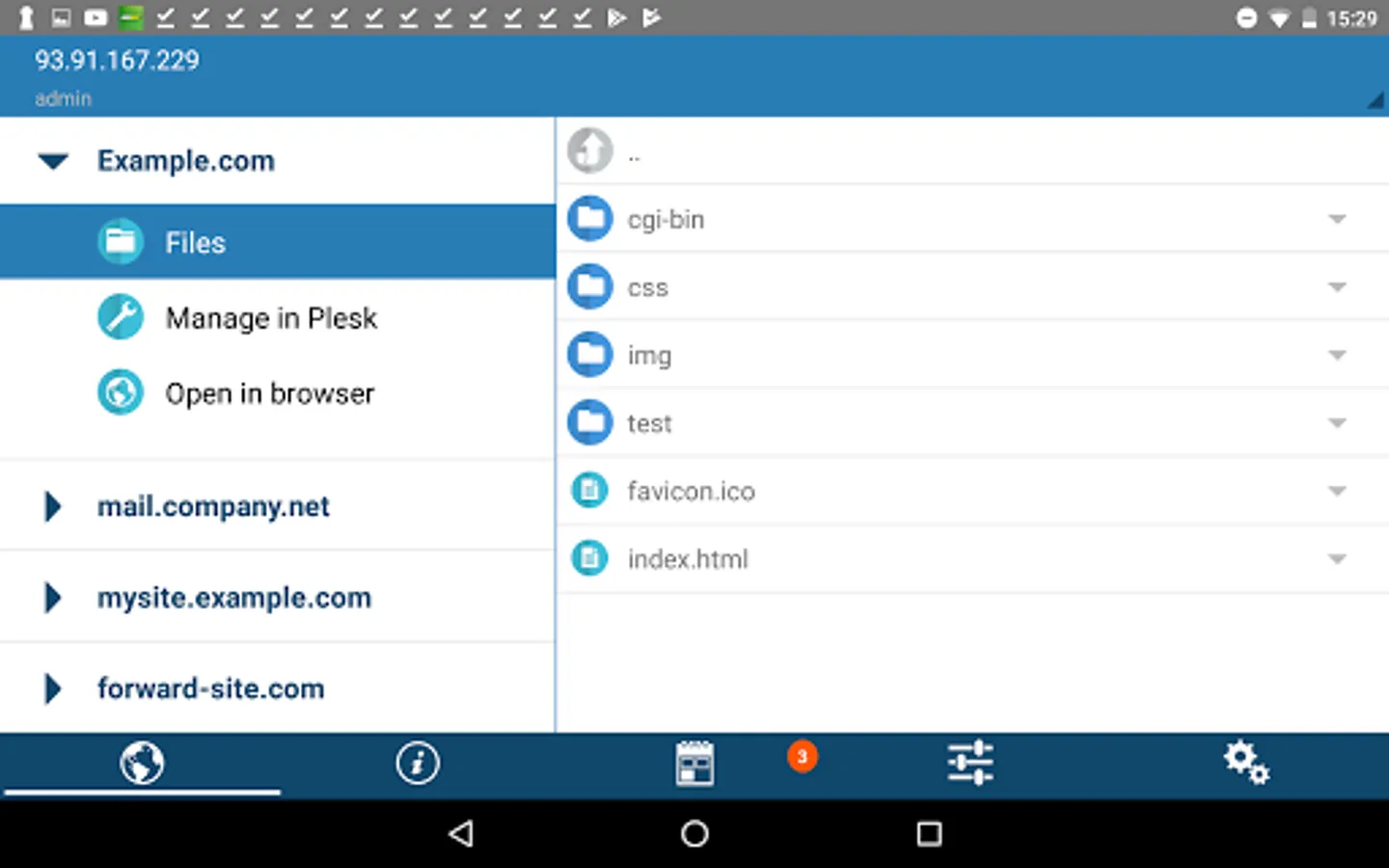
* File manager with basic operations
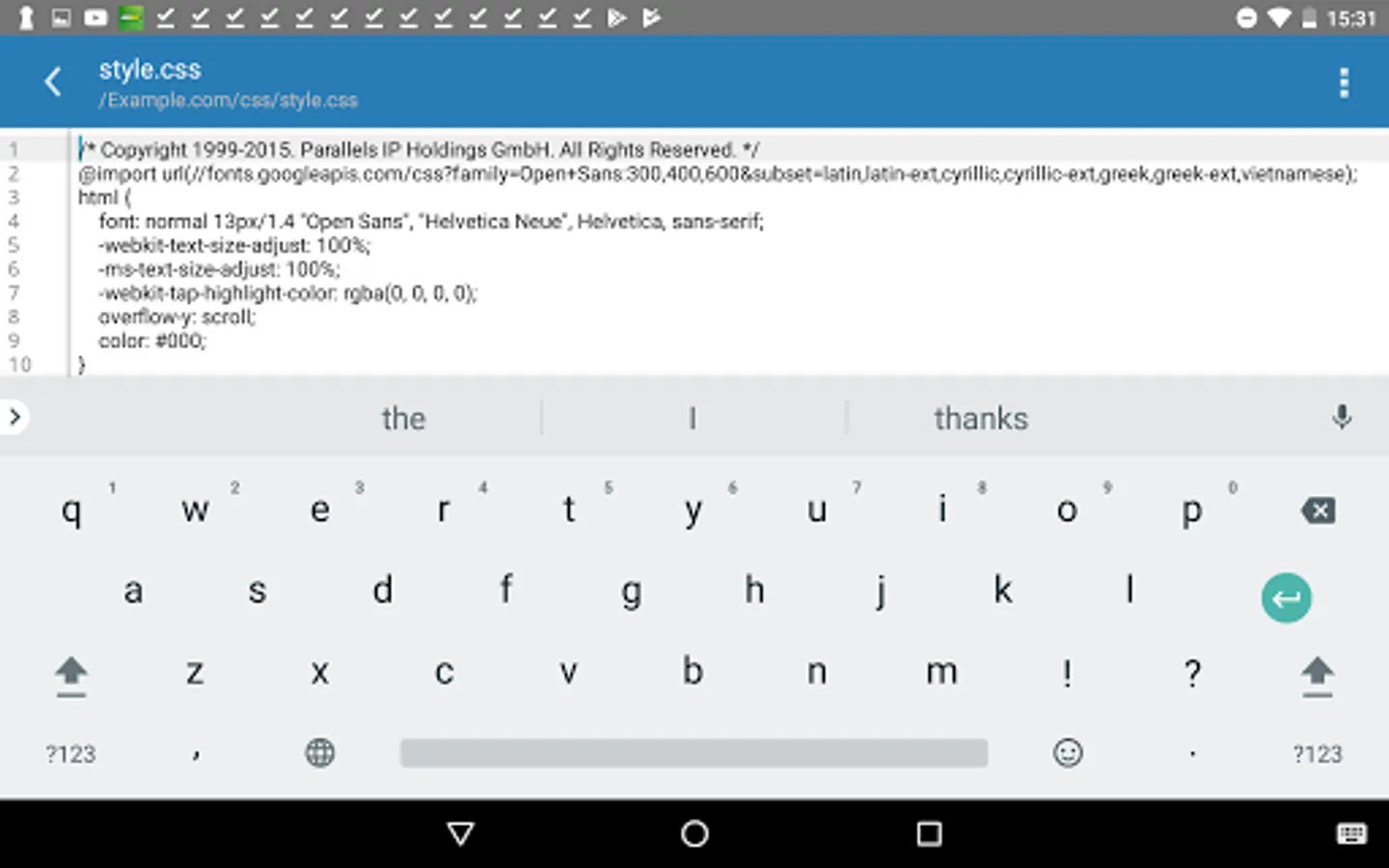
* Embedded simple text editor
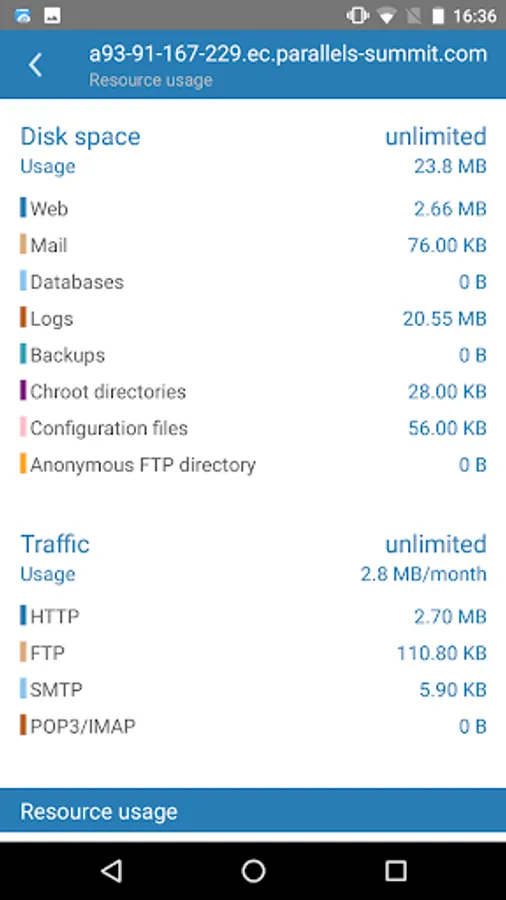
* Subscription statistics
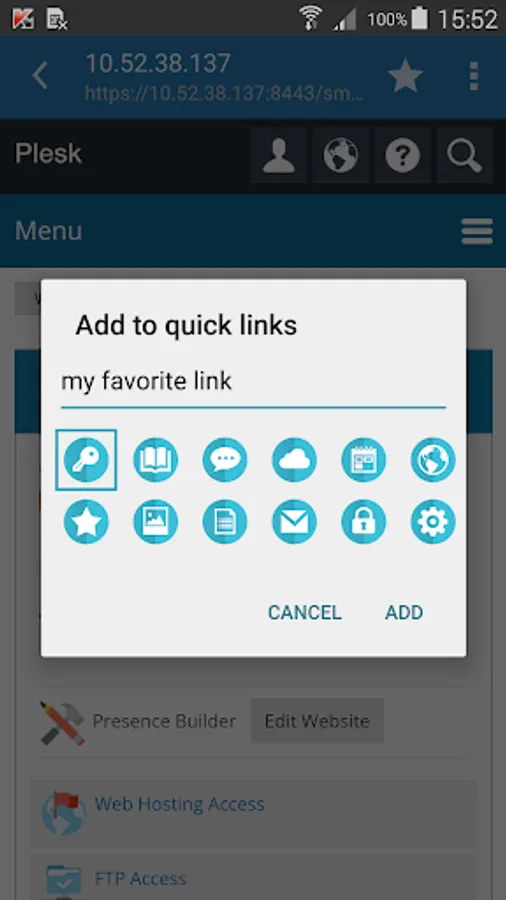
* Quick links and ability to open Plesk in embedded web view
Server management features for administrators:
* View the list of services on a server
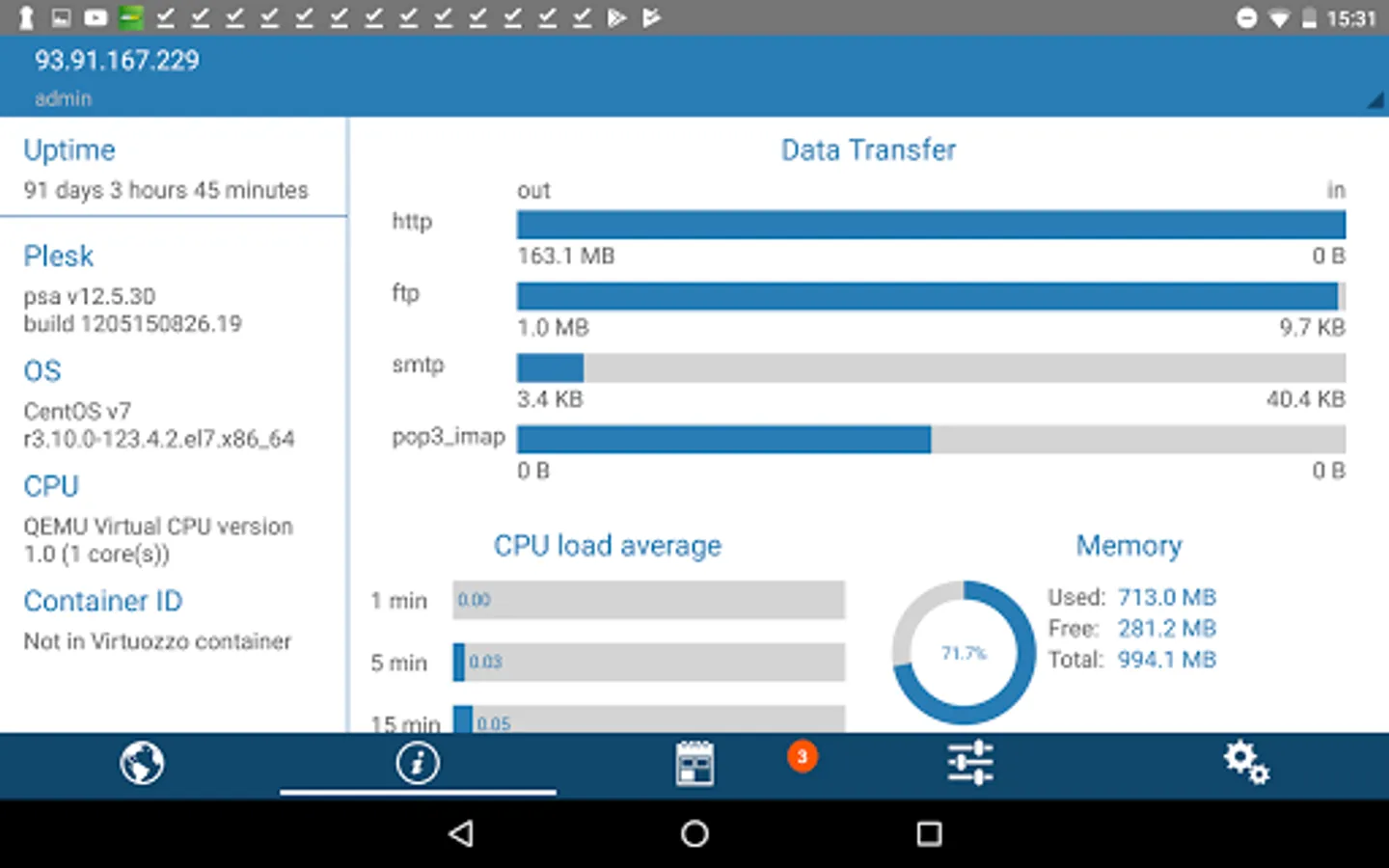
* View server information: OS, CPU, Plesk version and so on
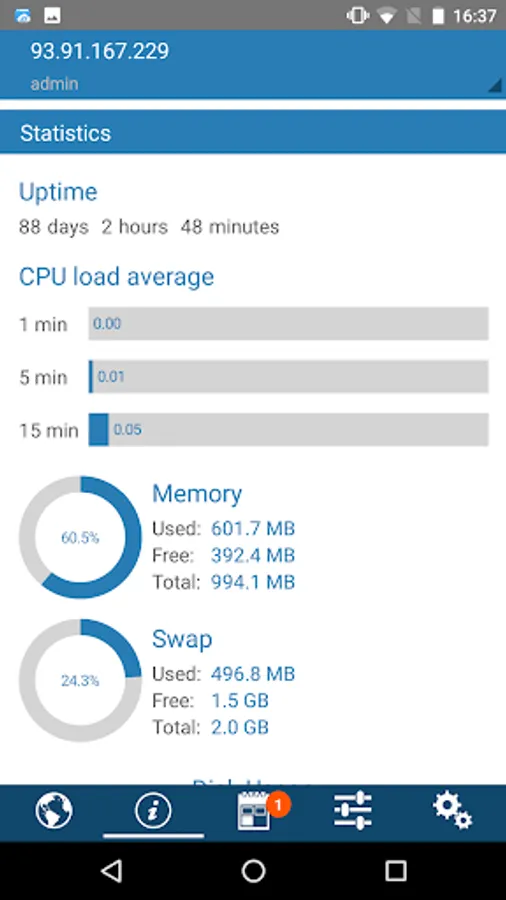
* View server health: CPU load average, memory consumption, swap usage, etc
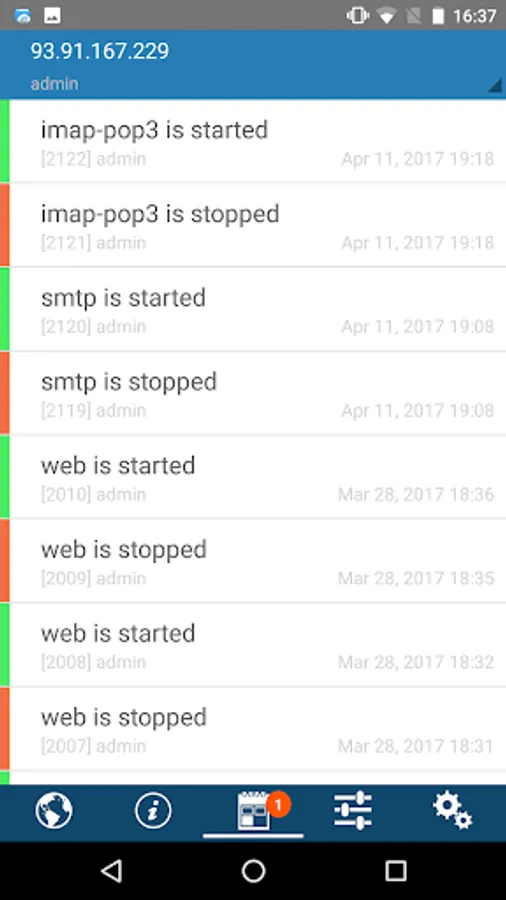
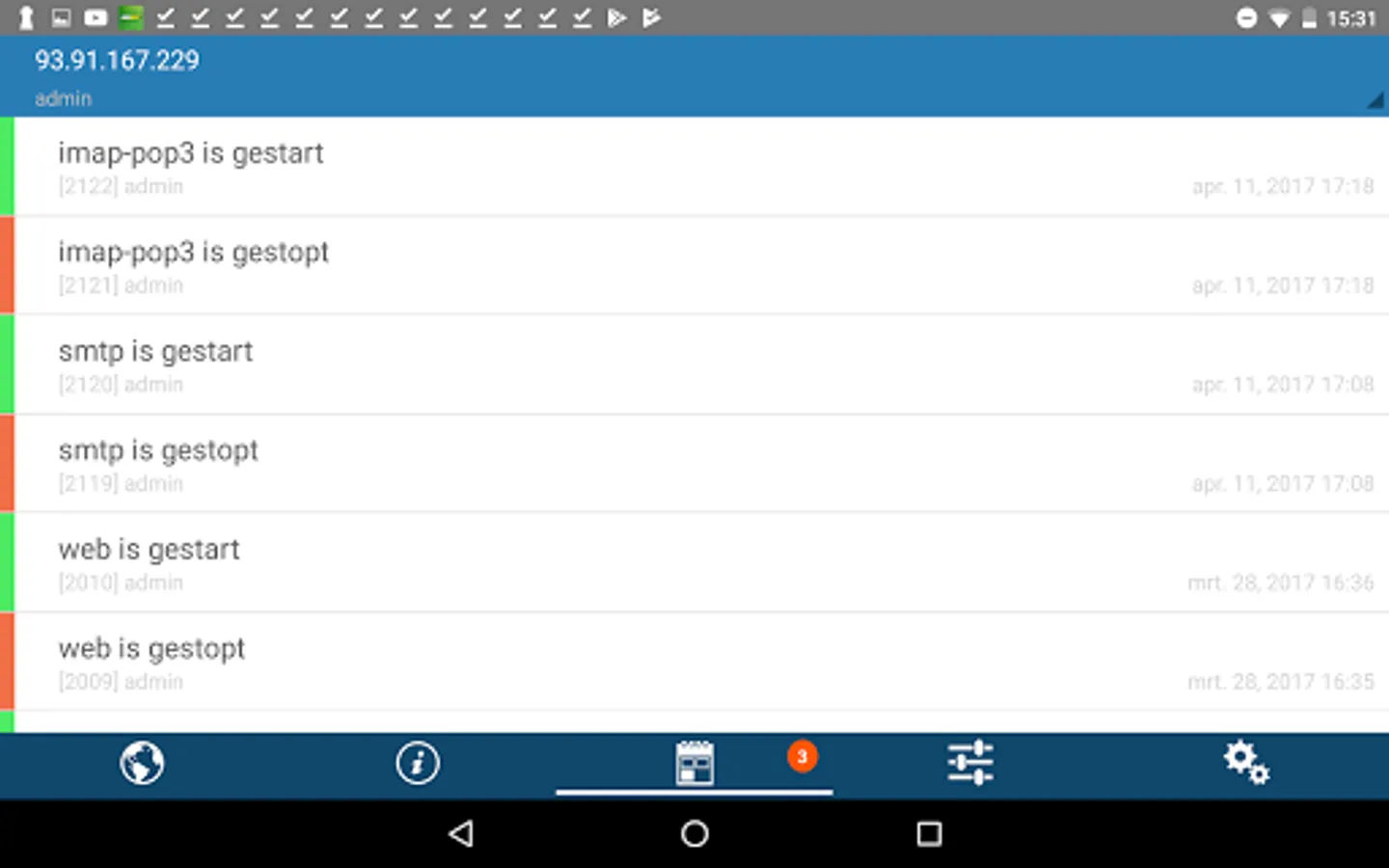
* Health monitor events on your smartphone
* Subscribe to Plesk events
* Secret key authentication
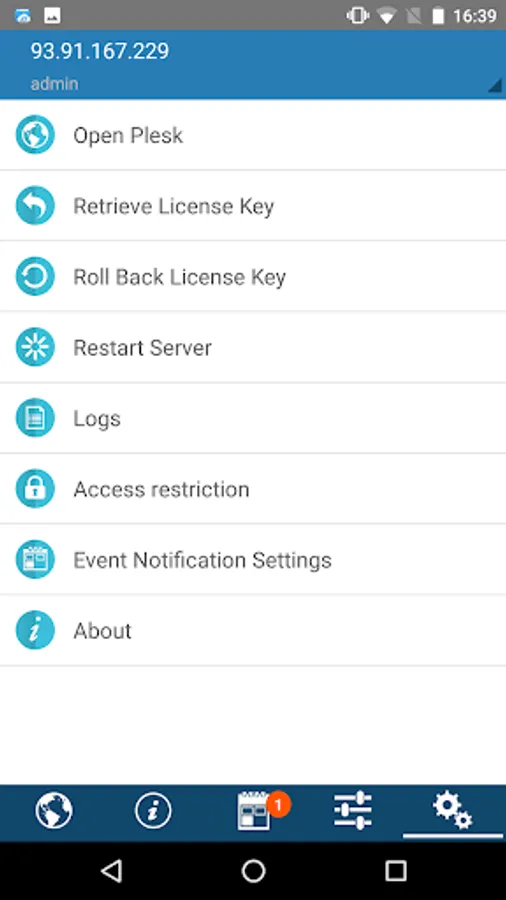
* Roll back and retrieve Plesk license key
* Restart a server
* Stop and start services on a server
* View Plesk access and error logs
* Restrict administrative access to Plesk, including particular IPs from access log
* Open Plesk in embedded web view
Domain management features:
* File manager with basic operations
* Embedded simple text editor
* Subscription statistics
* Quick links and ability to open Plesk in embedded web view
Server management features for administrators:
* View the list of services on a server
* View server information: OS, CPU, Plesk version and so on
* View server health: CPU load average, memory consumption, swap usage, etc
* Health monitor events on your smartphone
* Subscribe to Plesk events
* Secret key authentication
* Roll back and retrieve Plesk license key
* Restart a server
* Stop and start services on a server
* View Plesk access and error logs
* Restrict administrative access to Plesk, including particular IPs from access log
* Open Plesk in embedded web view
Plesk Mobile Screenshots
Tap to Rate:
Reviews for Plesk Mobile
Mikael Kjellström
11/23/2025
Works ok, but the widget stopped working now.
Mohammed Alwuhaili
10/8/2025
Great