
With this app, you can decode Morse code by touching the characters and view decoded text or "#" for errors. Includes a help section, clear option, exit button, and customizable sound and vibration settings.
AppRecs review analysis
AppRecs rating 2.3. Trustworthiness 70 out of 100. Review manipulation risk 31 out of 100. Based on a review sample analyzed.
★★☆☆☆
2.3
AppRecs Rating
Ratings breakdown
5 star
14%
4 star
14%
3 star
14%
2 star
0%
1 star
57%
What to know
✓
Authentic reviews
Natural distribution, no red flags
⚠
Mixed user feedback
Average 2.3★ rating suggests room for improvement
⚠
High negative review ratio
57% of sampled ratings are 1–2 stars
About Morse Touch
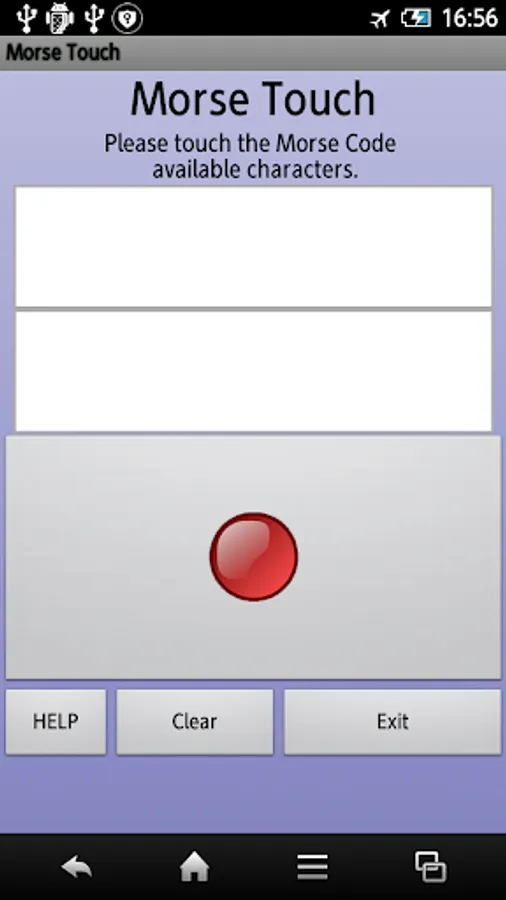
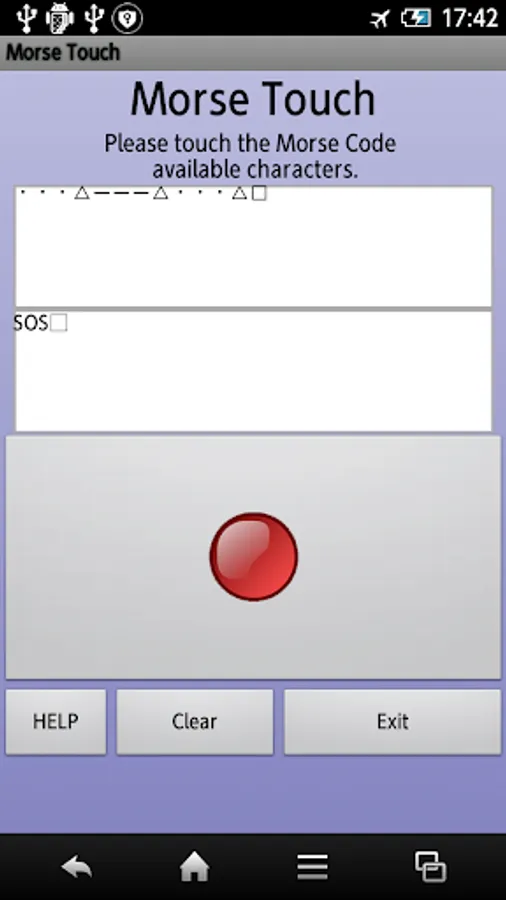
When you touch the Morse code, and then decoded into alphanumeric characters.
If touch the code can not be decoded will display a "#".
Character of the separator will display the △.
Word separator will display the □.
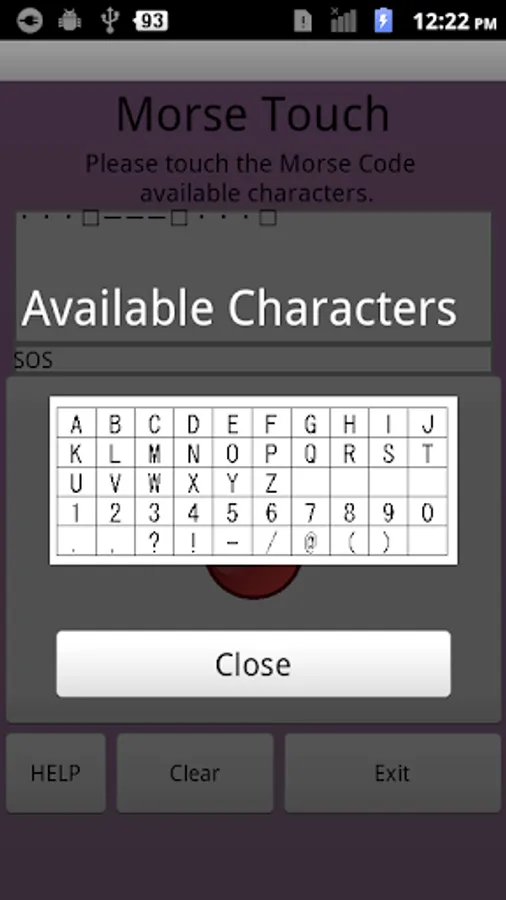
Help button : To display the available characters in Morse code.
Clear button : It clears the display contents.
Exit button : Exit the app.
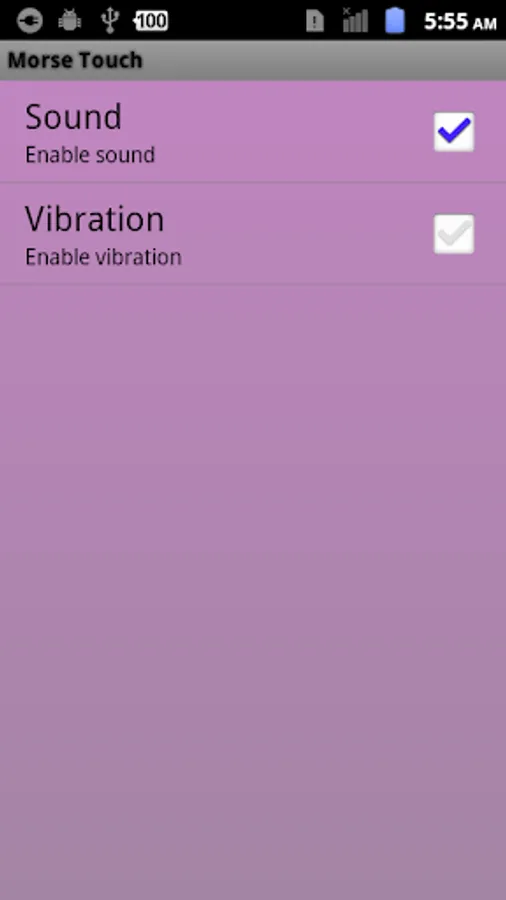
When you press the setting key to display the settings screen.
In setting screen can be specified to enable / disable the touch sound and vibration.
If touch the code can not be decoded will display a "#".
Character of the separator will display the △.
Word separator will display the □.
Help button : To display the available characters in Morse code.
Clear button : It clears the display contents.
Exit button : Exit the app.
When you press the setting key to display the settings screen.
In setting screen can be specified to enable / disable the touch sound and vibration.
Morse Touch Screenshots
Tap to Rate:
Reviews for Morse Touch
Pepo
5/27/2021
its not really usefull
Zeno
5/11/2021
I proudly support your app, it needs a little bit of polishing tho, maybe put a settings in it so that users can change the wpm.