
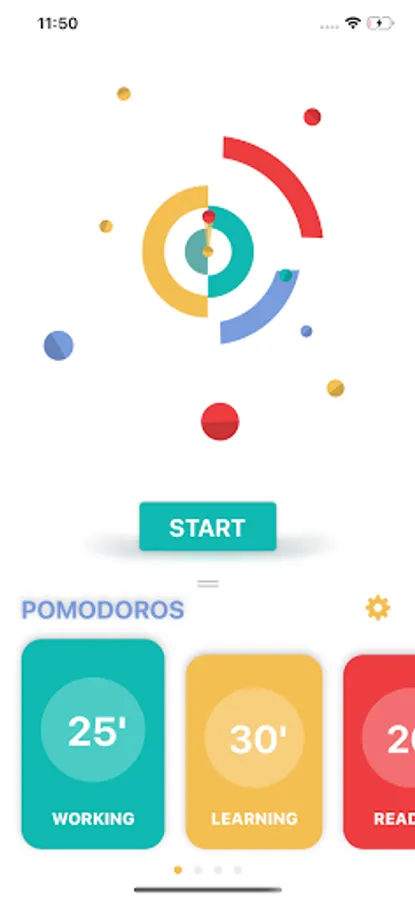
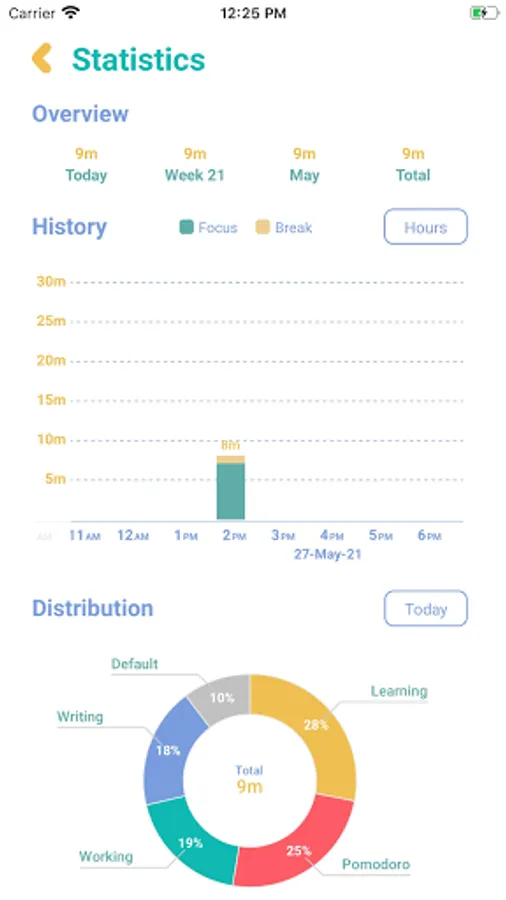
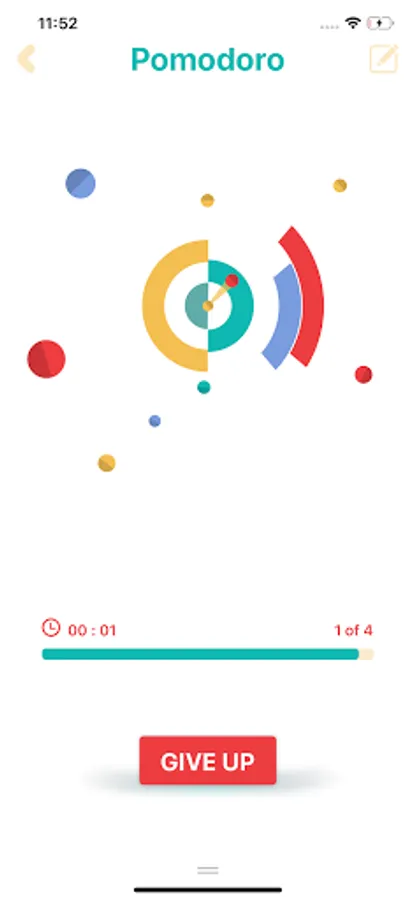
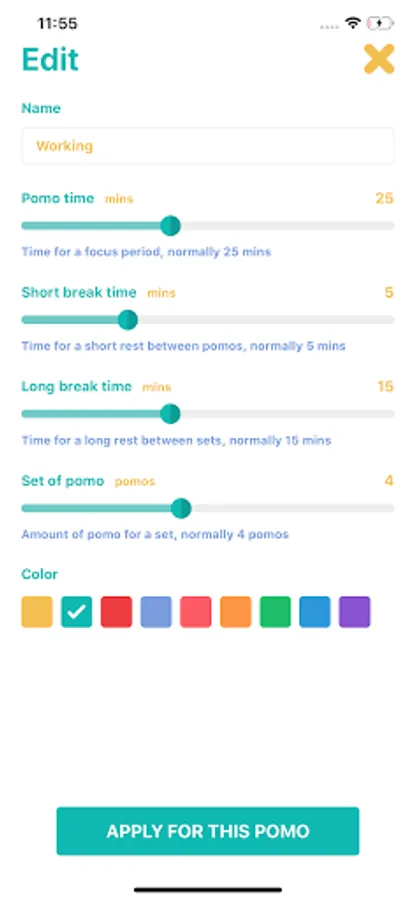
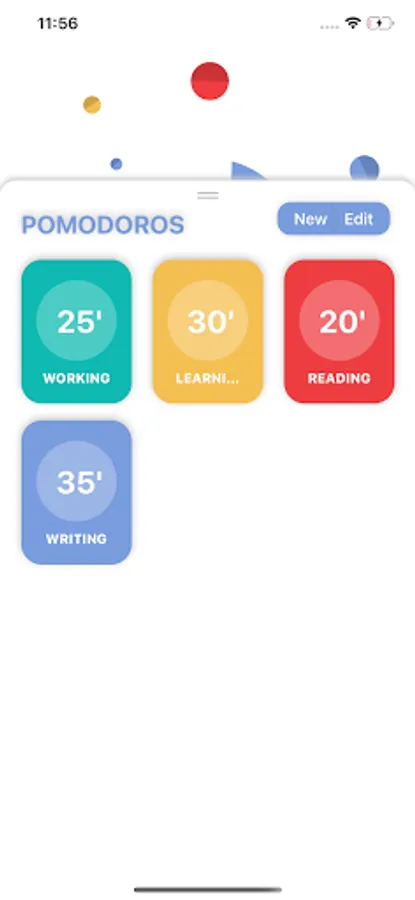
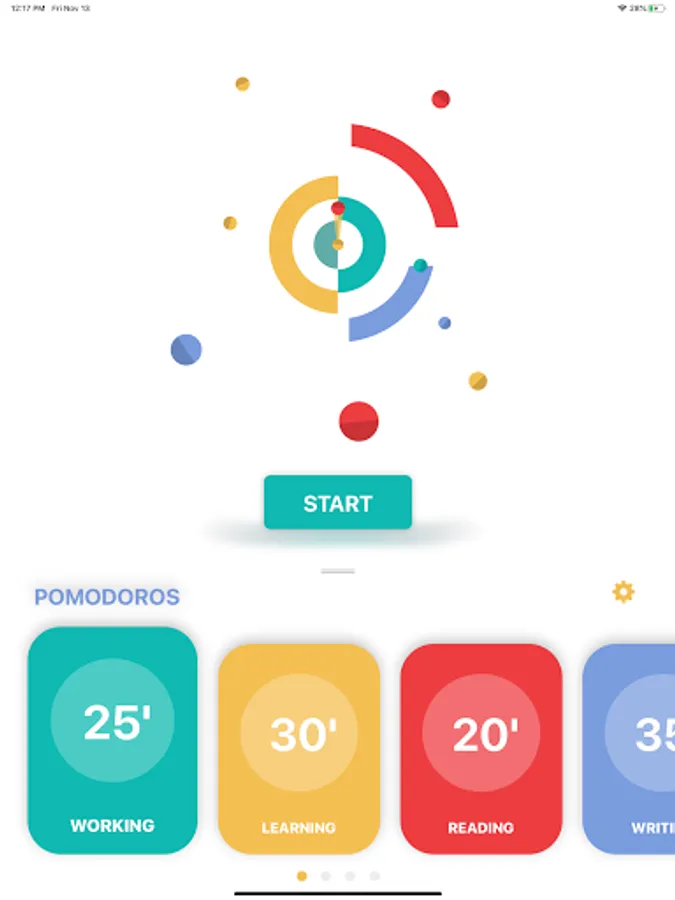
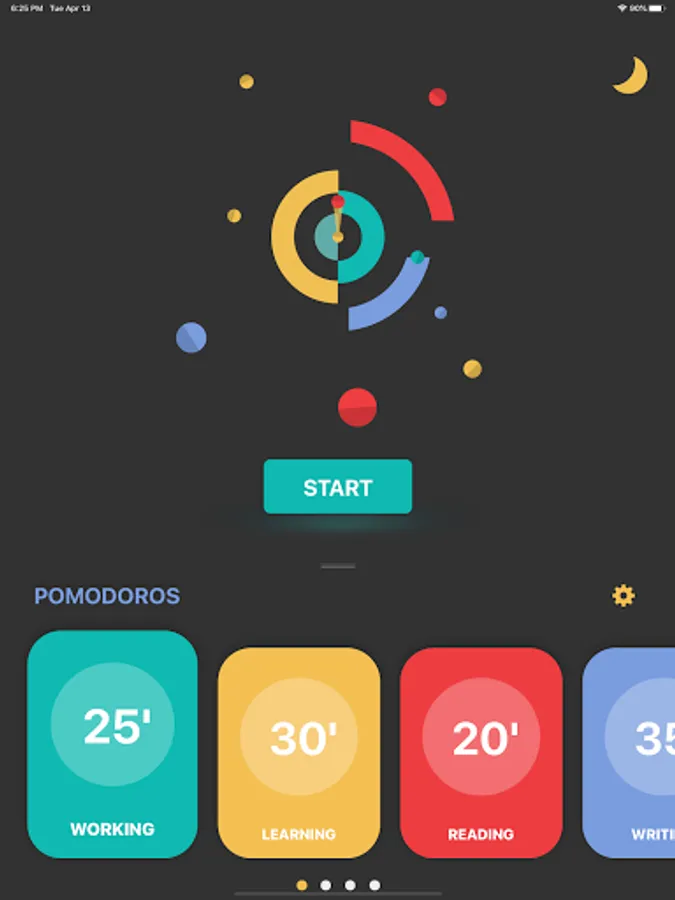
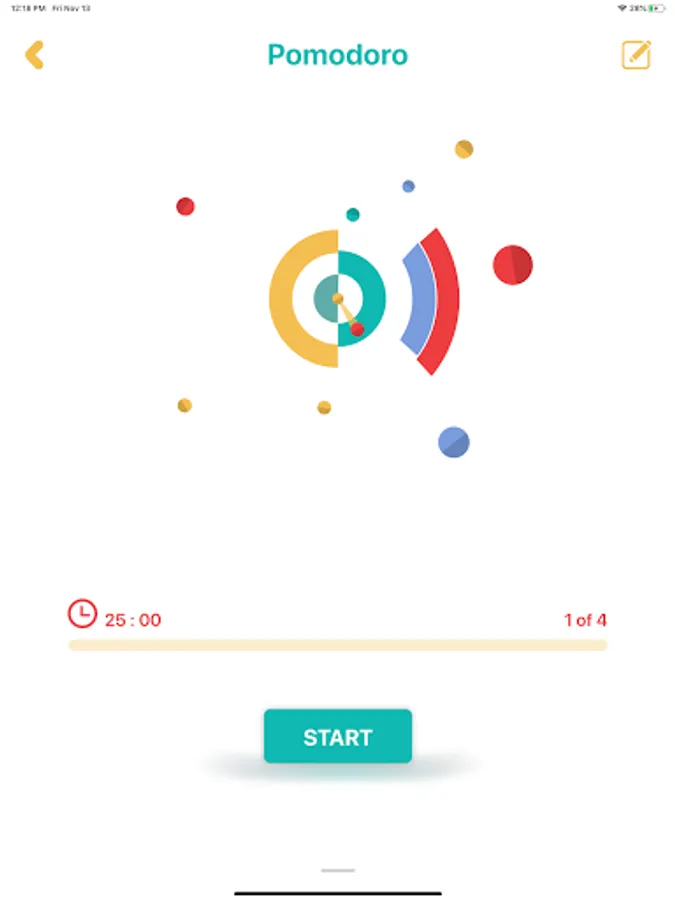
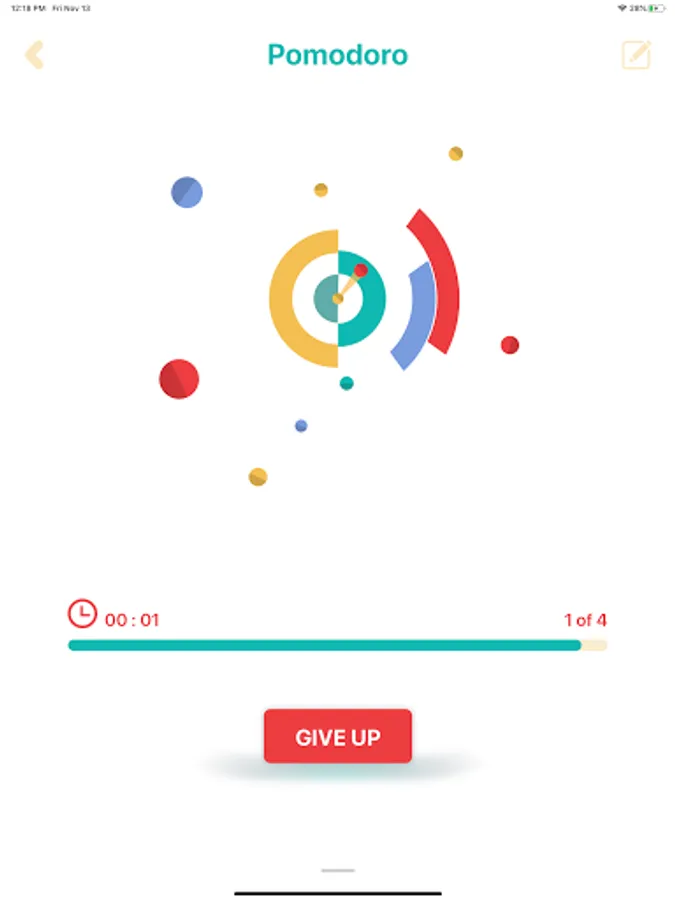
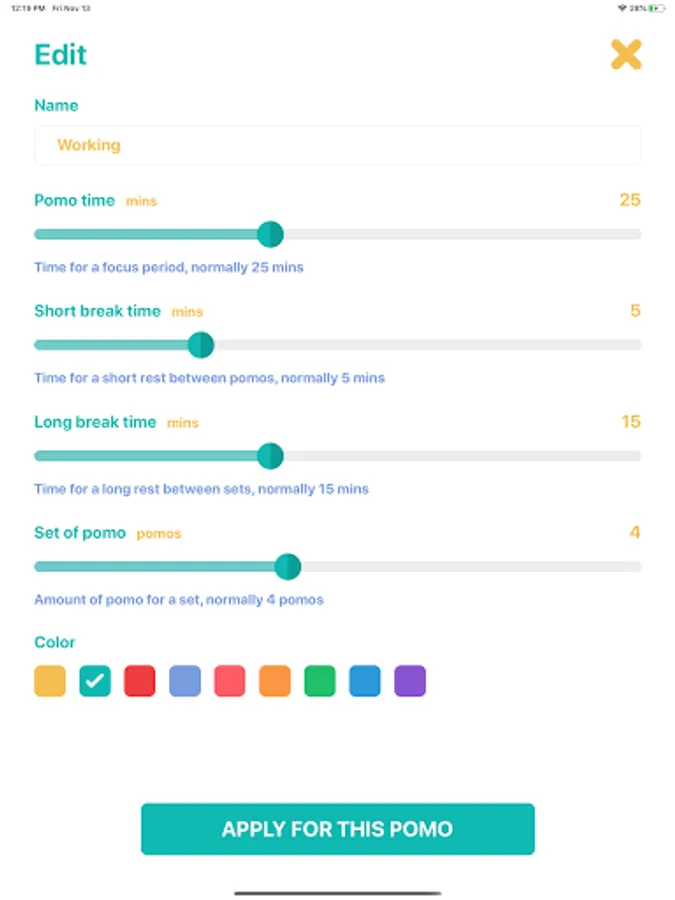
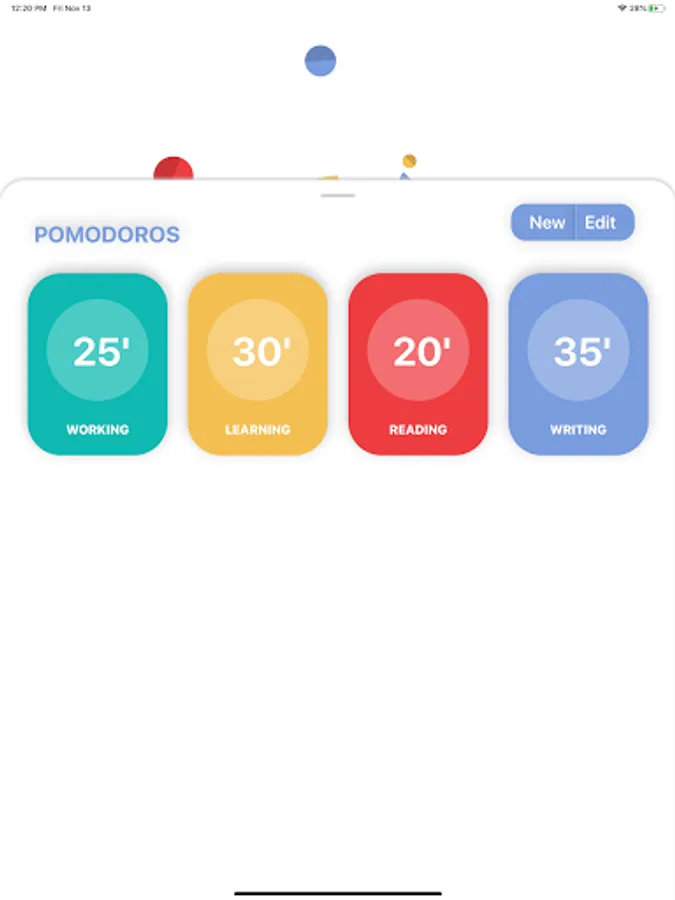
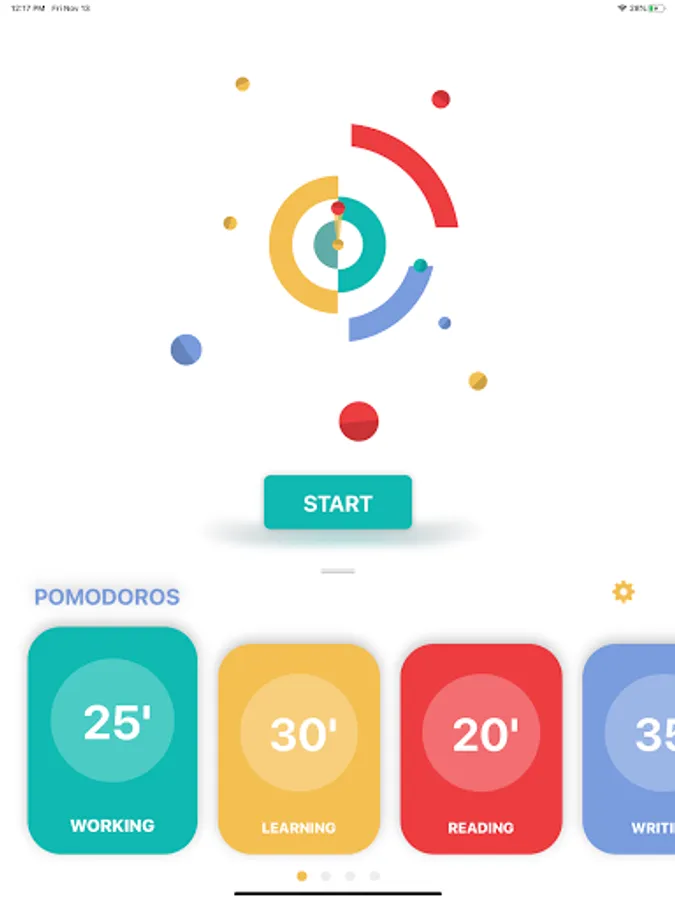
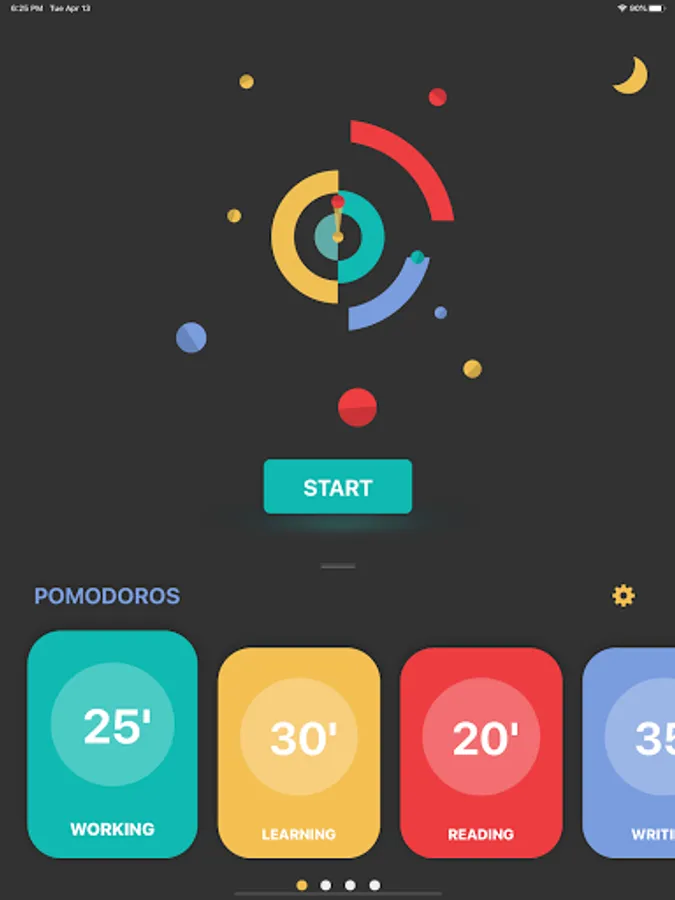
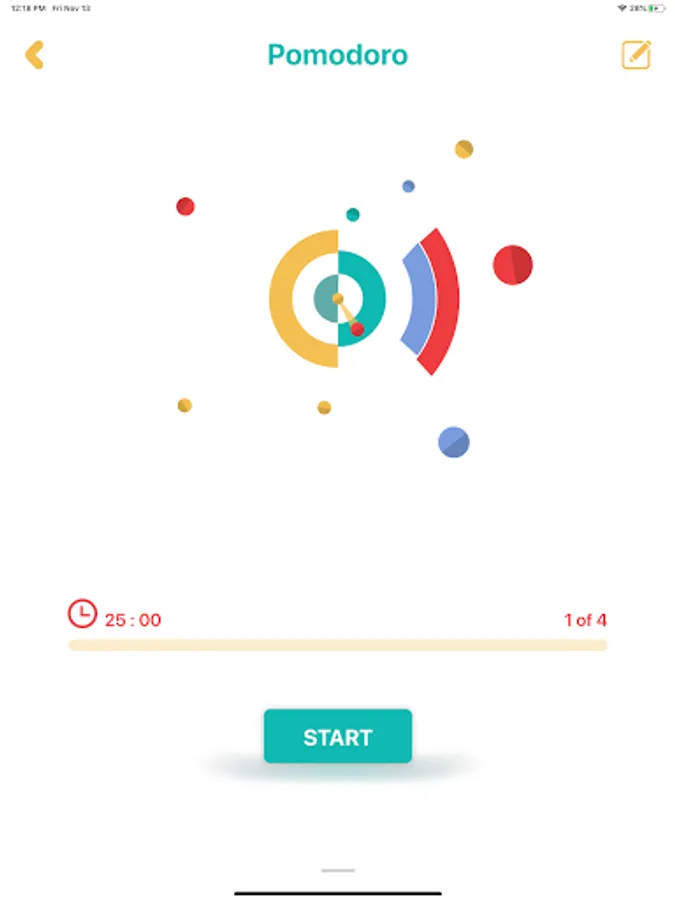
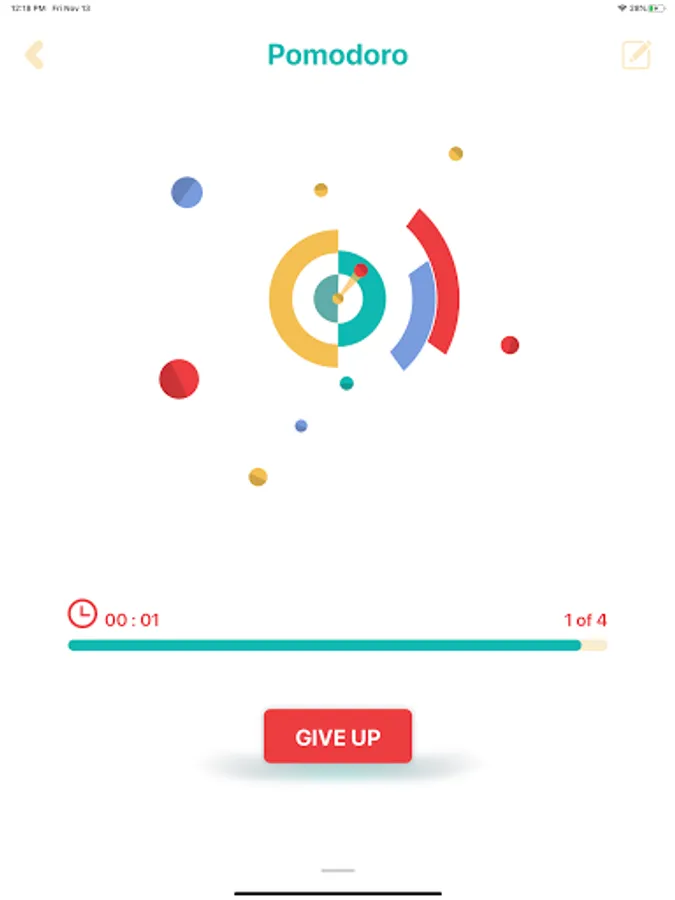
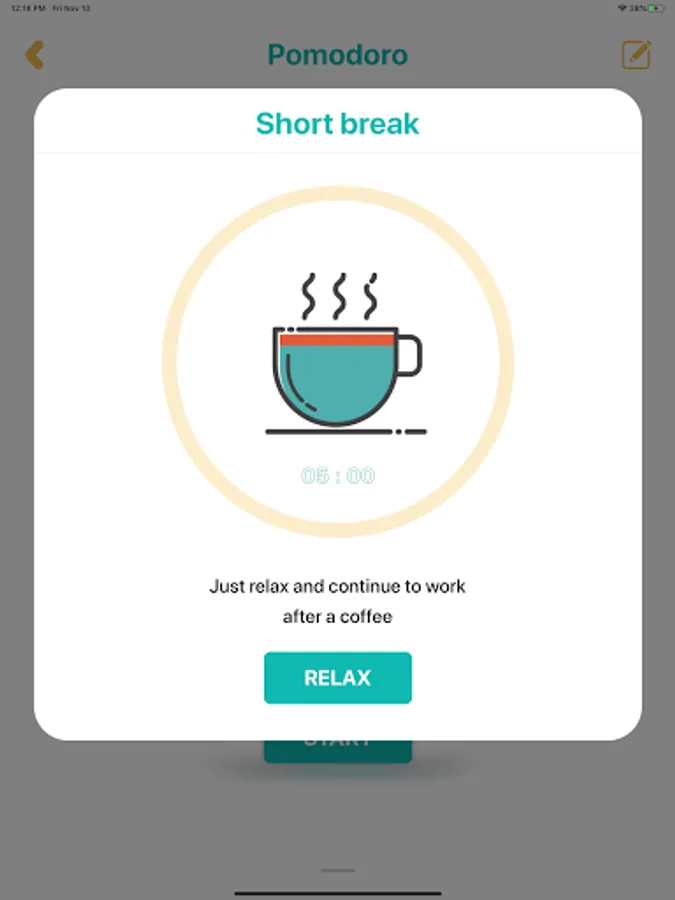
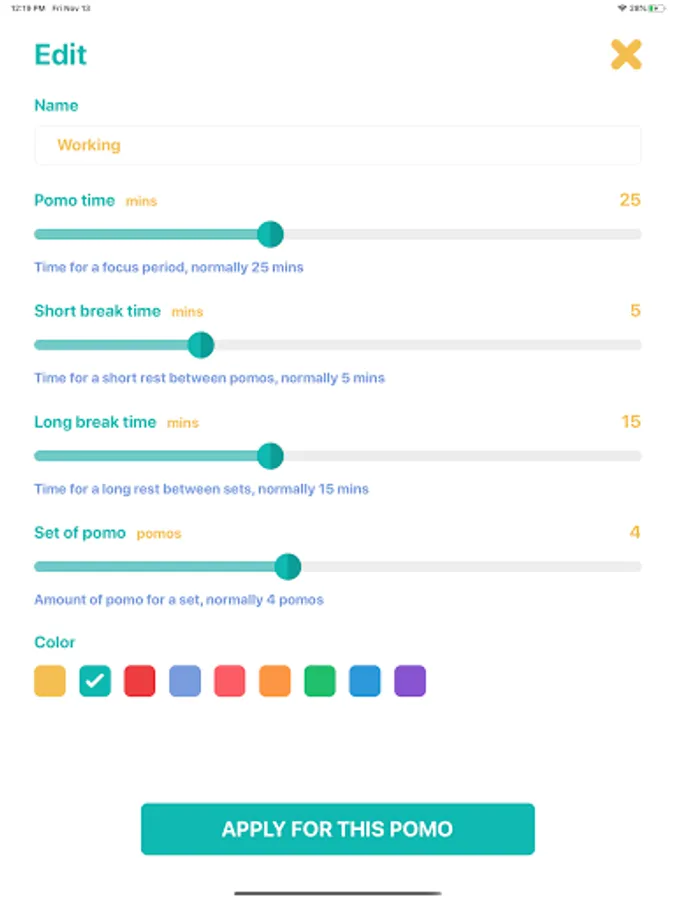
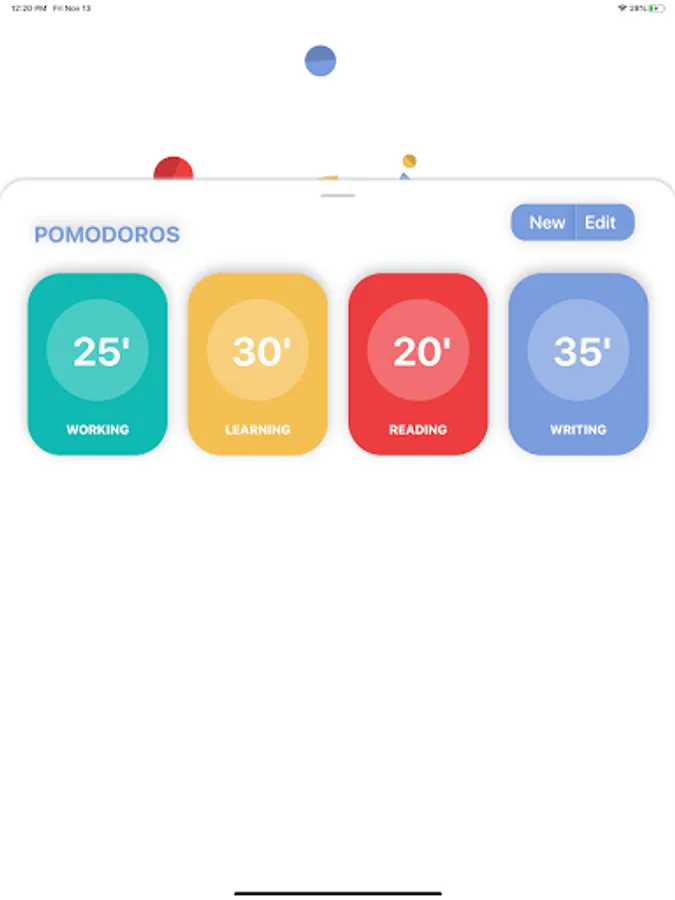
With this productivity app, you can set timers, track work sessions, and manage breaks using the Pomodoro technique. Includes task management, progress visualization, and customizable timers.
AppRecs review analysis
AppRecs rating 4.6. Trustworthiness 78 out of 100. Review manipulation risk 21 out of 100. Based on a review sample analyzed.
★★★★☆
4.6
AppRecs Rating
Ratings breakdown
5 star
79%
4 star
11%
3 star
4%
2 star
3%
1 star
3%
What to know
✓
Low review manipulation risk
21% review manipulation risk
✓
Credible reviews
78% trustworthiness score from analyzed reviews
✓
High user satisfaction
79% of sampled ratings are 5 stars
About Pomodoro
*****There are six steps in the original technique*****
1. Decide on the task to be done.
2. Set the Pomodoro timer (traditionally to 25 minutes).
3. Work on the task.
4. End work when the timer rings and put a checkmark on a piece of paper.
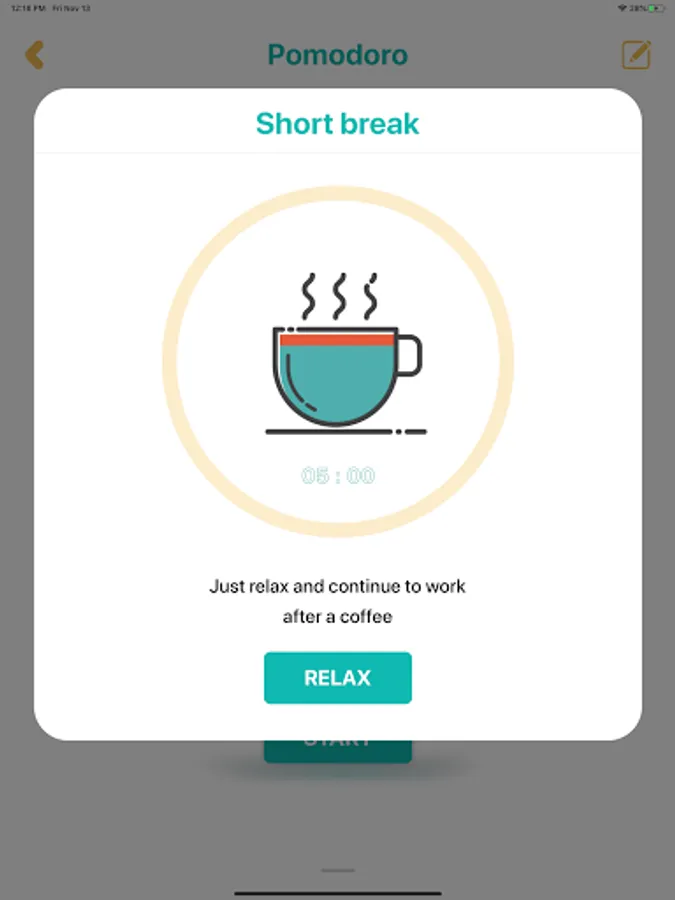
5. If you have fewer than four checkmarks, take a short break (3–5 minutes) and then return to step 2; otherwise continue to step 6.
6. After four Pomodoros, take a longer break (15–30 minutes), reset your checkmark count to zero, then go to step 1.
Application developed by Linh Okita and Nyan.
1. Decide on the task to be done.
2. Set the Pomodoro timer (traditionally to 25 minutes).
3. Work on the task.
4. End work when the timer rings and put a checkmark on a piece of paper.
5. If you have fewer than four checkmarks, take a short break (3–5 minutes) and then return to step 2; otherwise continue to step 6.
6. After four Pomodoros, take a longer break (15–30 minutes), reset your checkmark count to zero, then go to step 1.
Application developed by Linh Okita and Nyan.
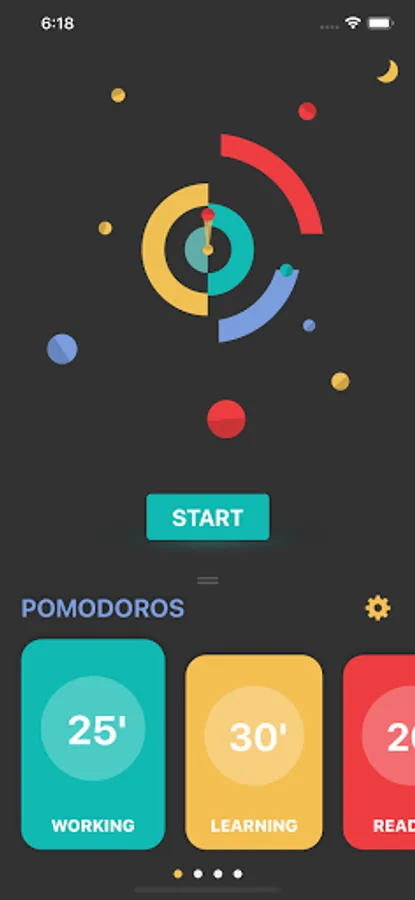
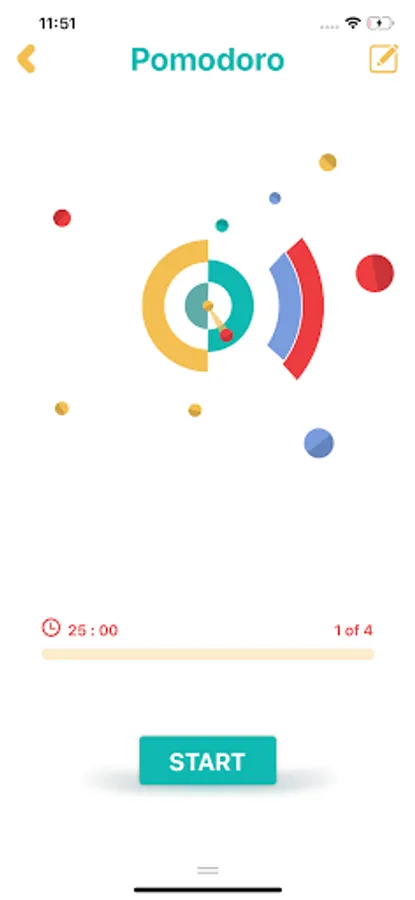
Pomodoro Screenshots



Tap to Rate:
Reviews for Pomodoro
Ruzi Memmedow
12/17/2025
great .like like 👍👍👍👍
Cozy with Raven
12/16/2025
loved this until the latest update. now I dont consistently get the notifications and the timer doesnt stay in my notifications like it used to. Hopefully this will be fixed soon!